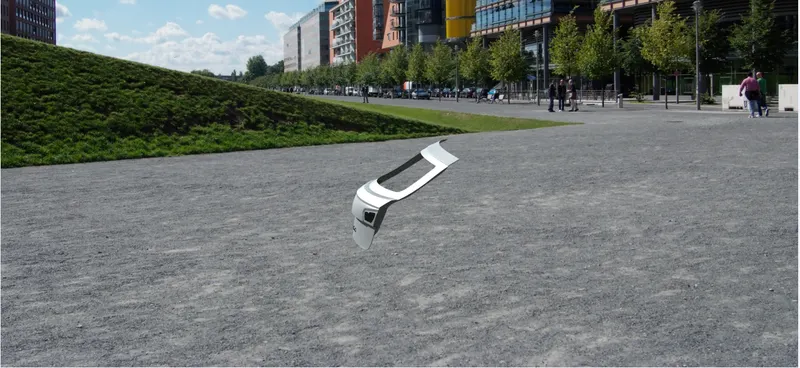
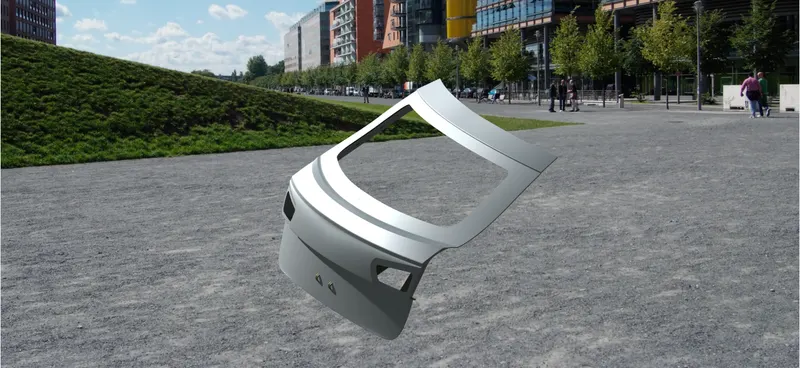
Project 2
BACK DOOR WIRING HARNESS PROJECT
AIM
Build a wiring harness for a given automobile body and Prepare flatten view drawings in CATIA V5 that contain packaging rules. Industry best practises learned in this course must be represented in design. All essential reports, including clearance, clipping/clamping selection, harness fixing requirements, harness continuity, and any assumptions, must be prepared and submitted, along with CATIA 3D data.
OBJECTIVE OF THIS PROJECT
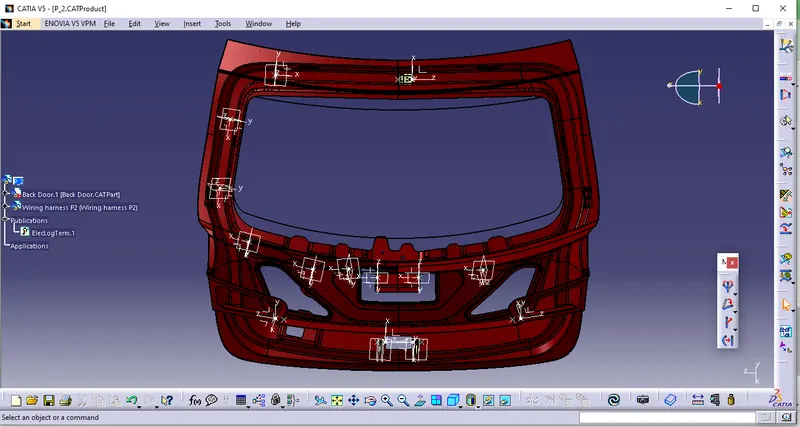
- Place each connector in its proper position in the back door.
- Route the wire harness using certain requirements for each connection.
- Using CATIA V5, flatten the view design and route the wire harness on a rear door.
- The given module should be defined in 3D graphic form.
PROCEDURE
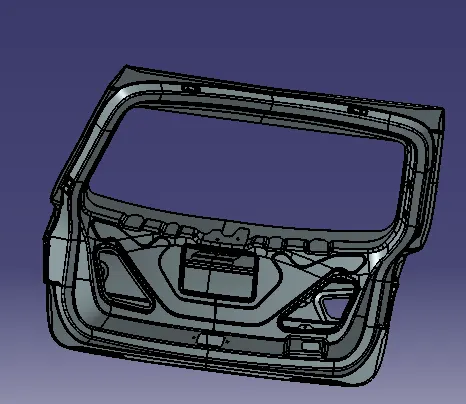
- In this project, download BackDoor.stp and transform it into a CATIA Part called Back Door Assembly. and also get the Back Door Assembly's essential components from the URL provided below
- https://drive.google.com/file/d/1mzZv-O-dRv75nKdfo3AuHQ2HVs4YC5qx/view?usp=sharing
BACKDOOR
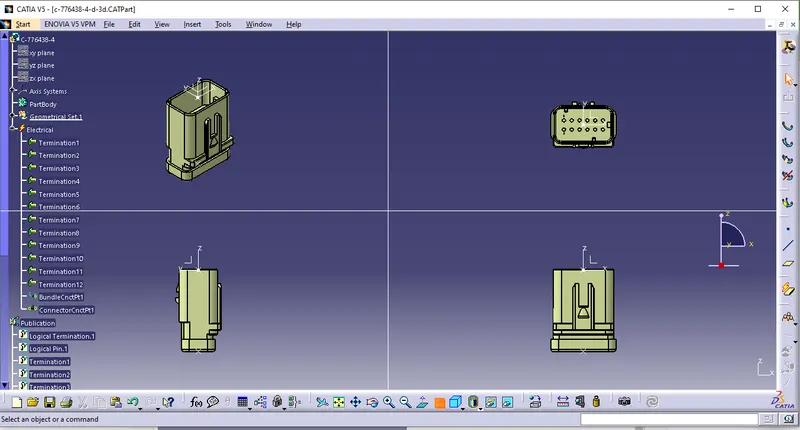
C-776438-4
 \
\
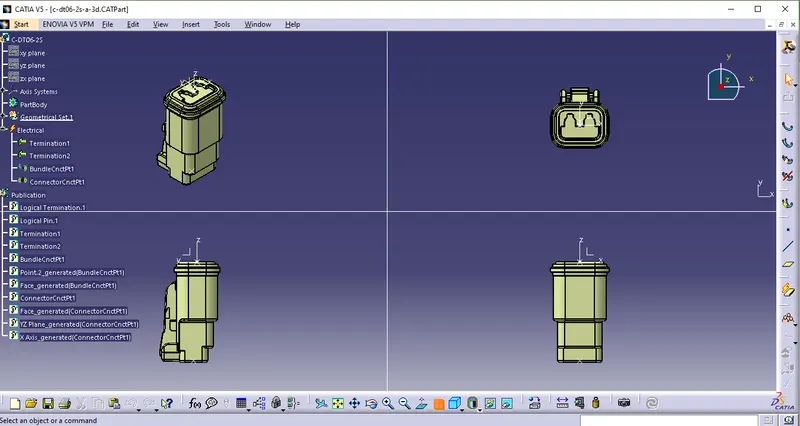
C-DT06-2S
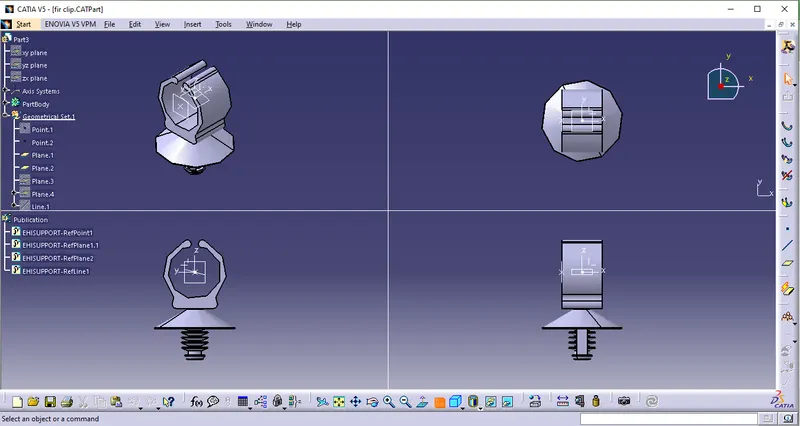
FIR CLIP
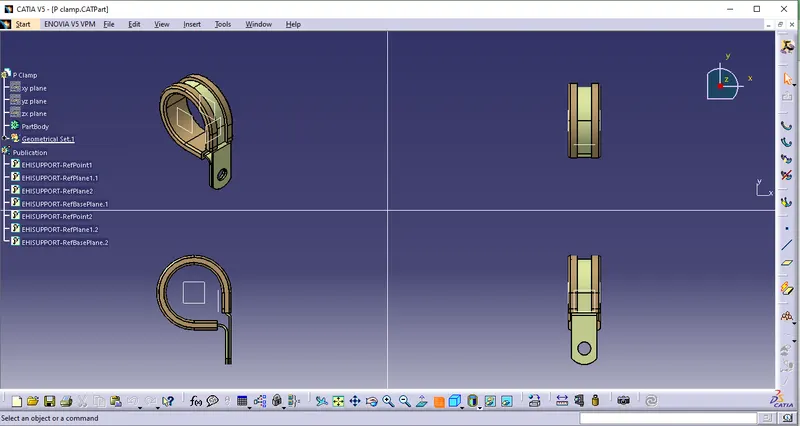
P-CLAMP
COMPONENT POSITIONING
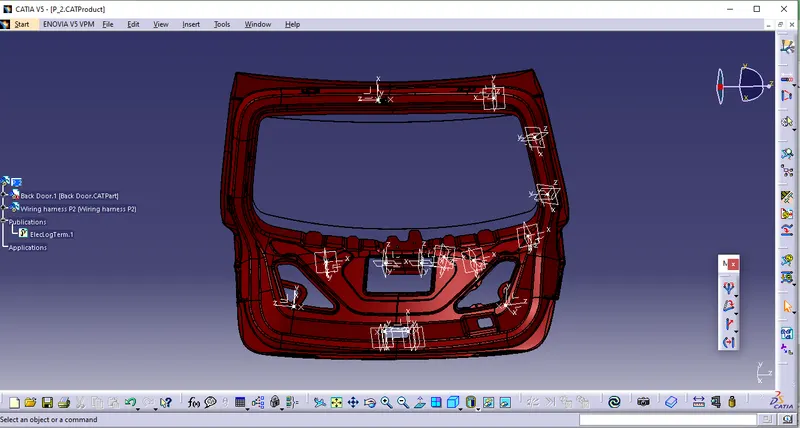
HARNESS FOR ROUTING WIRE
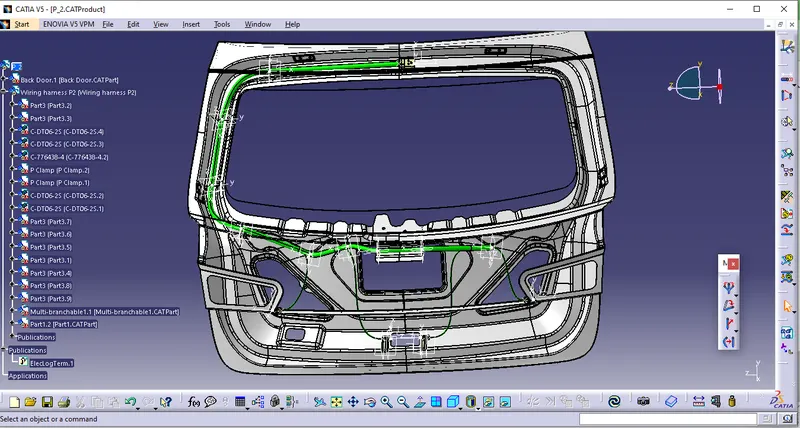
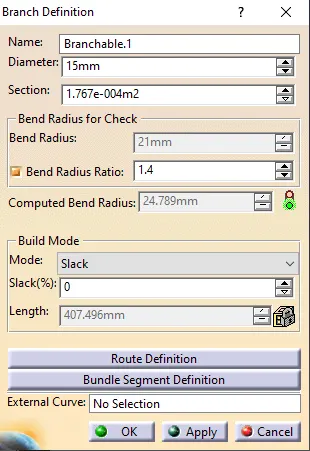
The branch point distance is 50 mm; the slack is 0 to 7%; the bend radius is 7 mm; the diameter is 5 mm; and the bend radius ratio is 1.4.
The wiring harness should be installed in a cool, dry area of the rear door, with interconnections only where required.
FLATTERING PARAMETERS
To transform the geometrical bundle into flattening requirements, use the flatten command.
• In the new product file, use the commands "extract and copy extract file" and "flatten harness" after flattening the parameter.
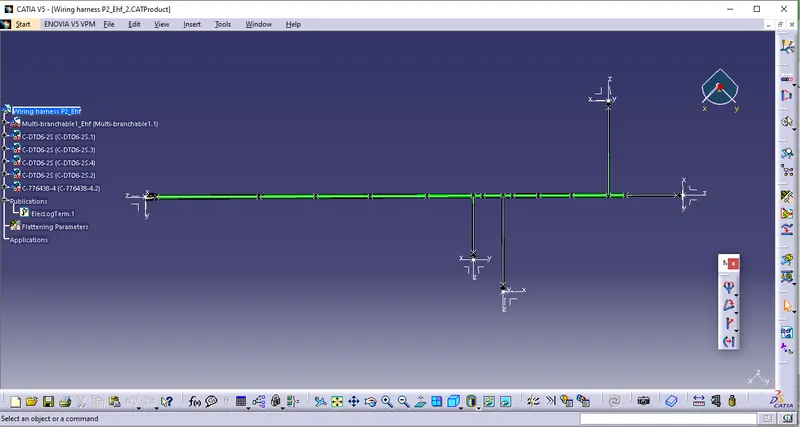
• Use the flatten option to create connections on a straight line, as shown in the picture.
• Under Edit - Search - advanced, choose Electrical - bundle section - True totally linked.
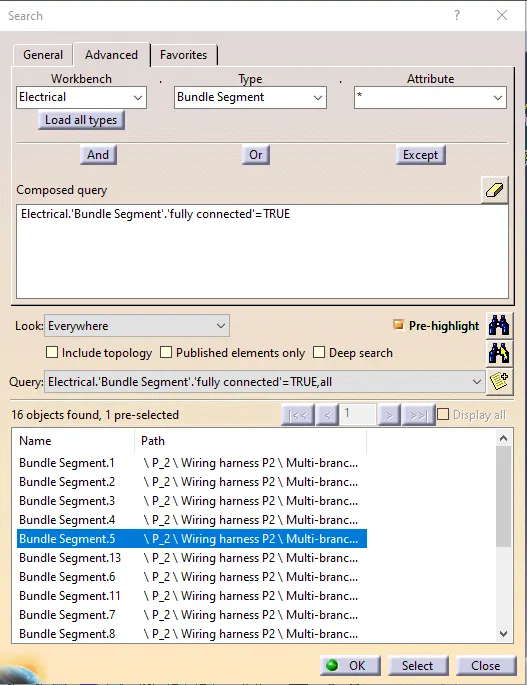
- Under Edit - Search - advanced, choose Electrical - bundle section - False totally linked.
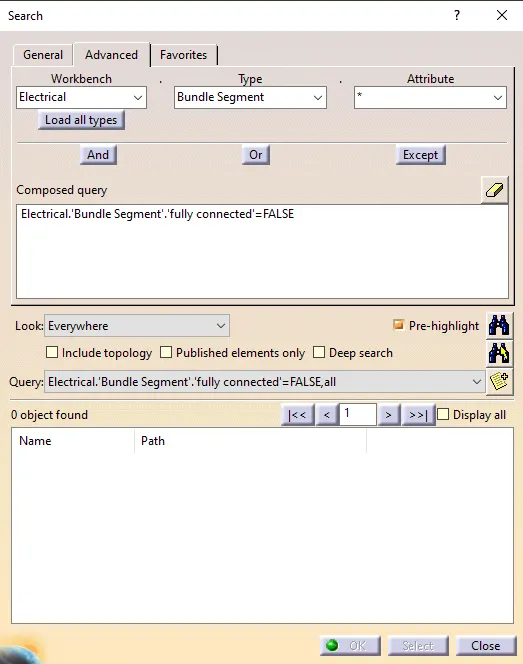
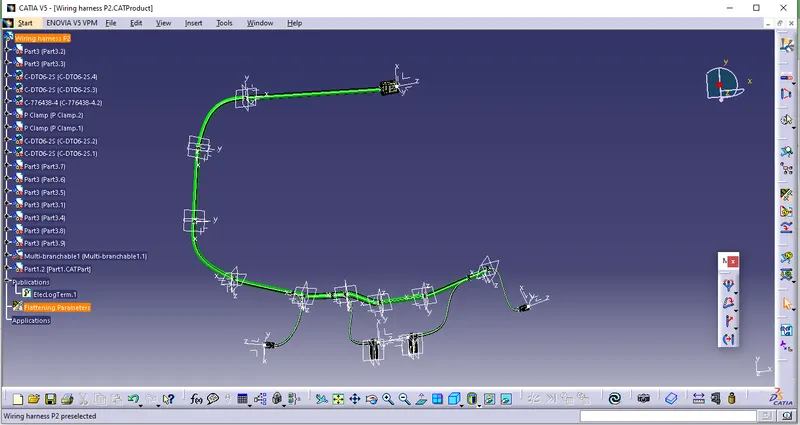
Select the flatten wire harness turned into flatten parameters after copying a wiring harness into a new window, then choose the extract option. In the extract file, use the flatten option to make all wiring harness as straight line as shown in the figure below to produce a new flatten file of wire harness.
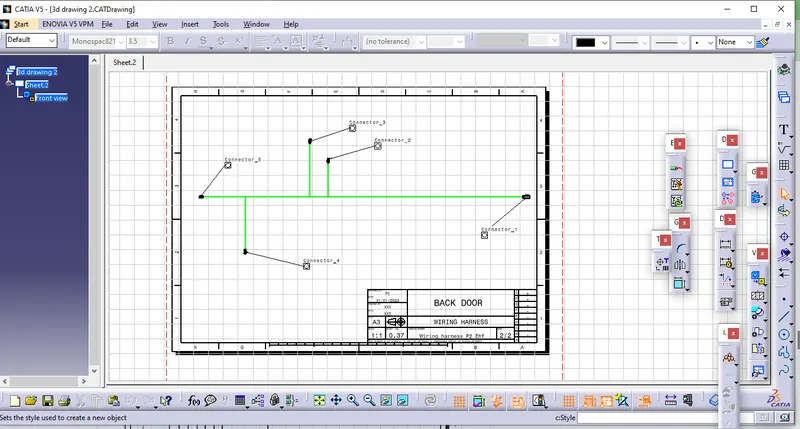
FILE FOR DRAWING A WIRE HARNESS
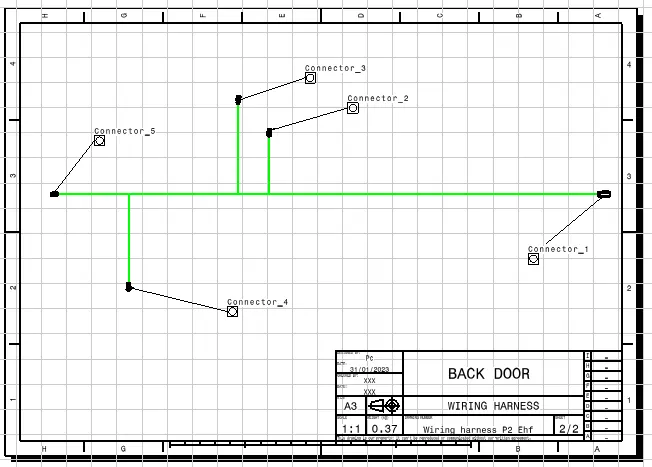
• Design an A3 ISO drawing Paper dimensions are 297 x 420 mm. The global scale is 1:5. File - New - Drawing Format.
• In the new design file, take the C-776438-4 connection as the front view option to generate a 3D wire harness diagram.
3D DRAWING FILE
CONCLUSION
The wiring harness configuration for the rear door was performed using the catia v5 software. The C-DT06-2S, C-776438-4-d-3d Connector, Fir tree clip, P Clamp,clipping, harness fastening requirements, and harness continuity are all included in wire harness assembly.