Project 2
Project 2
AIM:
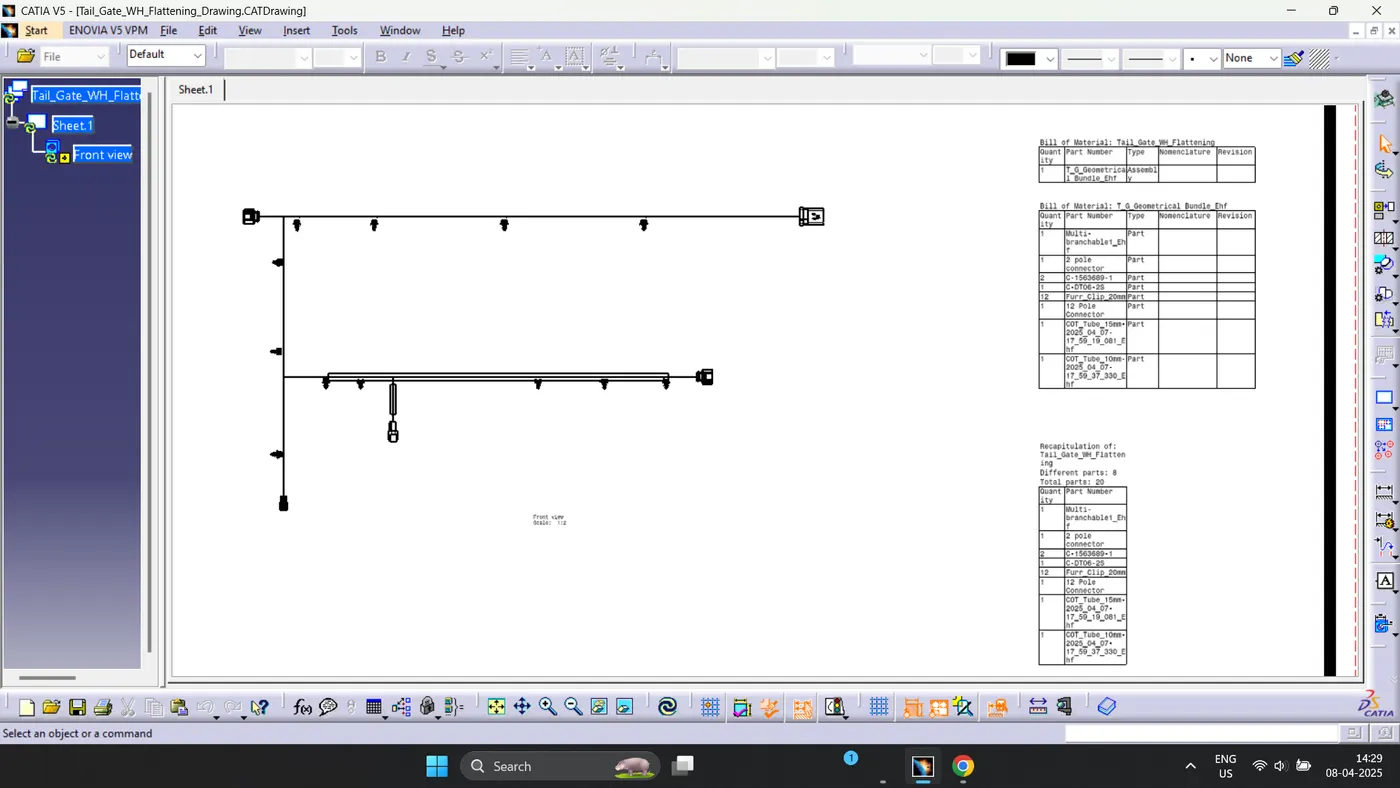
- Route the Wiring harness on the Given car body and Prepare a flattened view drawing in CATIA V5.
PROCEDURE:
- A new product file was created and designated as “Tail Gate Wiring Harness.” Within this product file, the specified CAD file related to the tailgate was opened.
- Subsequently, another product file was established within the wiring harness context assembly file and named “Geometrical Bundle.”
- All necessary connectors, clips, clamps, and protective CAD data were defined as electrical components.
- Catalog documents were generated for the specific groups.
- Following the creation of these catalogs, the requisite connectors and clips were added using the catalog browser.
- Utilizing the manipulation tool, all connectors and clips were appropriately positioned.
- In preparation for routing, the geometrical bundle assembly file was electrically defined using the Geometrical Bundle command, resulting in the creation of a new multi-branchable part file within the geometrical bundle.
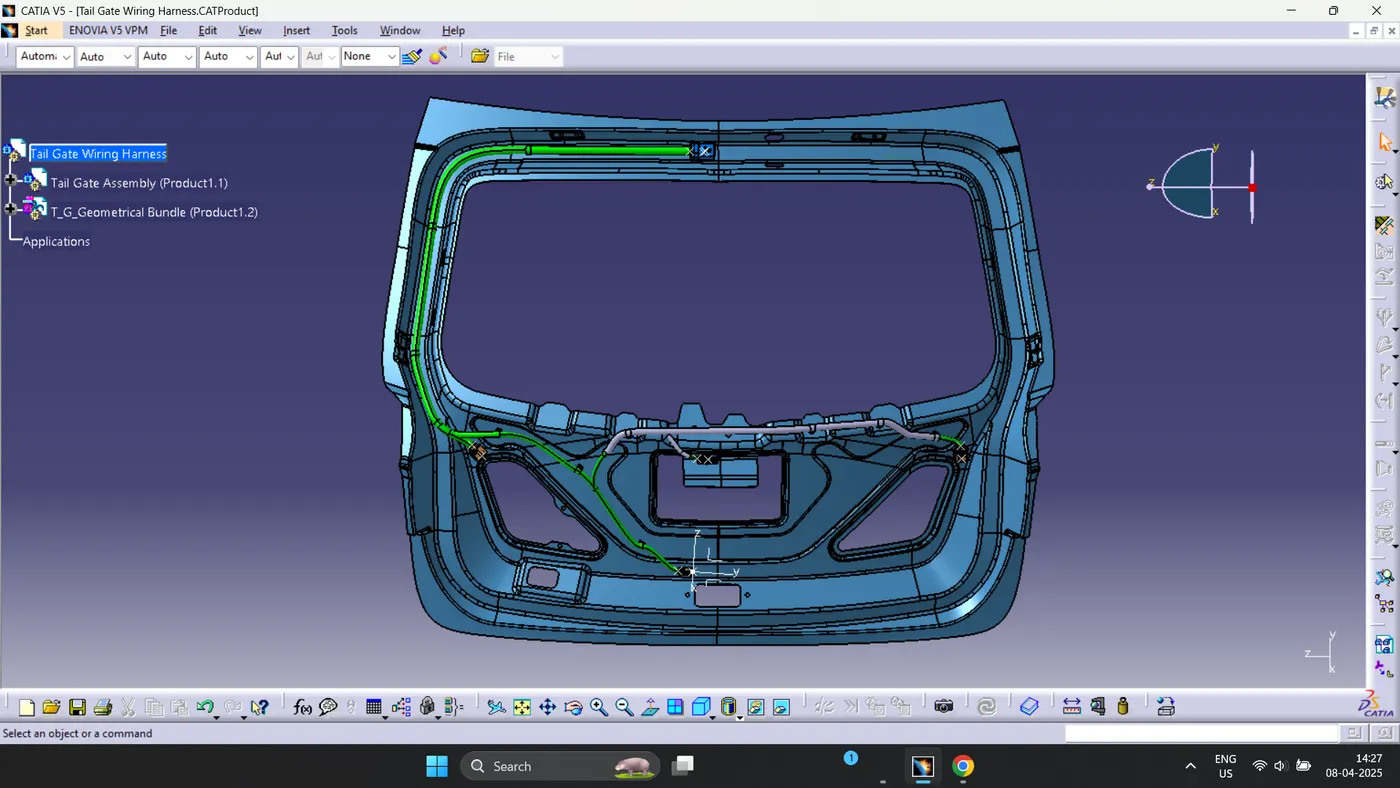
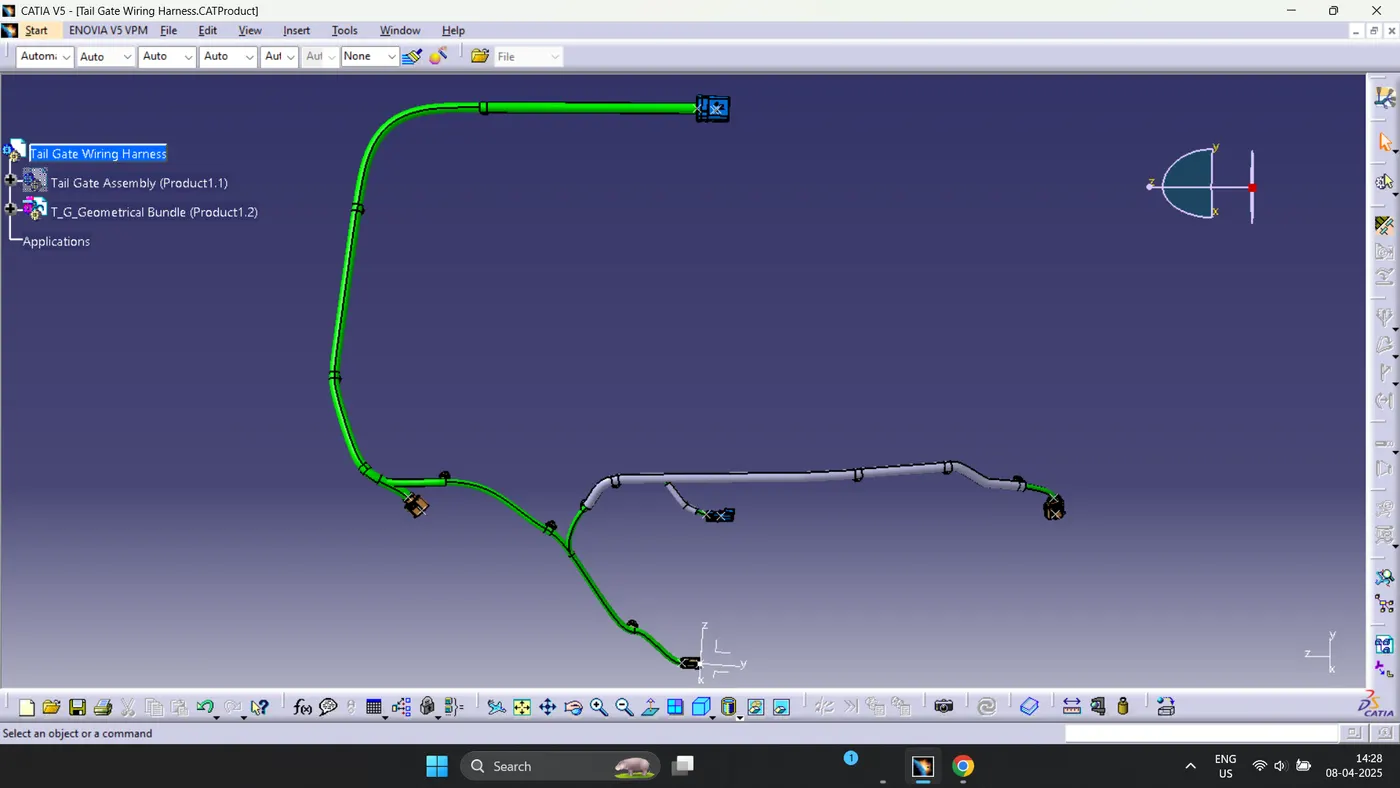
- The activation of the multi-branchable command transitioned to the wiring harness installation workbench, where the routing process commenced via the branch definition command.
- All relevant parameters, including wire radius, bending radius, slack, and route definition, were meticulously specified.
- Branch points were created to facilitate the addition of branches at designated locations. Upon successful completion of the routing connections, protective coverings for the wires were installed.
Given Data:
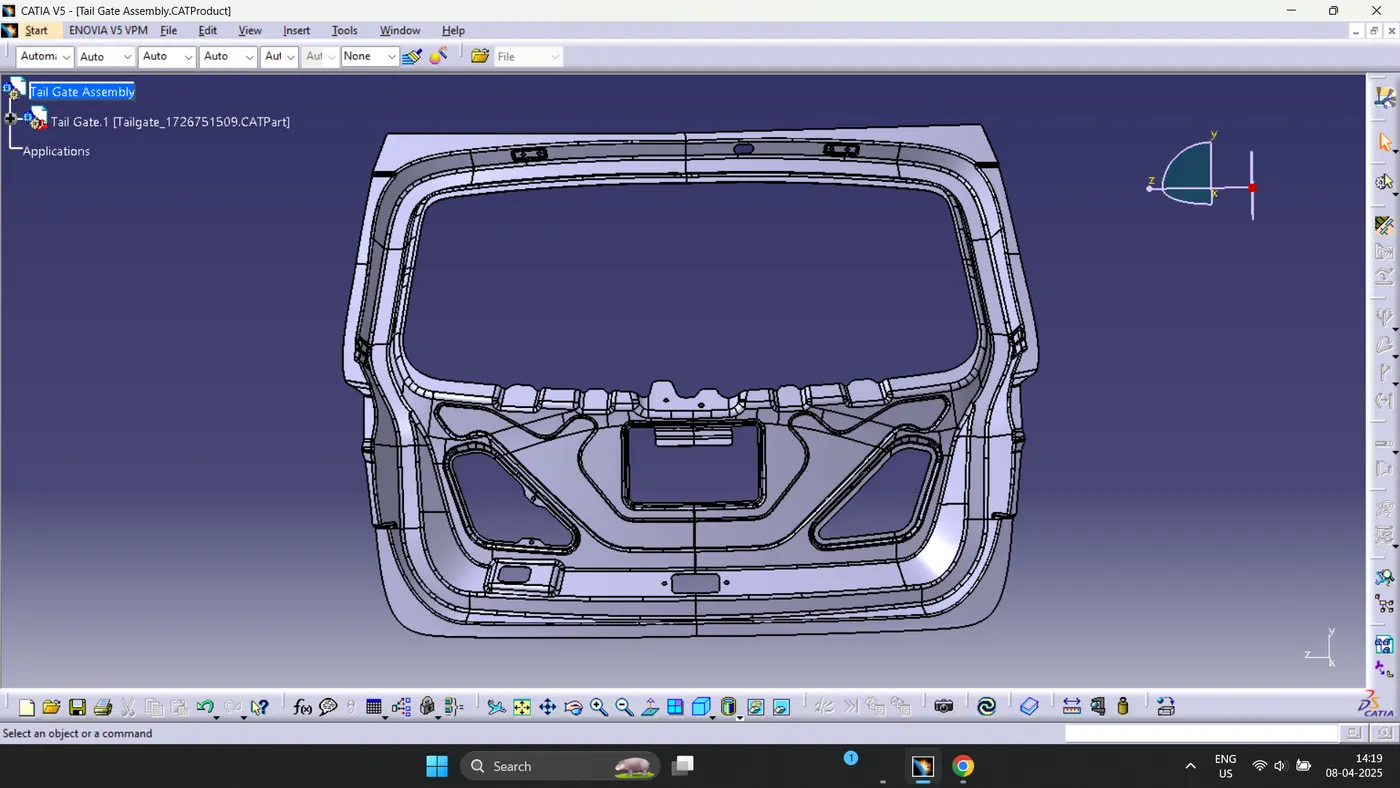
- Tail Gate:
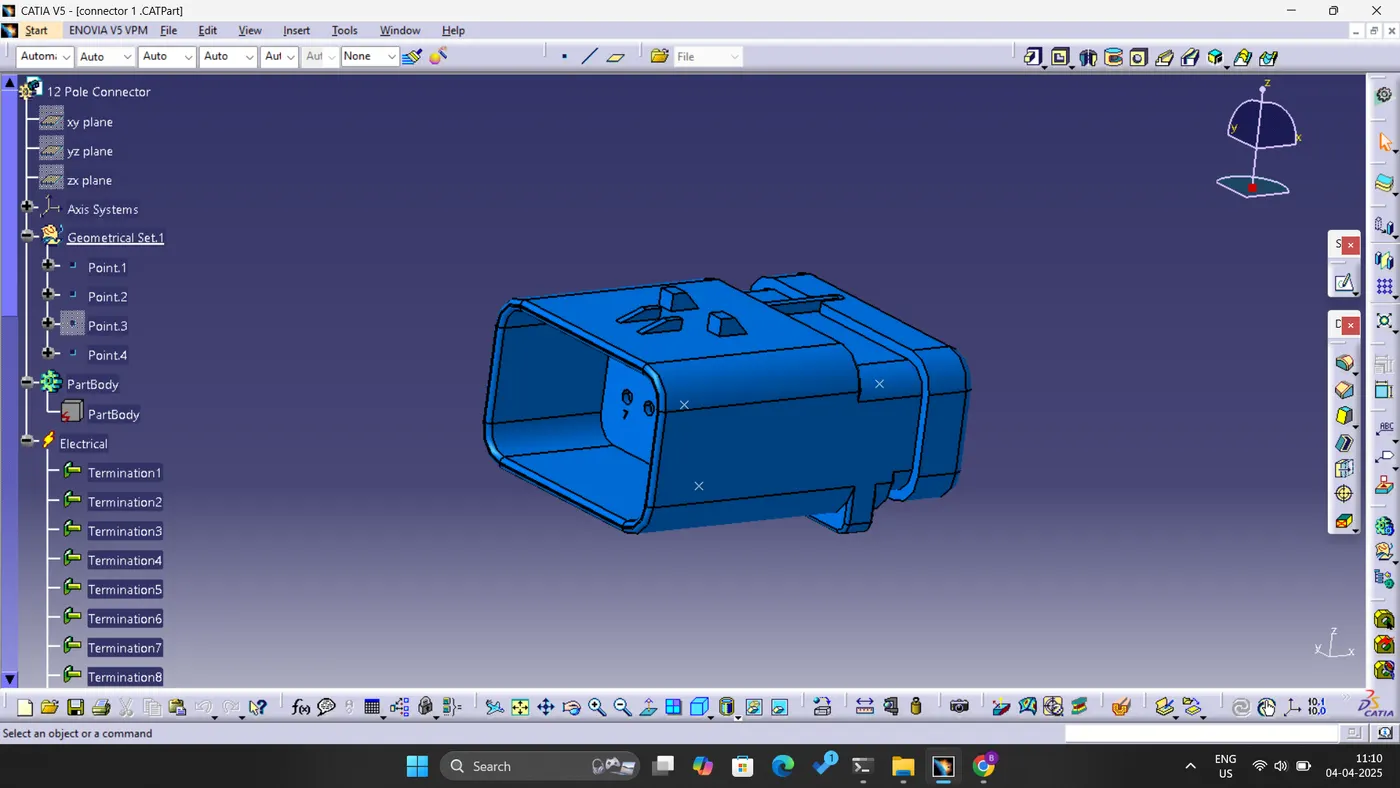
- Connectors:
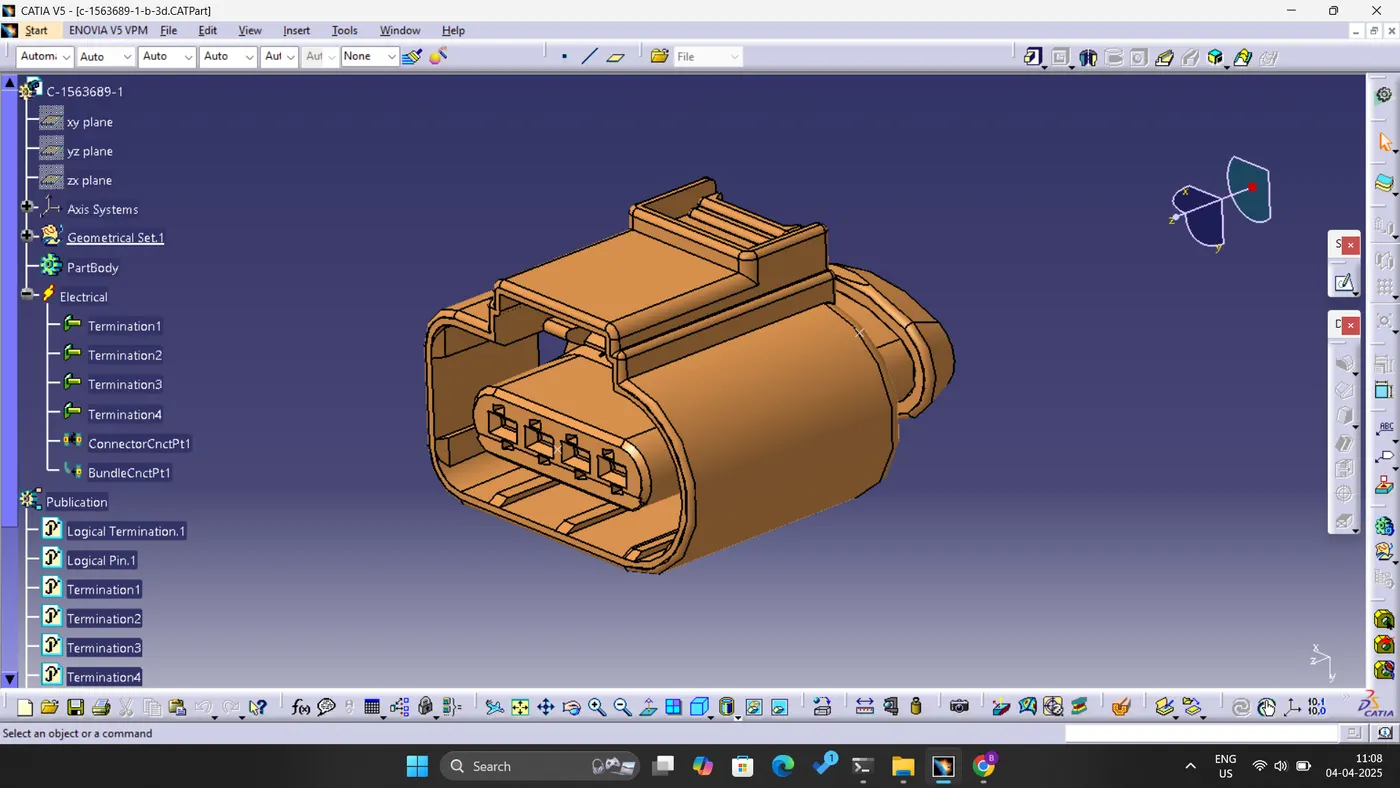
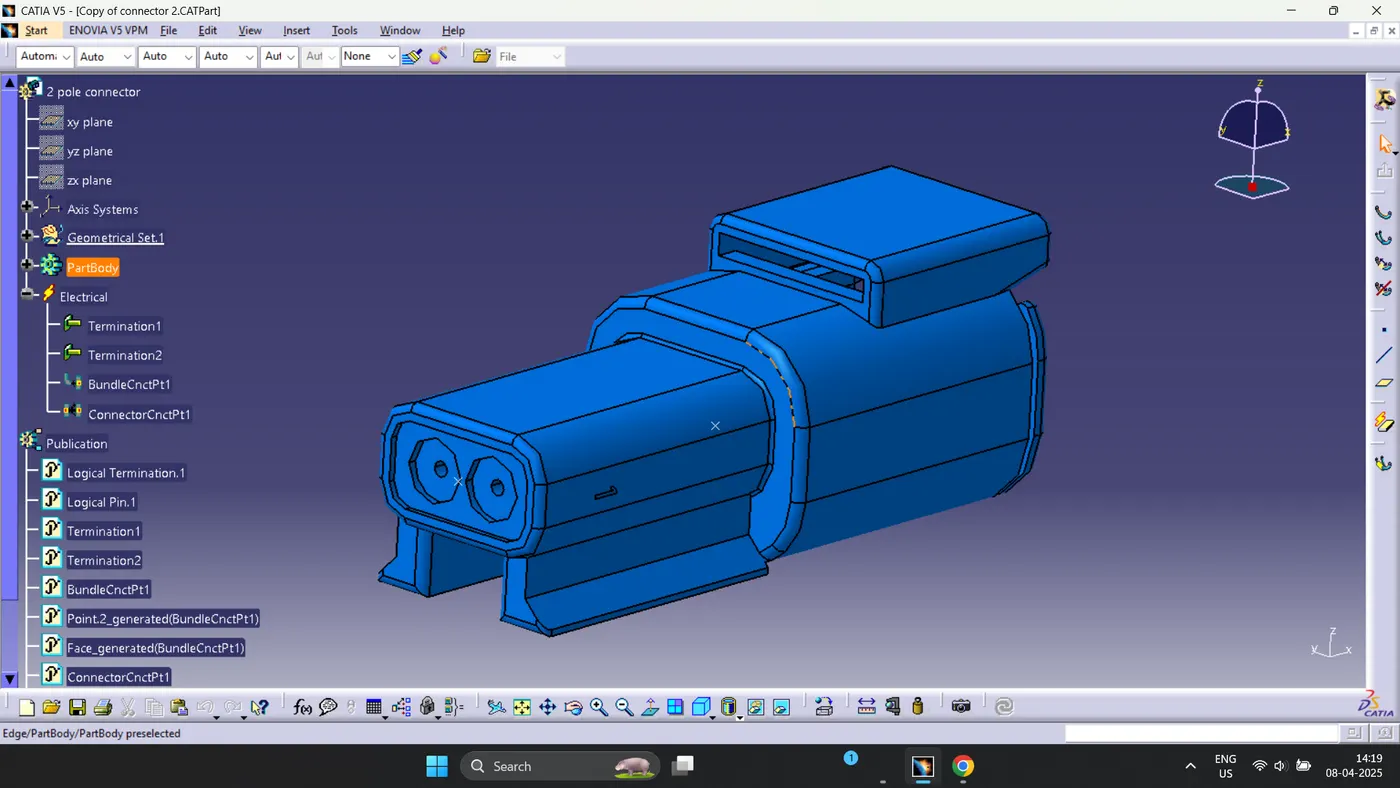
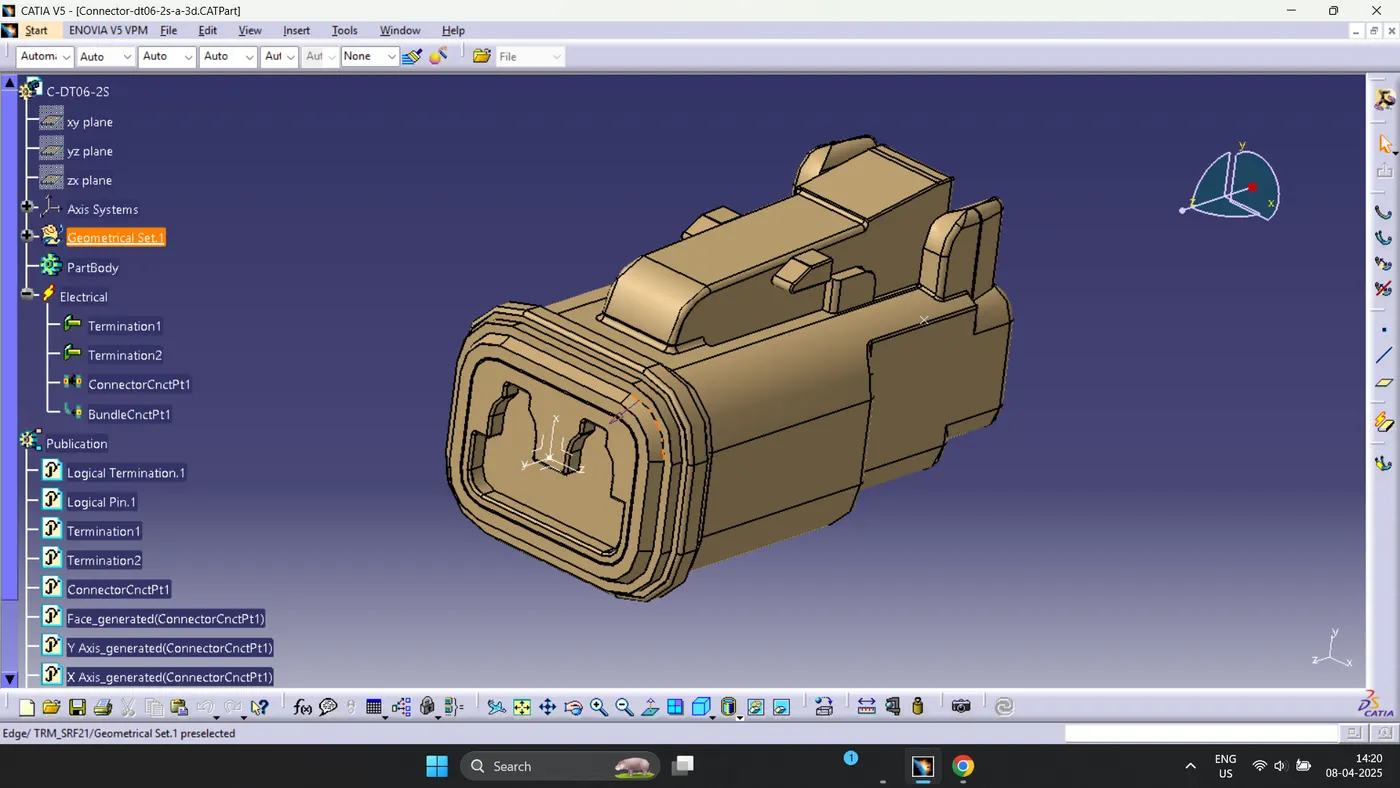
- Clips:
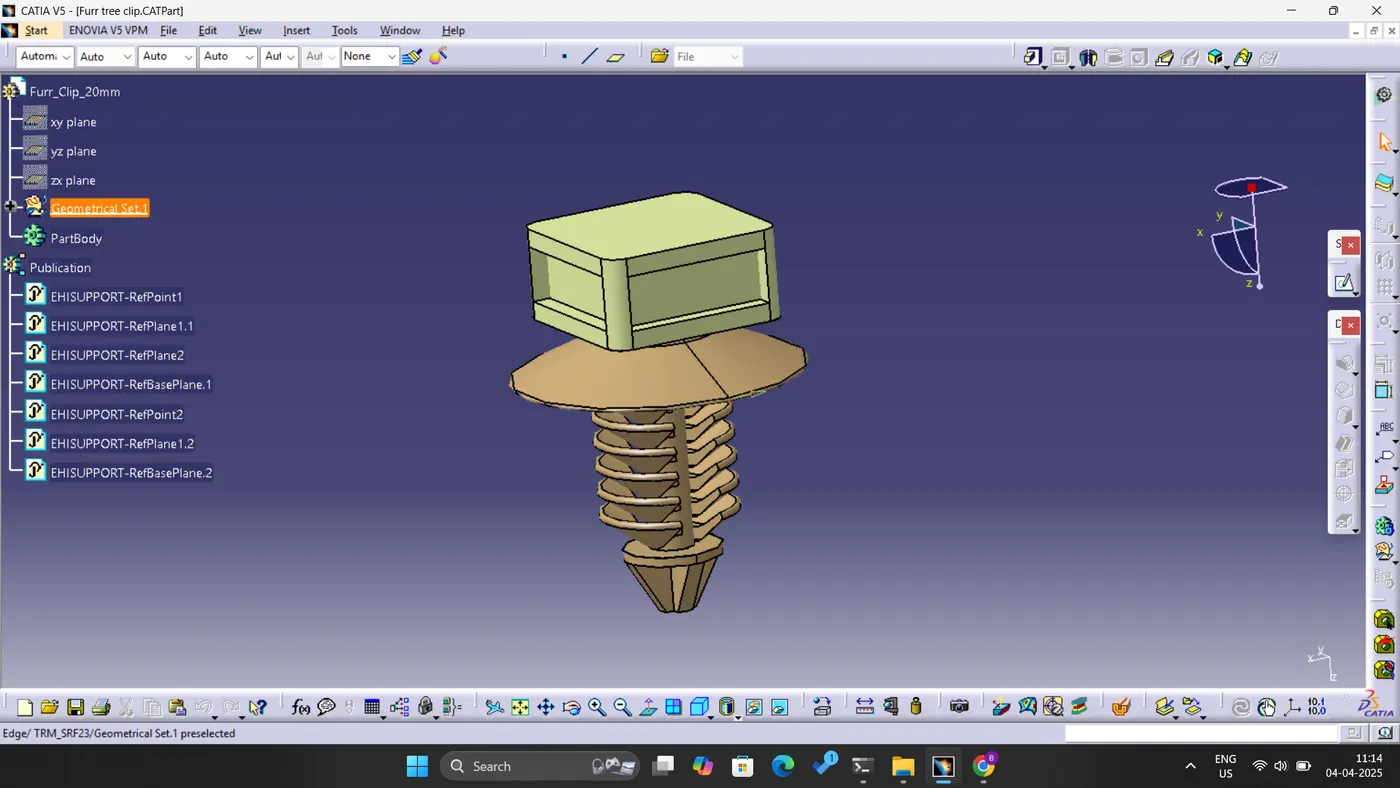
WIRING HARNESS ROUTING:
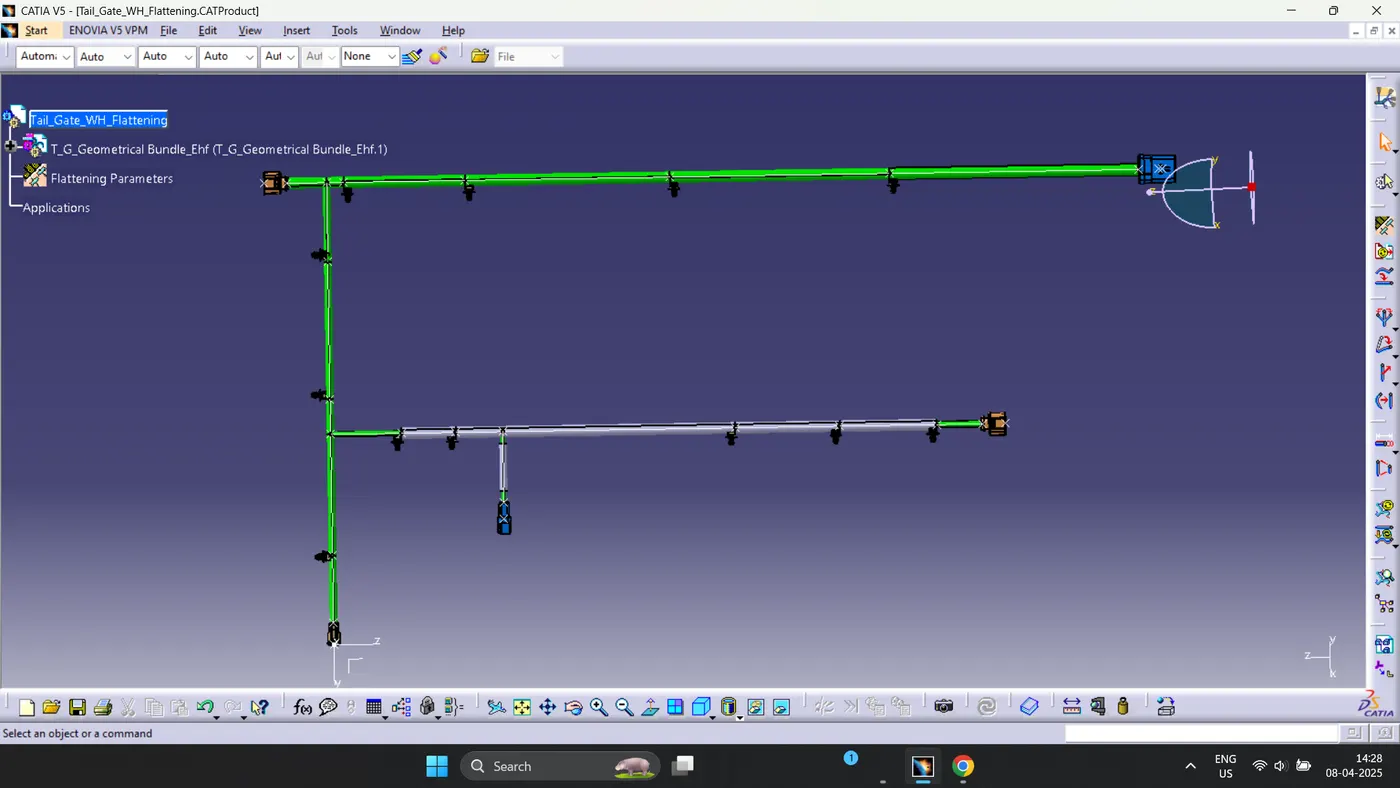
WIRING HARNESS FLATTENING: