Project 2
Aim of this project is to understand how to create project under EPS and OBS. Assigning of activity and activity name, Resource allocation, developing of the project schedule, define and adding resources, adding budget to the project, generate material resources cost curve, creation of the reflection, TSLD view of the project visualizer, adding of curtains, finding out the actual cost for labour, non-labour and material cost of the updated schedule.
Procedure:
1) For creation of the activity and assigning them go to the skill lync road project there add the activities rename them as per qs. modify the activity id. In the bottom menu add the duration for each activity, create the predecssors.
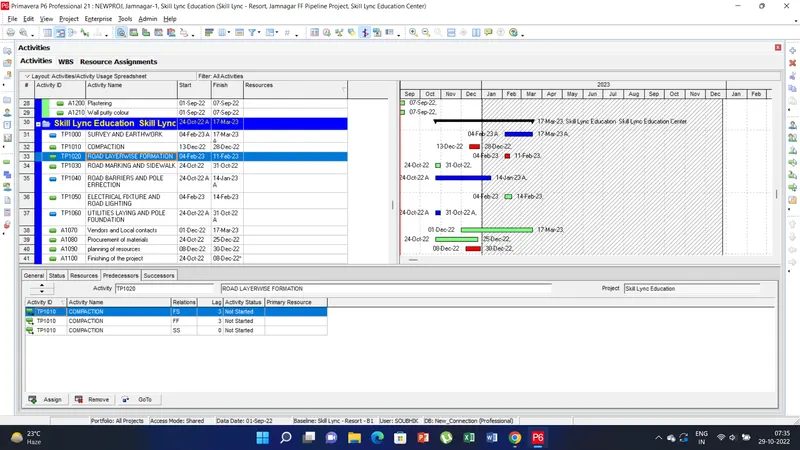
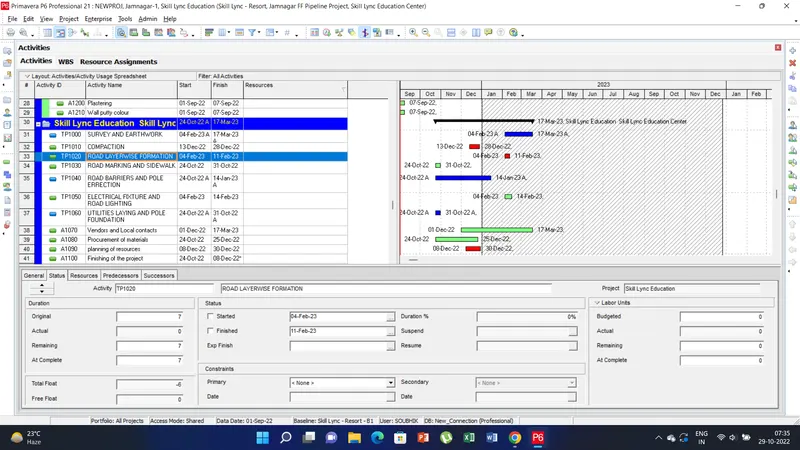
2) For assigning the resources under the EPS/OBS go to enterprise tab there click on the resources option. Now create the resources and others parameters as given in the qs.
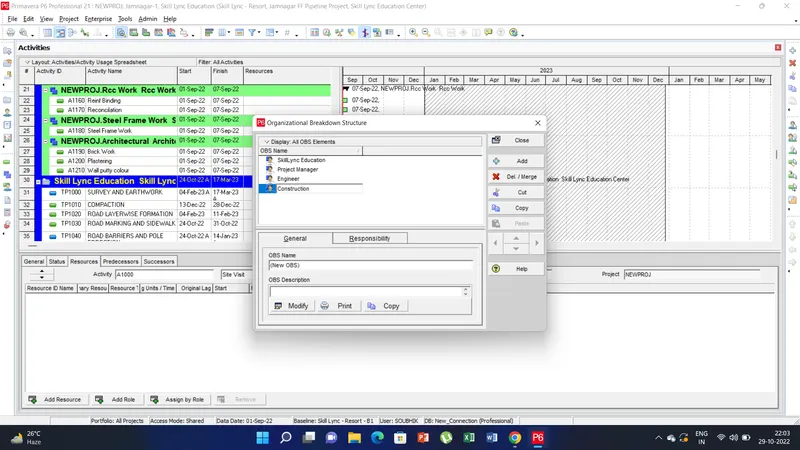
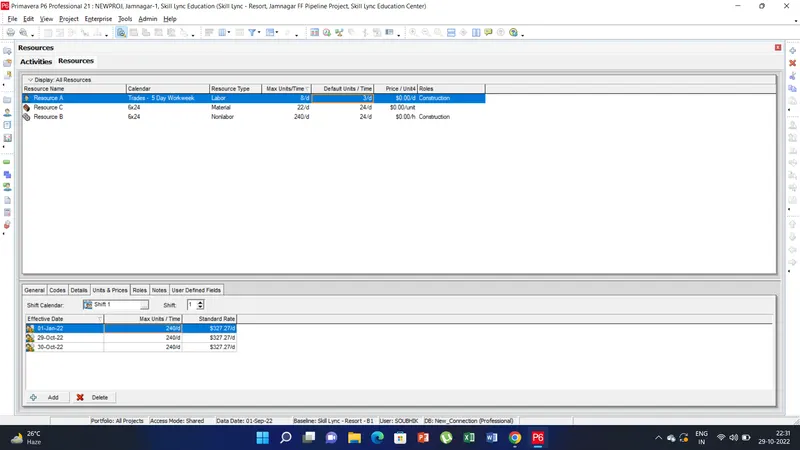
3) To assign the baseline to the project tab than click on the assign baseline and than apply the baseline.
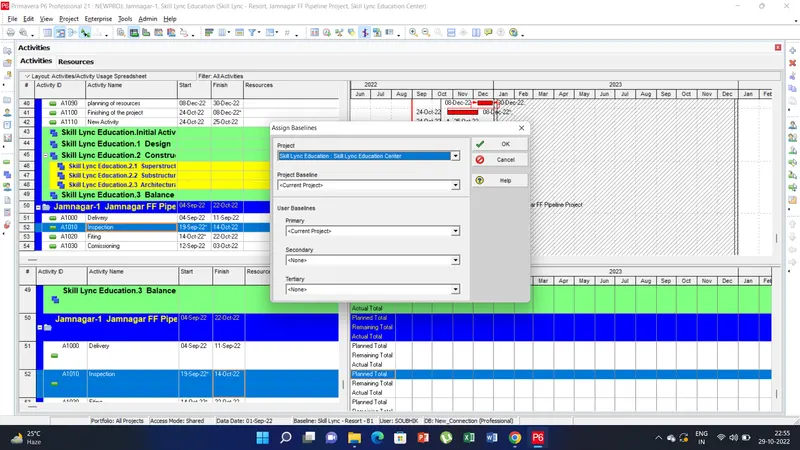
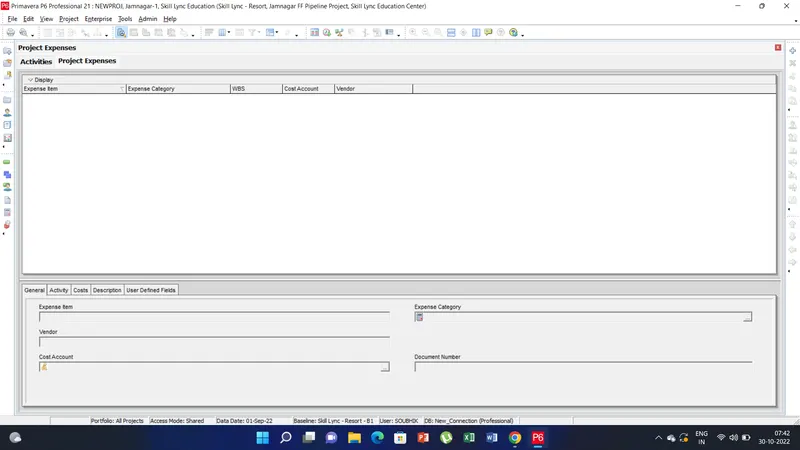
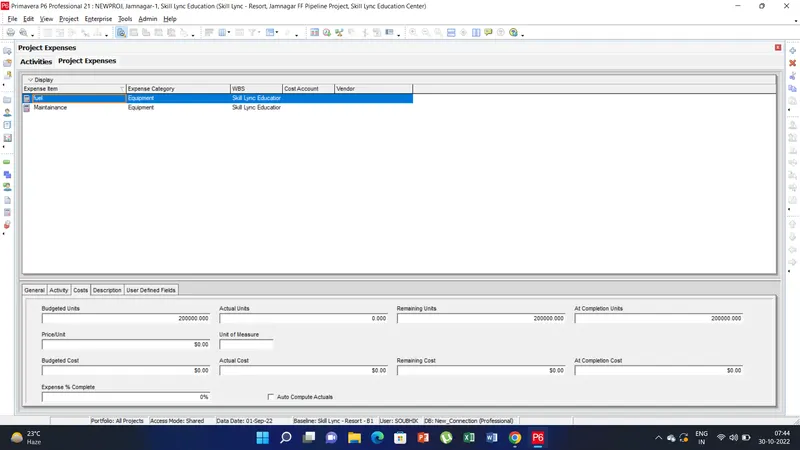
4) To add expenses go to the project tab click on the expense and than in the bottow window there add the expense item and than click on the cost and enter the cost value.
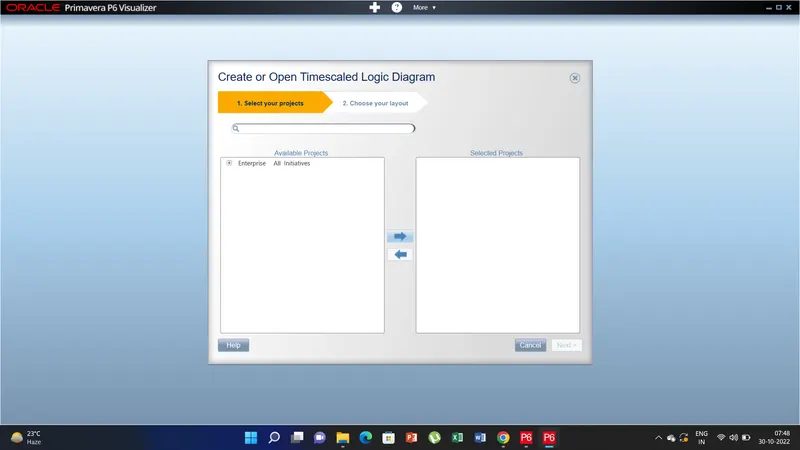
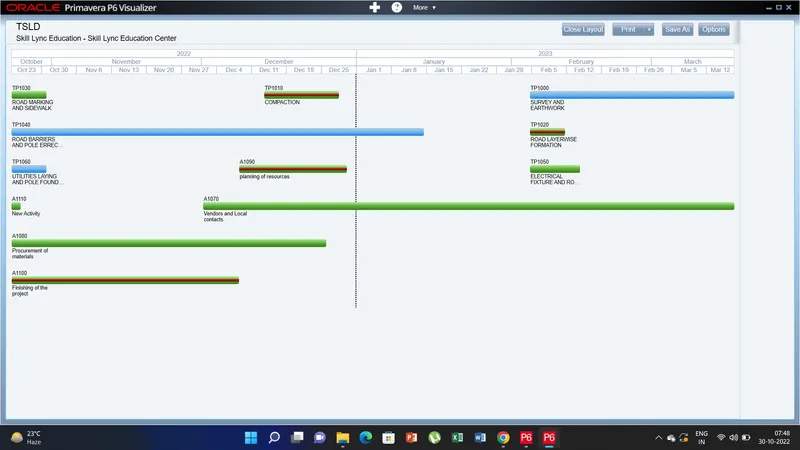
5) To create the visualizer go to tools option and click on the visualizer there select the add option and than click on TSLD an d select the project click next and visulaizer appears.