Project 2
Target Element Length = 5mm
|
S.N |
Quality Criteria |
Value |
|
1 |
Aspect Ratio |
5 |
|
2 |
Skewness |
45 |
|
3 |
Warping |
15 |
|
4 |
Taper |
0.5 |
|
5 |
Min. Length |
2mm |
|
6 |
Max. Length |
8mm |
|
7 |
Min angle Quad |
45 |
|
8 |
Max angle Quad |
135 |
|
9 |
Min angle Tria |
20 |
|
10 |
Max angle Tria |
120 |
|
10 |
Tria % |
10 |
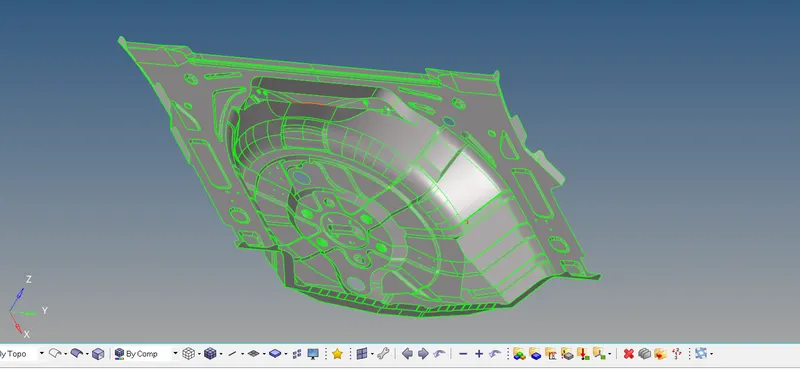
Importing the model:
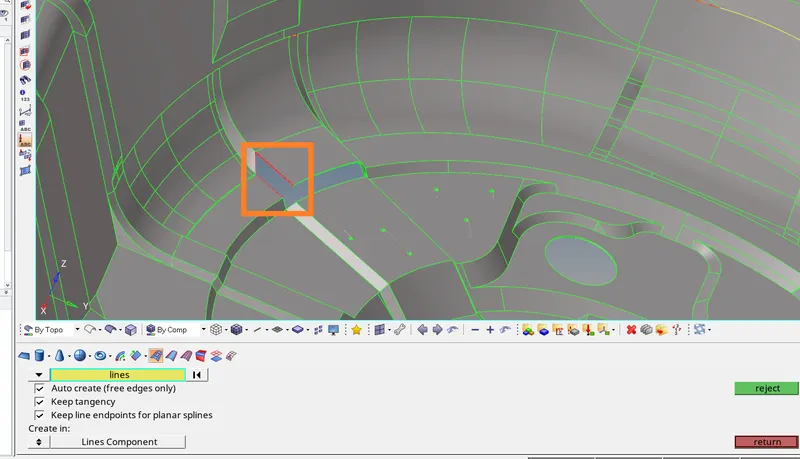
Creation of Missing Surfaces:
Geom -- > Surfaces -- > Splines/Fillers
Defeature:
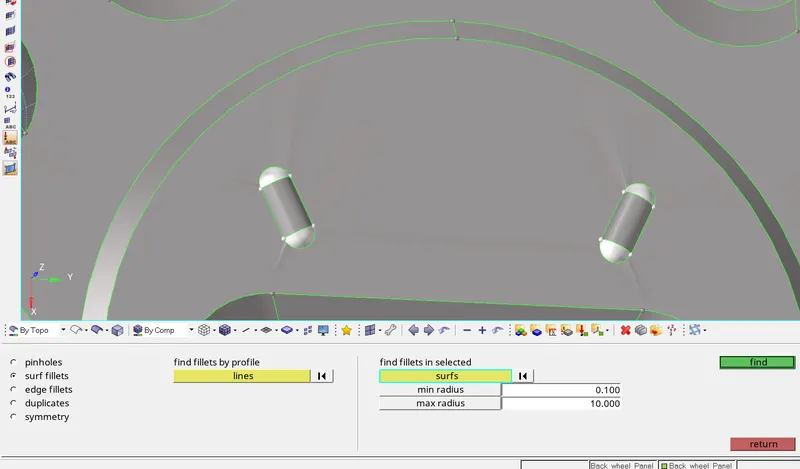
- The surface fillets that are less than the required radius are found and removed.
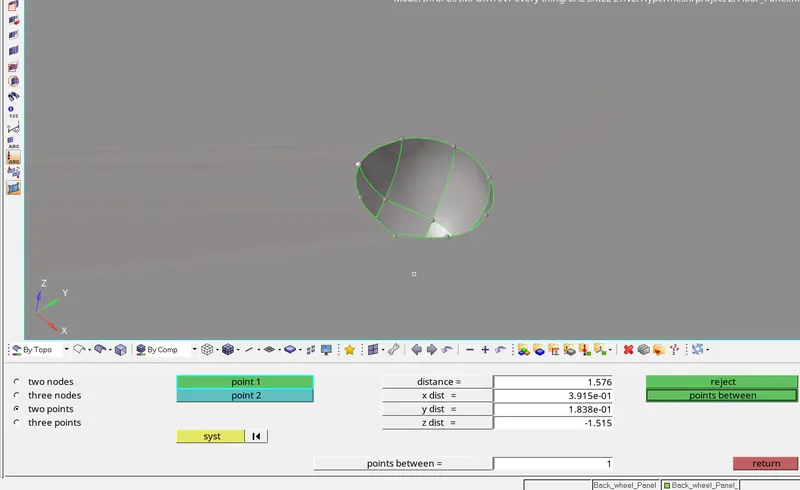
- As the feature has a radius less than min element length, it must be disfeatured.
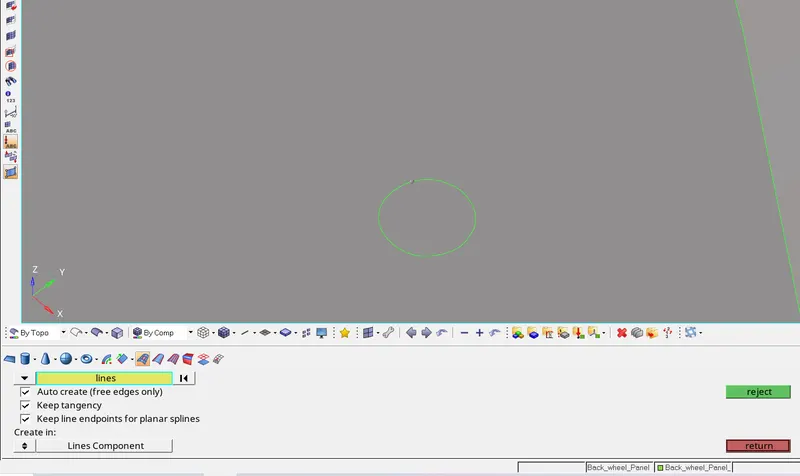
Manual Midsurface:
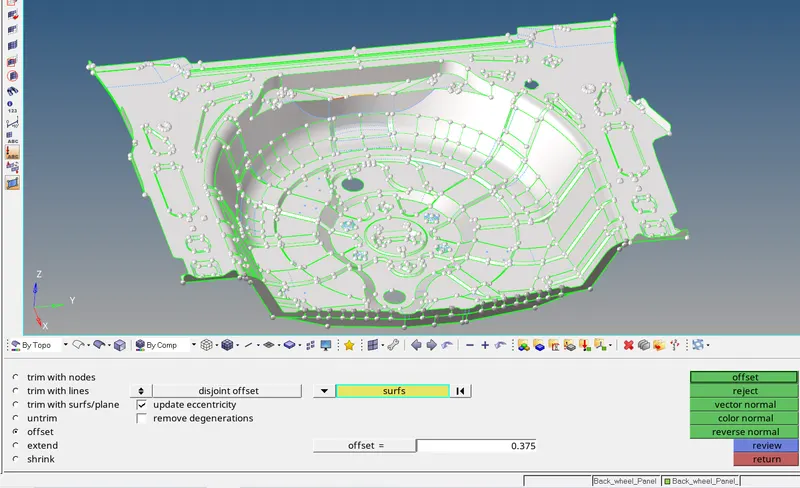
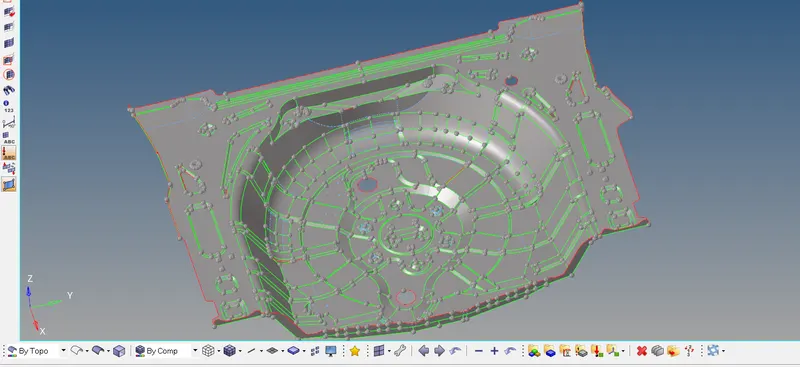
- The manual mid-surface is created.
Manual Cleanup::
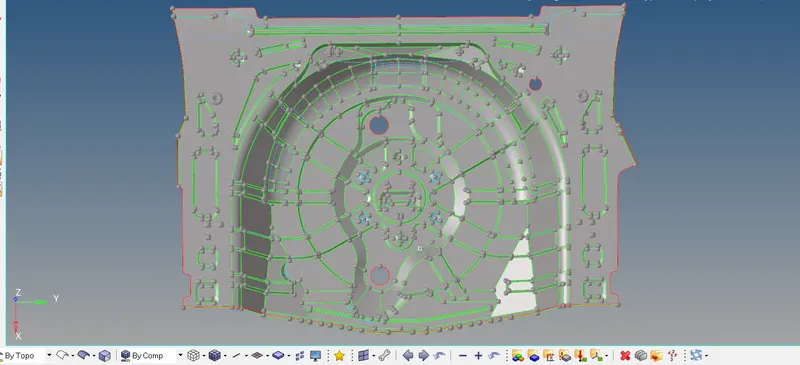
- Mid-surface cleaned up is done and maid ready for mesh.
Creation of Mesh: 2D -- > automesh
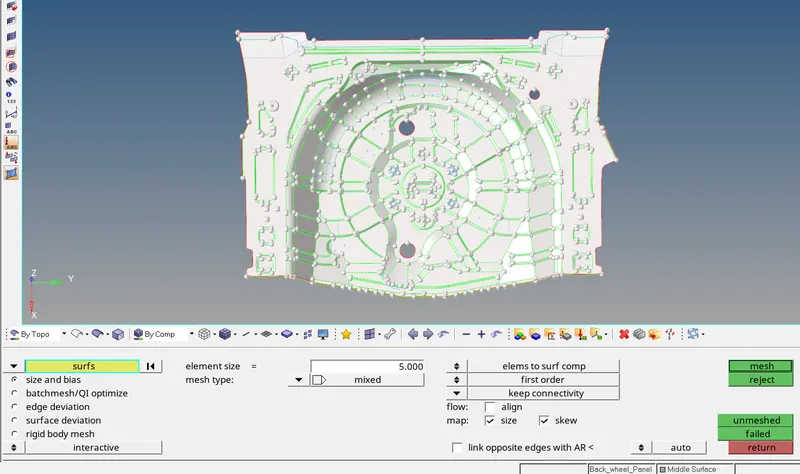
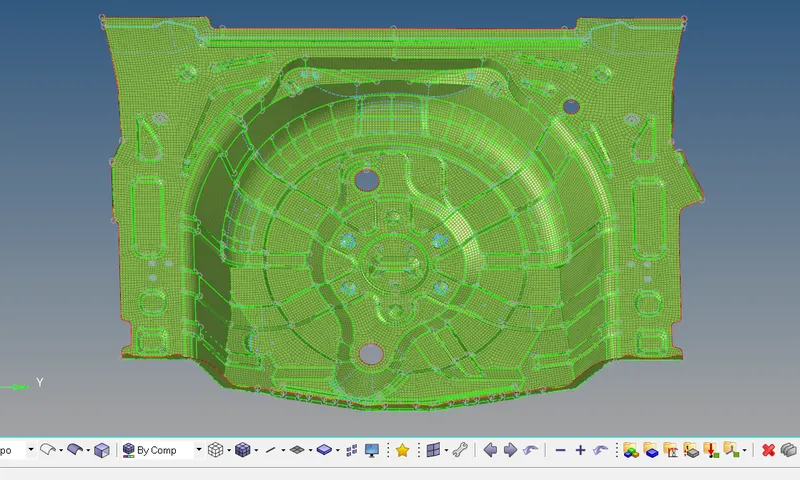
- 2D Mesh with target element size is created.
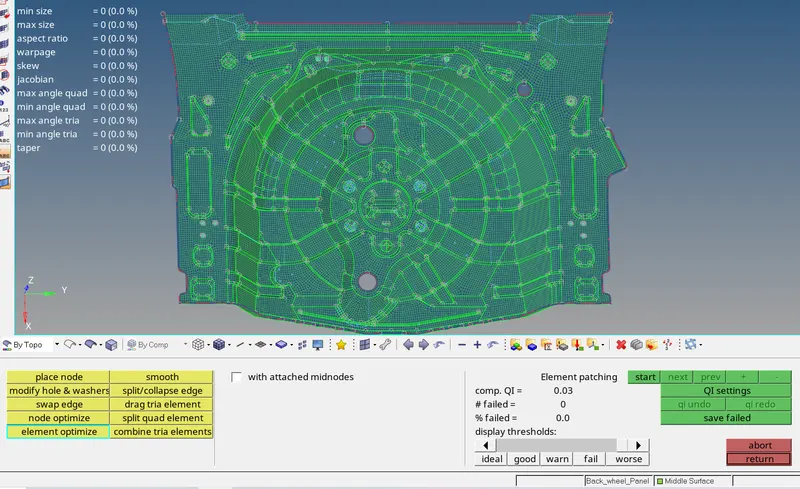
- All the elements are maintained by the quality criteria.
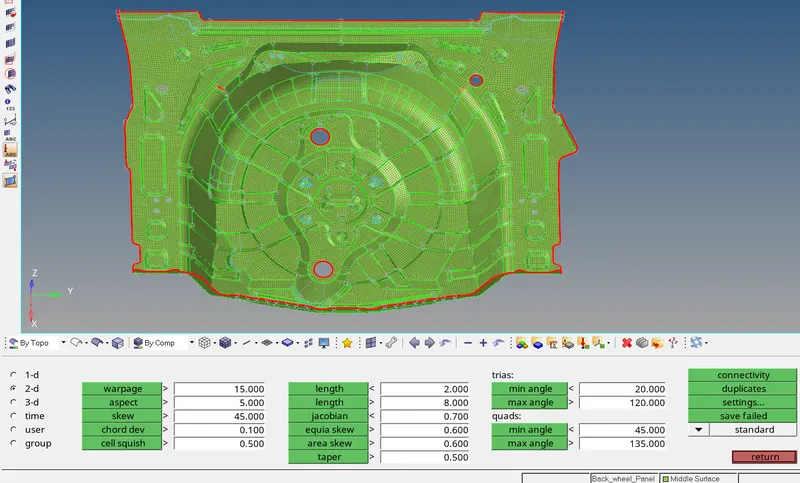
- Check elements is used and all the elements are to check the quality criteria and set them all.
Conversion of 2D elements to 3D:
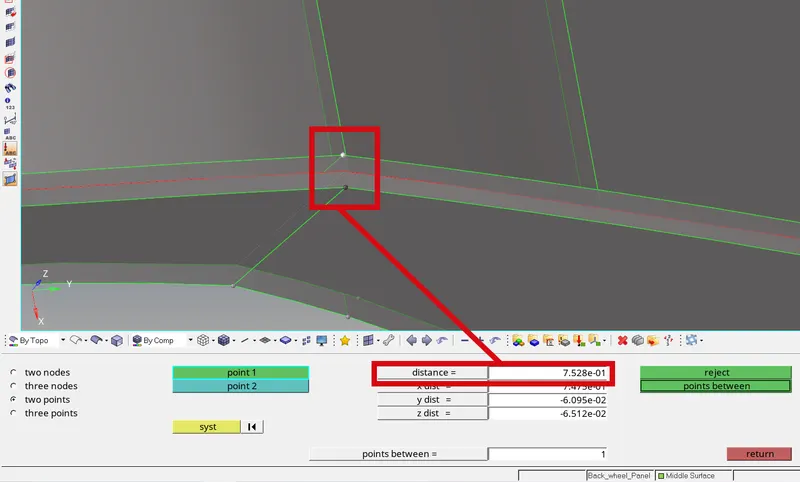
- Geom -- > distance. Distance between two is found to find the thickness.
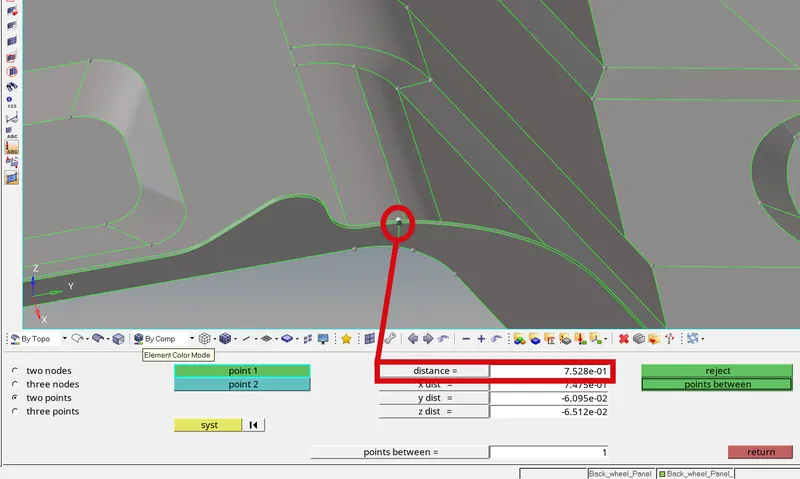
- So elements with same thickness are kept in one component for the ease of assigning the thickness.
- All the surfaces have the same thickness of 0.75mm.
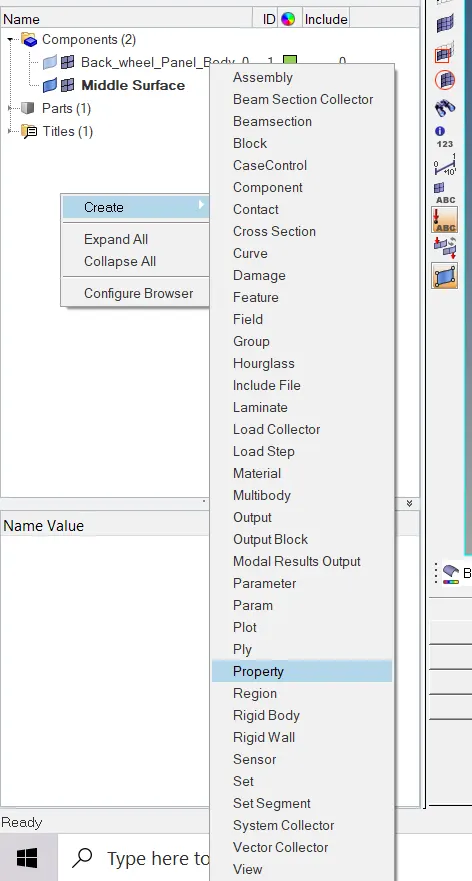
- Property is created.
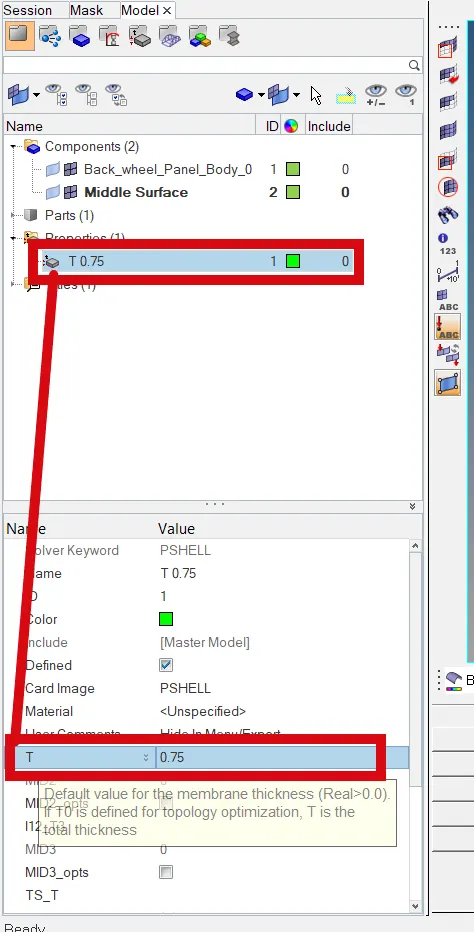
- The property is named the same as thickness for the ease of assigning.
- The required thickness is entered.
Assigning Thickness:
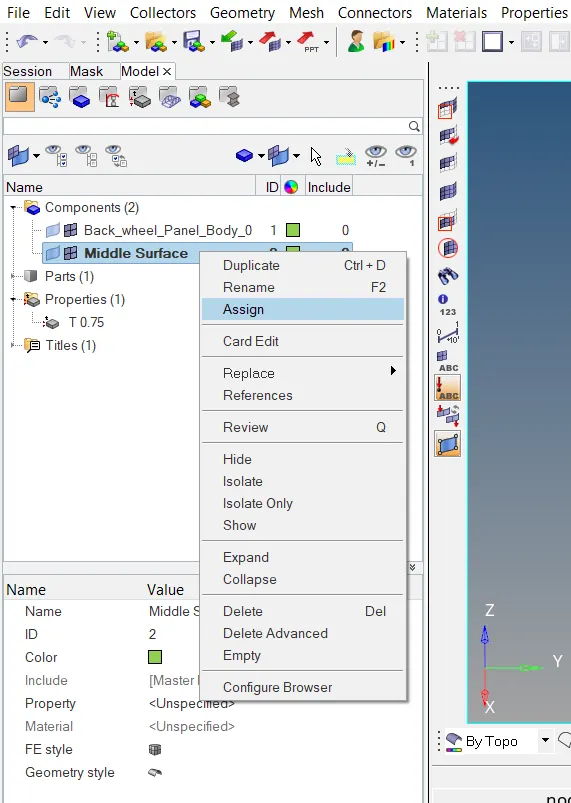
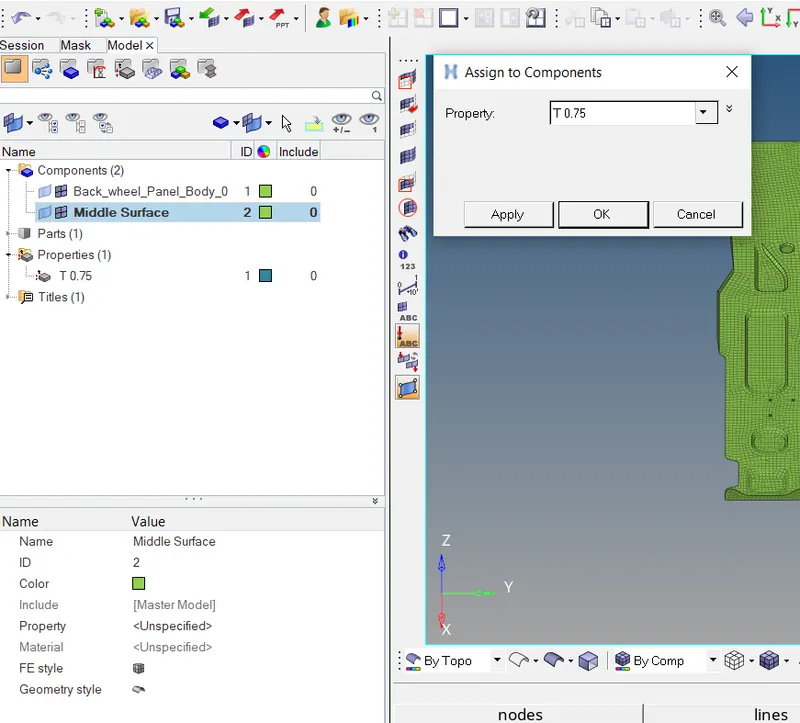
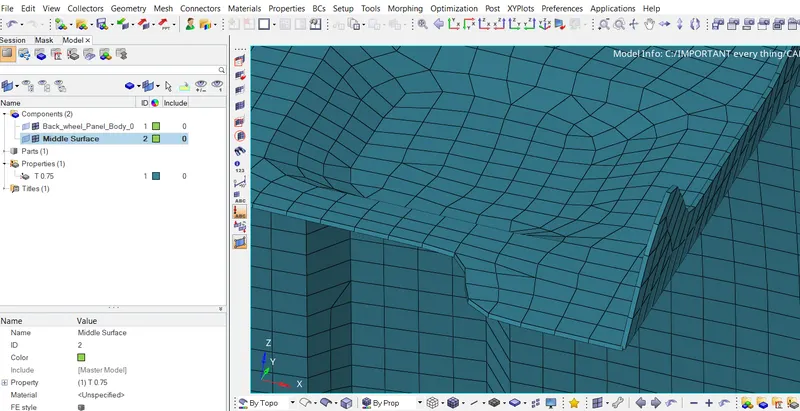
- Thickness is assigned to the component.
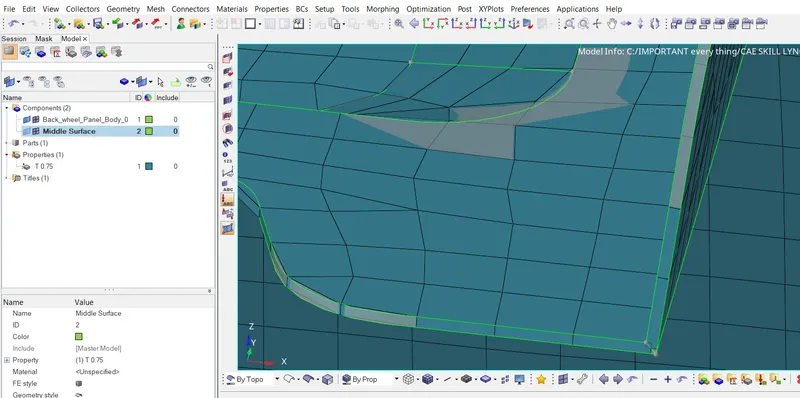
- Thickness is assigned to the component.
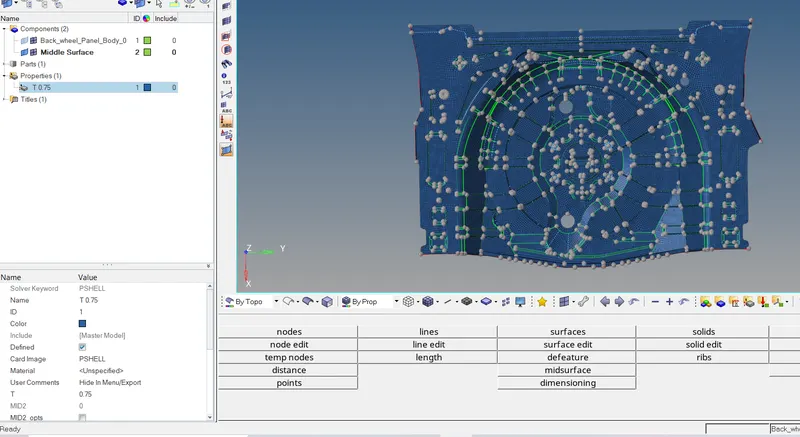
- The final image of the fully completed model.