Project 2 - 2D meshing on the instrumental Panel
AIM:
For the given component, check for the geometrical errors and mesh with the given element Quality criteria. After meshing the component the thickness has to be assigned.
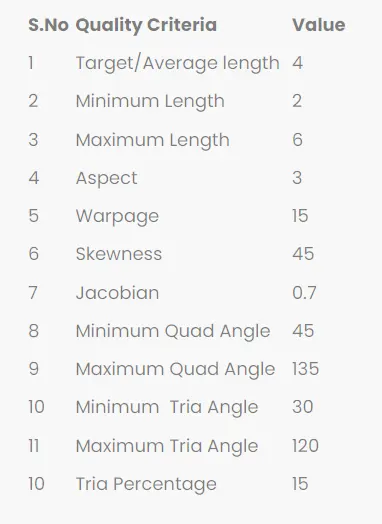
Procedure :
First we took the model from given link and download the model.
Then we open model in ANSA,for fixing graphical issue we will give inputs like below
Then open the model in ANSA it seems like below
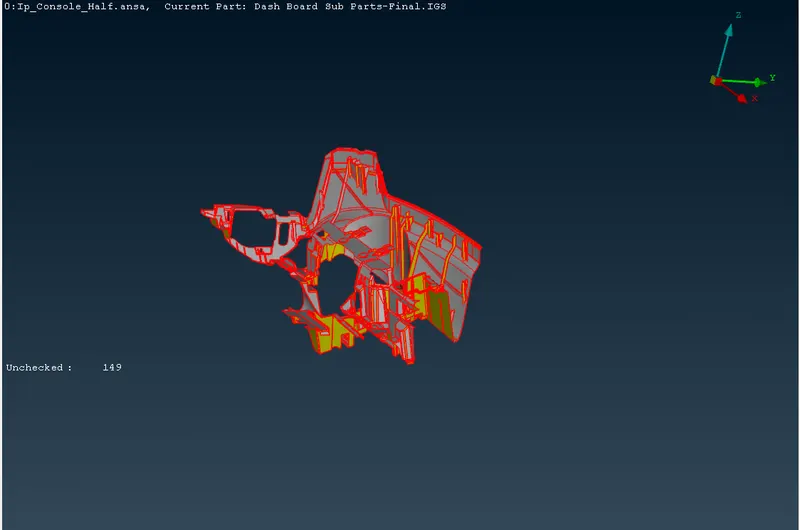
- After opening the model, One should check with the single CONS in the model. Generally single CONS will be represented by Red colour lines which shows there is no connectivity between the surfaces in the model.
- From the above image it is clear that the model is having only single CONS. Basically every CAD model while imported in ANSA, It should have double CONS (yellow lines).
- In order to get double CONS from single CONS, TOPO operation should be carried out.
- After upload the model into ANSA we give the Topo for the model.
- after TOPO apply to the model
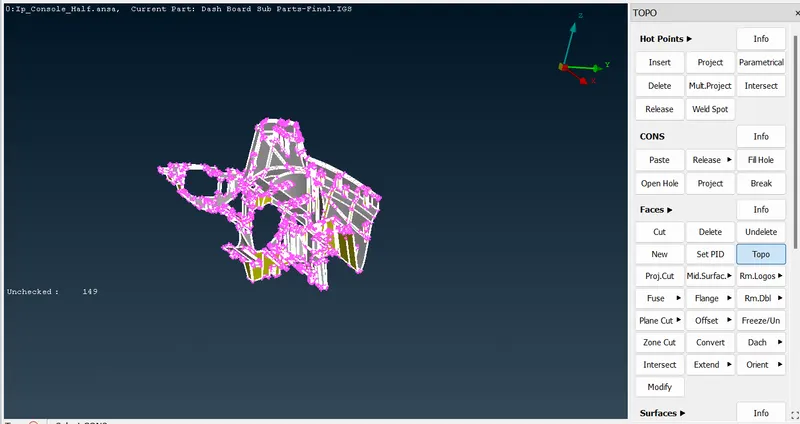
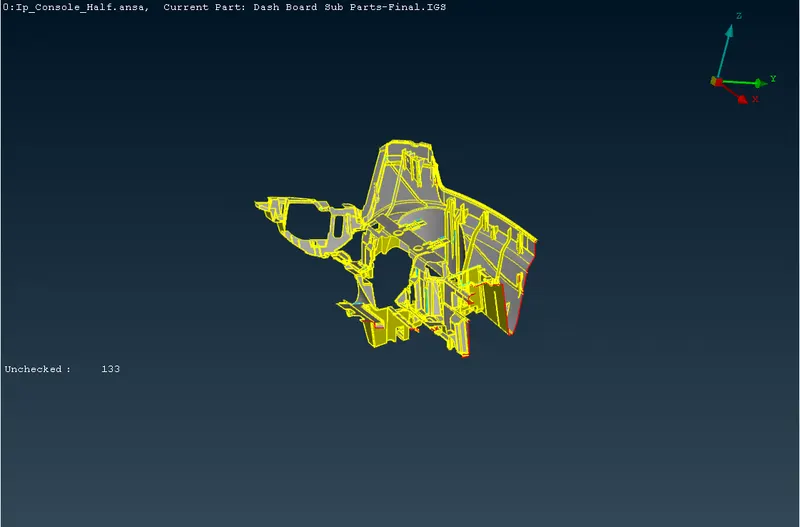
Then go for geometry check for the model.
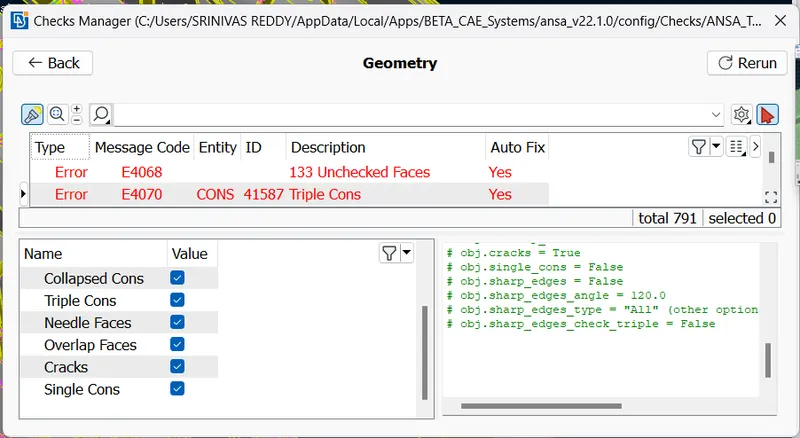
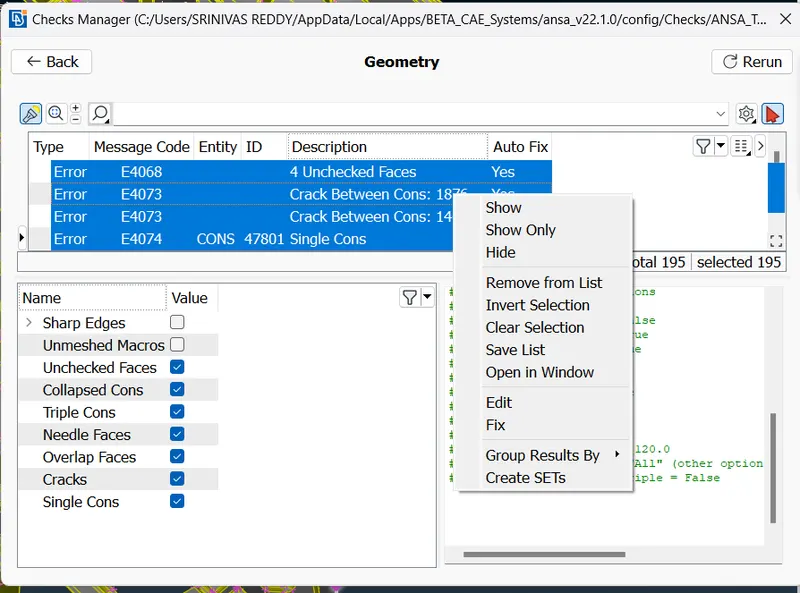
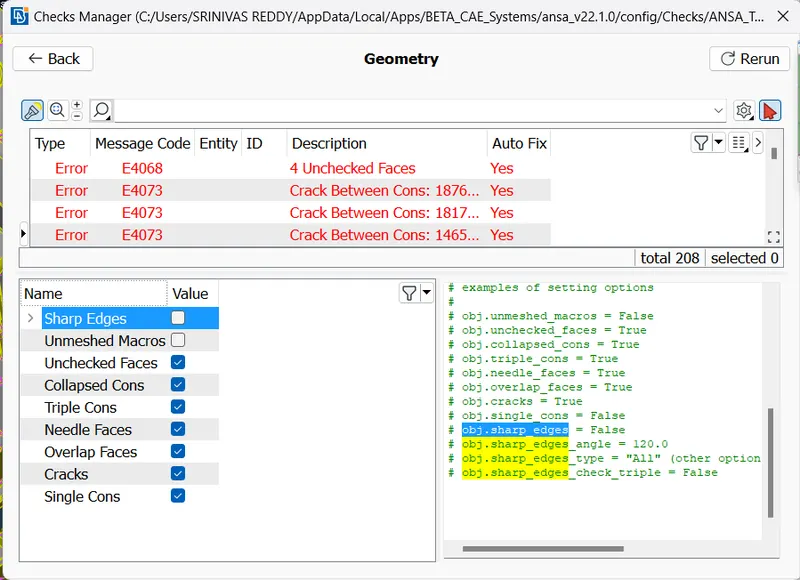
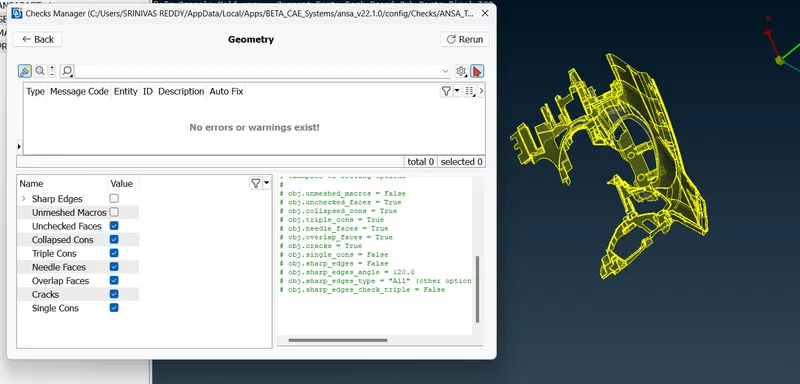
Geometry having more features ,midsurfacing with offset option took more time so we can go for modsurface with casting operation
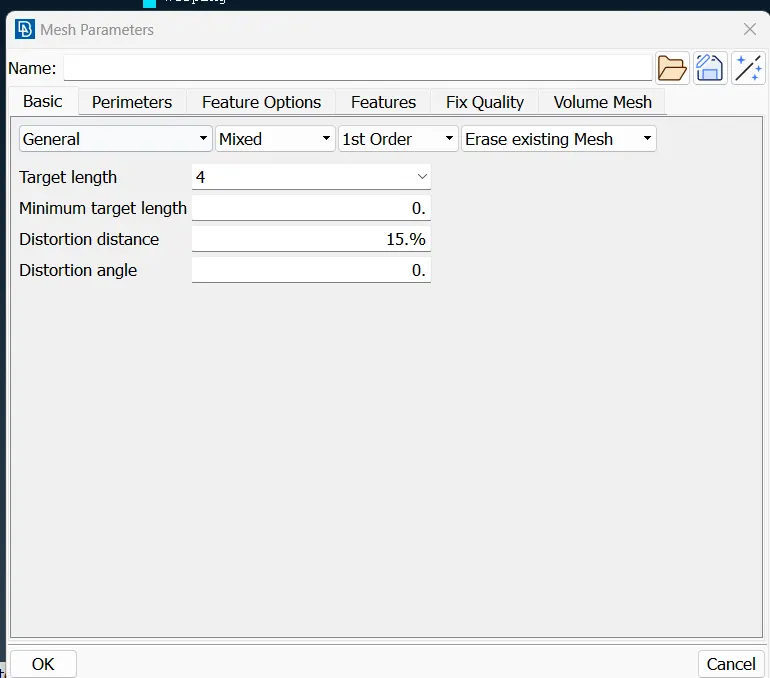
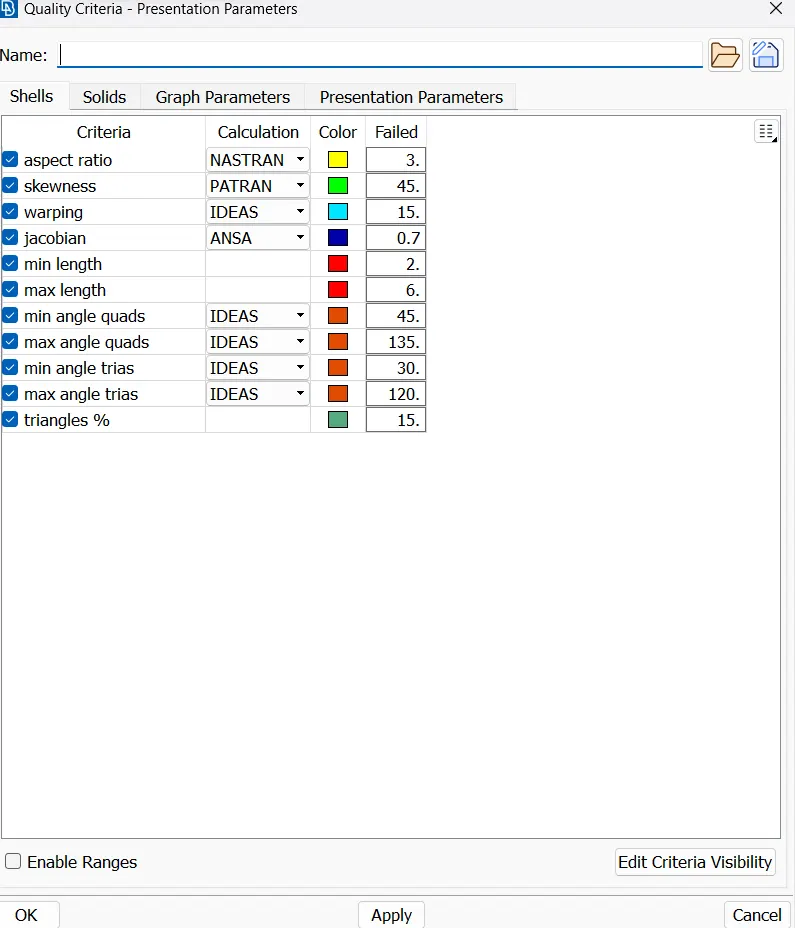
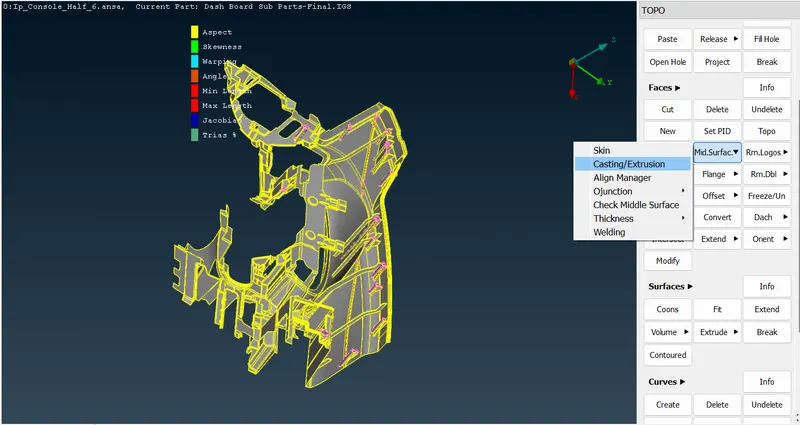
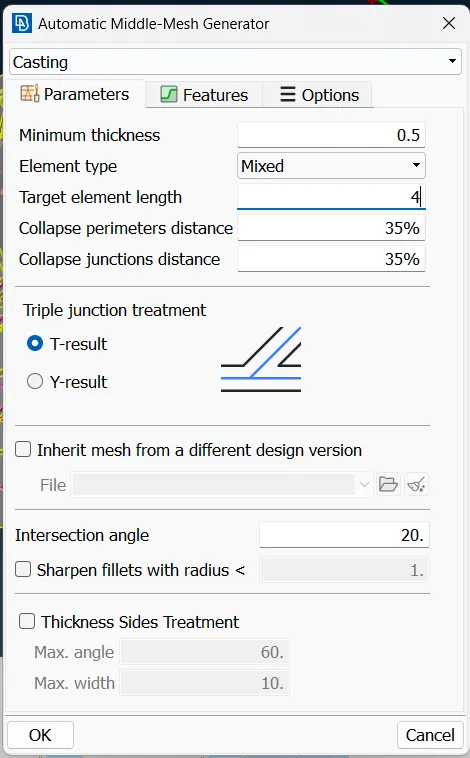
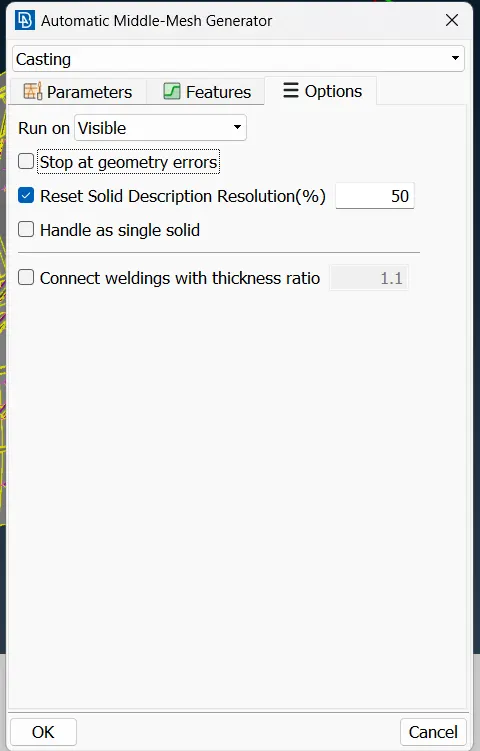
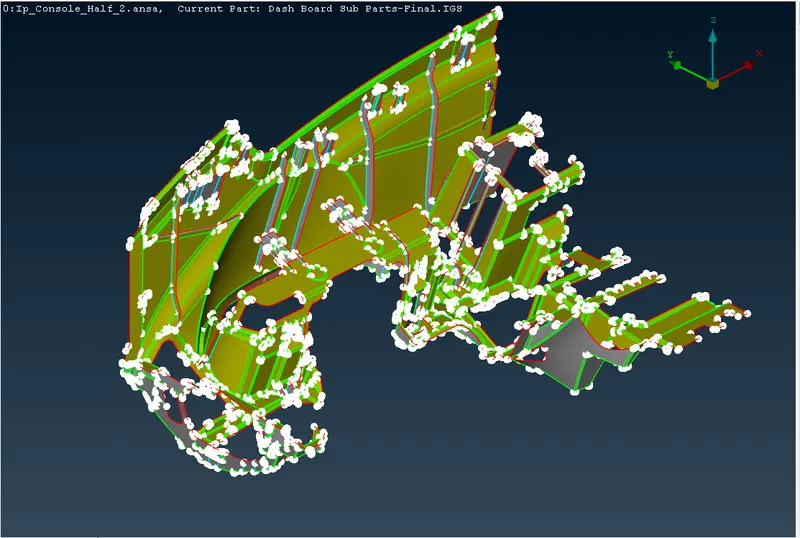
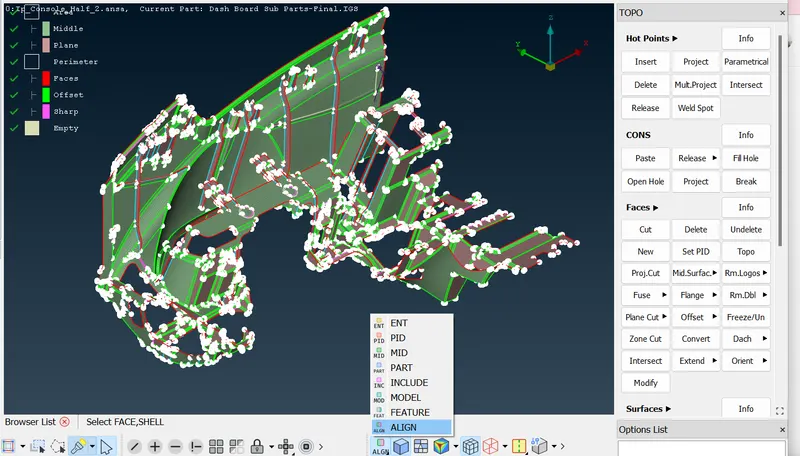
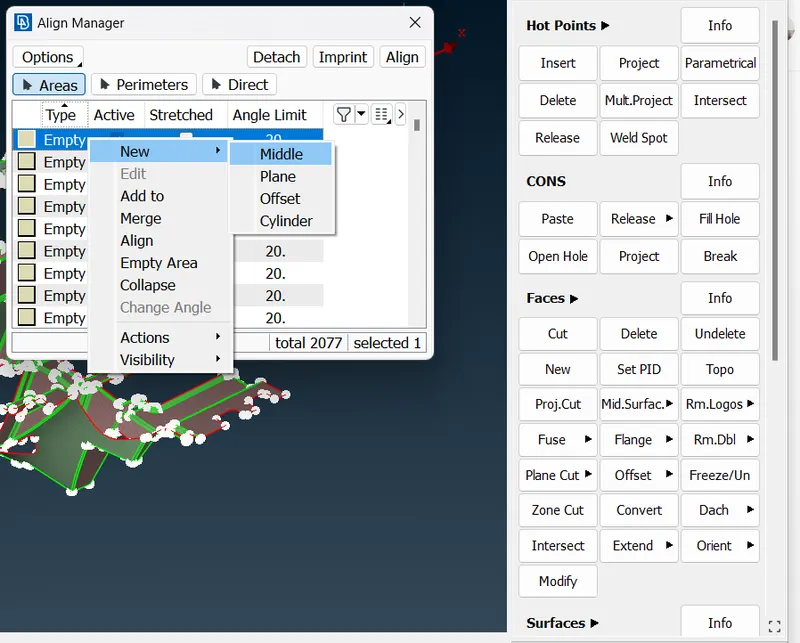
By using align manager we can capture improper midsurface and get the proper mesh flow
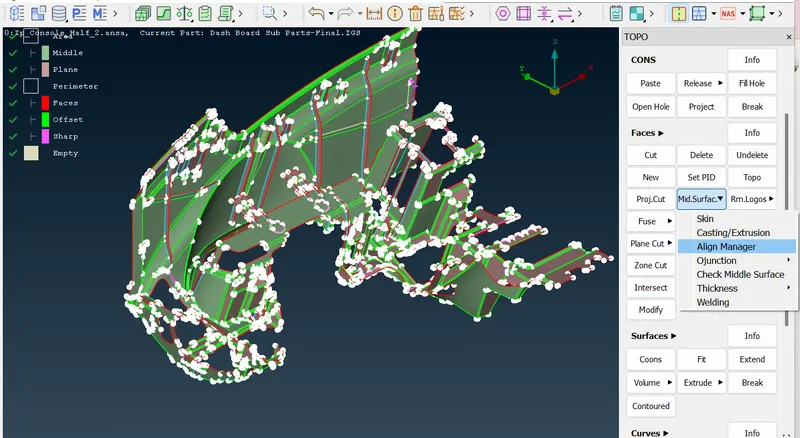
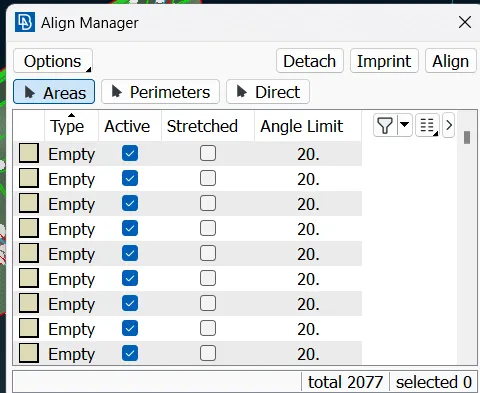
Remove the empty area and fill the area or we are use the alternating mesh method like plane,middle
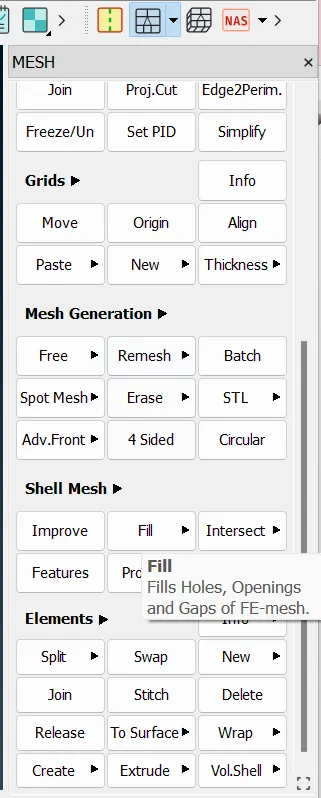
For Dog house in this model should be captured as "Cross pattern" in Mid surface since dog houses are solid (Hollow from inside) and is not having any thickness.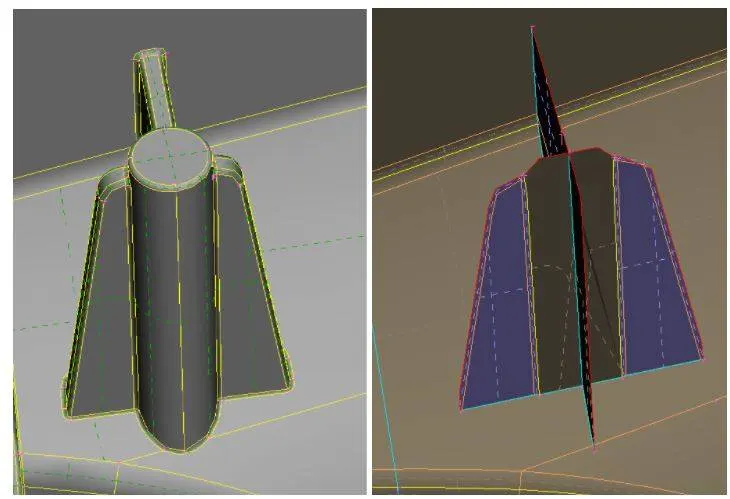
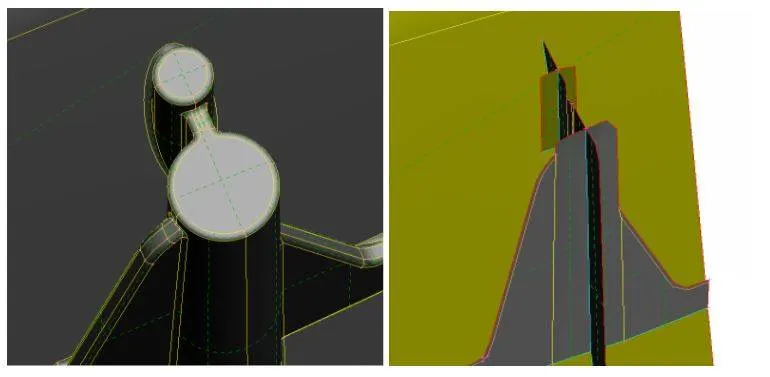
for these midsurface creation we are using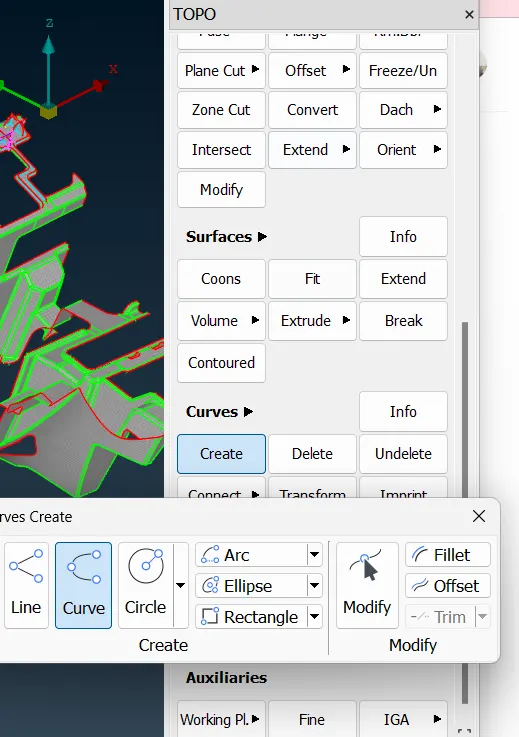
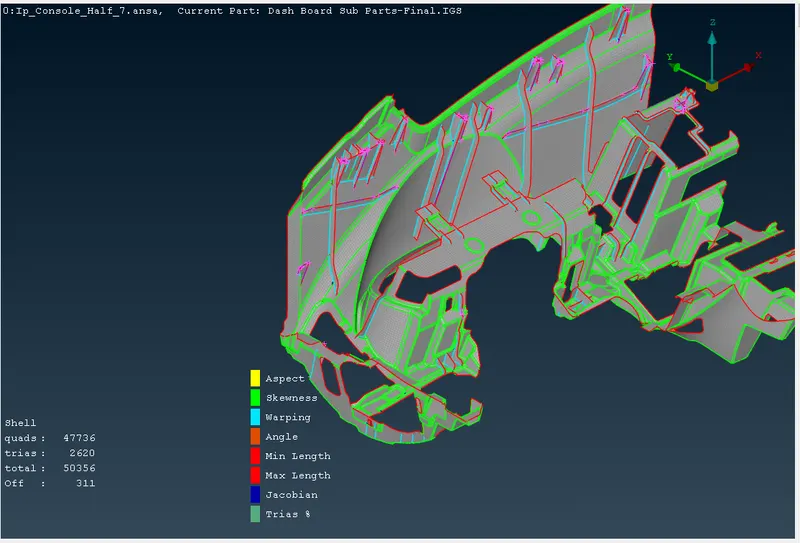
After using these operation,finally our model got the mesh like below