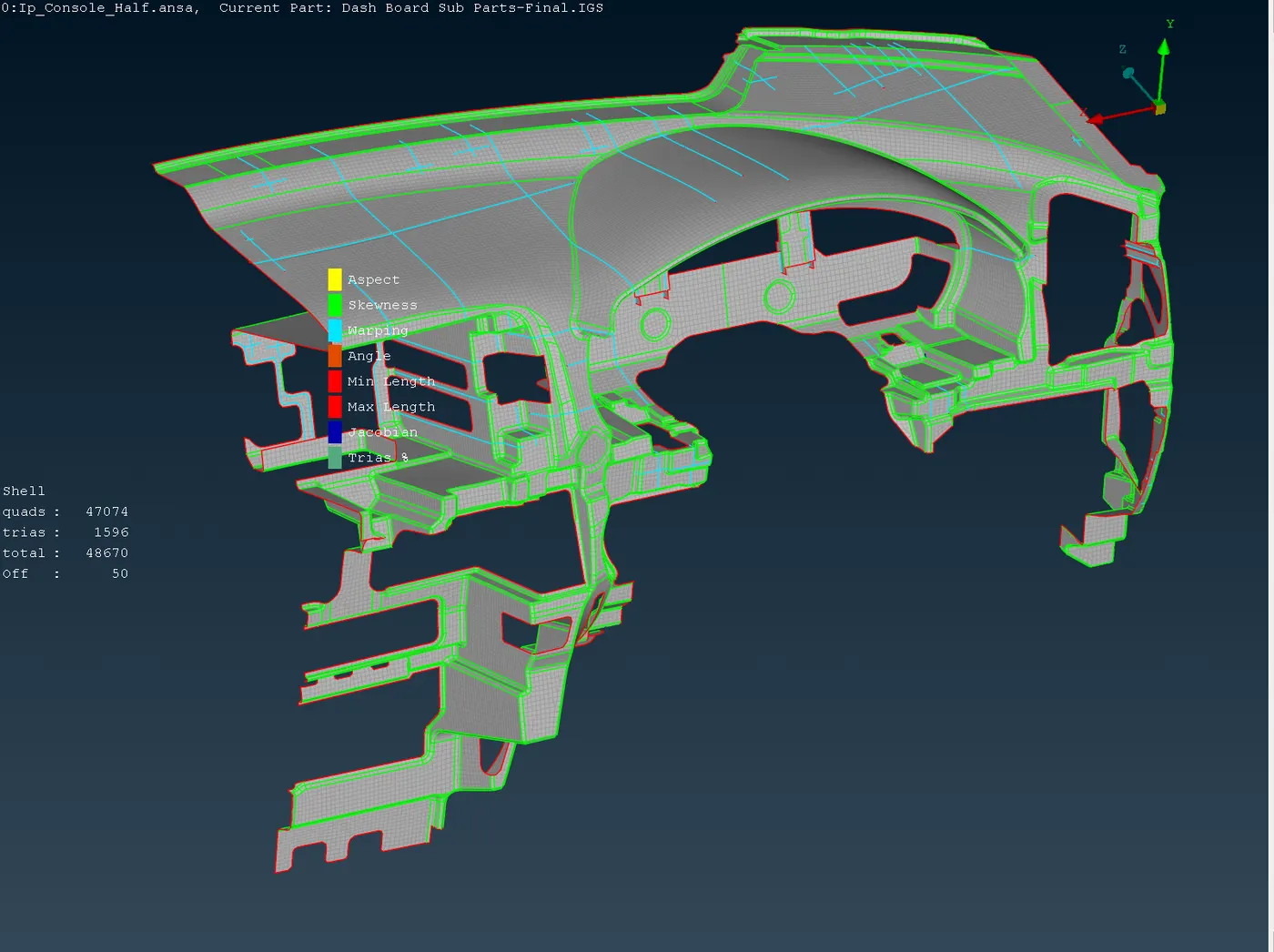
Project 2 - 2D meshing on the instrumental Panel
Aim
To check for the geometrical errors and mesh with the given element Quality criteria, for the given component
Procedure
Closed the missing faces using Faces-> New command
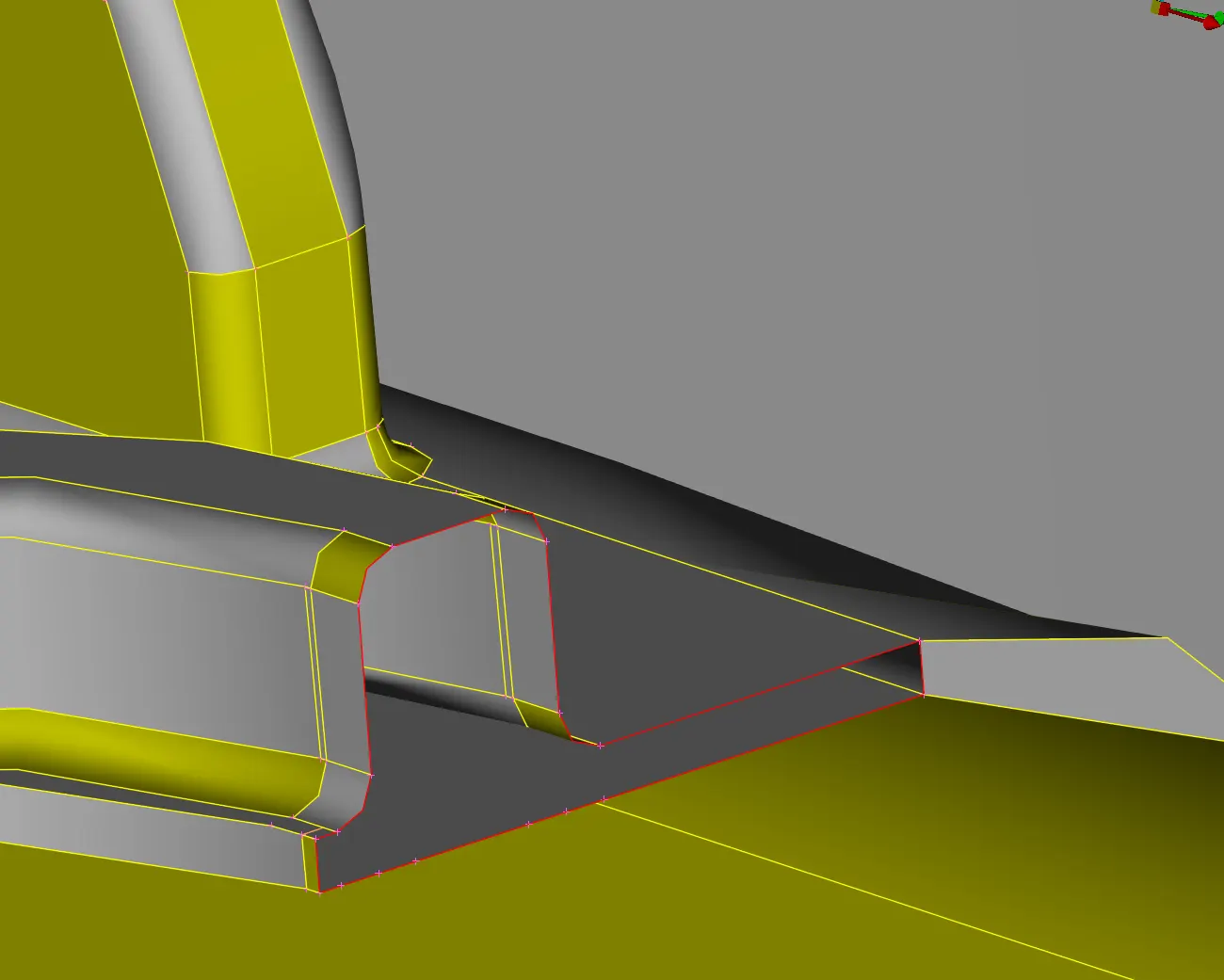
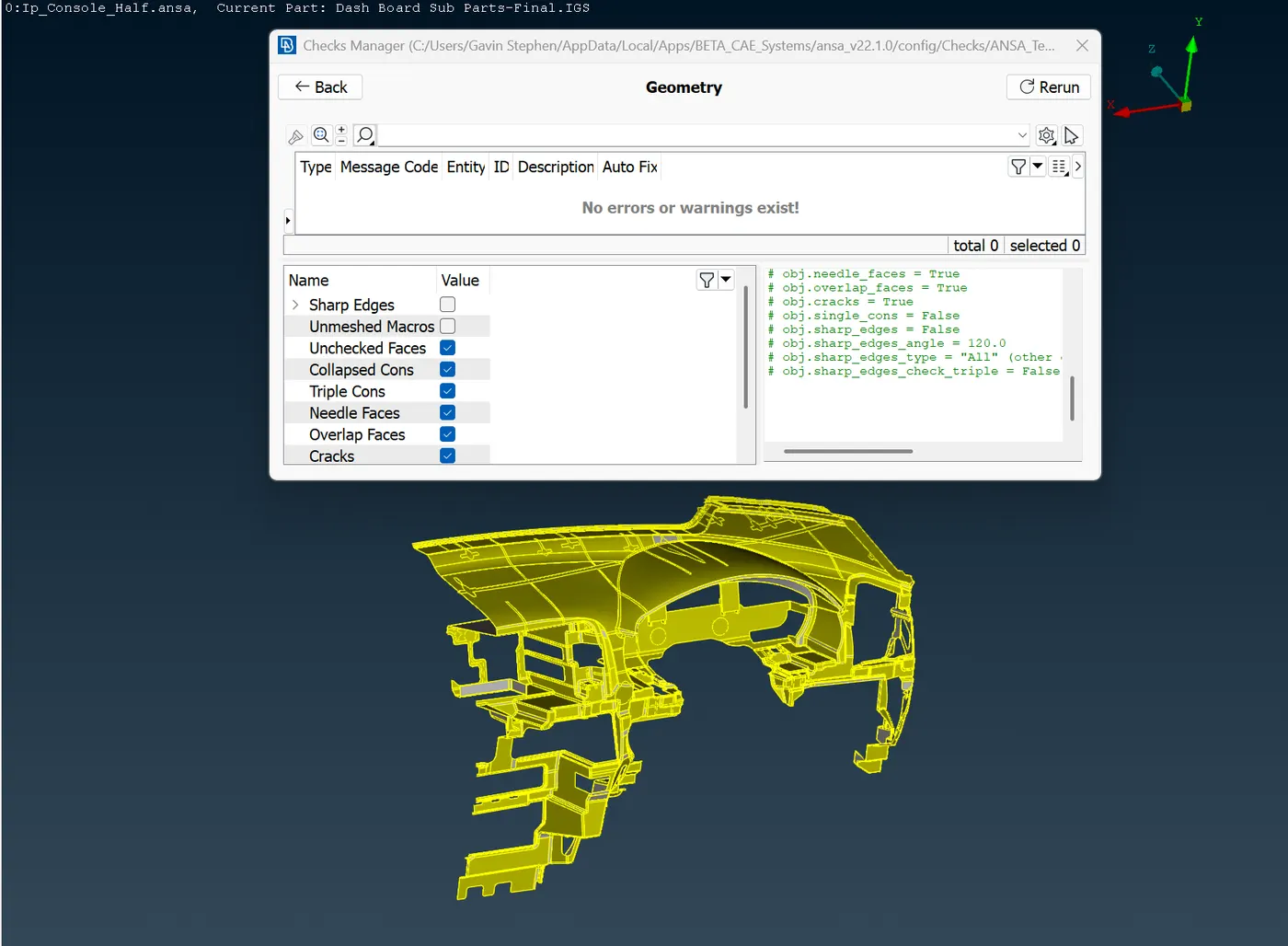
Checked for other other geometrical errors and fixed it till it says no errors
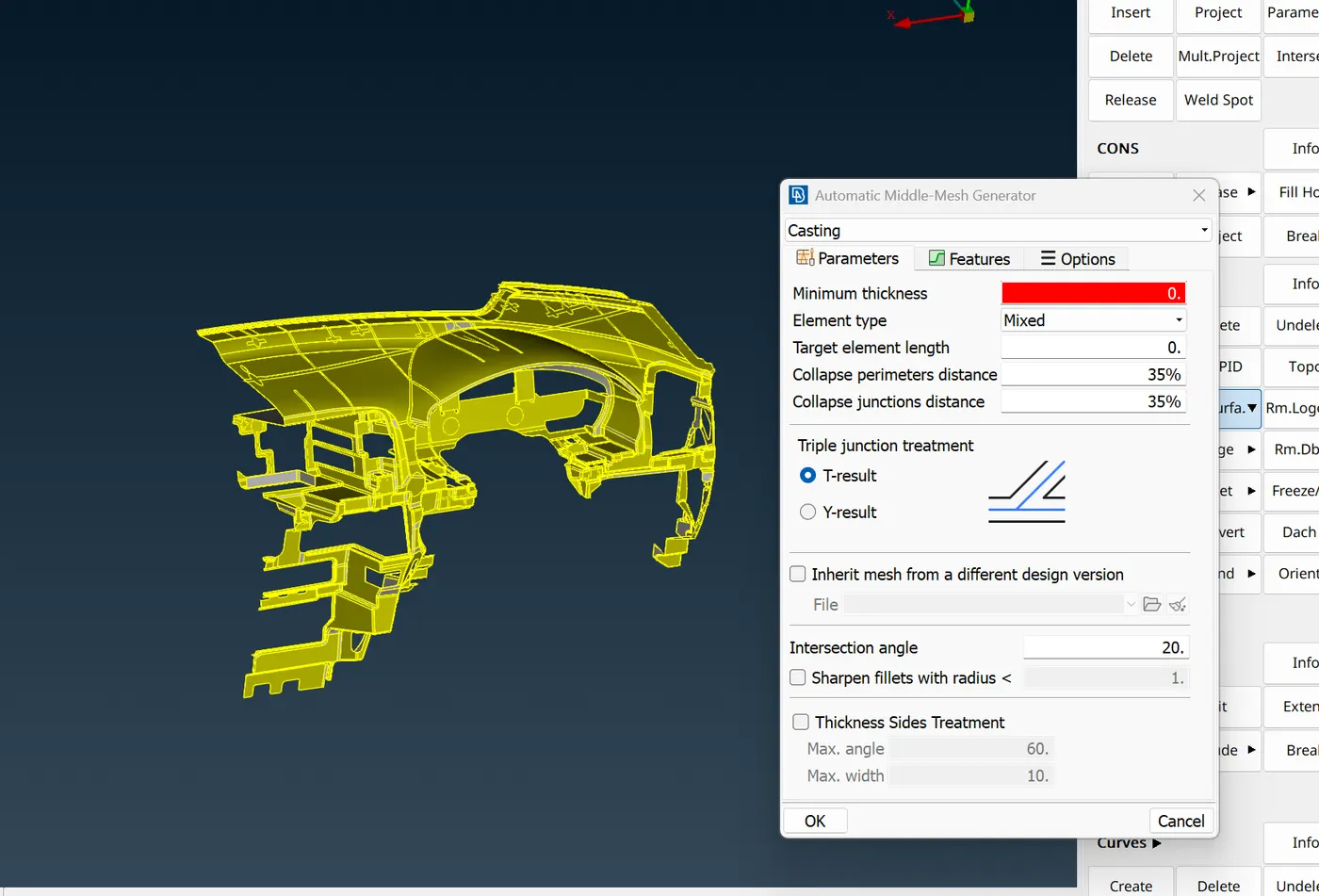
Midsurface ->Casting /Extrusion command is used for automating mid surface creation
Grids-> Align command is used for simple alignment of elements
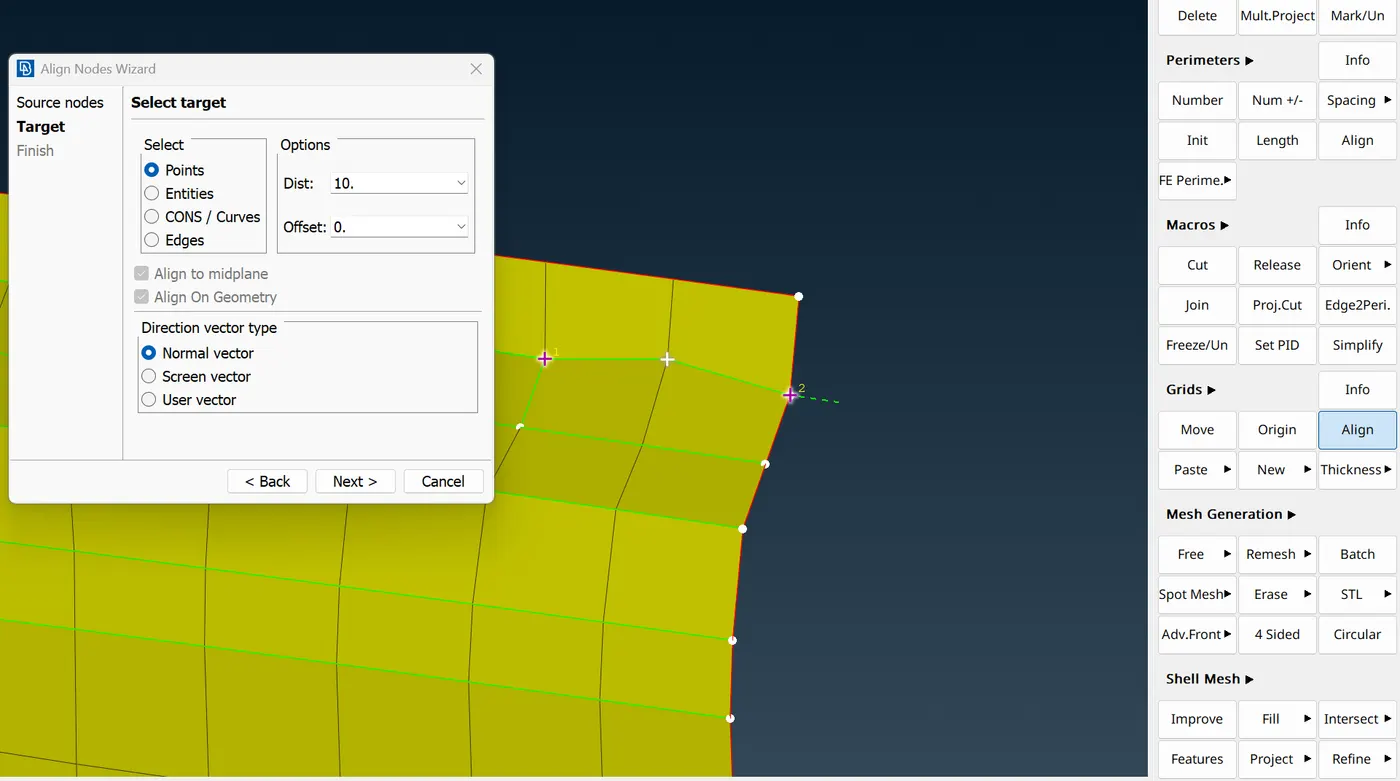
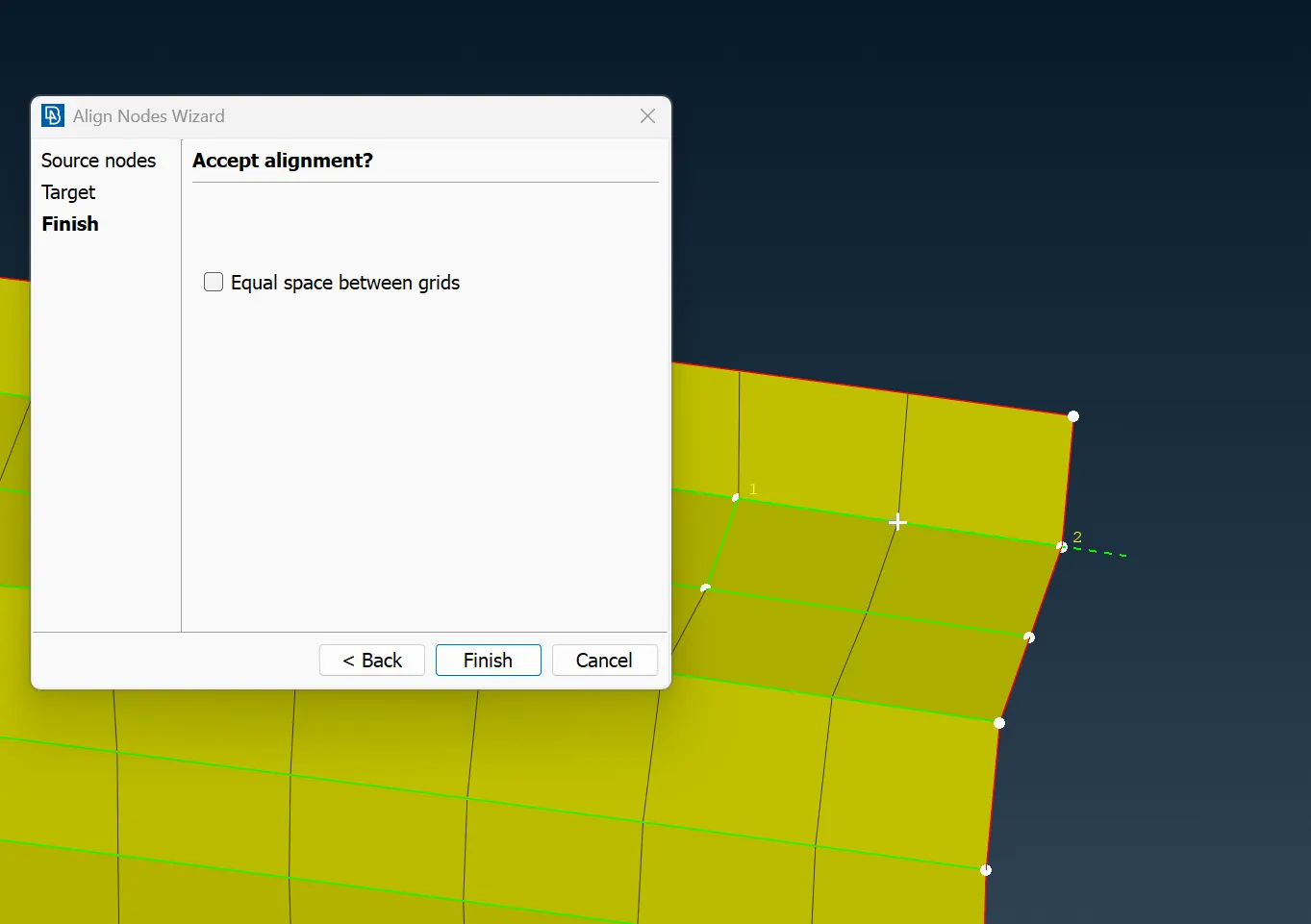
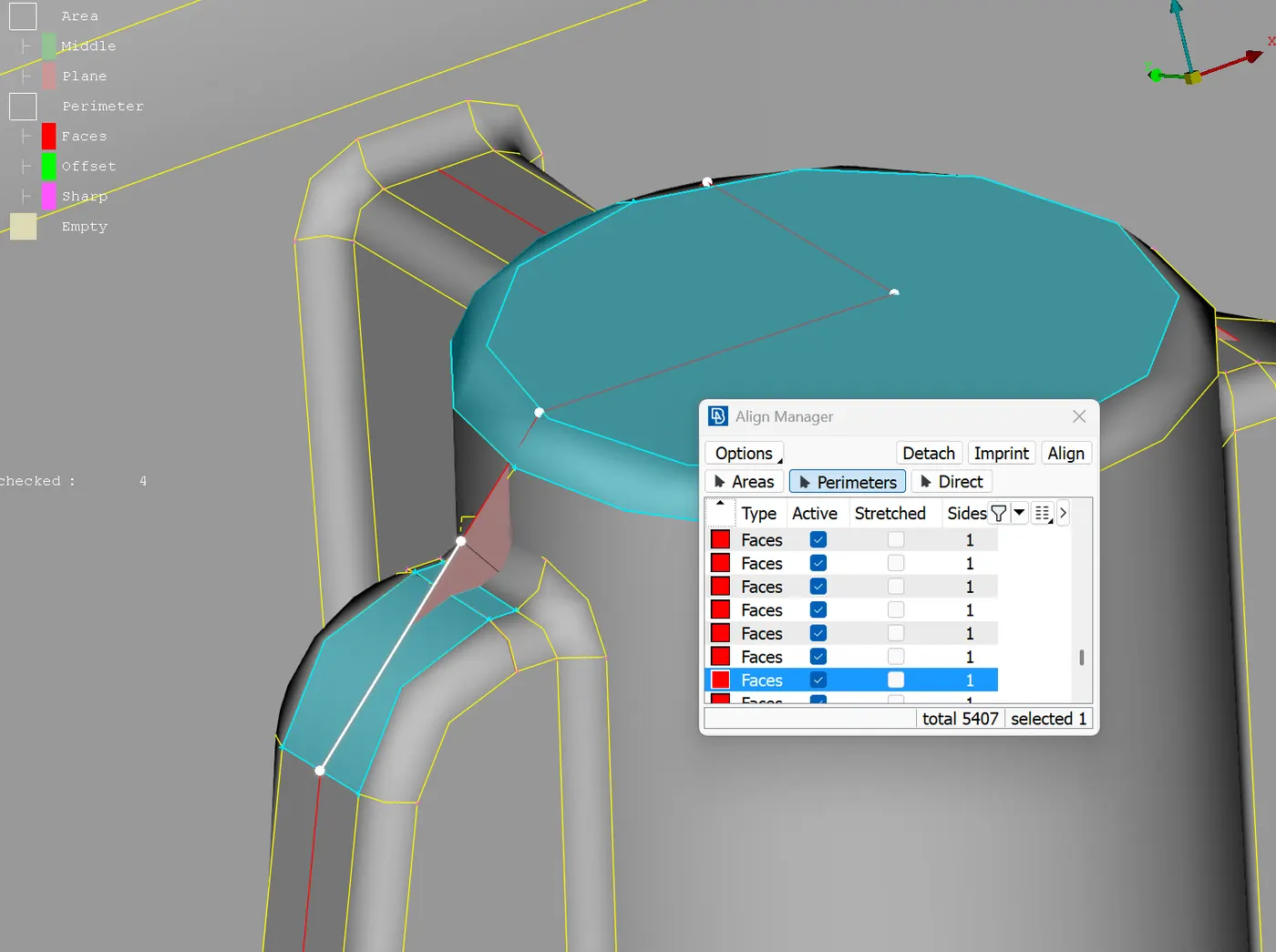
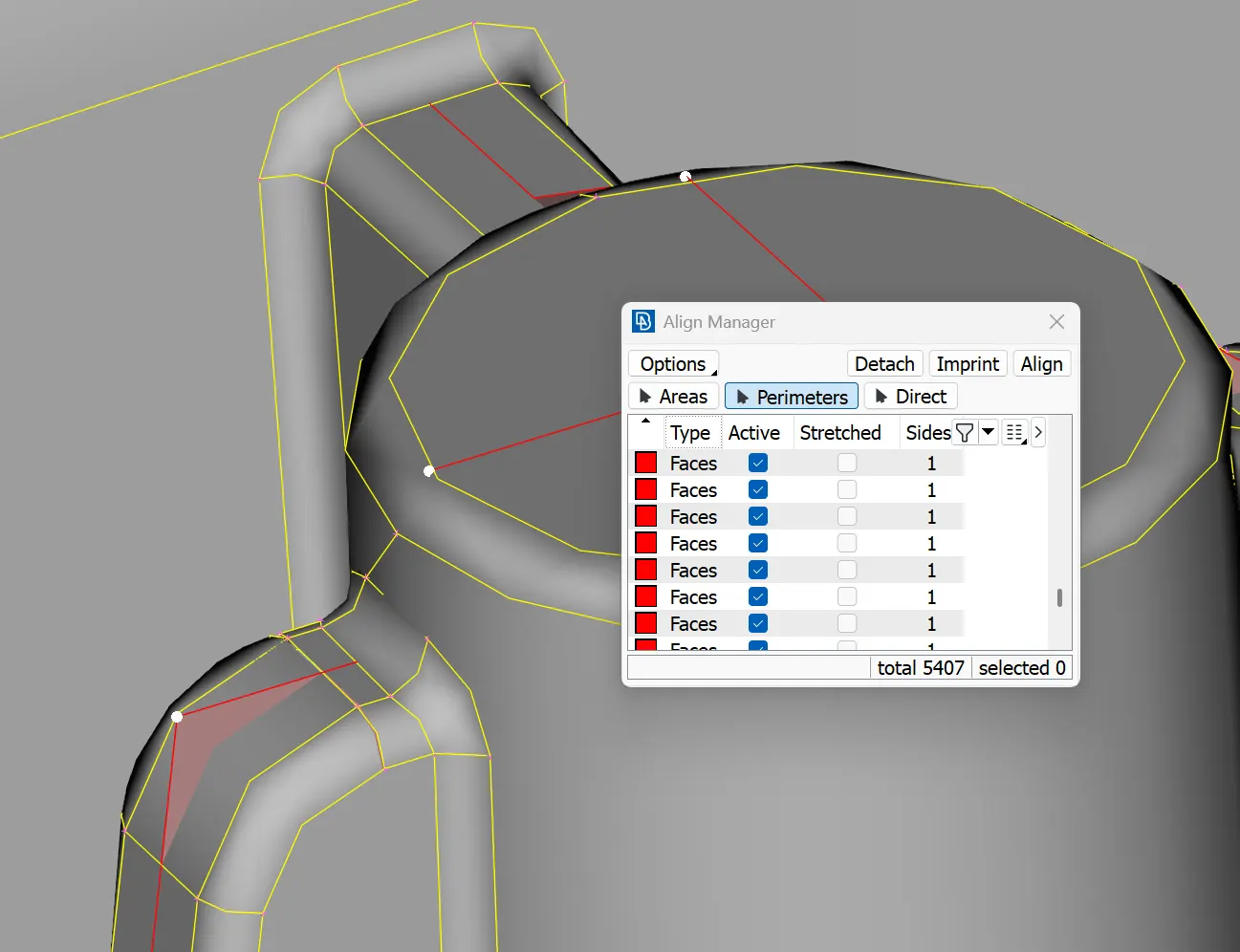
Midsurface-> Align manager command is used for aligning perimeters and areas
Middle Mesh-> Modify-> Fill command is used to create new faces using the curves drawn
and Mesh-> Modify-> Connect is used to mesh it to the base surface
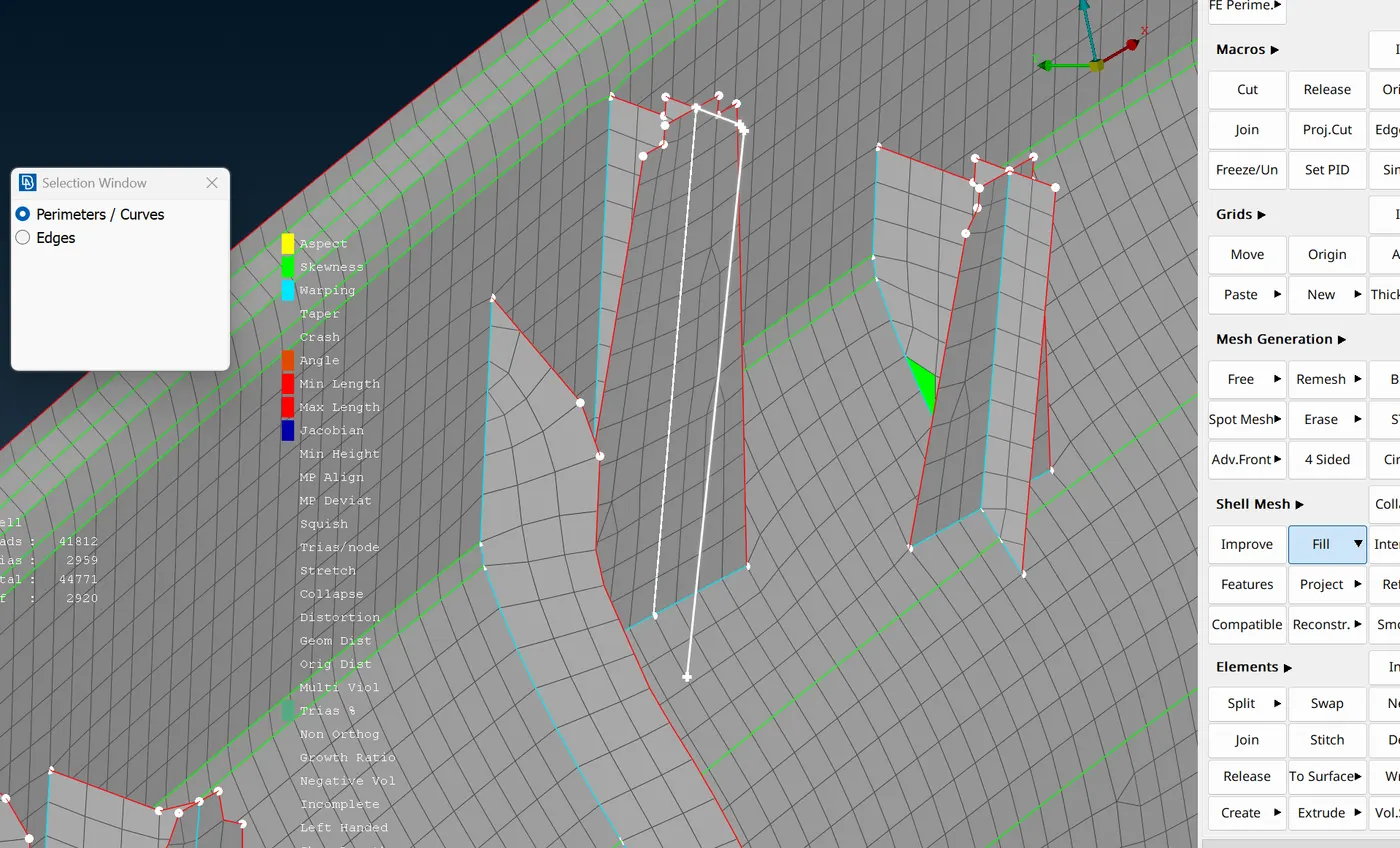
Used Reconstruct option for remeshing areas that didn’t have fine mesh and smooth option to fine the mesh flow and to satisfy the given criteria
Grids-> Move command was to satisfy quality criteria manually
Created extra cuts to capture the features as much as possible
Removed tria elements as much as possible using split, join,Collapse and smooth to fine the mesh
Final product