Project 2
AIM
Design Routing Harness for the given Backdoor and Flattening the wiring harness using CATIA_V5.
Procedures:
- Download Neccesory connectors, Clip, Clamp, and any other harness fixing parts from www.te.com
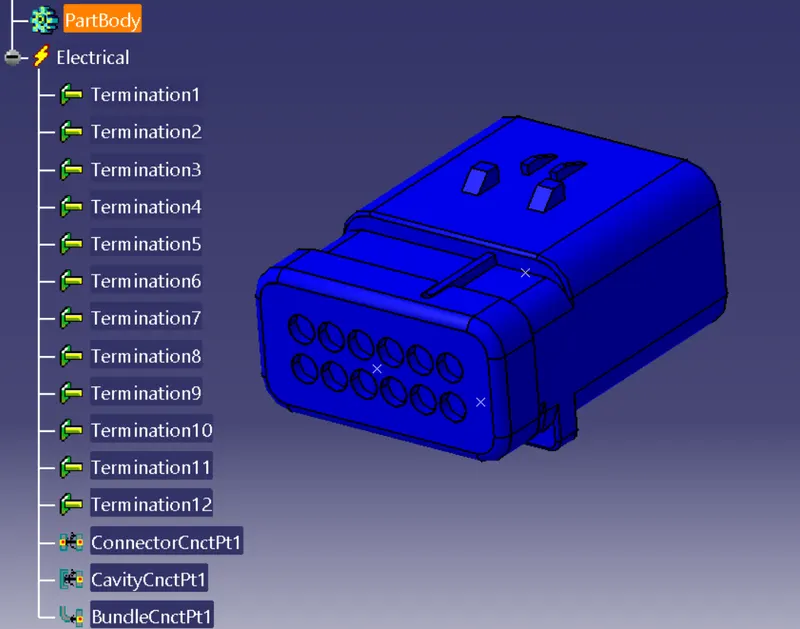
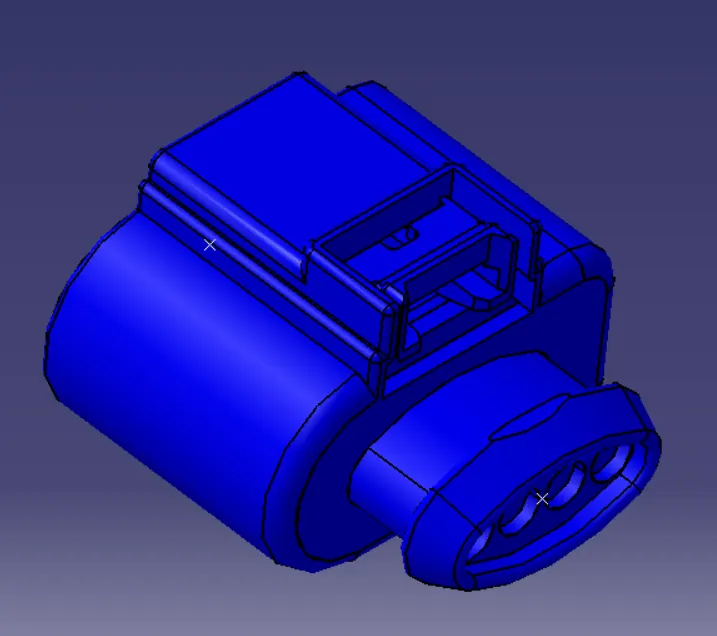
- Electrically Define the Downloaded Files in Electrical Part Design Work Bench on CATIA_V5
- Create a new Product with the name of Assmbly_Backdoor_Hardness_Context
- Insert the BackDoor CAD Data into Assmbly_Backdoor_Hardness_Context
- Create a new product files name of Assembly_Backdoor_Harness and insert that into the Assmbly_Backdoor_Hardness_Context
- Electrically Define the Product Assembly_Backdoor_Harness using Geometrical Bundle
 Command
 - Import the Electrically defined Connectors and Clamp into the Assembly_Backdoor_Harness
- Place all connectors in their respective Position.
- Create bundle Segments between connectors using the Multi Branchable document
 Command.
 - Check the bundle Continuity (Edit -> Search->Advanced-> Workbench - Electrical -> Type- Bundle Segments -> Attribute-fully Connected, Choose Fale to identify the unlinked Bundles )
- Create annotation is used to Identify the Parts
Components Used:
- Connectors
- clips
- Production Cover
- Wire
Connectors Used:
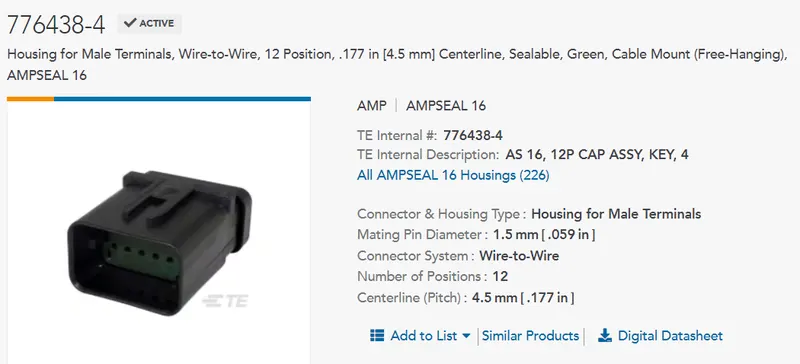
Connector 776438-4
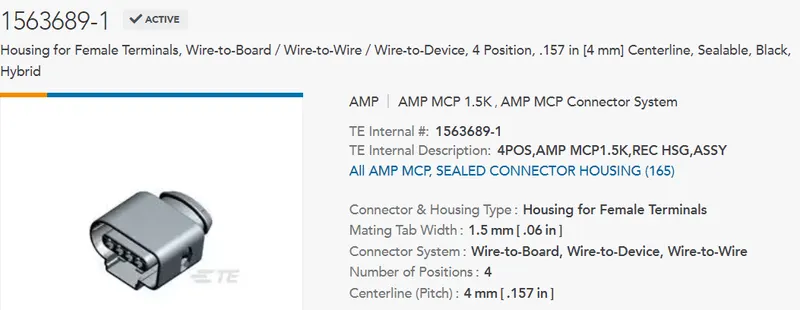
Connector: 1563689-1
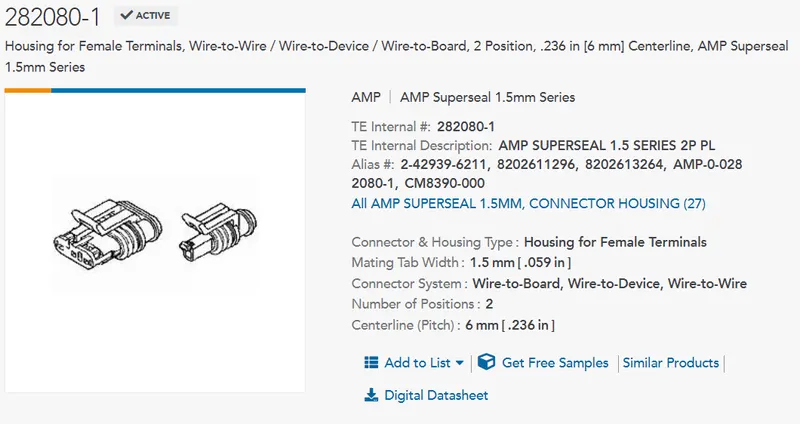
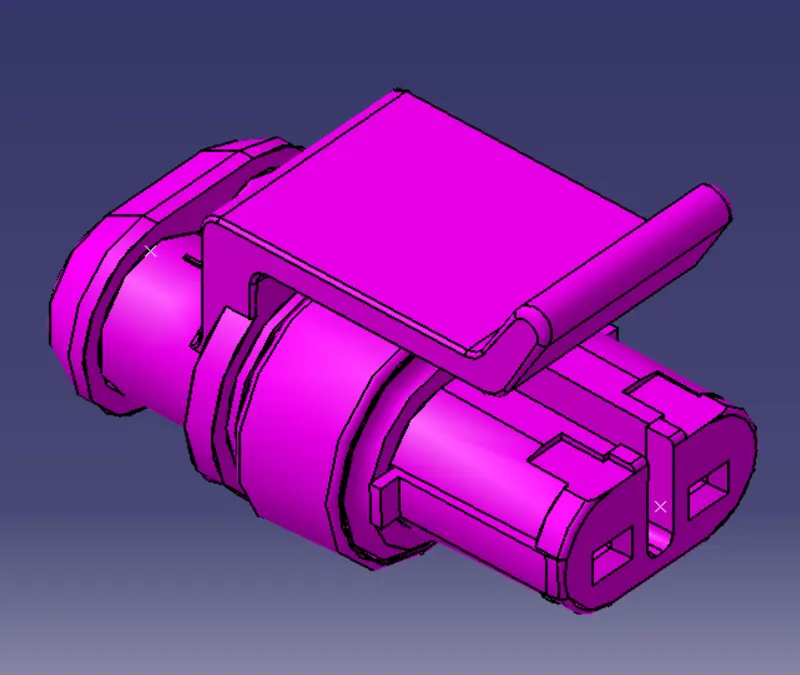
Connector: 282080-1
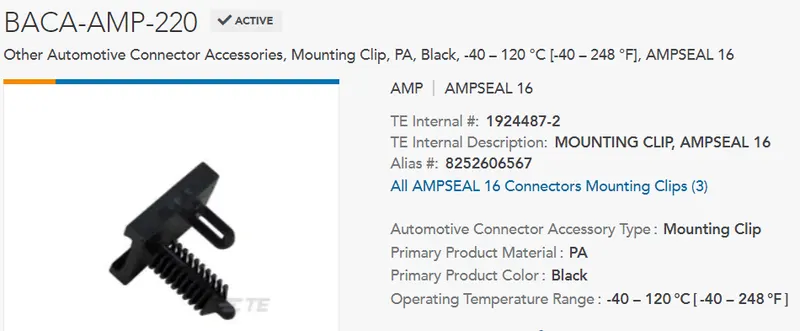
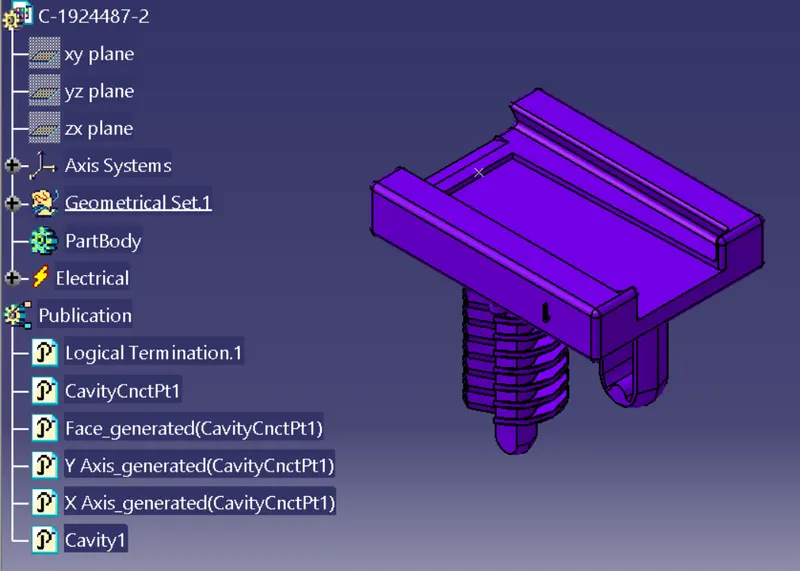
Used Clips:
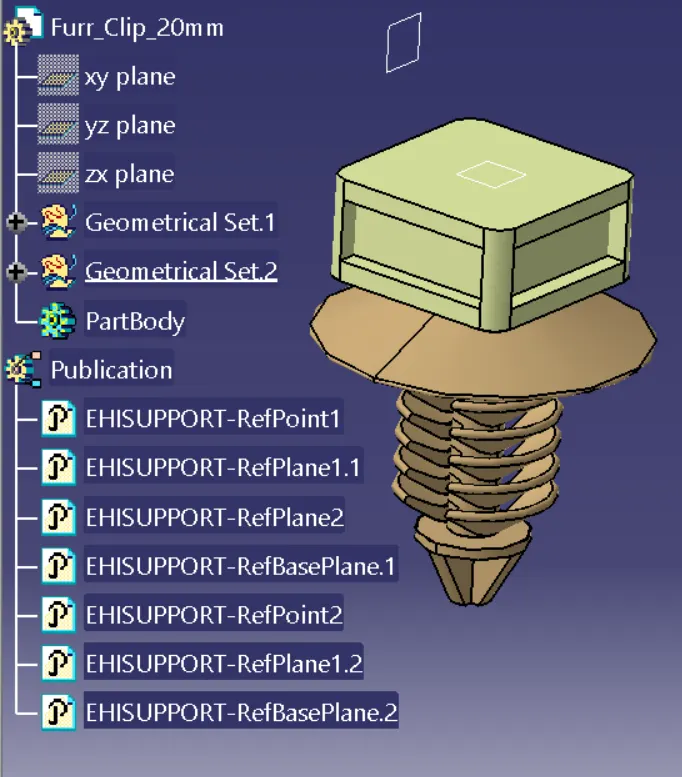
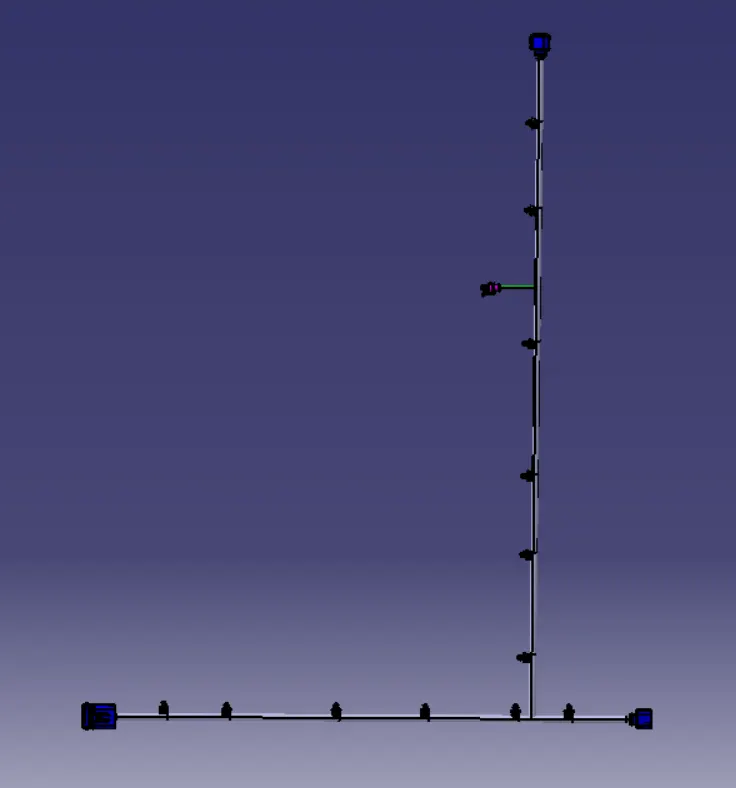
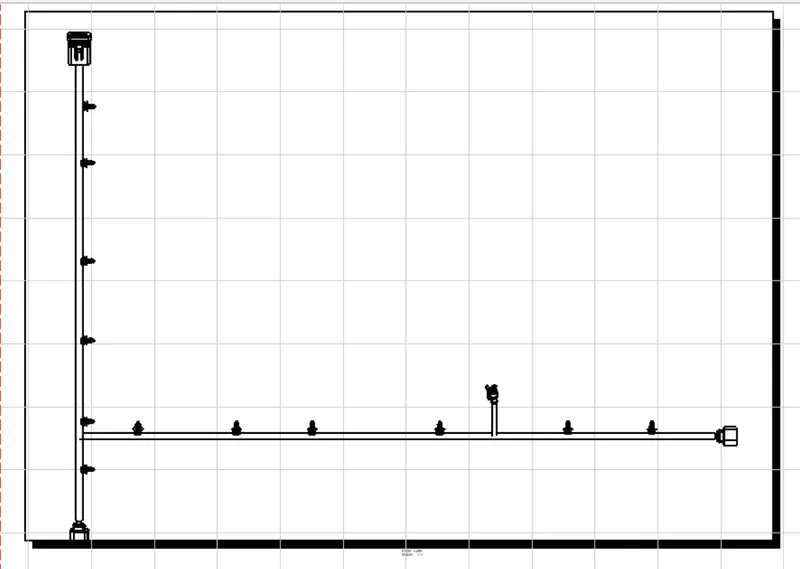
Flattening:
Final Harness Assembly;
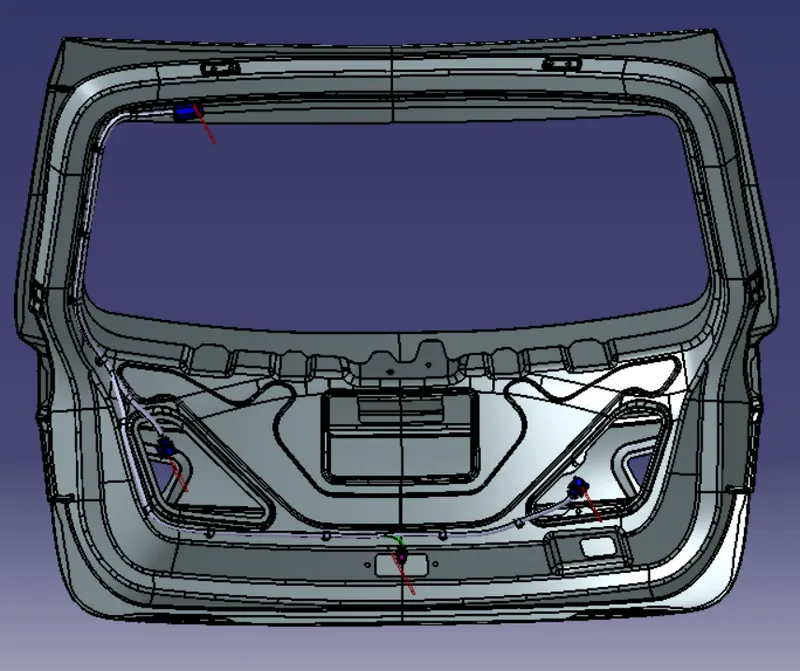
Conclusion:
Routing Harness for the Backdoor and Flattening the wiring harness using CATIA_V5 has been done.