Project 2
Aim
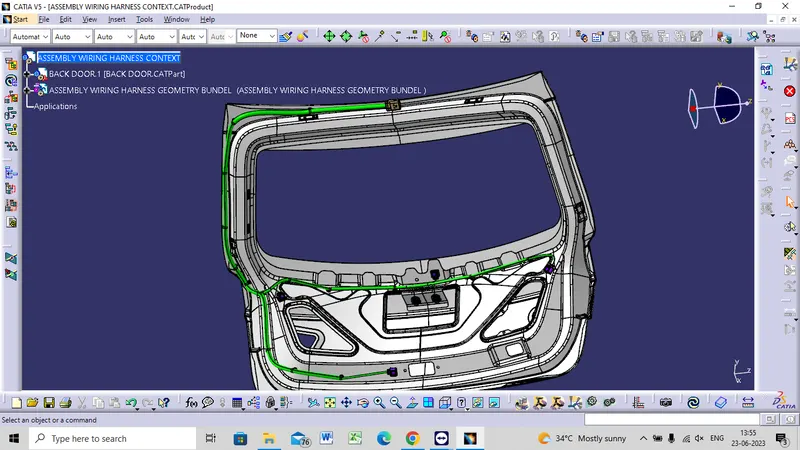
To route the wiring harness on the given backdoor assembly and prepare the
flatten view drawing in CATIA V5.
Step 1
Create a product file as 'Engine Wiring Harness Context' in which all the part and product files will be assembled which are required for the routing.
Step 2
Create another product file as 'Engine Geometric Bundle' where all the connectors are added to it and the final routing is a part of this product file.
Step 3
Now add the V16 Engine, Geometrical Bundle file and other required parts or products to our main Engine Wiring Harness Context' product file.
Step 4
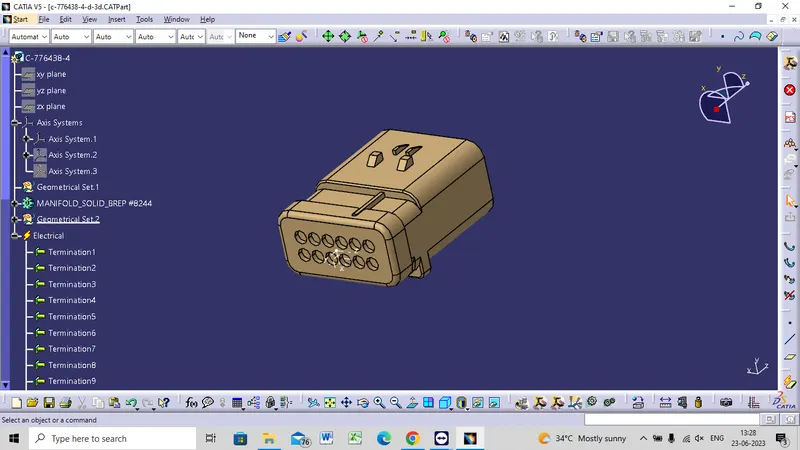
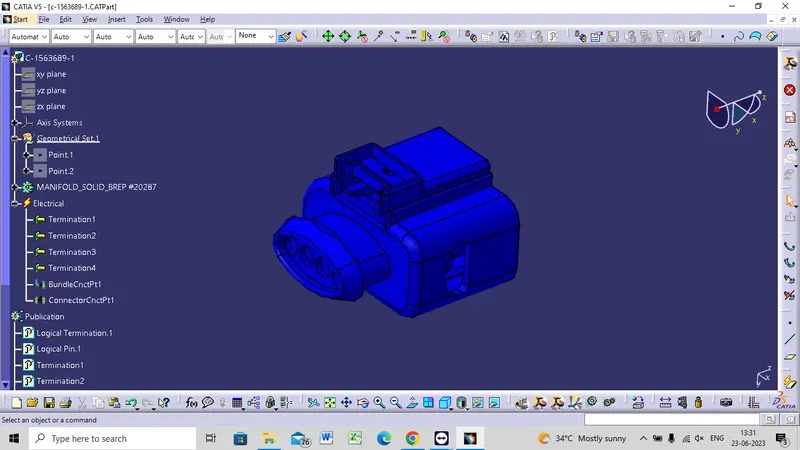
Electrically define all the connectors, cavity clips and channel part and define the Connector Connection Point and the Bundle Connection Point.
ELECTRICALLY DEFINING CONNECTORS
C-776438-4
C-1563689-1
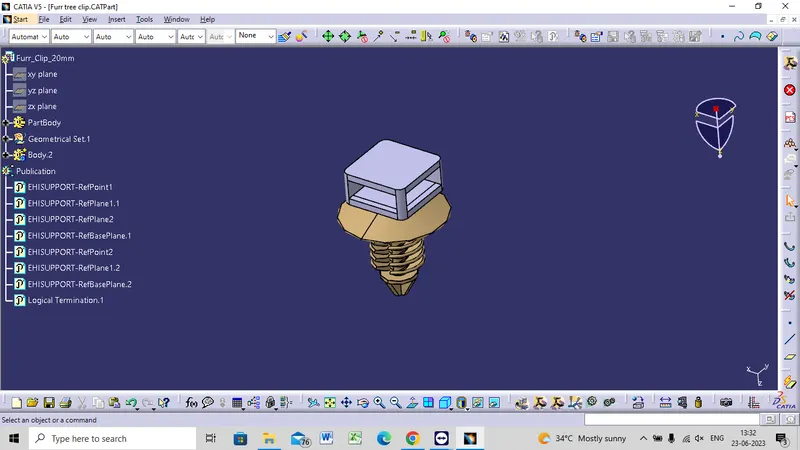
FUR TREE CLIP
We need to Mount the Furr Tree Clips on the Backdoor to Provide Support as well as act as a guiding channel, so we must first define it electrically with geometical parameters, entry, and exit points on both the left and right side of the clips
BACK DOOR
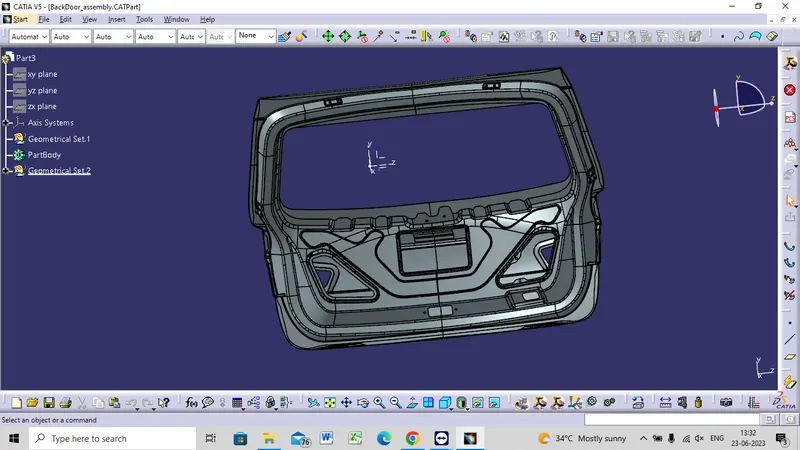
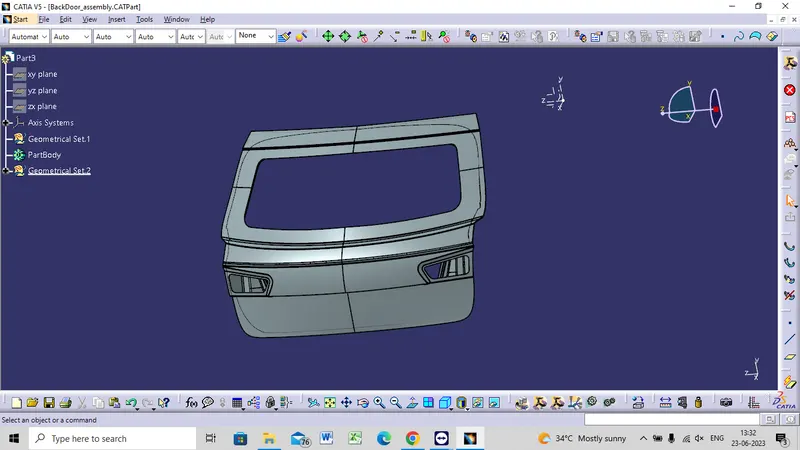
ADDING CONNECTORS TO THE ASSEMBLY
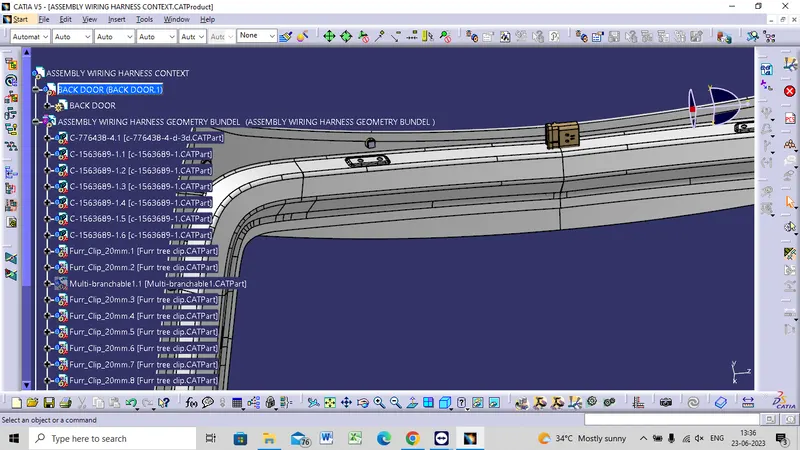
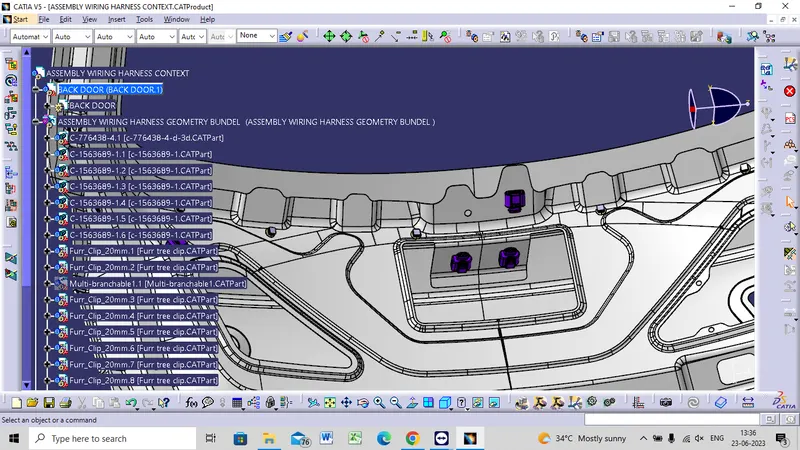
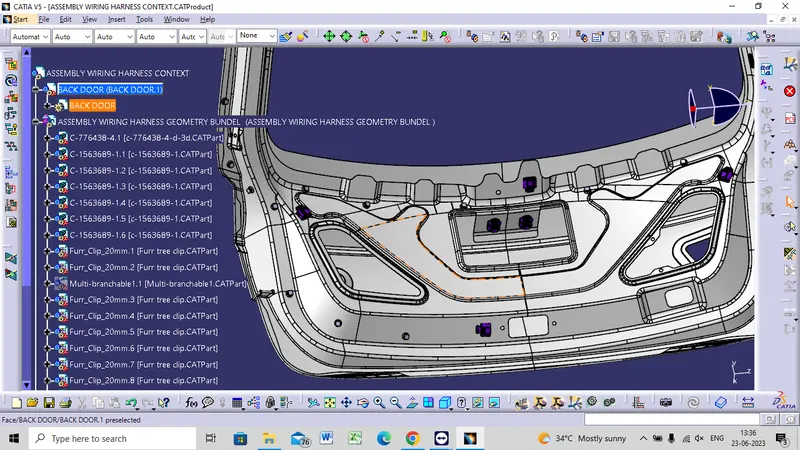
PLACING THE FUR TREE CLIP IN NEED AREA
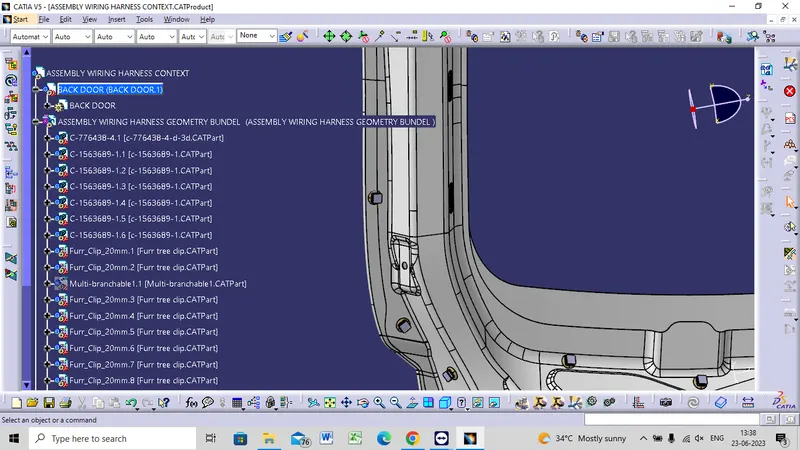
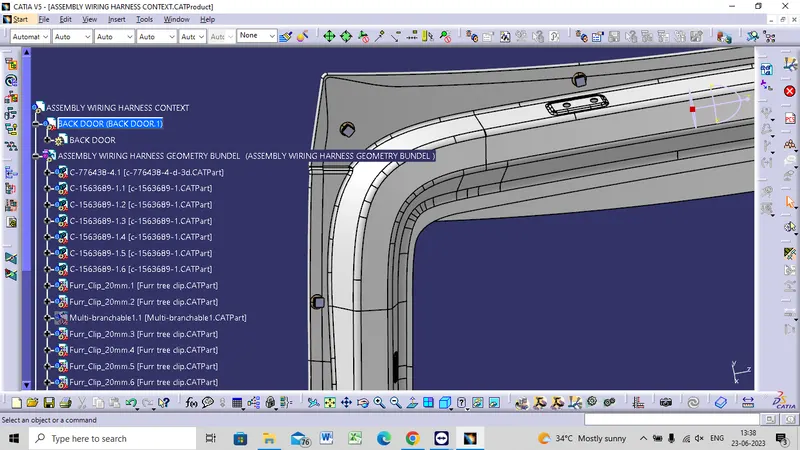
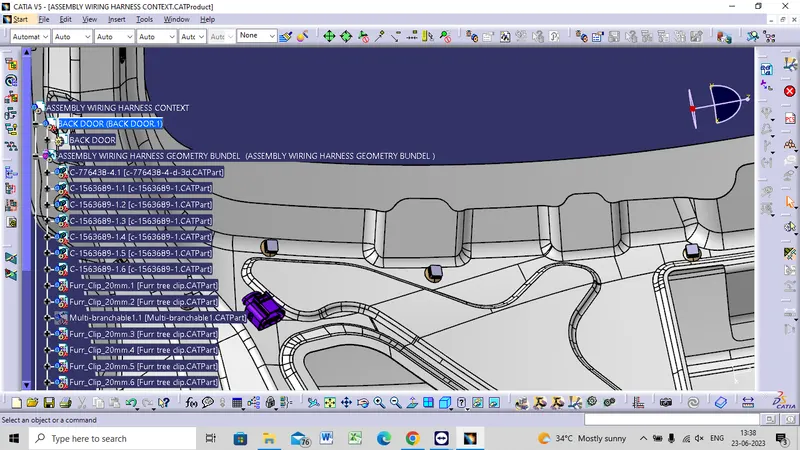
BUNDLE ROUTING TO THE CONNECTORS
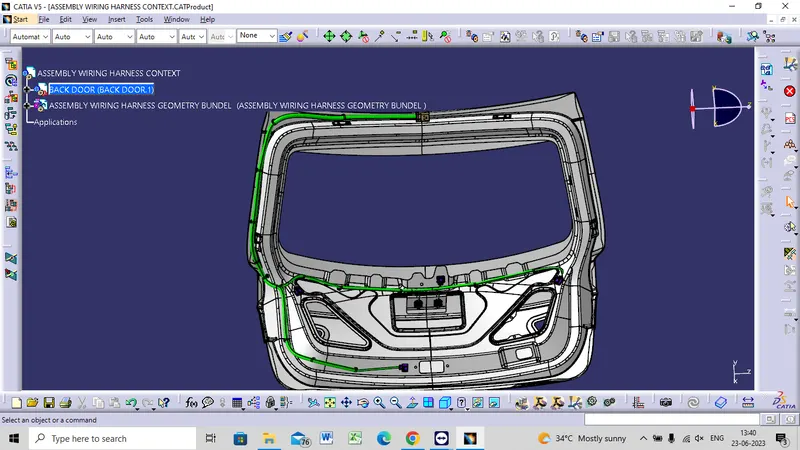
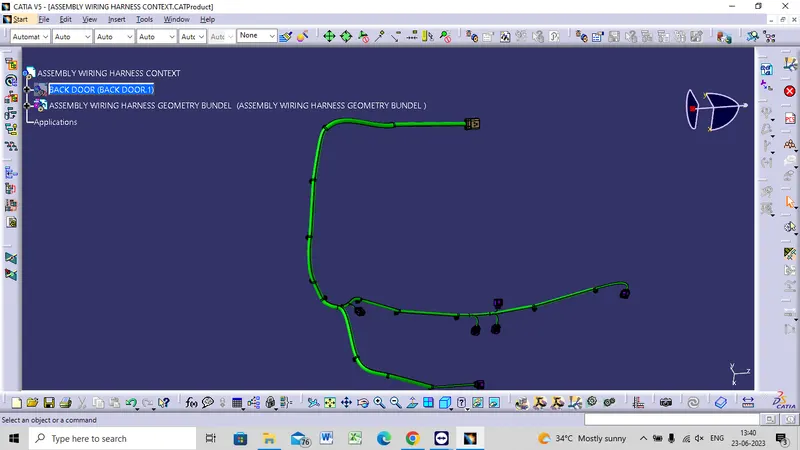
- The routing starts with interconnection connector placed on the Backdoor.
- It is continued routed to the following supports.
- The major routing supports used is furr tree clip.
- The back light connectors are routed.
- The connectors for the wiper motor equipment.
- The connectors for the number plate lights and the sensors.
- Now by using multi-branch bundle route all the connector with the clip and clamp.
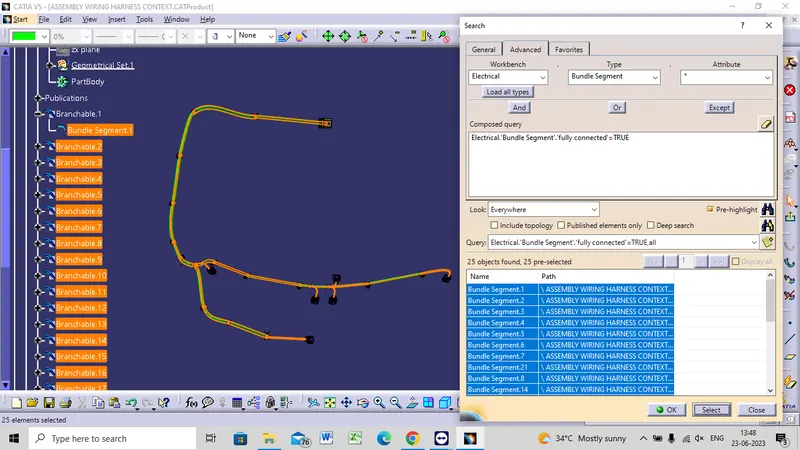
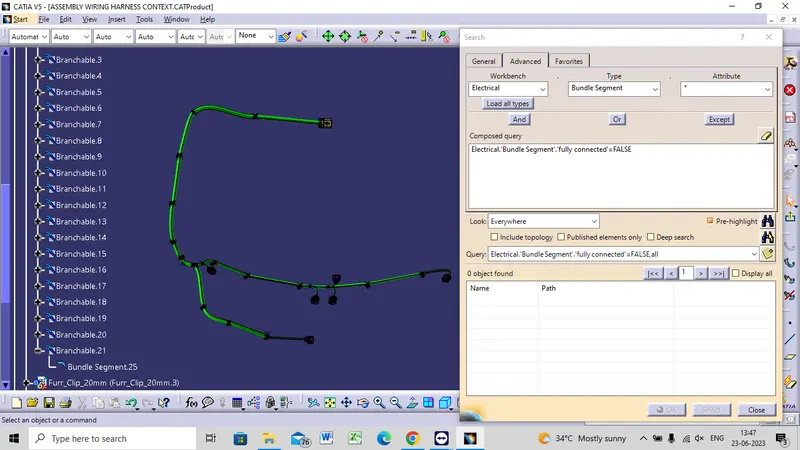
BUNDLE CONNECTIVITY CHECK
TRUE
FALSE
FLATENING VIEW
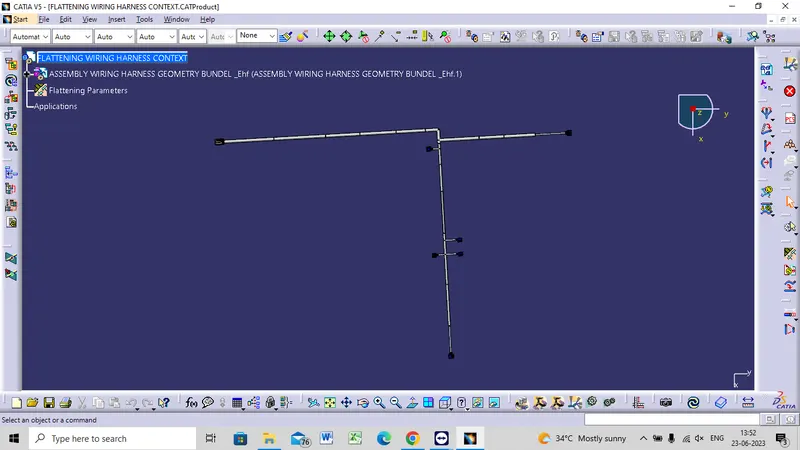
- After finally completing the wire harness routing by following the packaging rules we need to flatten our wire harness assembly.
- To create the wire harness flattening we need to create another product file and navigate to the 'Electrical Harness Flattening' workbench.
- In the workbench first we need to define the Harness Flattening Parameters and then Extract the geometric bundle from the wiring harness context product file.
- Then we can select all the branches and flatten the entire Geometric bundle.
- If all the bundles are fully connected then by selecting 'select all branches' the entire bundle can be selected and flattened.
- The bundles can be rotated and rolled with a proper radius in order to fit the drawing sheet.
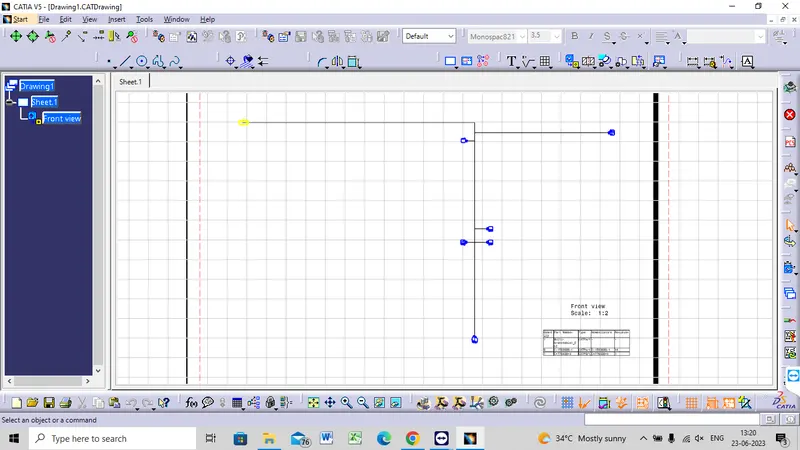
FINAL OUTPUT