Project 2
Project 2
Aim:
Route the Wiring harness on Given car body and Prepare flatten view drawing in CATIA V5. Application of all Packaging rules, Industry best practices studied in this course shall be demonstrated in design. Apply Protection coverings as required.
Wiring harness
A wiring harness is a group of wires bundled together it may contain protective coverings and essential supports ,gromets and connectors. A wiring harness can be very small in size such as a small group of wires found in your computer or car. A wiring harness can also be very huge such as some of the ones that InterConnect manufactures for aircraft. A wiring harness may contains wires carring data or powerline.
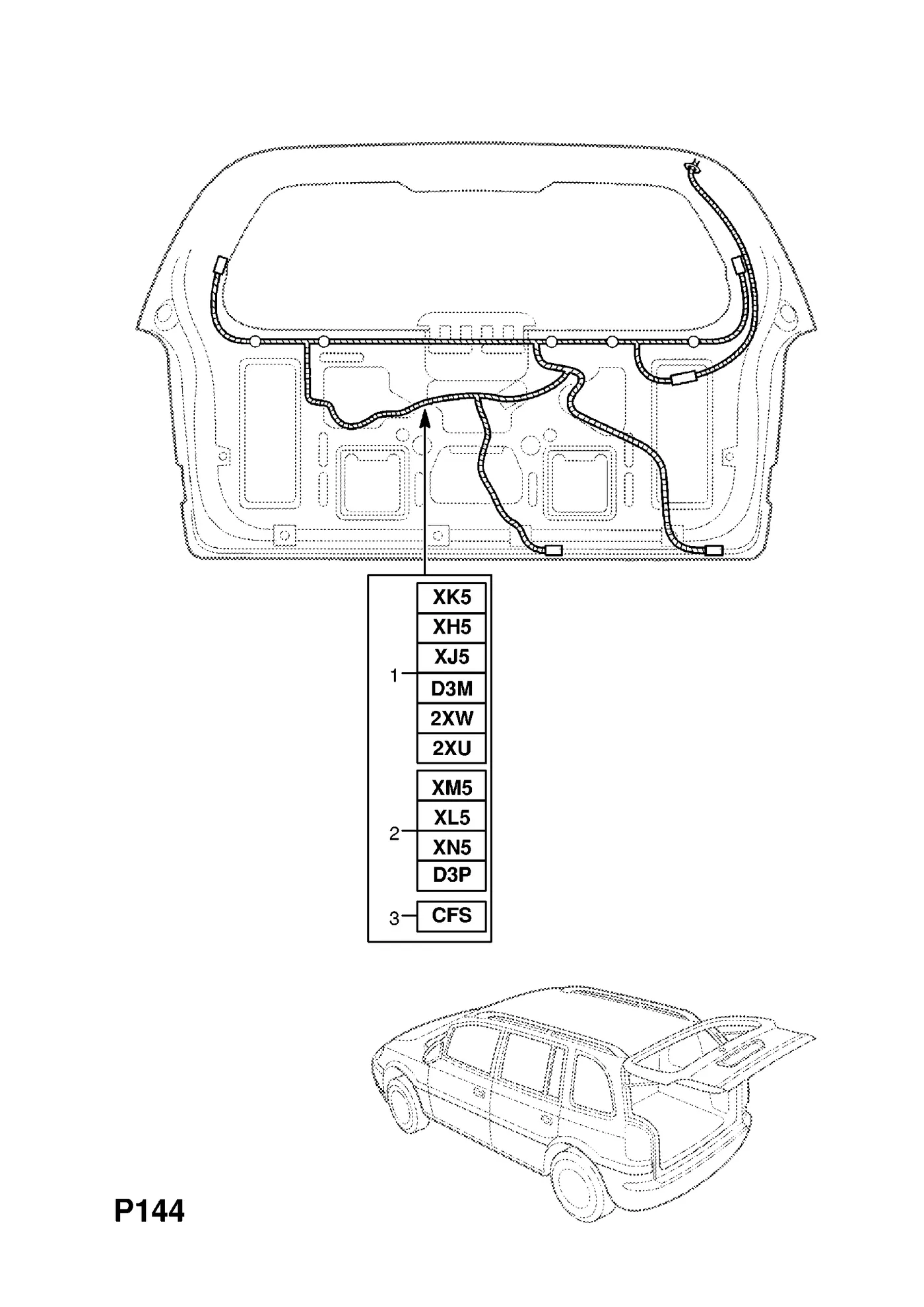
In this case we will be creating wiring harness for the rear tail gate provided,
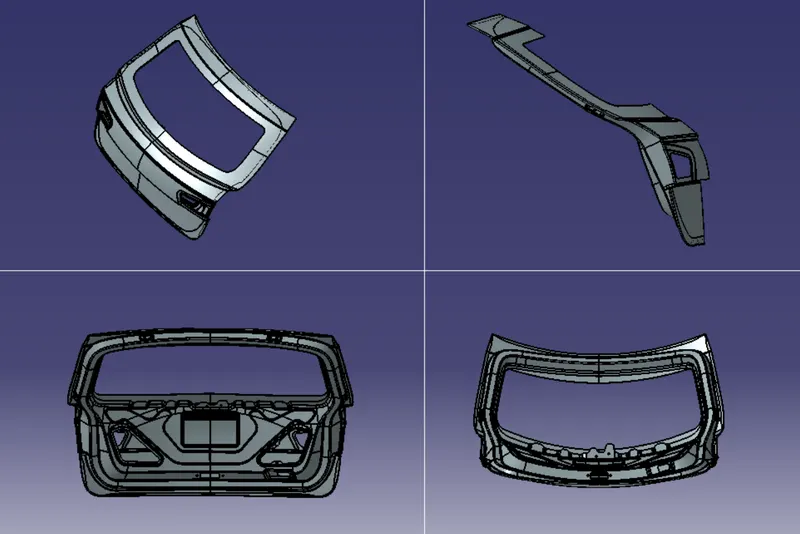
given structure
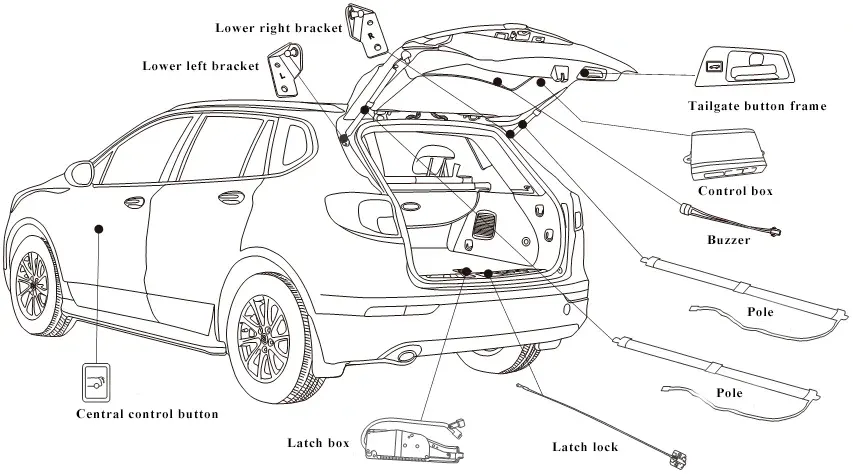
Some of the componets that wiring harness connectors that may connected to as folllows:
Break light/ rear spoiler lamp
- Tail lamp/parklight
- Indicators
- numberplate lamp
- reversing lights
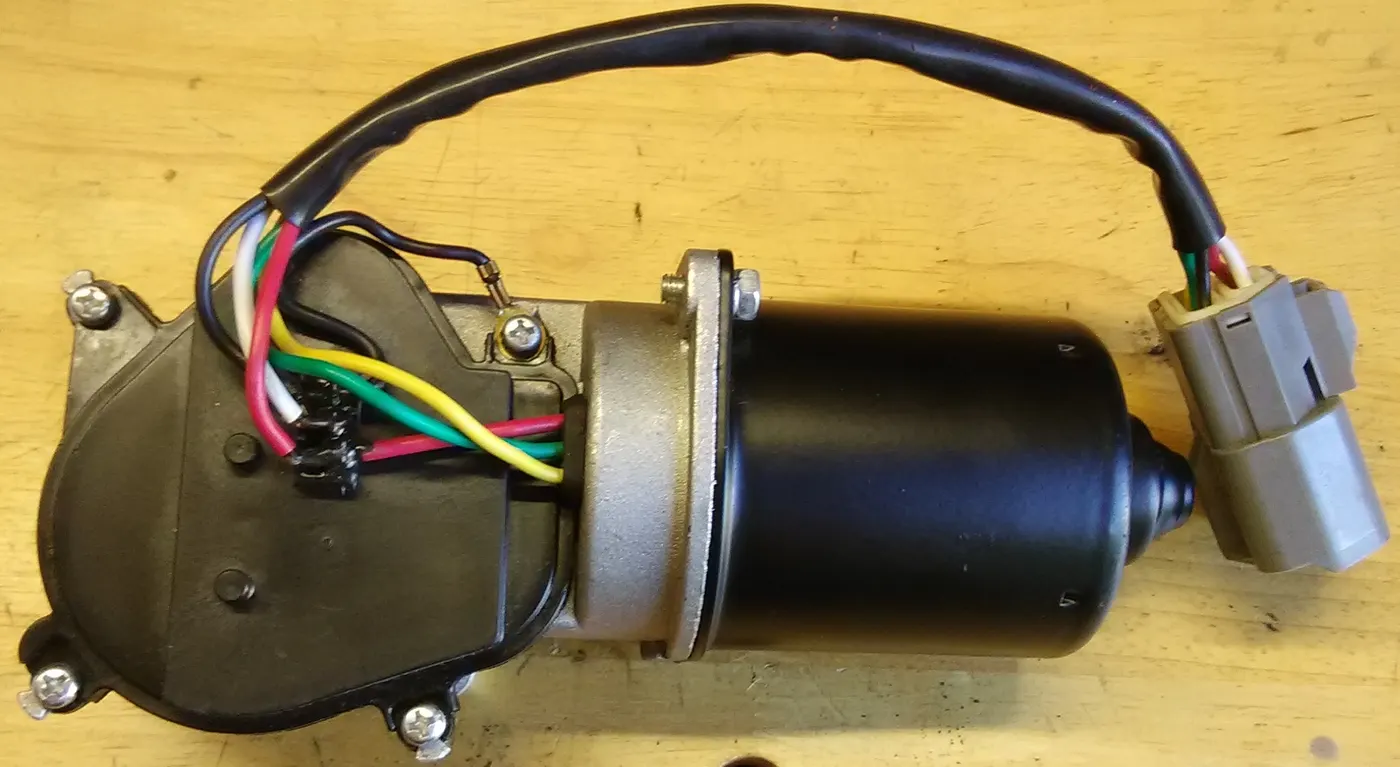
- wiper motor
- rear defogger
- trunk latch unlock sensor/switch
- Trunk ajar sensor
- Trunk lights (inside)
- cameras and sensors
Procedure:
Stage 1 : part defining
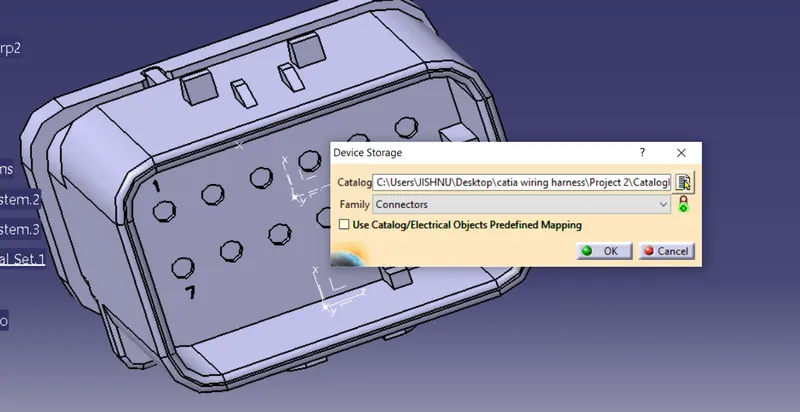
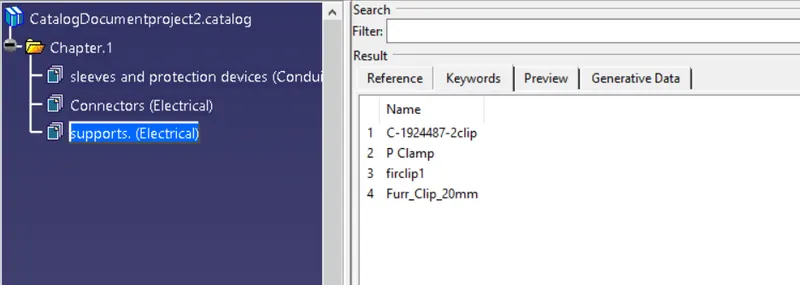
Initaly lets create a cataloge file with following family: connectors, supports, protectionsleeve and equipment
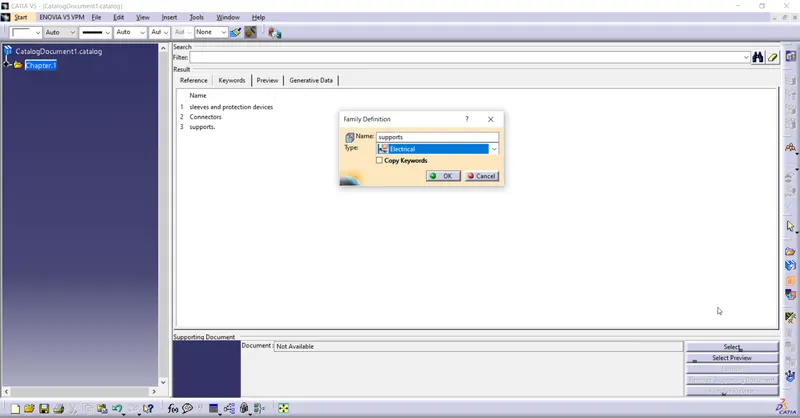
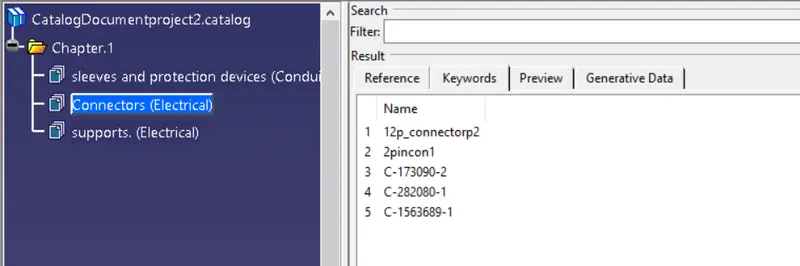
CONNECTORS
Preperation of different connector and adding it to catalog
Connector1 Peperation:
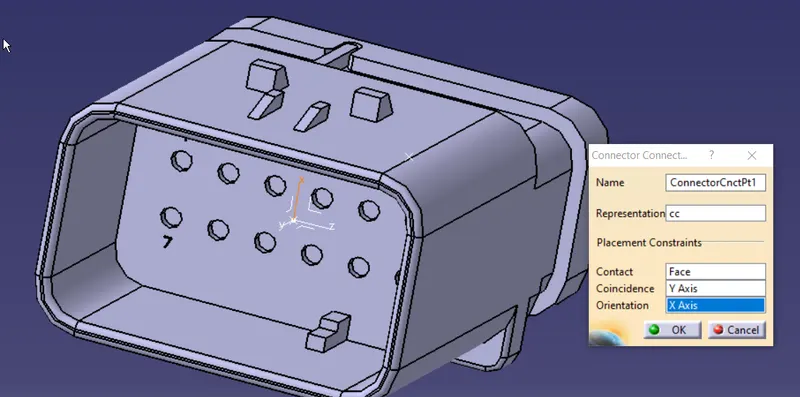
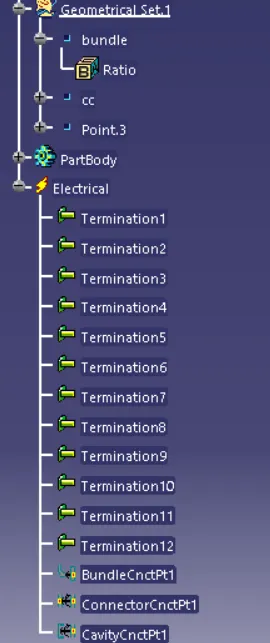
12-pin connector - C-776438-4
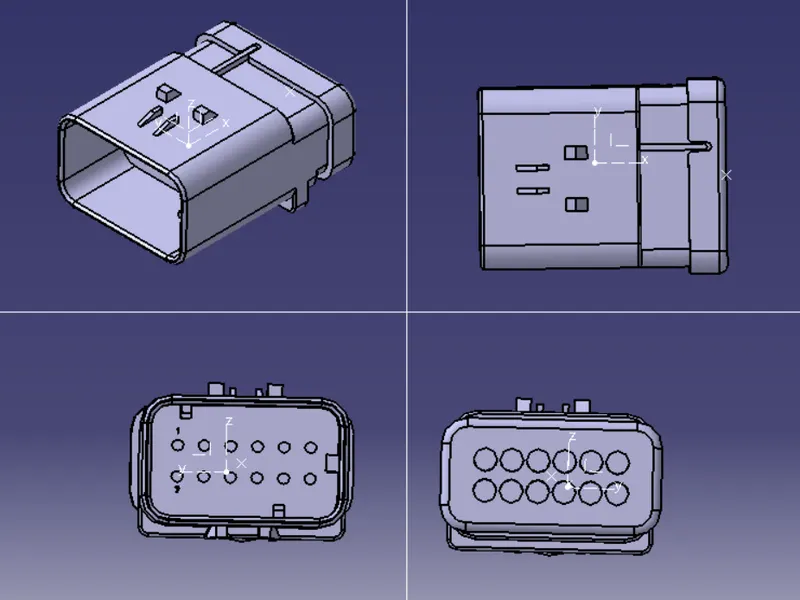
Create nessory points for bundle entry, connector connection and axis system
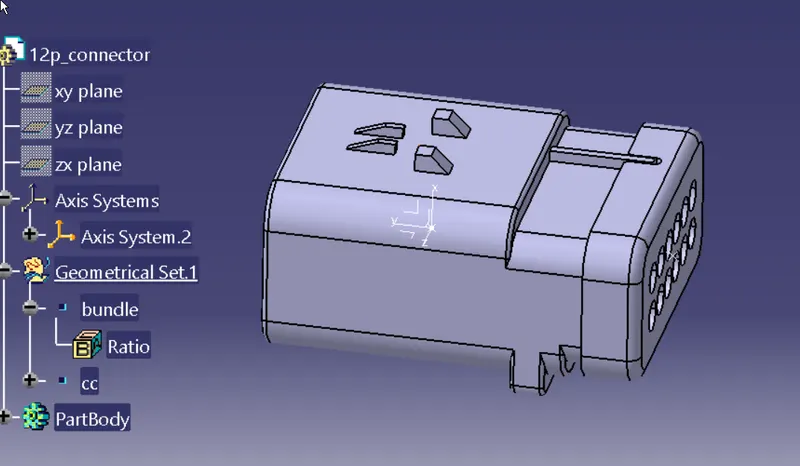
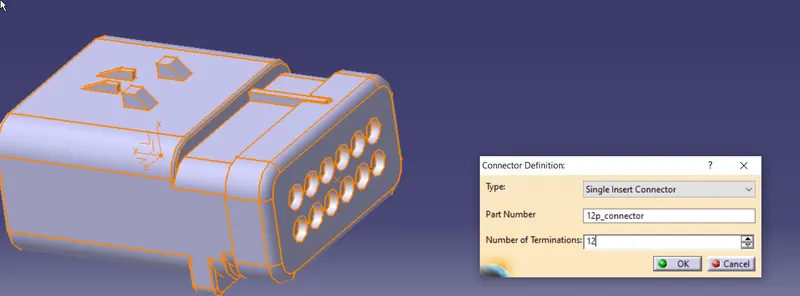
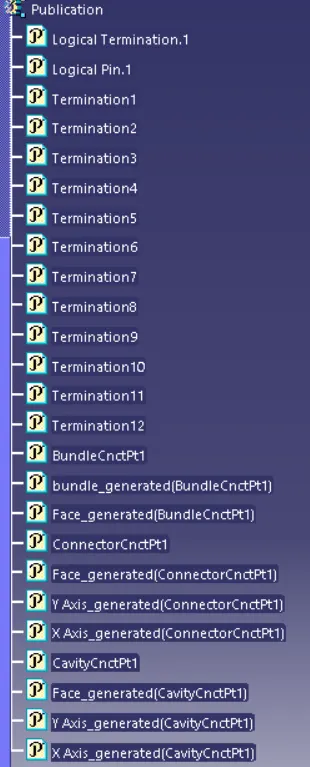
Now define as connector
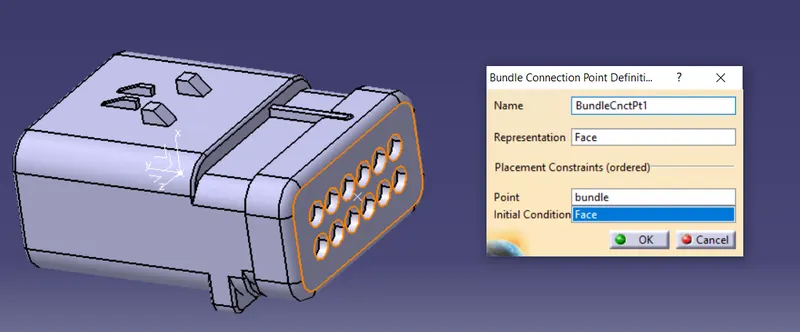
Define Bundle entry point
Define connector connection point
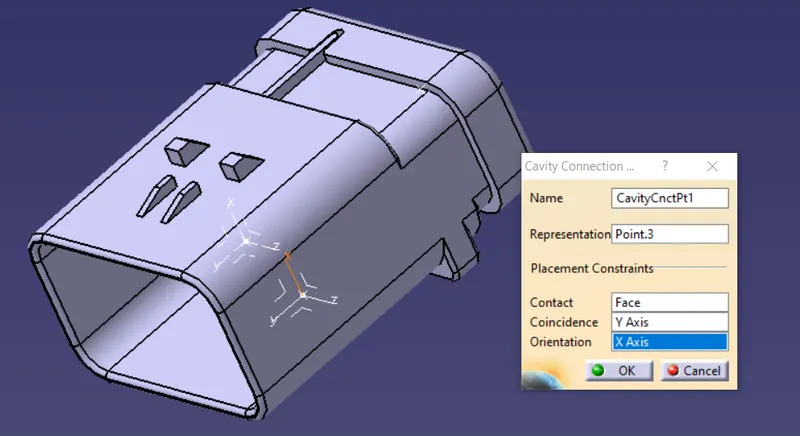
Add cavity point
save and add to catalog under connector
Connector2 preperation
DTM04-2P-E007
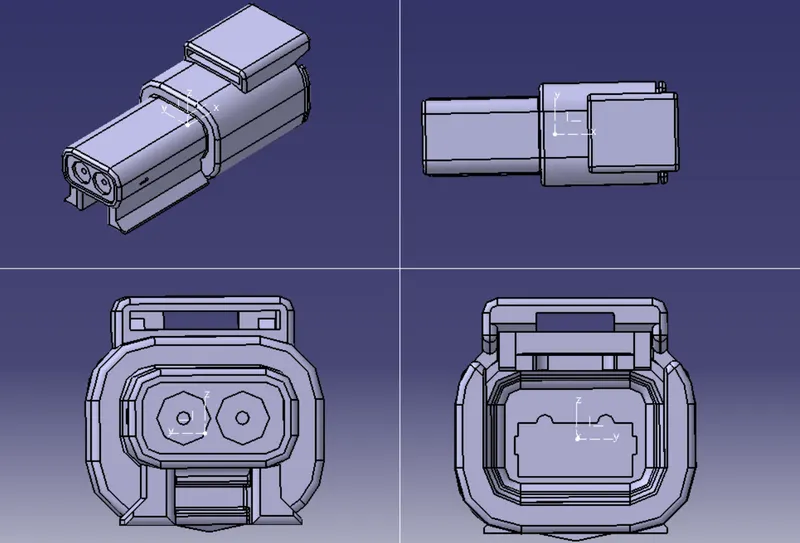
Create nessory points for bundle entry, connector connection and axis system
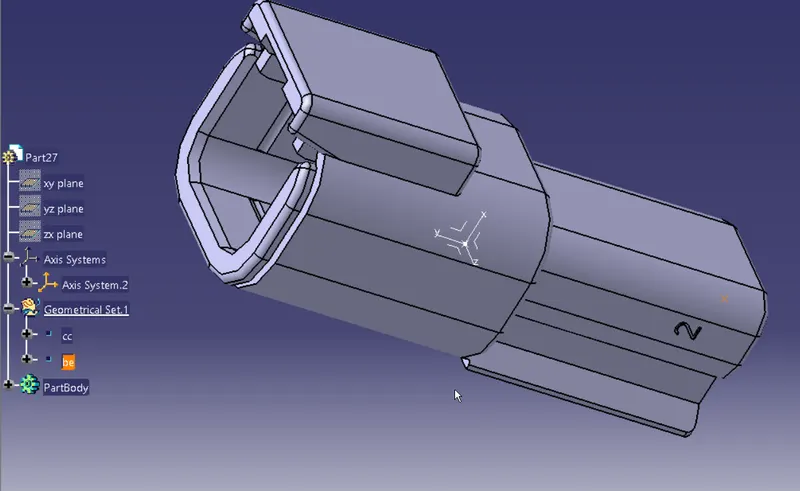
Define as connector
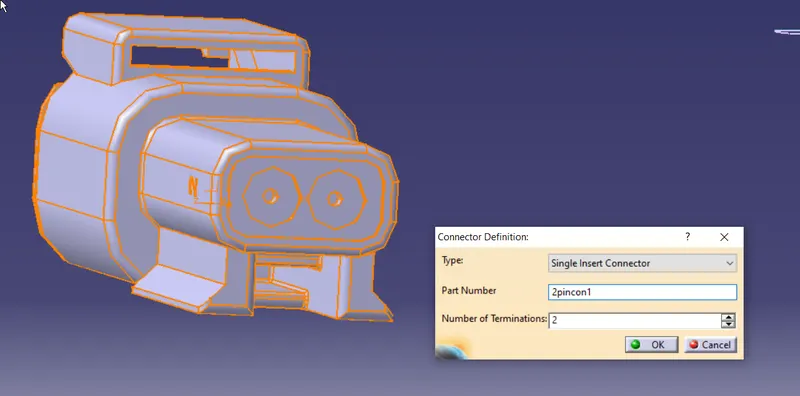
Define bundle entry point
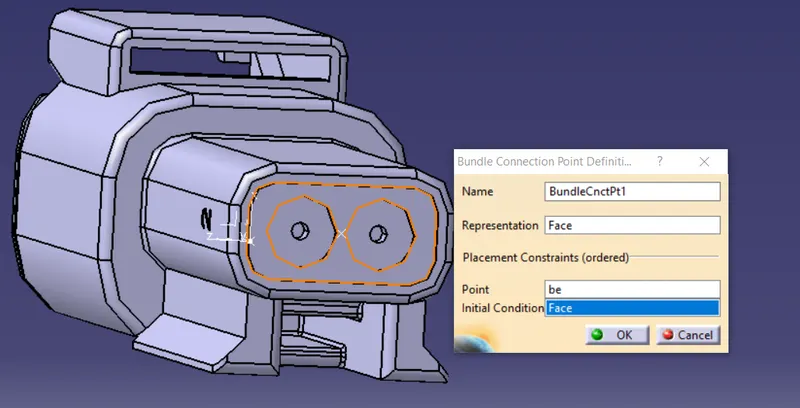
Define connector connection point
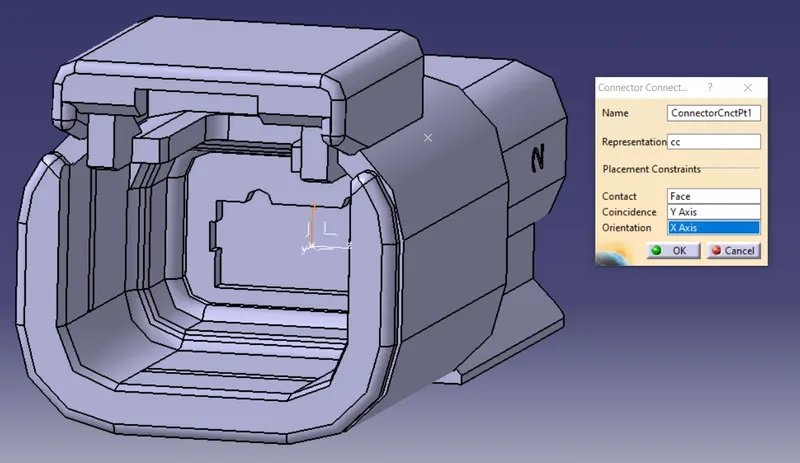
save and add to catalog under connector
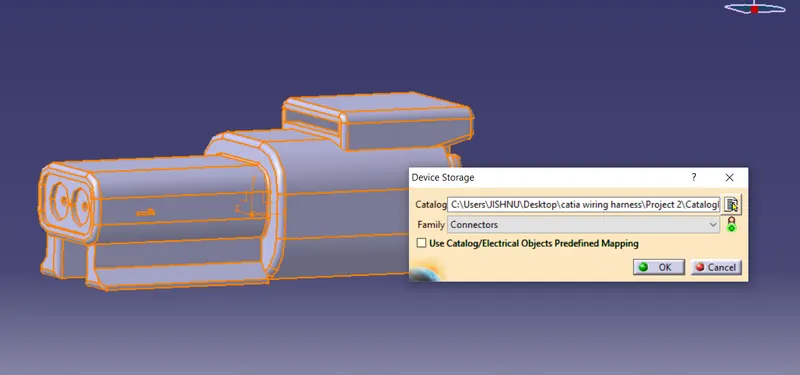
Connector3 preperarions
C-173090-2
Create nessory bundle and cocnnector connection point
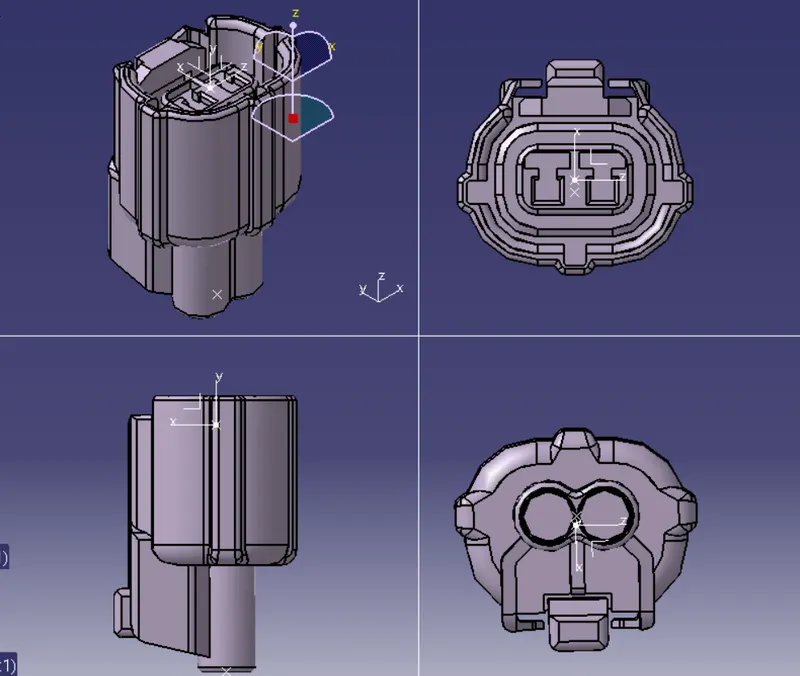
define as connector
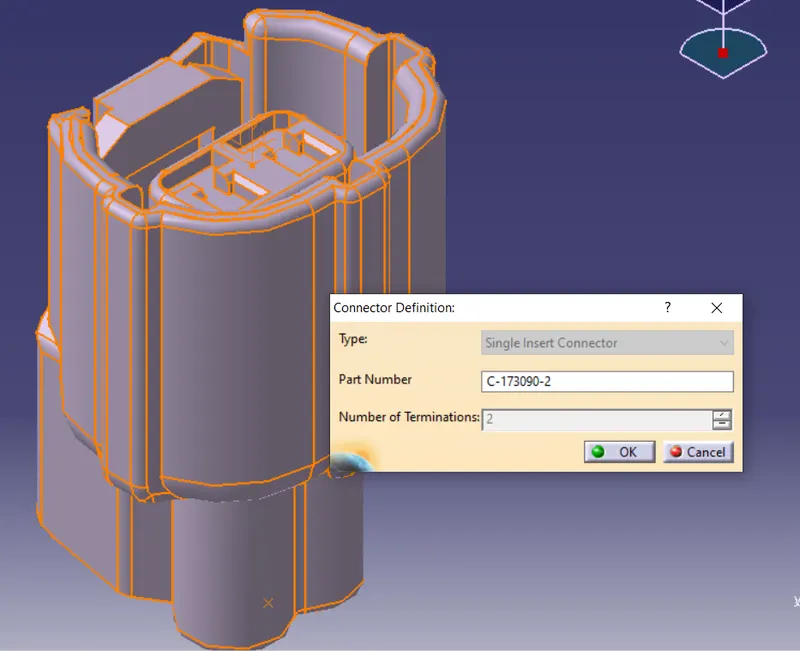
define bundle entry point
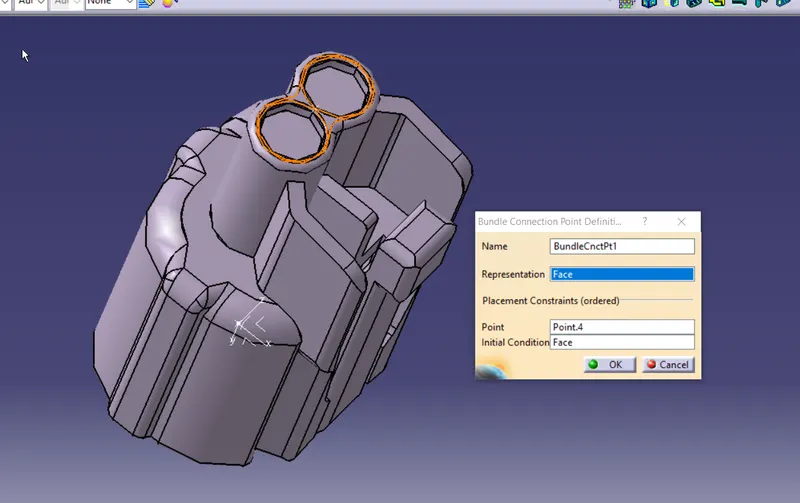
define conector connection
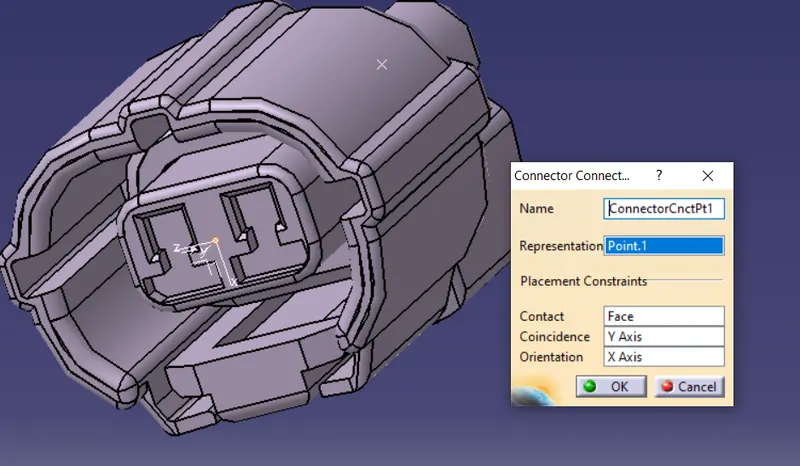
save and add to family
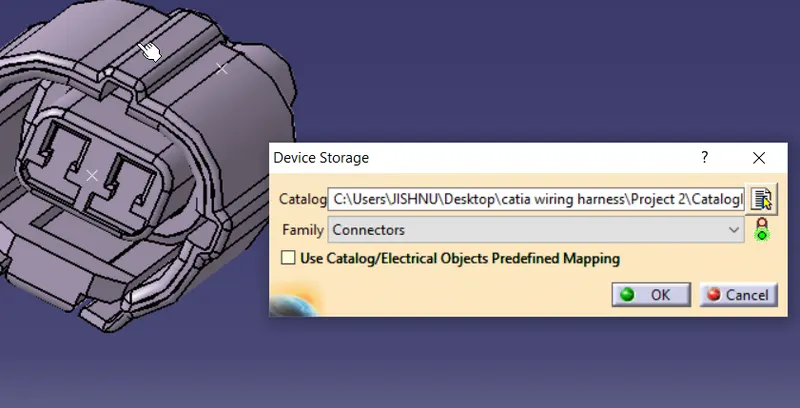
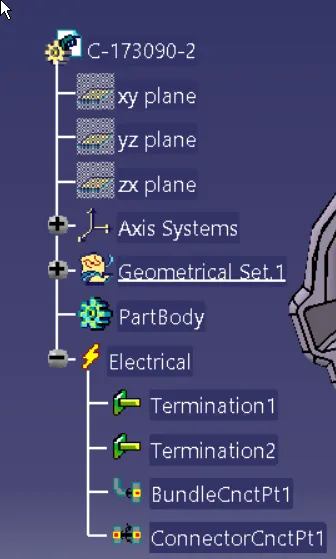
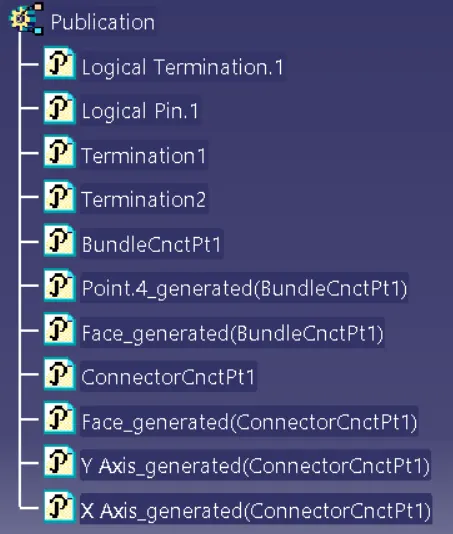
Connector4 preperationns
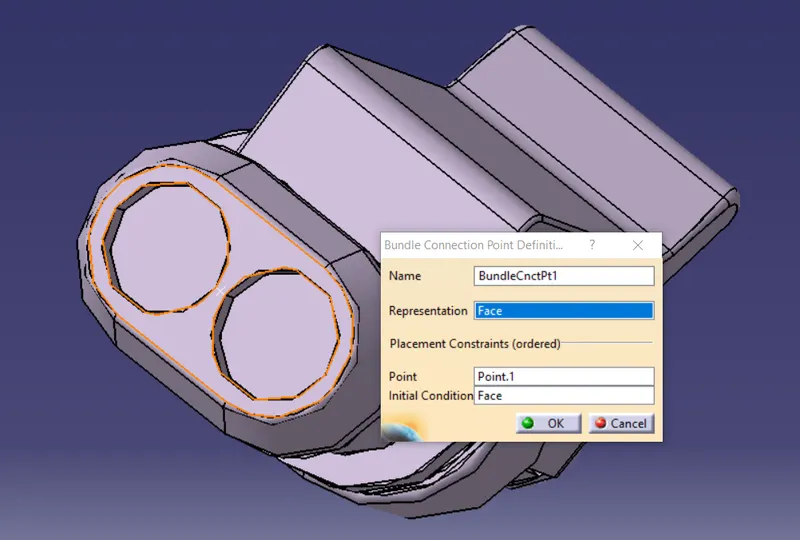
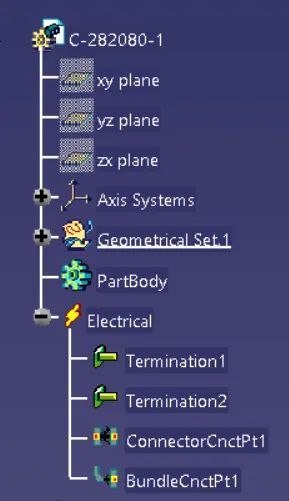
C-282080-1
Create nessory bundle and cocnnector connection point
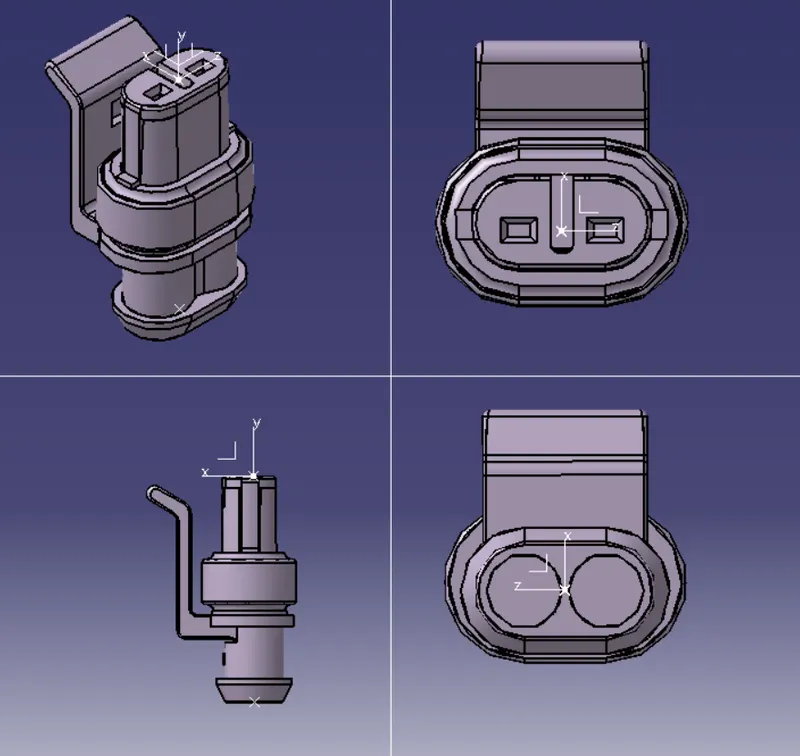
Define as connector
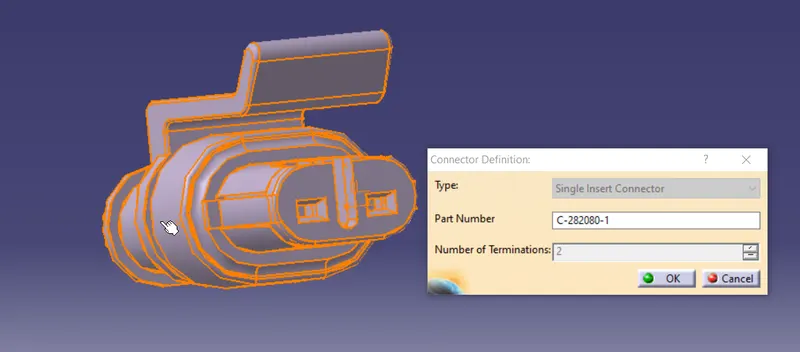
Define bundle entry point
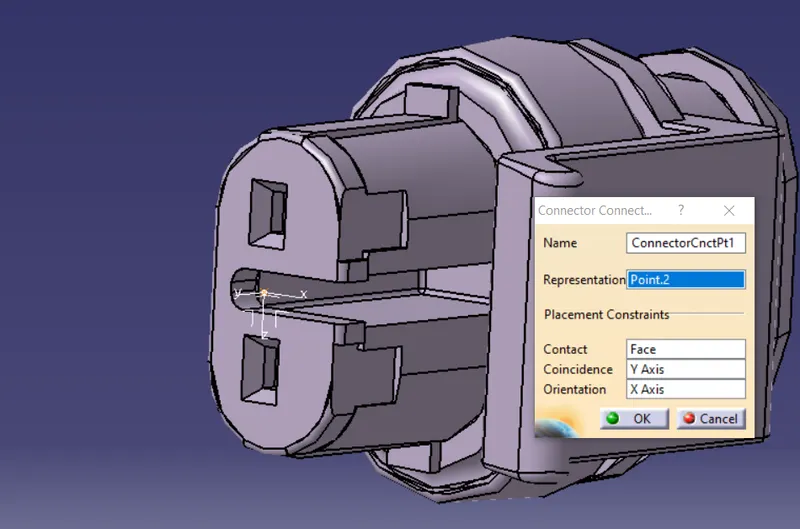
Define conector connection
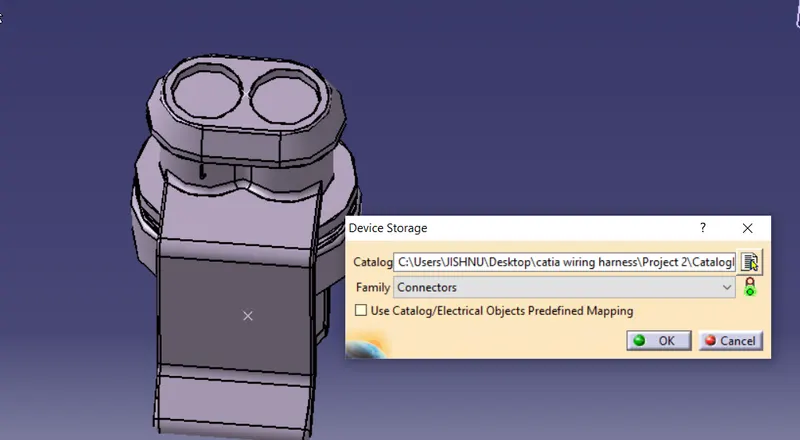
Save and add to family
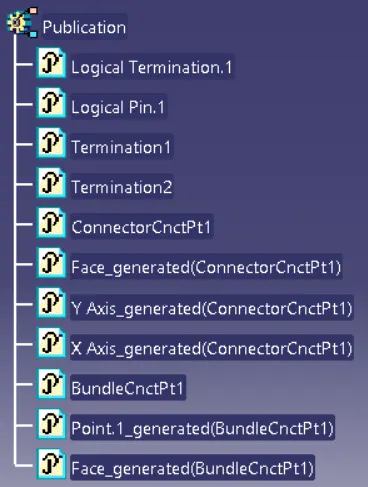
Connector5 preperations
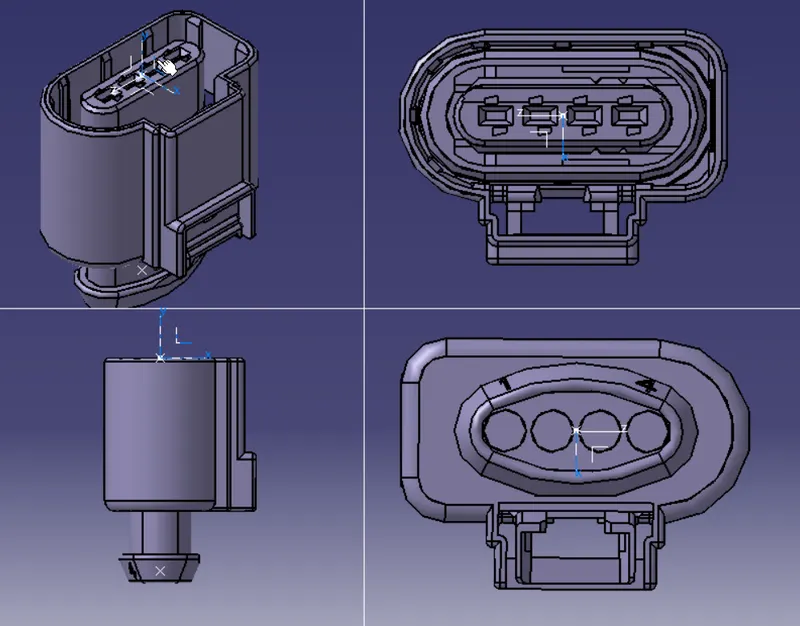
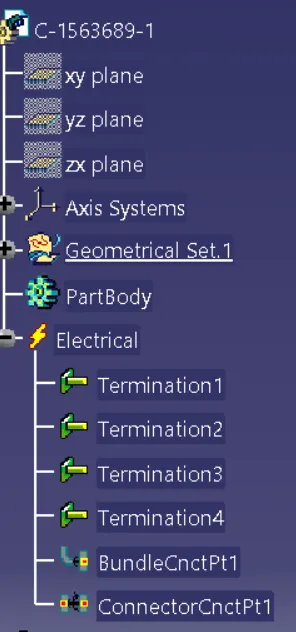
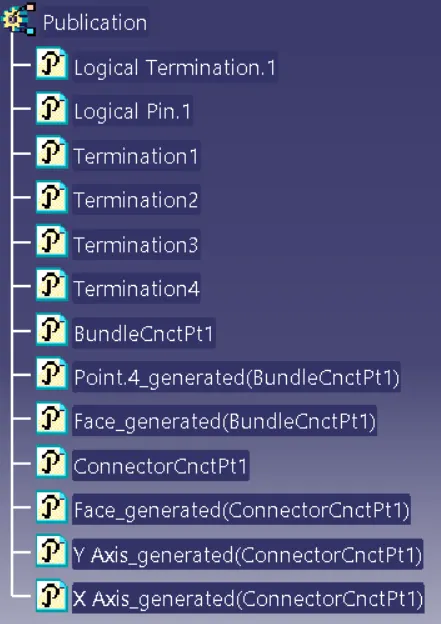
C-1563689-1
Create nessory bundle and connector connection point
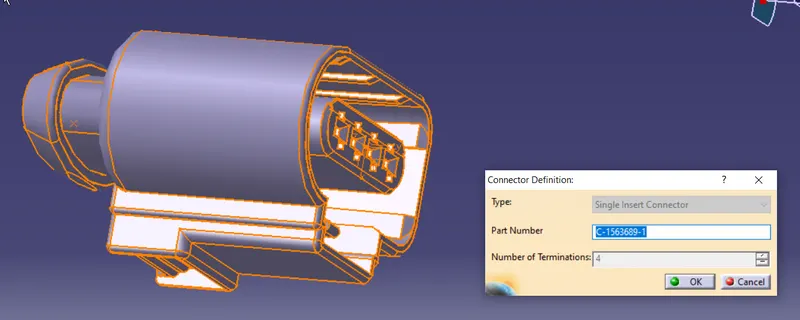
Define as connector
Define bundle entry point
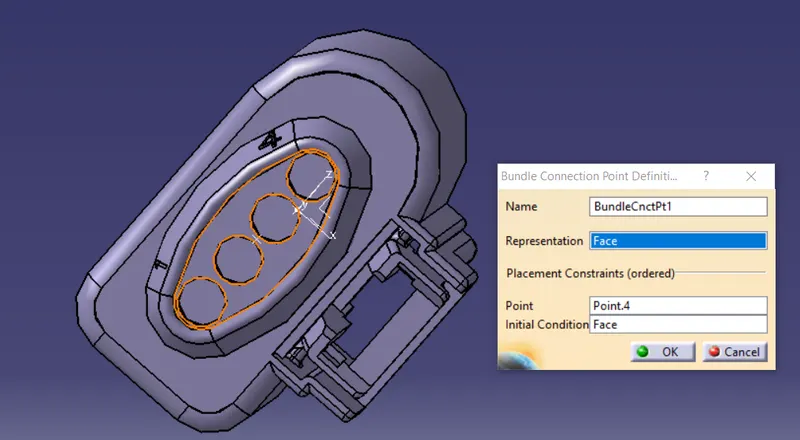
Define conector connection
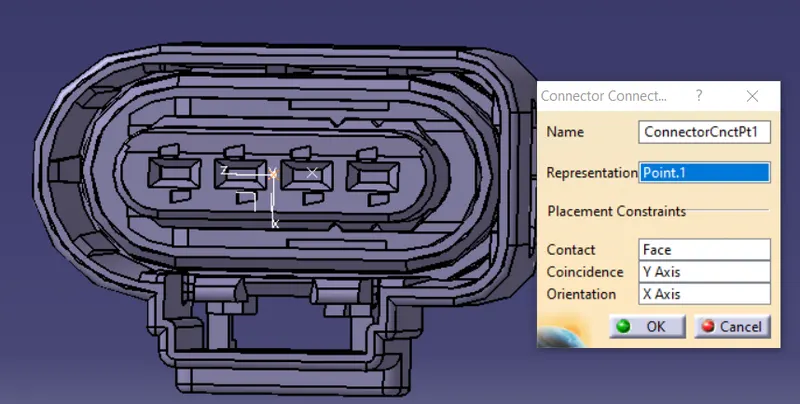
Save and add to family
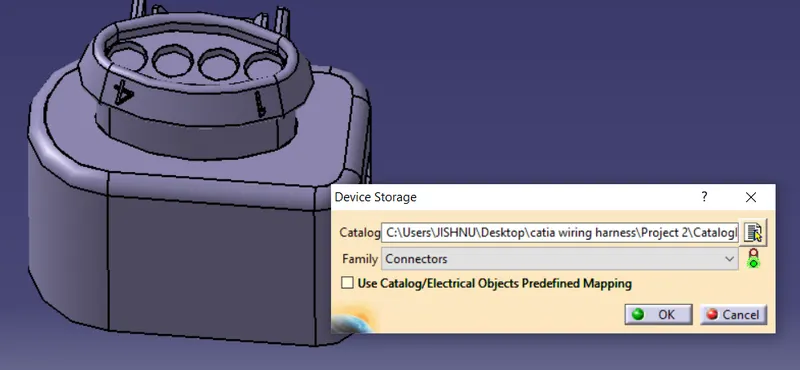
Supports :Clips and clamps
Pclamp
Create nessory points for bundle entry/exit and nessosry plane
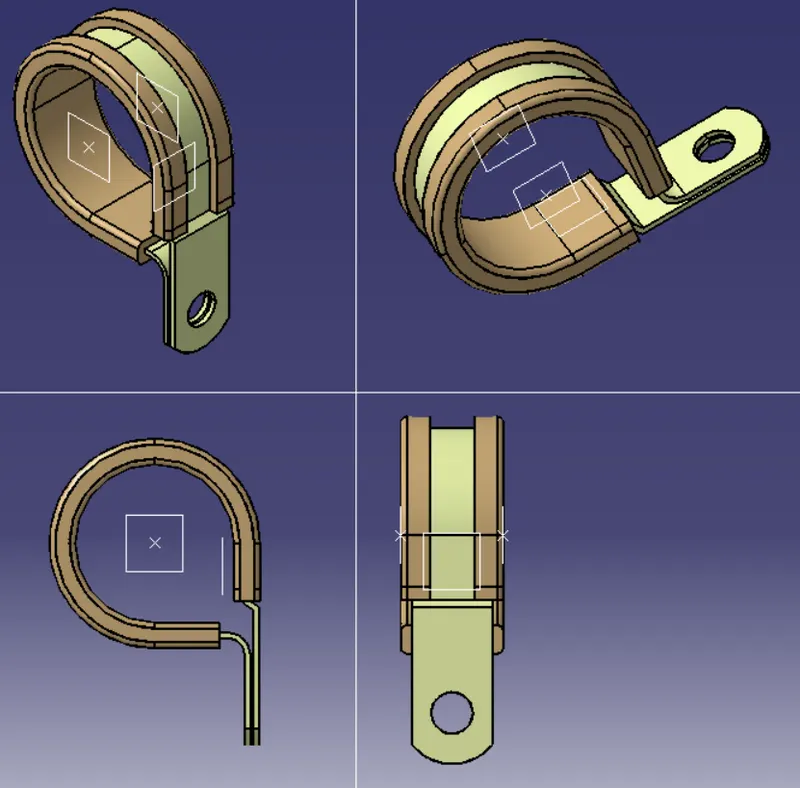
define as support,apply on both entry exitpoints
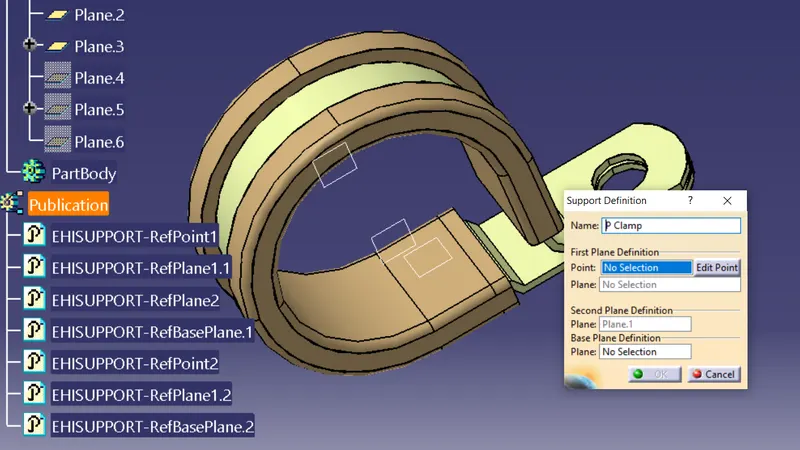
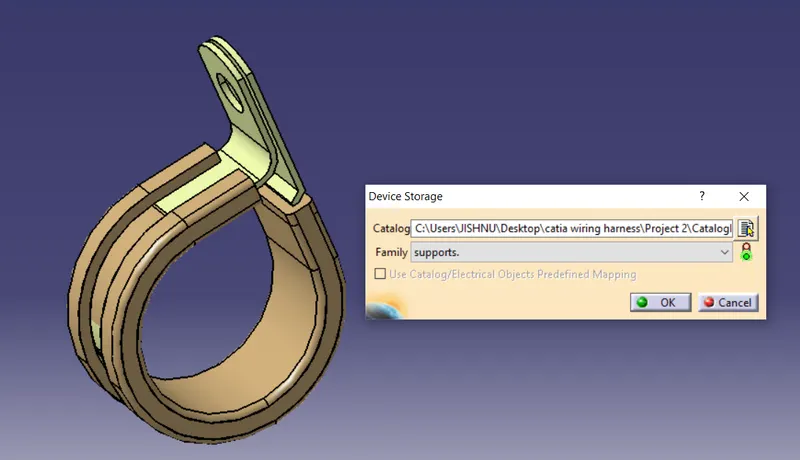
save and add to catalog famly clamps
Firtree clip1
Create nessory points for bundle entry/exit and nessosry plane
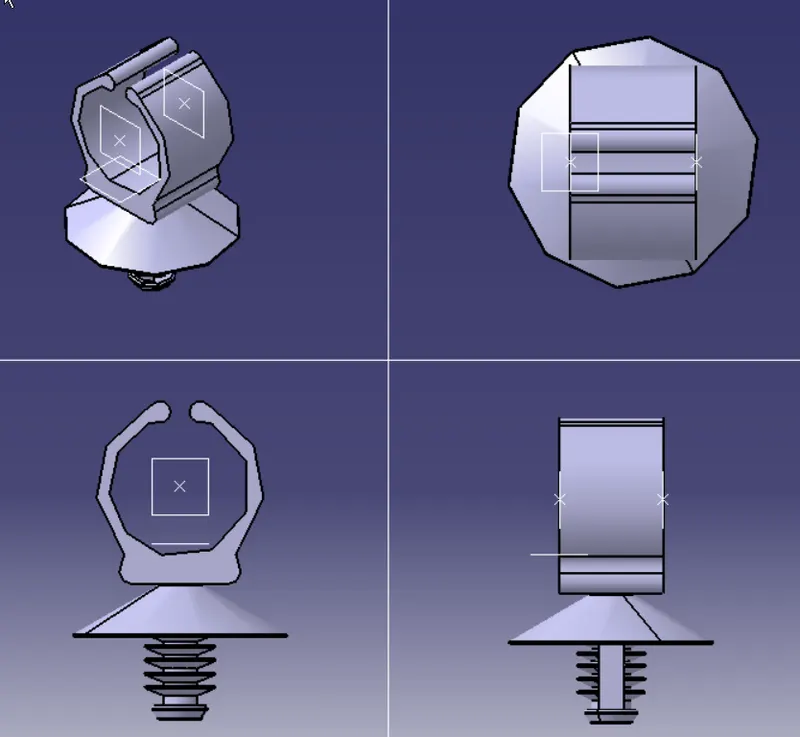
define as suppoet element
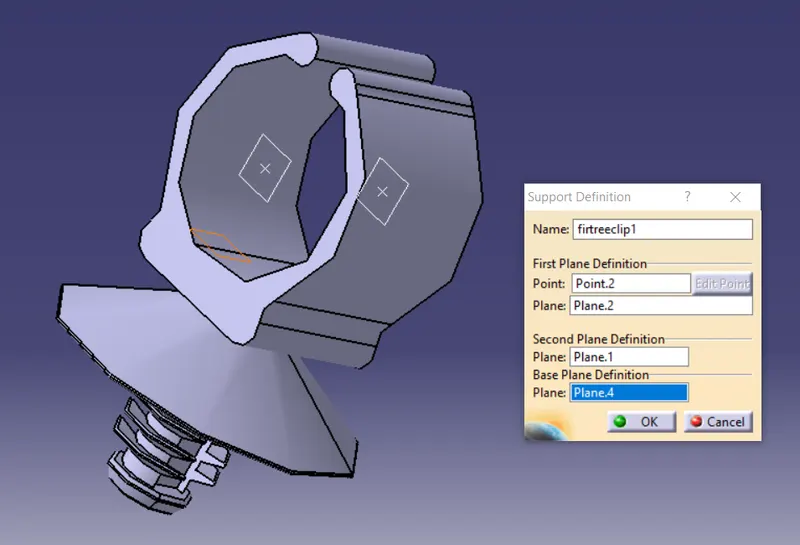
save and add to catalog
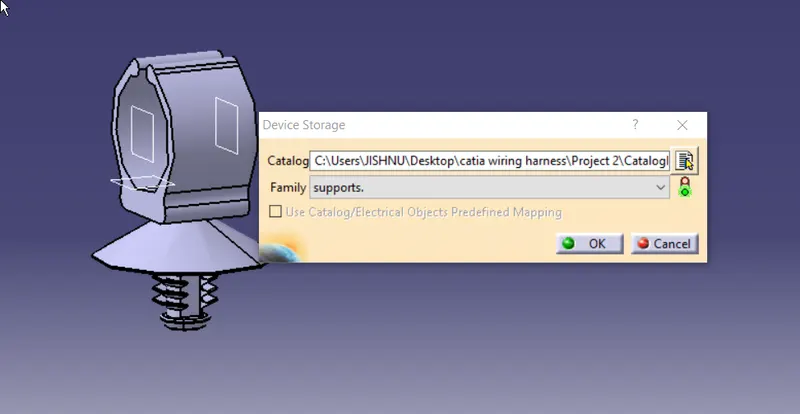
Sticky clamp
Create nessory points for bundle entry/exit and nessosry plane
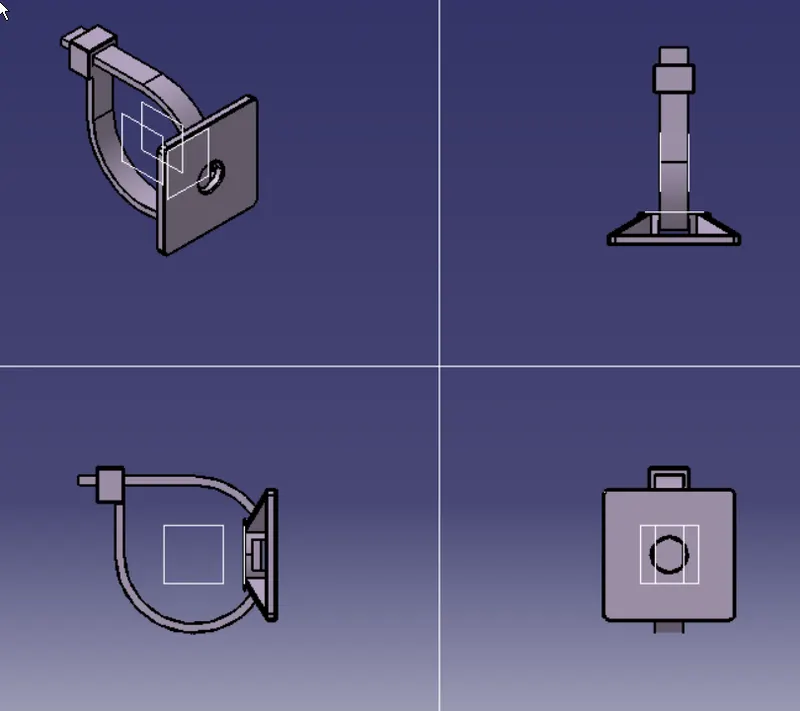
FirTree clip2
Create nessory points for bundle entry/exit and nessosry plane
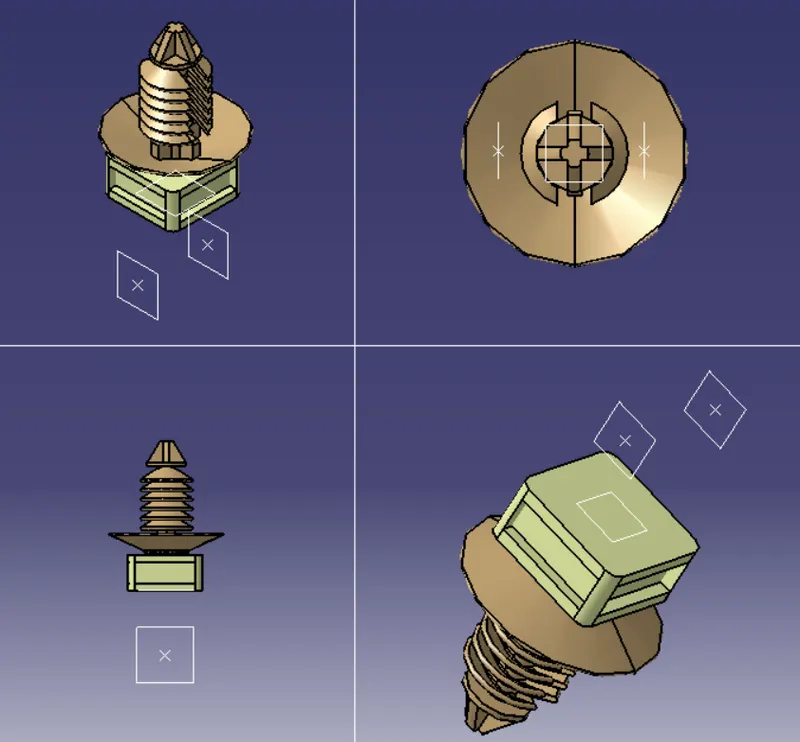
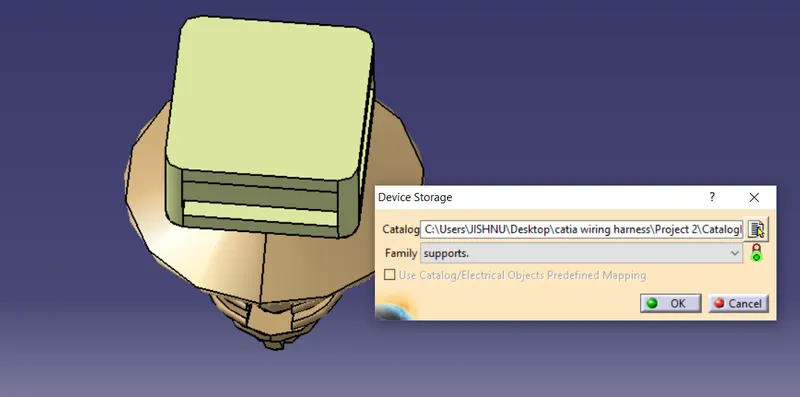
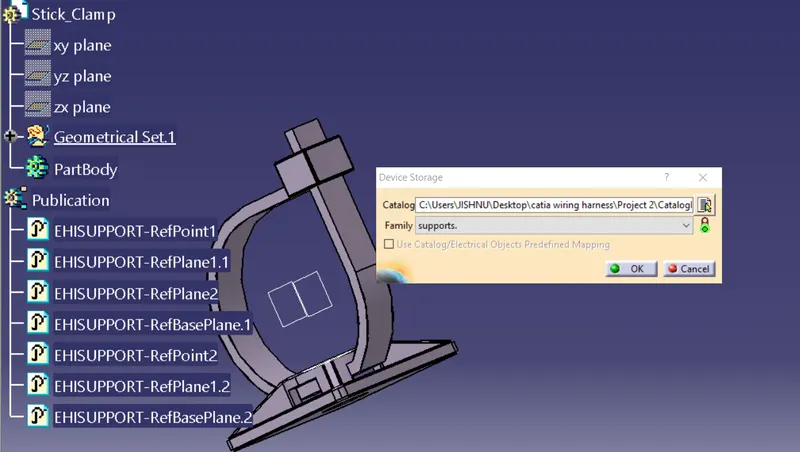
Antirotational clamp
define all required points and axis
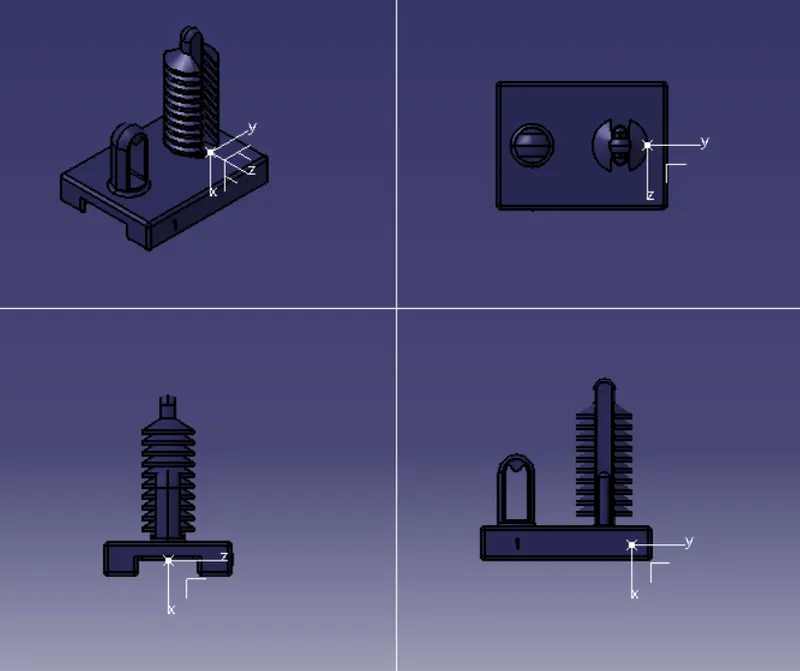
define cavity
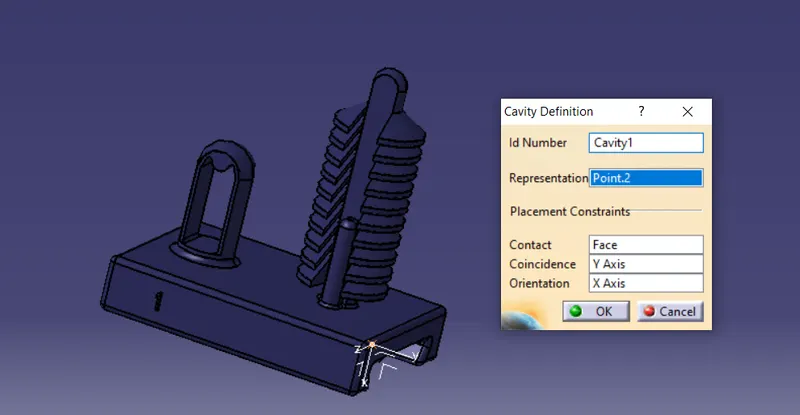
save and add to catlog
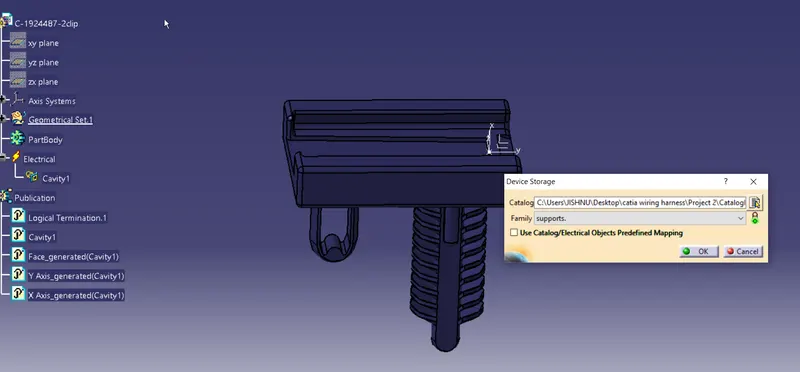
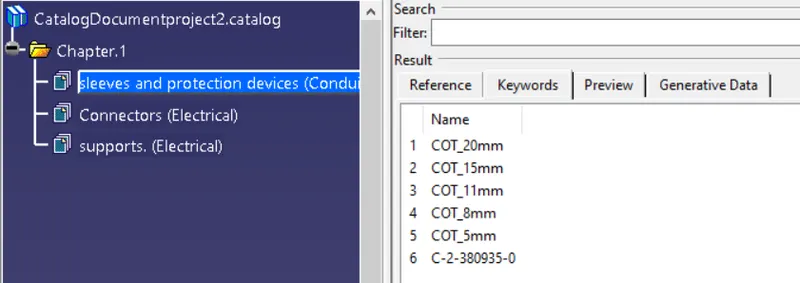
Protetive sleeve:
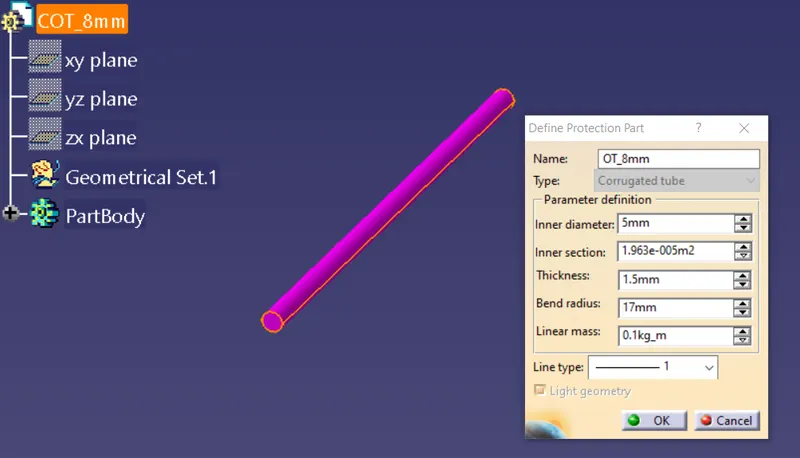
Creating protective sleeves
COT-5mm
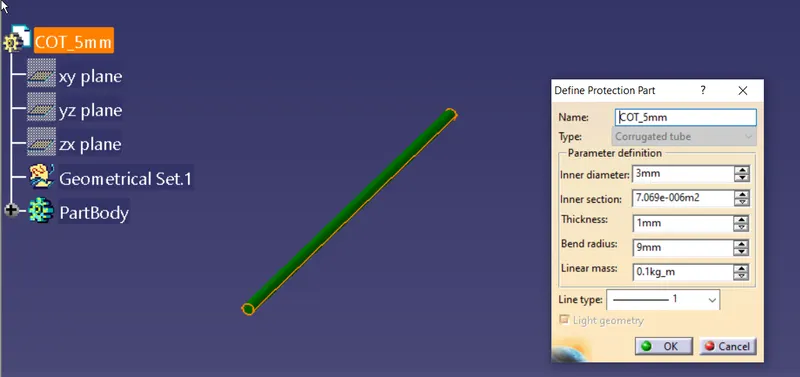
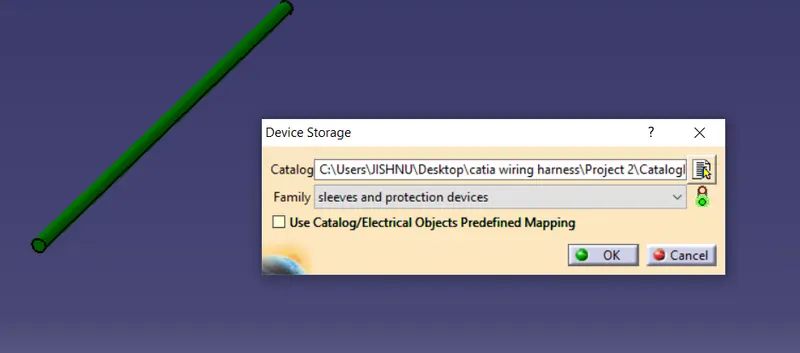
COT-8mm
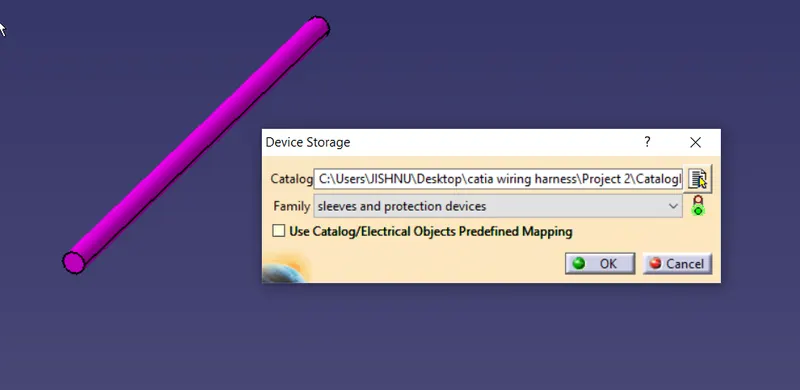
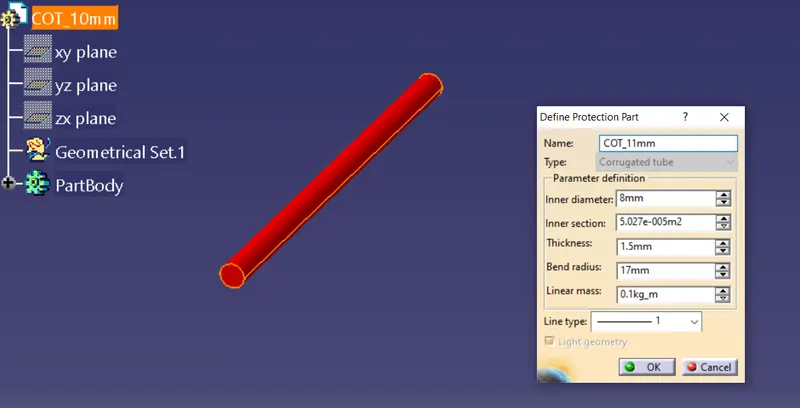
COT-11mm
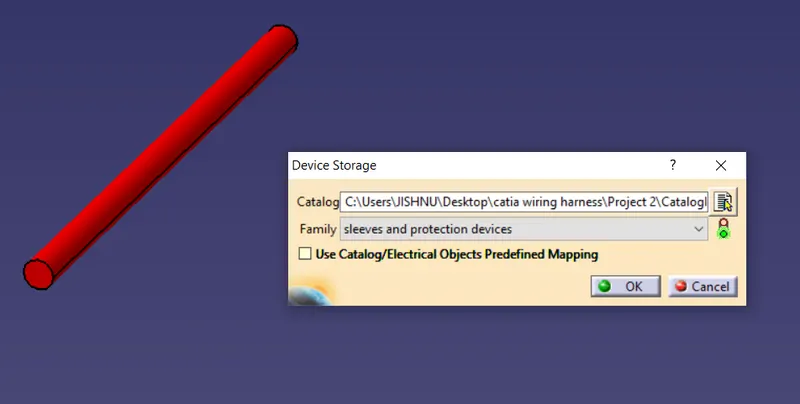
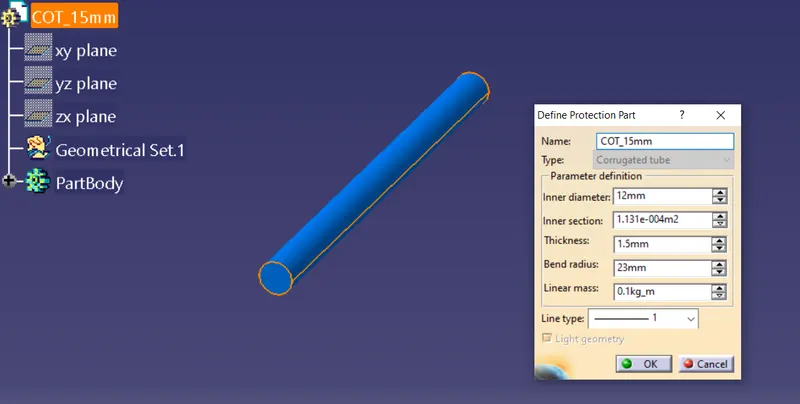
COT-15mm
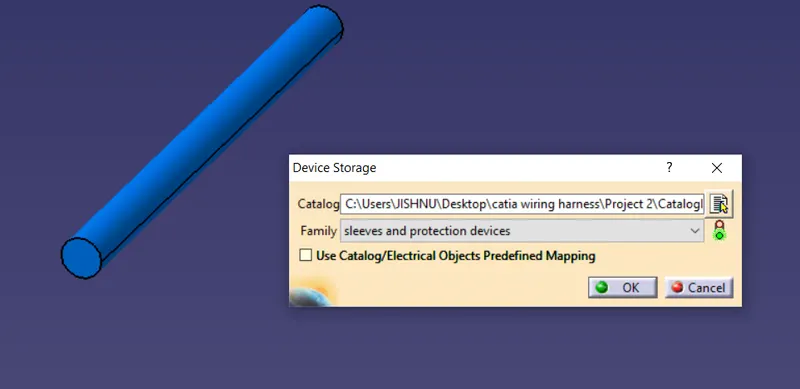
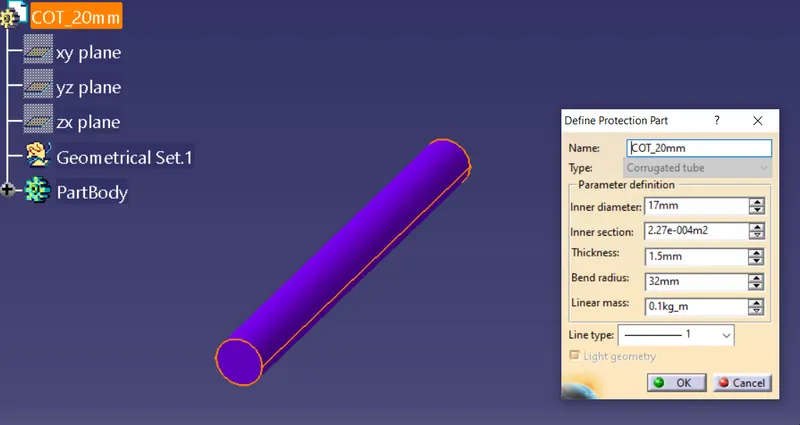
COT-20mm
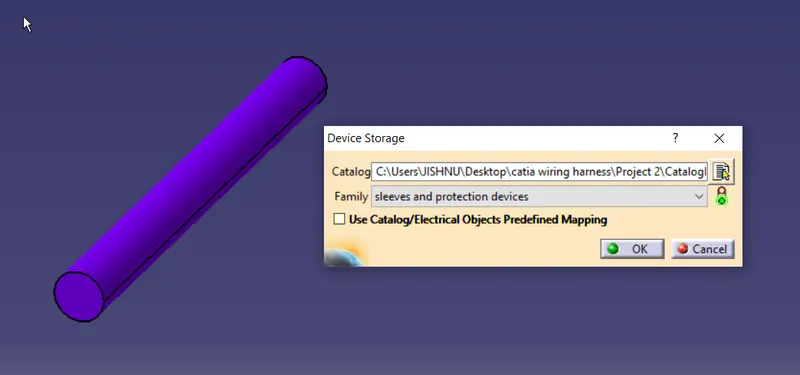
grommets
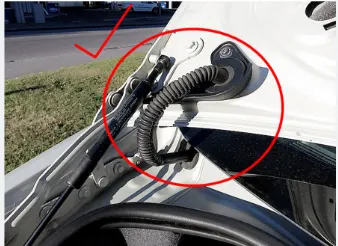

These type of rubber grommets are used to chanel thw wiring harness from one section to another dynamic section.
lets use a grommet without channel for reference
C-2-380935-0
Create nessessory planes and points
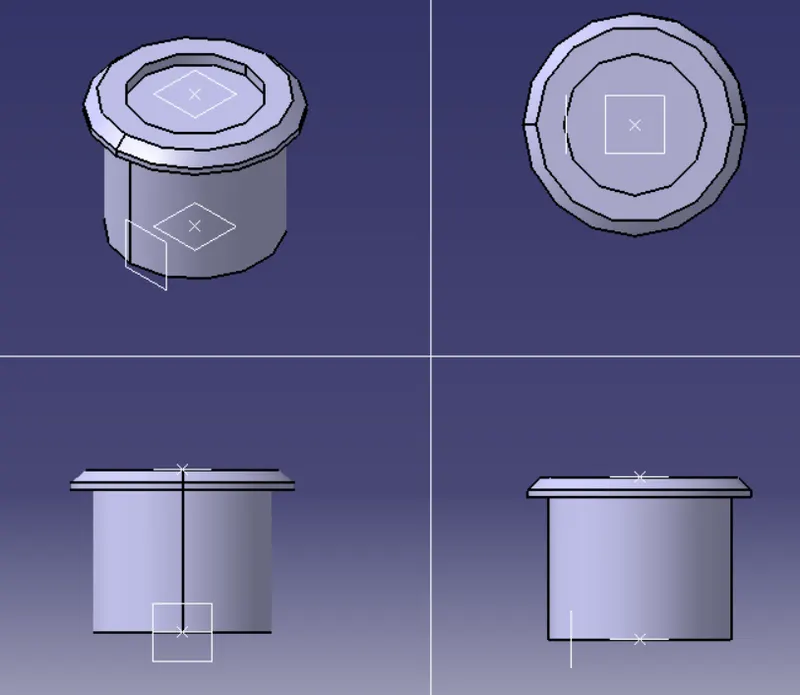
Note this grommet is only for referece, the gromet to be actuly used is given in the predious discription.
lets define as support element.
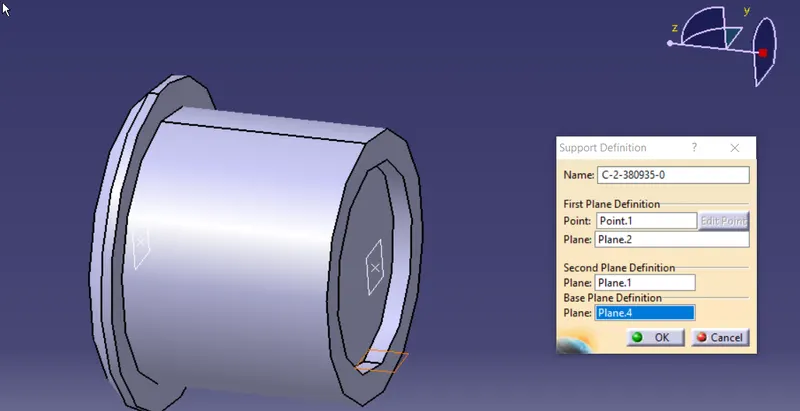
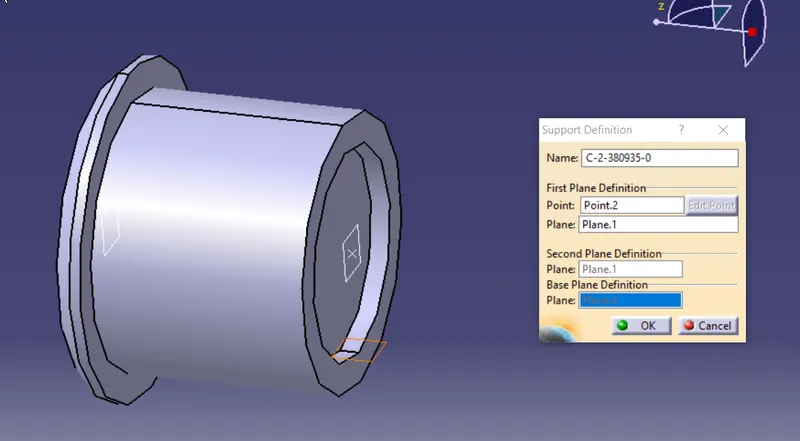
Save and add to catalog
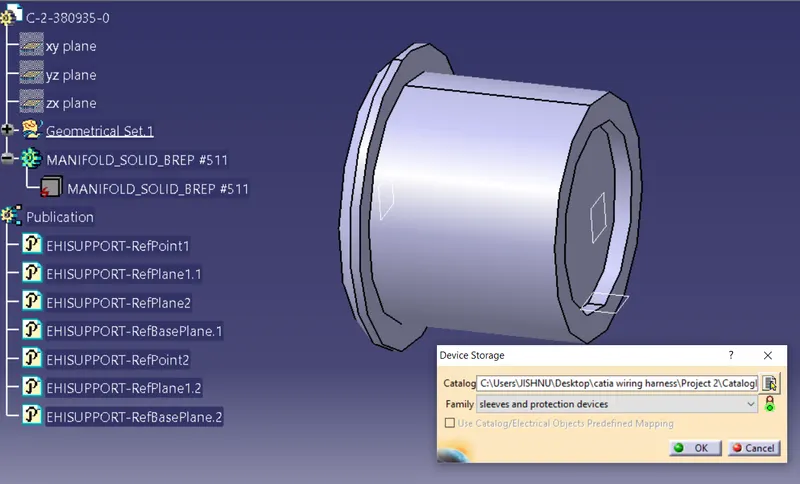
Catalog data:
Stage 2 : placemet of supports ,connectors, and other element,
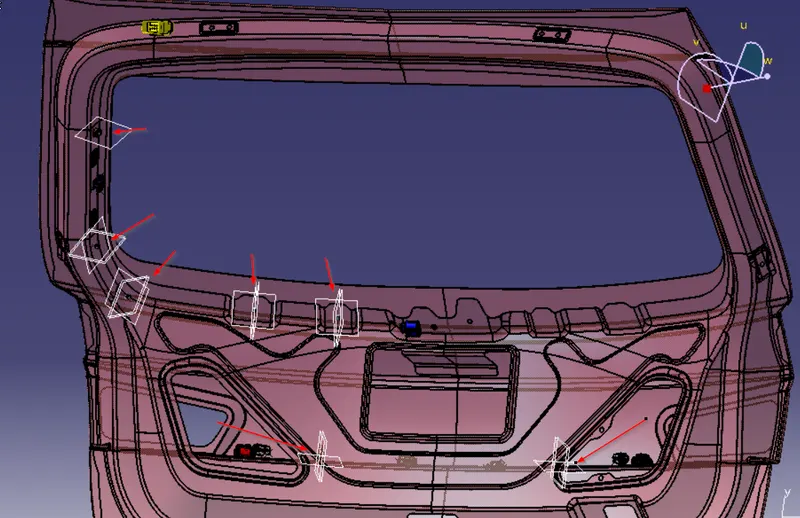
Firstly deside the parts that are to be present on the tail gate of this perticular model.
some of the components coves with a small extention/connector from the perticular OEM, such as lamp modules, wipermotor , so we could adjust nessory allowance
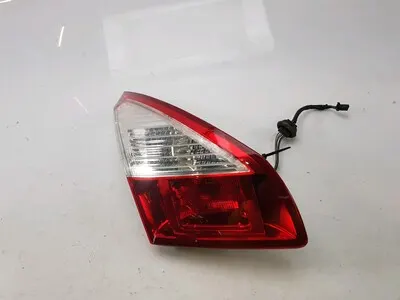
lets add:
- tail lamp & break lights
- reverse light
- number plate light
- remote latch unlock
- wiper
- defogger
lets assume indicators to be on body side of the car
Also there will be requirmet of holes for grommet and clips, wich should be provided by the surface engineer as per the request .
To begin with, lets create a product file and add the back toor panel to it.
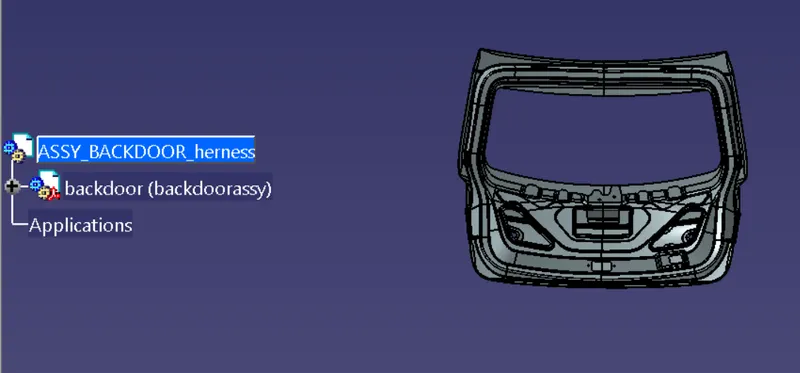
add a new product file to the main file for wiring harness
convert to bundle geometry
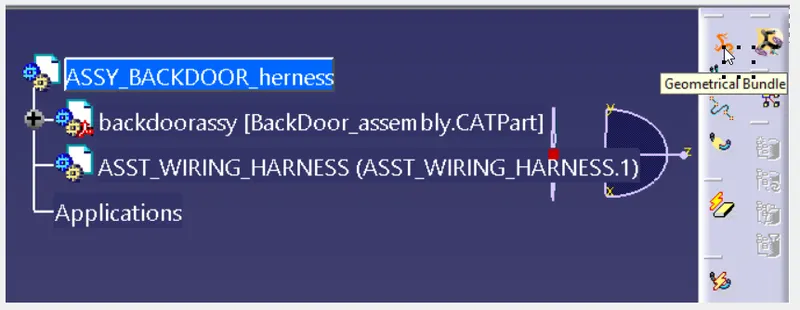
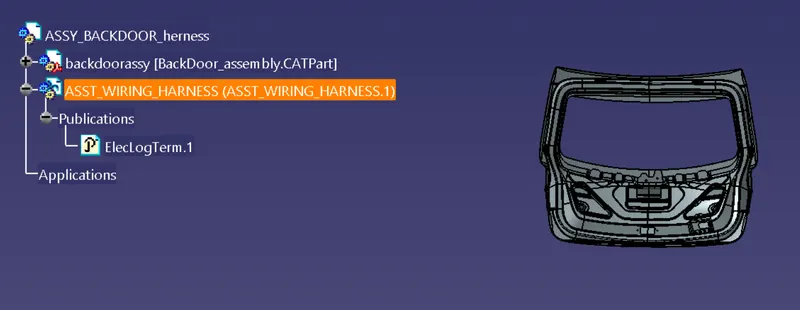
start adding connectors to required region from cataloh that was created earlier.
lets place the first interconector aproximatly where the hole is suppost to be provided for grommet
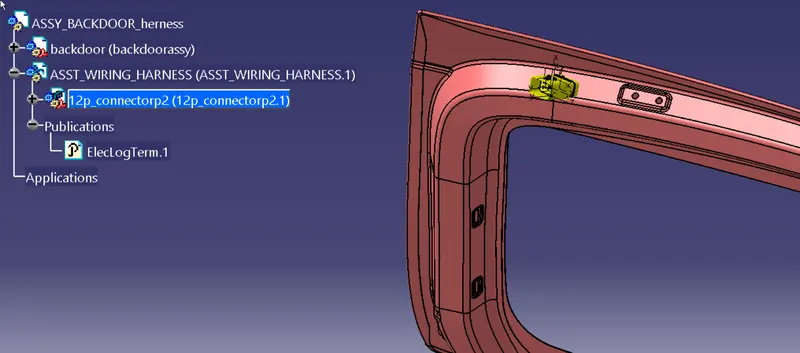
positioning connector for defogger
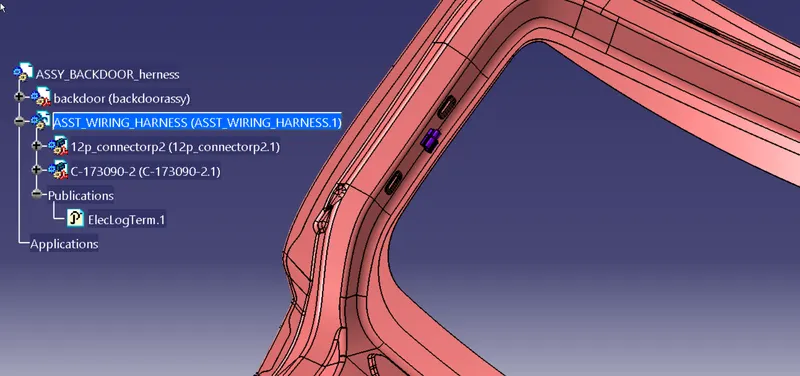
next lets place wipermotor, it may come in 2 terminal 4 or 5 teminals some of those are for controling speed of wiper
lets use 4 pin connector
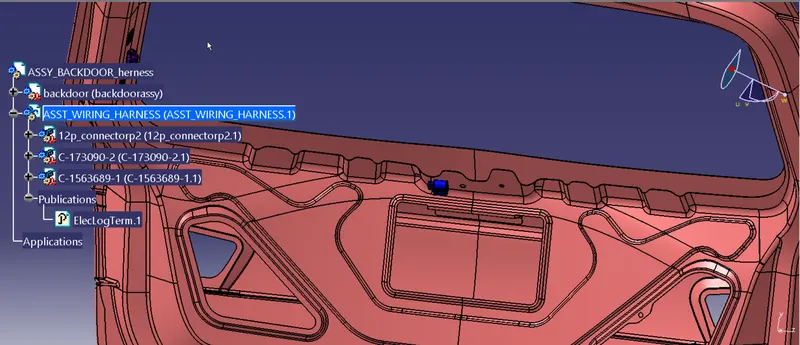
adding a connector for remot door unlock
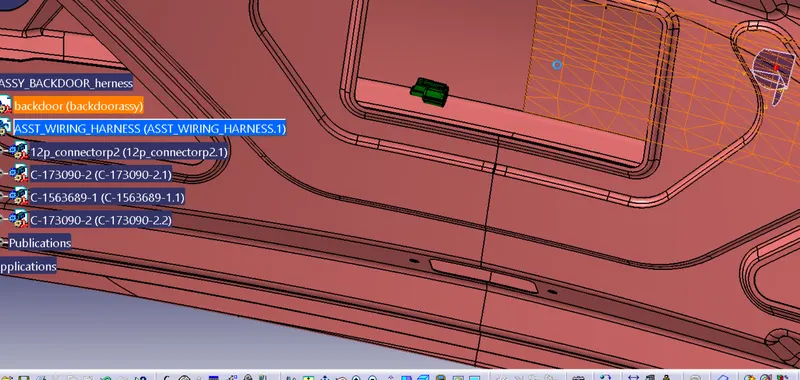
adding connector for numerplaye lights
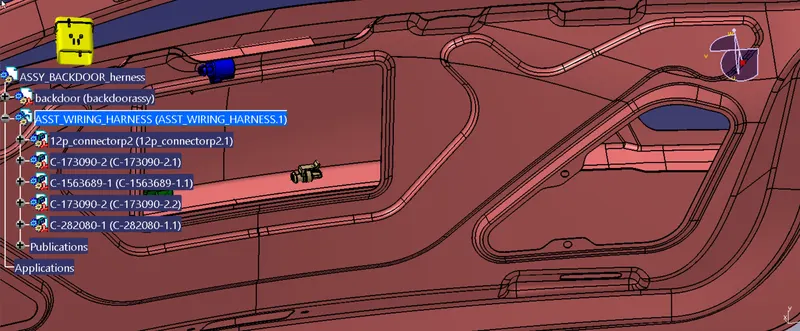
adding breaklightsand taillampconnector
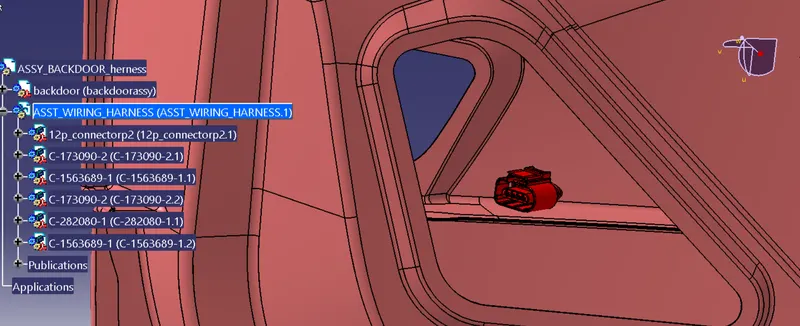
Reverse light
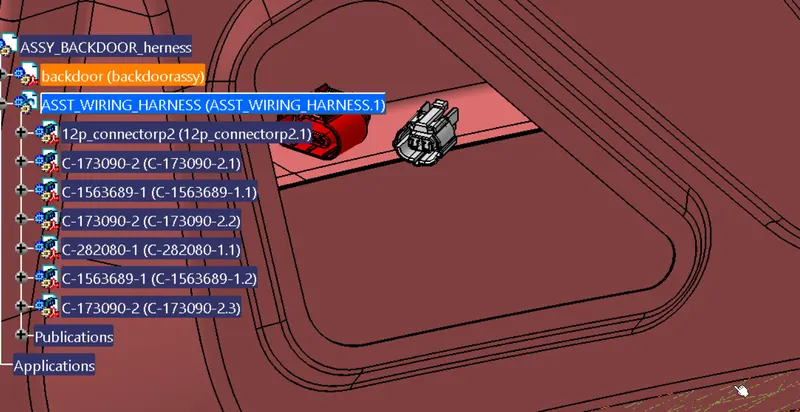
rough placement of all connector,
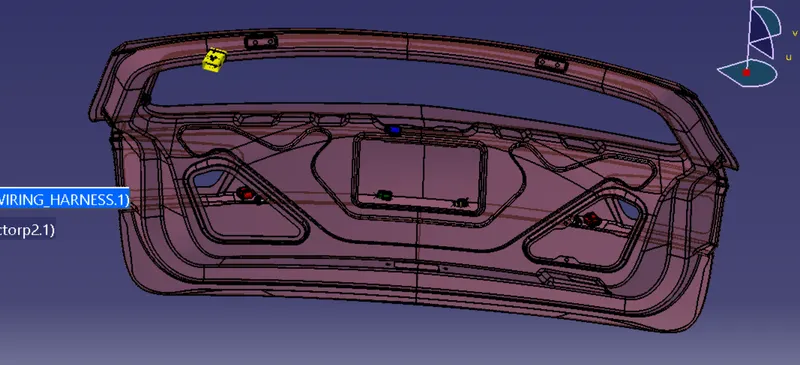
Adding supports for wiring harness
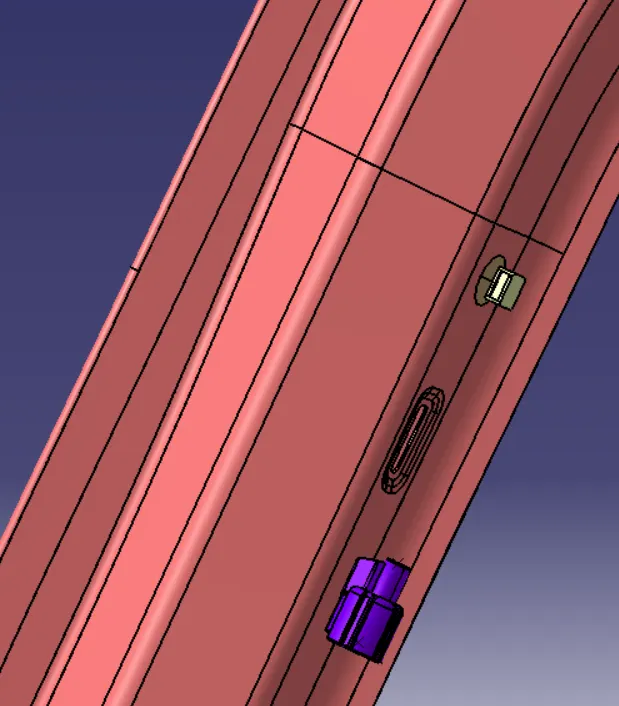
Add sticky clamps to region where holes can not be provided
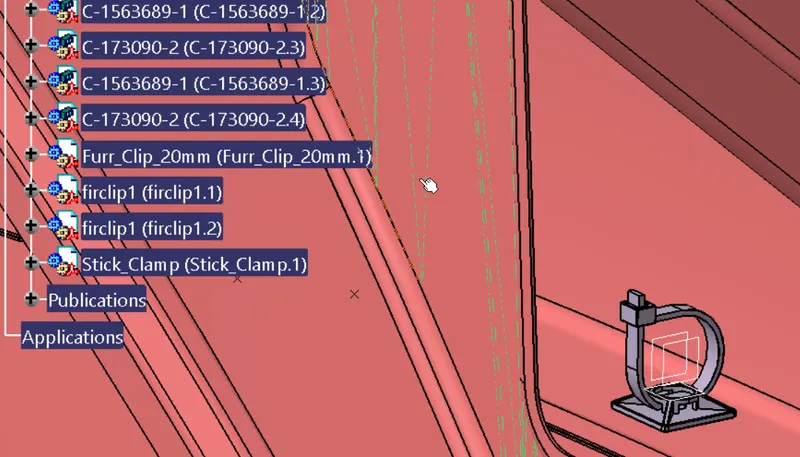
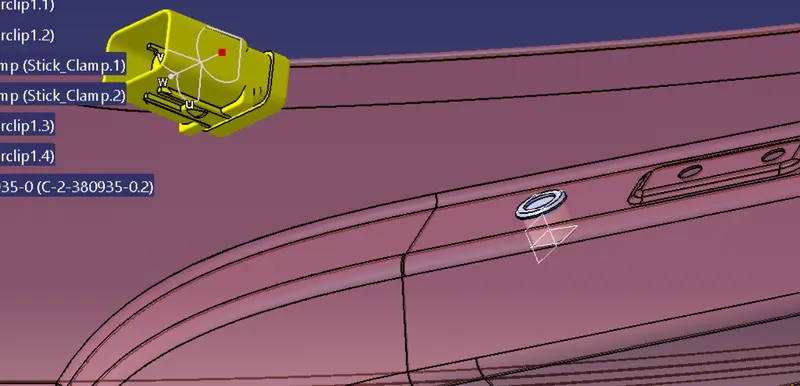
add grommet
Stage 3 : Wire routing
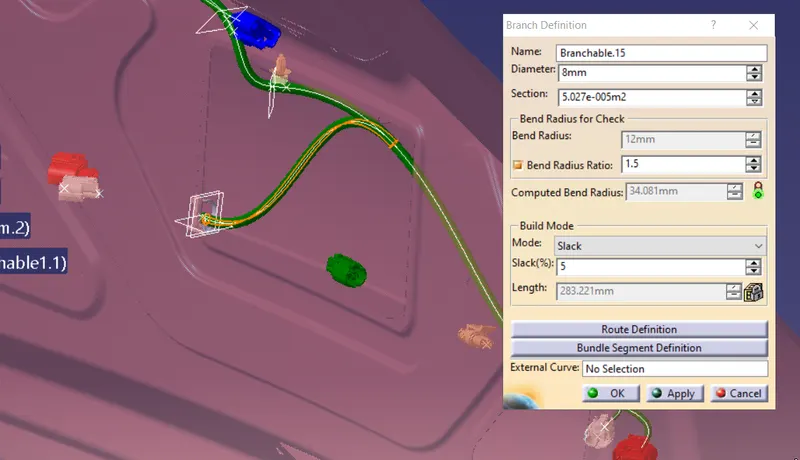
generating wire bundle, using branch definition
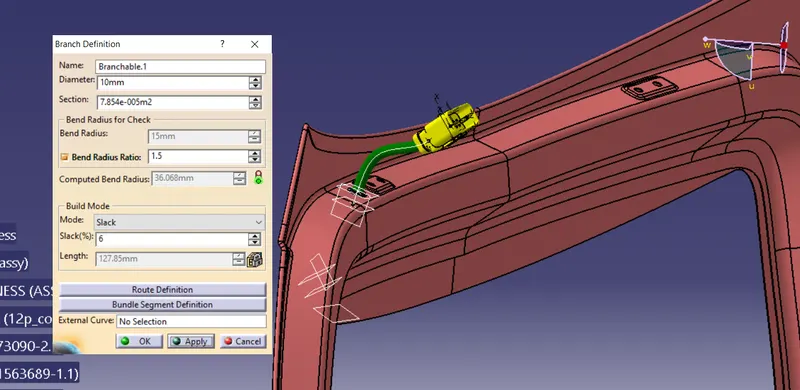
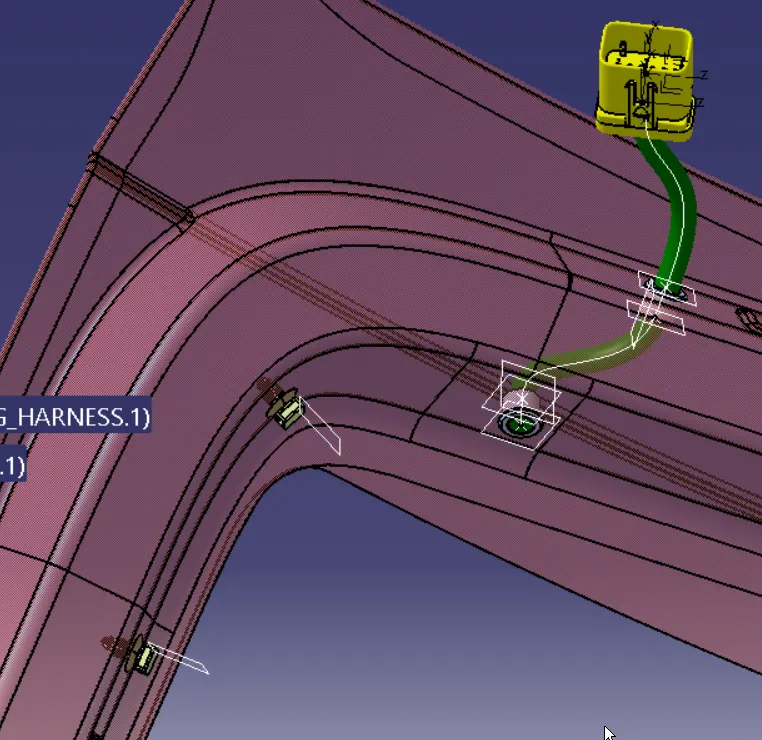
note: gromet diamention had to be changed as it can not accomadate bend raduis
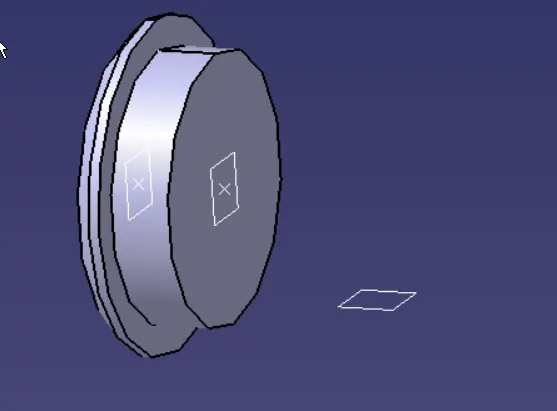
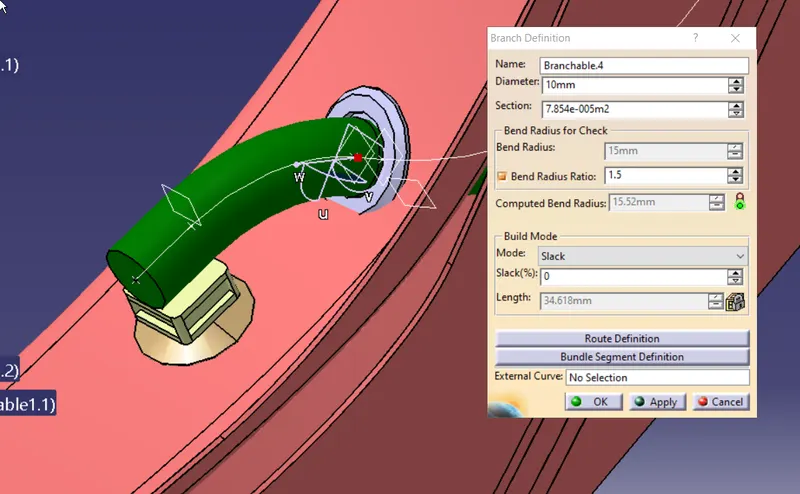
the actual possition of grommet so as to get a smooth cable orientation is shown in the image below.
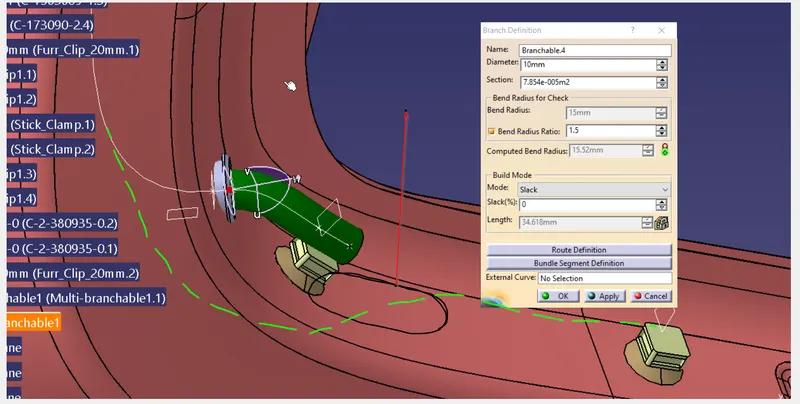
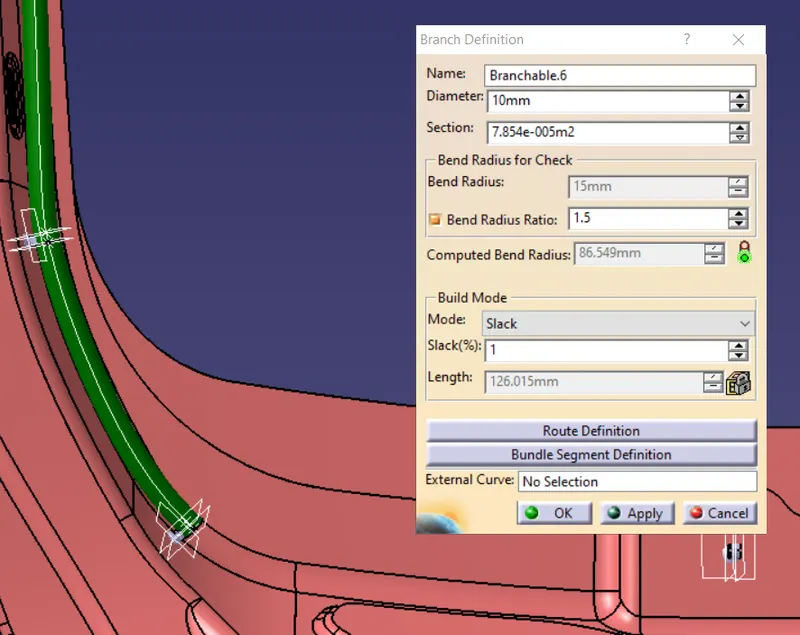
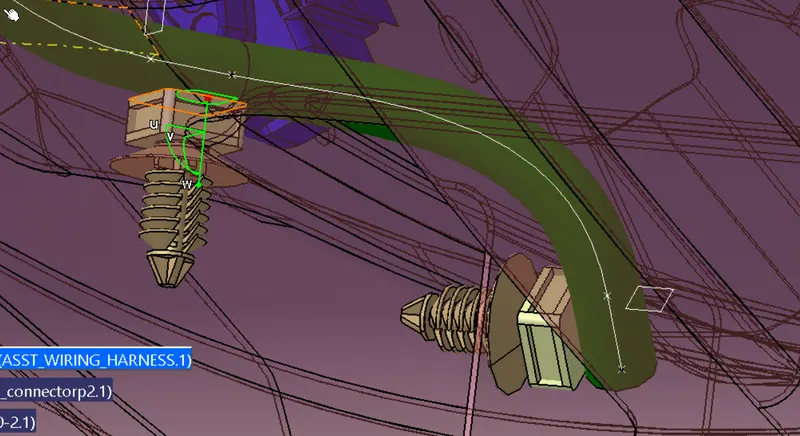
adjust theposition of clip to get clearence between bundle and body
make sure to apply nessory slack so it would be easy to work with during instalation and maintanance
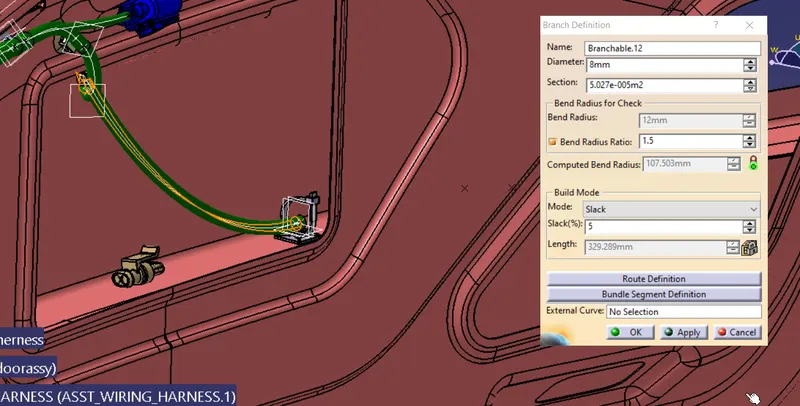
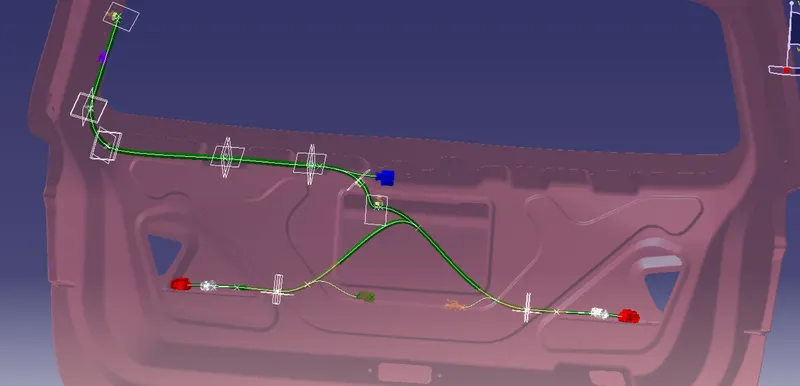
all segments are fully conected
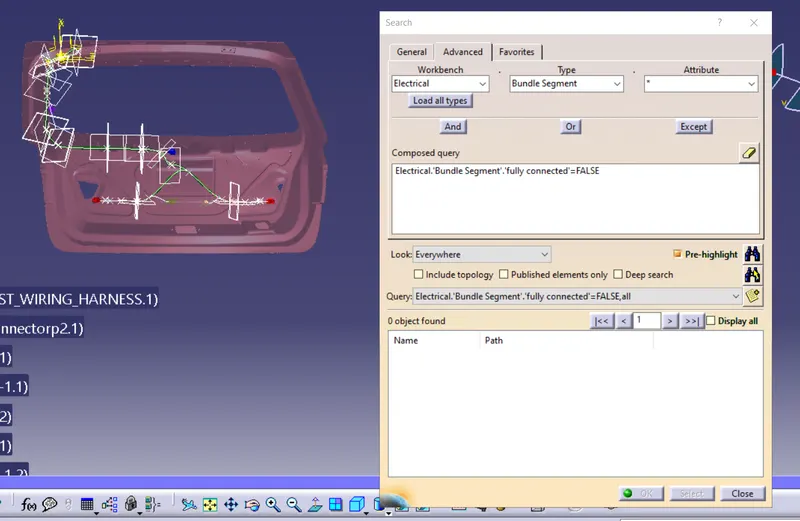
Stage 4: Adding protective casing
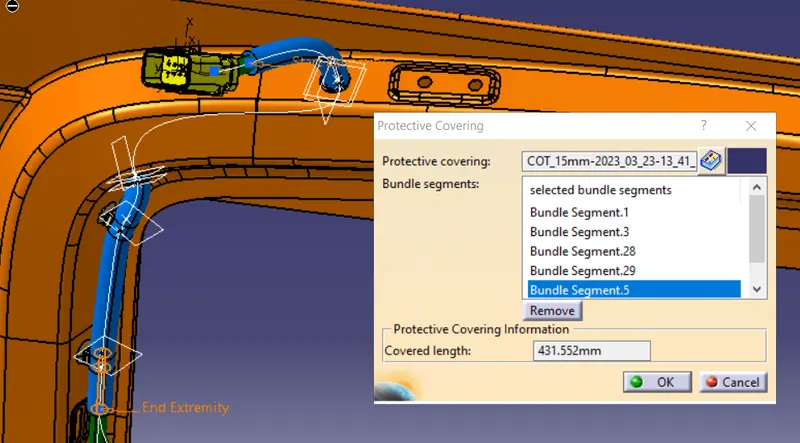
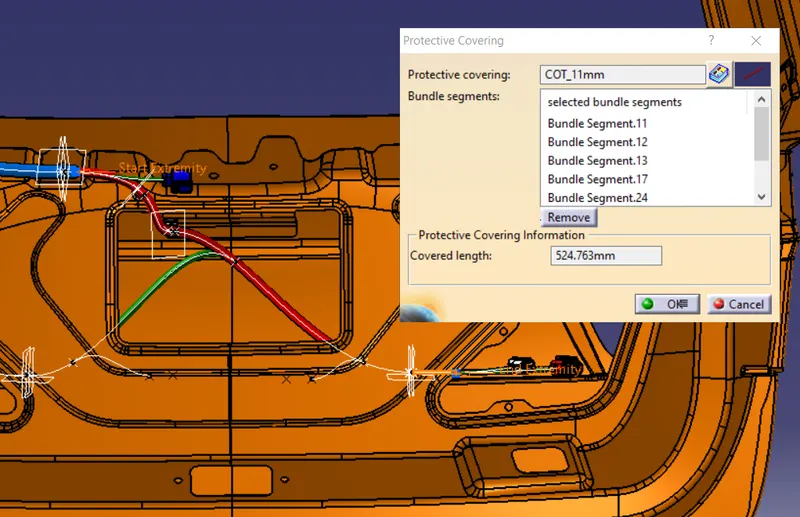
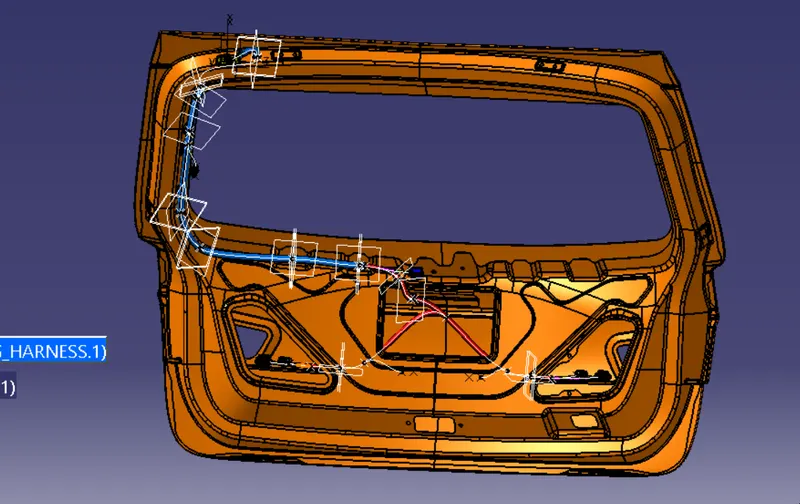
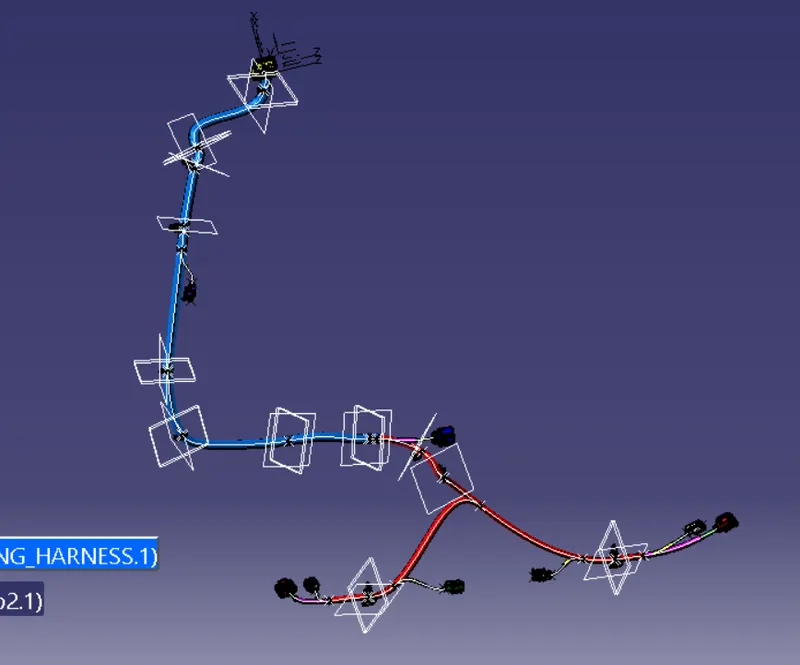
CREATION OF 2D DRAWING OF THE WIRING HARNESS
Firstly create a new product file ,
set required flatening parameters
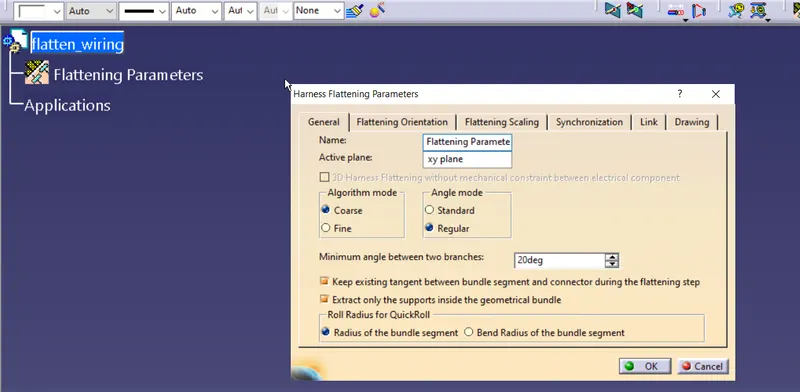
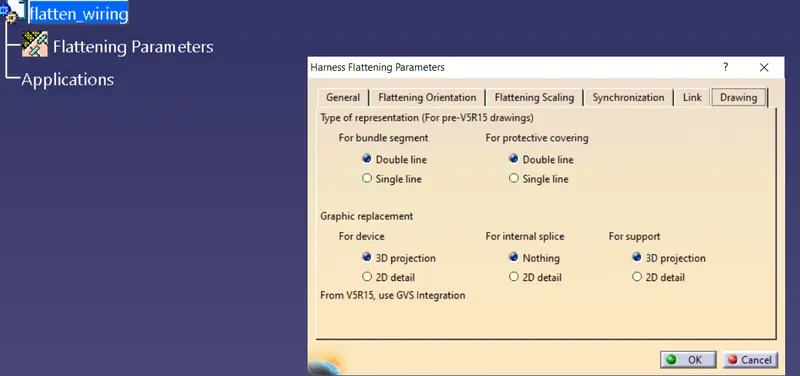
save the file in same folder
using extact command transfer the geometrical bundle
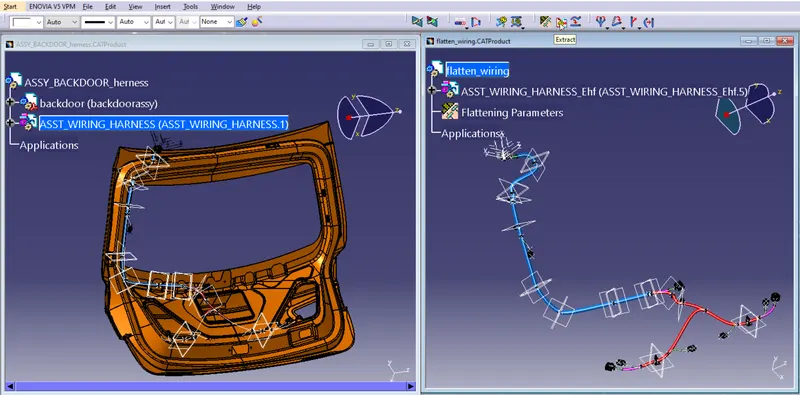
to work on easly hide unnessory plane and axis
use flaten command to flaten the harness
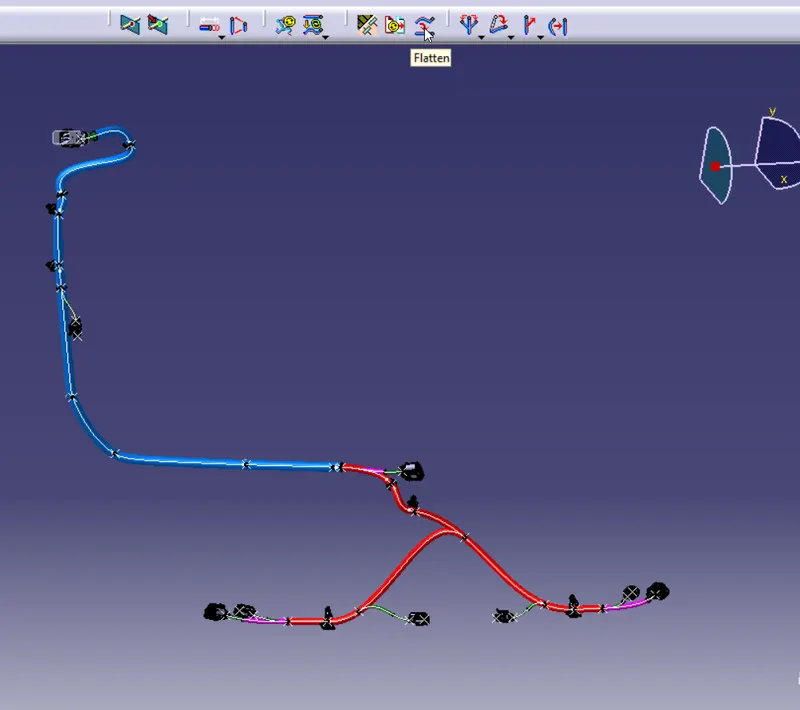
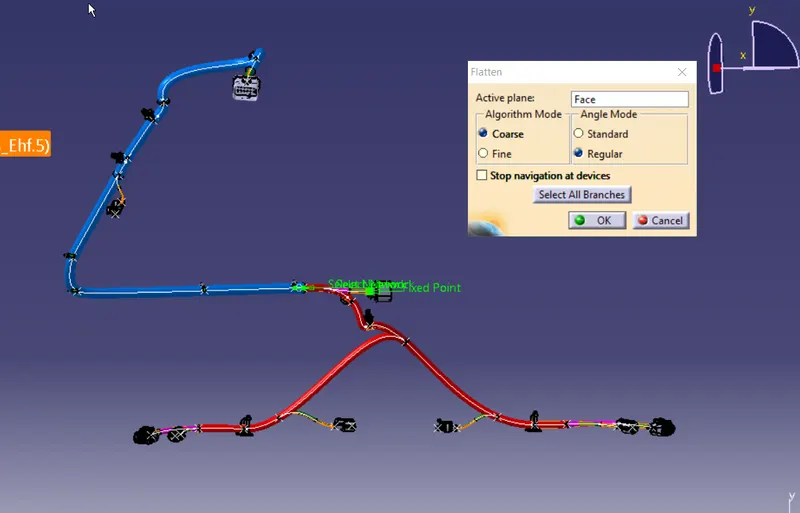
the structure we got after flatning command
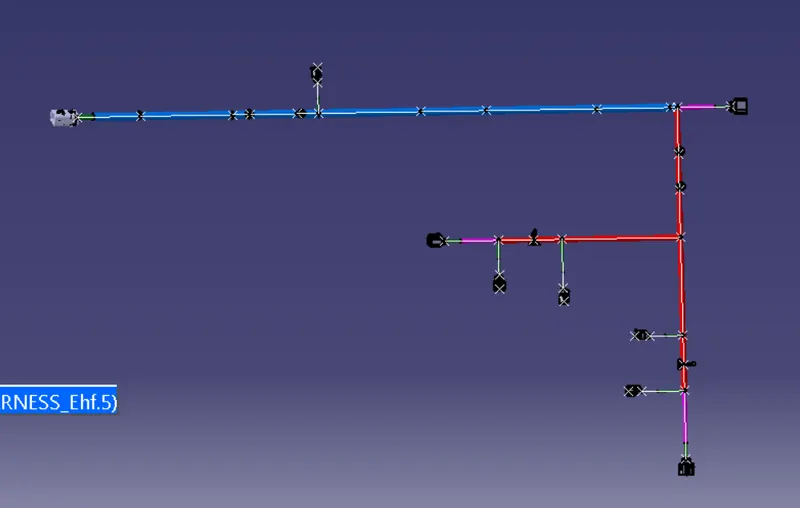
commands used are mostly rotate, uberlalike , move smart swap etc to pssition.
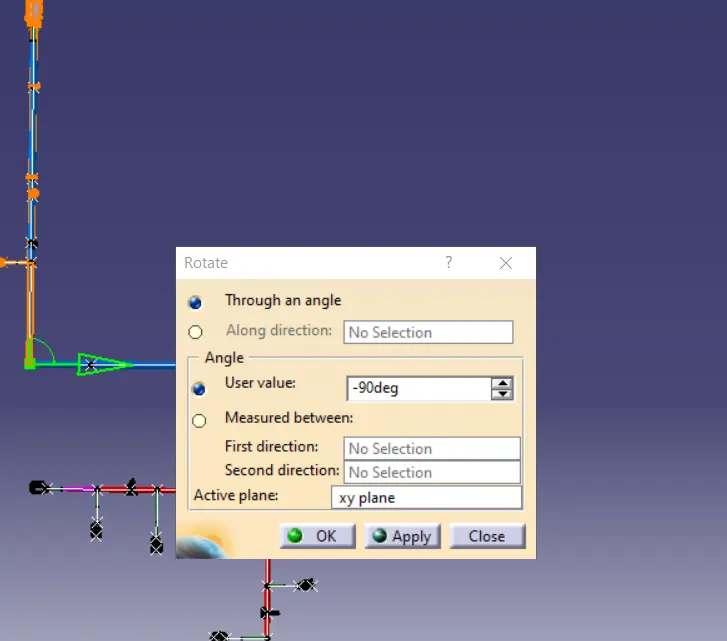
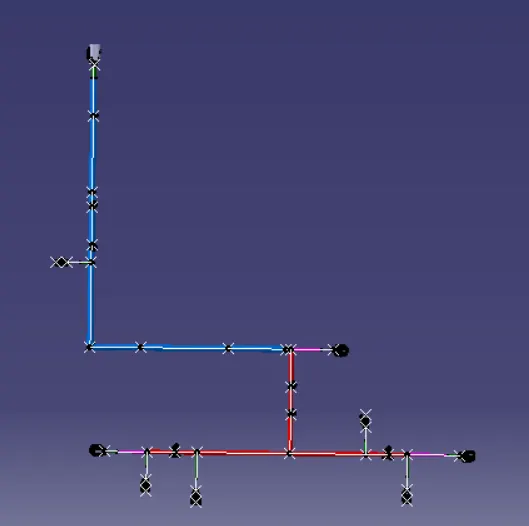
scale down the length if nessory
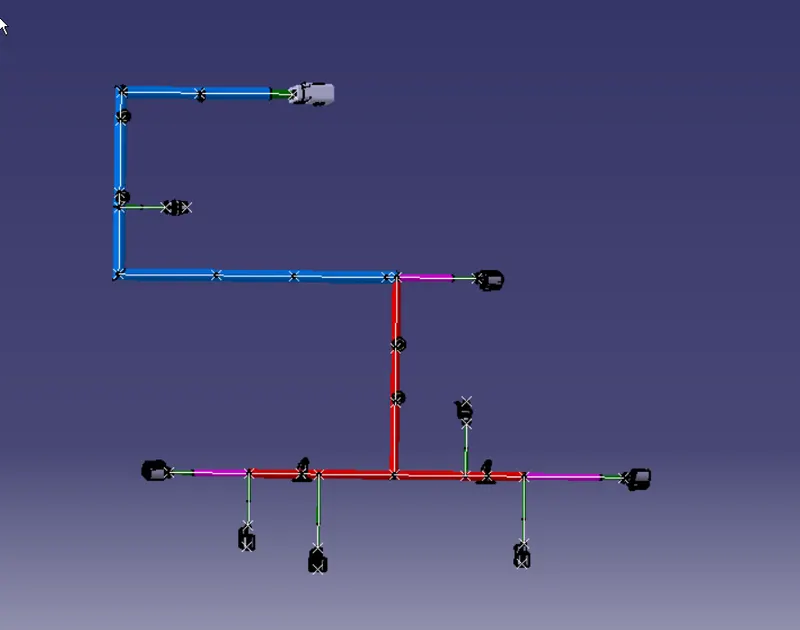
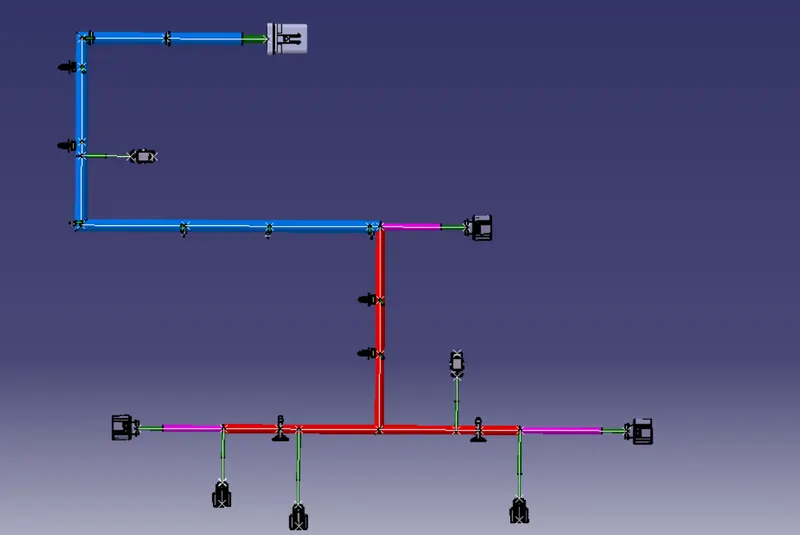
now create a refrece plane using view creation and add label all components
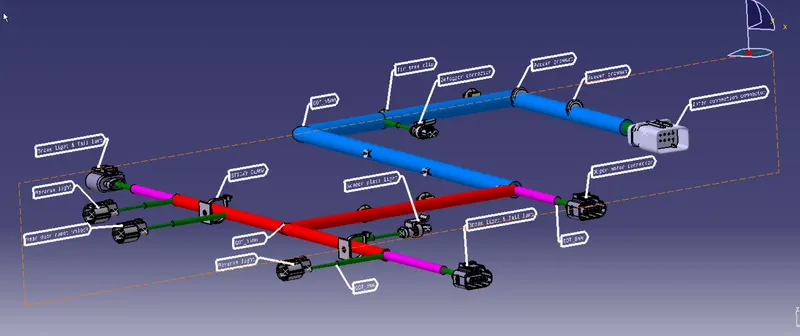
2D drawing
To create 2D Drawing, create a new drawing file
use front view command and click on the flatend product, add all discription.
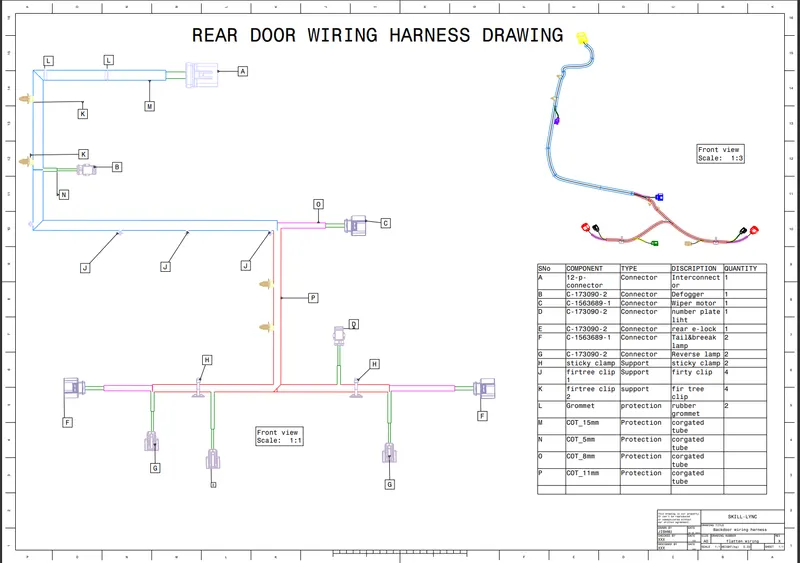
reference