Project 1 (Mini Project on Vehicle Direction Detection
Answer:
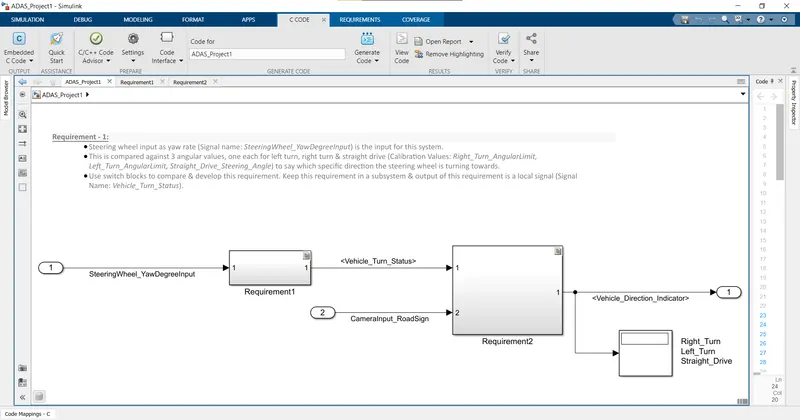
Main Model:
- The Simulink model is modeled accordint to given requirement(Both 1 & 2).
- After that it is verified and Requirement Tagging is done
- Then Code generation is performedand all the Results are attached below.
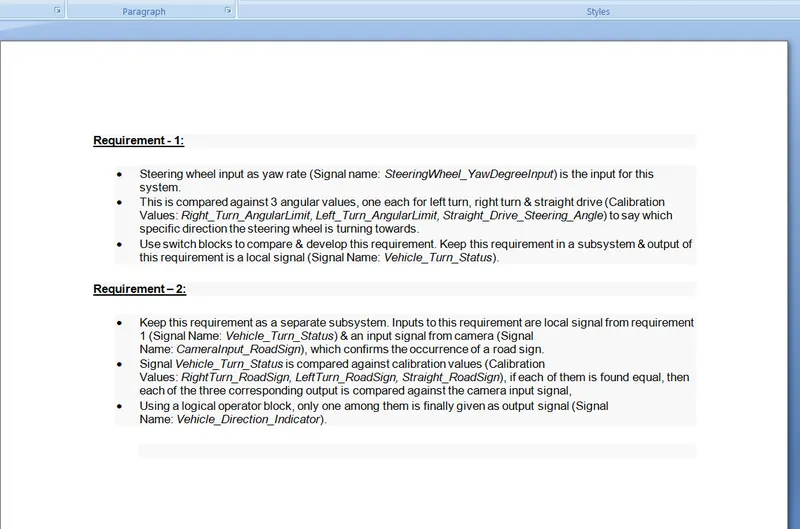
Requirement Tagging:
- First Select the Text in word file and then minimise the Word.
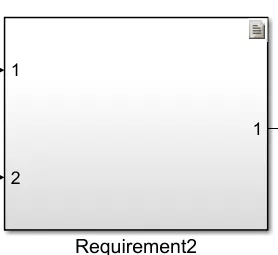
- Then open the MATLAB and right click on subsystem which subsystem you need to tag.
- Then, go to Requirements, then choose Link to selection in word.
- Then subsystem will appear as below.
Code Generation:
- For Code generation, First you need to configure the model.
- Fisrt open Configuration Parametrs, then go to Code generation.
- Then choose Embedded coder (ert.tlc) then press ok.
- Then Goto Apps Tab, go to Requirement Manager Select Embedded Coder.
- Then Tabs will Update. requirements and C code tab will show on Tab.
- Go to C code, Go to Generate code and choose Generate code.
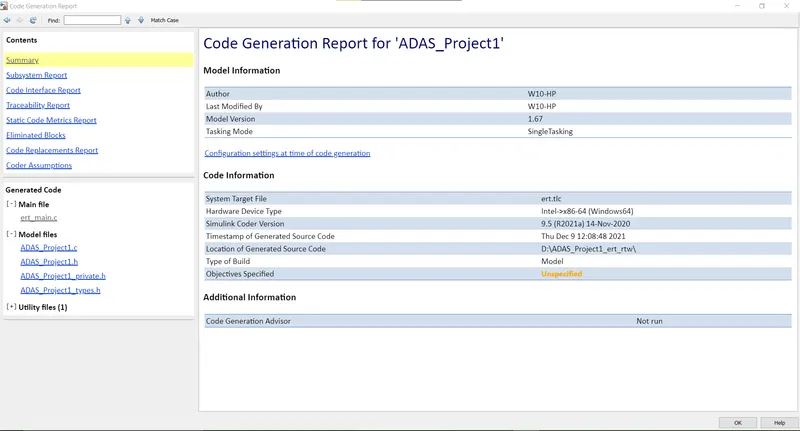
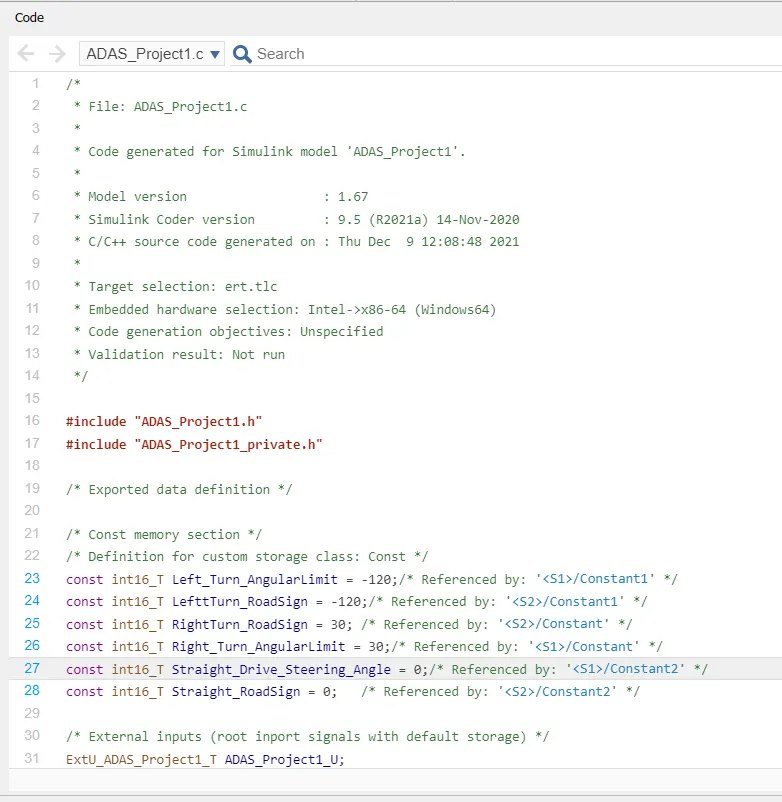
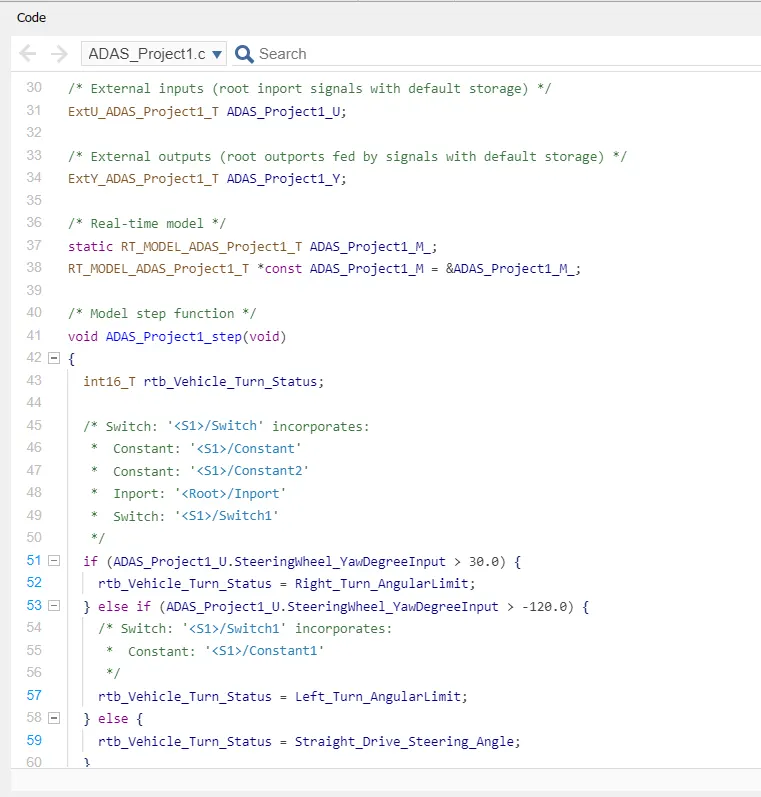
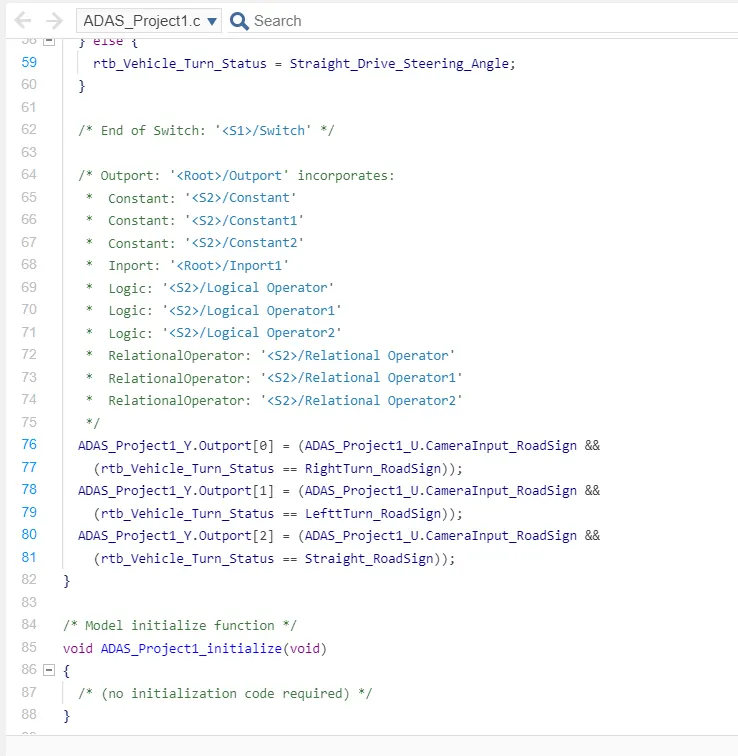
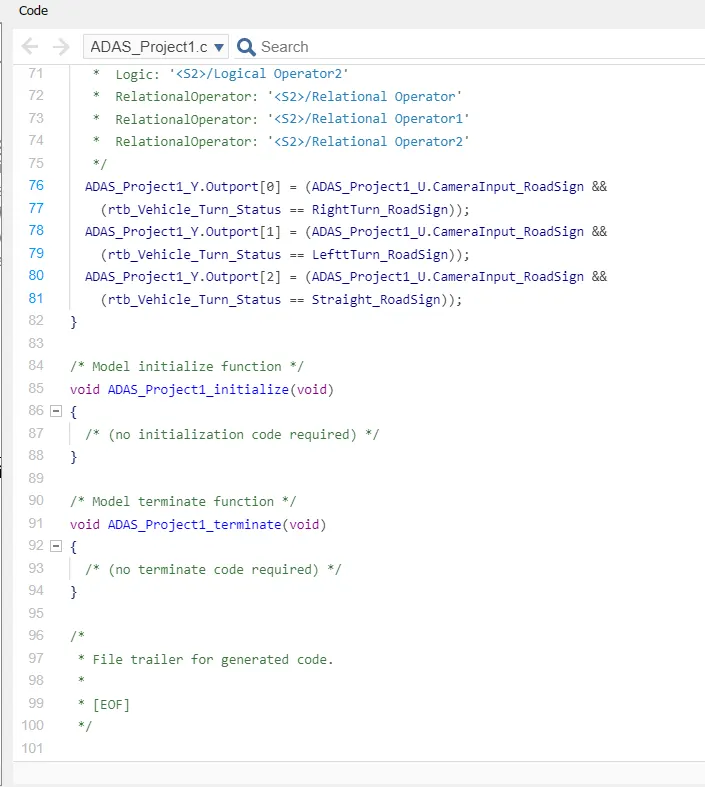
- Then code will generate as shown below.
Generating Report:
- Go to C code Tab, Choose open report.
- Then report will appear as shown below.