Project 1-Meshing of Rear Wheel Holder challenge
OBJECTIVE:
To mesh the given Rear Wheel Holder component with the above criteria.
GIVEN:
The quality criteria for 2D elements.
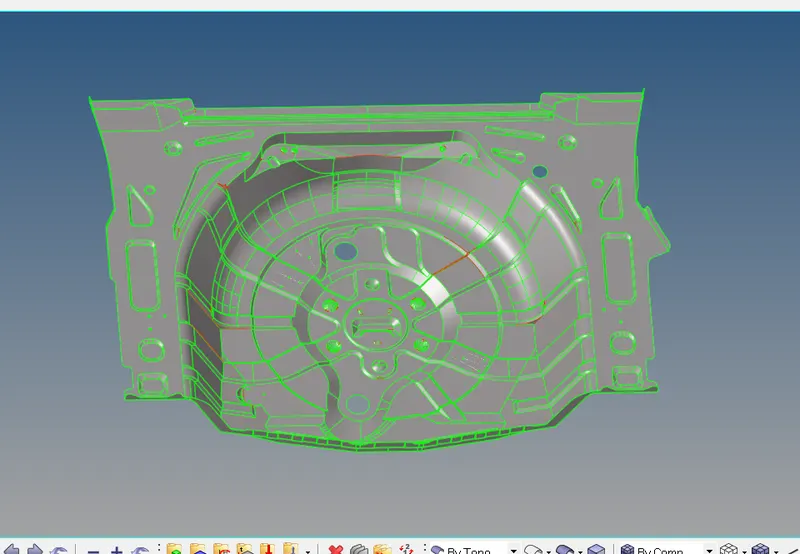
CAD MODEL:
PROCEDURE:
- Import the downloaded model on the graphic area. File type is in IGES fromat .go to>Import solver>Import geometry>IGES from option >Import. Delete the solids if present .
- Once the model is imported check for the number of components of the given model .
- Geometry cleanup on the component. Delete the unwanted geometry on the component.
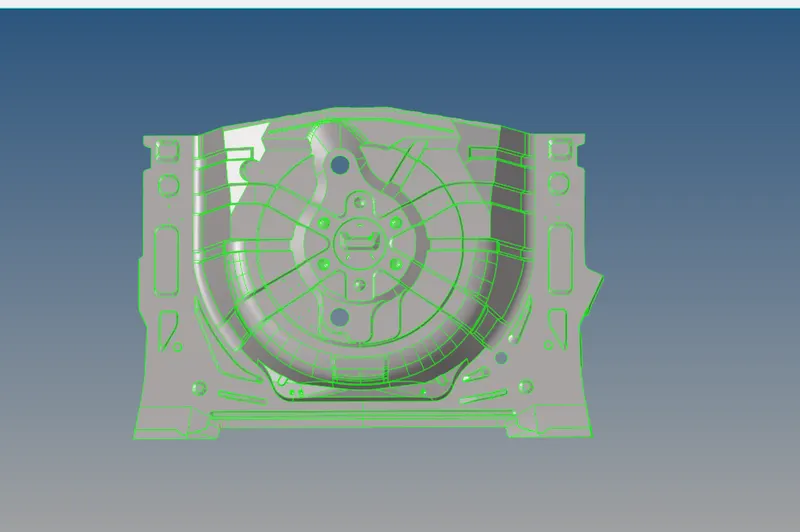
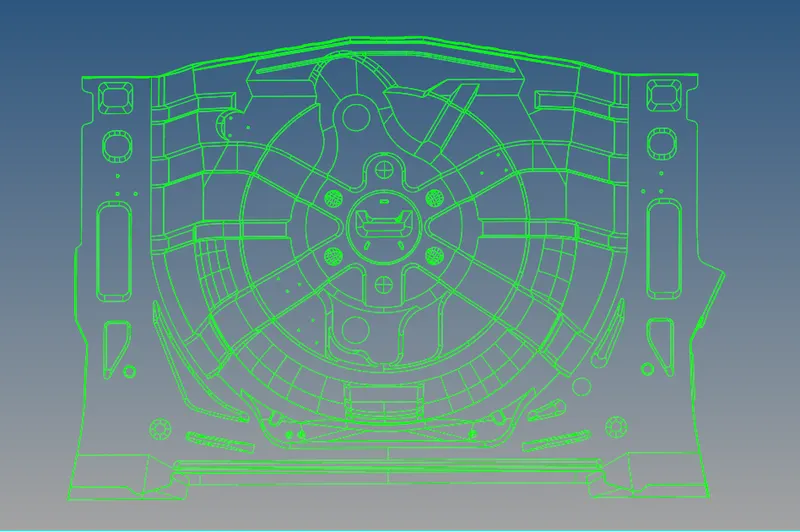
- Use the quick edit panel, tools in geom panel....

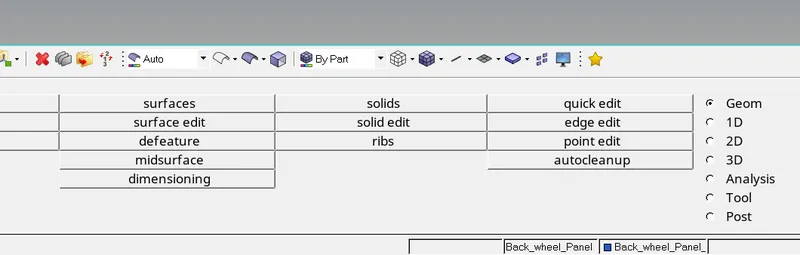
- Generating the midsurface go to >surface edit>offset>give the value>duplicate the surface>hit offset.
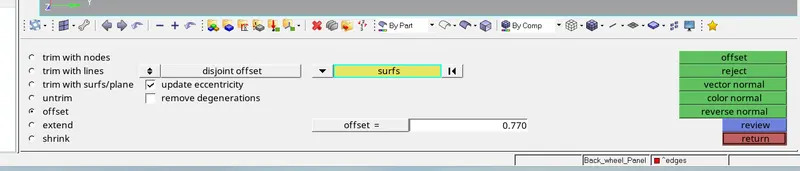
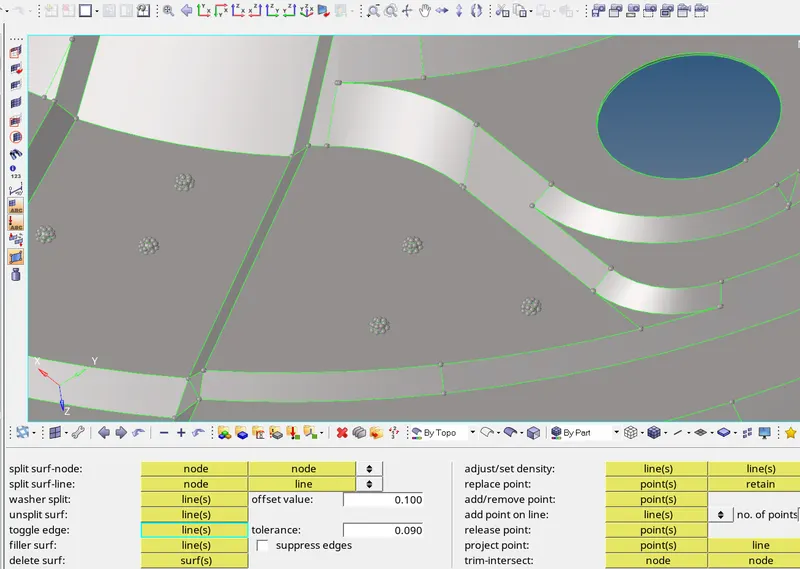 deleting the holes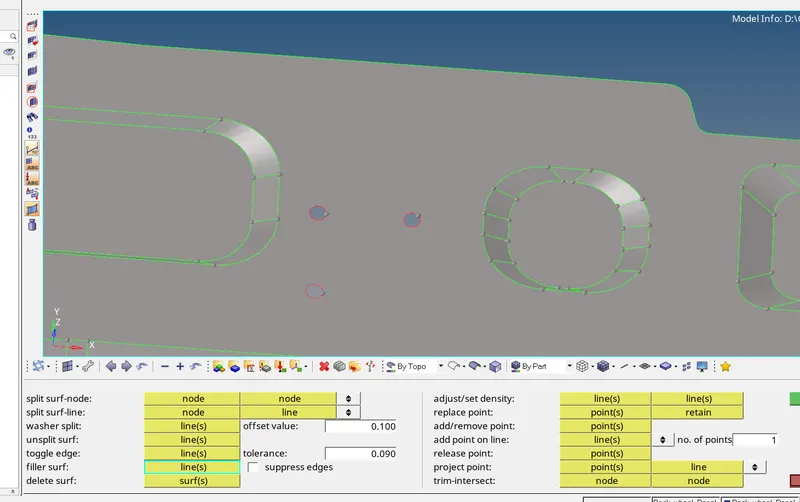
- we go for another geometry clean up before performing mesh,
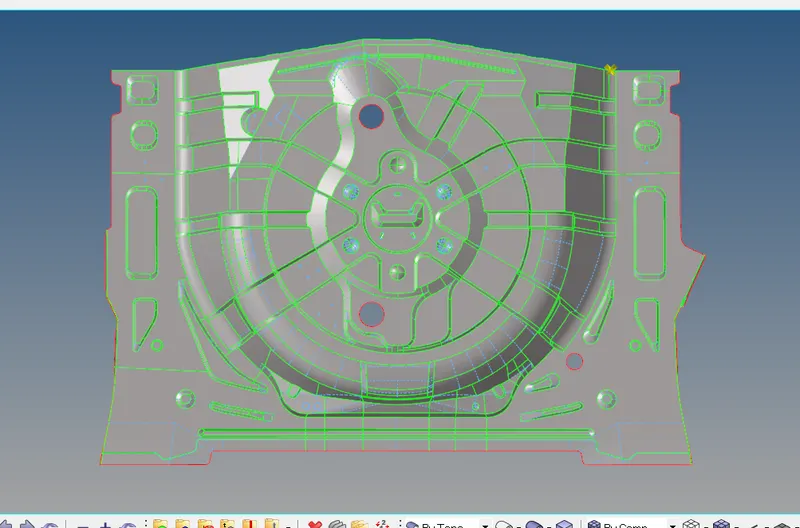
- Next step is to assign mesh parameters and the quality criteria.
-
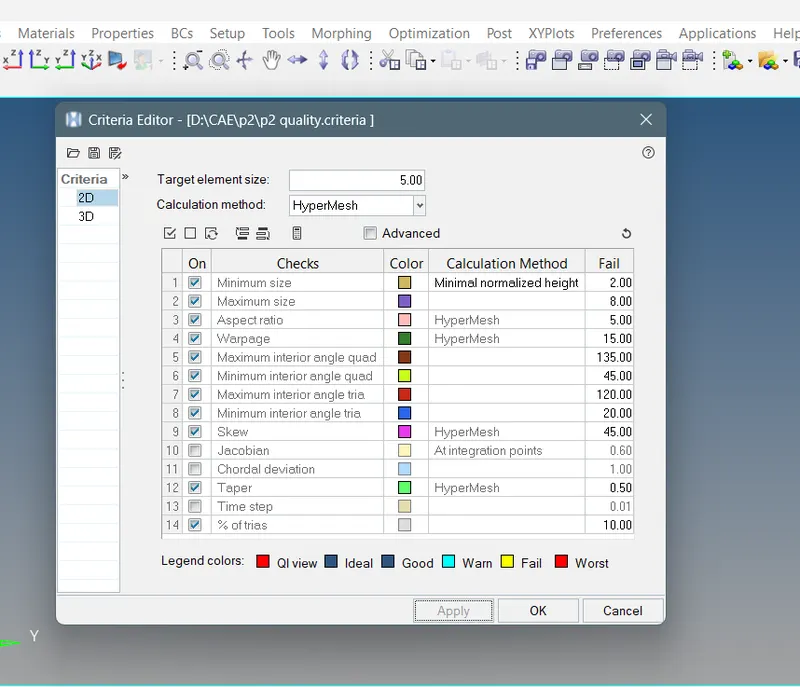

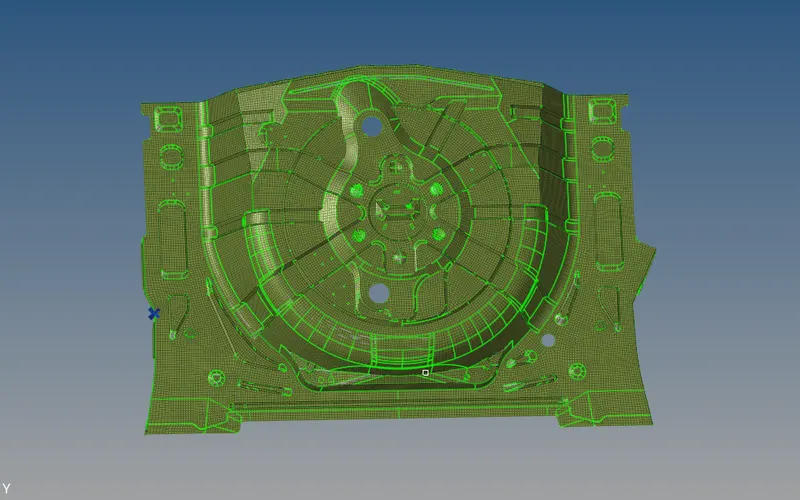
- Meshing the surface with the given mesh unit 5mm. go to 2D>automesh>option surface>give element size>select the mesh type>select the surface of the component>mesh.
- Another option is to go for batch mesh in automesh panel
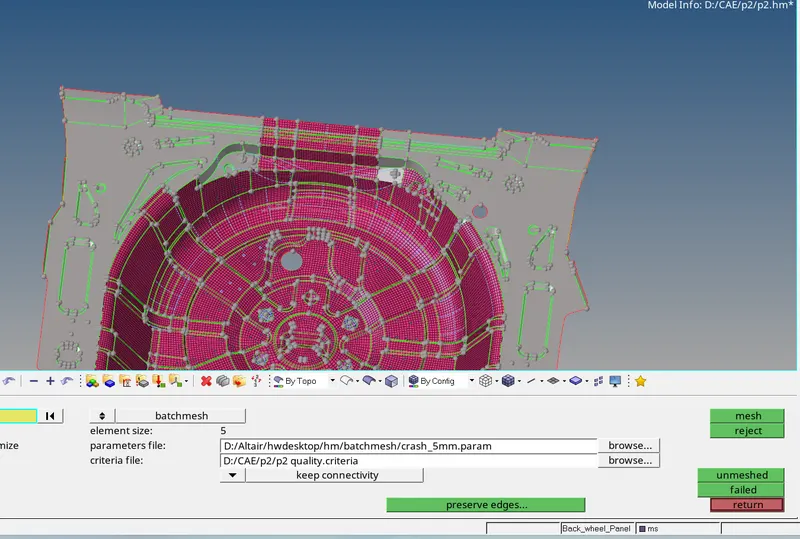
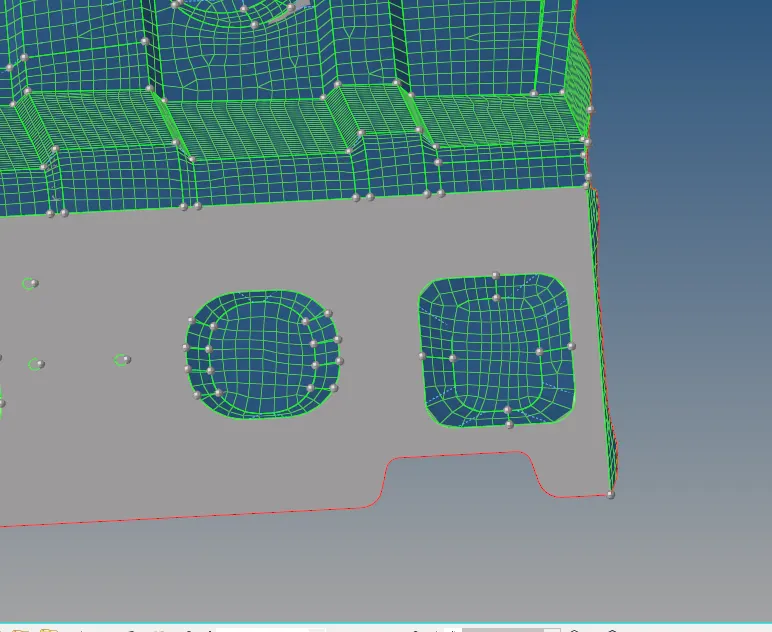
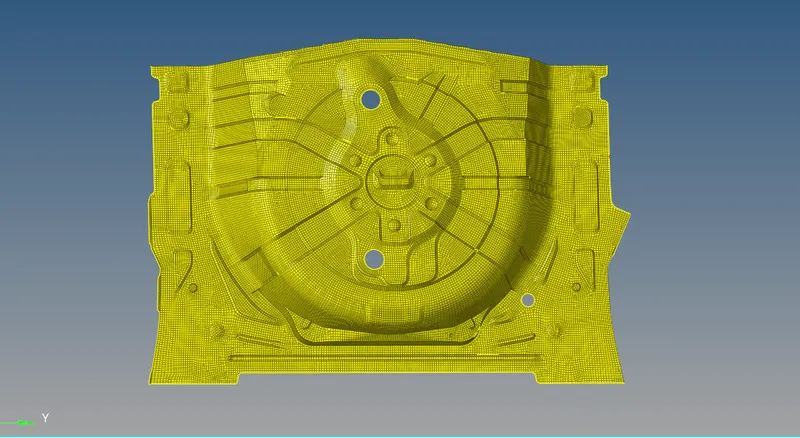
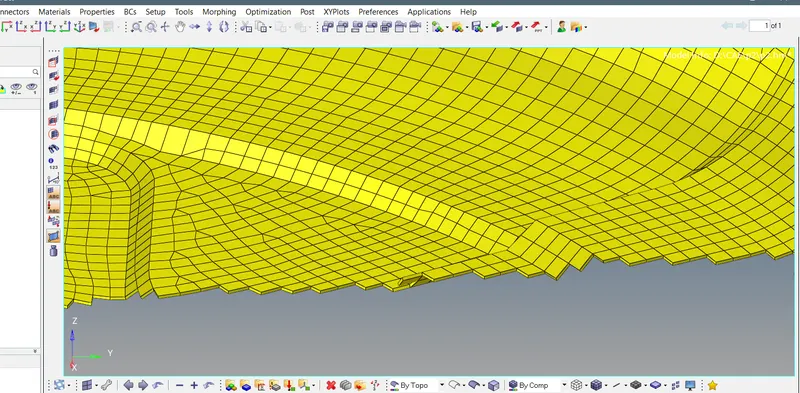
- Once the meshing is done we check the free edges, make sure there are no free edges go to >tool> edges>select the elements>preview equivalence>equivalence.
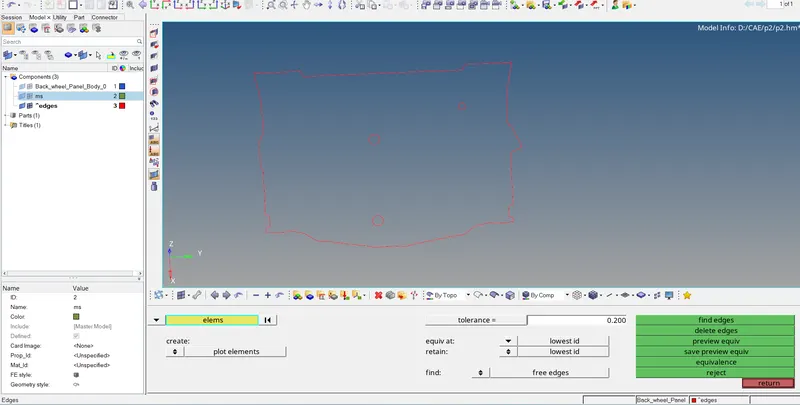
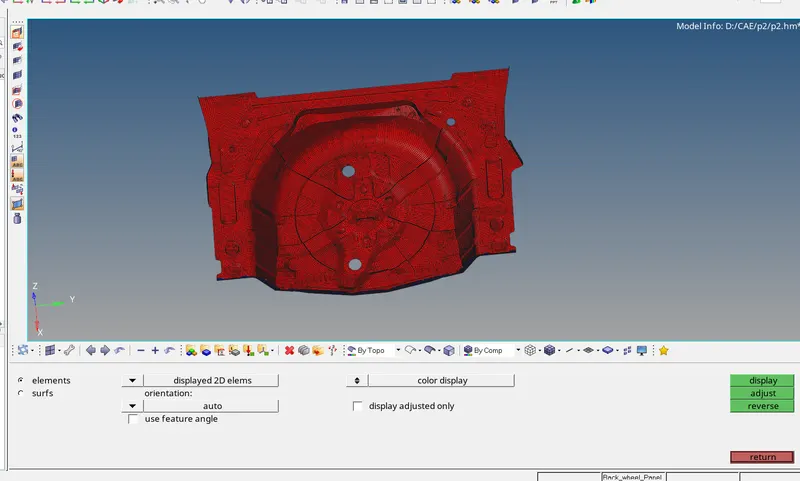
- Check the normals
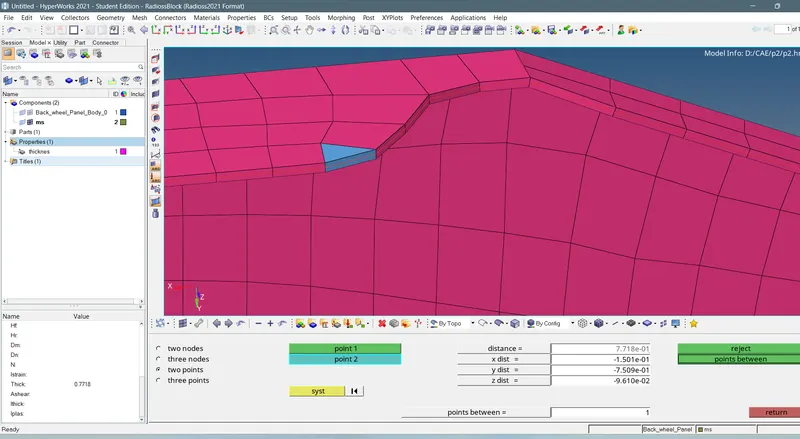
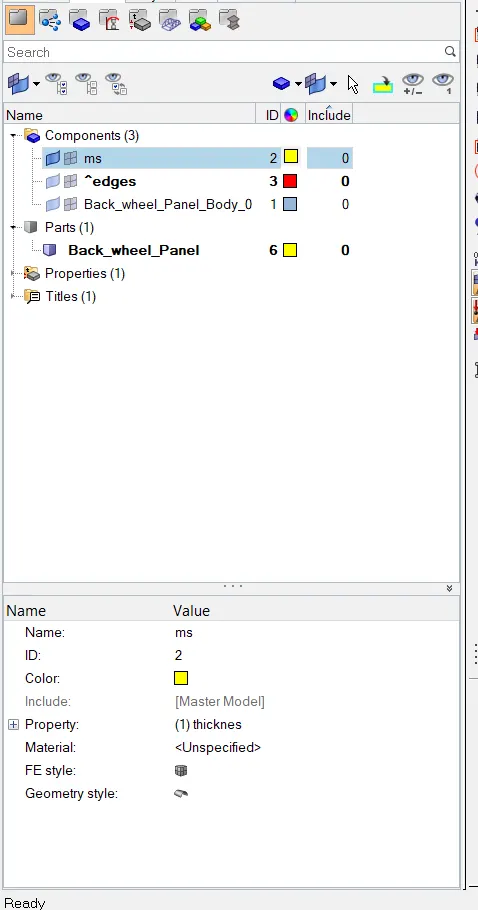
- In the final stage assign the thickness to the given model .
CONCLUSION:
Thus the given component is meshed with the element size 5 units.
FINAL CAD IMAGE:
mesh model:
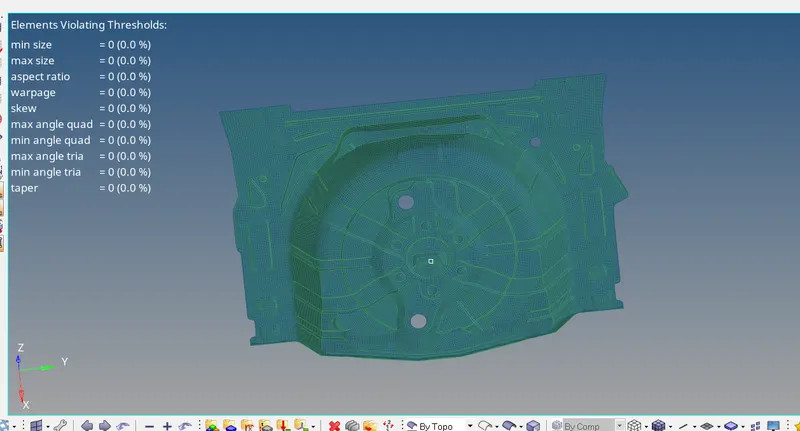
Quality:
NOTES:
- refer the file p2.hm