Project 1 - Meshing of Floor Panel
AIM:-
follow the below-mentioned quality criteria, mesh the component given below, and assign thickness:
Target Element Length = 5 Units
|
S.N |
Quality Criteria |
Value |
|
1 |
Aspect Ratio |
5 |
|
2 |
Skewness |
45 |
|
3 |
Warping |
15 |
|
4 |
Taper |
0.5 |
|
5 |
Min. Length |
2 Units |
|
6 |
Max. Length |
8 Units |
|
7 |
Min angle Quad |
45 |
|
8 |
Max angle Quad |
135 |
|
9 |
Min angle Tria |
20 |
|
10 |
Max angle Tria |
120 |
|
10 |
Tria % |
10 |
Procedure :-
1. Import the file by go to FILE-OPEN-go to location hit ok
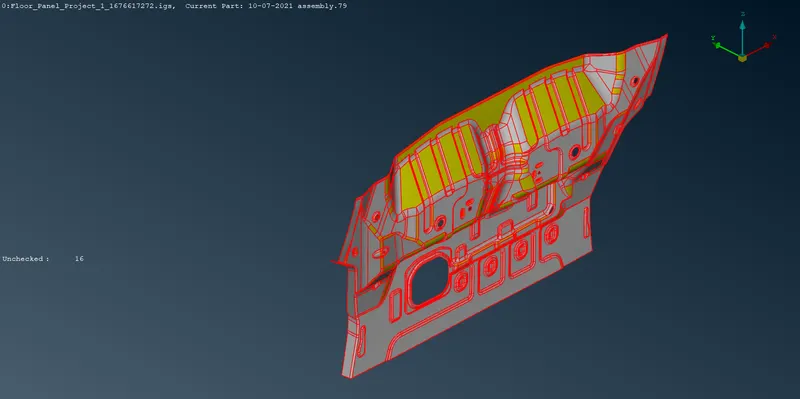
2.now we have to do topo and orient on imported model by doing this
we can see actual model which imported.
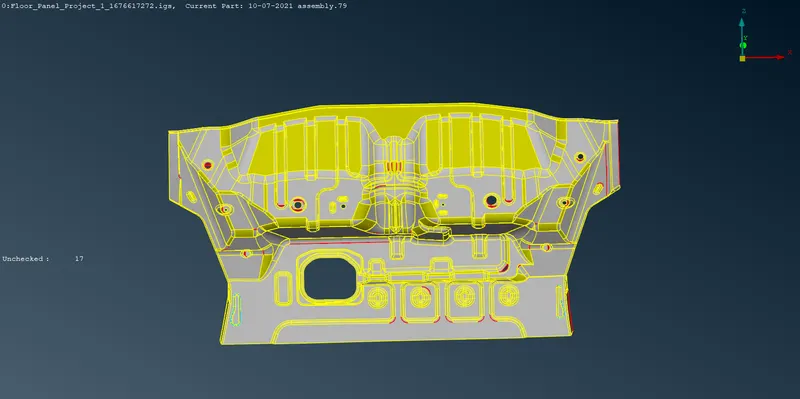
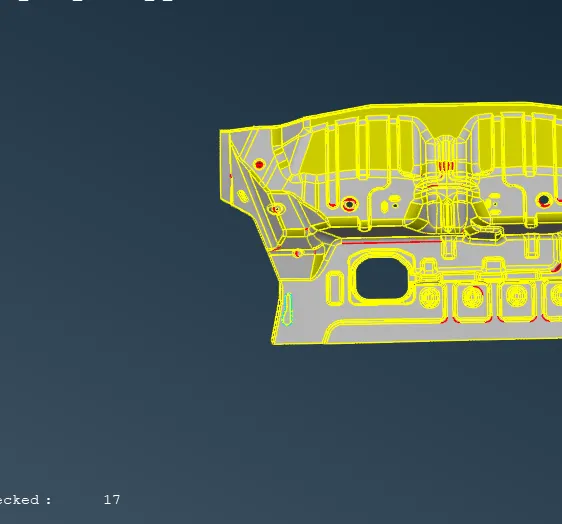
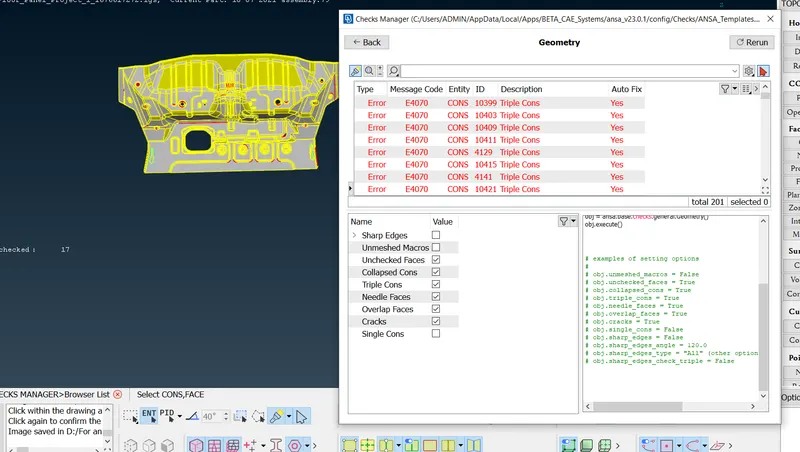
3.after this run geometry errors in order to check single cons, unmeshed macros Etc.
and we can fix this error by automatically. But those not fix by auto we have to fix
This manually by going to that location and doing topo cleanup on that region
4.now we have to observe model carefully this is best practice to start with on end
and to go last end with observing the errors and eliminate those.
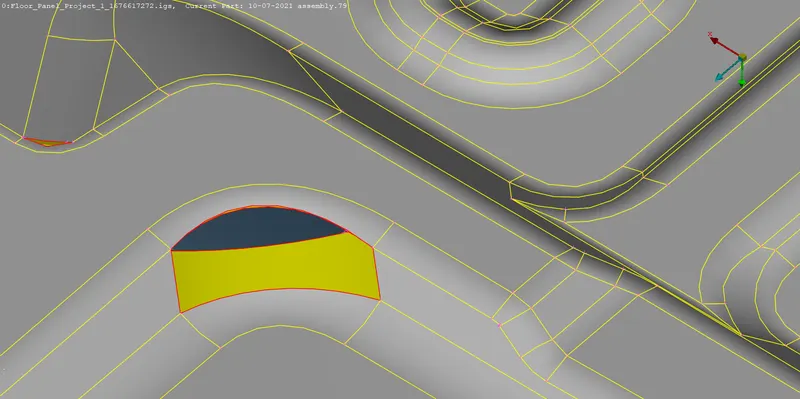
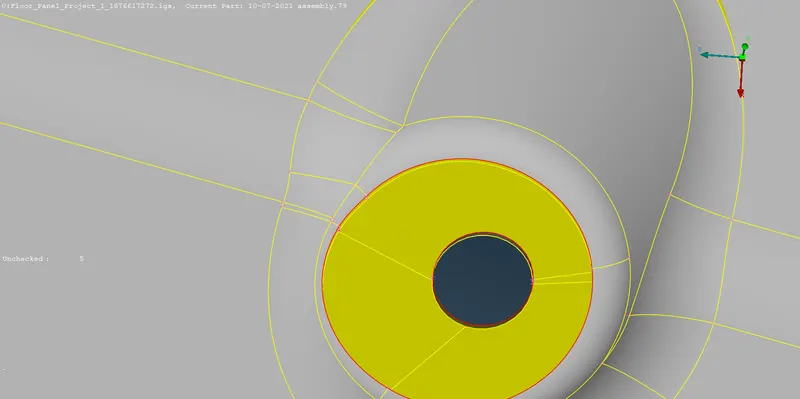
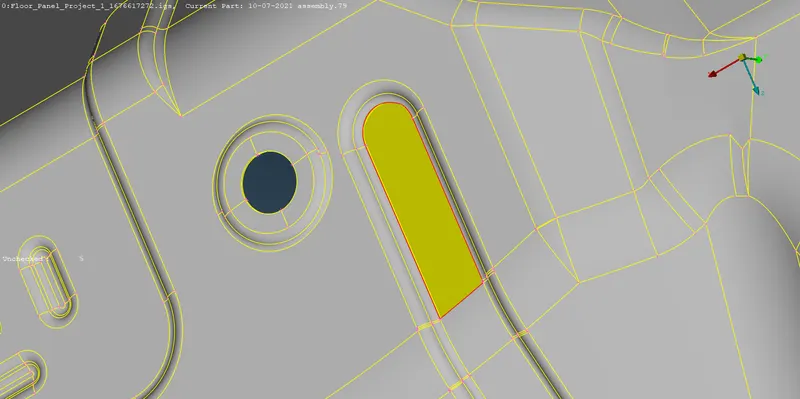
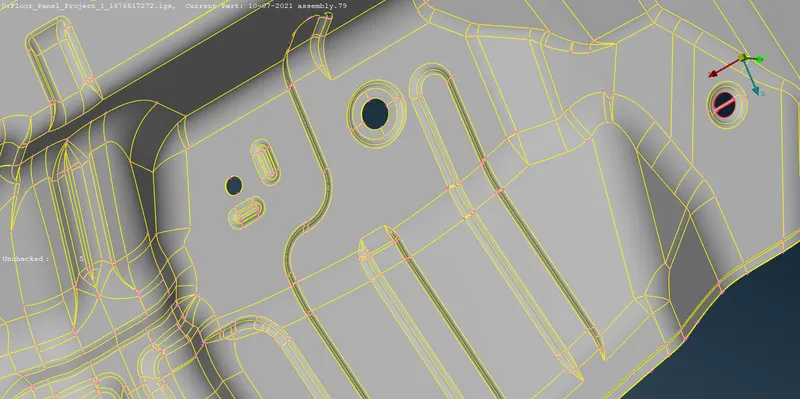
5.now delete those surface those are overlapped and looking messy. Clear and
make new surface by using new surface
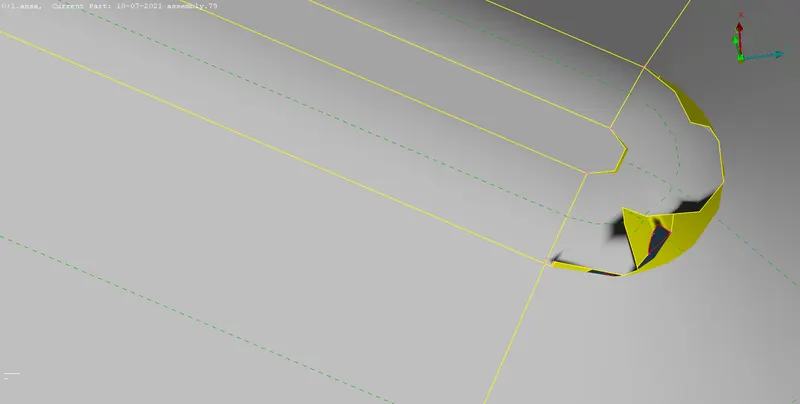
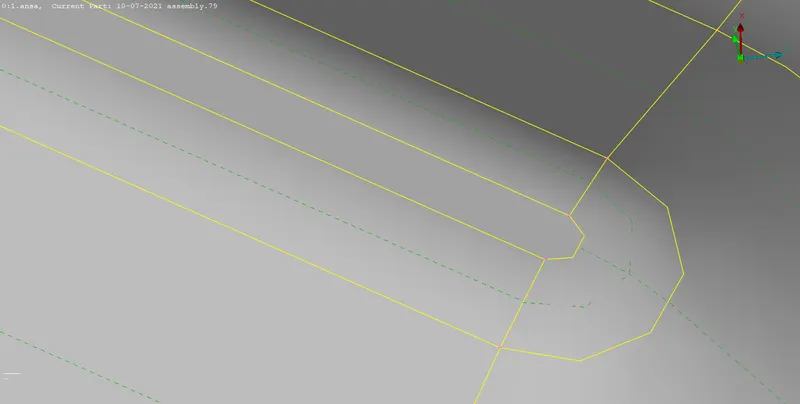
6.we have to remove those cons which are too close to each other basically we have remove
that cons which length lesser then target length.
and again do geometry check
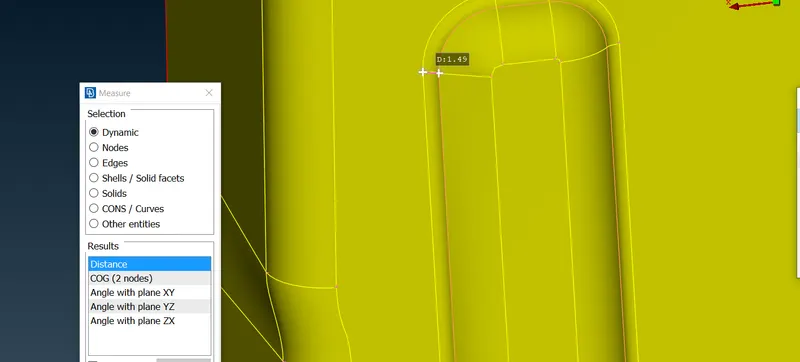
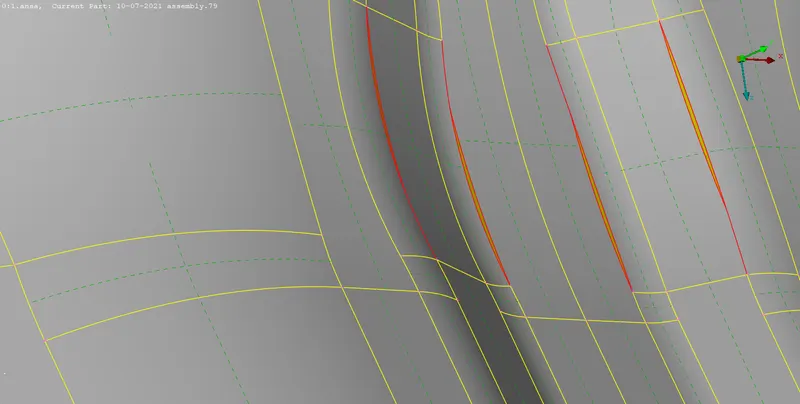
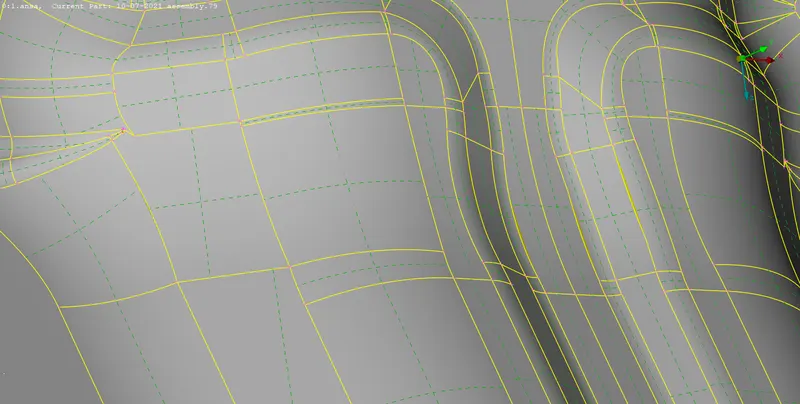
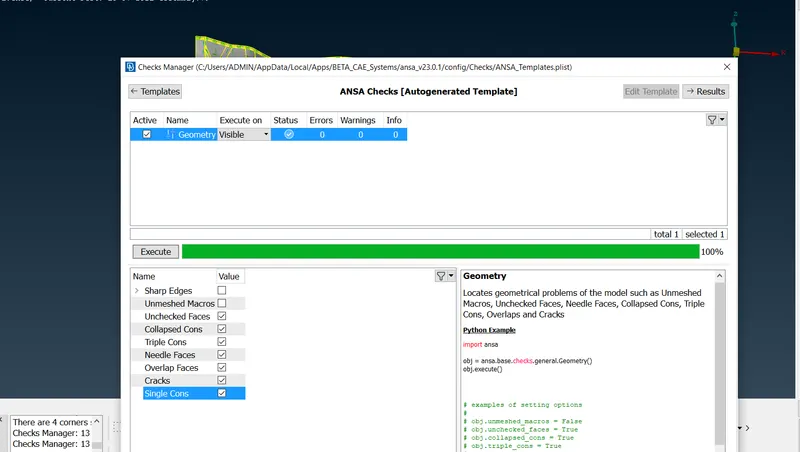
7.now for taking mid surface hit mid surface-skin-select surface-hit ok
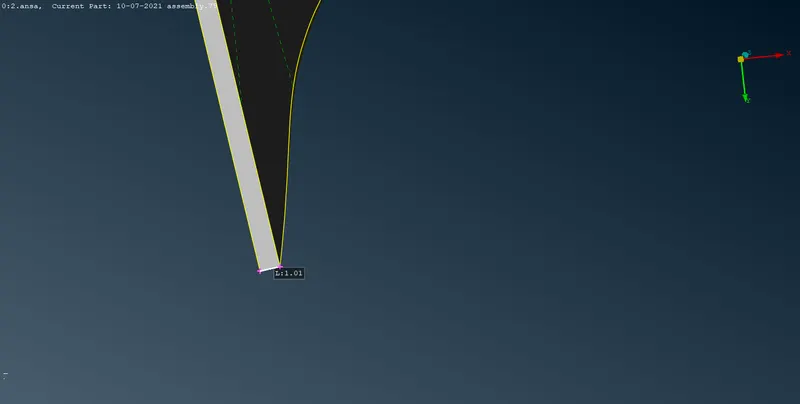
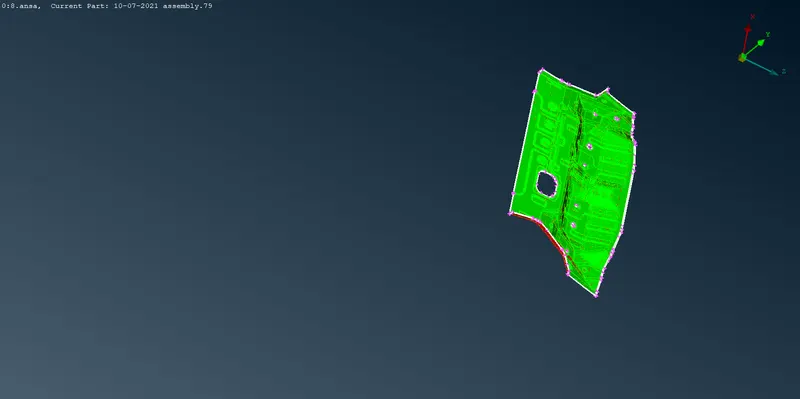
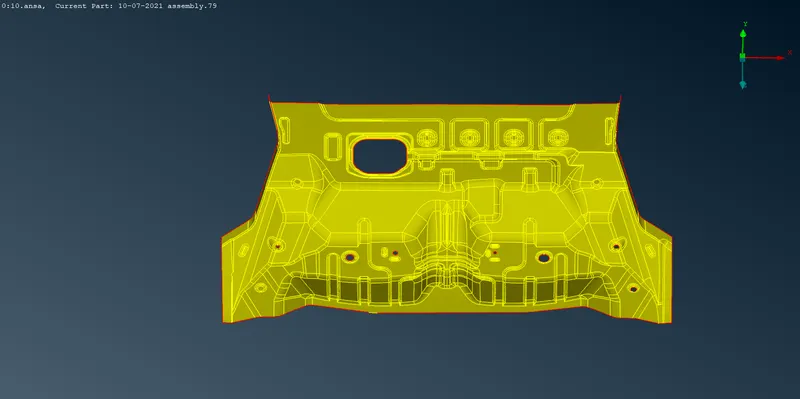
8.now we got our mid surface and now we have to assign quality criteria and mesh length
for this go to classic mesh and by clicking mesh give macros and perimeter as 5mm
9.in mesh parameter give mesh length 5 , and in quality criteria give below quality criteria
|
S.N |
Quality Criteria |
Value |
|
1 |
Aspect Ratio |
5 |
|
2 |
Skewness |
45 |
|
3 |
Warping |
15 |
|
4 |
Taper |
0.5 |
|
5 |
Min. Length |
2 Units |
|
6 |
Max. Length |
8 Units |
|
7 |
Min angle Quad |
45 |
|
8 |
Max angle Quad |
135 |
|
9 |
Min angle Tria |
20 |
|
10 |
Max angle Tria |
120 |
|
10 |
Tria % |
10 |
10.after giving quality criteria we have to mesh the model for that go to mesh and select best mesh and select surface and we got the mesh over model. By switching hidden mode we actually see failed element by reconstructing the mesh we can decrease the number of off elements.
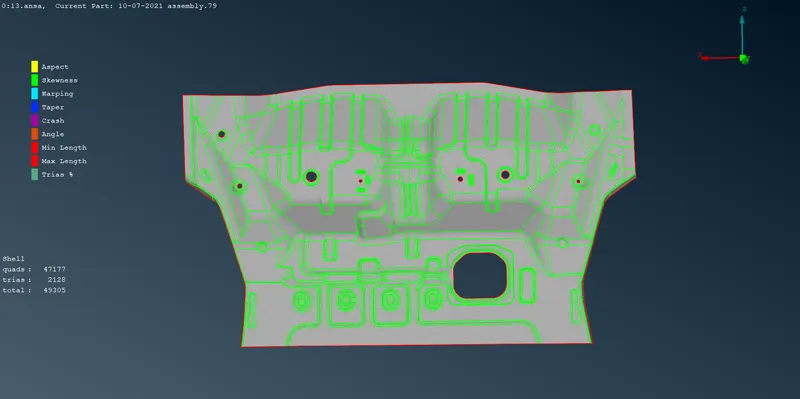
11.go to failed element location and clear those by using SPLIT, JOIN, MOVE.and rec
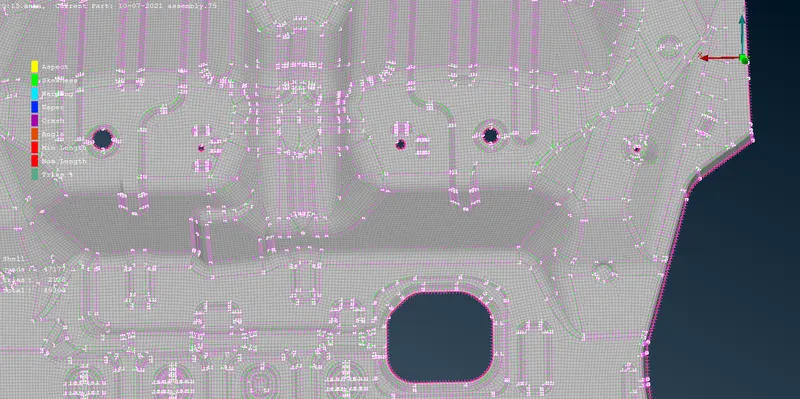
12.now observe the mesh flow there is no rotating elements and trias who faced each other
no tria facing any feature.
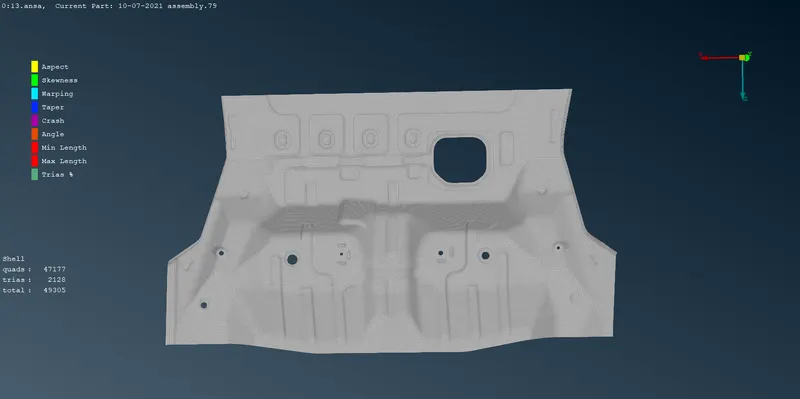
13.after this for seeing thickness go to quality criteria go to presentation and tick ok the draw shell as solid option
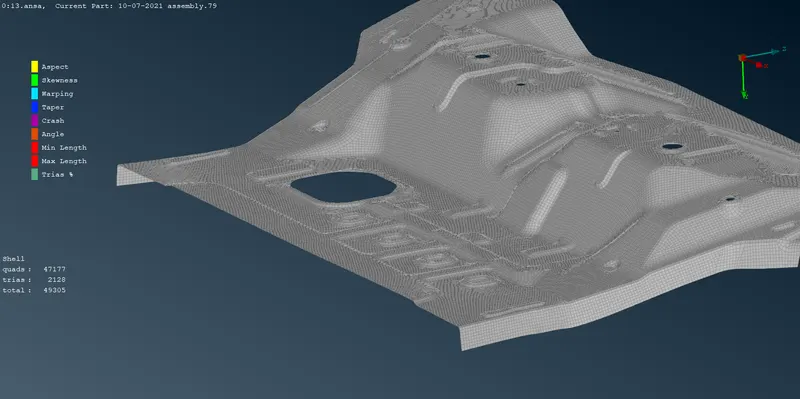
what I learn from this challenge
1.import of model
3.assign PID for different region
4.set mesh parameter
5.set quality criteria
6.deploy mesh
7.various isolating options
8.hide options
9.topo clean-up
10.surfacemesh
11.mid surface
12.set PID for thickness
13.how to clear off elements
14.applying thickness
Drive link :-
https://drive.google.com/file/d/1oMrpn8JP5uIKRCpis3va0gSHwq39botQ/view?usp=sharing