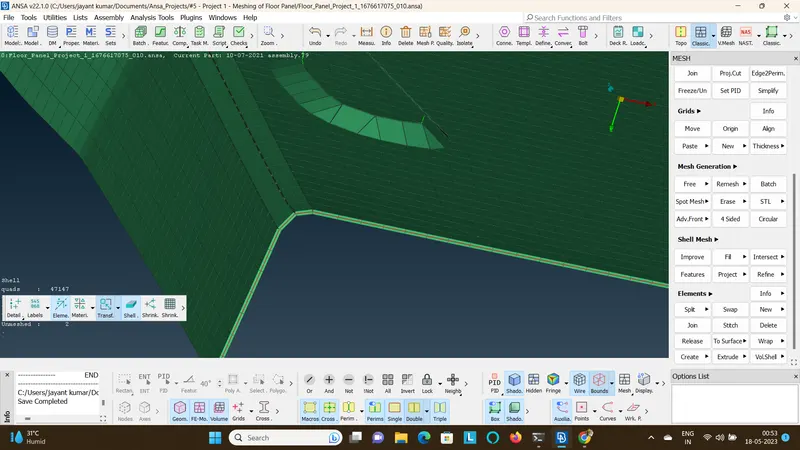
Project 1 - Meshing of Floor Panel
Meshing of Floor Panel:
- Import the model.
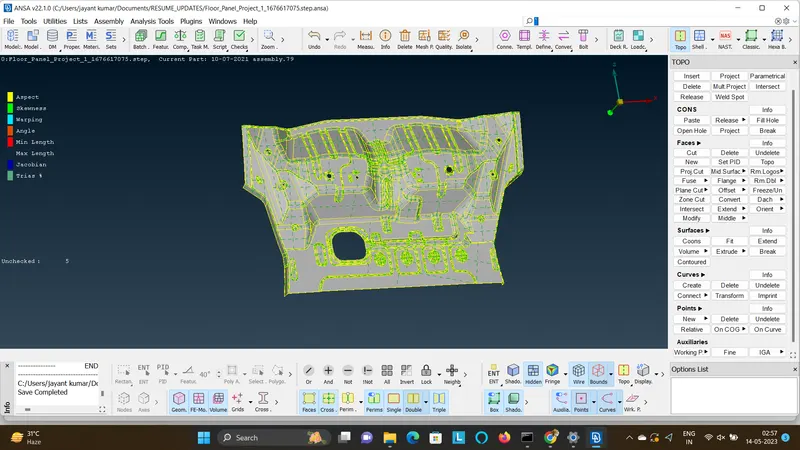
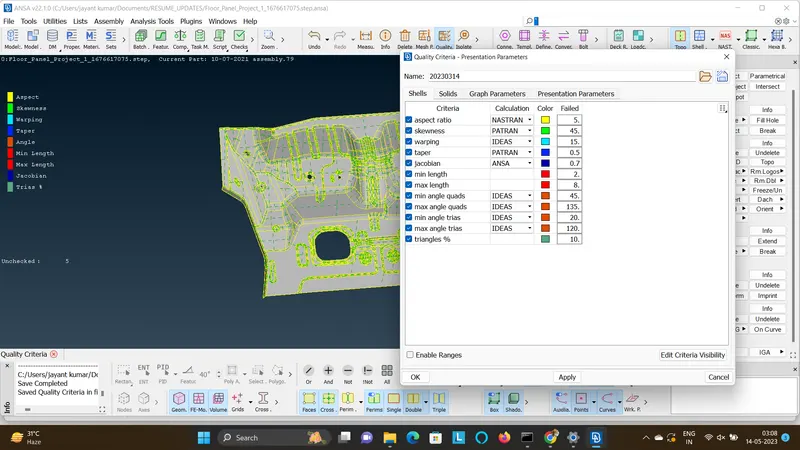
- Set the given quality parameters as per the requirement.
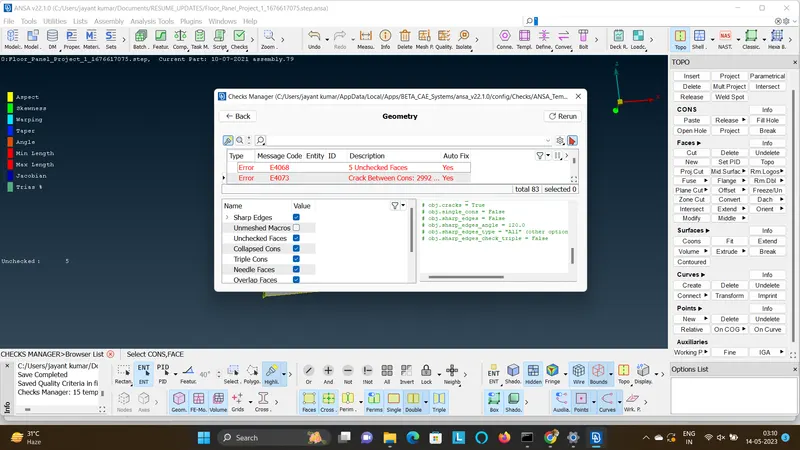
- Fix the geometry by geometric checks.
- Create the surface by offset method as it is having a slight varying thickness, because it wont let the geo to get the auto mid.
- Offset by creating the property with 1mm thickness.
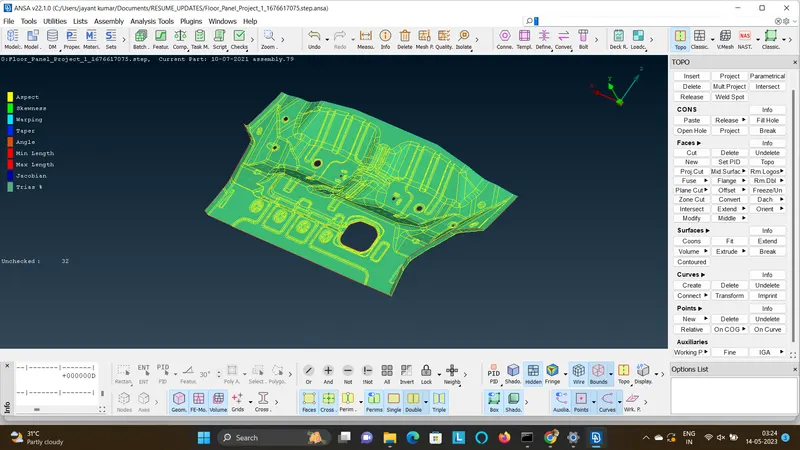
- The created mid will be having the geometric errors.
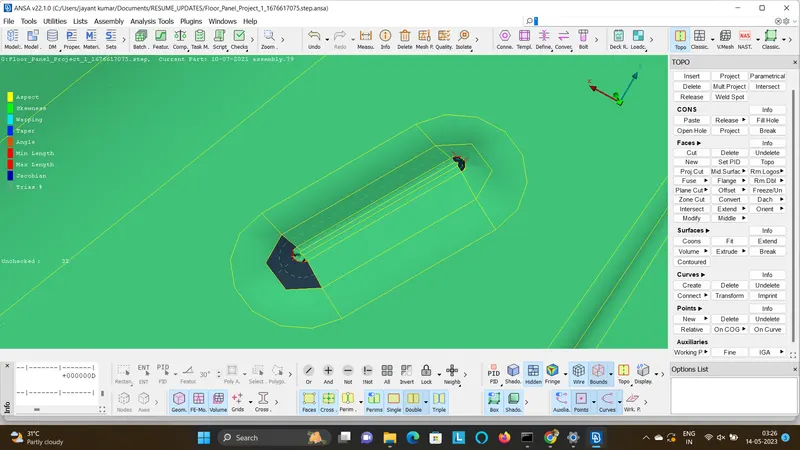
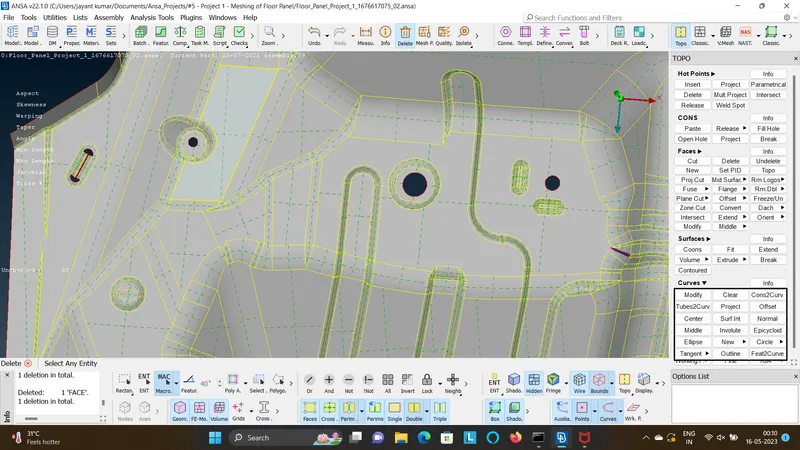
- Work on them, by creating new surface and deleting the unaccepted surface and then finally the mid surface is ready to mesh as shown.
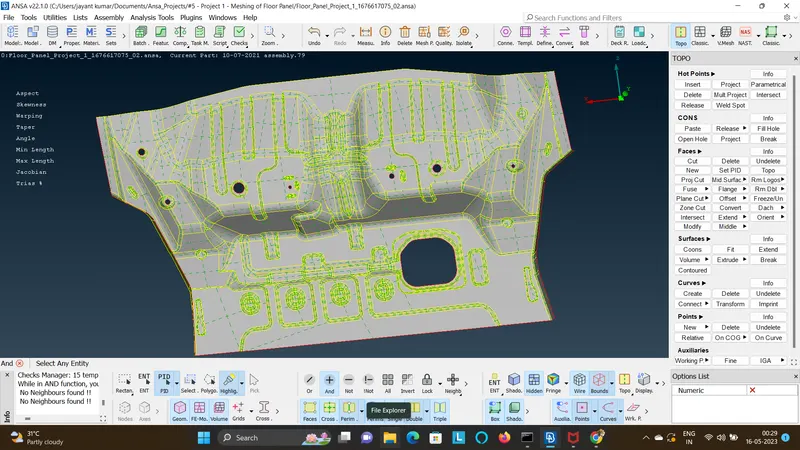
- Create a mesh on the given worked mid surface.
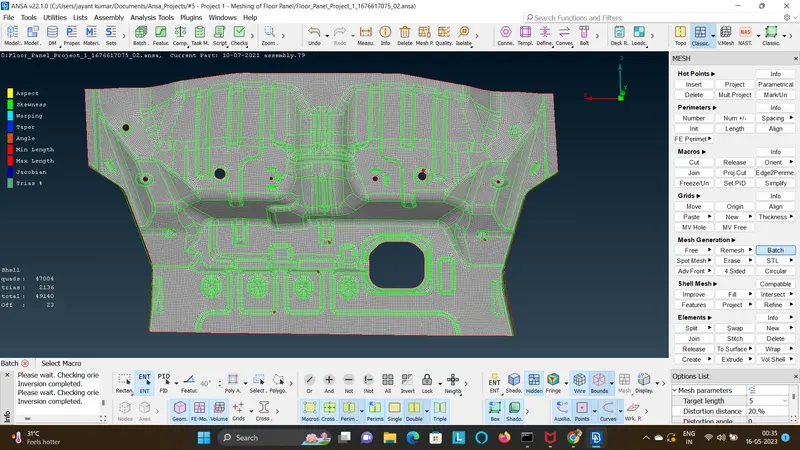
- work on the meshed regions by removing the quality errors and fixing the flow so that the mesh looks appropriately for the required guide lines.
- Finally after working on the mesh, the mesh will look as shown in the below image.
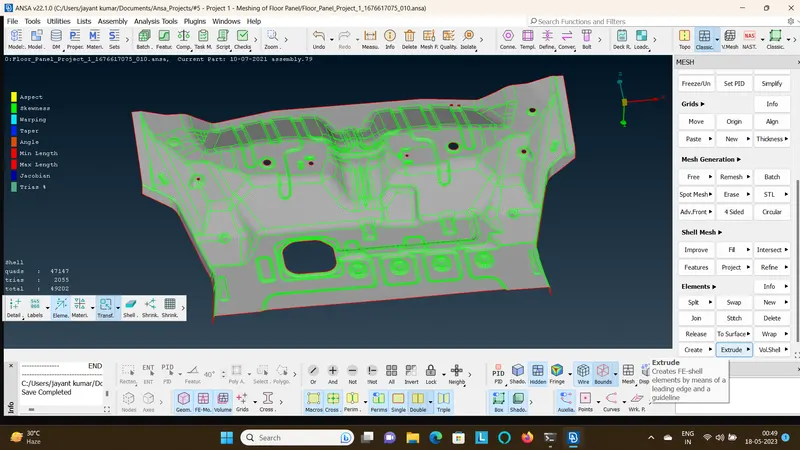
- Check for free edges, clear if any.
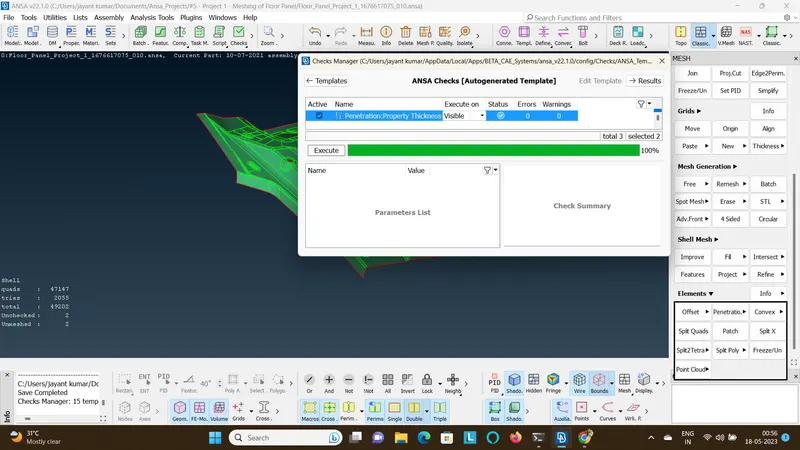
- Check if thickness is assigned as shown.