Project 1 _Creating an Architectural plan for the provided plot size and develop relevant basic structural drawings
PROJECT 1 : CREATE AN ARCHITECTURAL PLAN FOR THE PROVIDED SIZE AND DEVELOP RELEVANT BASIC STRUCTURAL DRAWINGS.
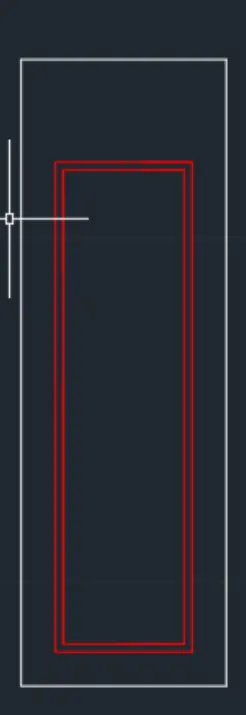
AIM: To design and draft a layout of a residential building within a plot size of 60'x20' facing east. The drawing must include the following:
- Architectural Drawing ( Floor plan , elevations and section ).
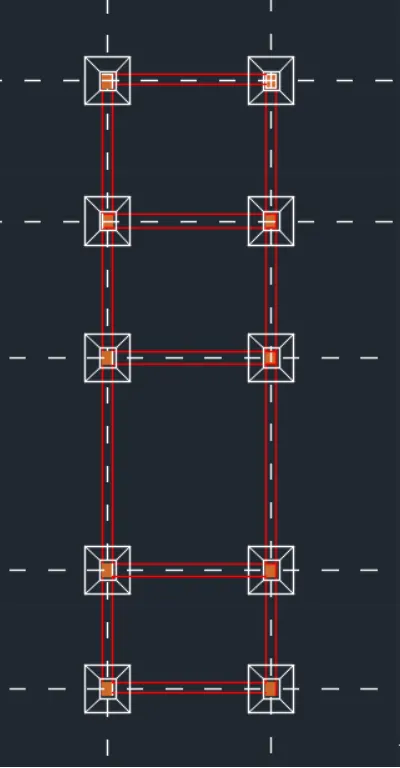
- Structural Drawing ( Column,beam,footing plan ).
INTRODUCTION :
To develop an architectural and structural plan , various commands used as follows:
- X-LINE OR CONSTRUCTION LINE :This is used to draw infinite lines which are very much essential in developing sections and elevation.
- LINE : Used to draw different objects like walls,doors,windows,beam,column etc....
- OFFSET: This is also used extensively to develop walls, offset for external walls is 0.23m and for internal walls is 0.15m is taken.
- TRIM : This is used to remove or erase the unwanted lines.
- EXTEND: It is used to extend the lines.
- COPY : This is used to copy an entity especially while drawing a plan where you can copy the ground floor plan to develop the first floor plan.
- MIRROR : This tool is used to mirror/flip an objects.
- HATCH : This tool is used to provide the appropriate hatching to different portions like brick walls , concrete lintels.
- FILLET : This is very much essential in developing corners where the radius can be provided as 0.
- LAYERS : This enabels us to assign different properties to different entries is a very easy way.
PROCEDURE:
- open new drawing sheet in autocad.
- Initially set the units of the drawing as decimal (meters).
- Now, set the limits of the drawing : specify the lower left corneras (0,0) and specify the upper corner as (1000,1000).
- Now, using the line option in given plot area is taken by after doing all deductions.
- Use the line and offset command , rectangle ,trim ,extend etc to draw the plan .
- Outer walls of thickness 0.23m and internal walls of thickness 0.15m is taken to draw.
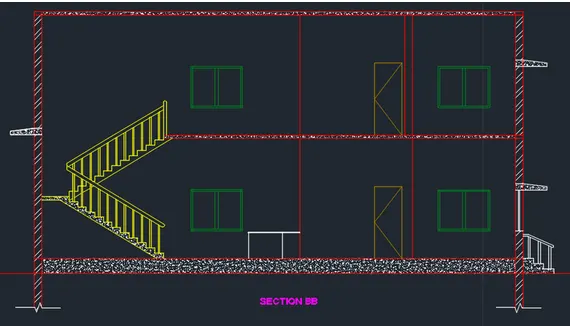
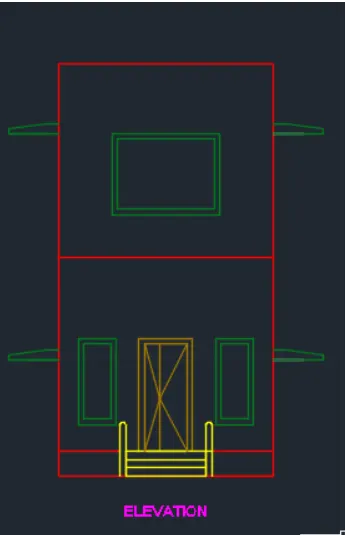
- Doors ,windows,lintels etc are created using line ,circle and offset tools.
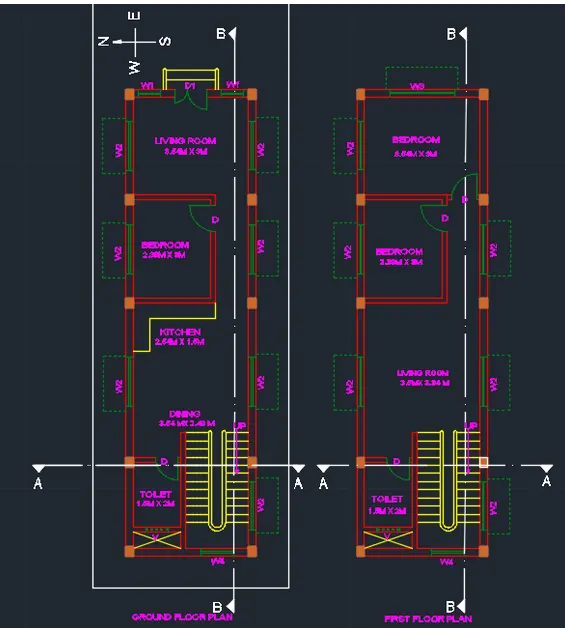
- Dimenssions of doors is taken as : D= 0.8M , D1= 1m X 2.1m ( double door).
- Dimmenssions of windows, W1= 0.7m X 1.6m , w2 = 1.5m x 1.2m , w3 = 2mX 1.5m , w4 = 1mX1.2m .
- Dimenssions of ventilations , v= 0.7mx0.6m.
- Staircase is drawn with riser of 0.15m , tread of 0.25m.
- Kitchen slab is taken about width of 0.5m .
- To draw the 1st floor drawing copy the drawing of ground plan and make neccesray cahnges.
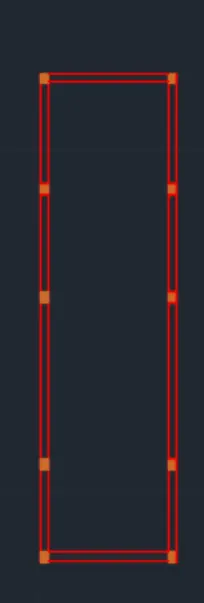
- provise where ever columns necessary.
- Provise haticing to walls, columns etc..
- Dimenssioning should be done using 'DIM ' command. it should be clear and should mention every objects dimenssions.
- After dimenssioning is done finally texting is done to each objecs using DTEXT command.
- Finnally save the drawing and using Snipping tool take a drawing screen shots and save it for later.
- Do the same steps for both structural drawings and architectural drawing make use of various command where is neccessary.
- Draw the paln ,section and elevation, column deatiling , beam deatiling , footing plan etc which ever needed.


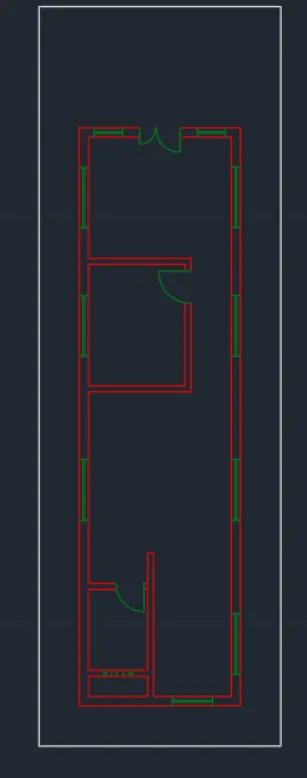
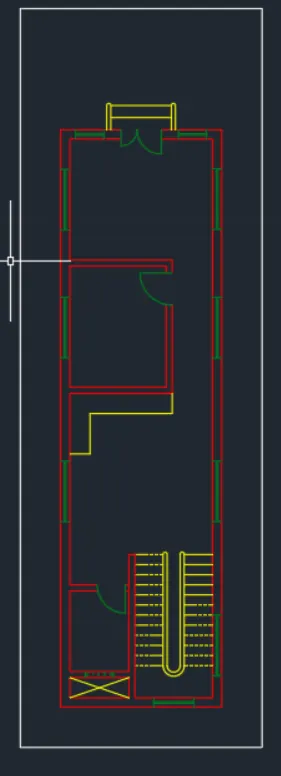
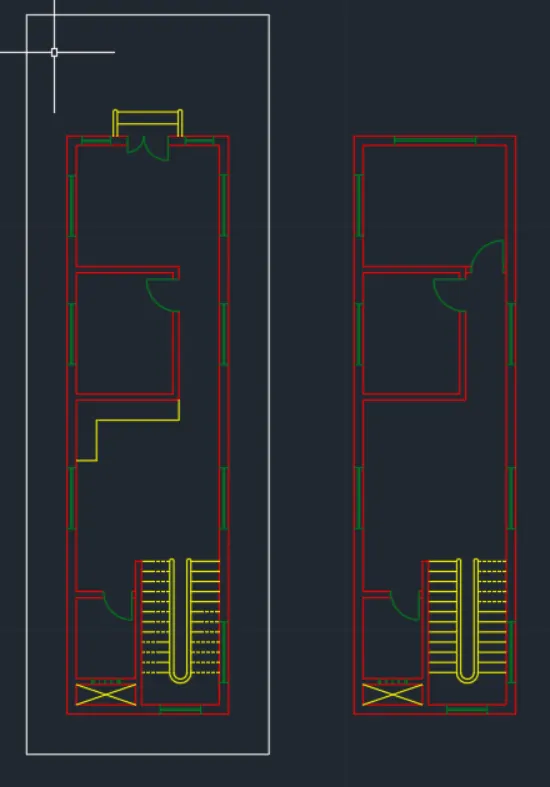
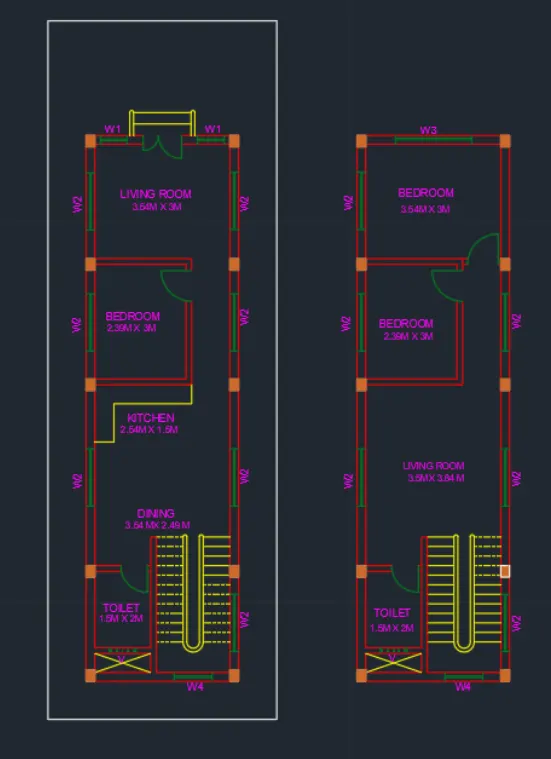
RESULTS : DRAFTED IAMGES OF RESENDENTIONAL BUILDING IS SHOWN AS FOLLOW :
1. FOOR PLAN:
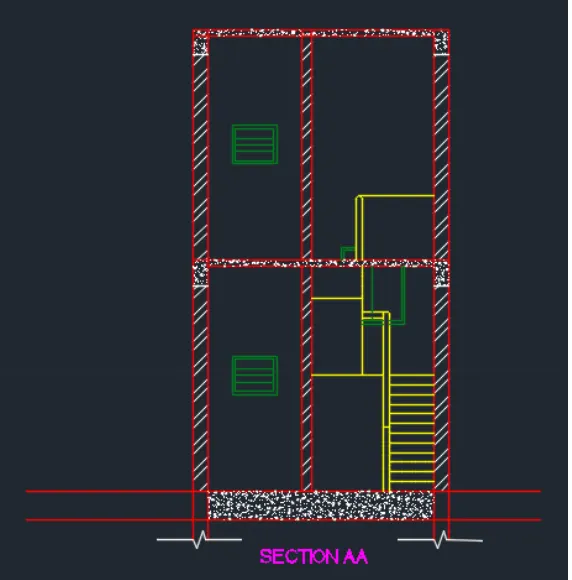
2. SECTION :
3.ELEVATION:
4. COLUMN DRAWING:
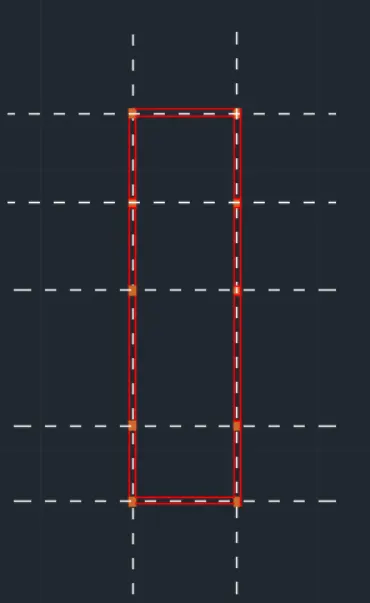
5. BEAM DRAWING:
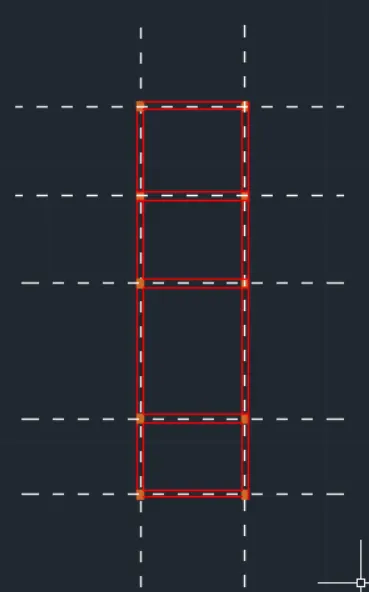
6.FOOTING DRAWING:
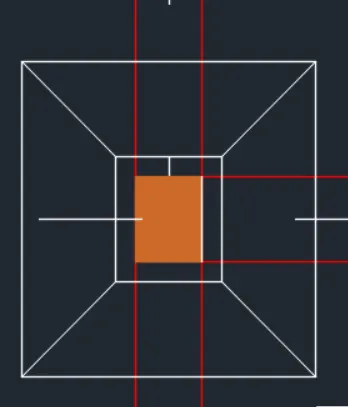
7. COMBINE DRAWING SHOWING COLUMN , BEAM FOOTING PLACEMNETS: