Project 1 : CFD Meshing for Tesla Cyber Truck
Aim : To perform CFD Meshing for Tesla Cyber Truck
Objectives :
- Geometry clean up of Tesla cyber truck.
- Assign proper PIDs for meshing.
- To create a surface mesh.
- To create a wind tunnel around the Tesla Cyber Truck.
- To create a volumetric mesh to perform an external flow CFD analysis simulation.
Procedure :
- Step 1) Geometry clean up :
Import the geometry in Ansa ,we observed that the resolution is 20mm due to that some parts of geometry is not shown their accurate shape so we can change this resolution to 1mm . Go to Mesh > Perimeters > Length > set the perimeters and macros to 1 mm
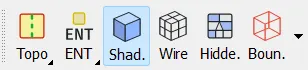
Geometry in shadow mode:
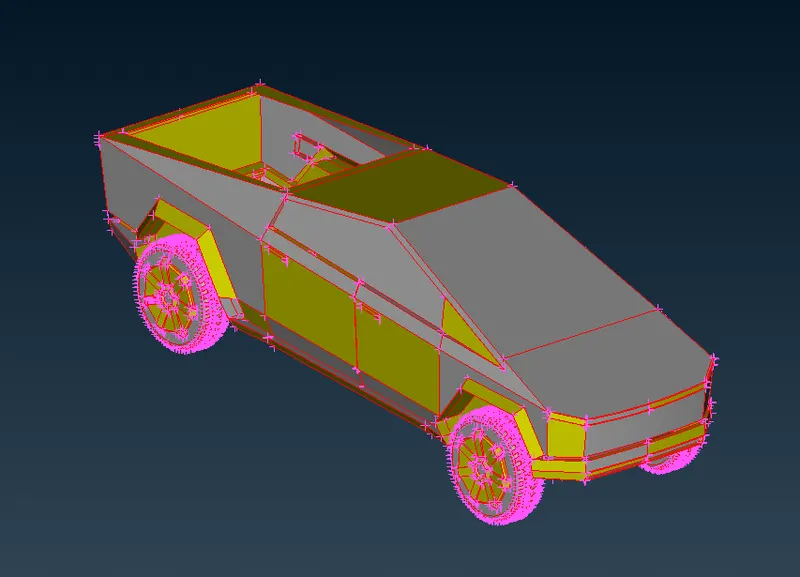
The above geometry shows the lot of single cons present in the model so we go to Faces > Topo >select the entire model then moddle click ,
The faces topo option in topo deck is auto fix error tool which converts single cons into double or triple cons .After that operation the geometry is look like :
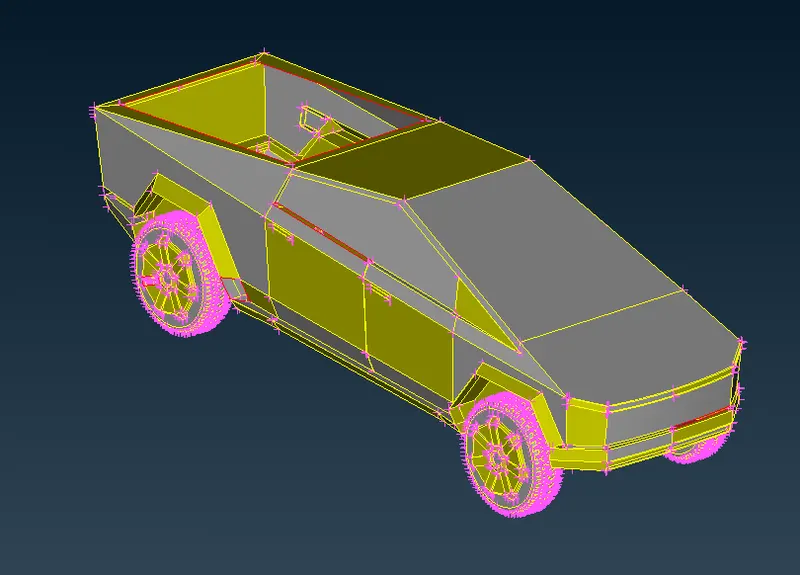
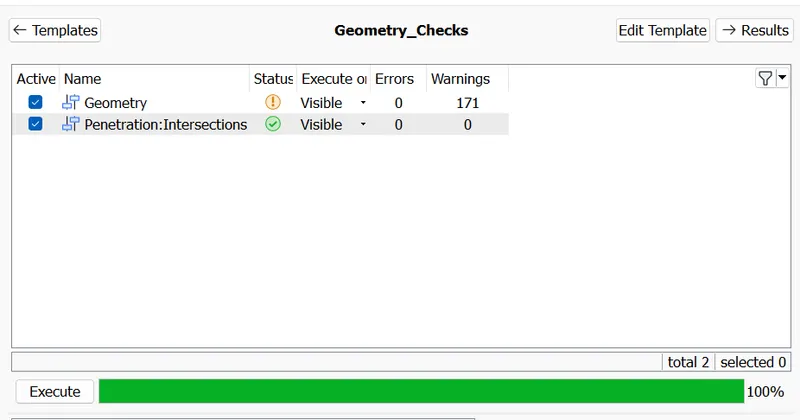
After that we check the errors present in geometry for that go to Checks>Checks Manager > Geometry checks >Execute
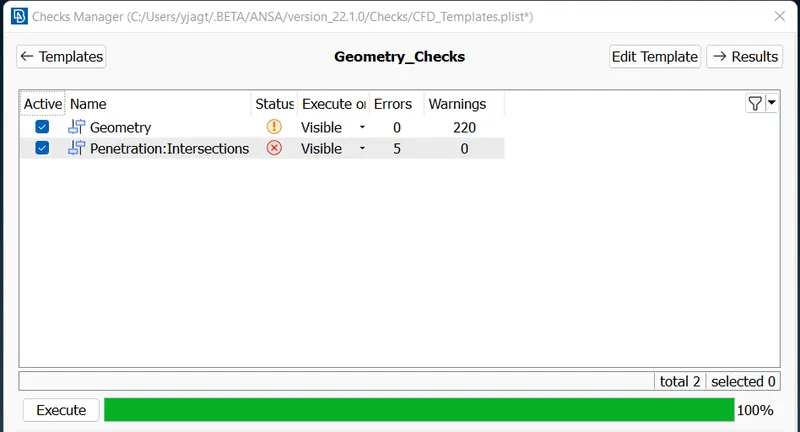
Here we can see that the errors present in geometry.We can do the Topological clean up now by isolating the required surface.
- Right side surface :
Before Topo clean up:
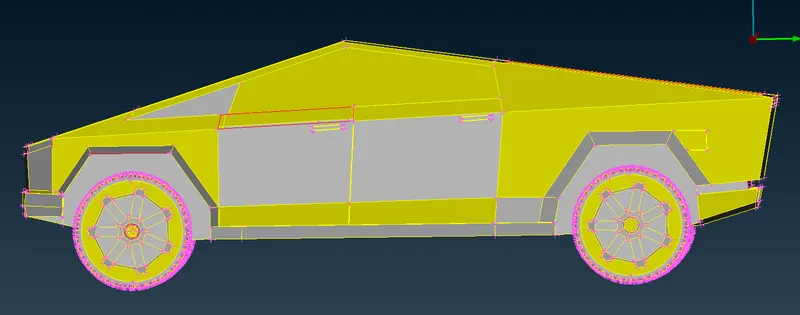
Here we can see that the single cons are present in that region their is a missing surface so we have to patch surfaces on that region .Here we use Faces > New > FITTED option and CONs > Fill hole option to create a surface .
After Topo clean up:
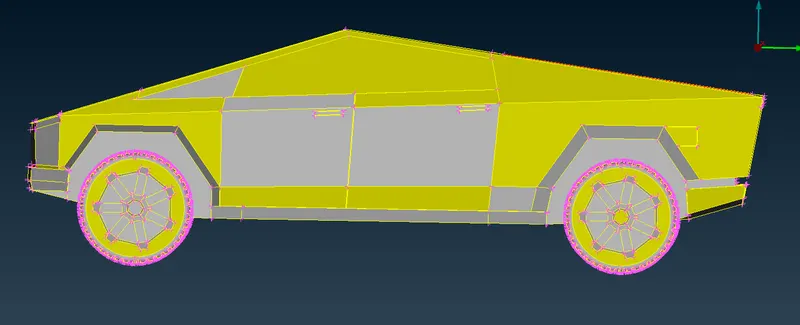
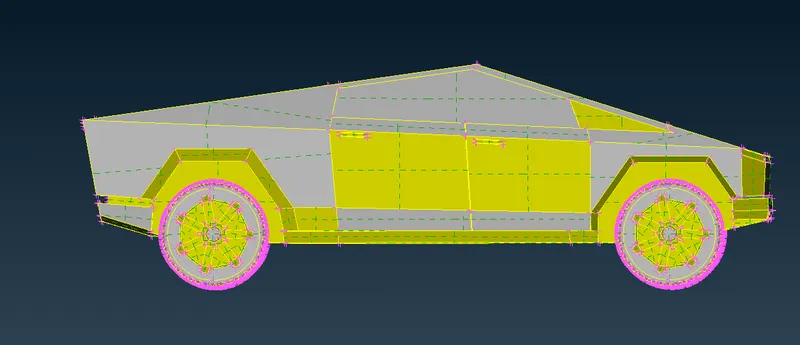
- Left side surface :
Before Topo clean up:
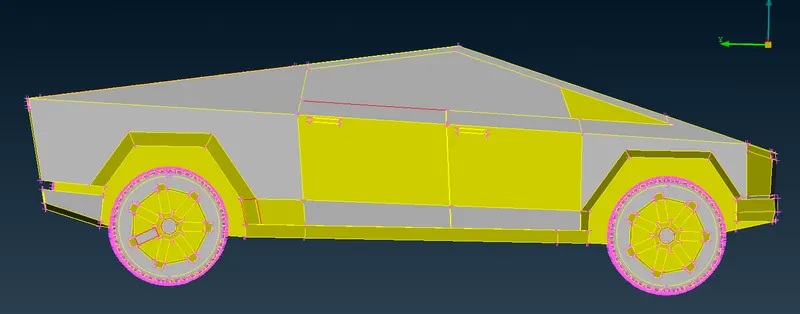
Here we use Faces > New > FITTED option to create a surfaces ,I used loop option to select single cons,
 The loop option is used to select single cons in one click .
After Topo clean up:
- Top side surface :
Before Topo clean up:
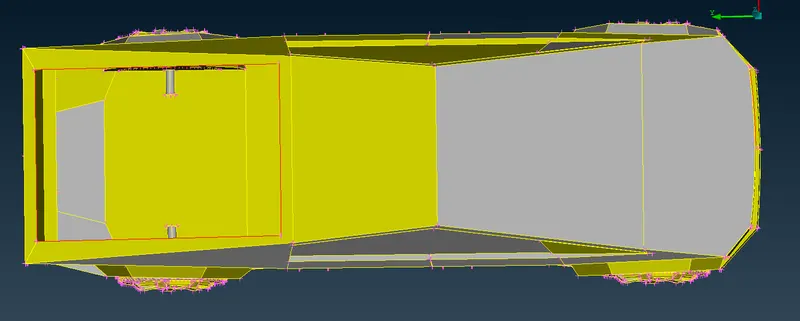
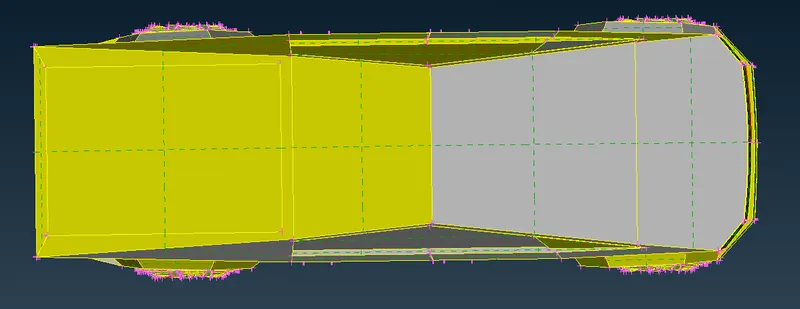
Due to the plane surface I use Faces > New > PLANAR option to create surface.
After Topo clean up:
- Front side surface :
Before Topo clean up:
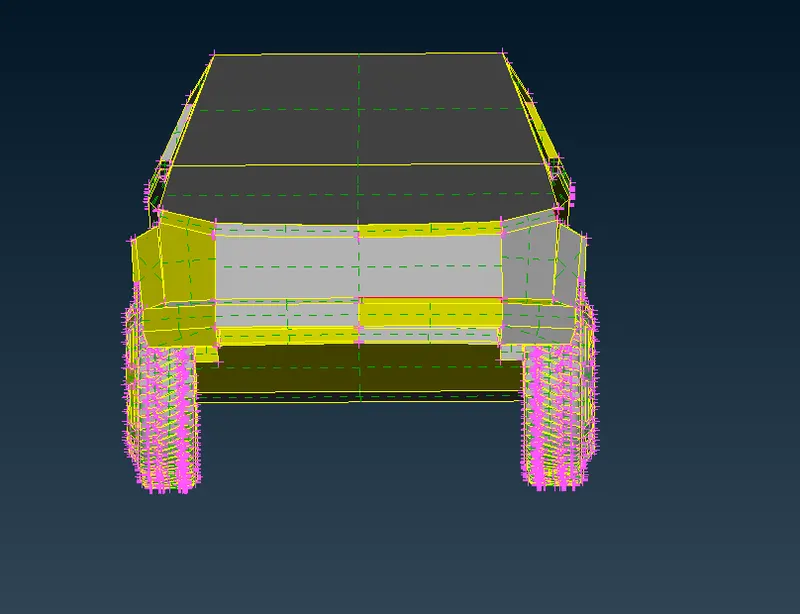
Here we use Faces > New > FITTED option and COONS option is used to create a surfaces.
After Topo clean up:
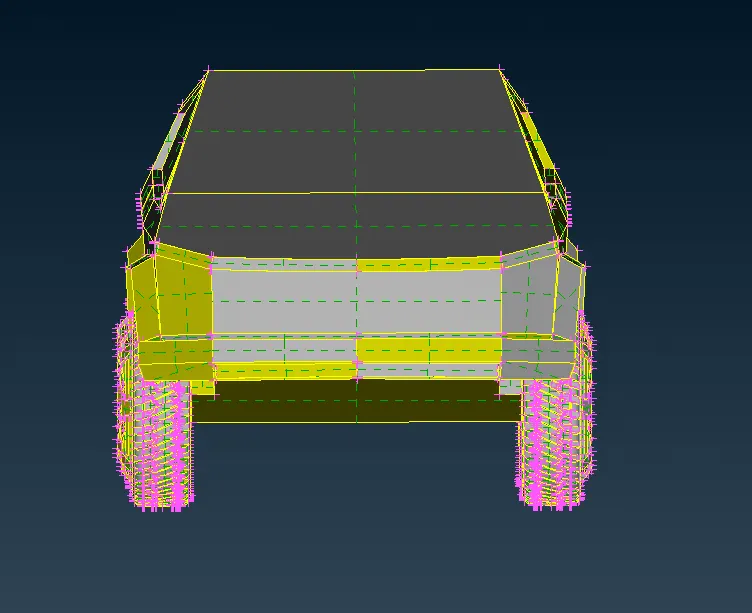
- Body :
Here Not option is used to hide the surface, After hiding three surfaces of bottom part the geometry is look like;
Before :
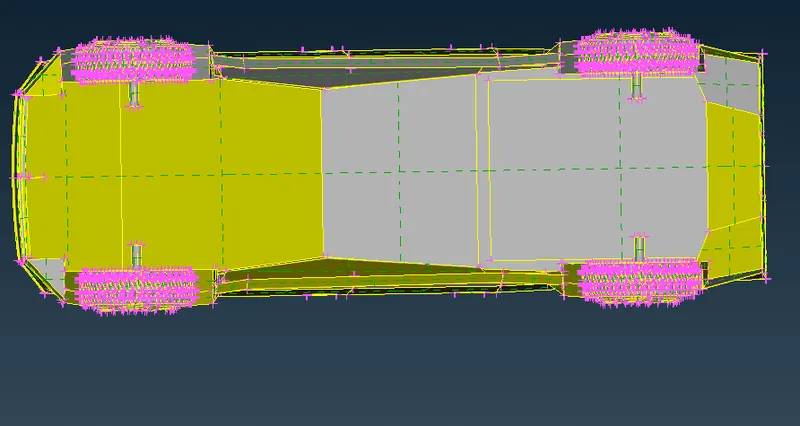
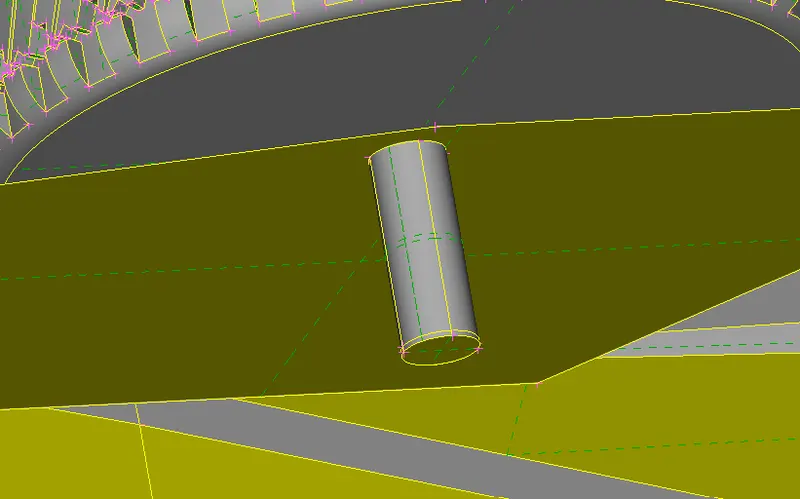
Here we can see that the overlapped surfaces are present we have to delete that surface,and we do not need the rod also because we have to create a single volume at inside a body of truck and 4 volumes for individual tyres and 1 volume for wind tunnel.we delete that rod and Cons > Fill hole option is used to fill that hole.
After :
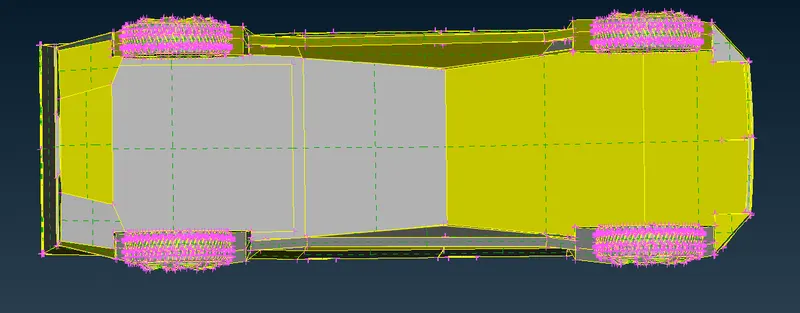
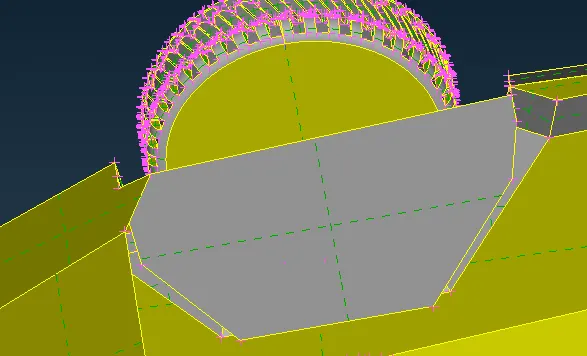
The penetration and intersection error is present at front side of body :
Before:
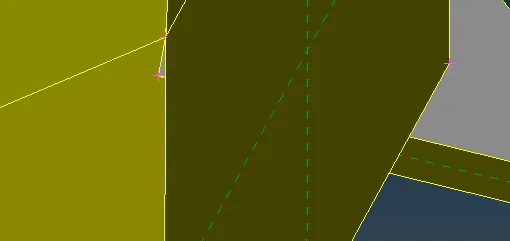
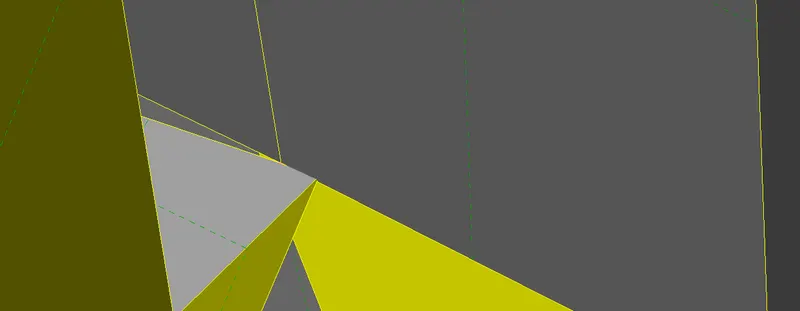
Here we use faces > Intersect option and select the first and second group ie the surfaces which are intersected and keep the necessary surfaces and delete the unnecessary surfaces ,Faces > Cut option is used for making the cut on surfaces and universal delete option is used to delete the surfaces .
After:
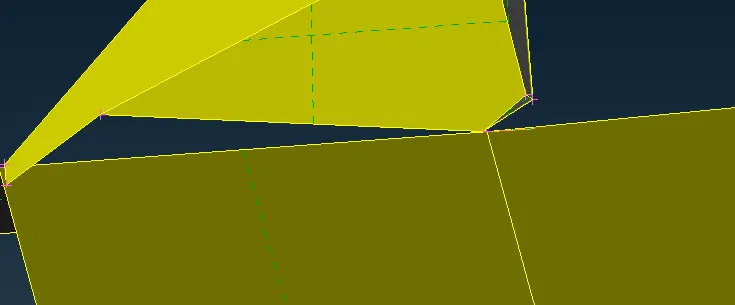
At inside of body some protrude surface are their but we don't need that surface so we can delete that surface. CONS > Fill Hole option is used to create a surface on it. and delete the small unnecessary cuts which will give minimum length error while meshing.
Before:
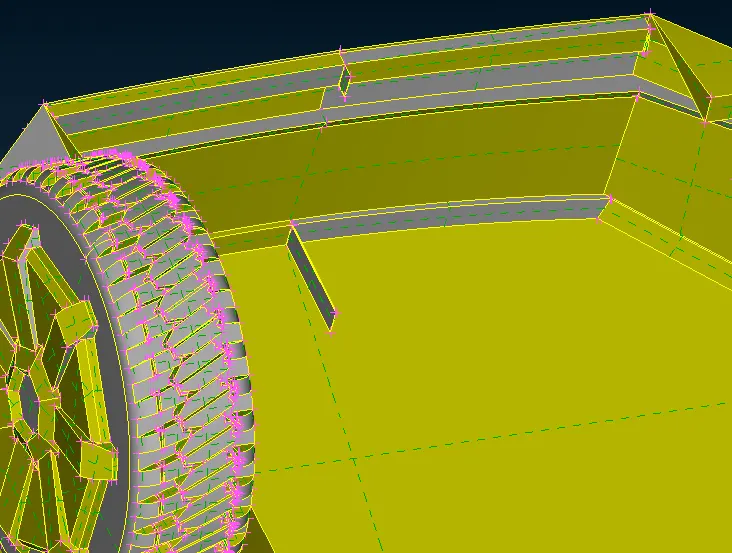
After:
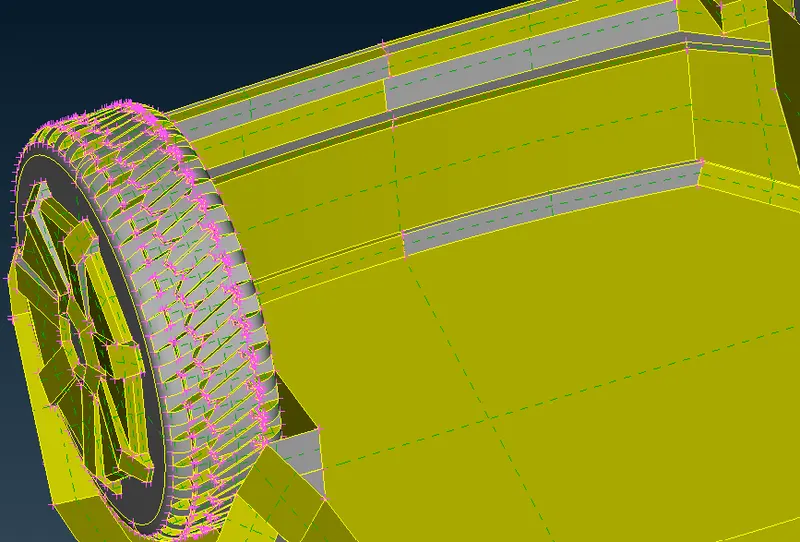
After removing all the errors we can check the geometrical error we get error free geometry:
Step 2) Generate PIDs :
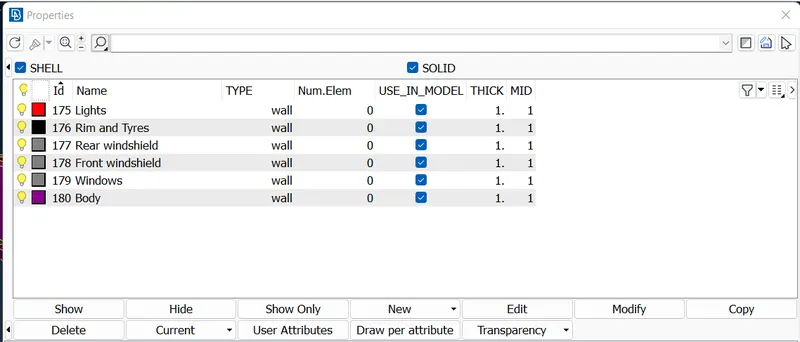
The Tesla Cyber Truck model after assigning the PIDs :
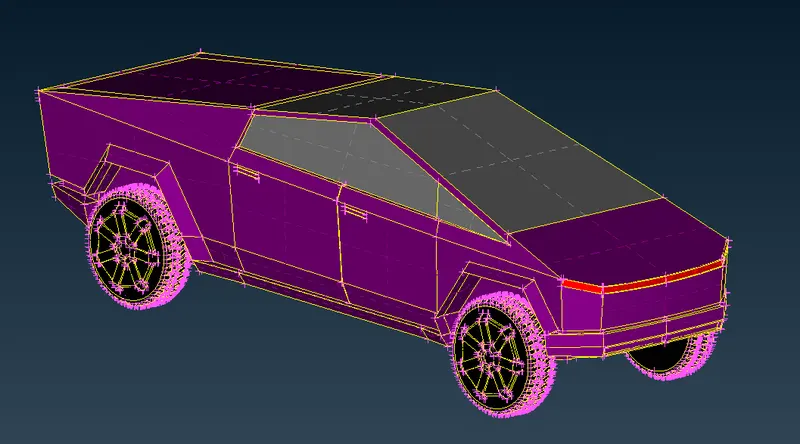
Step 3) Generate surface mesh :
The mesh parameters ,quality criteria and perimeters length are set according to different PID Regions .
For meshing we use CFD mesh tool and reconstruct the mesh if any off elements are there.
We consider Target lengths for the different parts of a model are as follow:
- Body - 4 mm
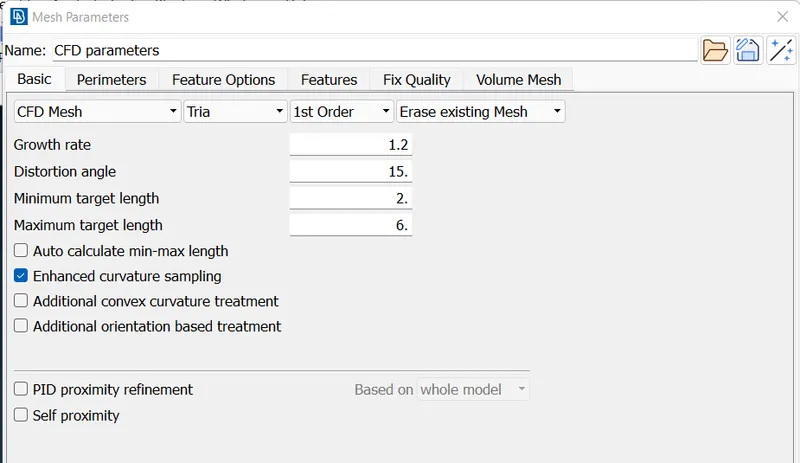
- Lights - 4 mm
- Windows -3 mm
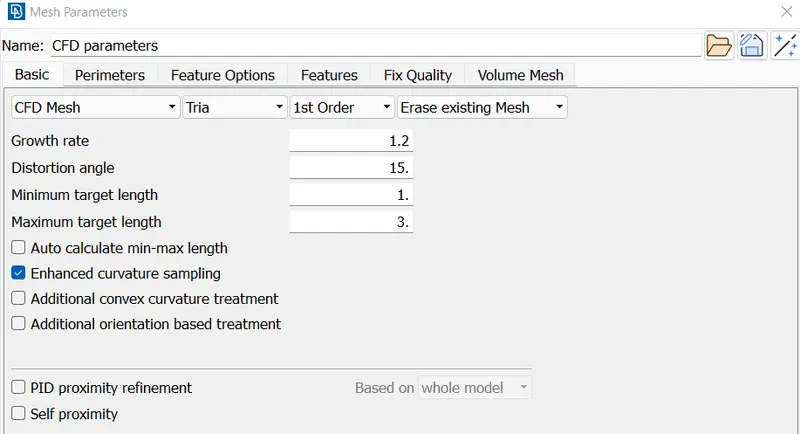
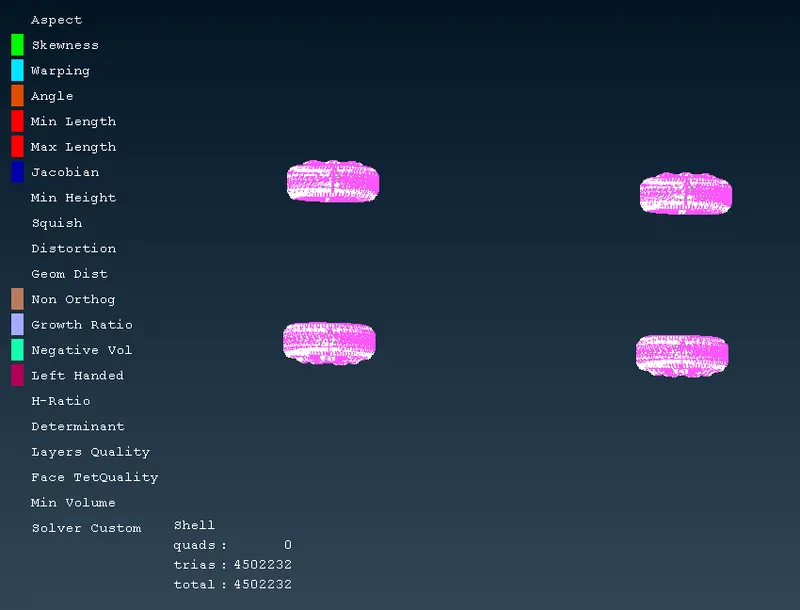
- Rim and Tyres - 2mm
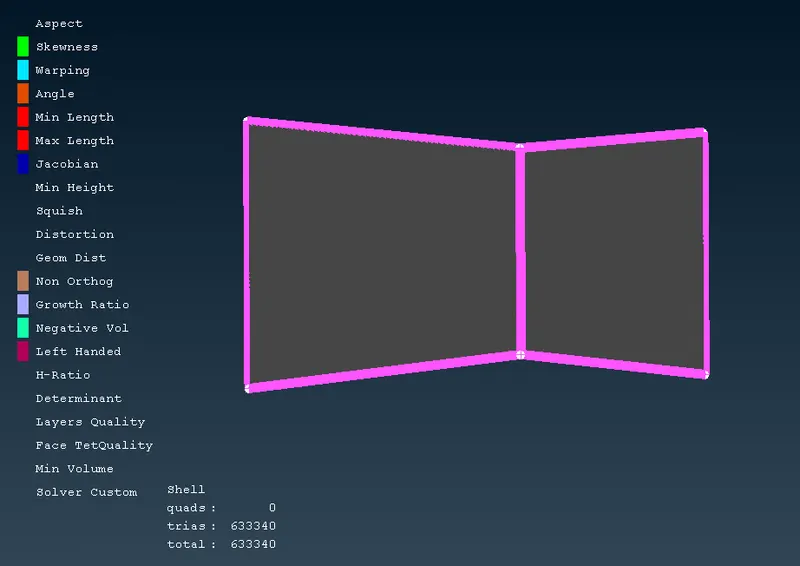
- Front and Rear Windshield- 3mm
Due to different target length for different components so we mesh components individually,
- Windows :
Mesh parameter and quality criteria:
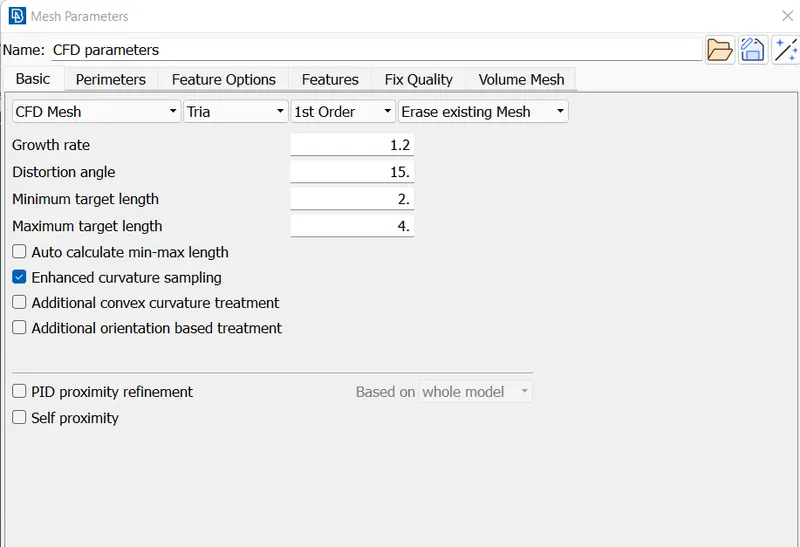
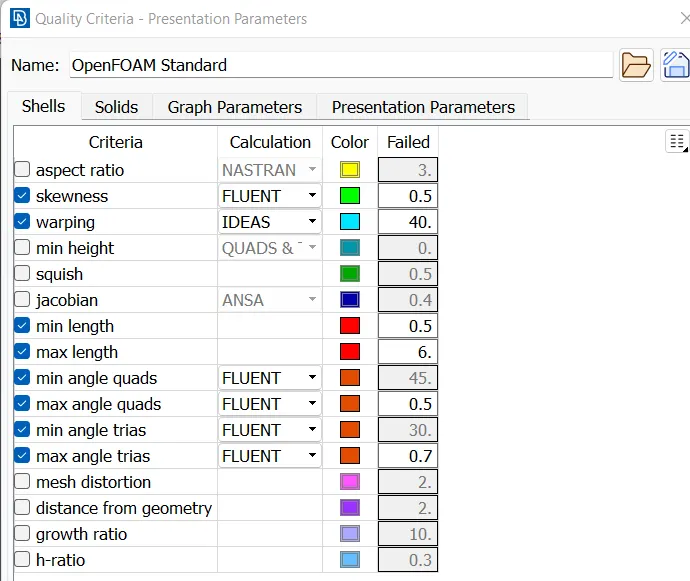
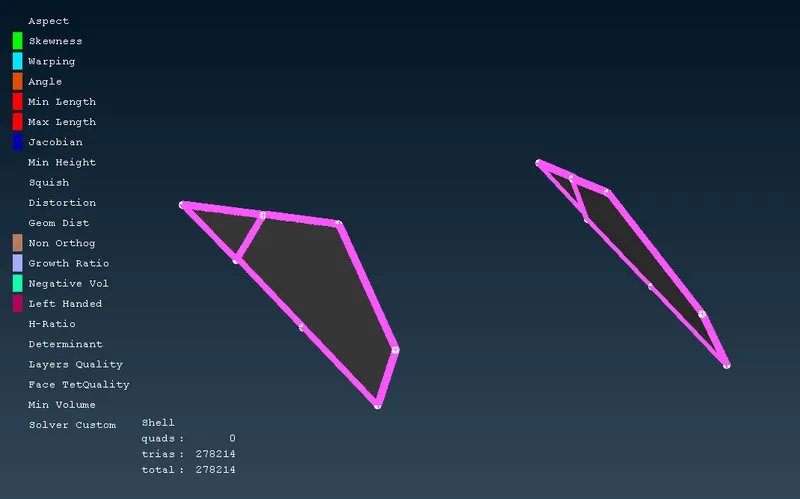
- Front and Rear Windshield
- Rim and Tyres:
Mesh parameter :
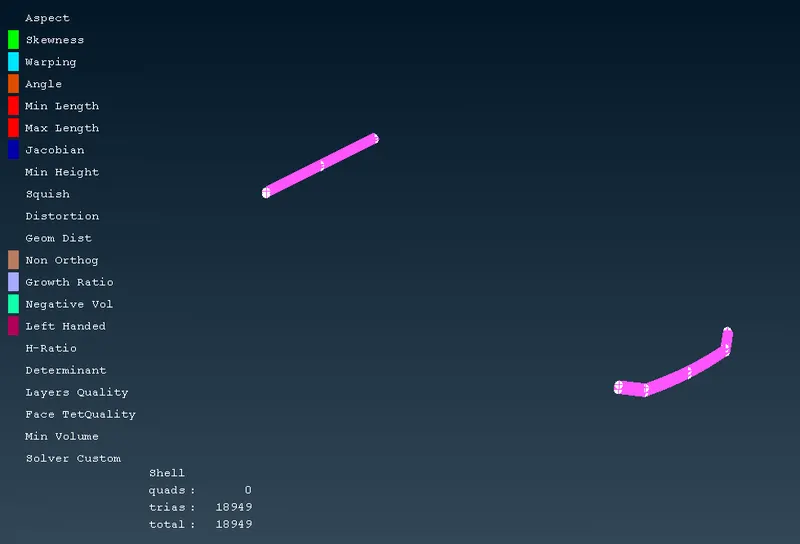
- Lights :
Mesh parameter :
- Body :
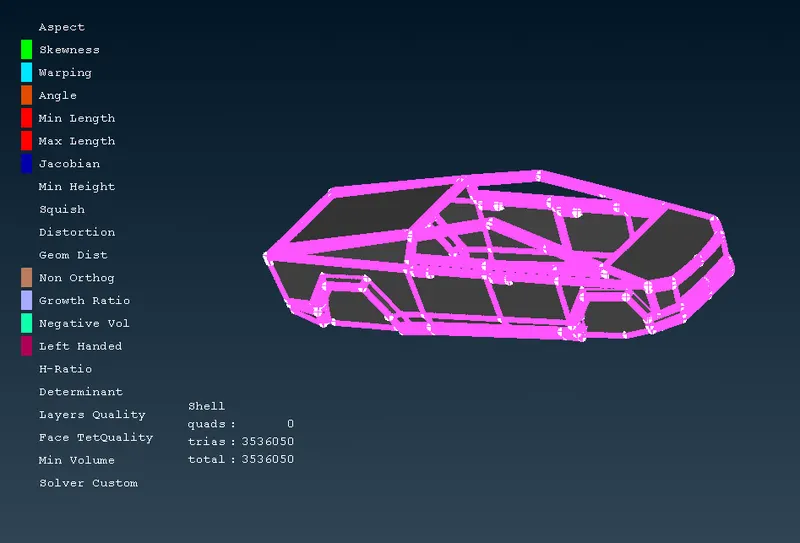
For reducing the off elements we use different tools such as Shell mesh > Reconstruction, Shell mesh >Smooth,Shell mesh> Reshape, Grids > move.
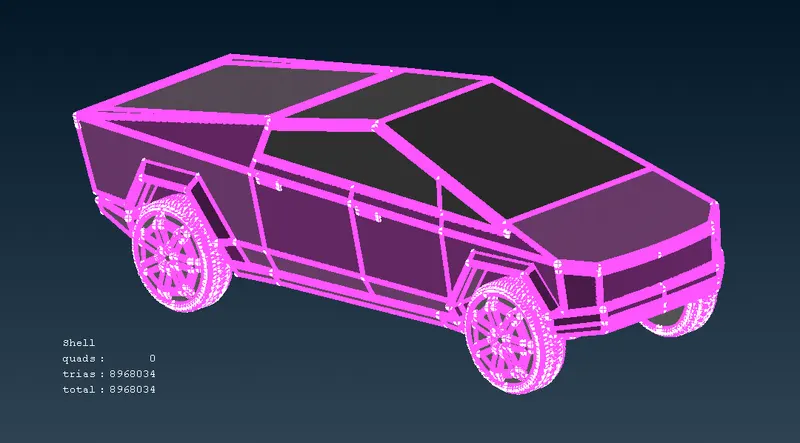
The Tesla Cyber Truck model after surface meshing :
Step 4) Creating the wind tunnel :
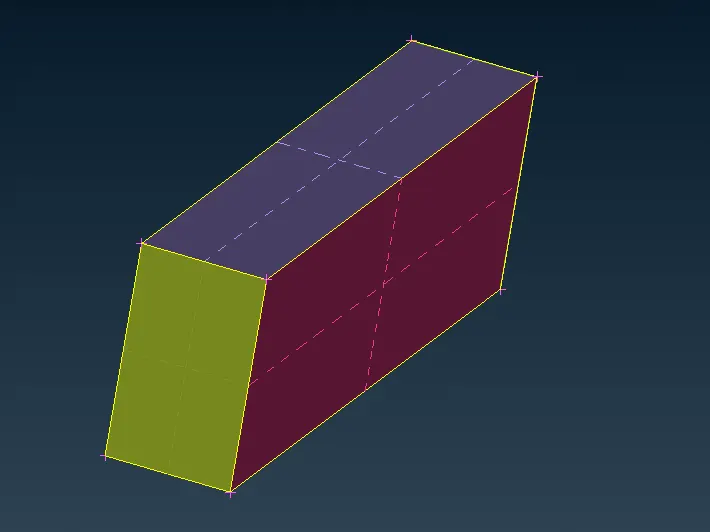
Dimensions of the wind tunnel :
Tesla Cyber Truck length :5970 mm (Approx)
- From the front of the Truck is 4x =23880 mm
- From the Rear of the Truck is 6x = 35820mm
- From the Top of the Truck is 3x= 17910mm
- From the bottom point =700 mm
- From the centre plane =The left and right are 1x =5970 mm
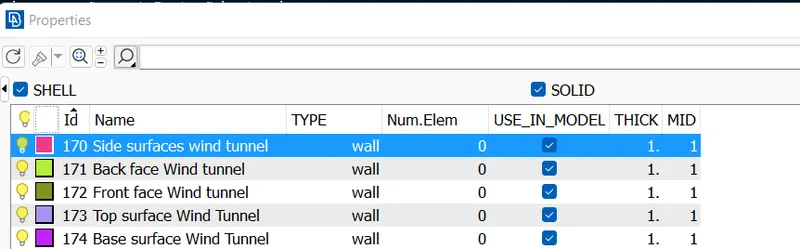
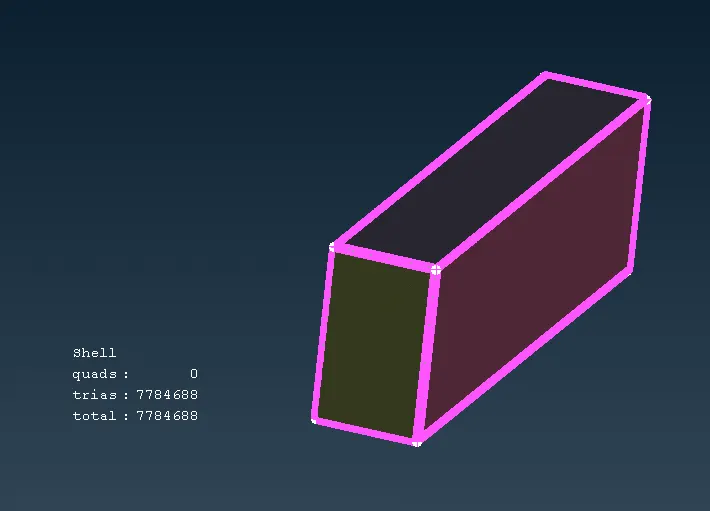
- Here we use Points > Relative , Curves > Create ,Faces > Offset, Faces > New > fitted option is used to create a wind Tunnel and we create a respective PIDs for the Wind Tunnel surfaces.
Wind Tunnel :
Meshing of wind Tunnel :
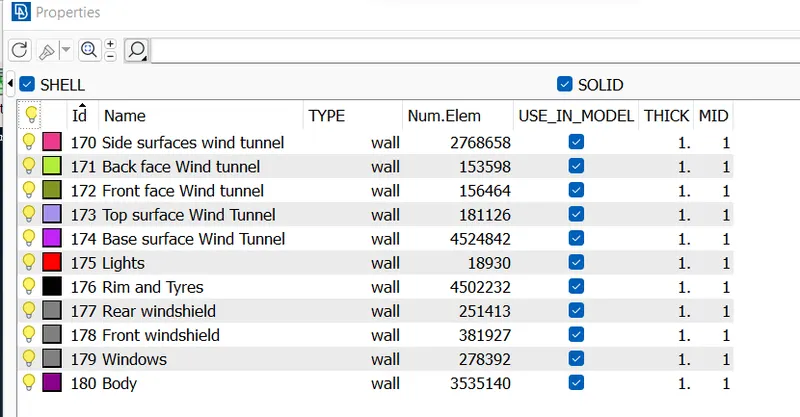
We required a finer mesh near a Truck and coarse element at away from the Truck because we want to capture the flow variables near the Tesla Cyber Truck. so we mesh the Top surface as 100mm mesh length and bottom surface as 20mm mesh length.and we use Perimeter > Spacing option and use factor 1.1 for varying the mesh length from bottom to top surface .
Step 5) Volumetric mesh of wind tunnel volume :
Here for volumetric mesh we go to Volumes > Defines > select Whole db > ok It will auto detect the volumes which are as follows:
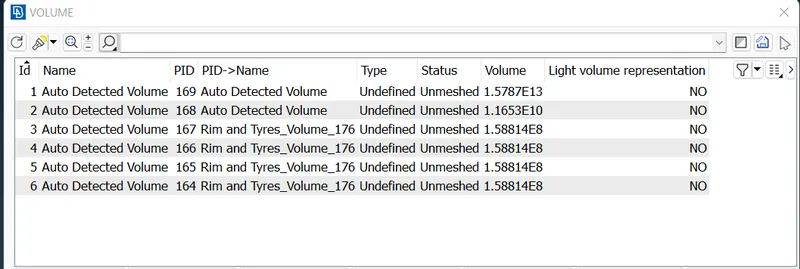
Total 6 volumes are detected out of that only the wind tunnel volume is required to mesh so we check all the volumes and delete the 5 volumes .since performing the volumetric mesh required 2-3 days so we did not perform it.
Result:
The mesh file google drive link is given below:
https://drive.google.com/file/d/1NS8na0XzszX-_SlNpaDDZ21iTly61-Io/view?usp=sharing
Conclusions :
- The geometry clean up is done with the help of various tools present in topo deck.
- The surface meshing is done for a given Tesla Cyber Truck model with zero off elements.
- The wind tunnel is created as per criteria and surface meshing is done.