Project 1 : CFD Meshing for Tesla Cyber Truck
CFD Meshing for Tesla Cyber Truck
Aim:-
- For the given model, check and solve all geometrical errors and assign appropriate PIDs.
- Perform meshing with the suitable Target length and element Quality criteria.
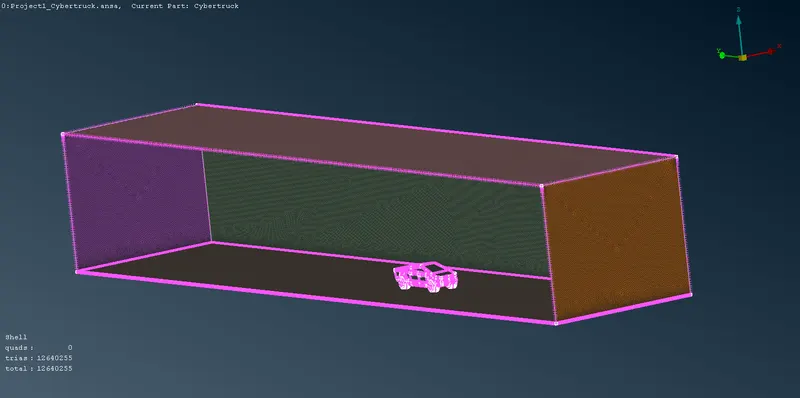
- Create a fluid domain/Wind tunnel enclosing the given model and mesh the same.
- Prepare a detailed report of the steps followed and learning outcomes.
Objective:-
Generate mesh on the given model as per the given Target lengths
- Body - 4mm
- Tyres - 2mm
All the 2D elements(Trias) in the model should clear the quality criteria (i.e. Off elements should be zero).
Model:-
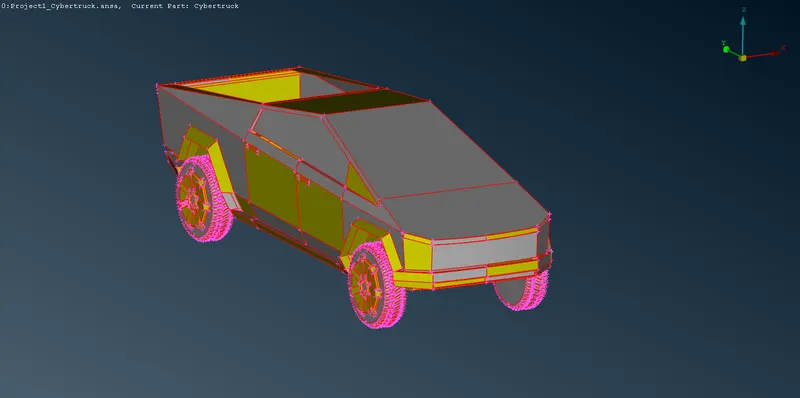
Procedure:-
- Import the ANSA file of the model to perform geometry cleanup and mesh generation.
- Go to the Classic Mesh module and choose the Length option. Enter 1 mm under perimeters to smoothen the sharp curves of the car and give it a fine look.
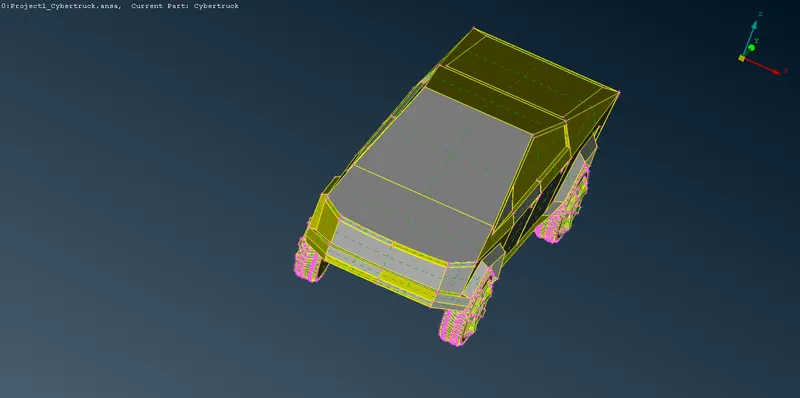
- Perform a geometric check on the given model.
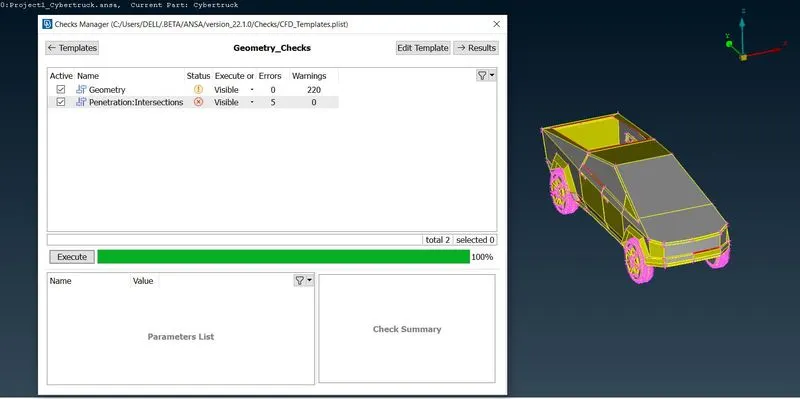
- First, perform Topo on the entire model to identify or join any unjoined single cons or triple cons.
- Now start removing single cons errors and create new surfaces wherever required.
- After checking and performing topo clean-up for the entire model, perform geometry checks to find small cracks or overlapping surfaces. Delete such overlapping surfaces and close all the openings to create a water-tight model.
- Once the above steps are completed, we can assign PIDs.
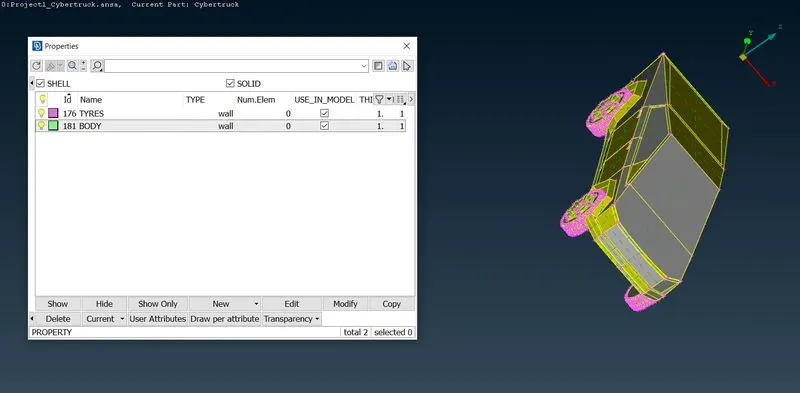
- After assigning the PIDs, we can now give the Mesh parameters and Quality criteria before proceeding to mesh generation.
- Start with meshing the body with a target length of 4mm. Choose the CFD mesh algorithm to generate the mesh. After the mesh generation, check for off elements and use Reshape/Reconstruct option to rectify it.
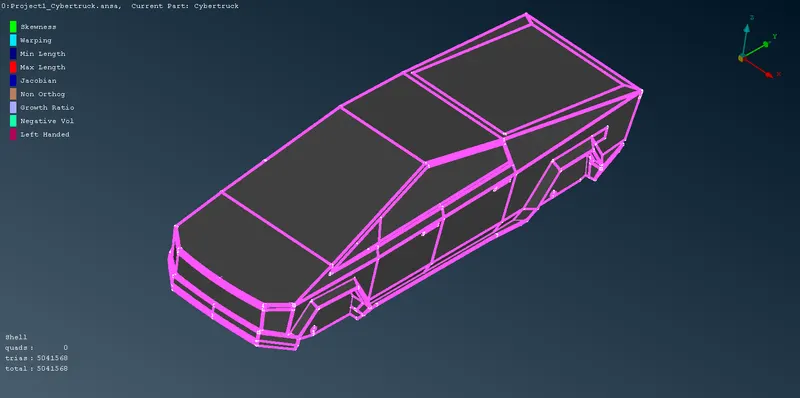
- Now we can perform meshing on the tyres. Give a target length of 2mm and use the CFD mesh.
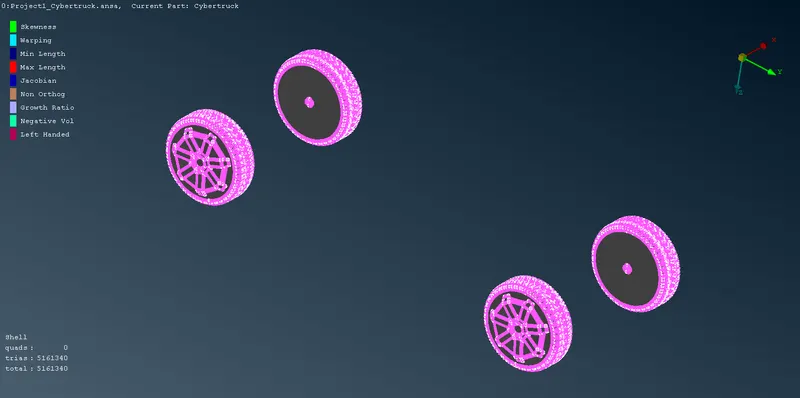
-
Now we need to create a fluid domain/Wind tunnel. For that, we need to create reference points. Select the Relative option under Points in Topo mode and create a point below the car taking one reference point and entering the correct values.
- Calculate the dimensions of the wind tunnel by taking the dimensions of the car as the reference.
Car model length: 5906mm .................. (x)
Front surface distance(from the reference point): 23600mm .................. (4x)
Back surface distance(from the reference point): 35400mm .................. (6x)
Top surface distance(from the reference point): 11132mm
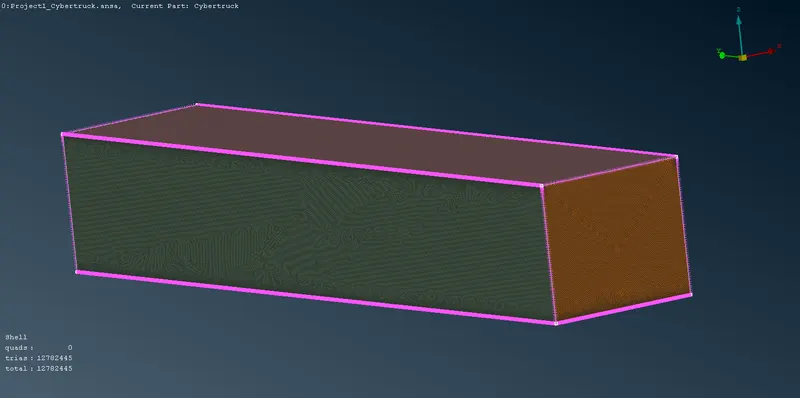
- Create the Front and Rear domains using the reference points and curves. Delete the 3d points and curves once the surfaces are created. Using these created faces, finish the other sides of the wind tunnel.
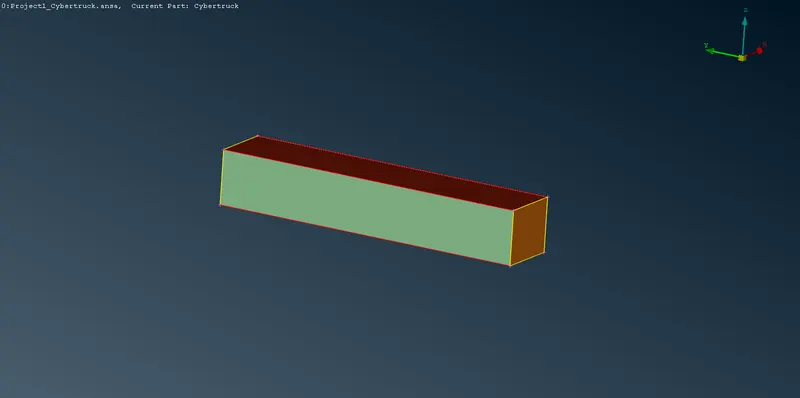
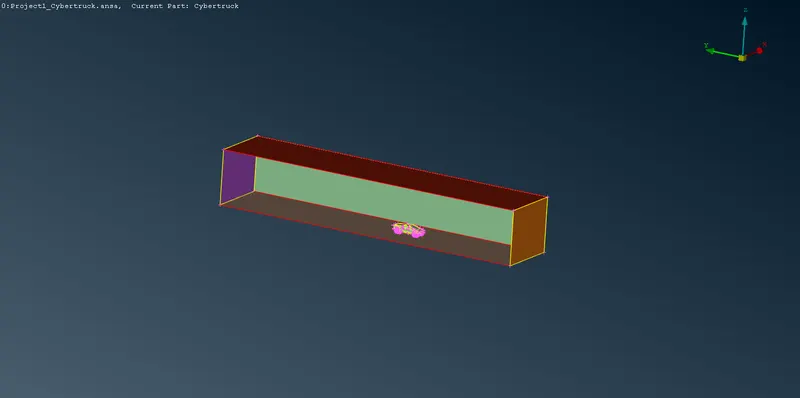
-
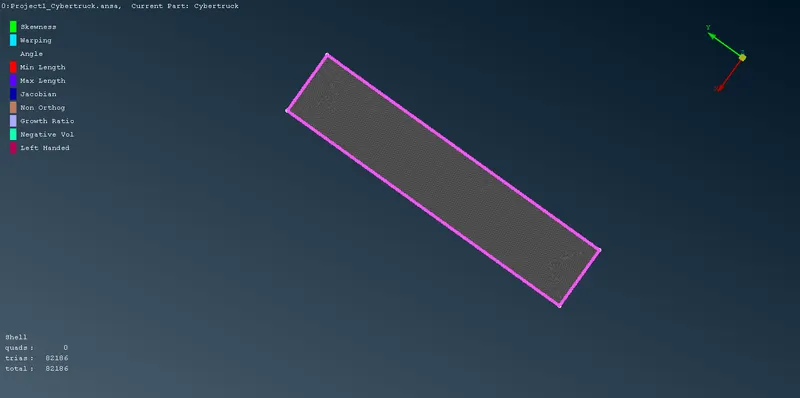
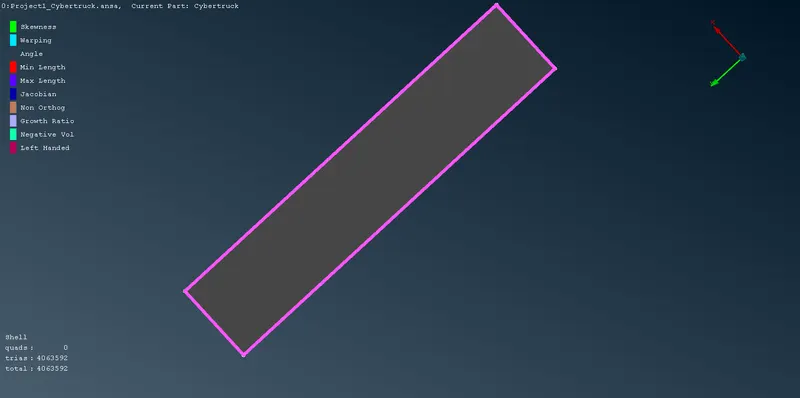
We need to perform surface meshing depending on the mesh length near the car and regions far away from it. Therefore we need to apply different mesh lengths at the bottom and top wind tunnel surfaces. The spacing option can be used to have a mesh length varying from a small mesh length size to a larger mesh length.
-
Since we are interested in only the volume between the car model and the wind tunnel, we can delete other volumes of the car model which are not necessary. Since performing the volumetric mesh takes 2-3 days, the volumetric mesh is not performed as per the challenge question.
Learning Outcomes:-
-
Learned the complete CFD meshing skill from scratch.
-
Performed various geometry clean-ups using different tools.
-
The use of symmetry helps in reducing work time.
-
Create surfaces using the reference hot points by using Relative points.
-
Surface meshing for different components and their varying mesh lengths using the Spacing option.
-
Using the Reconstruct option to reduce off elements.
-
Using the mesh modifying tools like move, split and smooth options.
Conclusions:-
-
Cybertruck car model is topo-cleaned and the surface mesh was generated appropriately.
-
The wind tunnel is created and meshed with reference to the car model size.
Google drive link -- https://drive.google.com/file/d/1EqotfJB3Ur_WdTbkW1J3DUns-ngAWqg4/view?usp=sharing