Project 1 : CFD Meshing for Tesla Cyber Truck
Aim:
To perform Surface meshing, volumetric meshing, and create a wind tunnel for the given Tesla Cybertruck model by complying with the quality criteria using ANSA
Procedure:
Step 1: Geometry Analysis and cleanup
- Import the Geometry file into the ANSA
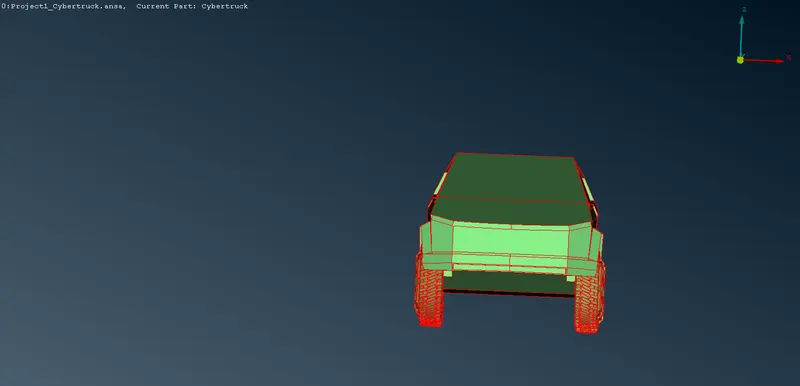
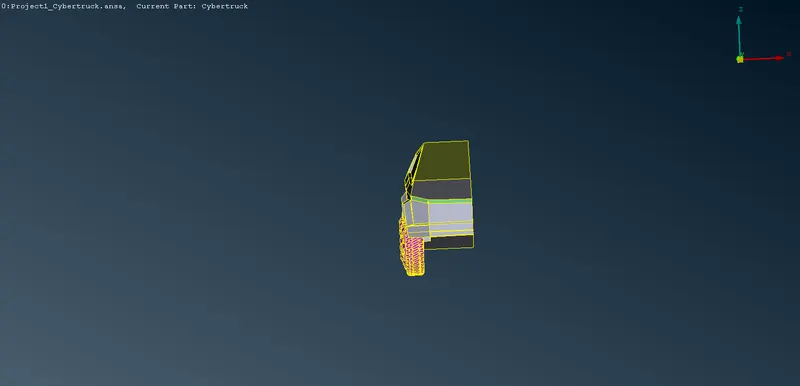
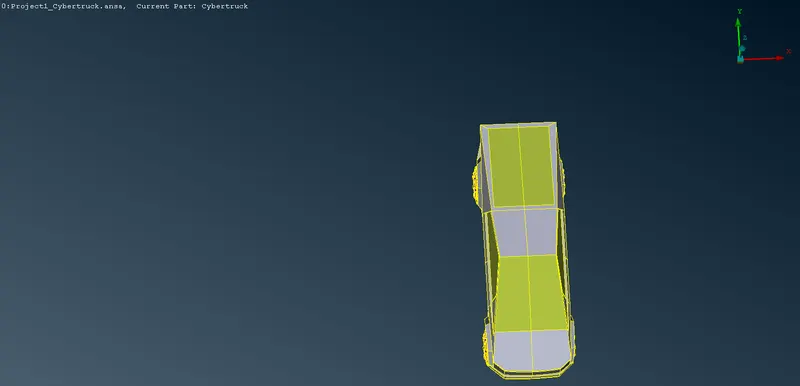
- Delete the other half of the model by creating a cut in the middle of the model as shown in fig.
- Go to Check-->Geometry-->Execute and look for the errors in the geometry
- use MESH-->Perimeters-->Length-->Perimeter and select the entire model and give target length as 0.5 to fine the entire model
- Look for the single cones(red cones) and triple cones(Blue cones) in the model
- Before moving further we have to keep in mind that we must have the car as a single volume for our ease during volumetric mesh
- So we'll start with the Tyres and proceed further. In the process of making a single volume, we'll solve the single and triple cons issues along
- If the red cones are present in the geometry then use TOPO-->Faces-->New-->COONS to patch the gap or if there is no need for any new surfaces then go for TOPO-->Faces-->Topo and select the cons or else TOPO-->CONS-->Paste and select the two red cons to be pasted
- If Blue cones are present in the geometry then check for overlapping of surface, if found then delete that extra surface
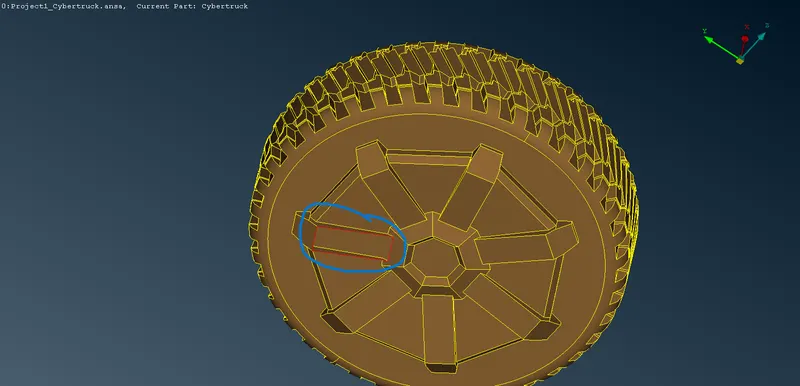
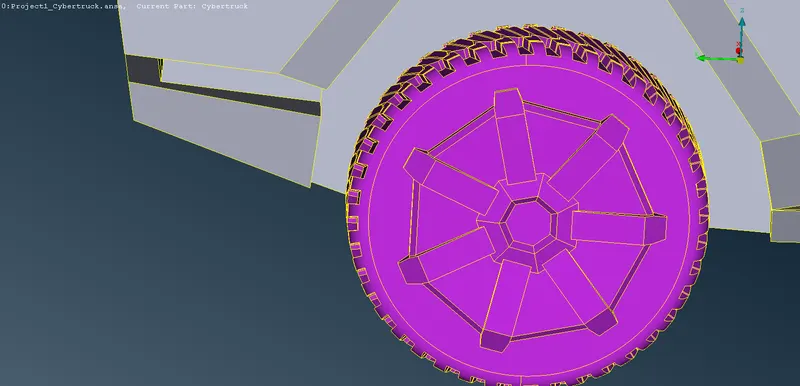
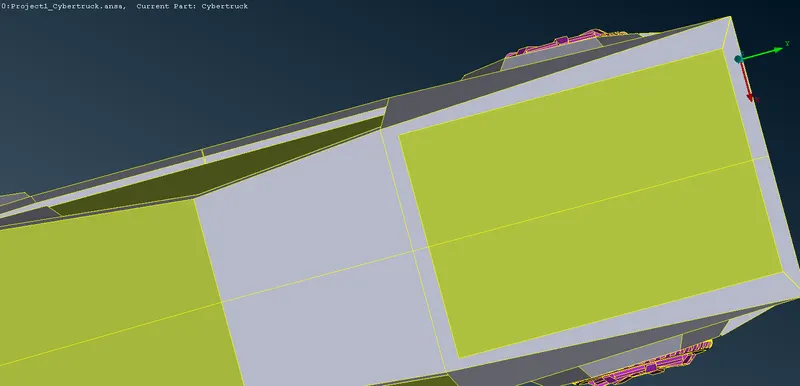
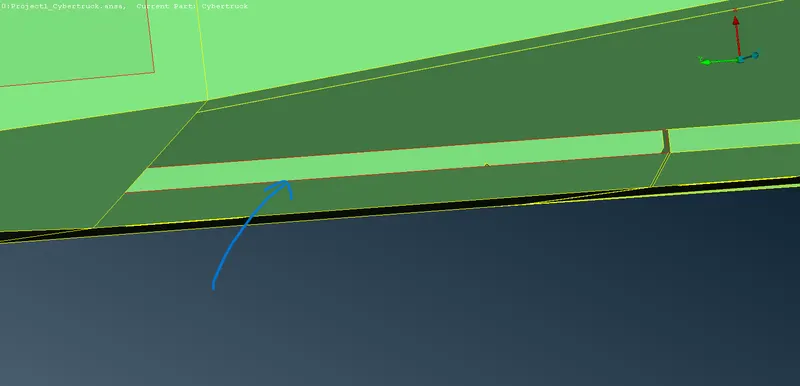
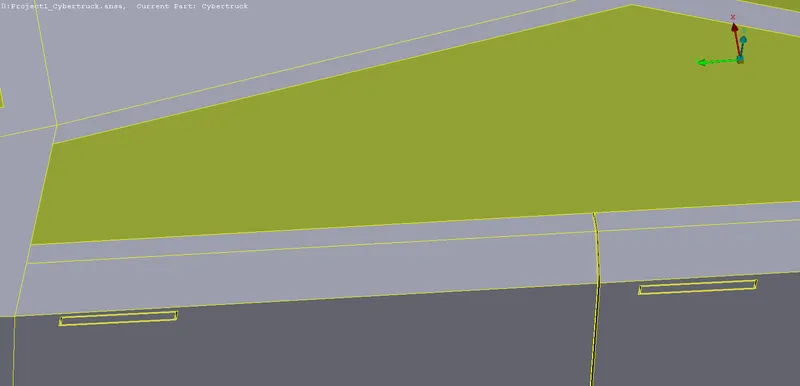
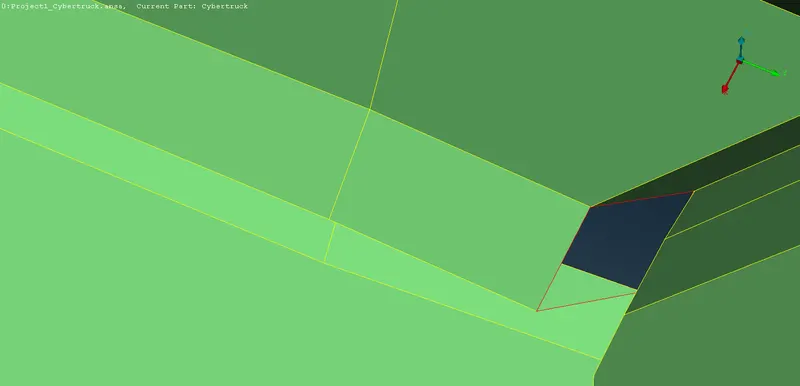
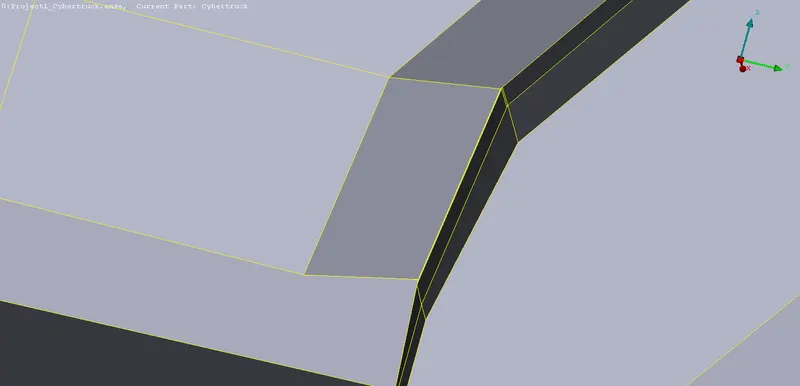
- Next we're to perform geometry cleanup for the Body of the car in which there is some overlap surface tyre-body interface. So, to solve that we will be deleting those surfaces.
- The surfaces are deleted and reconstructed in such a way that it doesn't give rise to triple cons
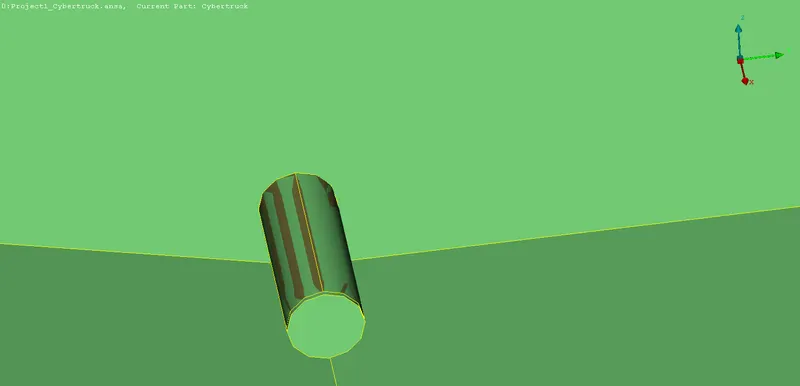
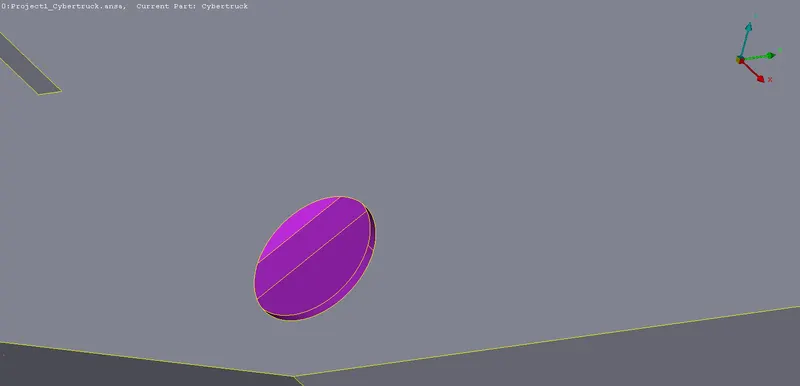
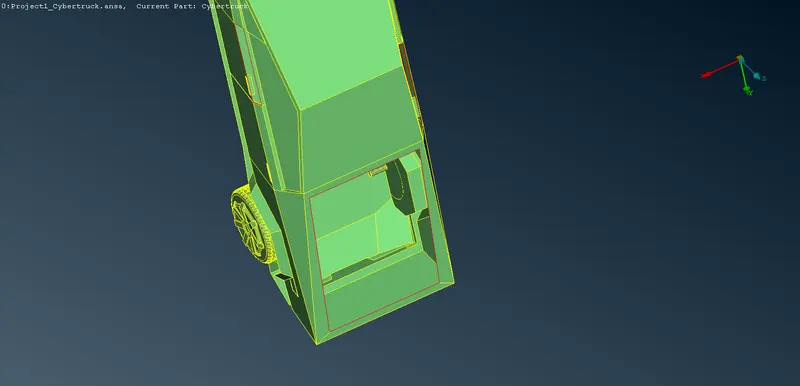
Step 2: PID Allotment
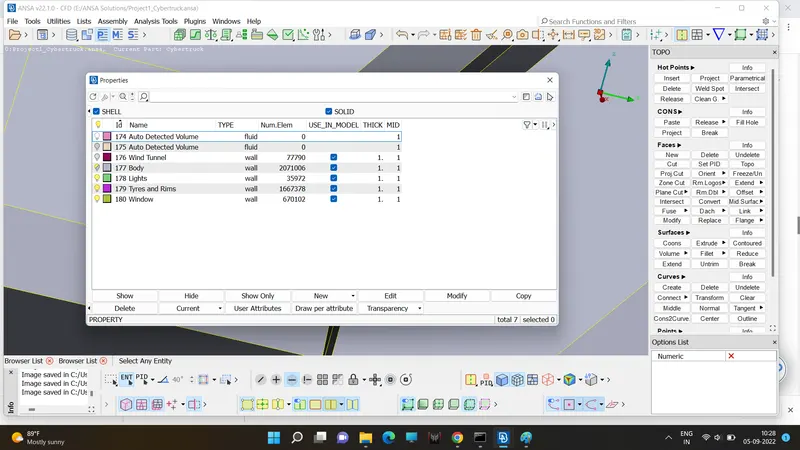
- After Geometry Clean up PID must be allocated with a meaningful name to make the selection process easier.
- As Already PID has been allocated by ANSA our only task is to rename the PID for respective parts.
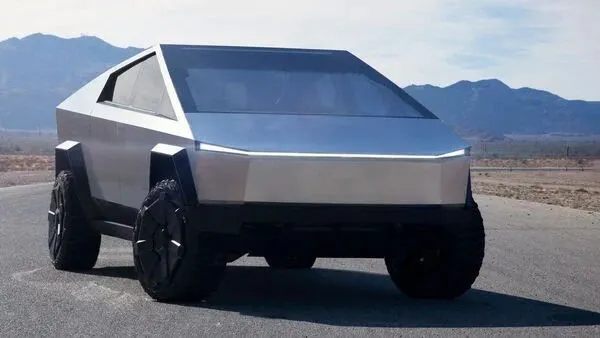
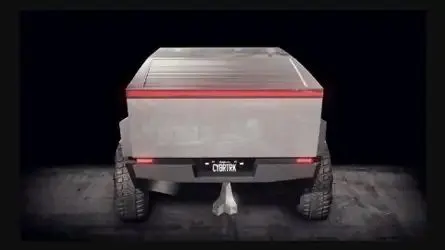
- PIDs are allocated by referring to the Real Tesla Cybertruck
Step 3: Surface meshing
- Before starting to mesh we have to take quality criteria into consideration for each PIDs
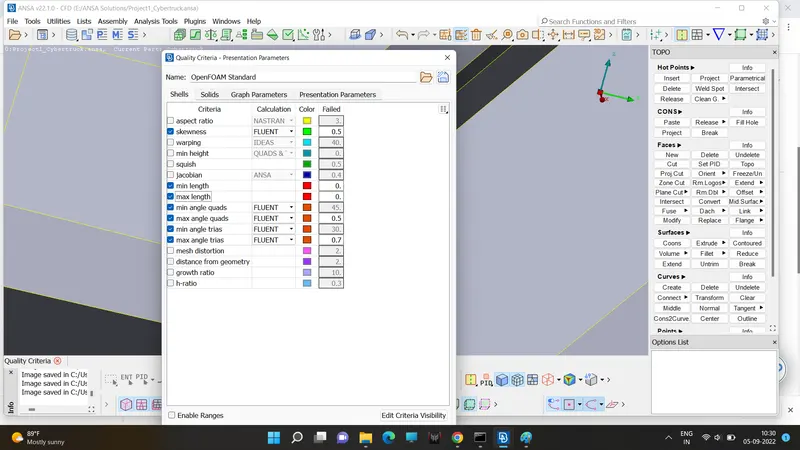
- The only criteria we're going to change are min length and max length as per the given target length of the PIDs.
- In case the quality criteria are not met then we can use MESH-->Shell mesh-->Reconstruct and MESH-->Grids-->Move and move the points that is attached to the off elements to make them fall under the criteria.
- Before proceeding further we must find the distance between two cones or nodes in each PIDs to assign min length in quality criteria
- The first PID we're going to mesh is the Tyre.
- MESH-->Perimeters-->Length-->perimeters and Macrons. In Perimeters and Macrons, Length is assigned a value of 4mm after selecting the Tyre.
- Mesh Parameters-->Target Length = 4, Minimum Target Length = 0.7
- Mesh Quality-->Min Length = 0.7, Max Length = 5
- MESH-->Mesh Generation-->Spot Mesh after clicking it Select the Parts mentioned above and press the middle mouse button.
- Check for off elements and clear them as said above
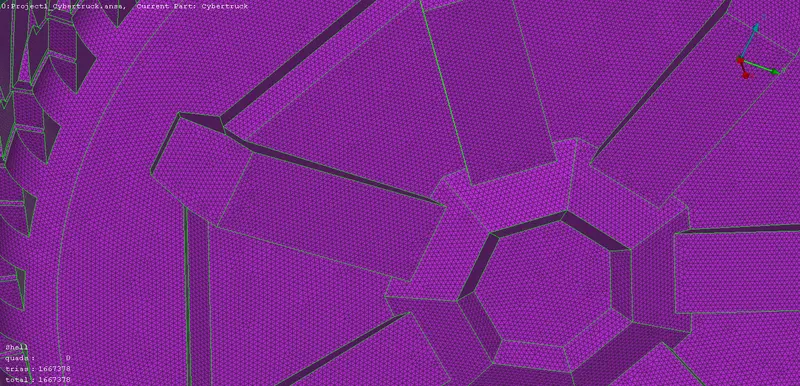
- MESH-->Perimeters-->Length-->perimeters and Macrons. In Perimeters and Macrons, Length is assigned a value of 4mm after selecting the Lights.
- Mesh Parameters-->Target Length = 4, Minimum Target Length = 1
- Mesh Quality-->Min Length = 1, Max Length = 5
- MESH-->Mesh Generation-->Spot Mesh after clicking it Select the Parts mentioned above and press the middle mouse button.
- Check for off elements and clear them as said above
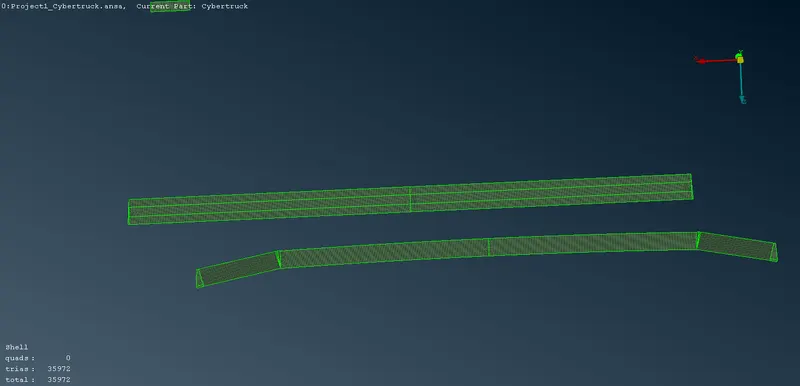
- MESH-->Perimeters-->Length-->perimeters and Macrons. In Perimeters and Macrons, Length is assigned a value of 5mm after selecting the Window
- Mesh Parameters-->Target Length = 5, Minimum Target Length = 3
- Mesh Quality-->Min Length = 3, Max Length = 6
- MESH-->Mesh Generation-->Spot Mesh after clicking it Select the Parts mentioned above and press the middle mouse button.
- Check for off elements and clear them as said above
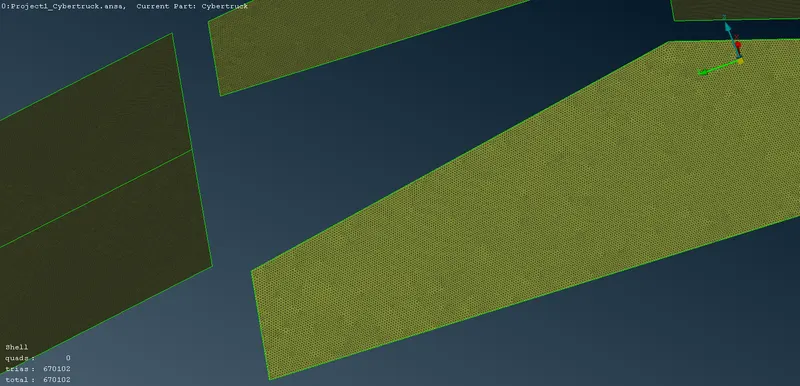
- MESH-->Perimeters-->Length-->perimeters and Macrons. In Perimeters and Macrons, Length is assigned a value of 6mm for the Body surface
- Mesh Parameters-->Target Length = 6, Minimum Target Length = 0.2
- Mesh Quality-->Min Length = 0.2, Max Length = 10
- MESH-->Mesh Generation-->Spot Mesh after clicking it Select the Parts mentioned above and press the middle mouse button.
- Caution: Avoid using perimeters and macrons for the perimeters and area adjacent to other PIDs as they're the interface for the mesh transition
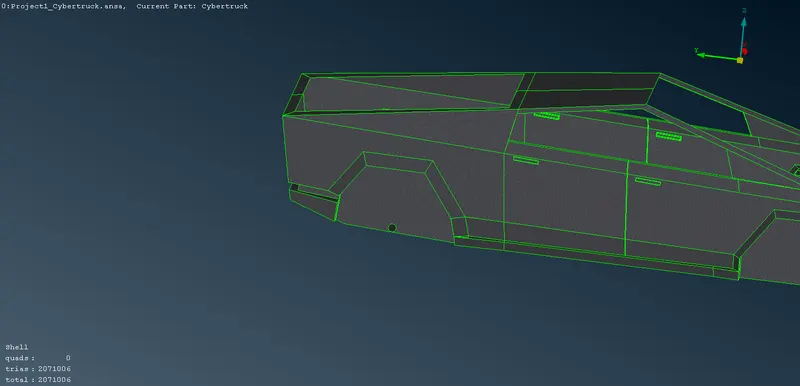
- Transform-->Copy--Entities Select the half car model and middle mouse button, Copy entities-->Symmetry select Mirror 3 points plane and select 3 points on the red con and press middle mouse button.
- The other half car will appear. Use topo or paste to remove red cons if present any
Step 3: Creating Wind Tunnel
- Before creating the wind tunnel measure the distance between the two extreme nodes of the car using "measure".
- Topo-->Points-->Relative and select a point at the base of the car and click middle button. Give dy as -400.
- The same way create points at a distance of 4 times and 6 times of the car in the forward and backward of the mid of the car as shown
- using the curves option select the points and create a surface.
- using offset create another plane vertically above the previous at 4times the car length
- create a surface to close the entire car model
- MESH-->Perimeters-->Length-->perimeters and Macrons. In Perimeters and Macrons, Length is assigned a value of 200mm for the upper surface
- MESH-->Perimeters-->Length-->perimeters and Macrons. In Perimeters and Macrons, Length is assigned a value of 100mm for the lower surface
- Remaining cons are given values by MESH-->Perimeters-->Spacing.
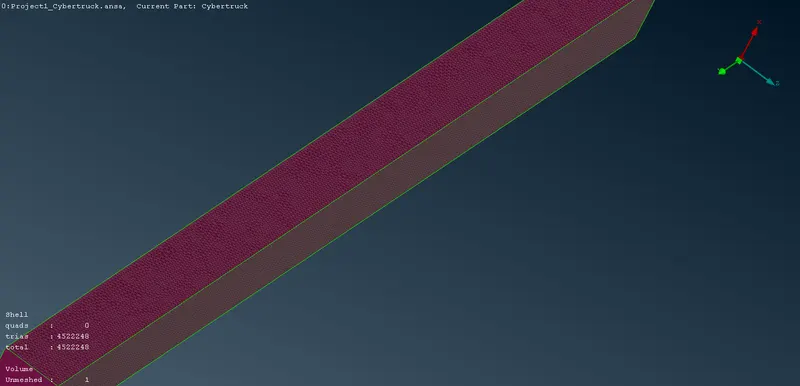
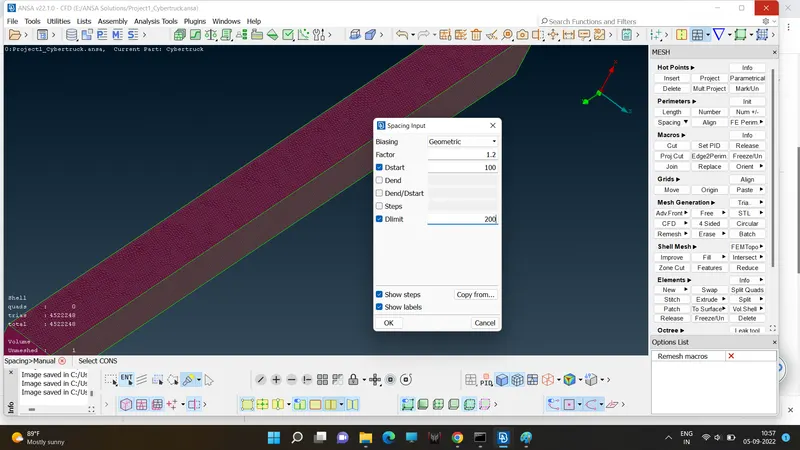
- Assign PIDs to Tunnel and Mesh it with Spotmesh
Step 4: Volume meshing
- VOLUME MESH-->Volumes-->Define--> Detect on Whole db
- A list of volumes will appear. Delete the unwanted volumes like the Volume of the model
- Then select VOLUME MESH-->Unstructered mesh-->Tetra CFD and select the entire entire model.
NOTE: Volume mesh hasn't been created due to inadequate RAM
Learning Outcomes:
Learned to create Volumetric mesh(Tetra CFD), mesh refining tools, and some topological tools
Result:
Surface mesh has been created for Tesla Cybertruck and wind tunnel complying with the quality criteria.
https://drive.google.com/file/d/1I3ZXwWqDjdnVO4xJ76JeRopTQ3G9tg9t/view?usp=sharing