Project 1 : CFD Meshing for Tesla Cyber Truck
Aim : Topo cleanup ,Assign appropriate PIDs. Meshing with the Target length and element Quality criteria. Creating the volumetric mesh for the given cyber truck.
Objective : Removing the geometry error like single cons, double cons, triple cons . Deleting the unwanted surface to tesla model . Assigning the PIDS for the model. Creating the wind tunnel and tetra mesh for the it . To create volume mesh.
Procedure:
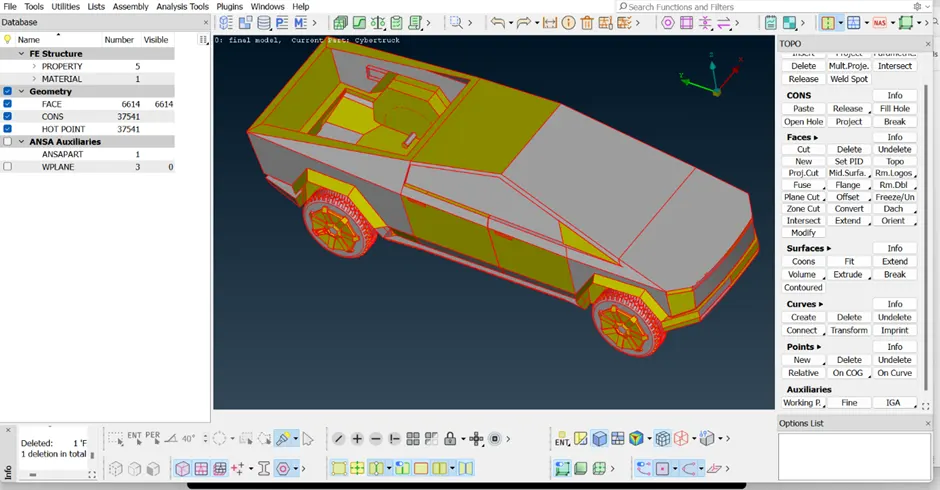
Importing the cyber truck geometry to ansa . check for the converting the all single cons to double cons and generating the missing geometry for the cyber mobel.
Below tools are used to clear the errors for the topo clean up.
· Topo >> Faces >> Topo >> select the geometry >>click the mid click in mouse.
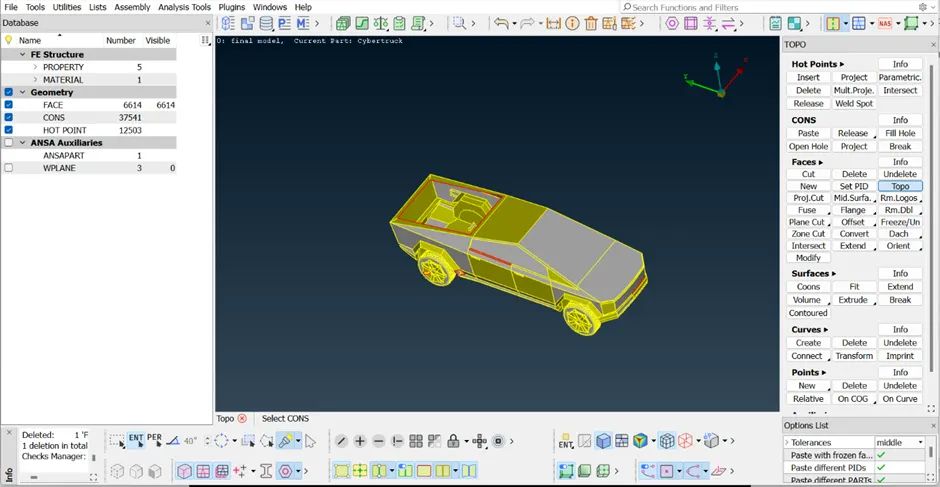
· Topo >> New >> select the required options >> select the geometry >>click the mid click in mouse.
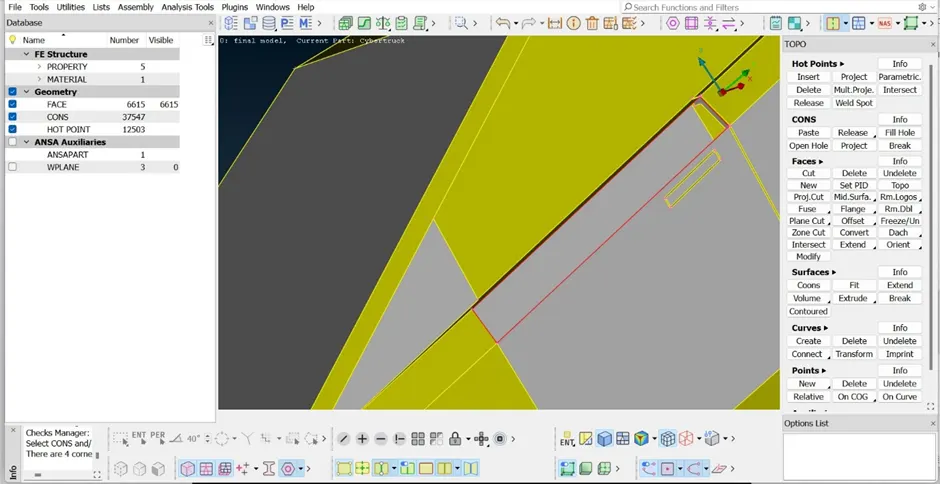
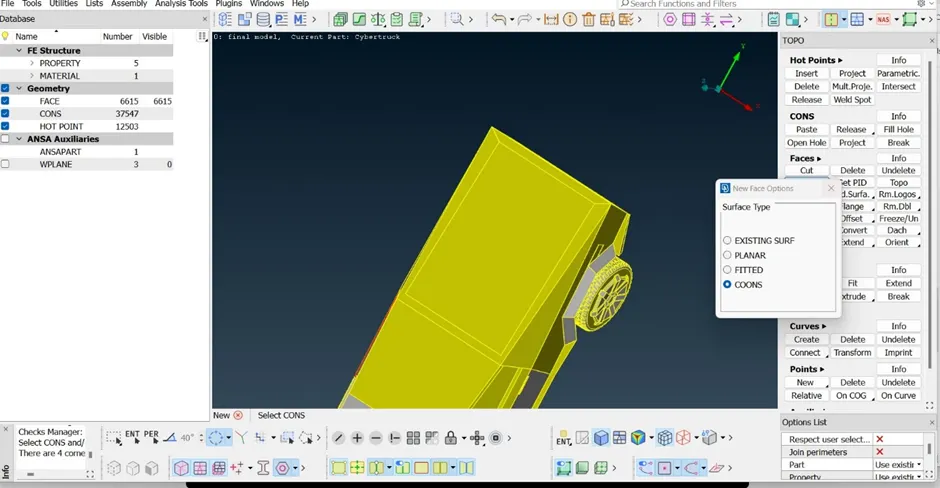
Checking for the geometry errors .
· Checks >> Geometry >> select the required options >>excute.
· It shows the error . clear the valid error .
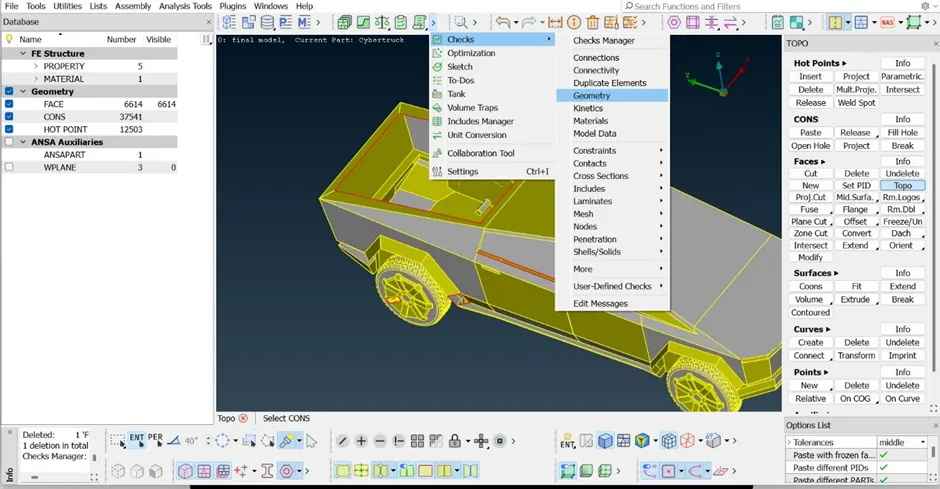
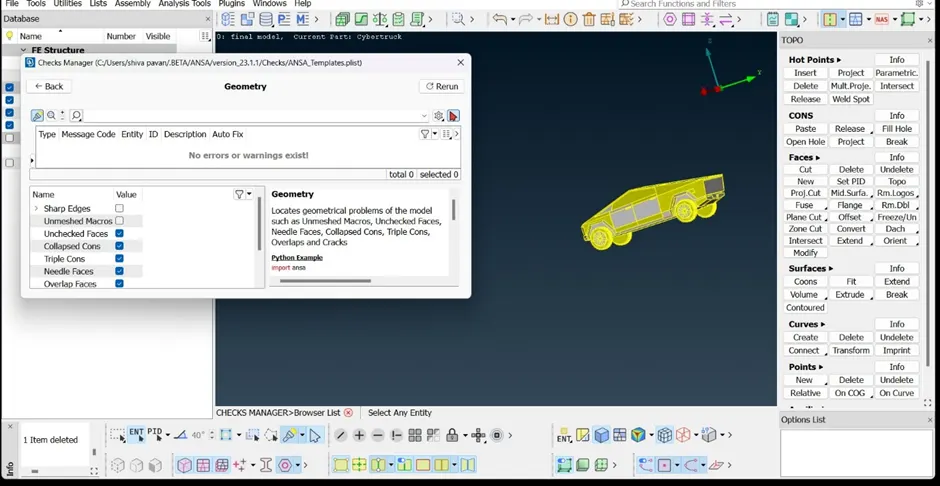
After the Topo clean up, Assigning the PIDS to the cyber truck.
1. Cyber Body
2. Lights
3. Windows
4. Tyres
· Properties or (ctrl +P) >> Left click >> new >> Pshell >>Pshell to new pids creating
· Left click >> Apply >> Select the surface >> mid click on mouse. It Add’s the geometry to the new pids .
· Select the Pids >> Left click >> Delete .Unwanted pids can be delete.
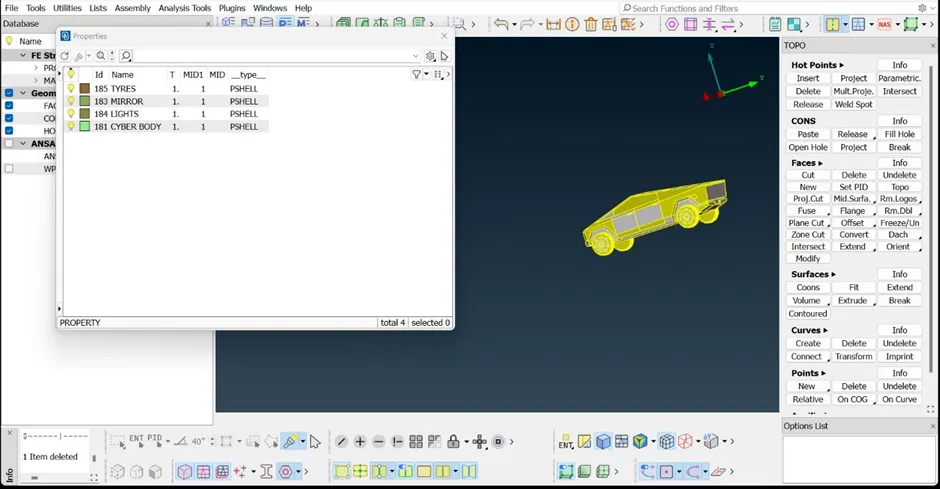
Creating the mesh for the cyber body by giving the below criteria for different Pids .
Target lengths for the different parts of a cyber truck are as follow:
1. Lights - 3 mm
2. Tyres - 4mm
3. Window -5 mm
4. Body - 6 mm
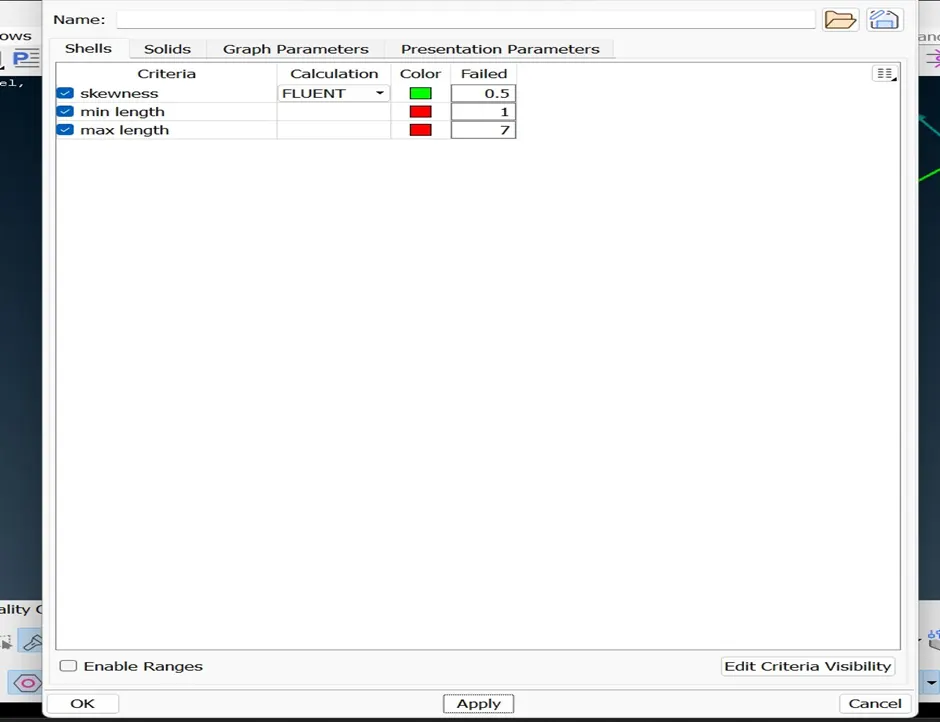
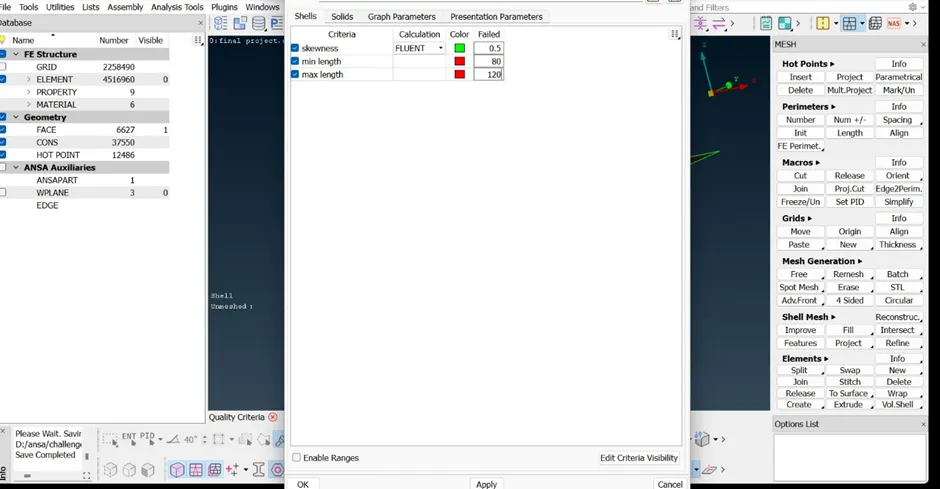
By keeping the common min length & max length as the 1 mm , 7 mm for all the pids for the different target length in Mesh parameters & Quality criteria.
· Quality criteria >> Edit criteria visibility >> Deselect the unwanted option from the panel.By this we can remove the unwanted options.
· Mesh >> Perimeters >> length >> Perimeters >> select the cons >> click the mid button on the mouse given target length >> ok.
· Mesh >> Perimeters >> length >> Marcos >> select the surface >> click the mid button on the mouse given target length >> ok.
· Mesh >> Mesh generation >>Free >> select the option by right click . mesh will created on the surface of model .
· Mesh >> Mesh generation >>spot mesh >> select the option by right click . mesh will created on the surface of model .
· Mesh >> Shell mesh >> Reconstruction >> select the option by right click . Mesh will recreats on the surface of model by reducing the off elements like minimum,maximum,skewness.
· Mesh >> Grids >> Move >> select the option >> select the node of element and adjust the node >> right click . off elements like minimum,maximum,skewness error reduces.
· Mesh >> Elements >> Splits >> select the option >> select the edge of element >> right click . off elements like minimum,maximum,skewness error reduces.
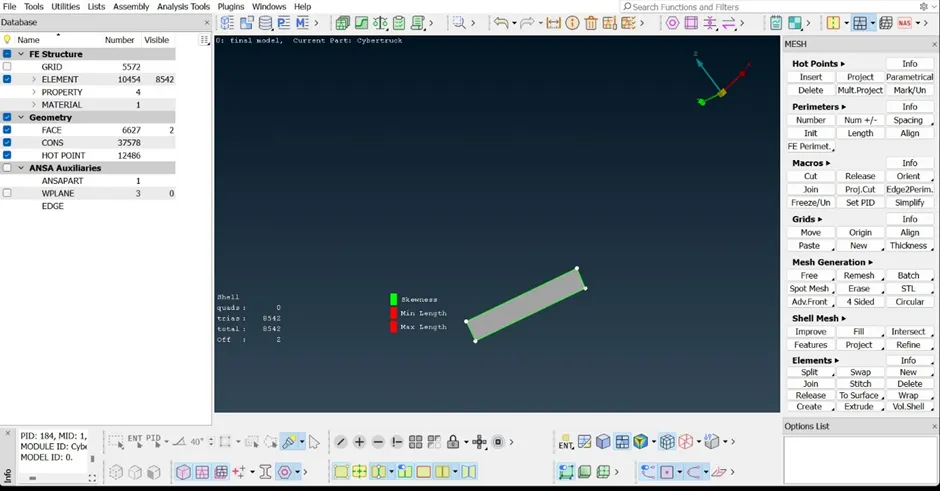
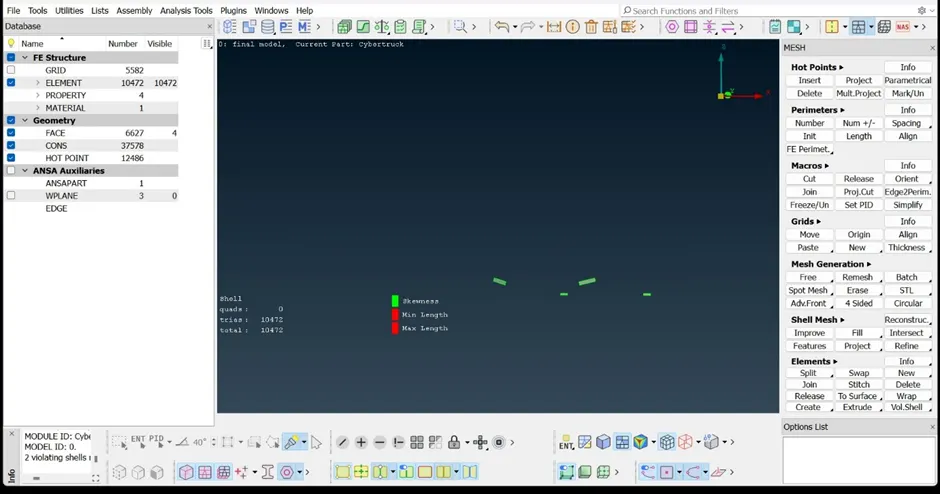
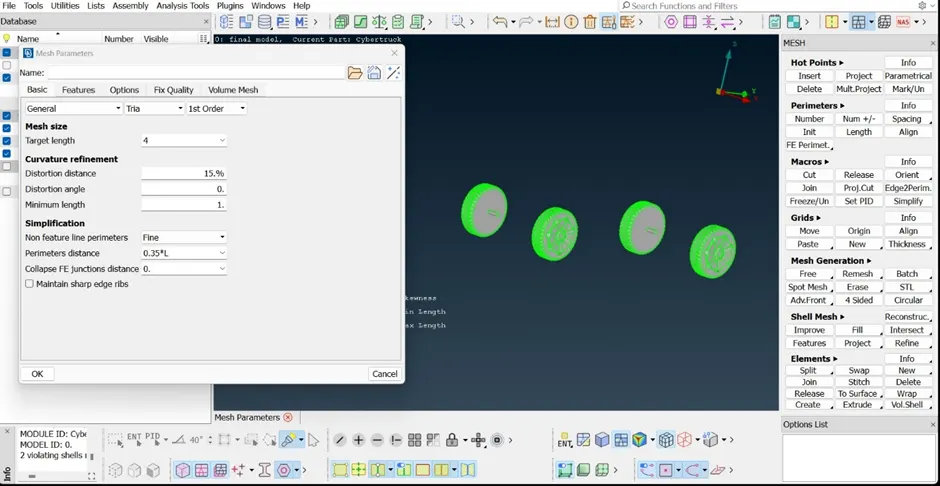
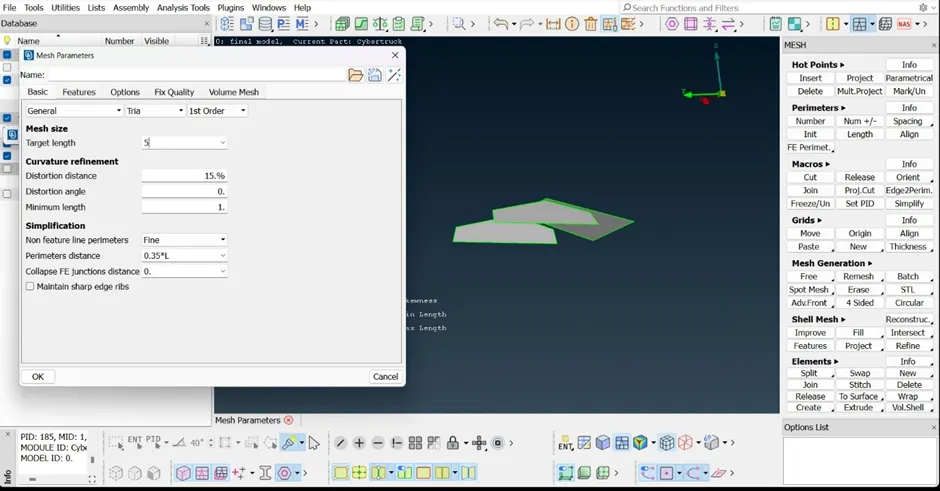
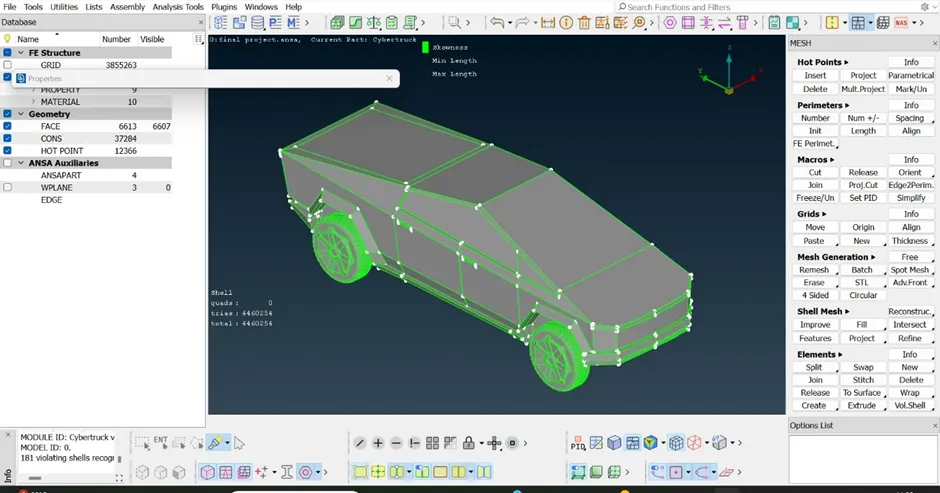
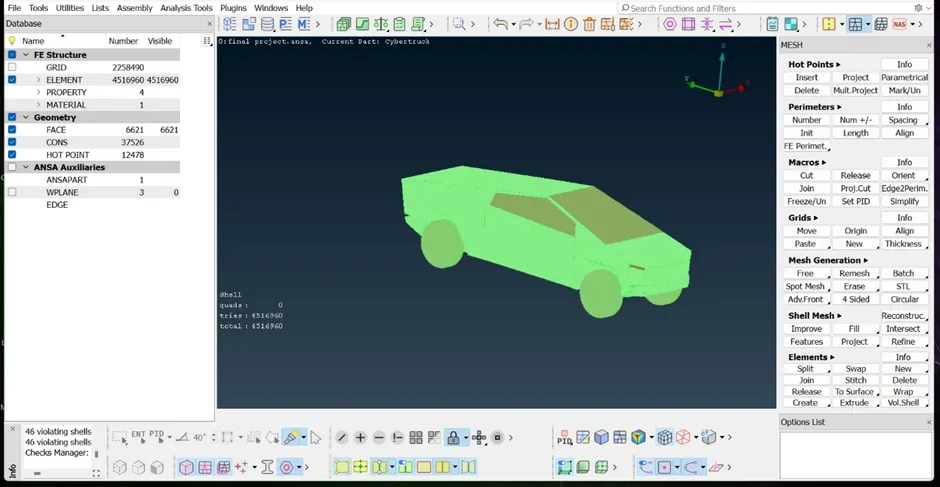
Complete mesh for the cyber truck model.
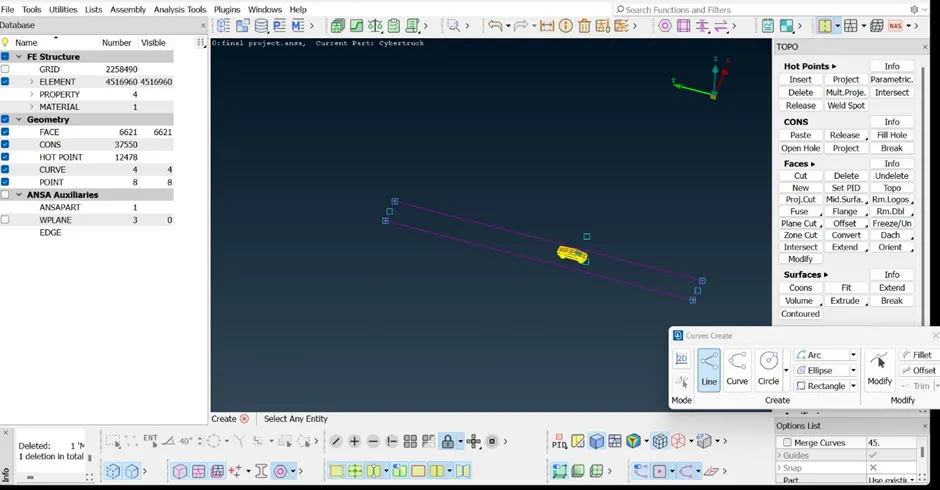
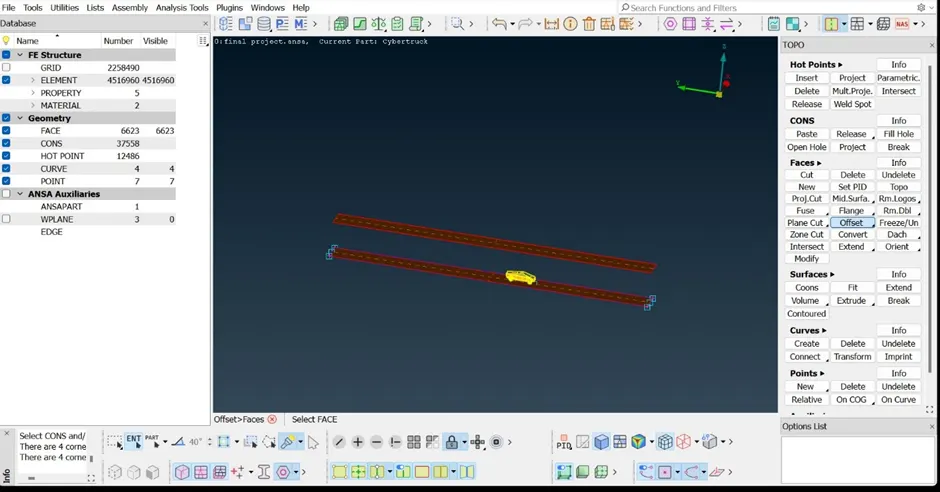
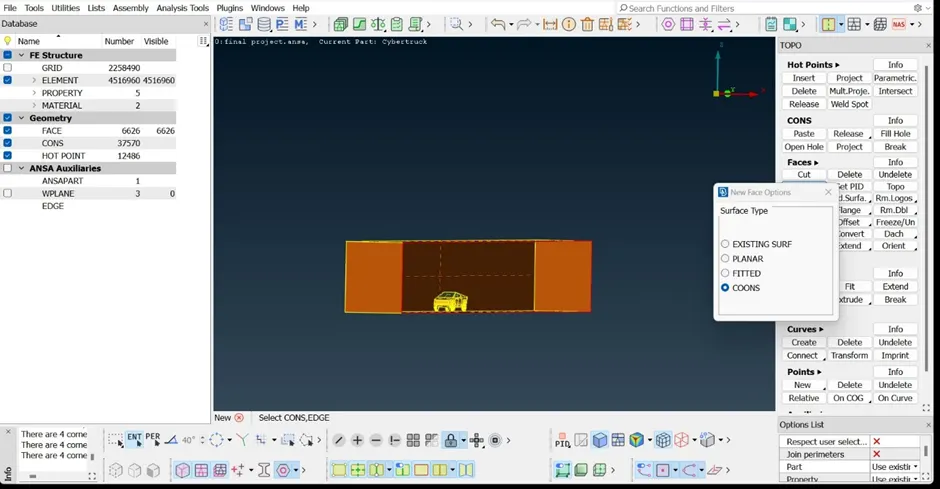
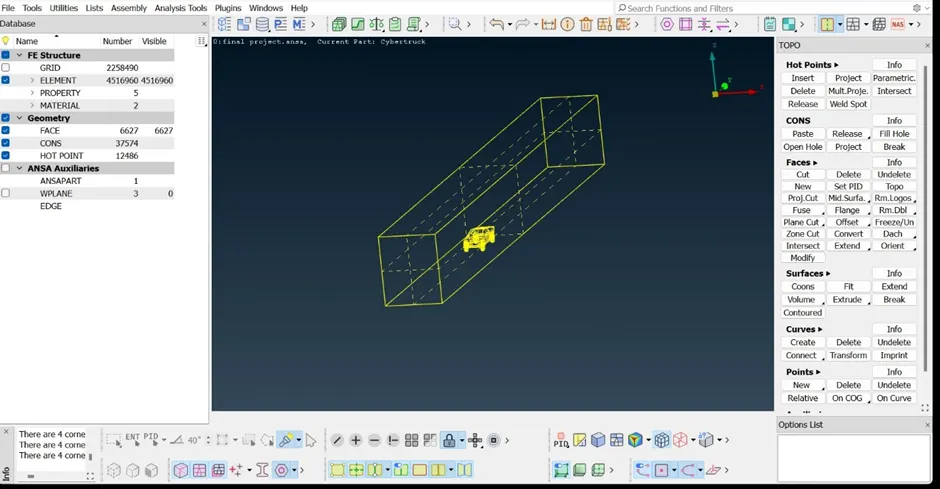
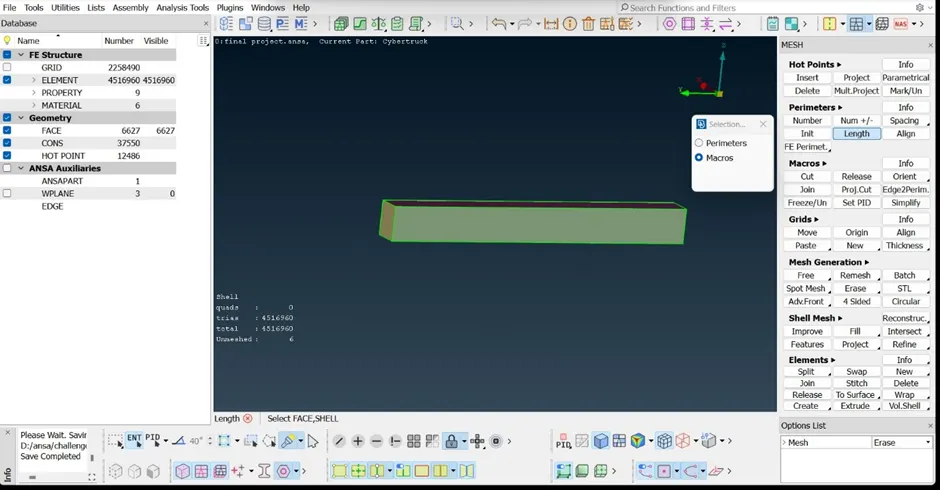
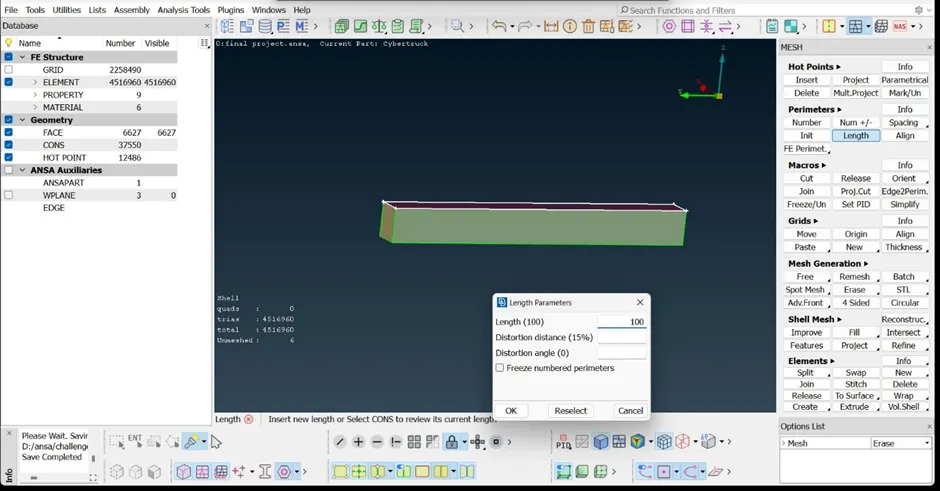
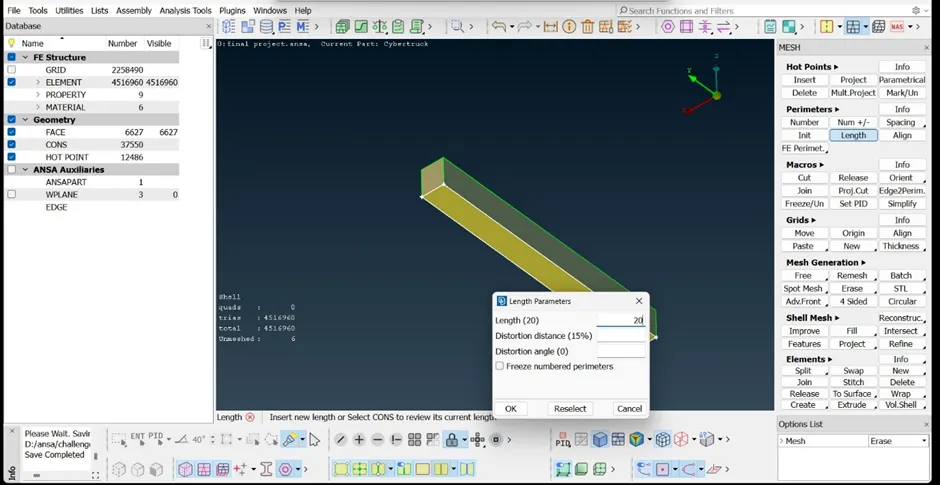
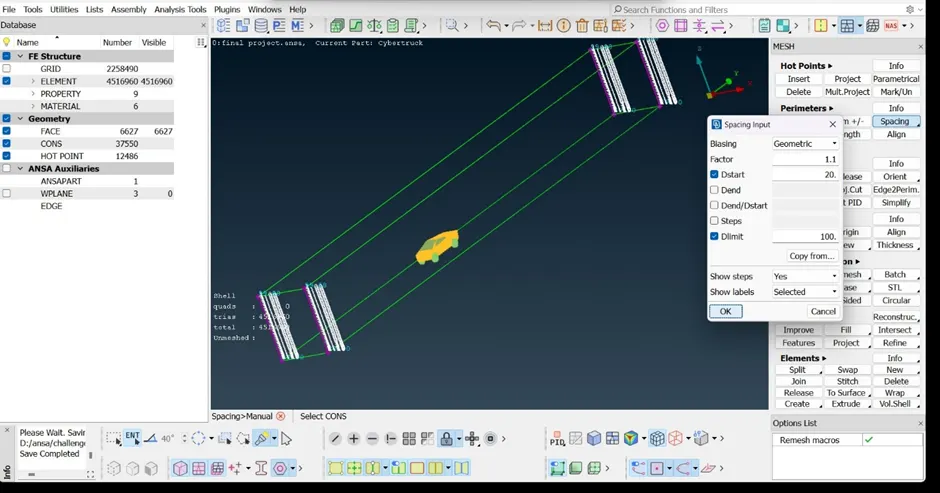
Now generating the wind tunnel for the cyber truck by maintaining the mesh criteria as below .
· Top suface - 100 mm
· Bottom surface – 20mm
· Sides, front, back surface – 20 mm -100 mm varying the from bottom to top surface.
To form the tunnel model around the cyber model by using the
· Topo >> Relative point >> Nodes >> Mid click on mouse >> give the dx,dy,dz as per required length >> ok .
· Topo >> Faces >> Offset >> select the face >> mid click on mouse >> give the length >> Ok.
· Topo >> Curves >> line >> select the points or nodes >> Right click .
· Mesh >>Perimeters >> spacing >> select the option and add the minimum,maximum>> select the cons >> ok .
· Delete >>select surface >>mid click on mouse.
· Remaining mesh are generated on surface of the wind tunnel model.
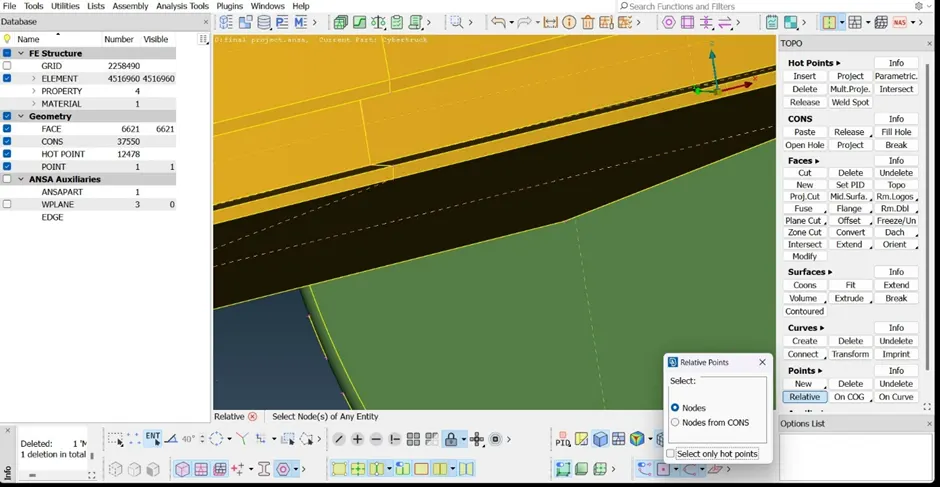
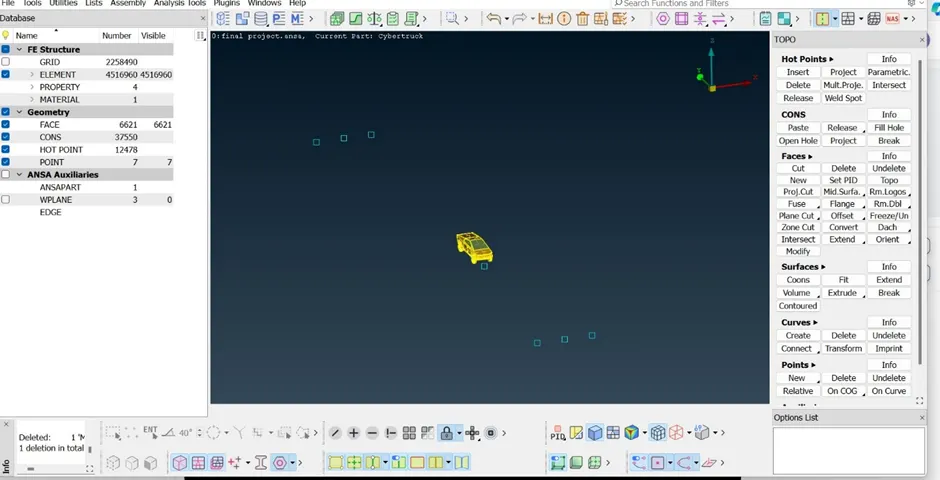
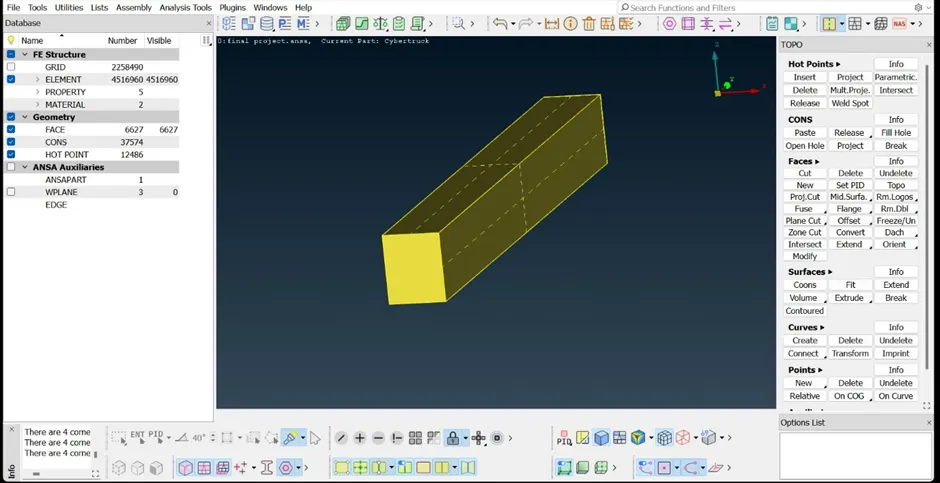
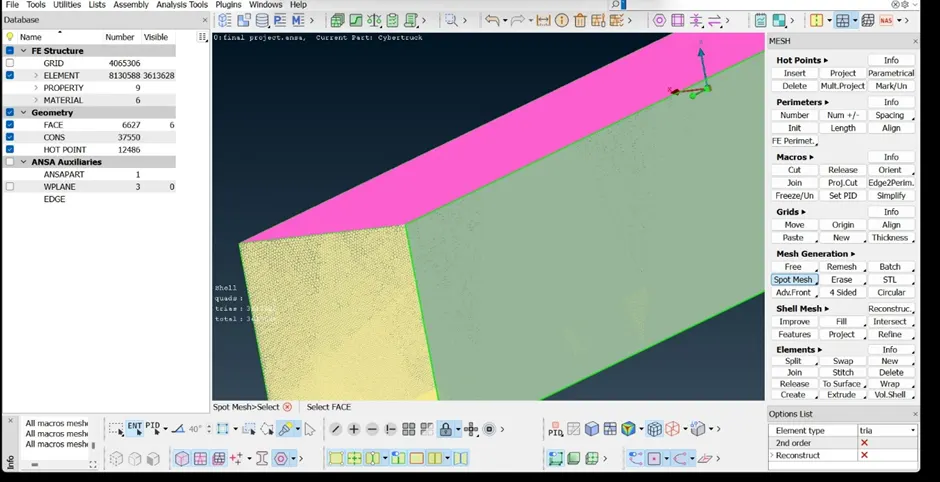
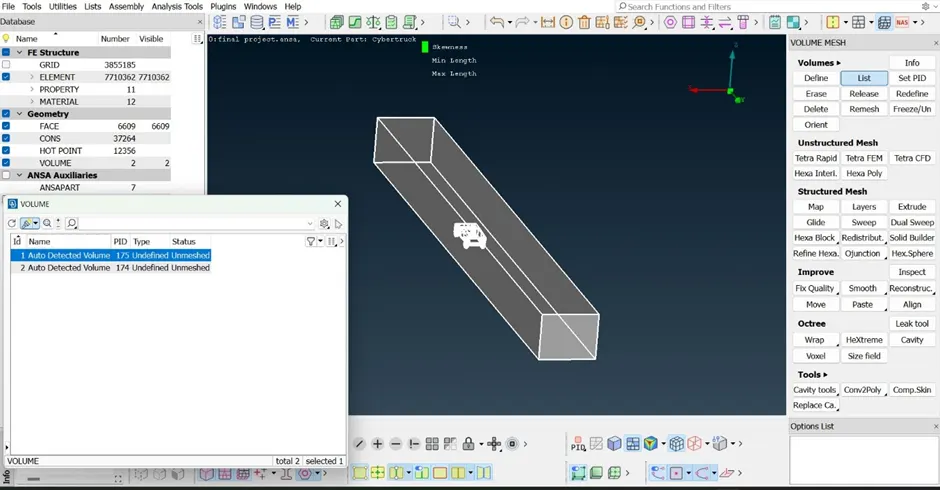
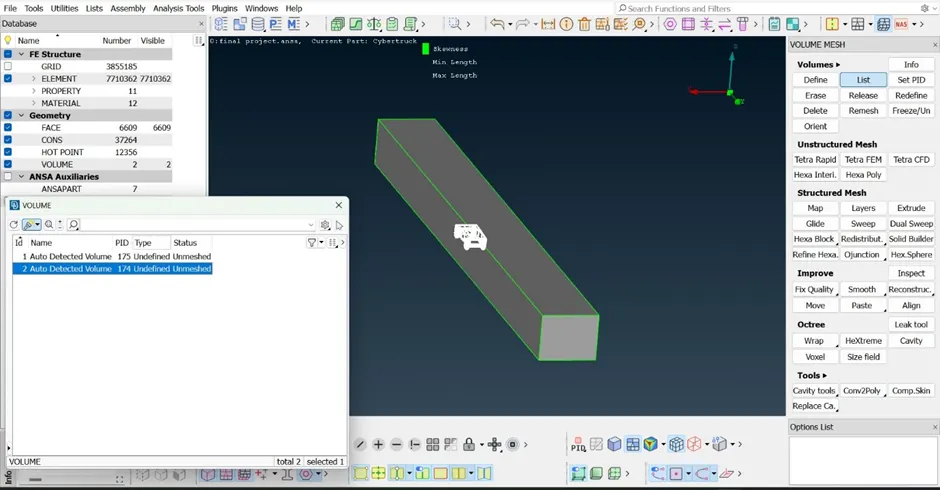
Volumetric mesh for the wind tunnel .
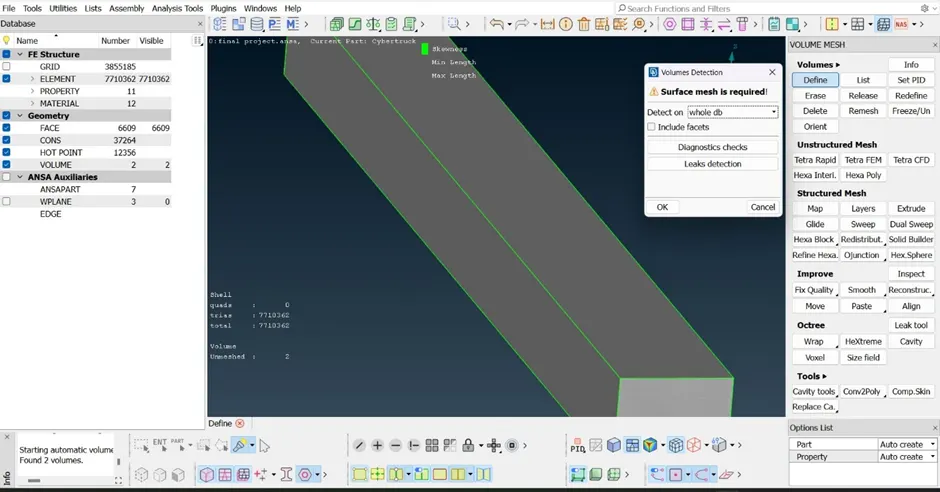
· Volume mesh >>volumes >> Define >> ok .
· Volume mesh >>volumes >> list >> ok .
Link for the cyber truck model : https://drive.google.com/file/d/1bGgirner3oq_25WO56YZSV5ov8AIcOzA/view?usp=drive_link
Conclusion :
Cyber truck model project gave the overview of Topo cleanup ,Assign appropriate pids. Meshing with the Target length and element Quality criteria for the model. Creating the volumetric mesh using the Ansa tools .