Project 1 : CFD Meshing for Tesla Cyber Truck
Aim : To perform CFD Meshing for Tesla Cyber Truck
Objective : To perform external aerodynamics analysis on the given geometry
Procedure :
The first thing we need to check after importing the CAD Geometry is Units.
Tools -> Settings -> Resolution/Tolerance/Units
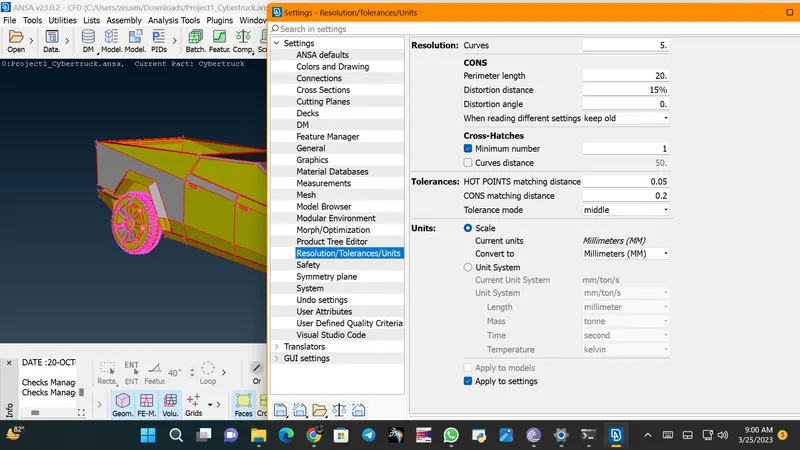
We can observe that the geometry is in millimetres, as it should be.
Now, as we are performing external aerodynamics..the outside volume should be Grey In Colour
Afther all these, we need to check for errors present in our geometry
Checks -> Checks Manager -> Geometry Checks
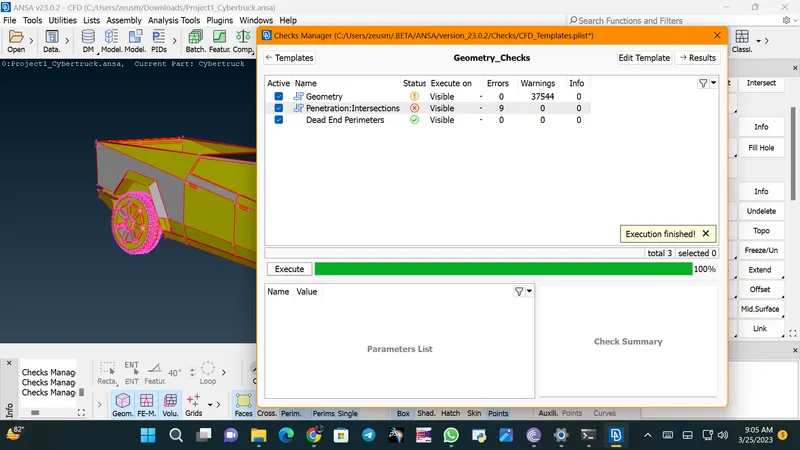
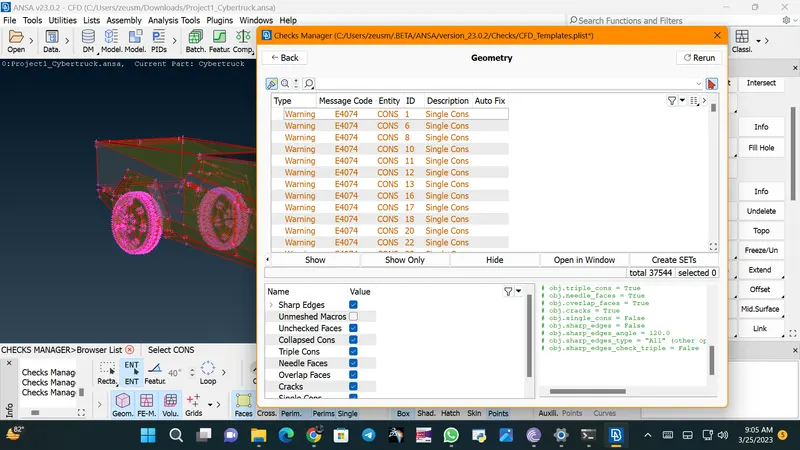
We can observe that there are lots of single coons present in our geometry and a few intersection errors that we need to deal with.
Now for joining these single coons we should perform a Topo on our full geometry
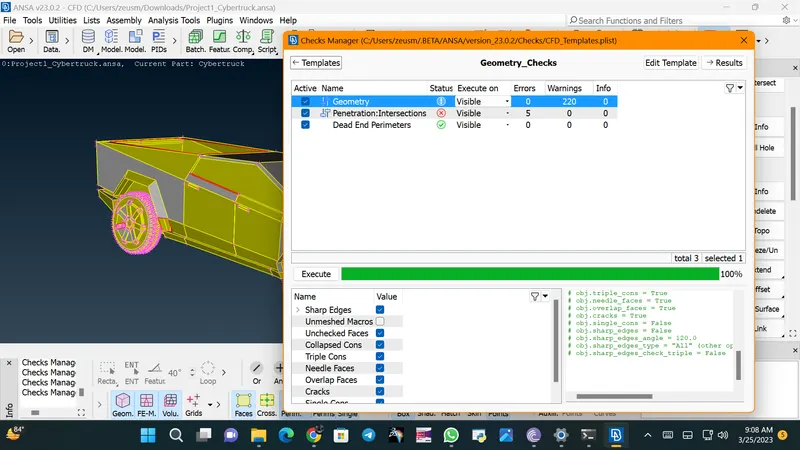
We can observe that after hitting Topo...Errors have been reduced drastically
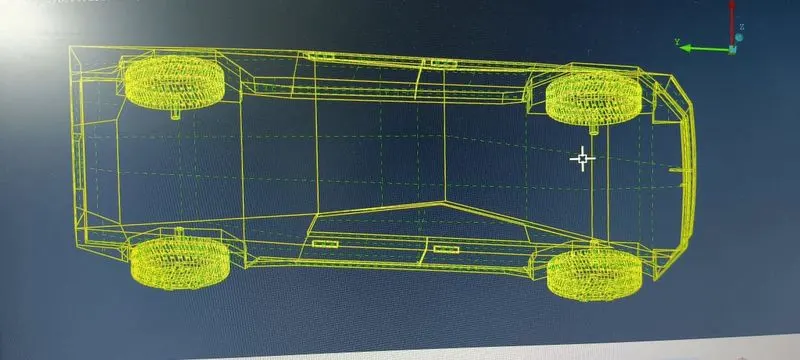
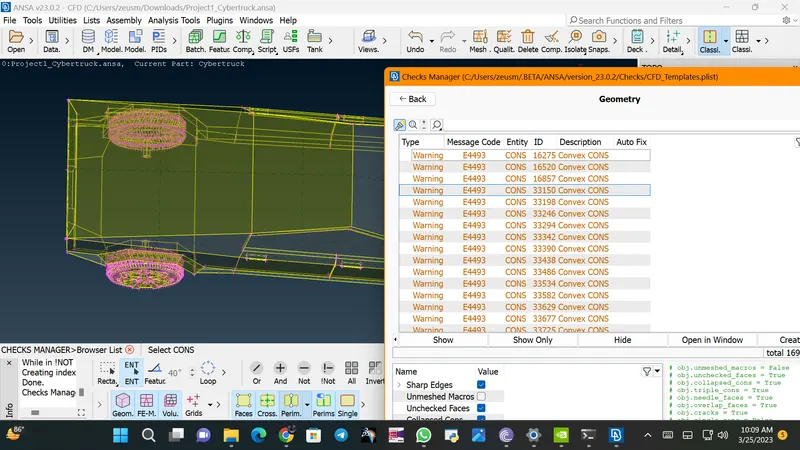
Now we observe that our car geoemtry is axi-symmetric..So we can delete one side of our geometry and do the remaining geometrical cleanups and meshing on only one side of it and later mirror the other side..We can perform this operation using
Faces -> Plane Cut -> Choose Critical Hot Points and apply cut all over the body
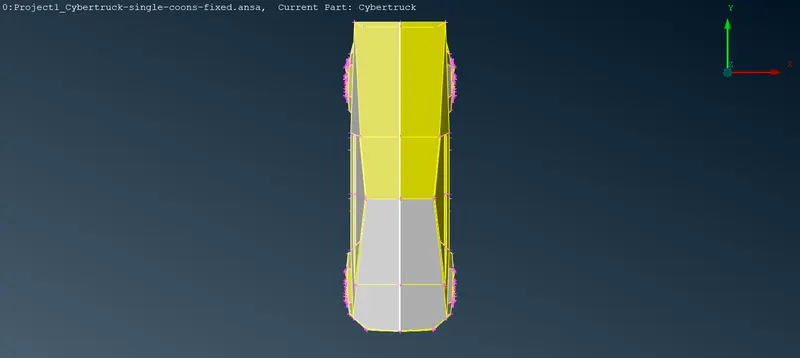
Now we can delete one side of our geoemtry easily
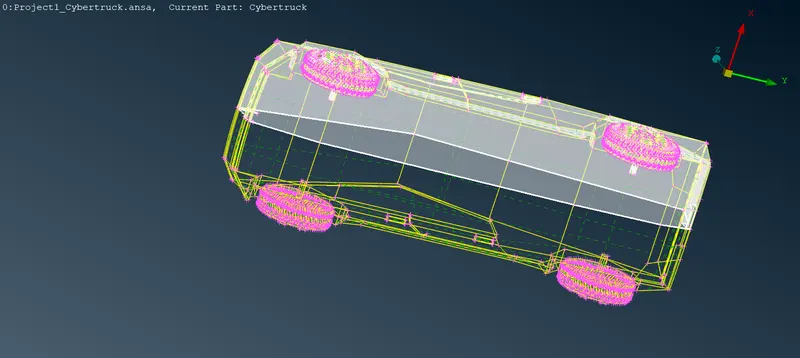
Now after fixing all the geometrical errors, we can proceed to assign different PID's
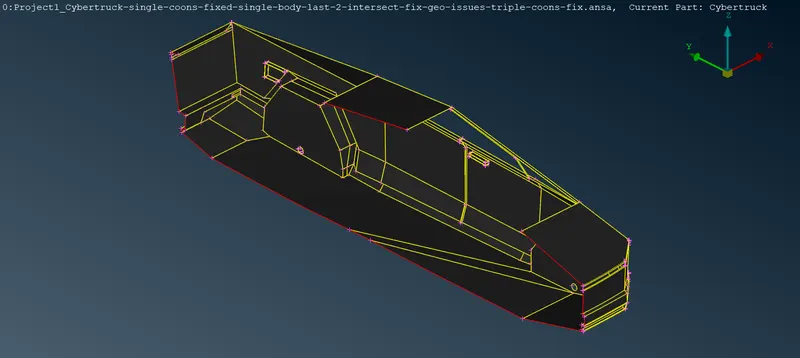
Car Body
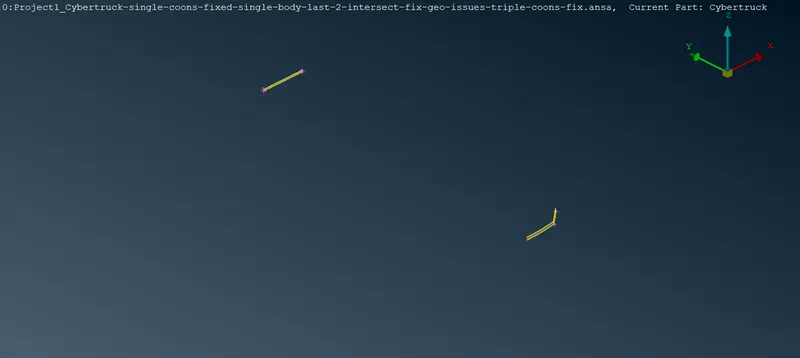
Lights
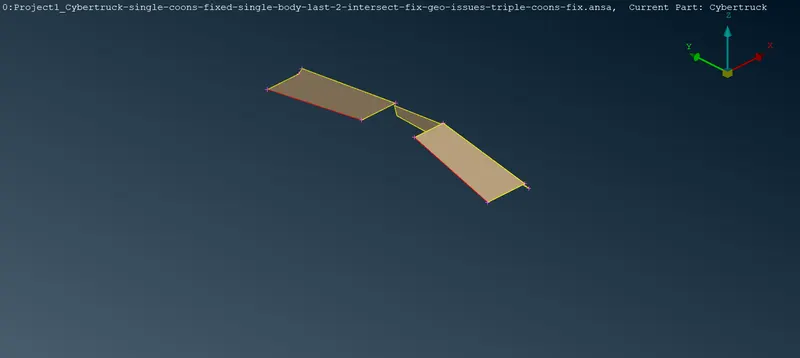
Glasses
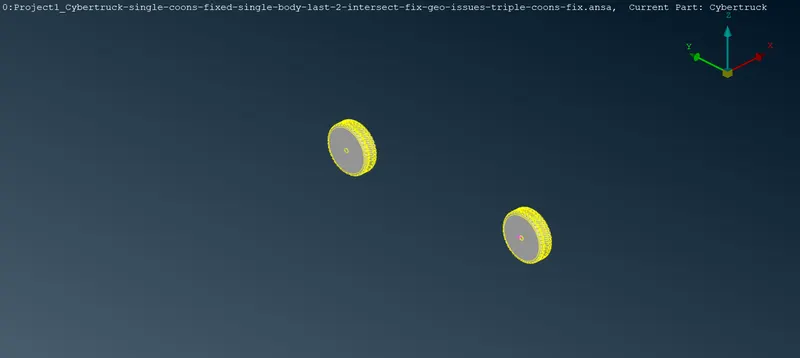
Rims & Tyres
And now we need to compress all those redundant PID's.
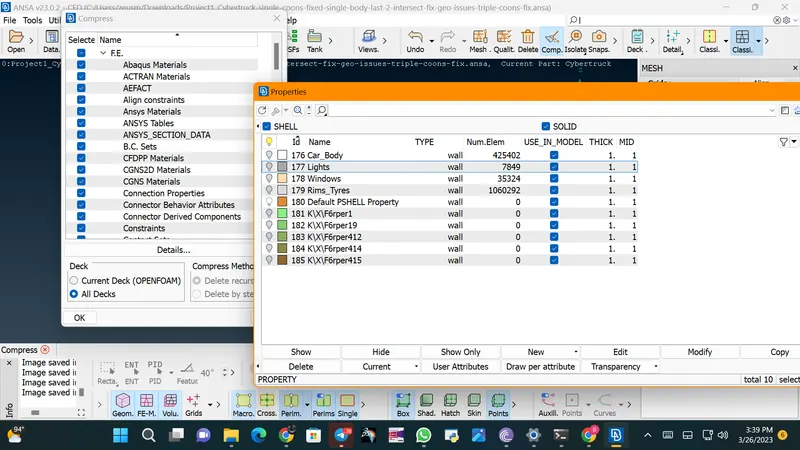
Now we can finally move to our mesh deck and start our meshing process
First of all, we are generating STL meshing on our whole geometry, which will help us to capture the geometry properly.
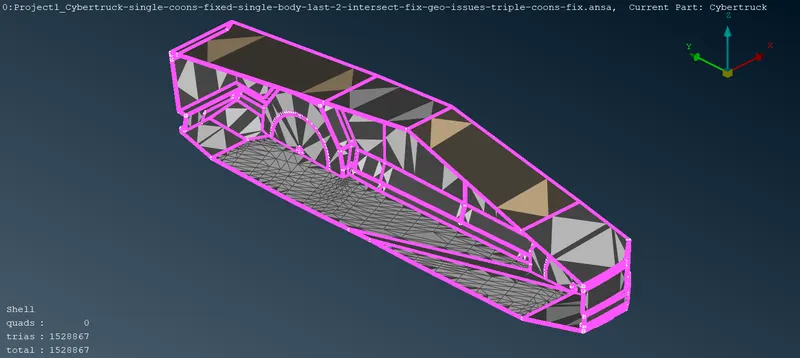
Now we can apply precise mesh on our geometry for better results
| PID Name | Target Length(mm) | Minimum Length(mm) | Maximum Length(mm) |
| Tyres & Rims | 2 | 1 | 3 |
| Front Light | 3 | 1 | 5 |
| Rear Light | 3 | 1 | 4 |
| Windows | 5 | 2 | 6 |
| Car Body | 5 | 2 | 6 |
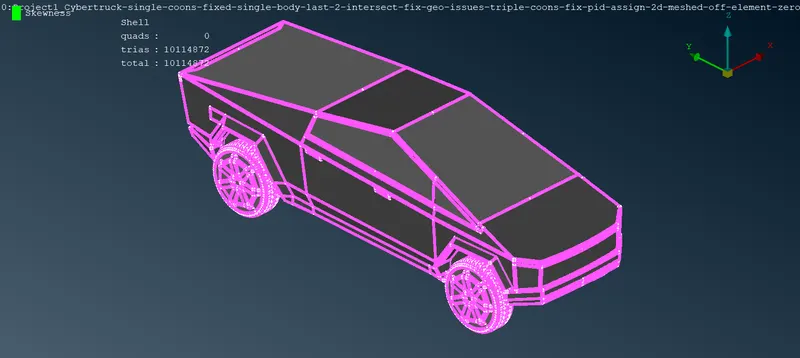
Here is our 2d meshed geometry with no off-elements and no unmeshed elements present.
Now we are moving forward to create our wind tunnel for external aerodynamics analysis of the geometry
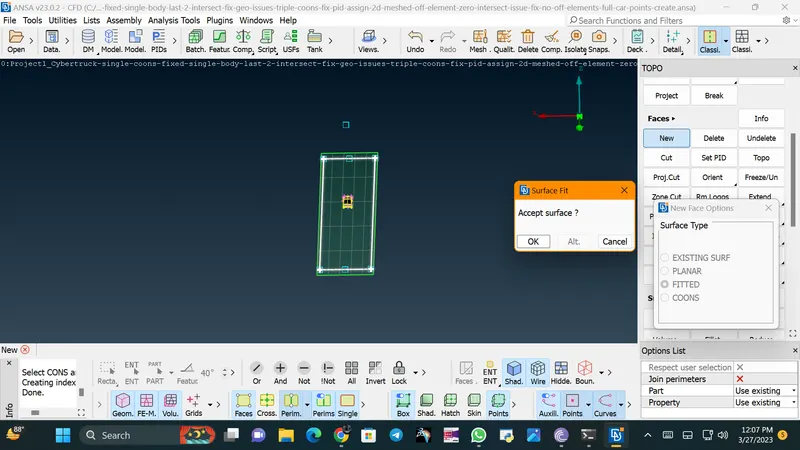
For creating wind tunnel we need to create a closed enclosure with the help of points
Points -> Relative -> Nodes -> And create points accordingly
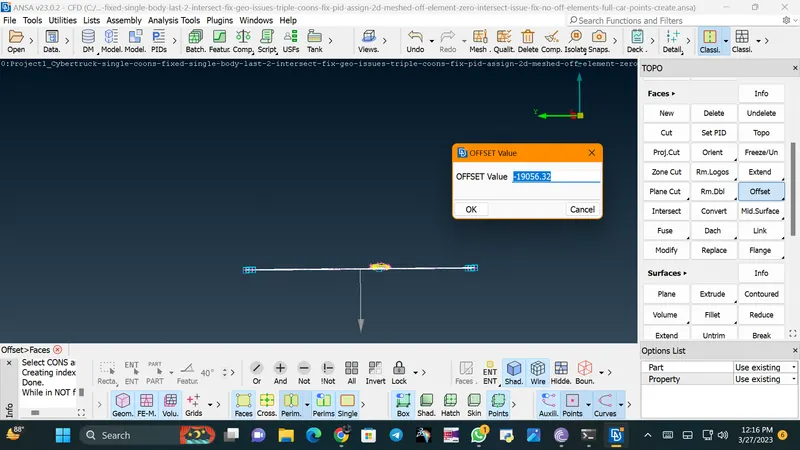
Now after creating base surface we can offset the top surface
Faces -> Offset -> Select faces to offset
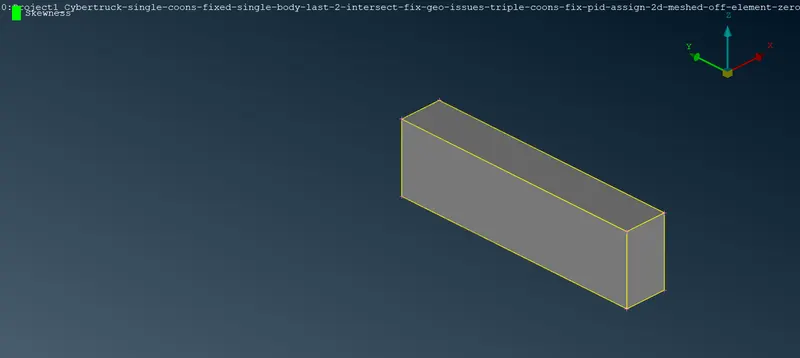
Here is our final enclosure..Now we need to assign PID's to our wind tunnel and move forward for meshing process
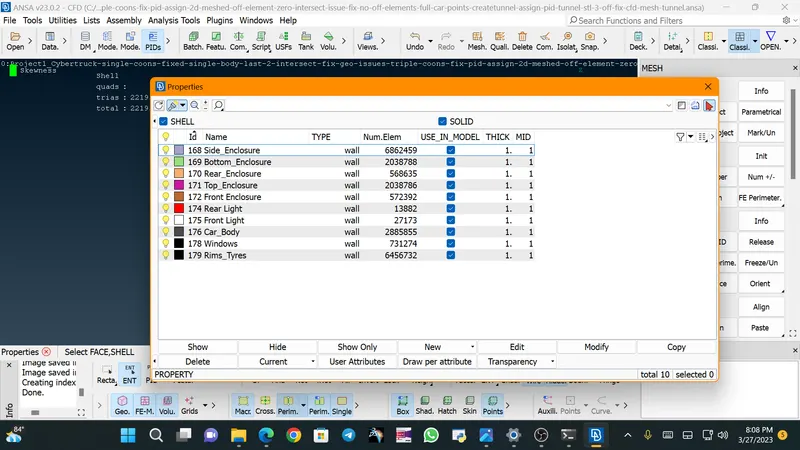
Here is the relevant PIDs for wind tunnel.
For meshing the Wind Tunnel we are going with CFD Meshing Process
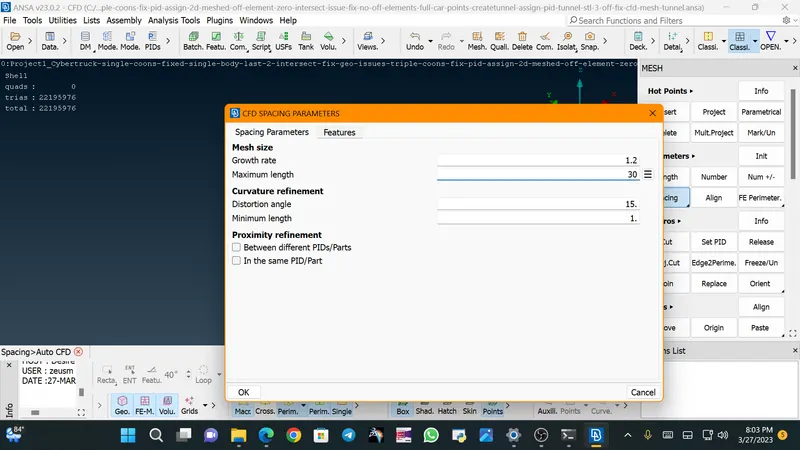
Here we are going with CFD Meshing Process with minimum length as 1 mm and maximum length as 30 mm for our wind tunnel.
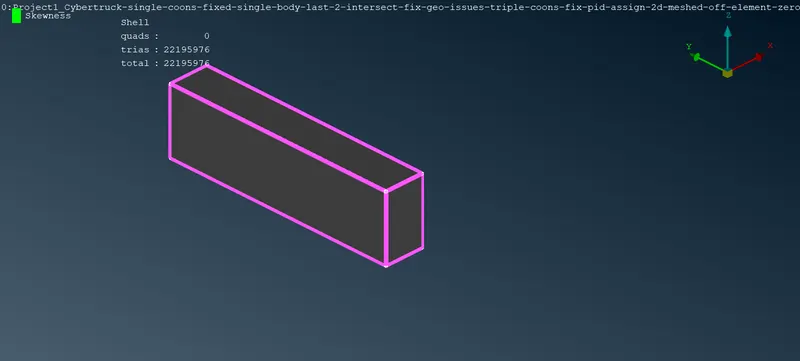
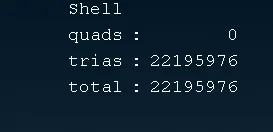
Results
File Link https://drive.google.com/file/d/1BjVHEIqEScq8lAKzKzVTZnygLI7OukGK/view?usp=share_link