Project 1 : CFD Meshing for Tesla Cyber Truck
1.Aim:
- To create a CFD meshing for Tesla Cyber Truck by using Ansa.
2.Objectives:
- Target lengths for the different parts of a model are as follow:
- Body - 12 mm
- Tyre and rims - 15mm
- Windows - 10mm
3.Procedure:
1.Open an ANSA software and import a Geometry.
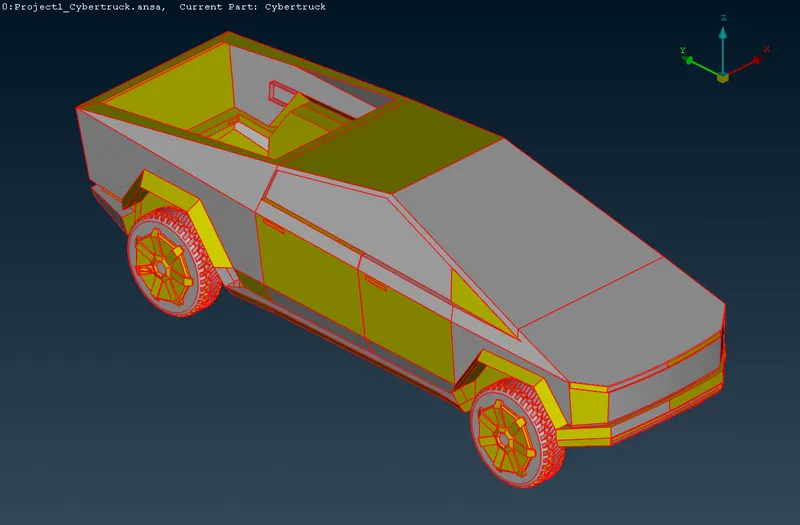
Fig: Imported Geometry
2.After Importing geometry, Check the geometry and its shows some error in topology.
3.Go to Topo and select entire body.
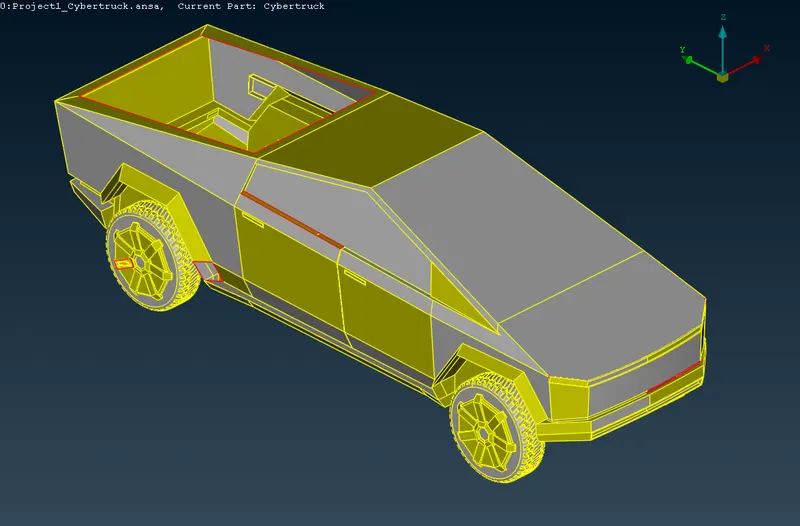
Fig: After Topo
4.The car is symmetry from the middle to any end, we can delete one-side of the car and perform the necessary operation.
5.Now started the Topo clean-up by removing the single cons and unnecessary triples cons are cleaned.
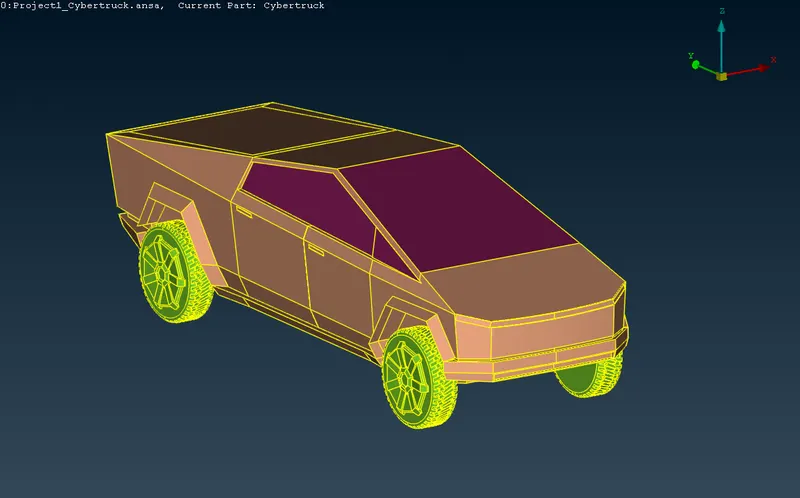
Fig: After solving single and triple cons
6.After Topo clean-up assign the PIDs.
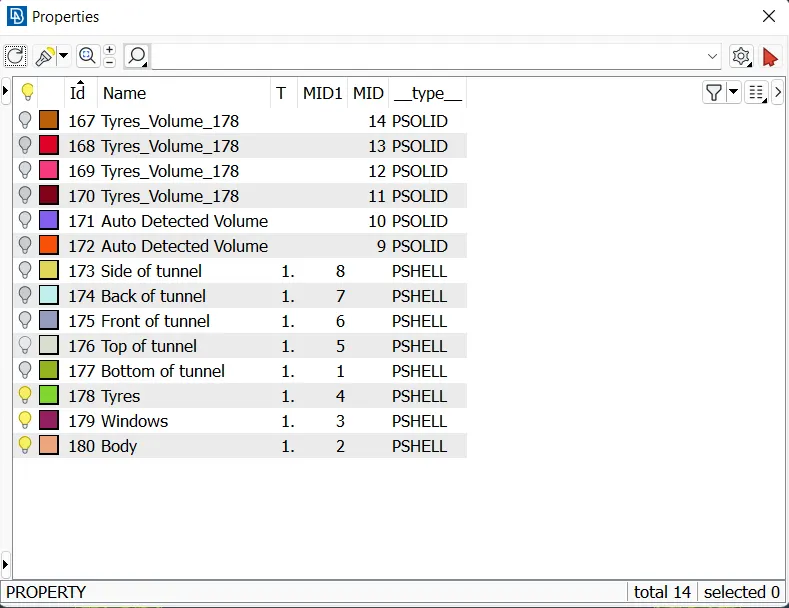
Fig:Properties
7.Select length option and gives the values of perimeter and macros for a different PIDs.
8.After assigning PIDs move to mesh and create a mesh.
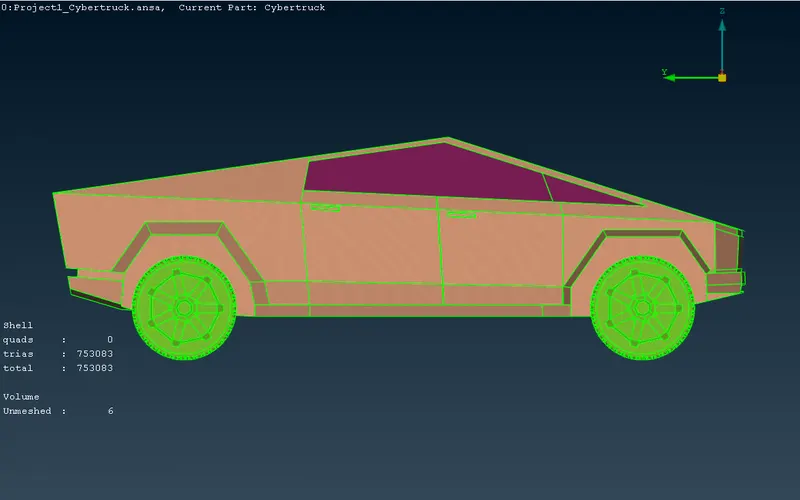
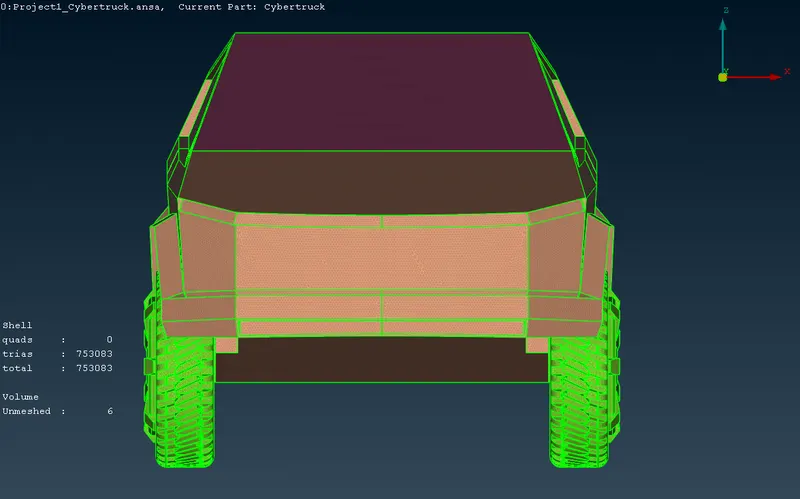
9.After meshing create wind tunnel.
10.After creating wind tunnel create a mesh of tunnel.
- Dimension of tunnel from reference point
- Bottom surface of tunnel = 500
- Front surface of tunnel = 27260
- Back surface of tunnel = 35358
- Top of tunnel = 19378
11. Move to voulmertic mesh.
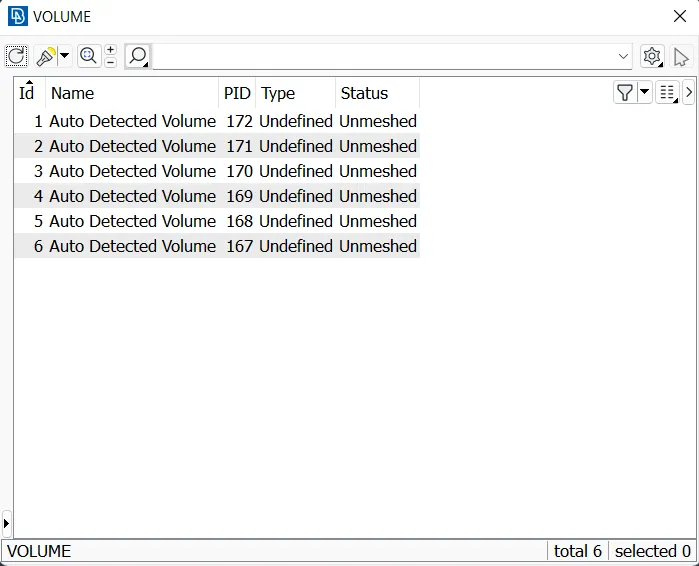
Fig: volume properties
4.Results:
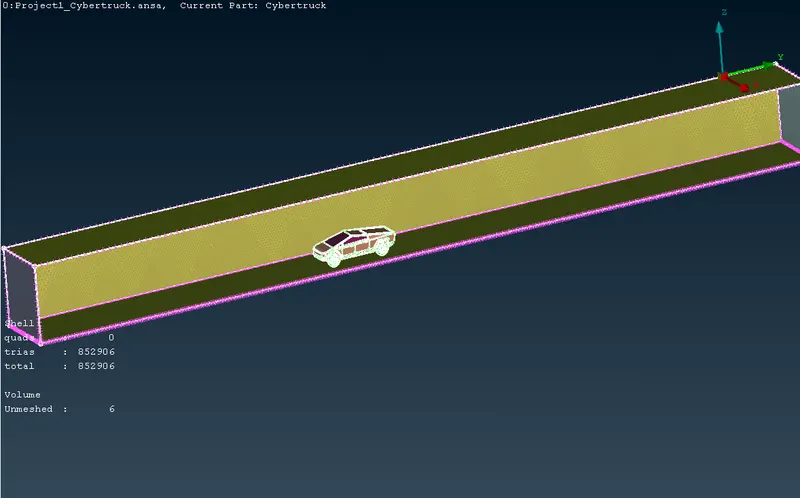
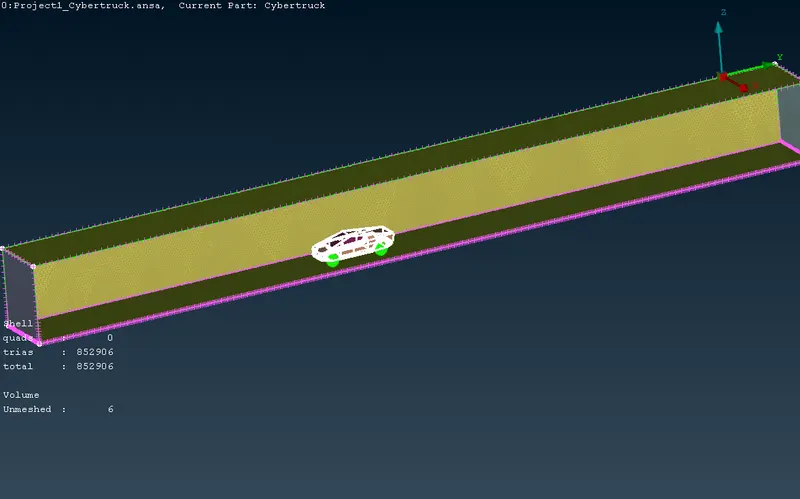
Fig: Volume
5.Conclusion:
- Creating a CFD meshing for Tesla Cyber Truck by using Ansa is done.
- Totally 6 volumes are created, 1 for truck body, 1 for truck body and wind tunnel and 4 for tyre and rims.