Project 1 : CFD Meshing for Tesla Cyber Truck
Aim : For the given model, check and solve all geometrical errors and Assign appropriate PIDs. Perform meshing with the suitable Target length and element Quality criteria.
Procedure : The following steps are followed to create a wind tunnel
- Geometric import and check.
- Geometric clean-up or Topo clean up.
- Setting the different different PID's.
- Creating the wind tunnel.
- Meshing the geometry .
Geometric import and check : first we have to import the geometry into ANSA as follows
FILE>OPEN>SELECT THE REQUIRED GEOMETRY >OPEN /OK.
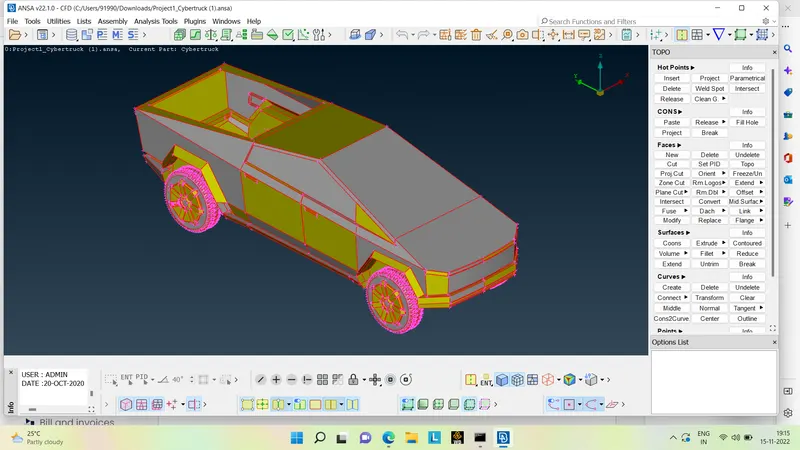
Geometric clean up : We have to do the geometric clean up for the given geometry by deleting the unnecessary surfaces , solving the single cons .
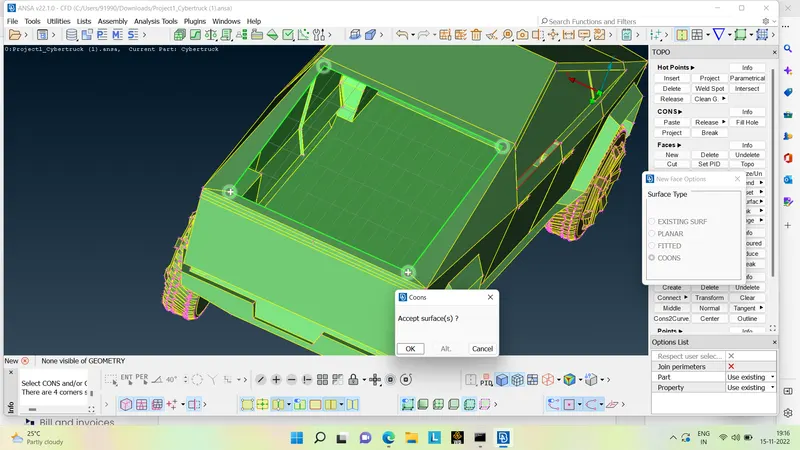
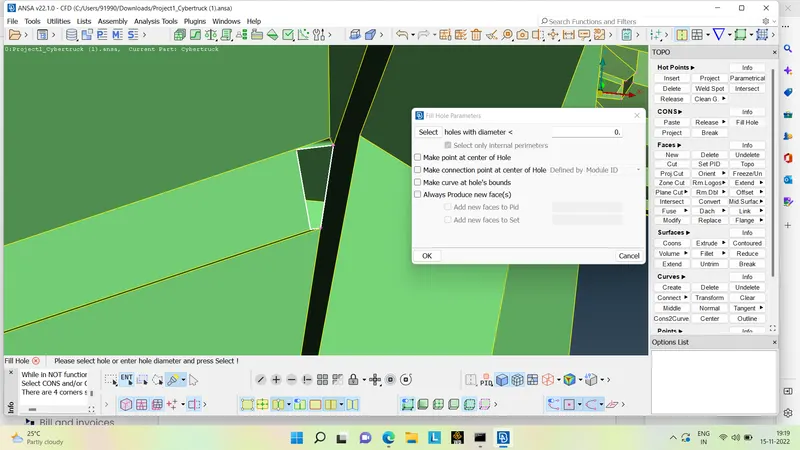
Setting the PID's : We have to create the new PID's for the different parts of the geometry
as shown below 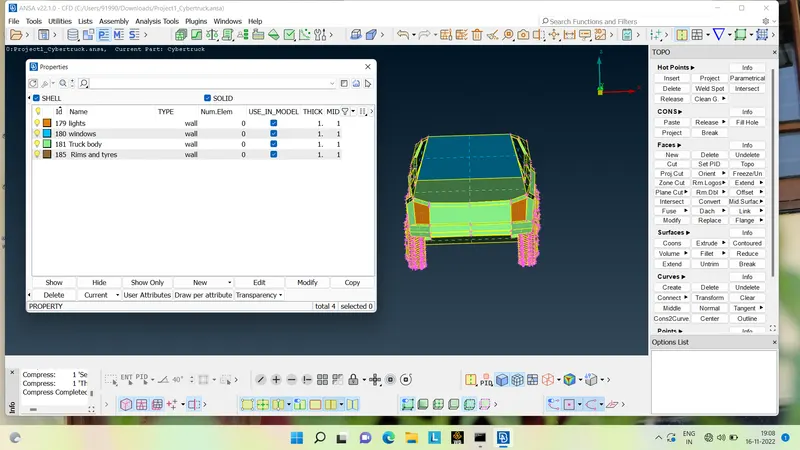
Meshing the given geometry : We have to mesh the different different parts of the given geometry by different mesh length .
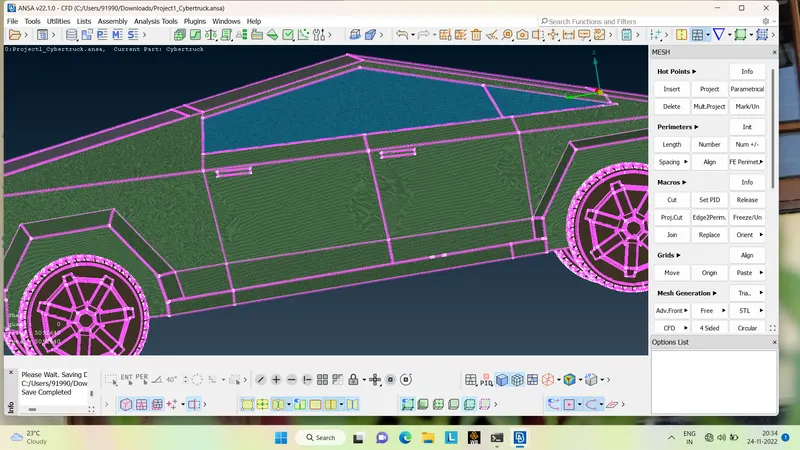
Meshing the Body and Window with 6mm and 5mm target lengthrespectively by giving appropriate quality criteria.
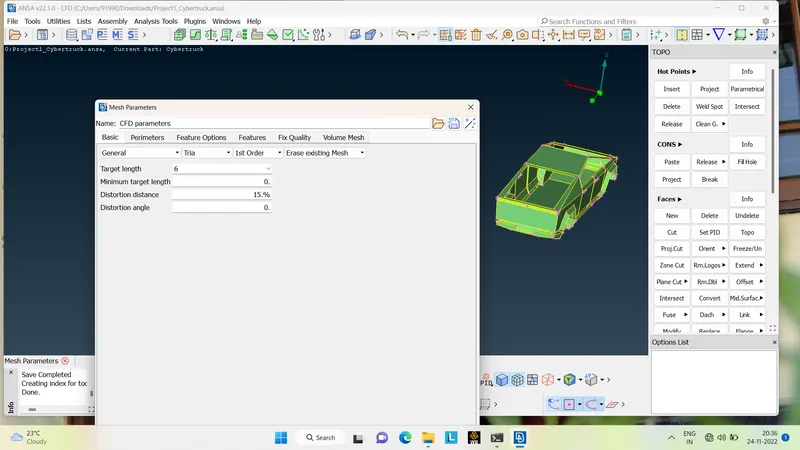
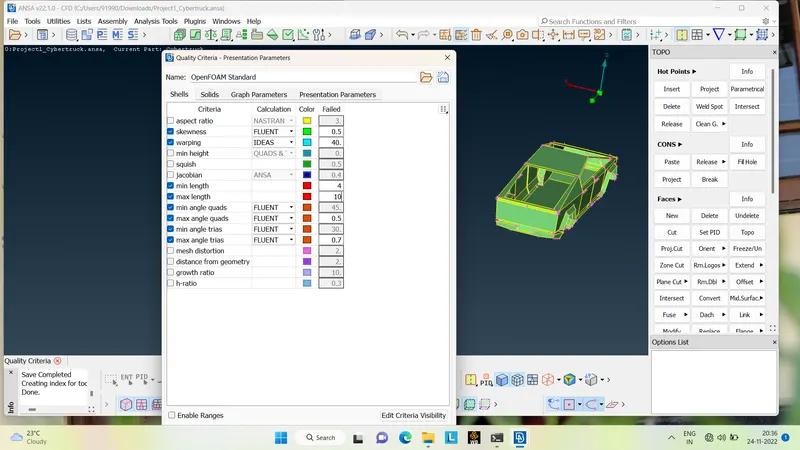
Meshing the Lights , Rims and Tyres with 6 and 3 mm resprctively .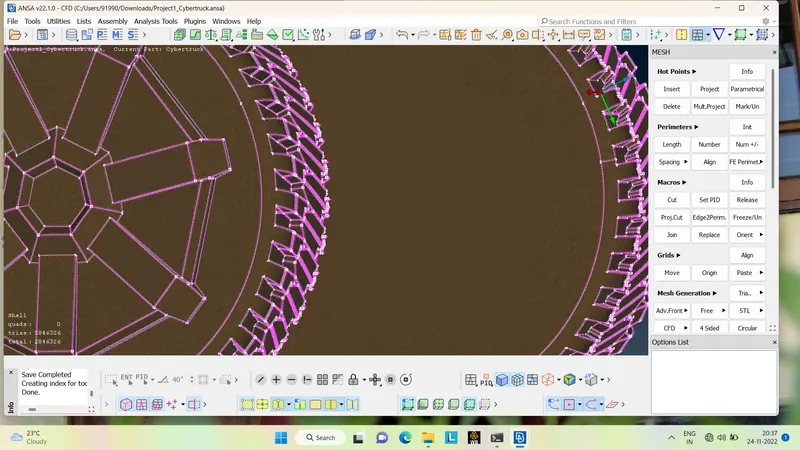
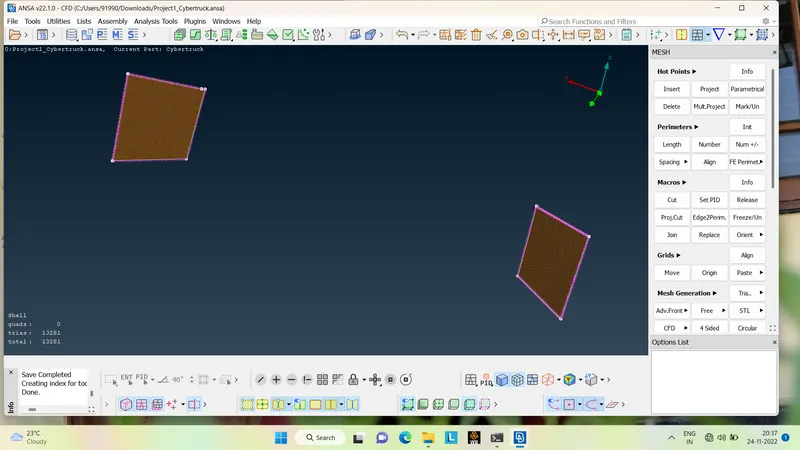
Now the whole geometry looks like this after meshiing as shown below .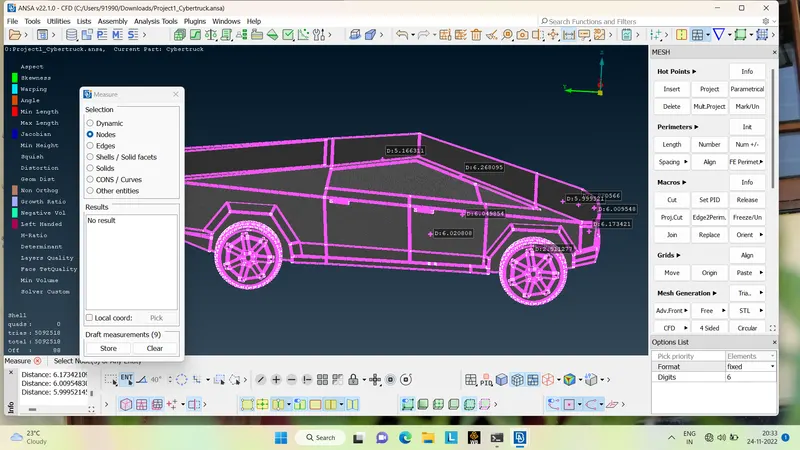
Creating the wind tunnel : Now wind tunnel has to be created for the given truck , it can be created by following steps
First we have to create the points by going to POINTS>RELATIVES>NODES>SELECTING DIRECTION AND THE DISTANCE .
After creating a the points we have to make a curve by going into CURVES>CREATES> OK.
By creating the curves we'll get the path by which we can create a new surface , we can now very well delete the created points and curves by using universal delete option or choosing delete option present in the CURVES .
Now we can create the top surface by choosing OFFSET option and giving the required distance or length and can create the new surfaces .
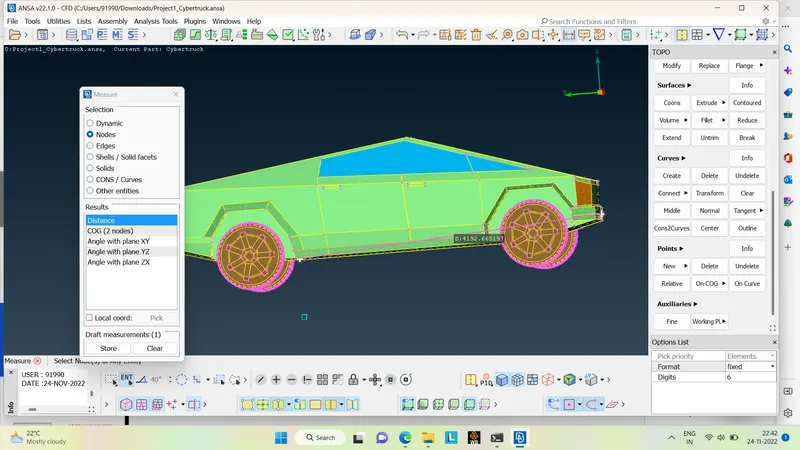
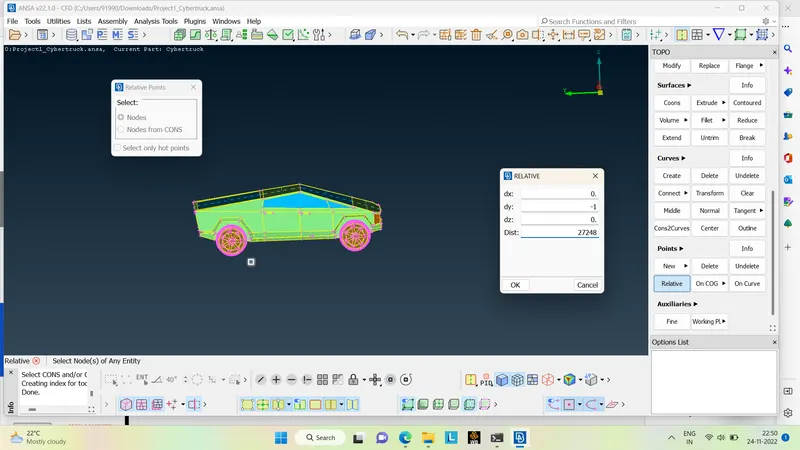
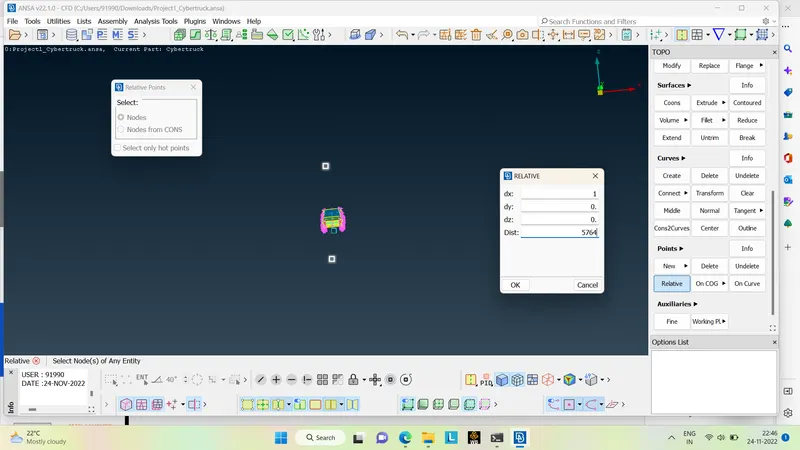
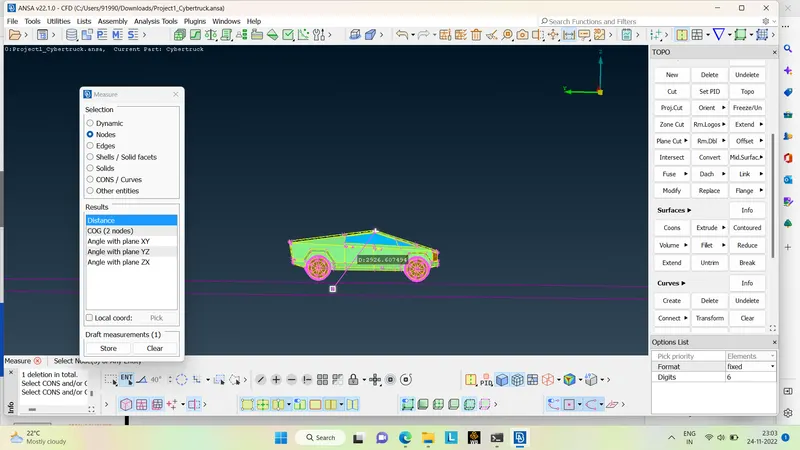
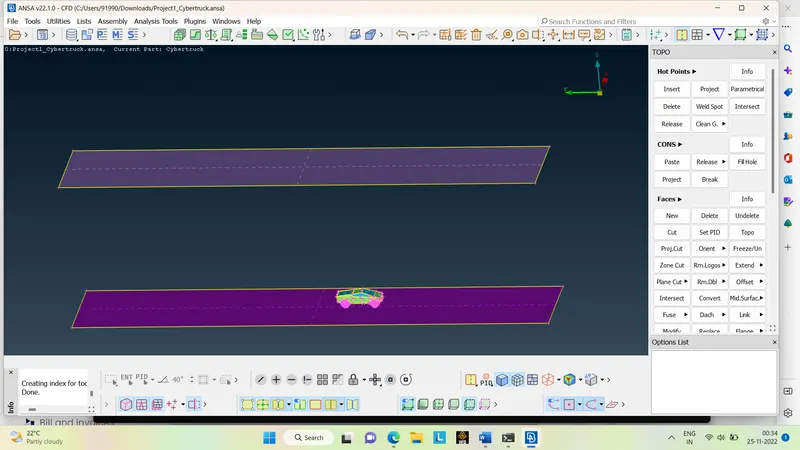
Now giving the PID's for the new created surfaces :
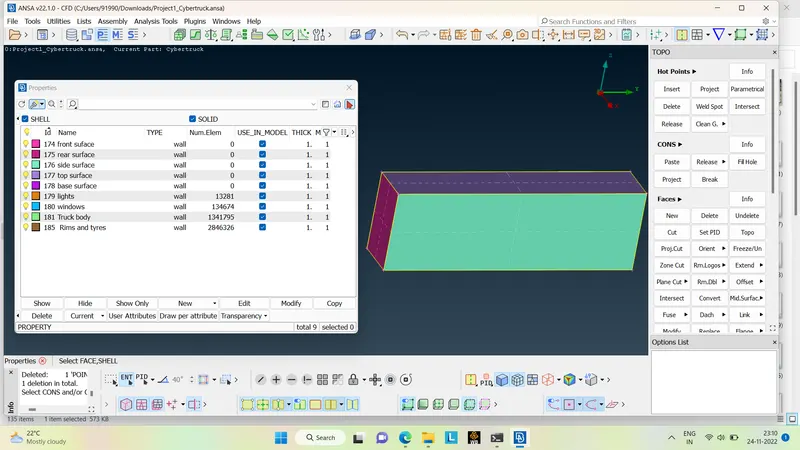
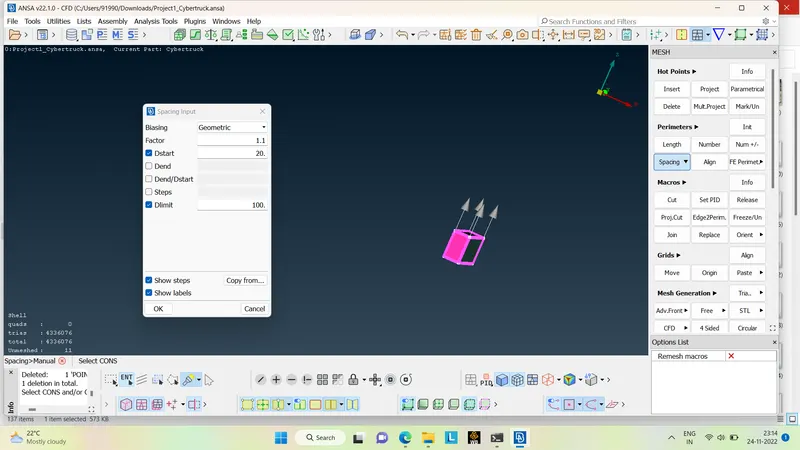
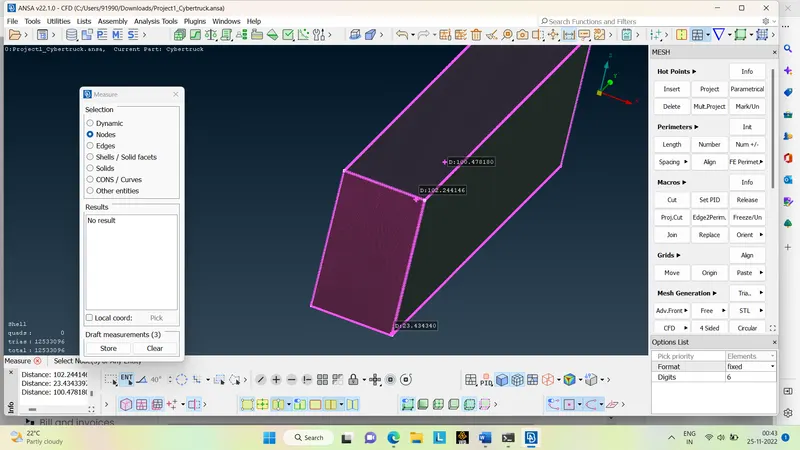
Meshing the wind tunnel : wind tunnel is meshed with different different mesh length such as the TOPsurface is meshed with 100mm mesh length , BOTTOM surface with 20mm, Front ,Rear ,Sides are meshed with 20-100mm mesh length using SPACING option respectively .
Volumetric mesh :
We can do the volumetric mesh as well by following steps
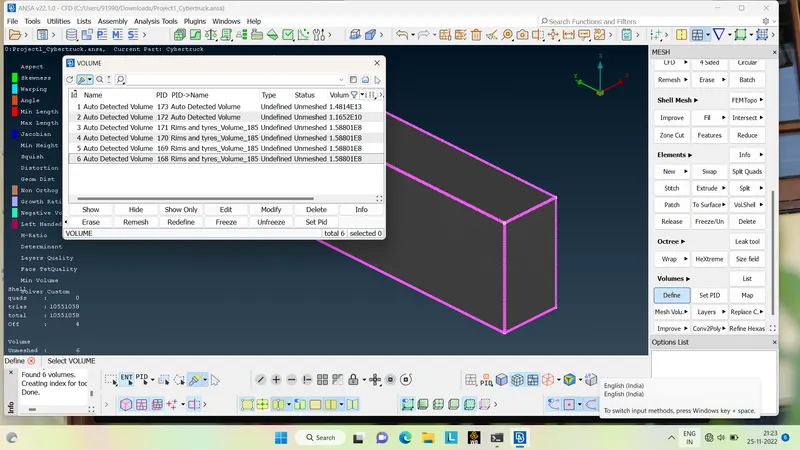
VOLUME>DEFINE>WHOLEdb>OK.
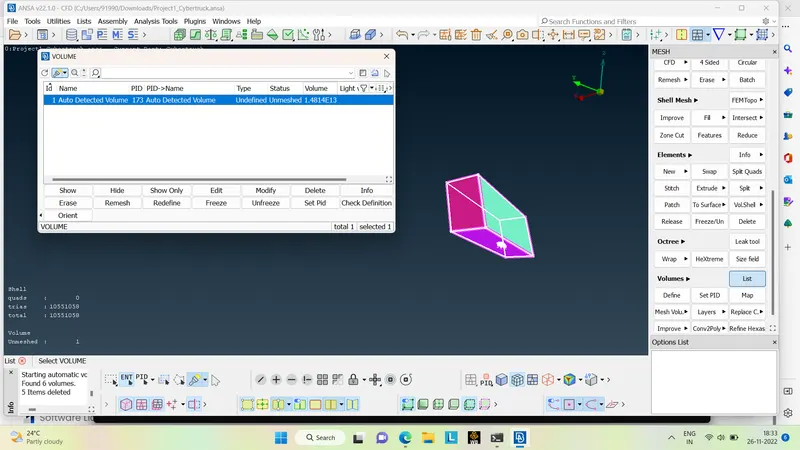
The volumetric PID's will be shown in which we have to keep the PID which is having the common volume between the truck and the wind tunnel and to delete the left PID's .
Conclusion :
- The given truck is cleaned up by creating required surfaces.
- The wind tunnel is created and meshed with reference size of the given model .
- There are different volumes will be created for the given truck , single volume will be created in order to avoid any error or interupt while doing the volume mesh.
- A certain required test can be performed on the volume model of the wind tunnel after a sucessful volume connection .
Link : https://drive.google.com/file/d/1dy3bPphL3isYiiusgGA4ipa8zC7Ab-RJ/view?usp=share_link