Project 1 : CFD Meshing for Tesla Cyber Truck
google drive link for model:https://drive.google.com/file/d/1oS5JcDs3LKOvOwGKFP3kivbDUDhm2ACy/view?usp=sharing
CFD Meshing over Tesla cyber truck
AIM: To Cheak and and solve all geometrical errors , assigne appropriate Pids and performorming meshing with suitable target length and element quality criteria
Procedure: Cheaking for Geomatrical and intersectional error
Plane cut symmetric part
Topo cleanup
Mirroring
Pid assigning
Meshing with quality creiteria
wind tunnel creation and meshing
Learning objectives:
- Advanced topo cleanup.
- varing surface meshing
- Solving quality failed off elements as per Quality criteria
- Symmetry operation for surface and mesh elements
- wind tunnel faces creation by points
- CFD growing mesh on wind tunnel
Methdology:
Step1: Cheak for geometrical errors and resolution
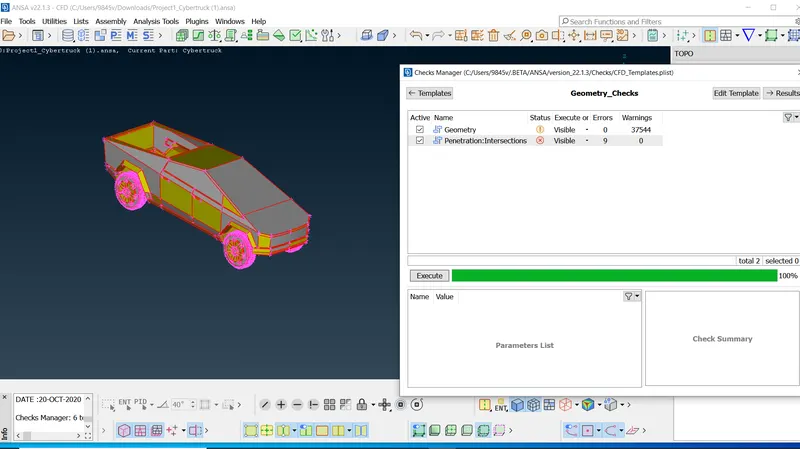
there are intersection errors and geometrical errors
Step 2: Plane cut the symetrical part of the model
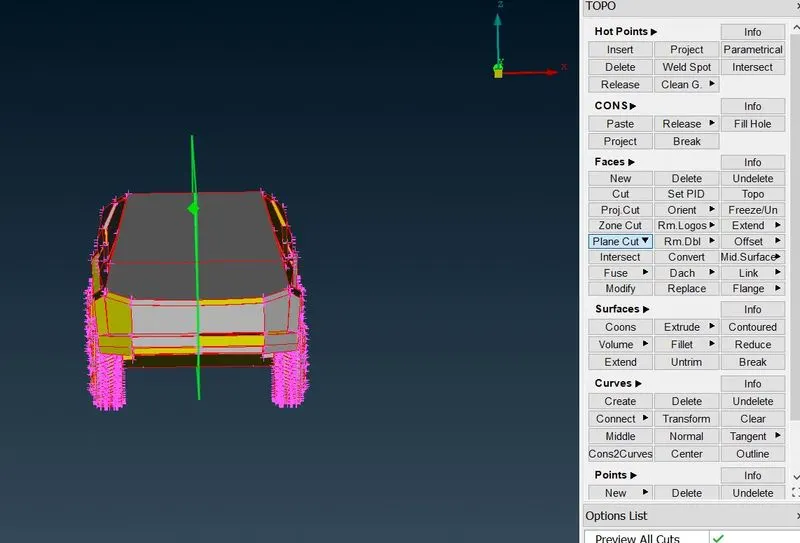
after plane cut
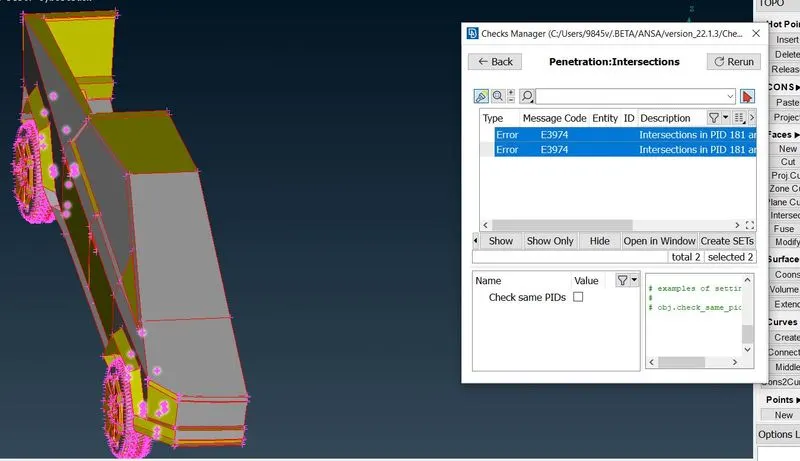
one more time cheaking for geometrical errors
Step 3: TOPO clean up
Here we clear some uncheaked , overlapped and intersected ,dents and more
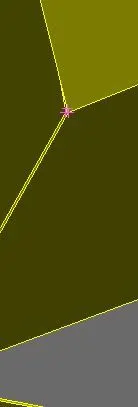
very small faces causes off elements in meshing
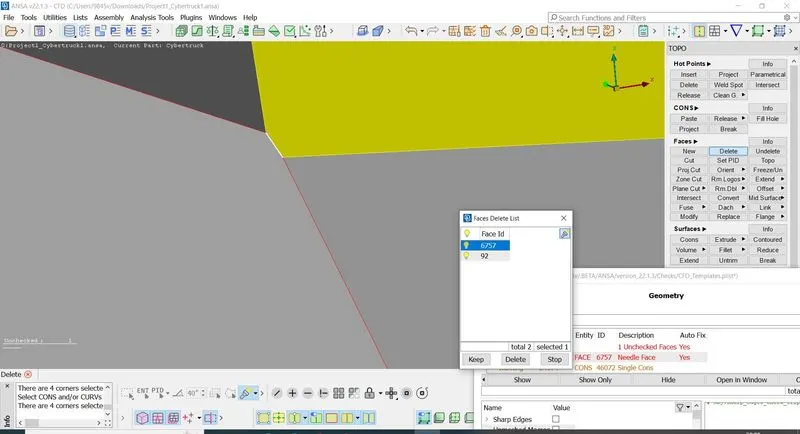
unjoined faces and hitting topo over them may join both
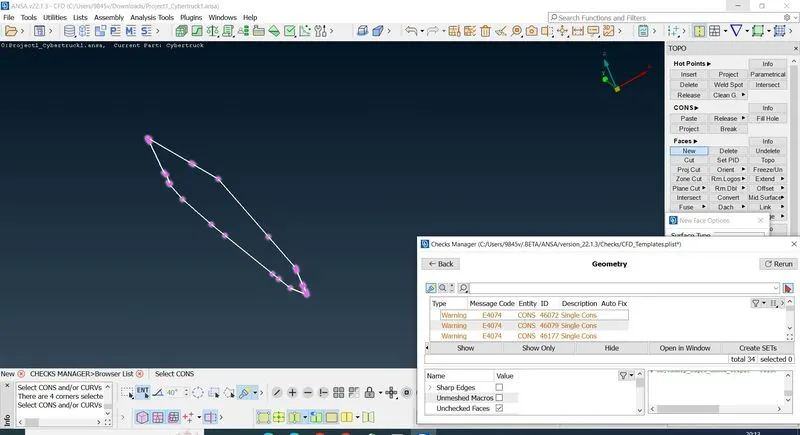
single cons
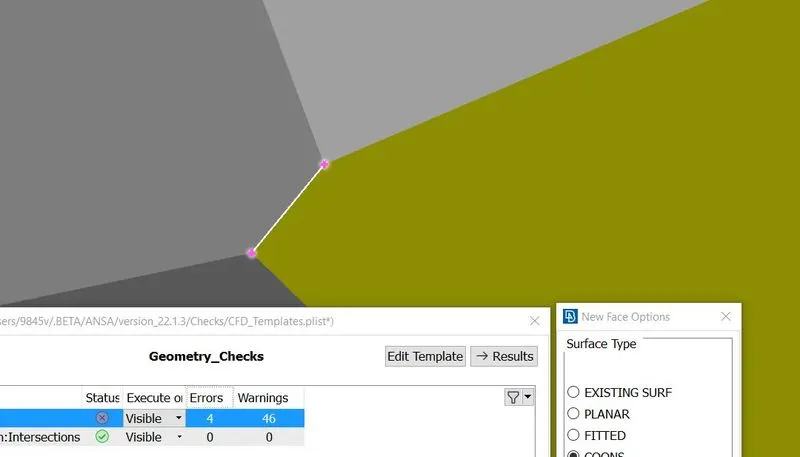
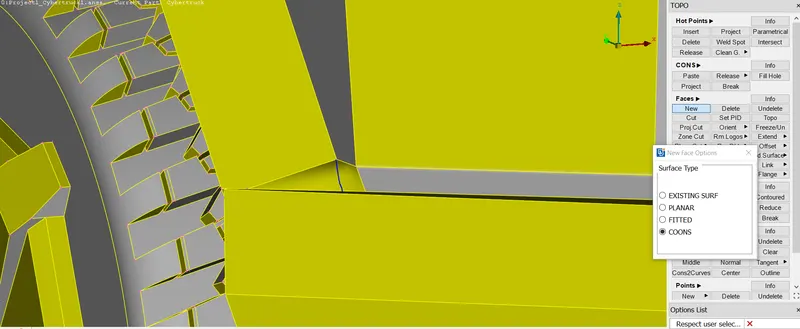
from the image we can see dent portions
to make perfitted we will create face such below
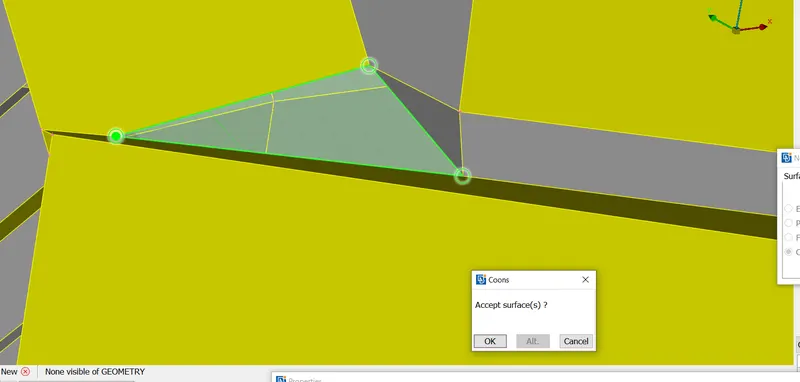
Overlapped faces
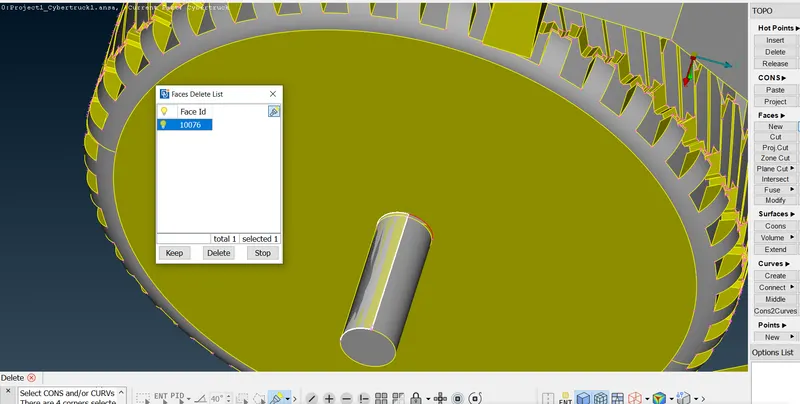
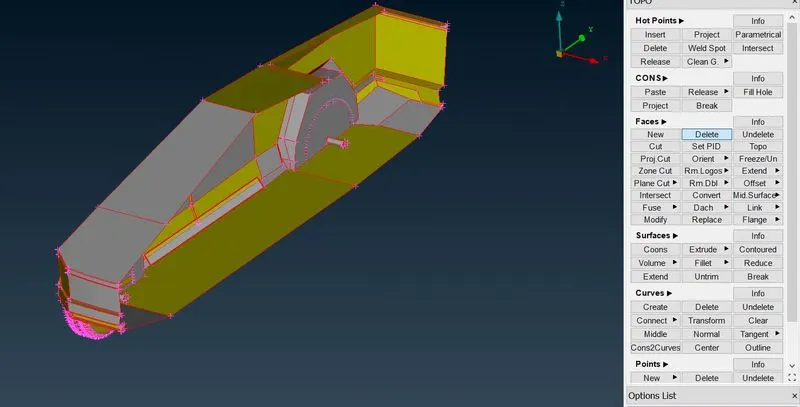
deleted the overlapped faces
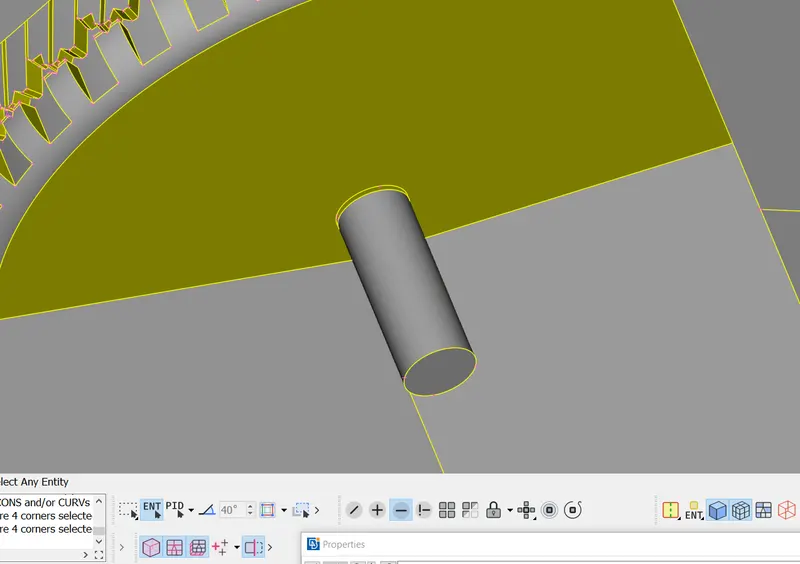
After all geometrical clean up
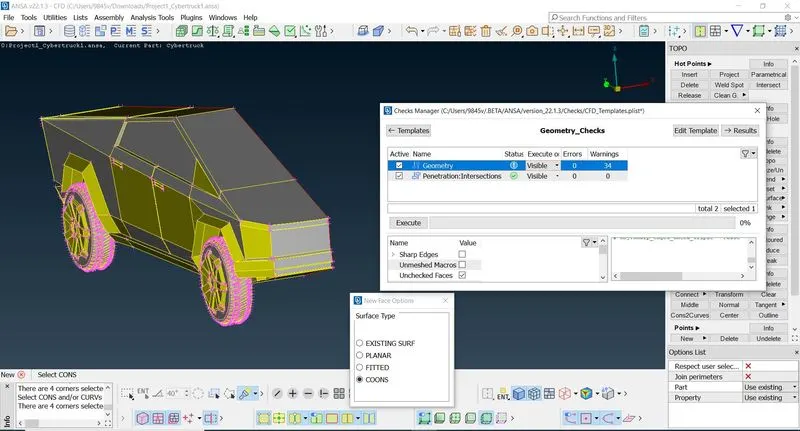
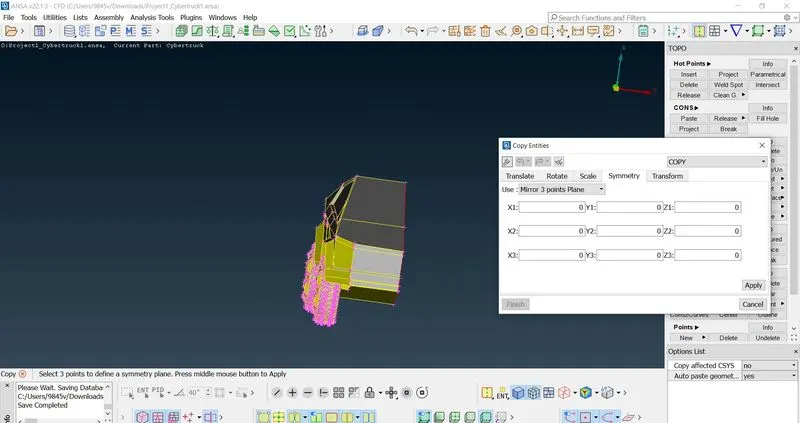
Step4:Mirroring by option transform
Here we mirror by symmetry by 3points
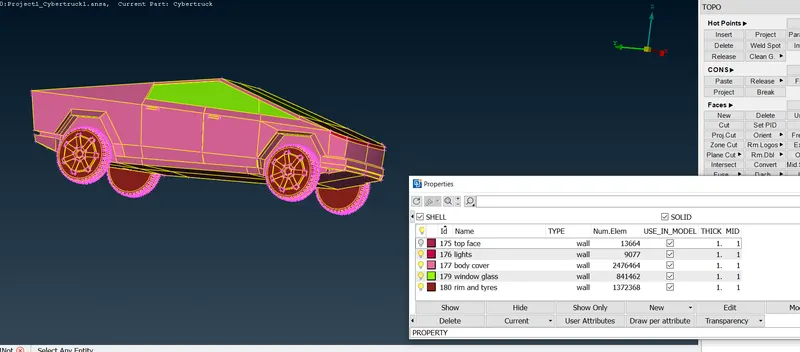
Step5:Assinge PIDS
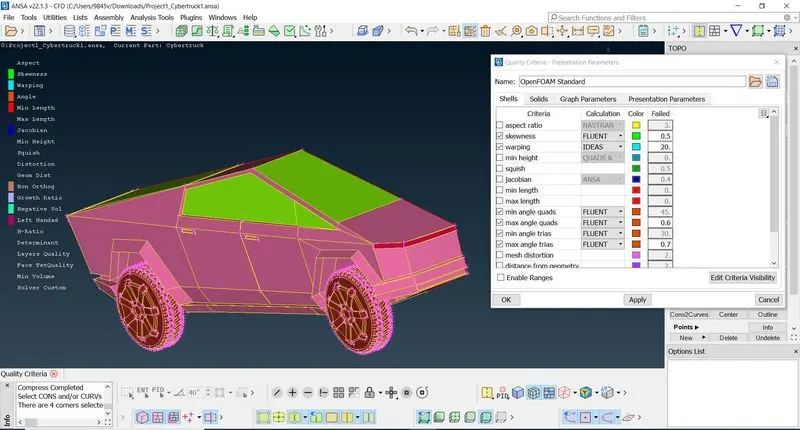
Step 5: Meshing with quality creiteria
turning off the unwanted
to make them visible we have to hit Hidden button
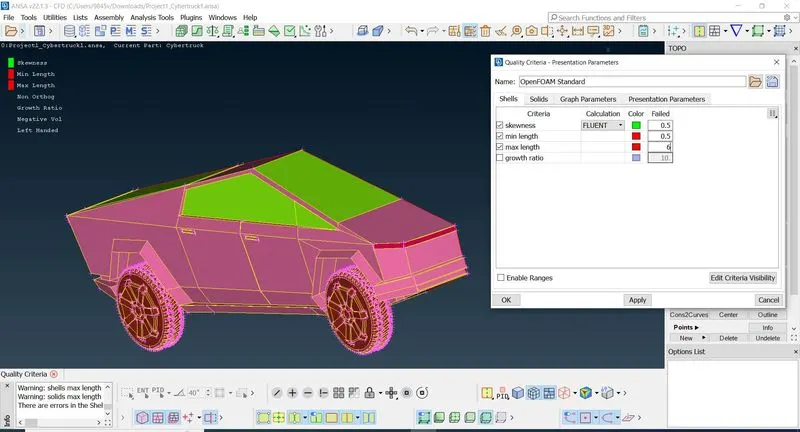
I have changed quality criteria 0.5 and 8mm , as mesh creating was very slow
Meshing the window and tyres and rim
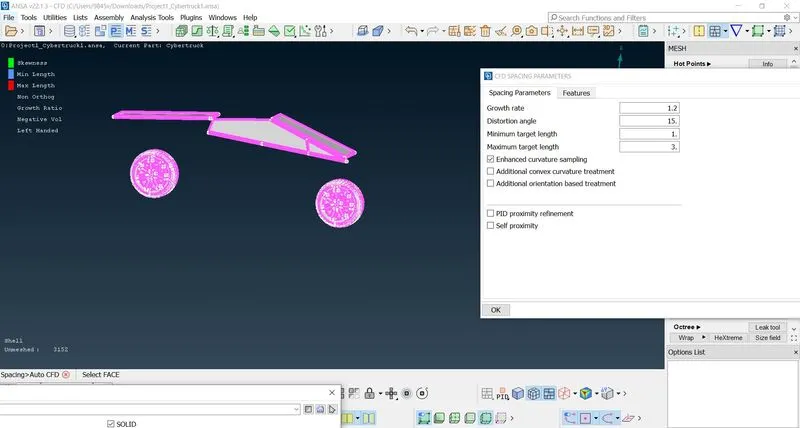
the mesh 1mm was creating so much slowly and even giveing more skeve elements so i have changed to 2.5 and 4.5
target length
removeing off elements or imroveing mesh
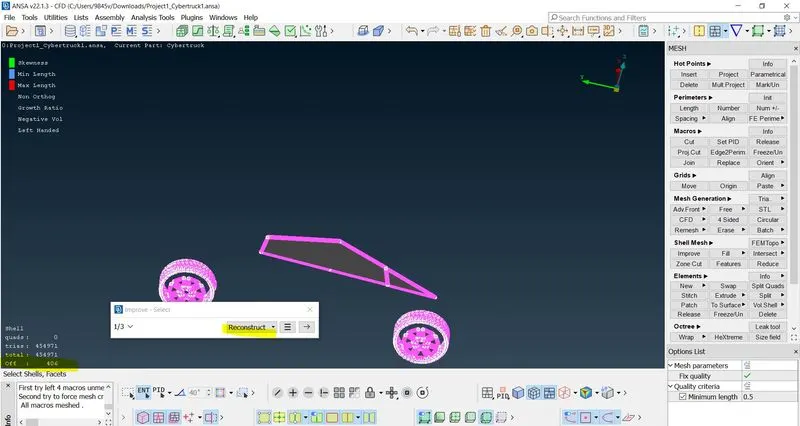
right click and imrove with reconstruct will reconstruct the mesh to reduce them
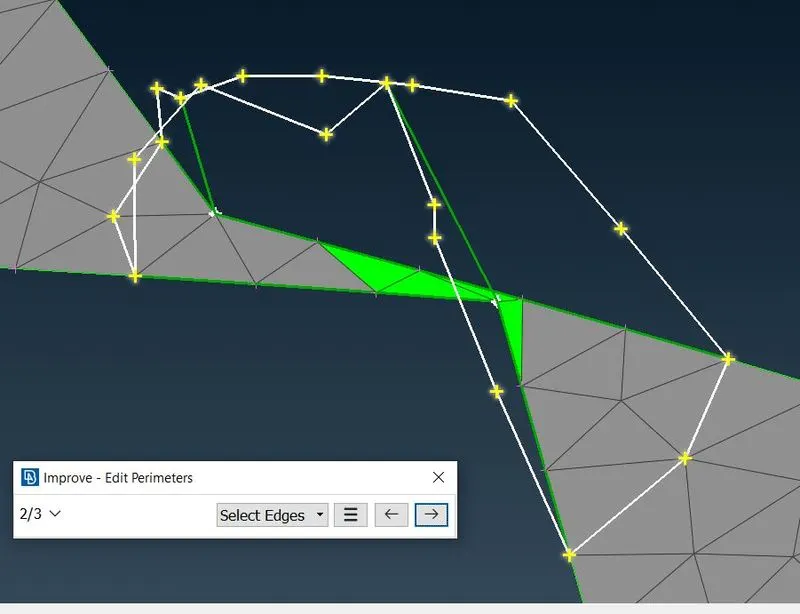
reduceing them with the grid and move option we can move and change
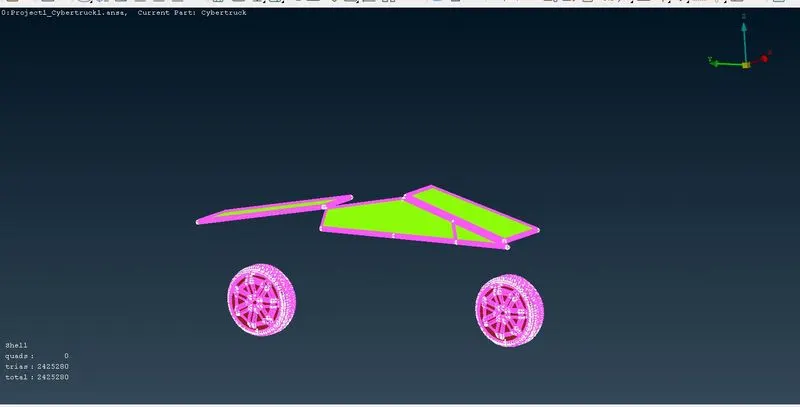
Meshing other parts as above
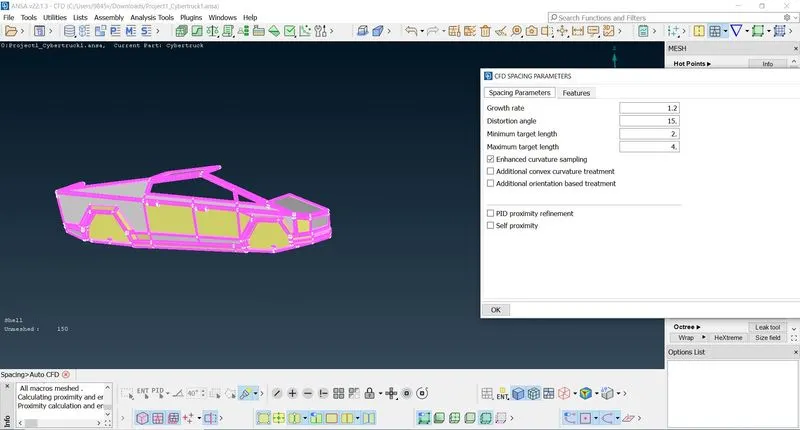
Meshed and freezing them avoid mesh errors
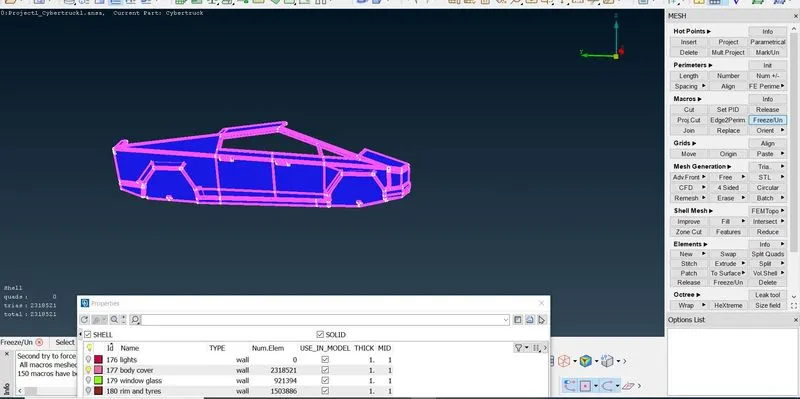
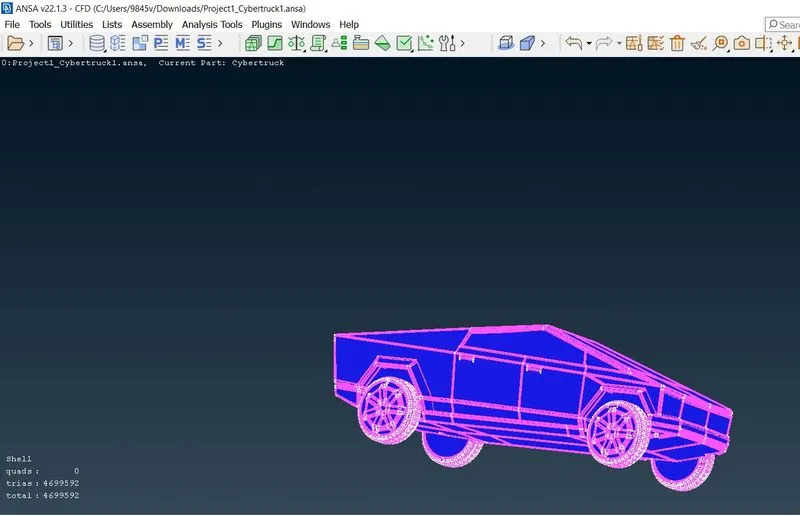
after meshing imiediate freezing individual pids is important
Step6: creation of wind tunnel by points and and connecting points
points are created by co ordinates values
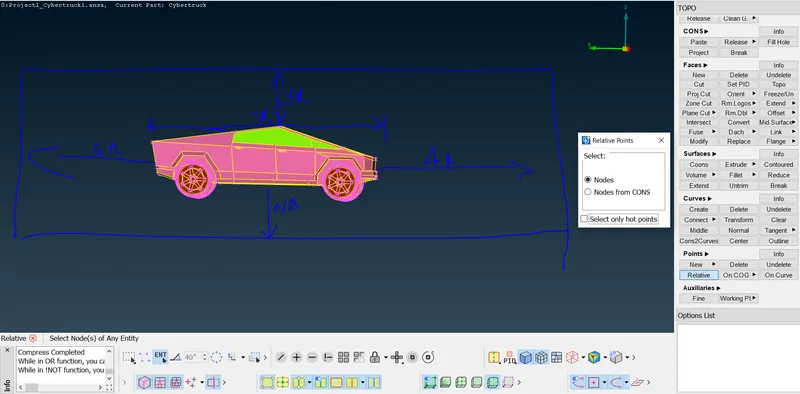
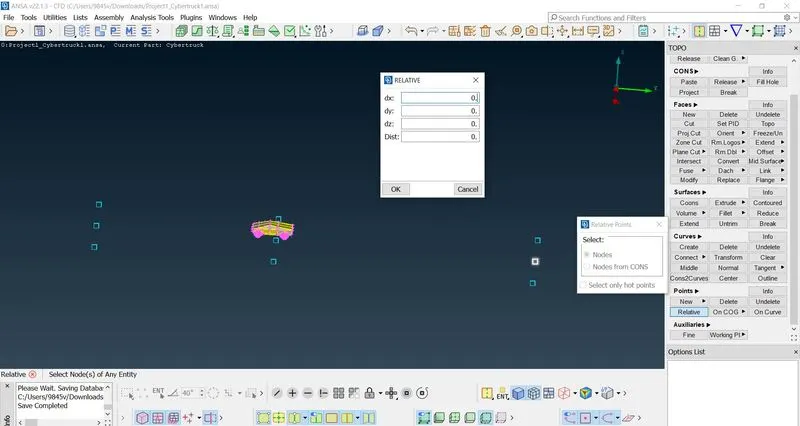

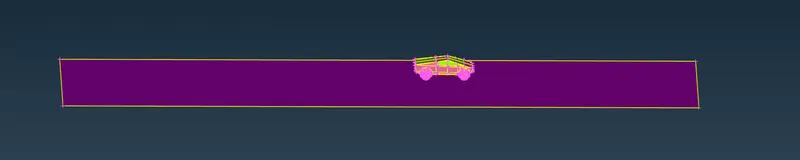
Off set the bottom face to top face
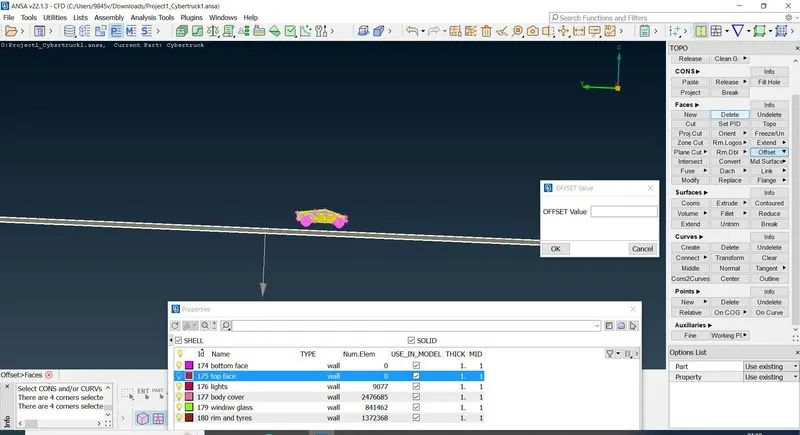
its showing in positive direction of z axis and giving values in negitive create in top face
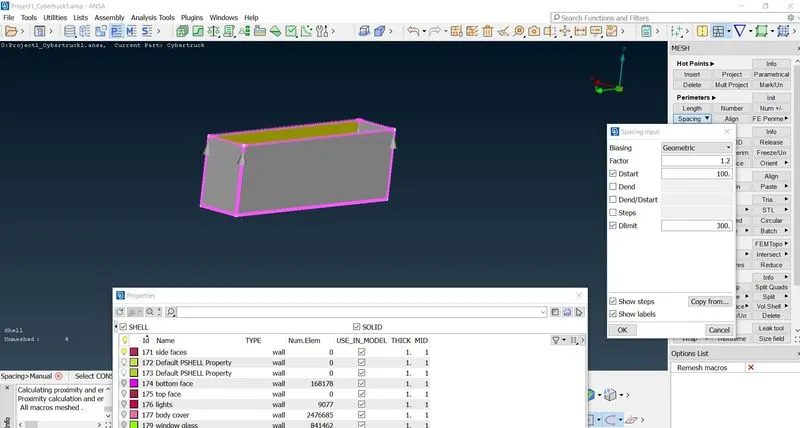
bottom face we give mesh parameters tria and max target and min target length is 110mm , 90mm respectively
top face max target length and min target length 100mm and 300mm
for side faces we create manual spaceing for growing mesh
Result: we can observe the standard mesh and good mesh
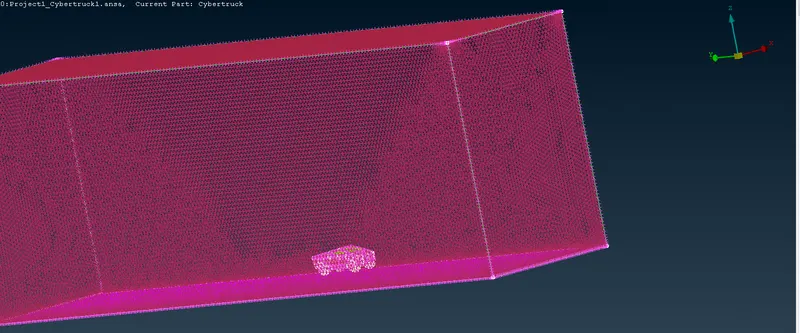
Conclusion : From above meshing tesla project we can conclude that we can creat standard mesh and good meshes