Project 1 : CFD Meshing for Tesla Cyber Truck
Aim:-Aim of this project CFD Meshing of given Tesla Cyber Truck model in ANSA.
Objective:-
1) Geometry cleanup of truck with topology optimizer in Ansa
2) Assine PID's in different parts of model and mesh them, with following target length
- Tyres,and window parts have target length 2mm.
- Bbody have target length 3mm
- And lights target length is 4 mm
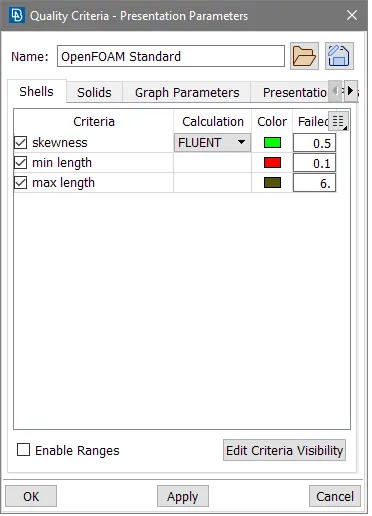
3) Quality checks of meshing with 2D Trias element having skewness 0.5, minimum and maximum length 0.1 and 6 mm respectivly. Modifying mesh such that there is no off element remain in all gometry.
4) Creating wind tunnnel and mashing it so you can easily done volume meshing.
Procedure:-
1) Geometry clean up
First import model and now you can see model geometry is axis symmetry to its mid plane so first creates hot points as shown in image.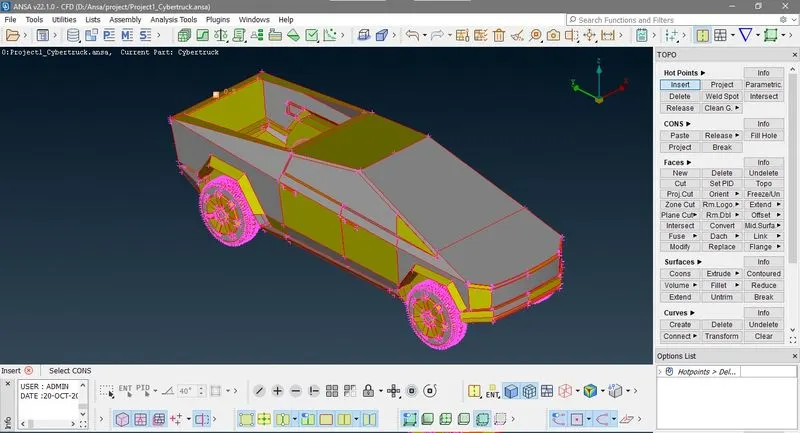
Now go to TOPO>FACES>Planes Cuts and click those point, you can see a imaginary plane appears heare to cut the gometry.
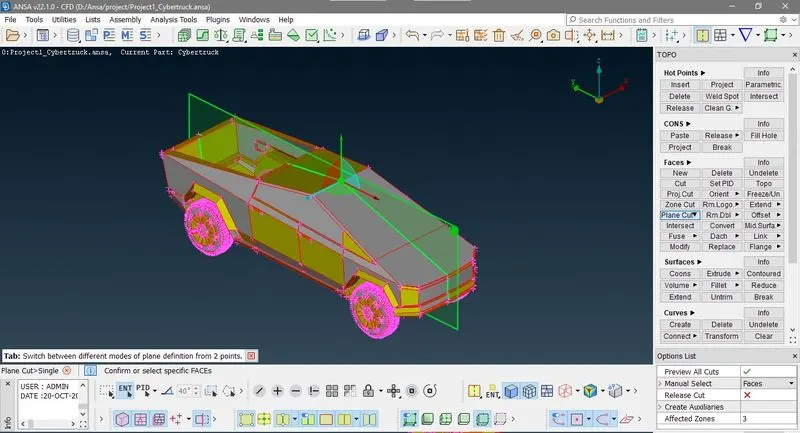
Now after cutting the geometry you can delete right side of geometry.
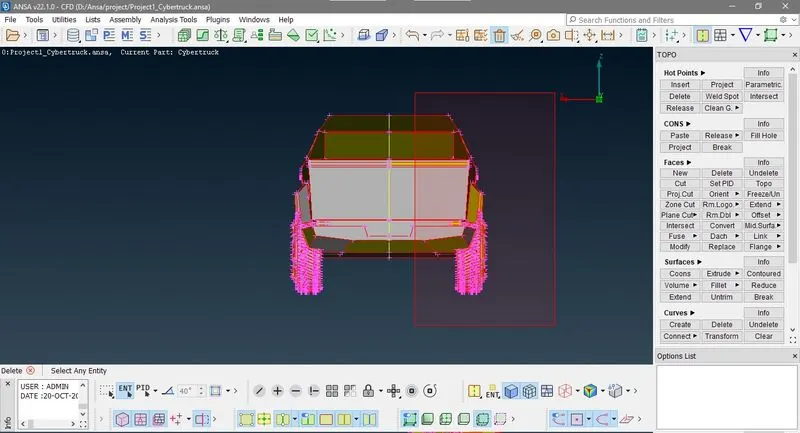
Now you can see some faces are at cuting plane are remains which are unnecessary face so we directly deleting them one by one
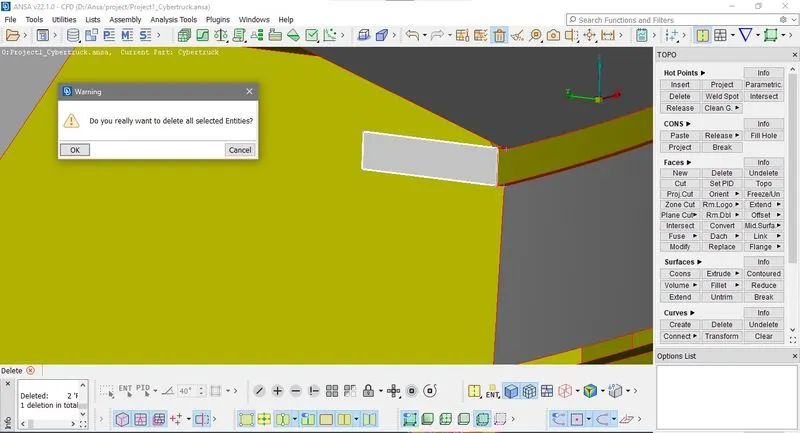
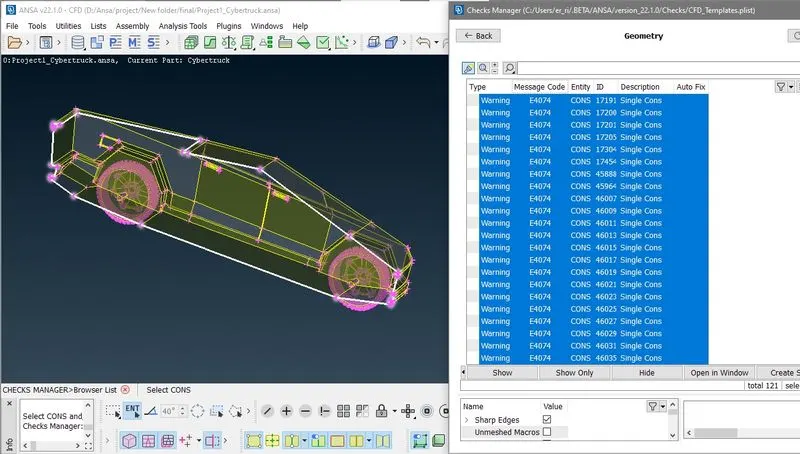
Now we can see there are too many single cons in geometry so one by one resolve them
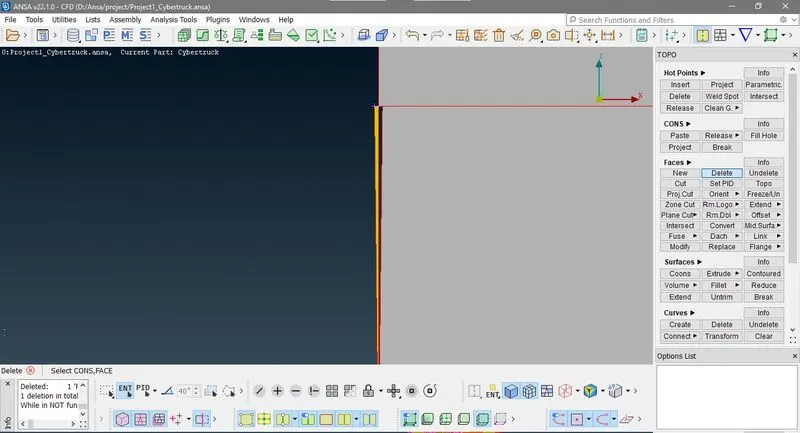
Delete all the unnecessary faces and clear the red cos.
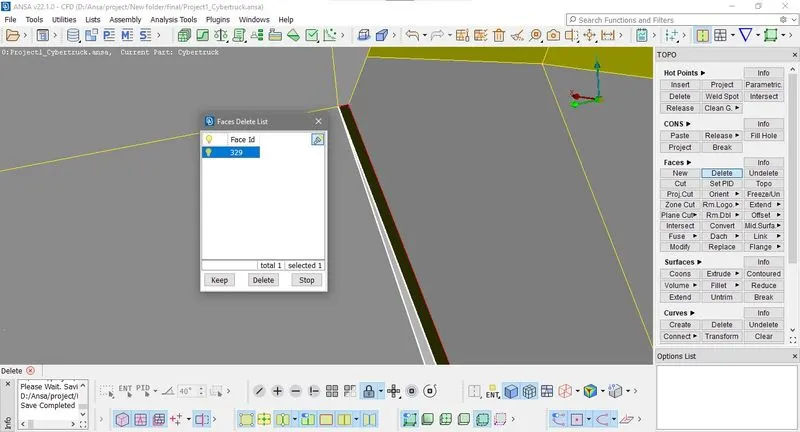
Now we go to the check manager and Execute geometry and intersection check we find there are three intersection and pentration error
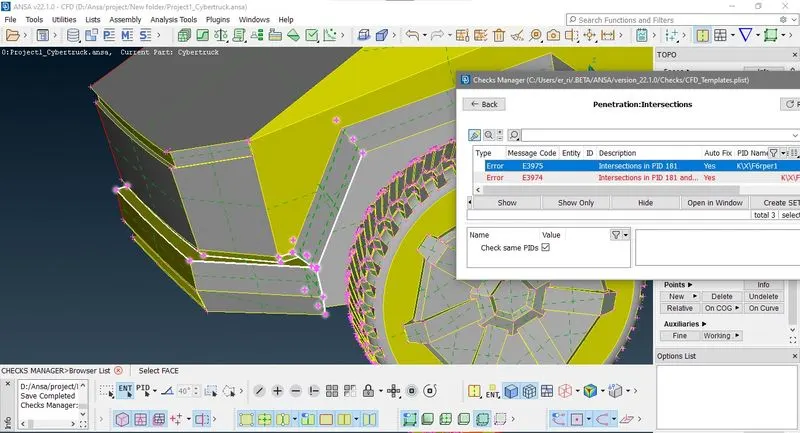
Firts intersection is between bumper of truck and body as shown in above image, if you sse this intersection from inside you how bumper is intersecting the chessis
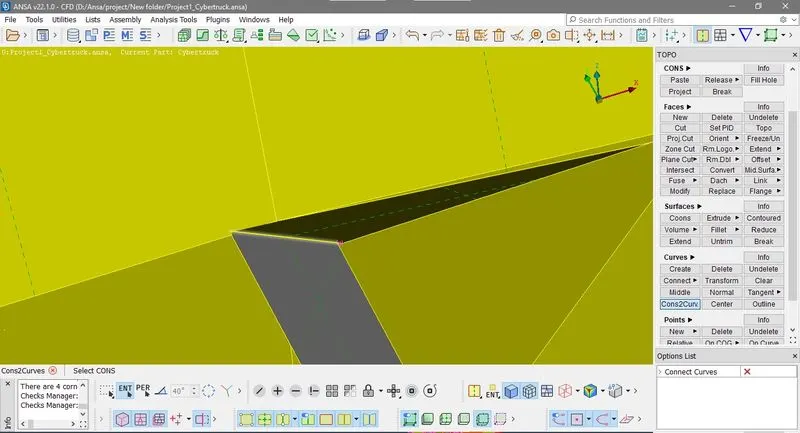
Now here use project cut to cut those portiont of intersection which we can't needed so delete them.
Now if you see second intersection error it id due to inter section of axile in body as shown in figure
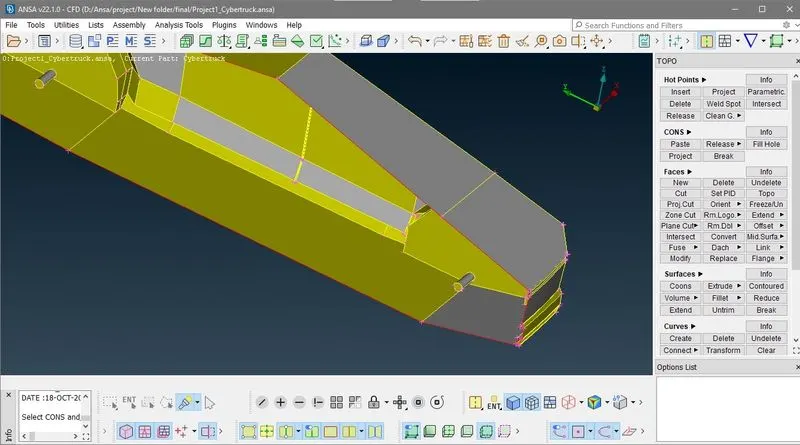
Now if you see both axile resolution is not fine so first go to MESH>Length>Perimeter and select axile part ant give target length 1mm
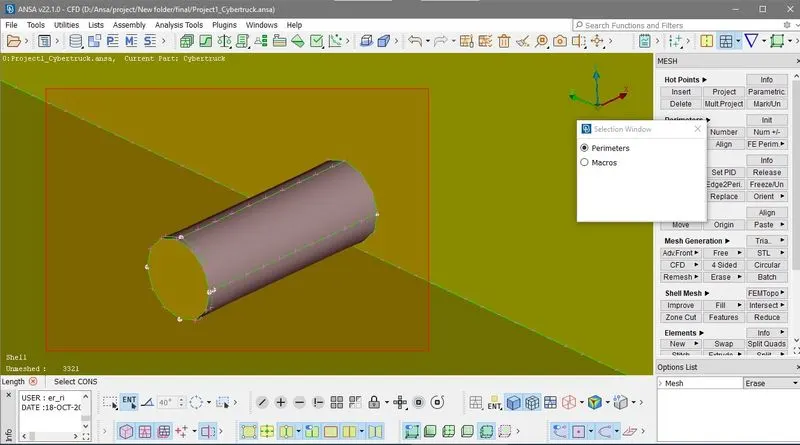
Now delete the overlaping surfaces and fille hole in tyre geometry
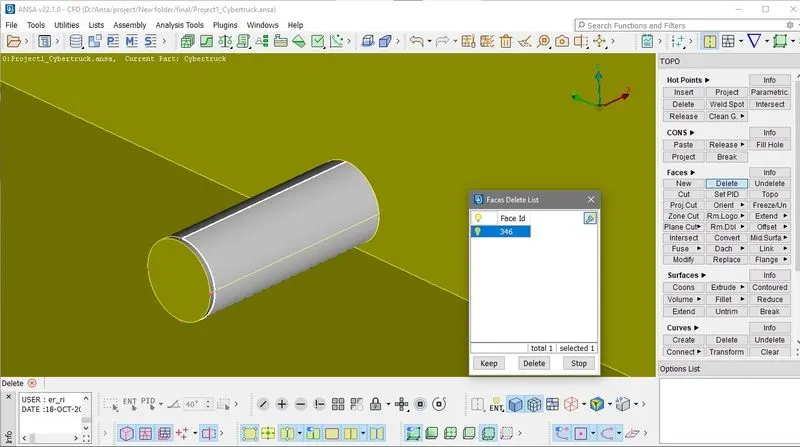
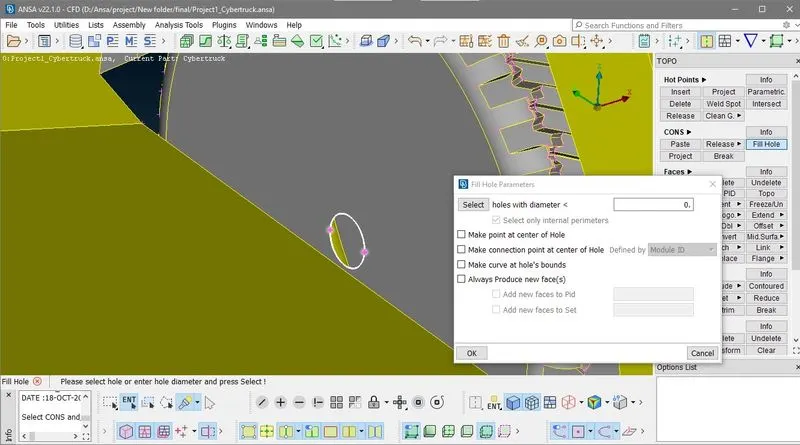
do this for other axle also.
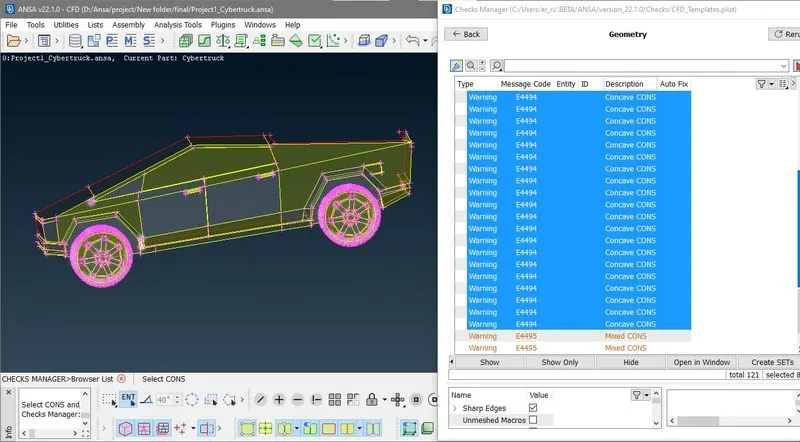
Now if you check geometry there are only red cons at mirror cut s and concave cons at tyre patterns so we ignore them
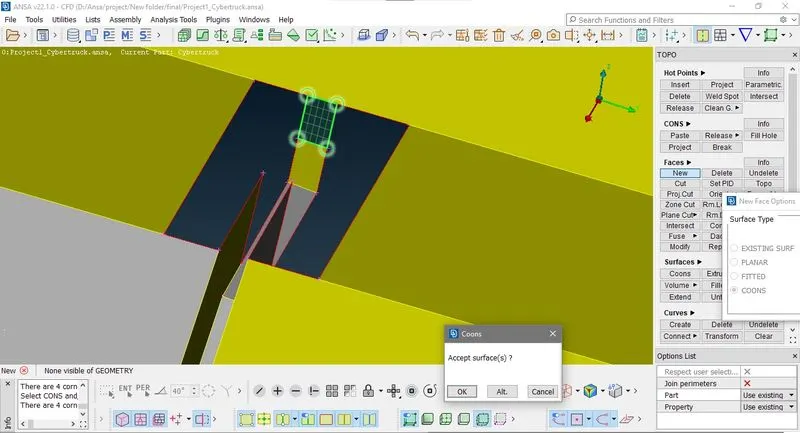
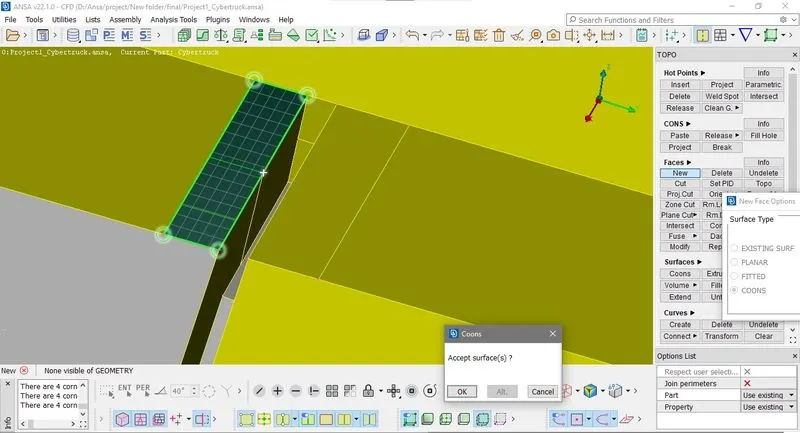
Now all geometry is clear but if you look at the side window and body, there is a small face on window which produce skeewed element in meshing so first cut the face and delete the unnecessary hot point on window edge so it make it straigth and then create new face where you cut.
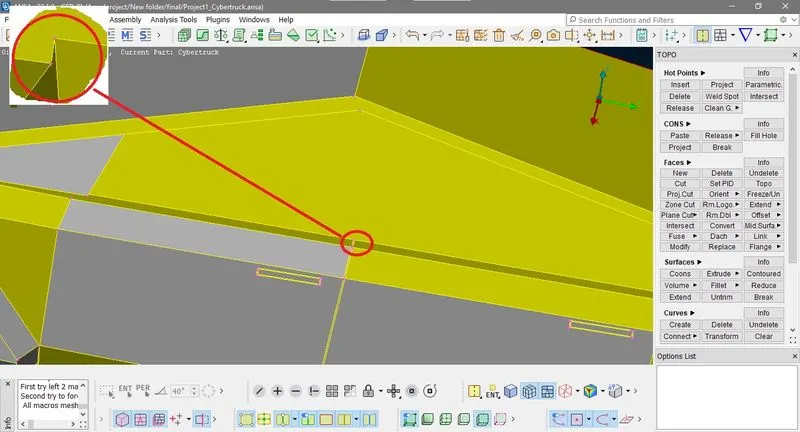
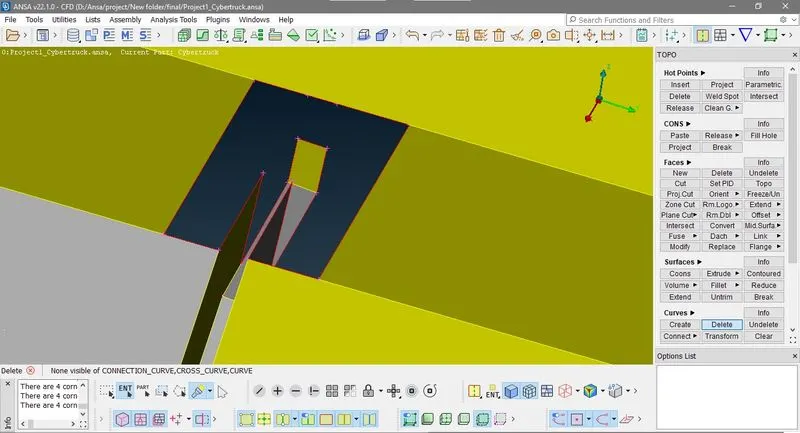
Note:- cut face langth is more then our target length 3mm so it can produce mesh here without any off element.
2) Creating PID'S and assining there geometry
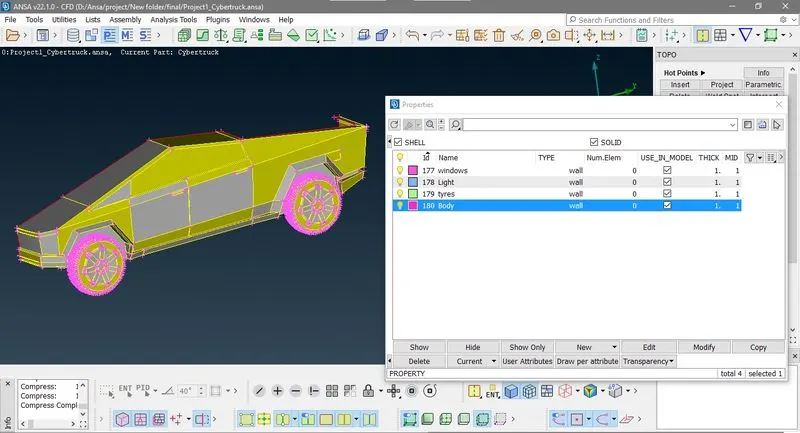
Befor meshing we have to create and assine PID'S.
3) Qulity check criteria
4) Surface mesging
first we isolate those PID'S whose requiored target length is 2 mm,so we hide all geomertry only tyres and windowns PID are showns.
Then go to meshing and give minnimum target length 1 mm and miximum target length 3 mm
then go to Classical mesh>perimeter>Spacing and Auto CFD meshing and select perimeter and select visible geometry
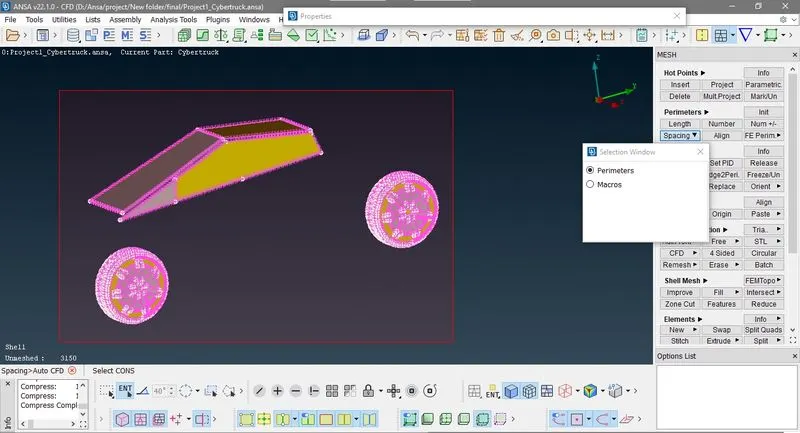
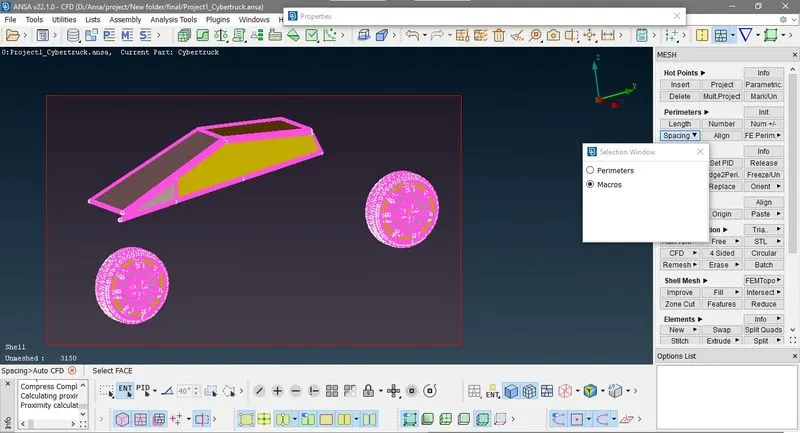
then select macros and select the gometry
Now after the CFD Meshing you can see here tria element is 2274782 and 422 off element now right click on off element and click improve in drop down list then select reconstruct 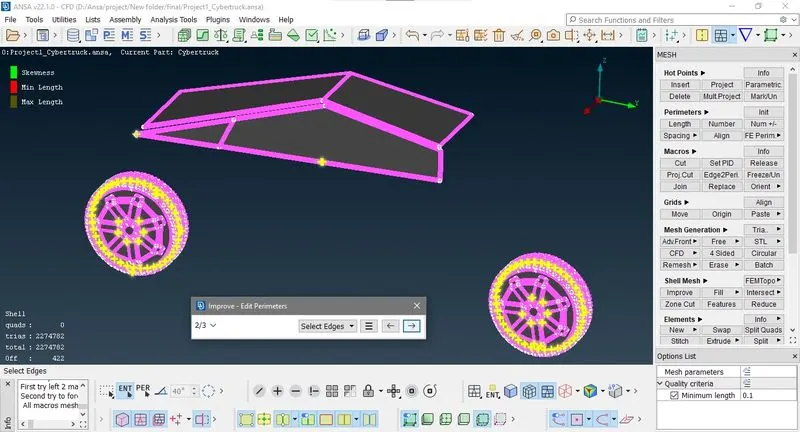
after the reconstruction there are only 9 off element now we so reshape the element
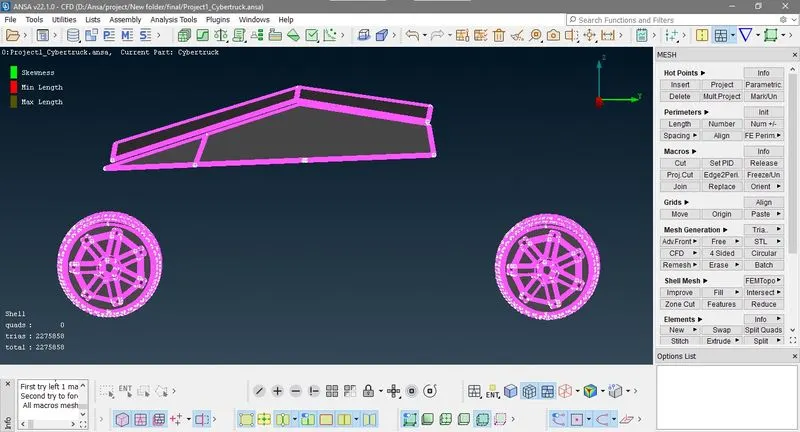
Now there is no off element only 2275858 tria element are there, then we freze these mesh element
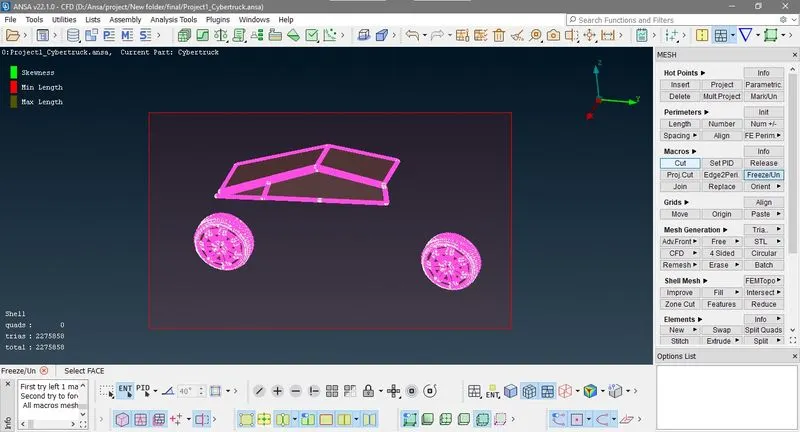
now Isolate those body PID and go to mesh and give minnimum target length 1.5 mm and miximum target length 4.5 mm
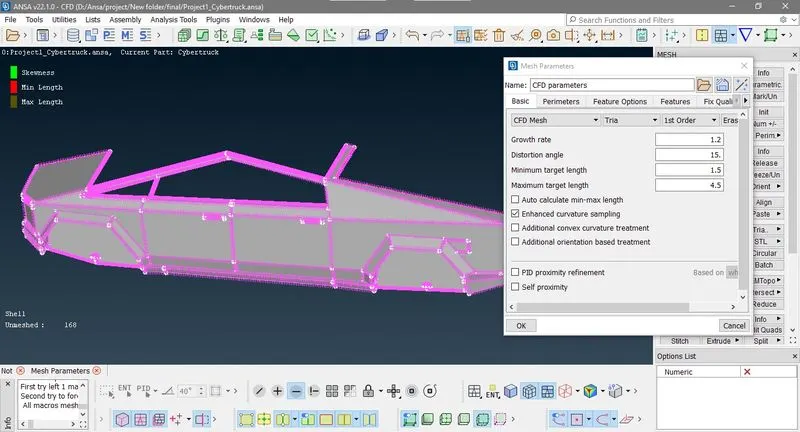
then go to Classical mesh>perimeter>Spacing and Auto CFD meshing and select perimeter and select visible geometry
and repent this with Macro and then go to Mesh Generation >CFD>visible
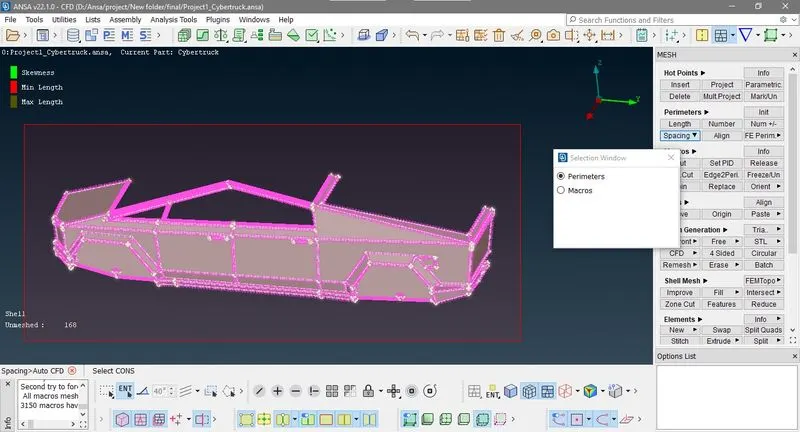
now you can see the tria element is 1750621 and 1487 off element now, right click on off element and click improve in drop down list then select reconstruct
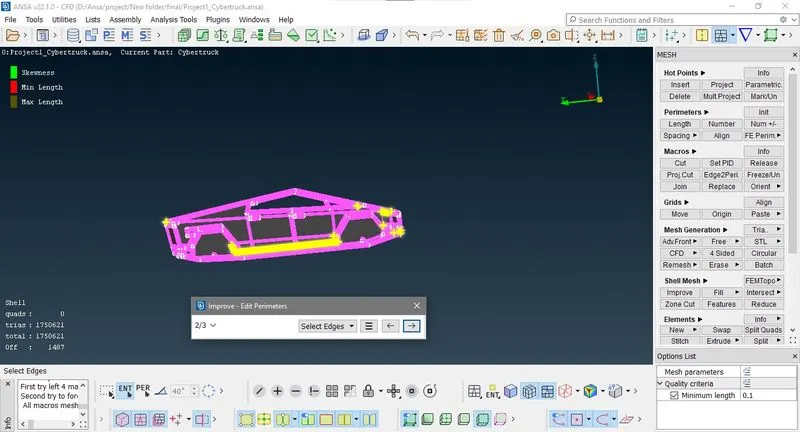
Now only 3 off element now we do reshape
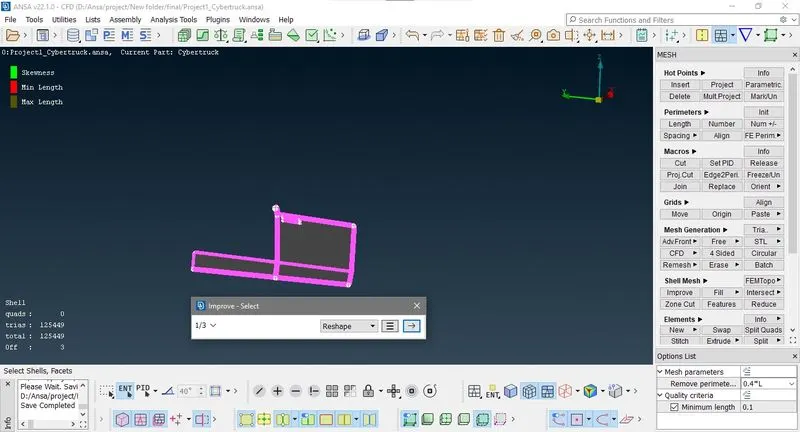
Finally we get 1759487 tria elements in our geometry, then we freze these elements.
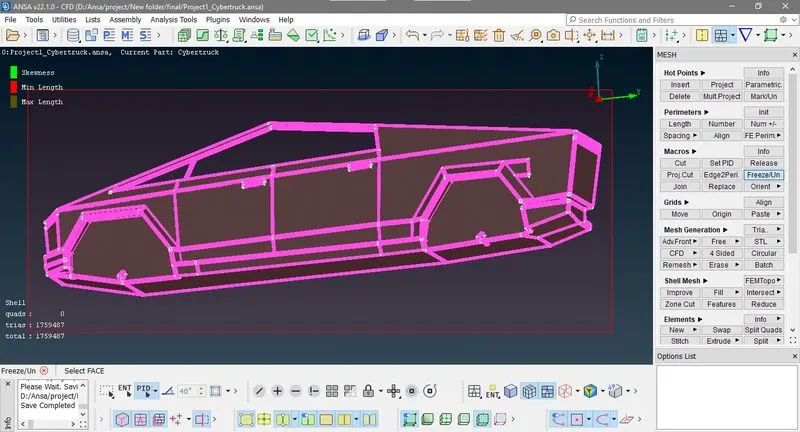
now show only light PID and go to mesh give minnimum target length 3mm and miximum target length 5 mm
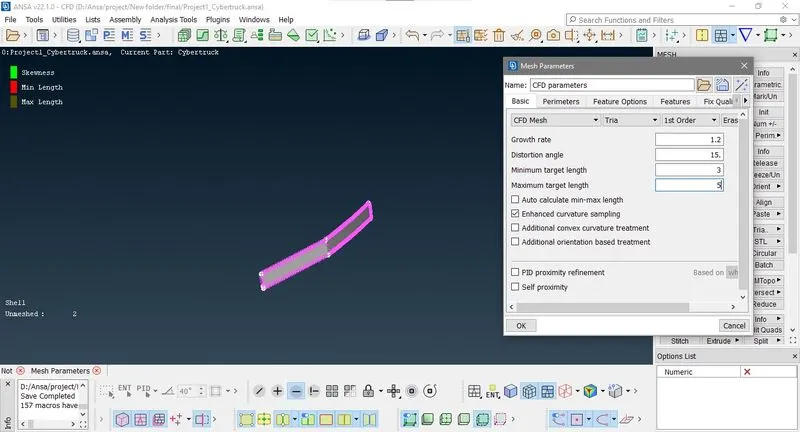
then go to Classical mesh>perimeter>Spacing and Auto CFD meshing and select perimeter and select visible geometry
and repent this with Macro and then go to Mesh Generation >CFD>visible
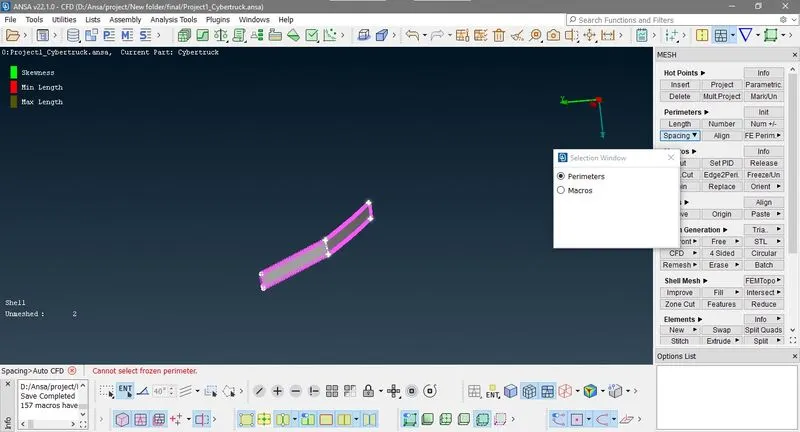
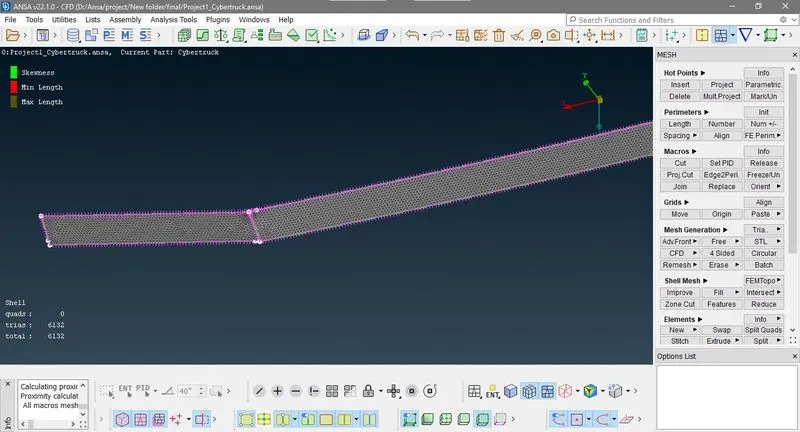
here only 4132 tria element are there no any off element now show all PID's
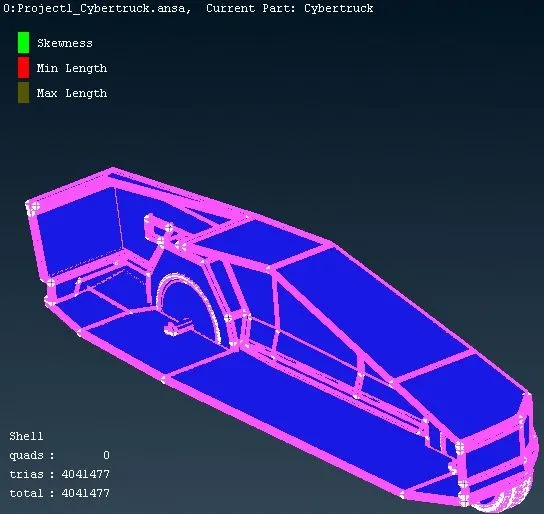
Total Number of elements = 4041477 (tria elements only)
5) Mirror the meshed geometry
First we go to Transfoam> copy Select all the geometry
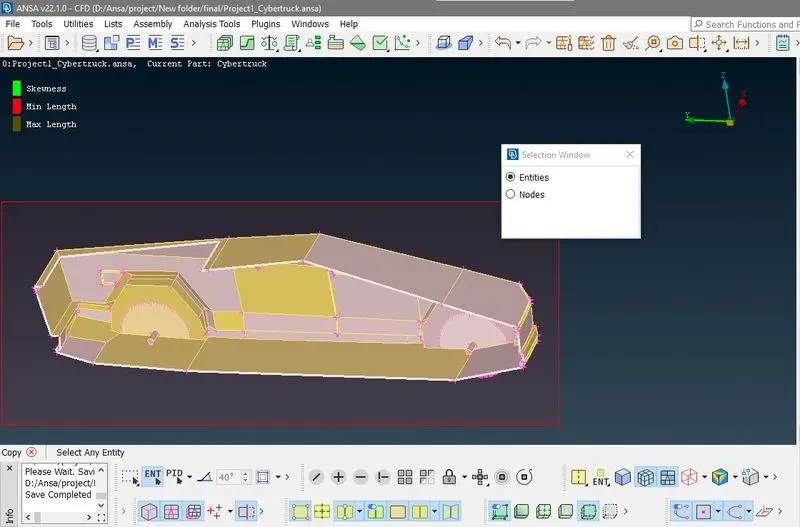
Then select symmetry and select mirror 3 point in drop down list
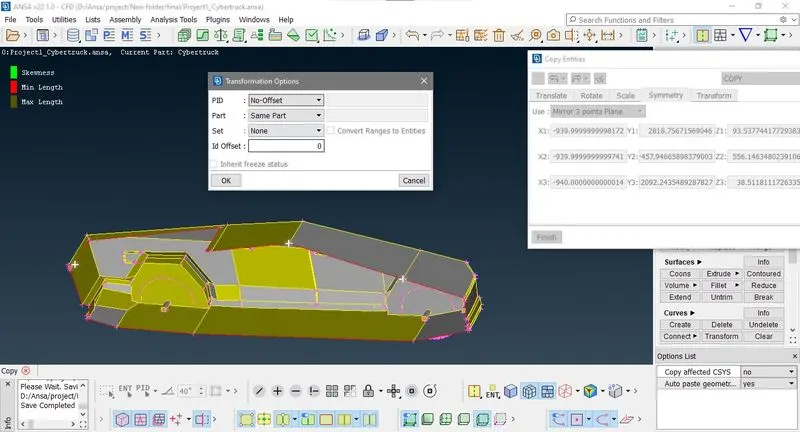
After mirror you can see there is red cons at joining plane so for apply Topology option here first we have to unfrozed the geometry
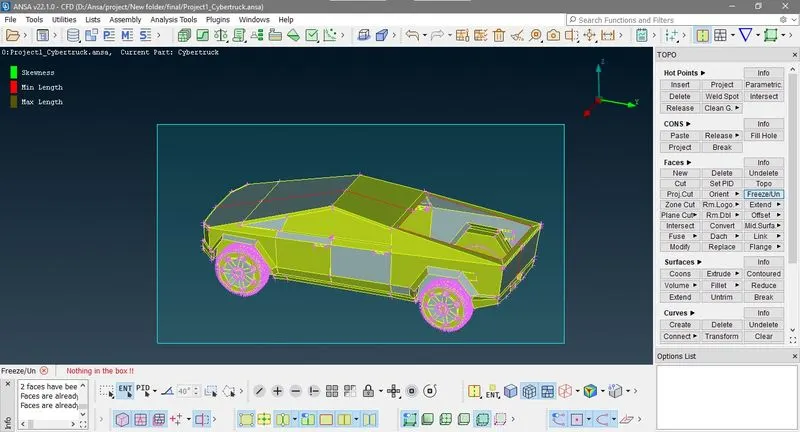
Then use paste option to clear red cons
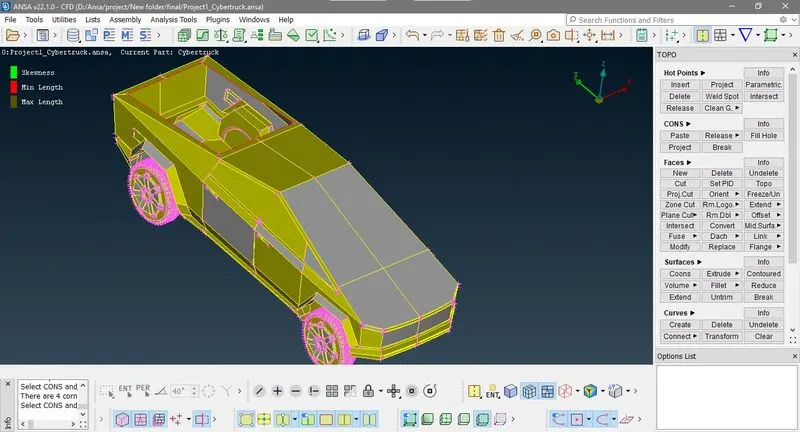
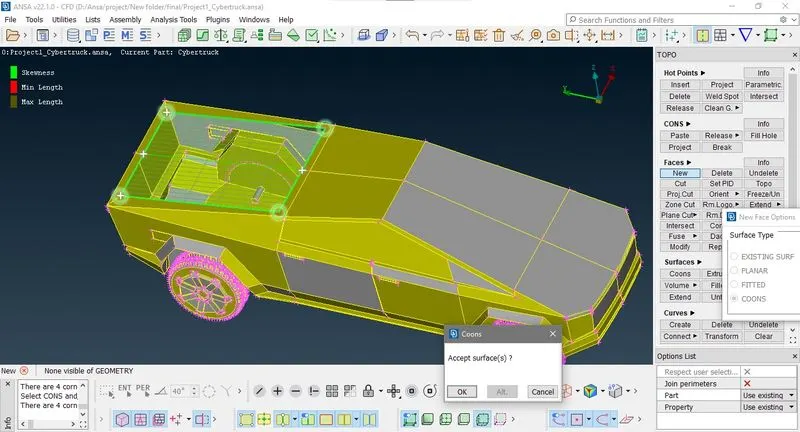
Now we have to make close volume of truck so we cuver trolly via palner face
Here as we creates new faces so there is some unmeshed surface , for that we go to free mesh
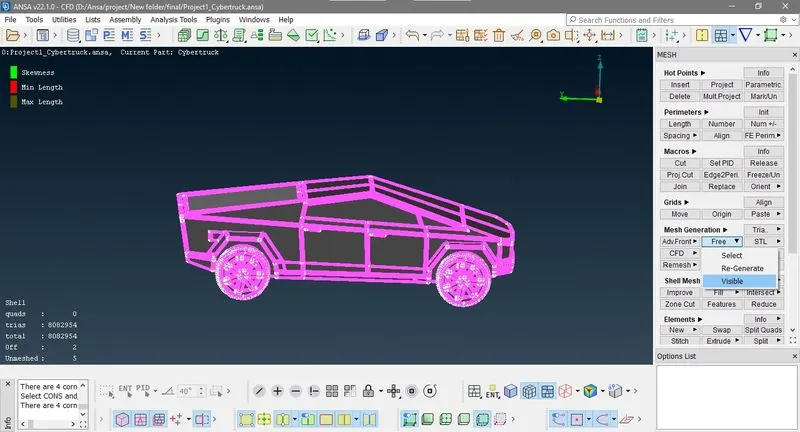
Here number of tria elements are 8404156 and 91 off element , then improve it by reconstruction
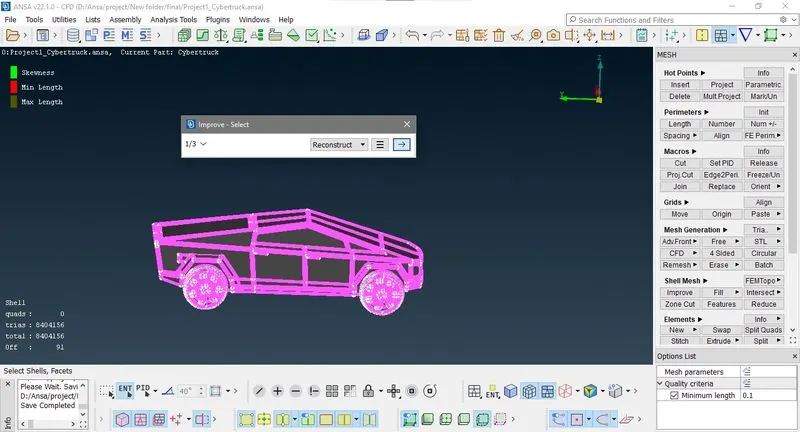
now there is only one off element do edit it by move grids
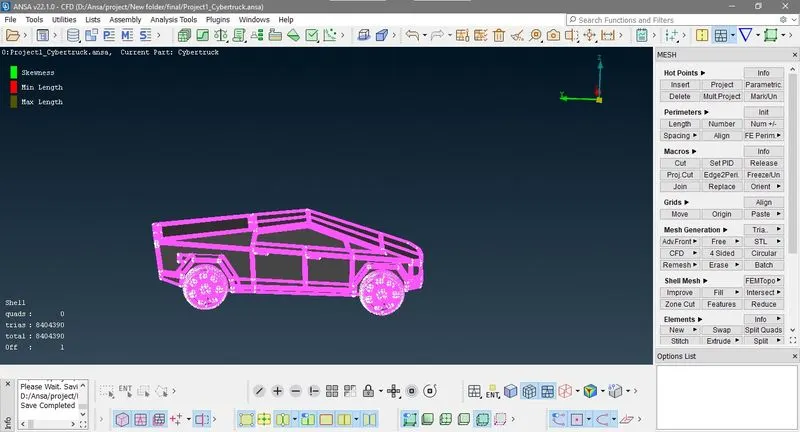
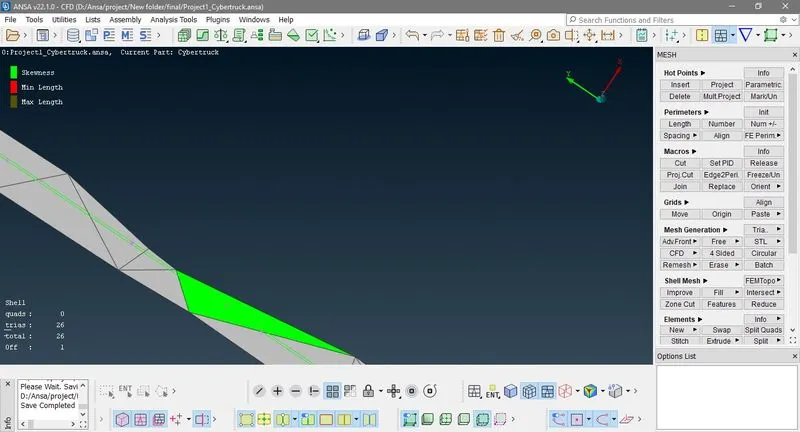
check near by face and improve it manualy
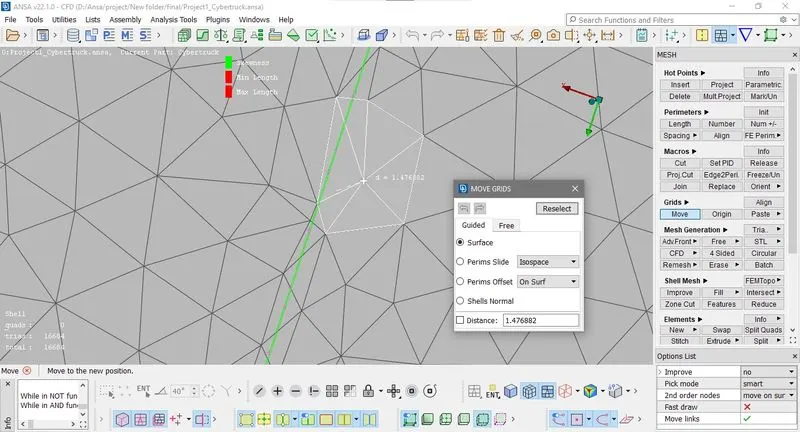
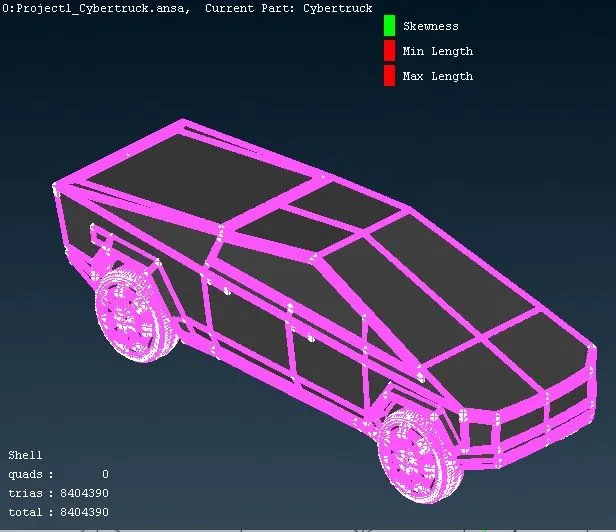
finally we have 8404390 tria element only
6) Creating wind tunnel and meshing
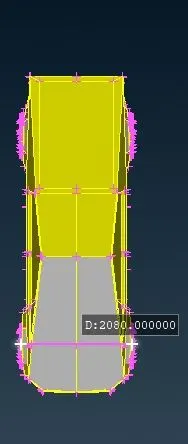
First measure the gometry
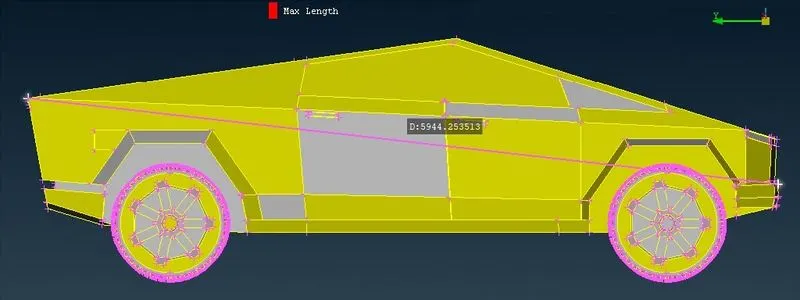
Here our
length of truck is 5940mm
Front face distance =5940*4=23800
End face distance = 5940*6=35650
side face distance = 5940
Top face distance = 5940*3=17820
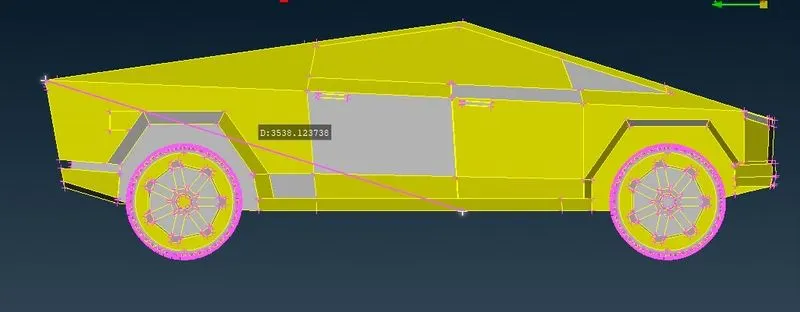
now first make a point at bottom center as shown in image whose distace is 3540mm
now make a point relative to this point 600mm z direction
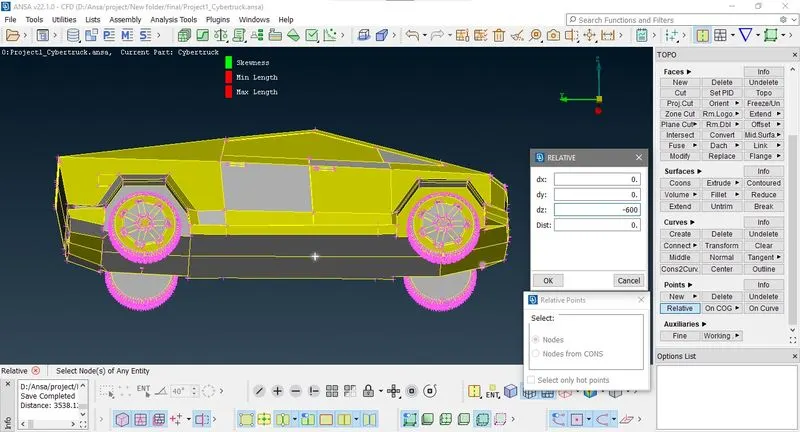
now we make an another point at distance 35900mm in y direction
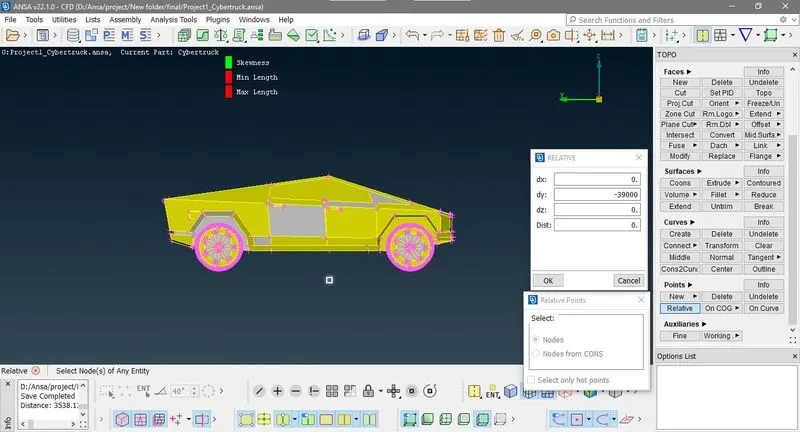
Now we make points in x direction
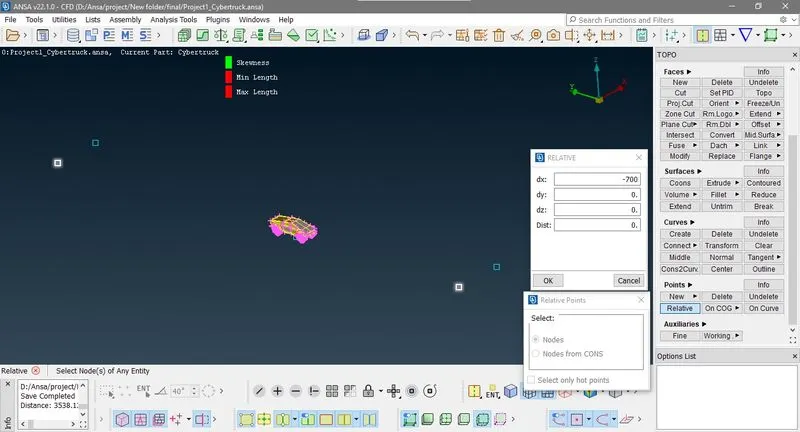
Now make curves pasing through these points then make a planner face with these curves ,thrn delete point and curve
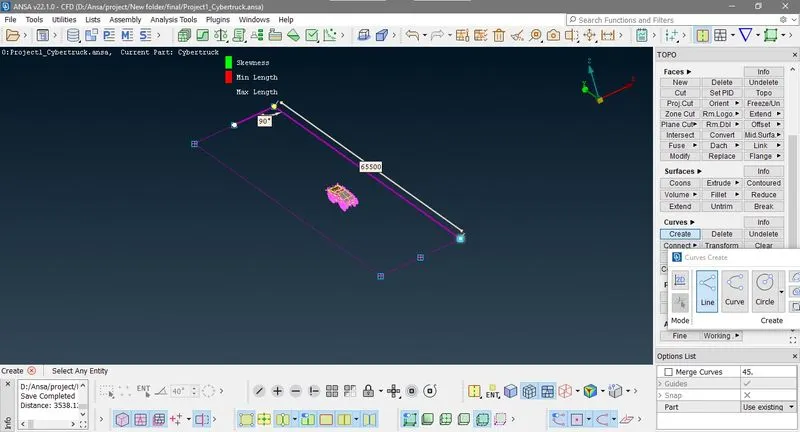
Now mesure height of model
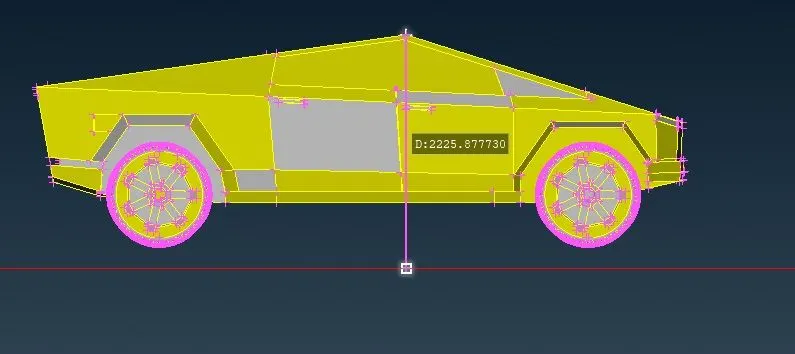
and creates an offset face
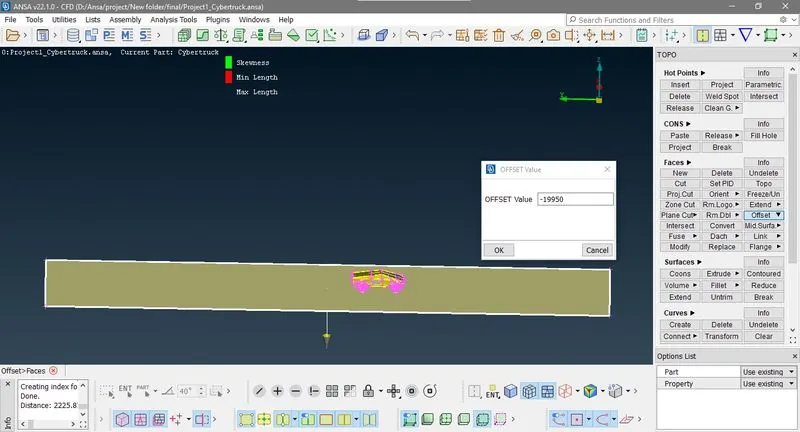
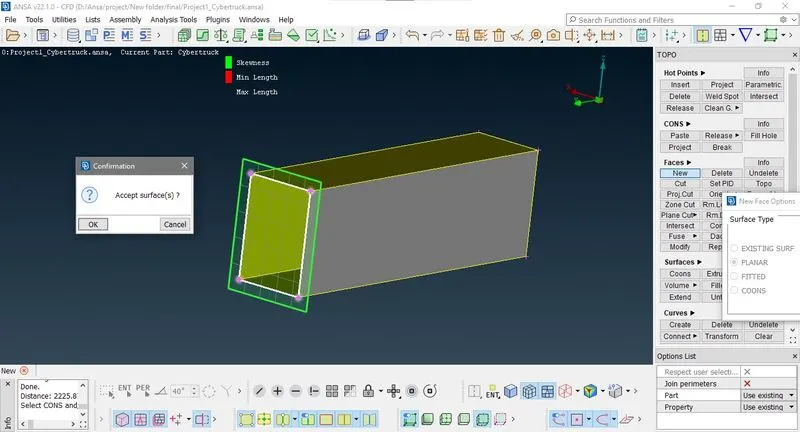
then create side faces
Creates and assine PIDS
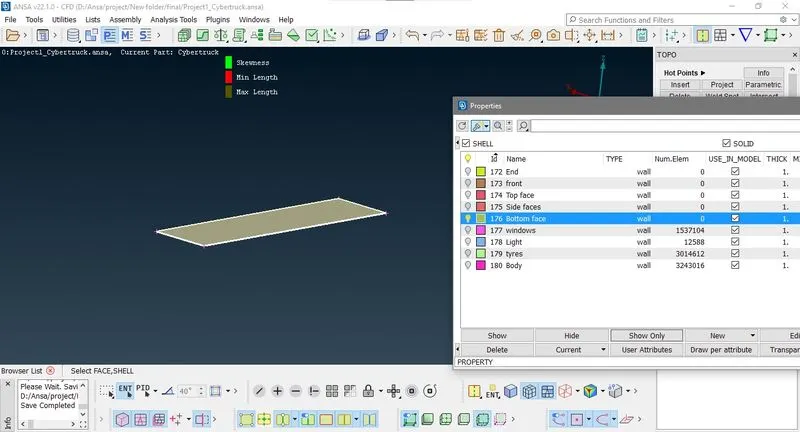
Now hide all PiD only show bottom face, Mesh it eith minimum and maximum target length 60 and 100 respectivly
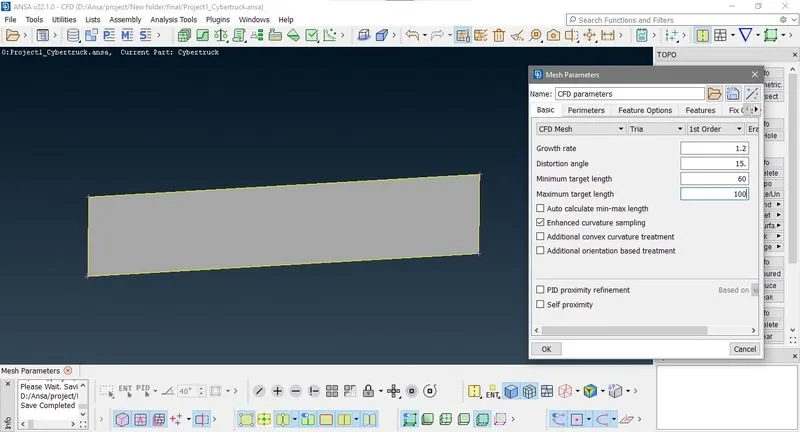
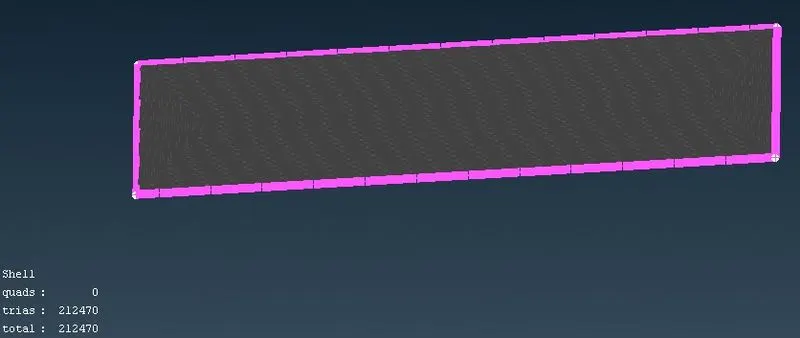
Now hide all PiD only show Top face, Mesh it eith minimum and maximum target length 220 and 260 respectivly
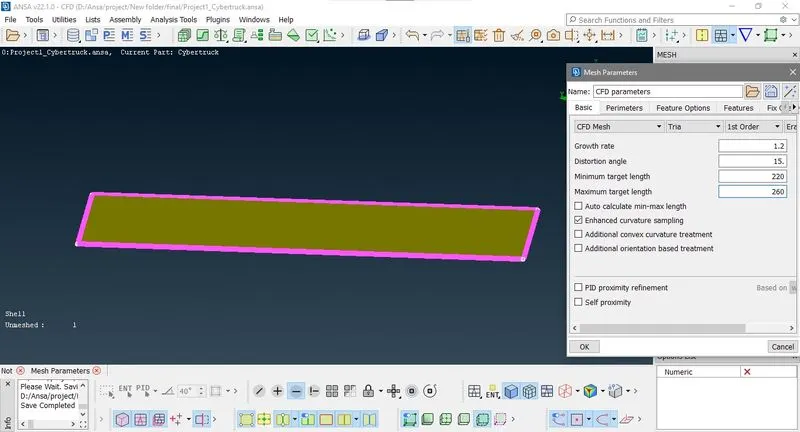
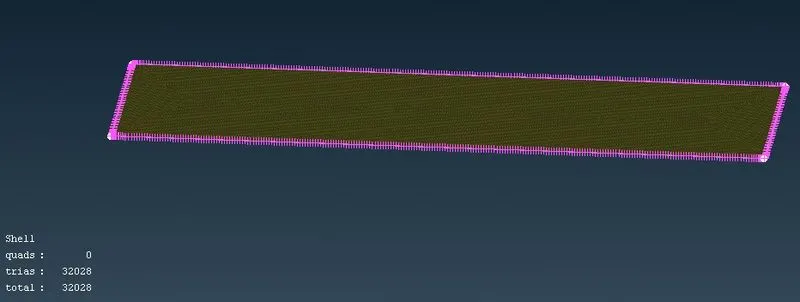
Now only four face remain unmesh and before going to mesh it first change quility check criteria maximum length is 270mm
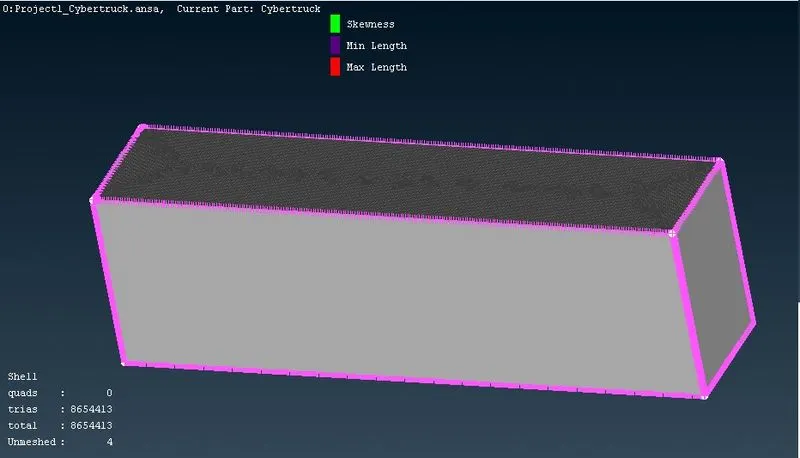
now go to spacing > manual
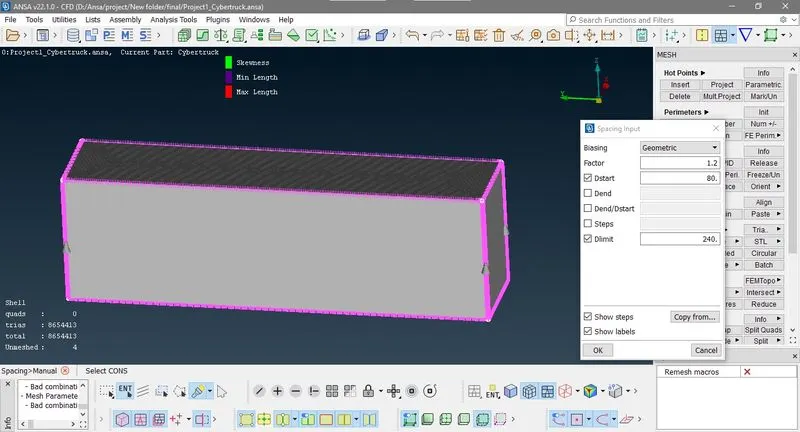
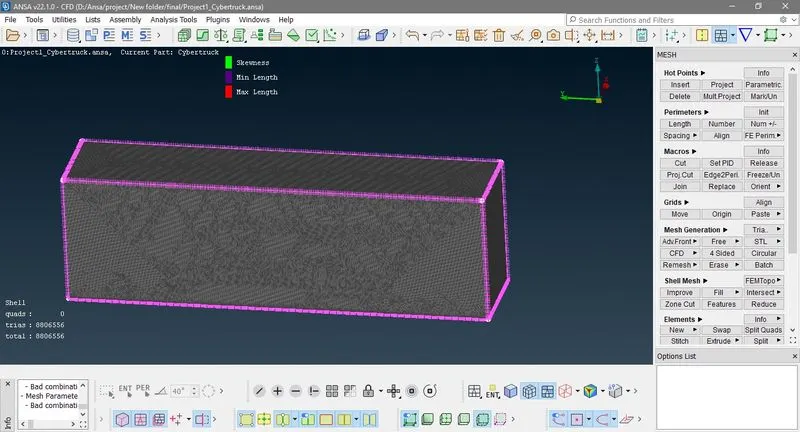
finaly in our model total tria element is around 8 million and save this file the file size is 750mb which is almost 2 times of BMW model. This is because of convex cons in tyre patter and too many sharp faces in model.
Conclusion:- This project procedure is similar to BMW meshing challange but in this project we learn, how sharp face and convex cons produce more number of element and take more time and memory to mesh.
You can download model at this link https://drive.google.com/file/d/1BVonR9Ei8-JI_RLeENwduE3Qx0BjEPAP/view?usp=sharing