Project 1 : CFD Meshing for Tesla Cyber Truck
PROJECT-CFD MESHING FOR TESLA CYBER TRUCK
AIM-for given modek that is tesla cyber truck we have to clear geometrical errors,assign PID'S perform meshing with suitable target length and element quality criteria
PROCEDURE-
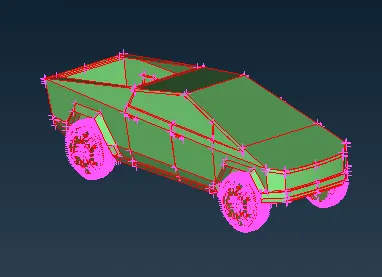
1.download the geometry and we will open the geometry in the ansa software the model will look like this in wireframe mode and shadow mode
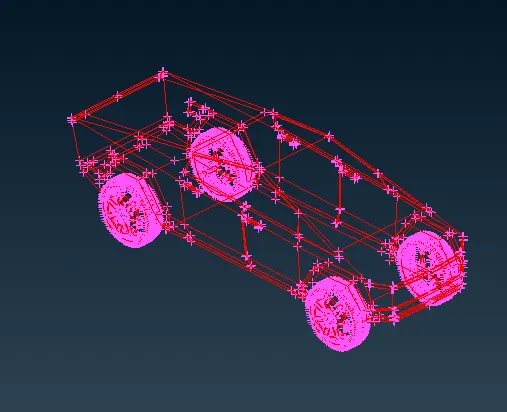
2.as you can see in wireframe mode the model is showing lots of red cons here we are going to perform topo to clear the red cons after performing topo the model will look like this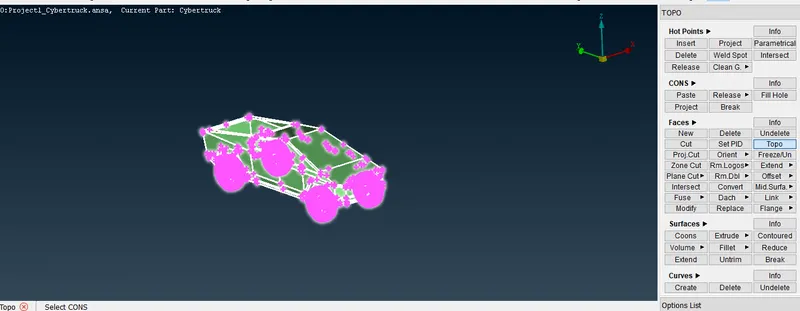
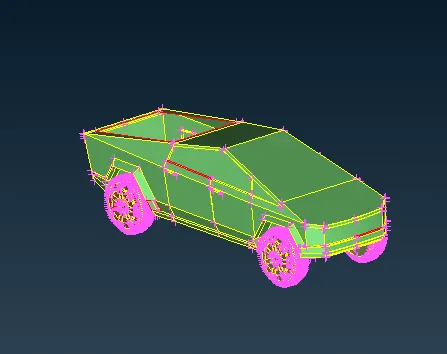
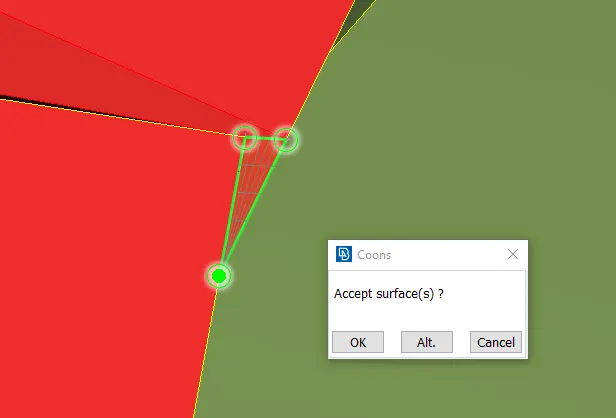
3.as you can see below the surfaces are missing in some areas so we will create a surfaces using new-coons option like shown below
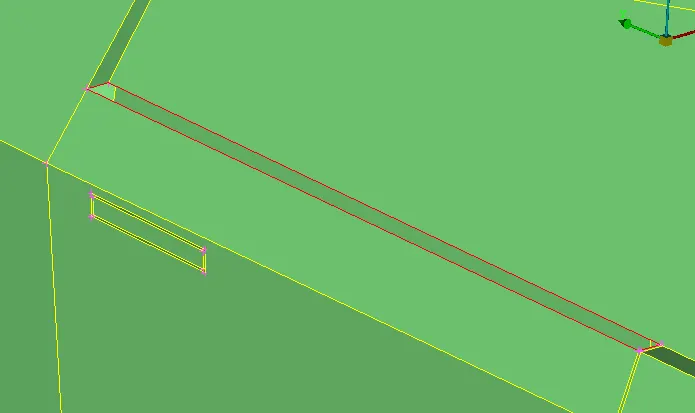
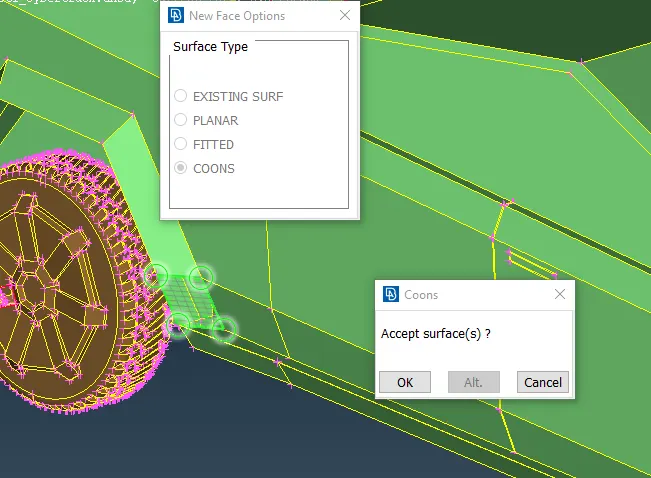
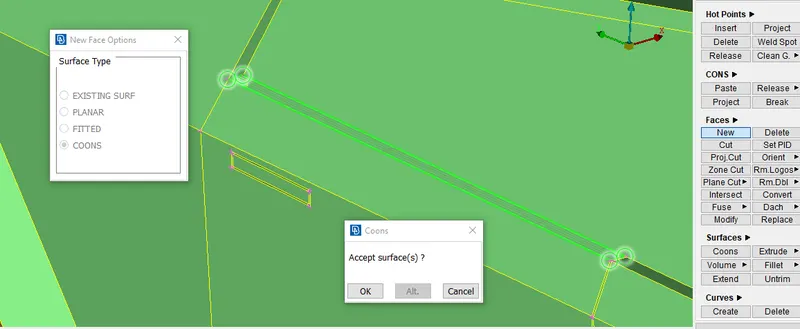
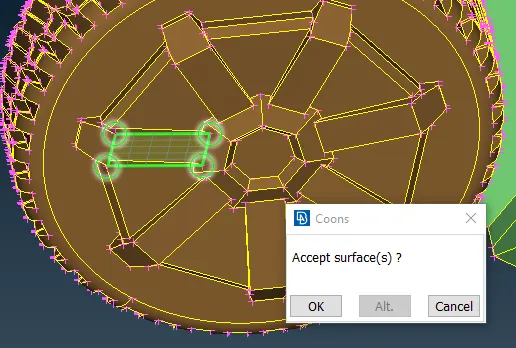
4.as you xcan see we have filled all the holes oer we can say missing surfaces and eliminated red cons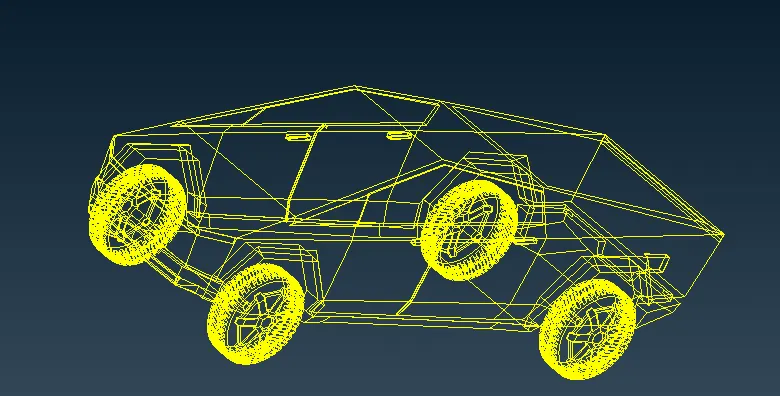
5.for smoother surfaces we are giving perimeter and macros as 1 to have smoother resolution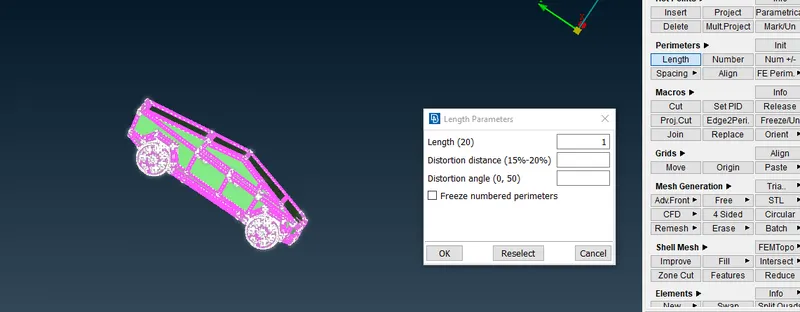
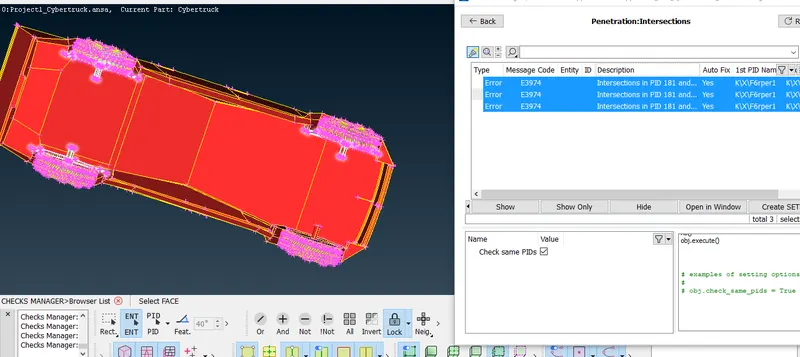
6.as we run geometry check we can see 5 intersection errors and some red cons are present in the warning we will eliminate the red cons by creating a surface then we will work on intersection errors
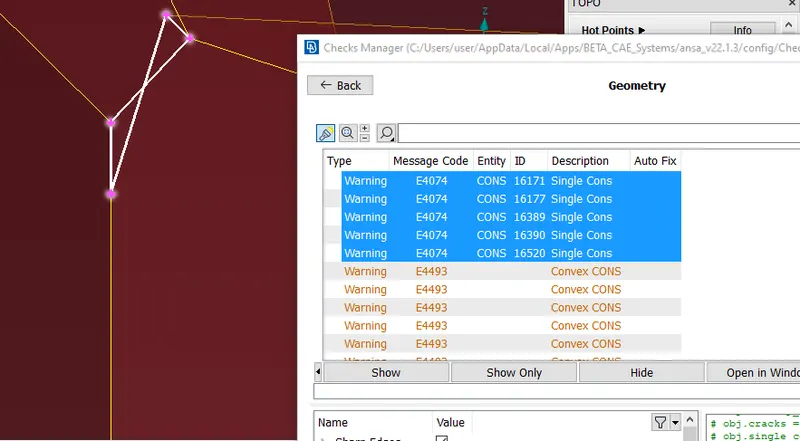
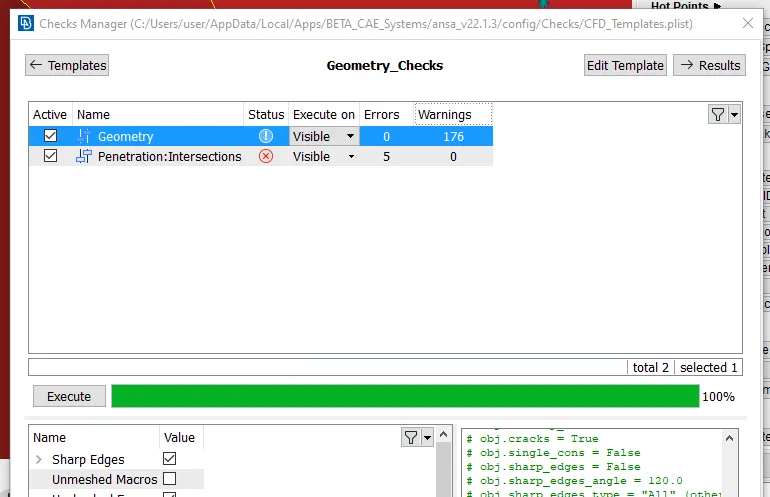
7.as you can see there are some overlapped surfaces causing intersection error after deleting surfaces and making some cut we have to generate some new surfaces and perfrom same procedure for other side as well
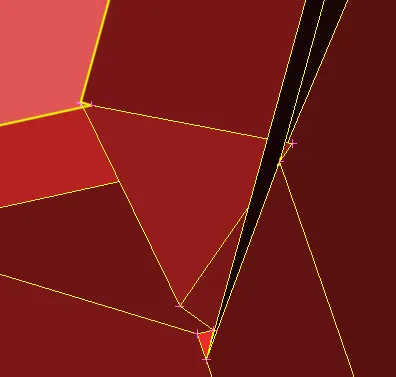
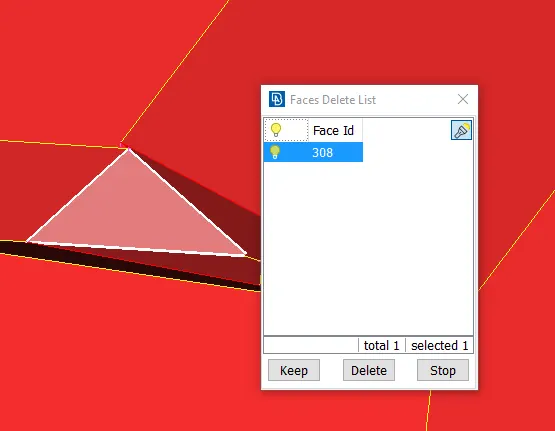
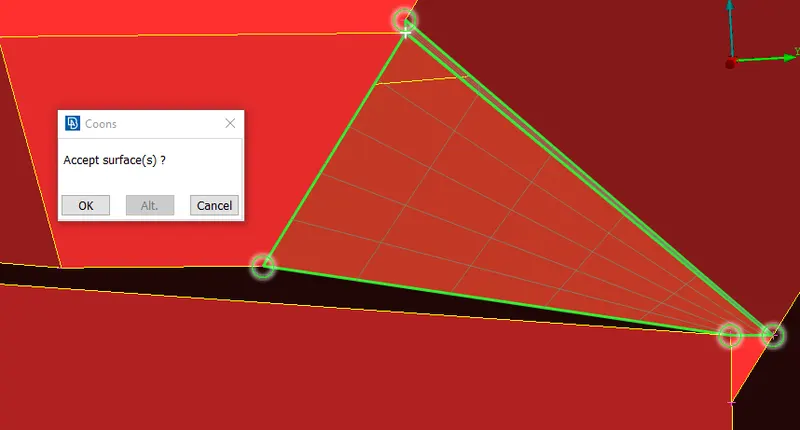
8.as you can see after after running geometry check the intersection error in the front end is eliminated
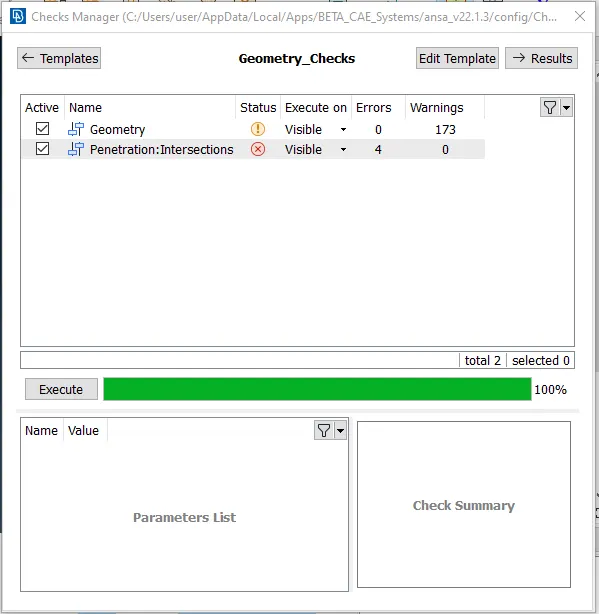
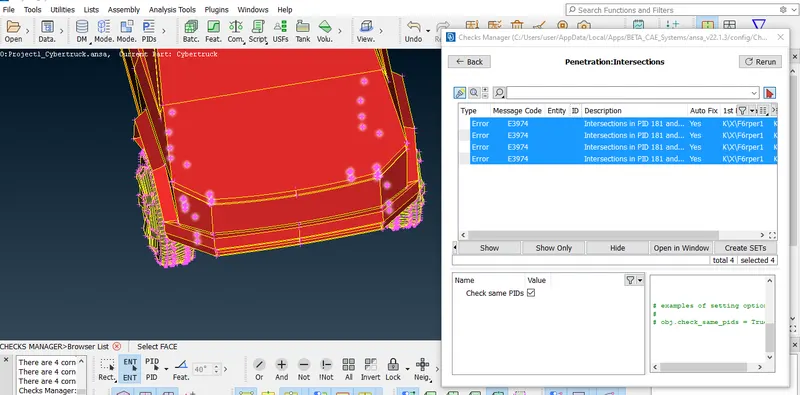
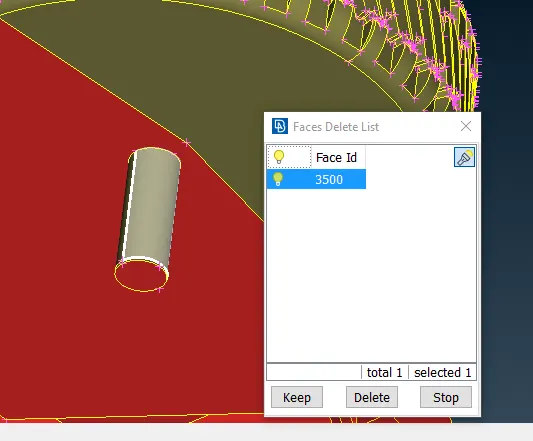
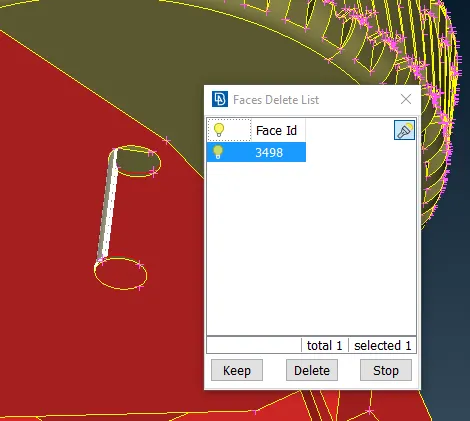
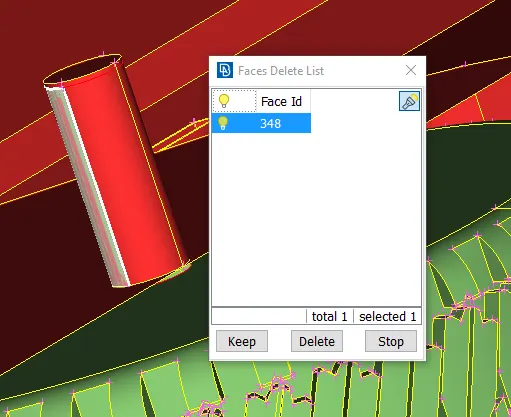
9.as you can see these shaftes are causing intersection errors
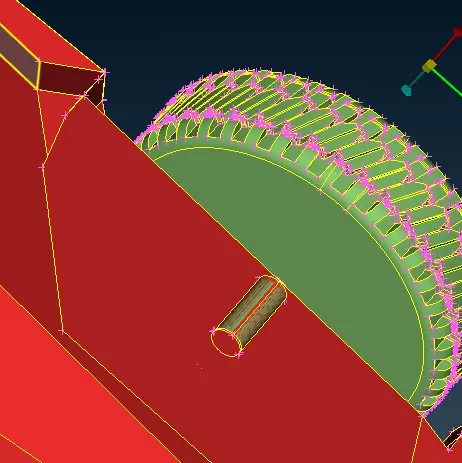
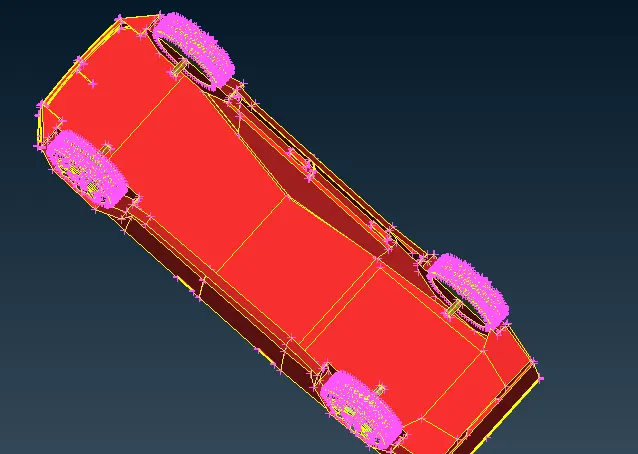
10.as you can see there are some overlapped surfaces delete the unnecessary surfaces create new surfaces as shown below repeatthis same procedure for remaining shafts as well this will eliminate the intersection error
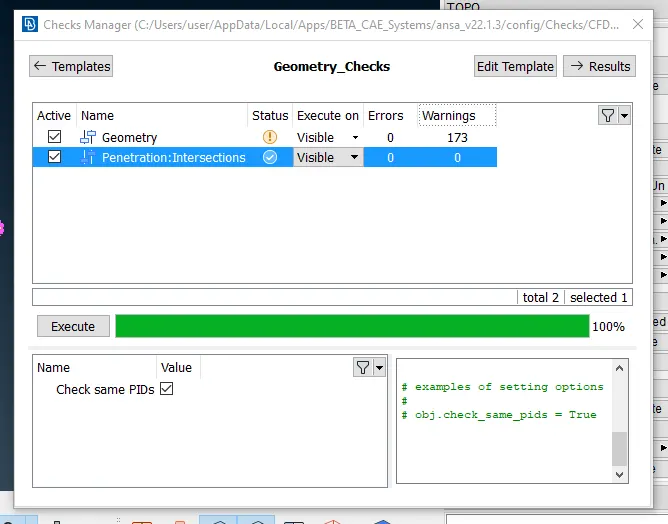
11.as you can see after running geometry check the intersection errors are gone
12. as the geometry is big so we will use a plane cut option to divide model into 2 parts it will make meshing process easy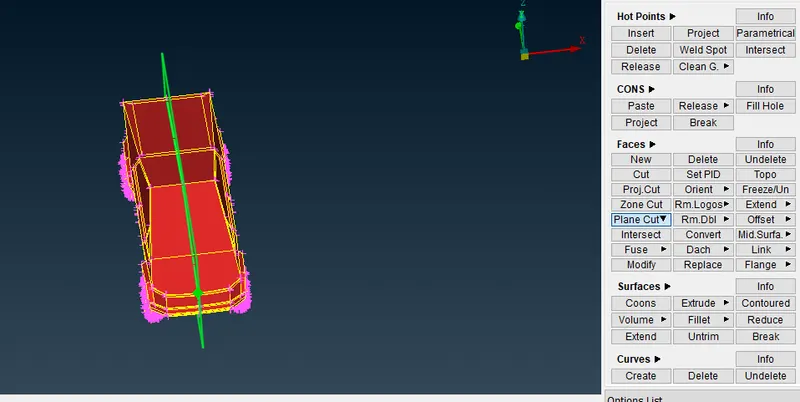
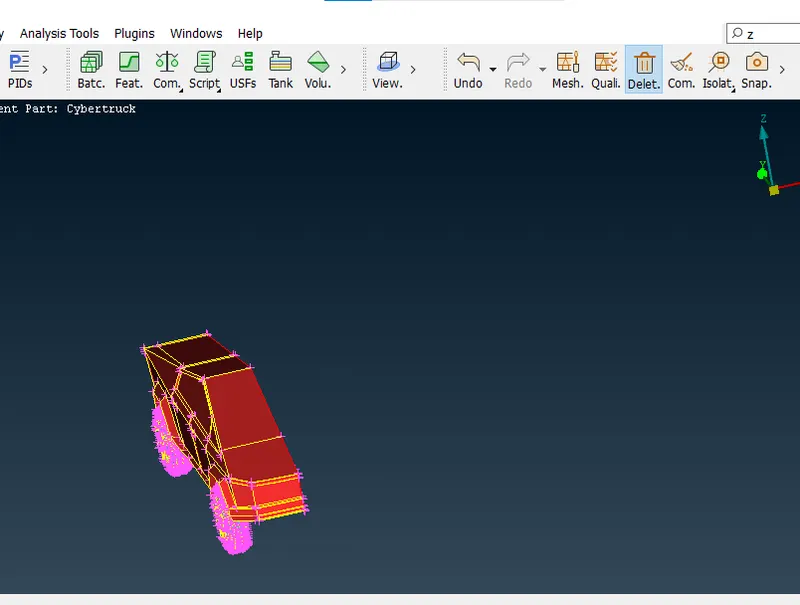
13.half part of the cyber truck we have deleted using universal delete
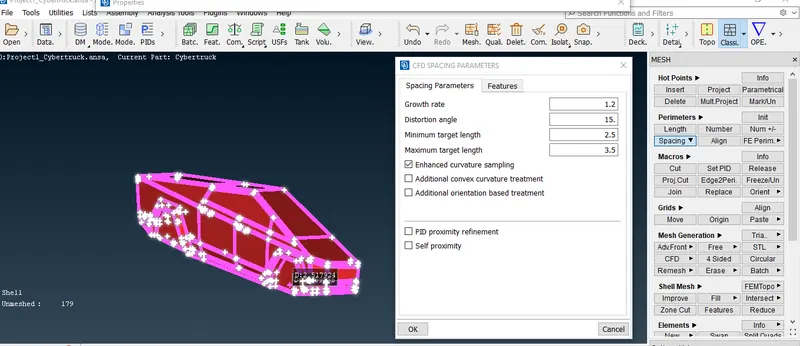
14.as for meshing we are going to give quality criteria and mesh parameters we will start meshing of tyre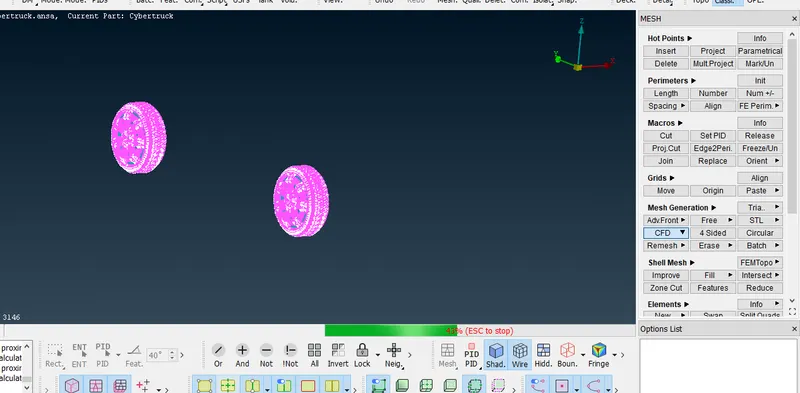
15.as you can see we have meshed the tyre with target length of 2mm
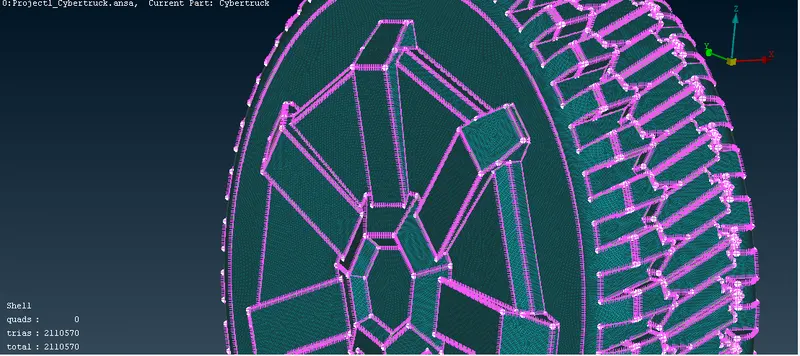
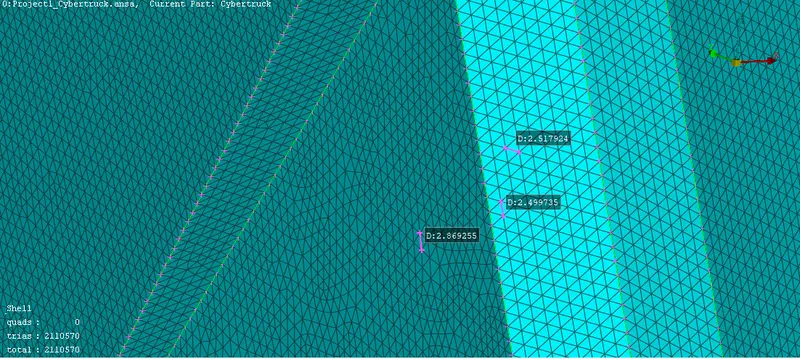
16.now we are meshing body with target length 3mm the model will look like this after getting rid of off elements
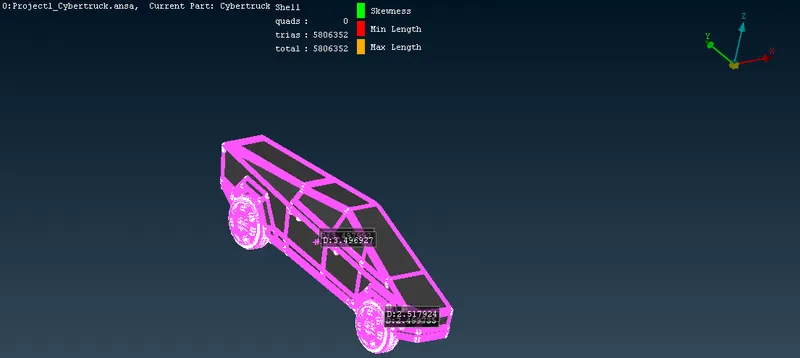
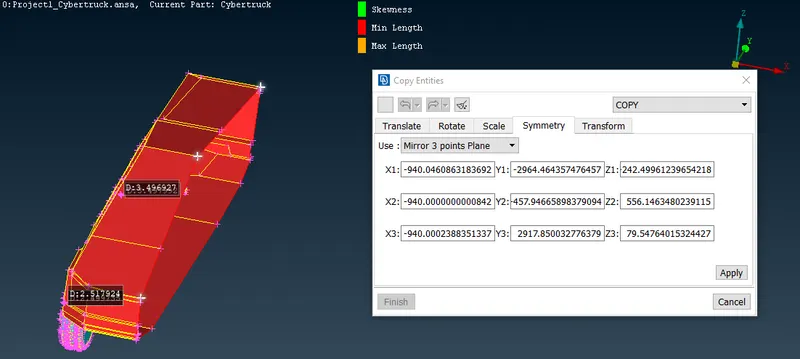
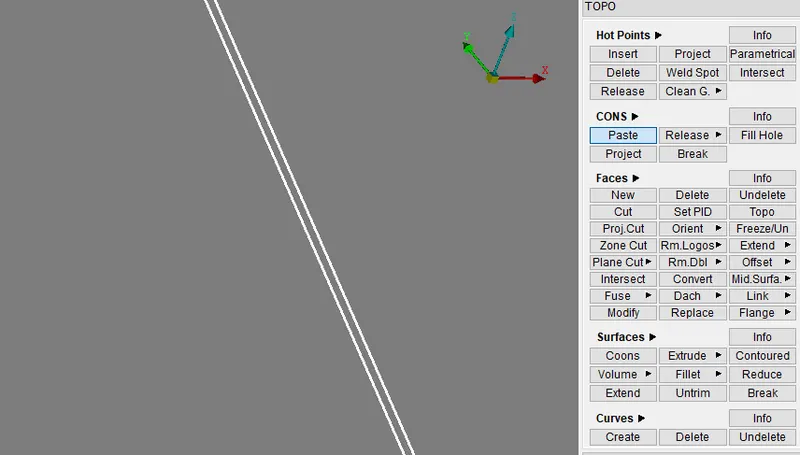
17.now we are going to generate other half part using transform as you can see after generating the other half part we can see some red cons are present we can eliminate those red cons by using paste option or just by doing t topo cleanup
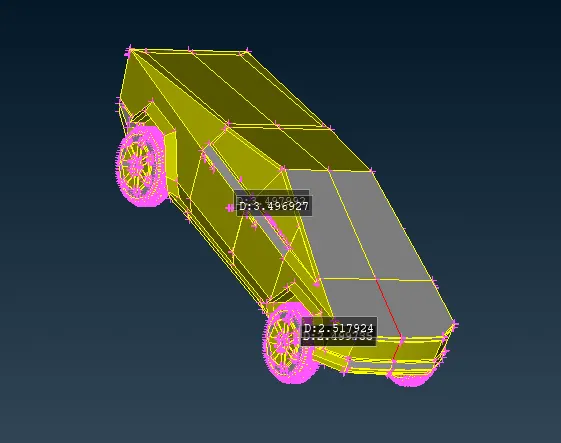
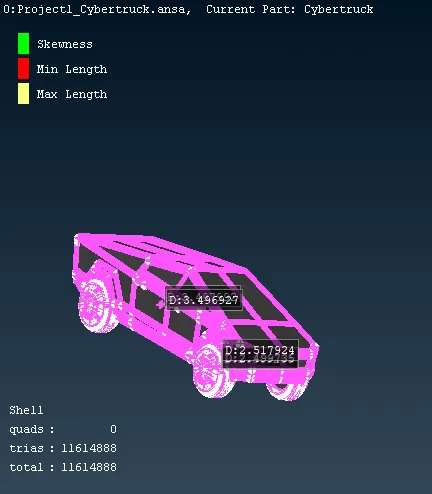
18.after meshing reamaining parts and getting rid of off elements the model will look like this
19.now we are going to create a wind tunnel as you can see we measured the total distance of cybertruck but we are taking the length as 6000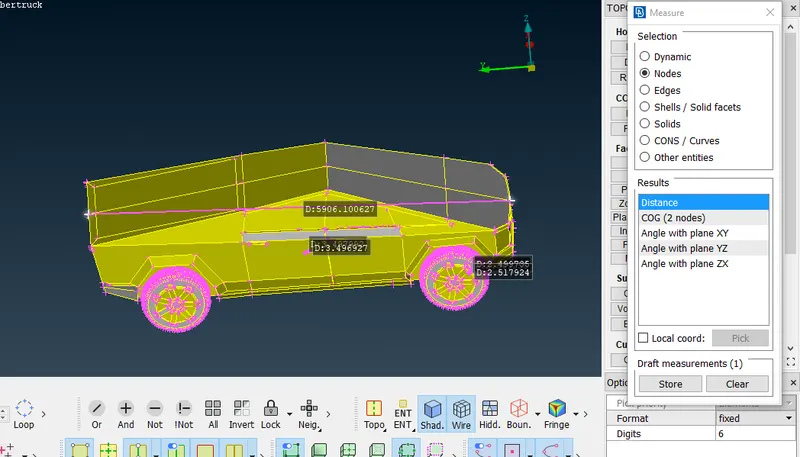
20.now we are going to create a point using relative option as you can see then using that point we are going to create points as shown below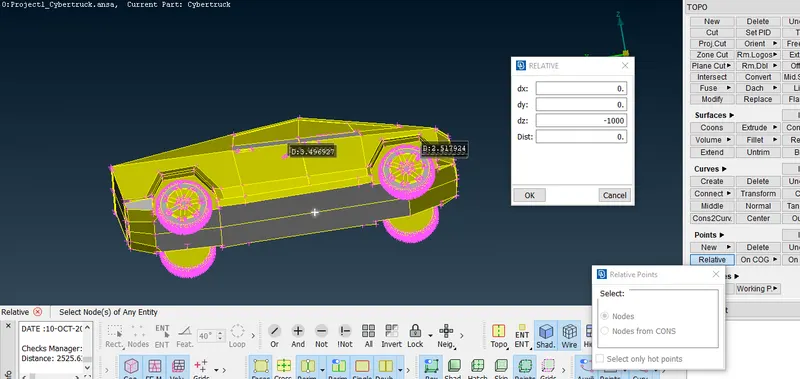
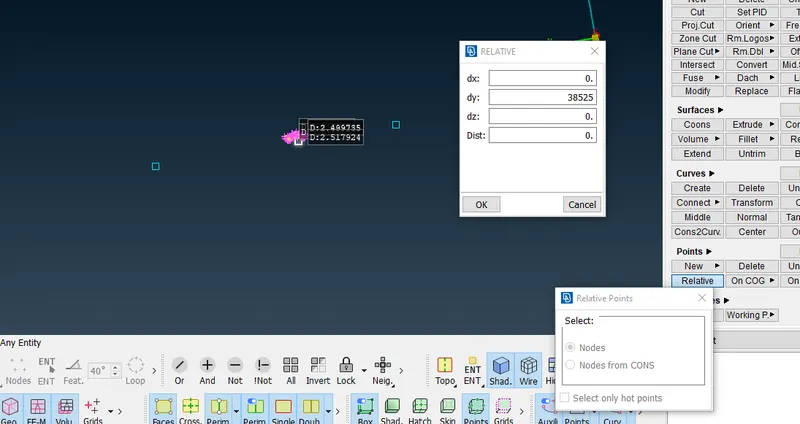
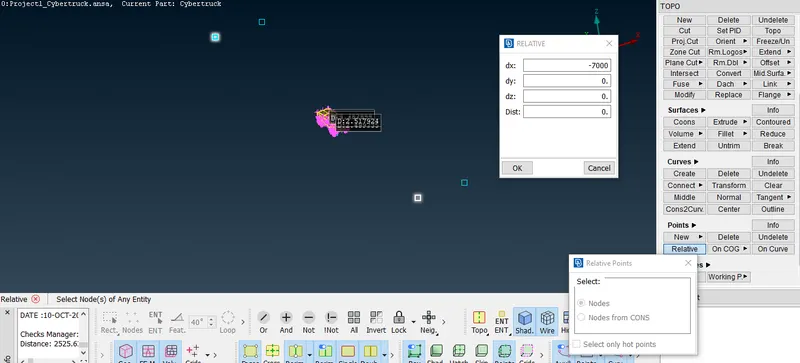
21.now to create plane we will use curves create option as you can see below to create curves then using coons generate the surface then with the help of offset option we will create top face
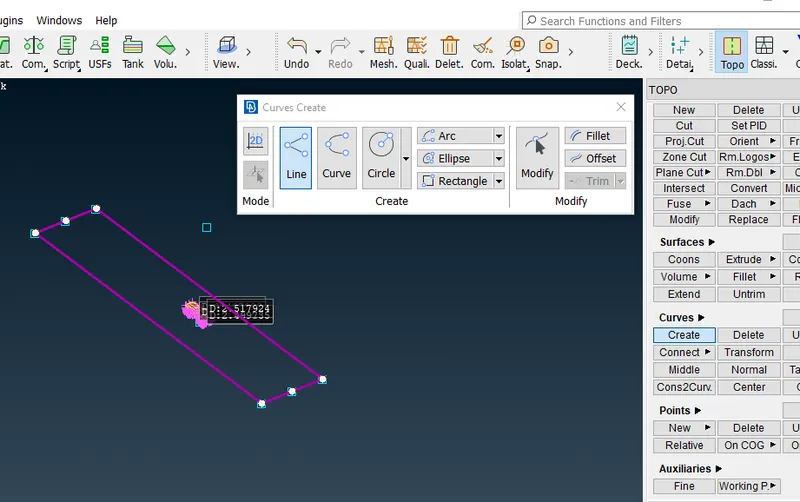
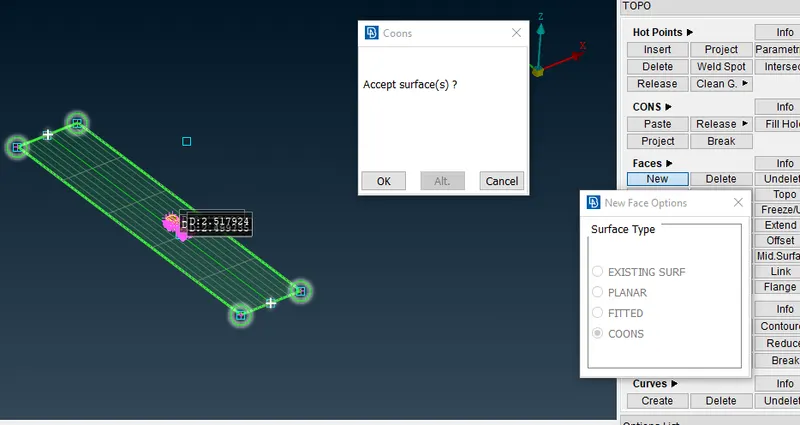
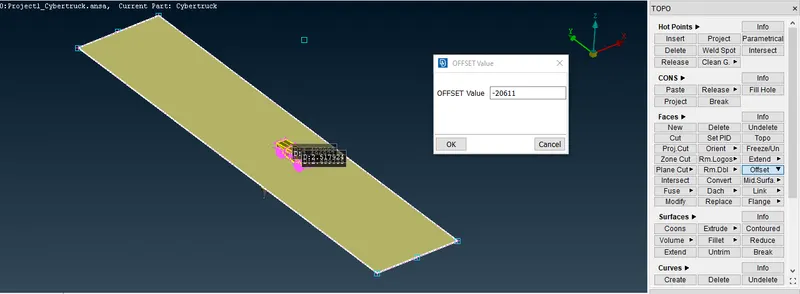
22.now delete the points and curve created earlier
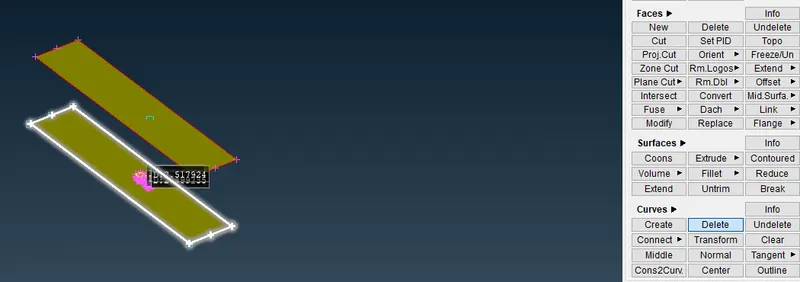
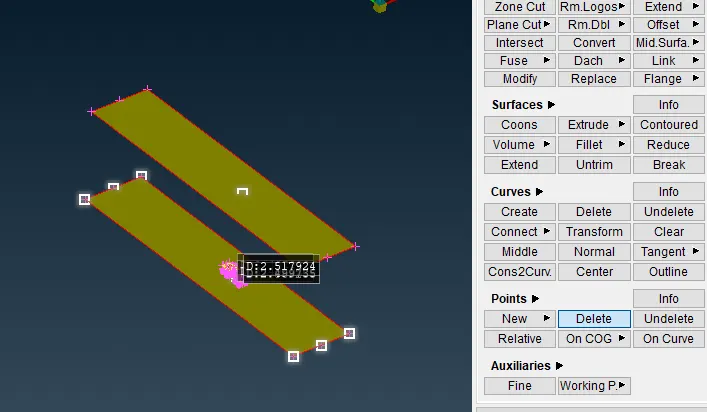
23.then we generate the wind tunnels other surfaces and we assign them a PID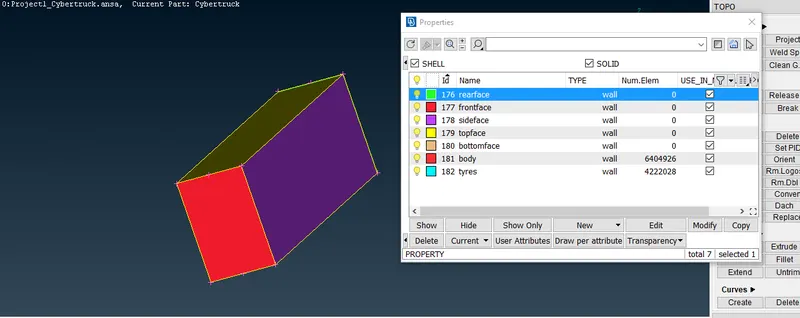
24.now we are going to mesh the wind tunnel for that first hide the car(tesla cyber truck)
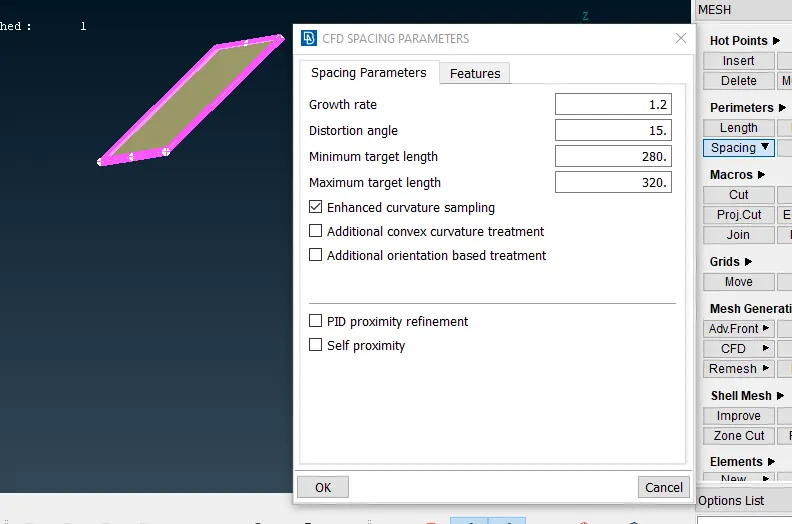
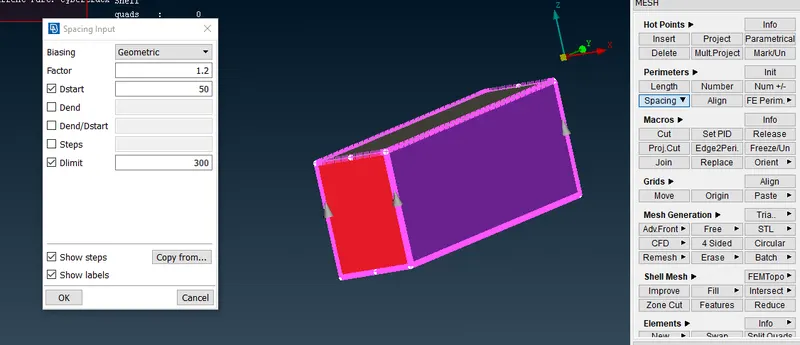
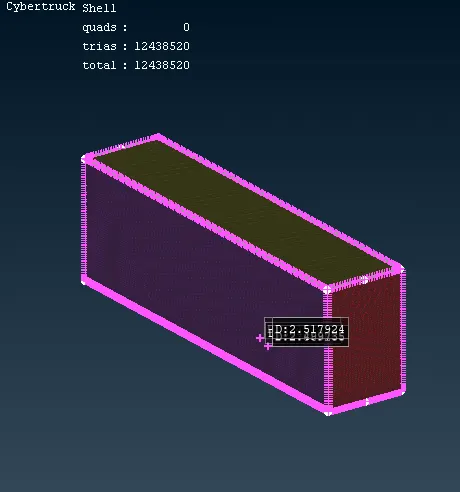
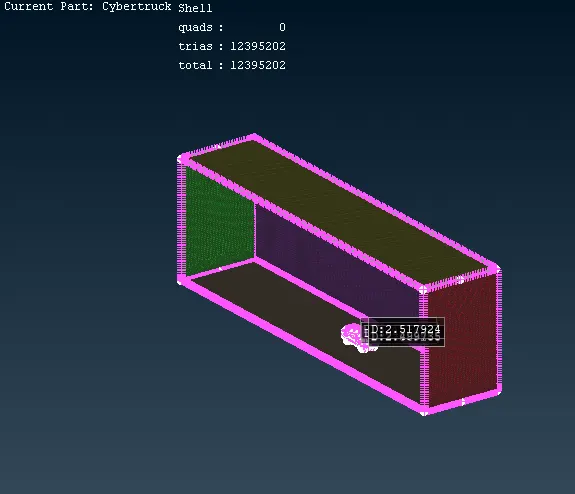
25.as you can seethe wind tunel has been meshed properly
LEARNING OUTCOME- for this project we have learned how to eliminate the errors,generate surfaces ,how to ressolve complex geometry,perform meshing ,to eliminate off elements
RESULT- after removing all the errors and eliminate off elements and doing all the meshing the model will look like this
google drive link for tesla cyber truck model-
https://drive.google.com/file/d/1jhaUtHRLfL6mhVKfbXombj7dtqOJQLmF/view?usp=sharing