Week 5 Challenge : Surface wrap on Automotive Assembly
week 5 challenge-SURFACE WRAP ON AUTOMOTIVE ASSEMBLY
AIM- to perform a surface wrap on given automotive assembly check and clear the geometrical error delete the unwanted surfaces,merge all three geometry models and then perform surface wrap
SURFACE WRAP- surface wrap can be defined as making the assembly or body waterproof or we can say enclosing the body.to cover or surround the body
OBJECTIVES-
1.to perform surface wrap
2.clear grometrical error,deleting unnecessary surfaces
3.performing merging of three nodels
target length for wrap is 3 mm but we have given 5mm because of laptop limitation or wrap to be performed smoothly
procedure-
1.download all three models that is engine,transmission,gear box and open them in ansa
2.as we are starting with engine part the geometry will look like this
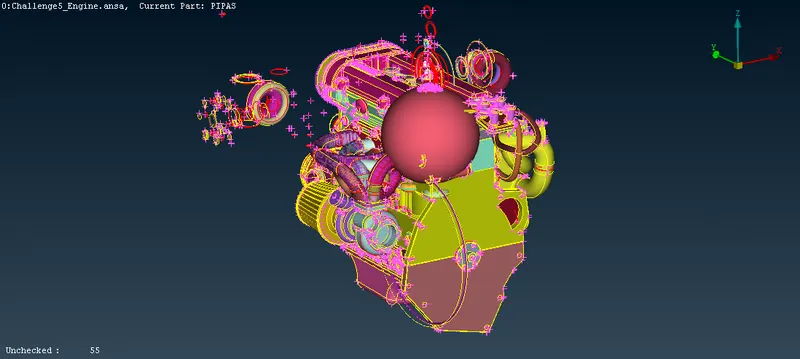
3.as you can see there are some unwanted surfaces/parts present we have delete those by universal delete
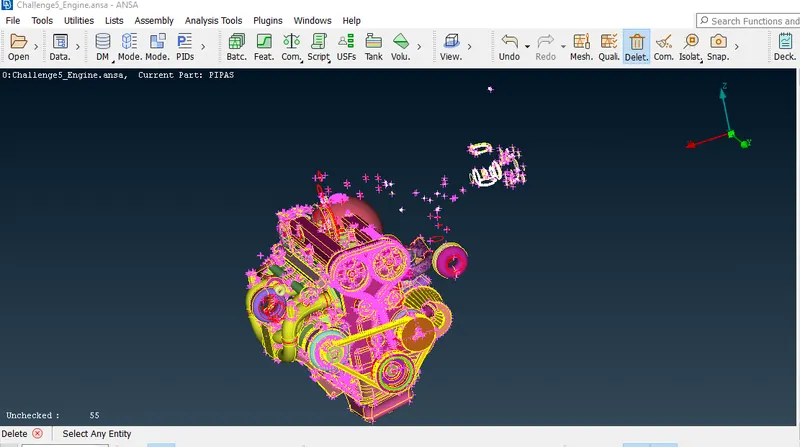
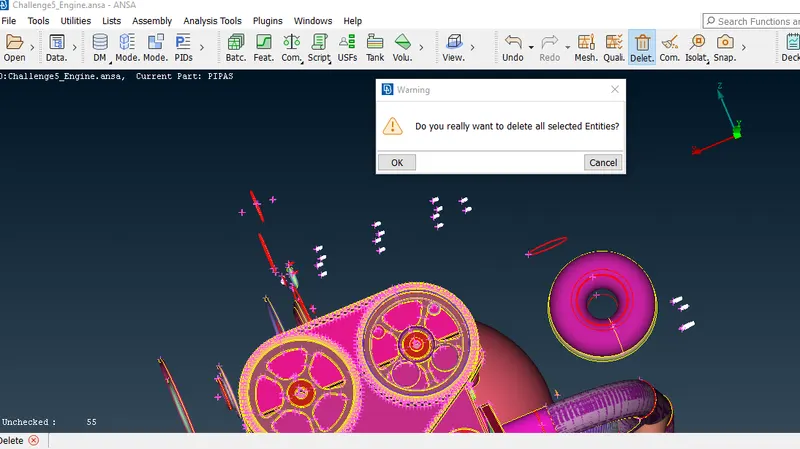
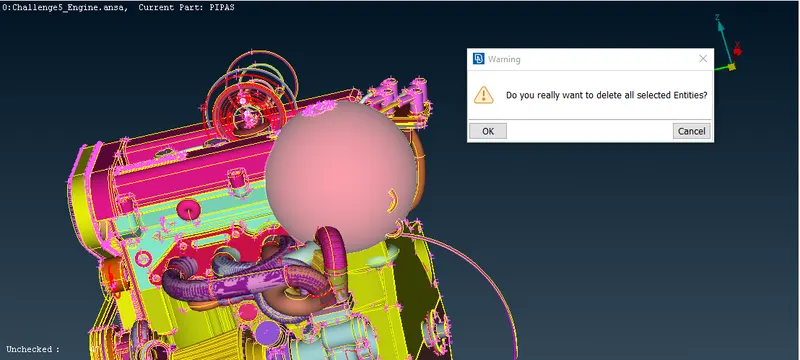
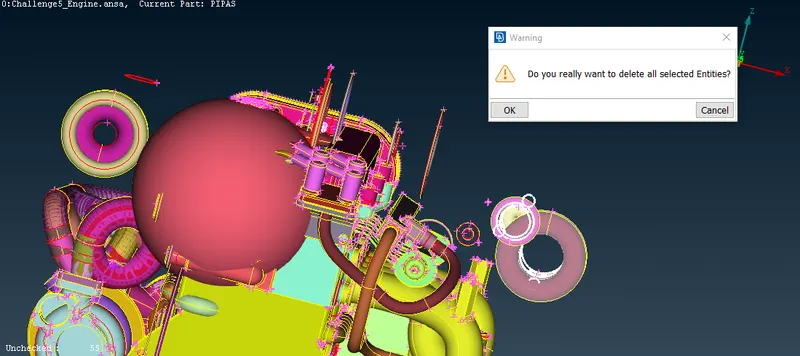
4.now we are going to clear this part for that we have to delete some surfaces
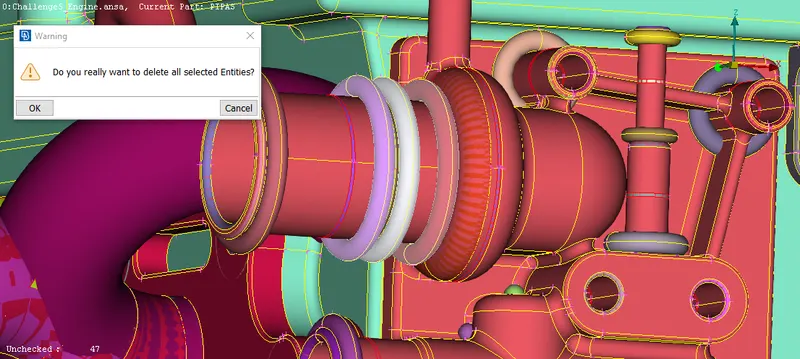
5.or we can just hide the necessary PID'S using not option like shown below and then delete the unnecessary surfaces (ring shape)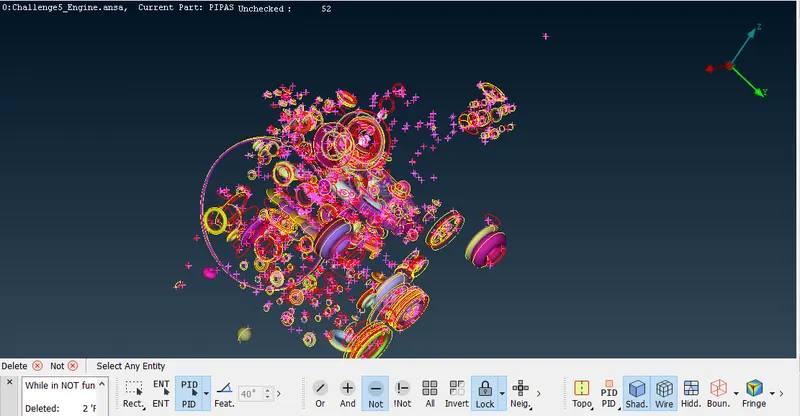
6.aftee deleting the unwanted surfaces the geometry will look like this then we have to clear all the red cons and blue cons from outer surface
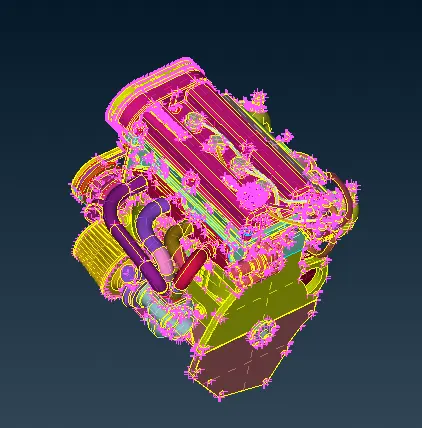
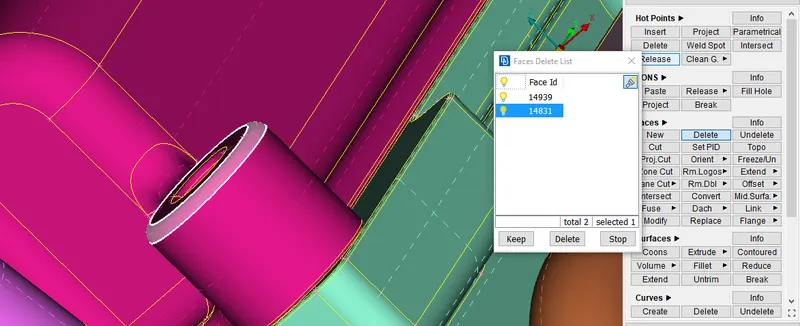
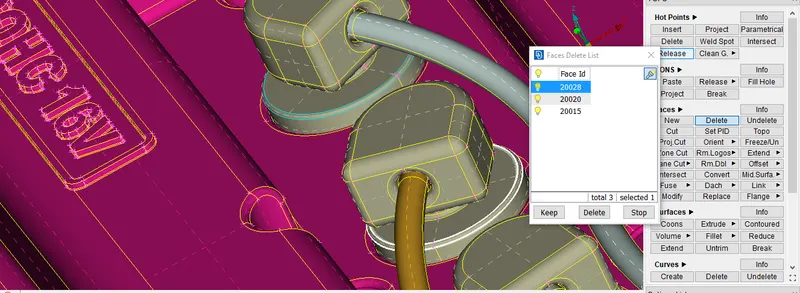
7.we will delete some surfaces like beltes and exhoust pipes to have smoother mesh then we will close all the openings/holes like shown below we are deleting the belts because the surface wrap can't capture thin surfaces
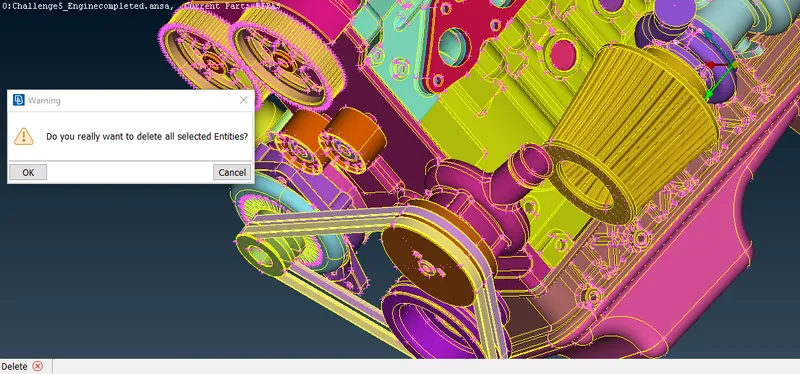
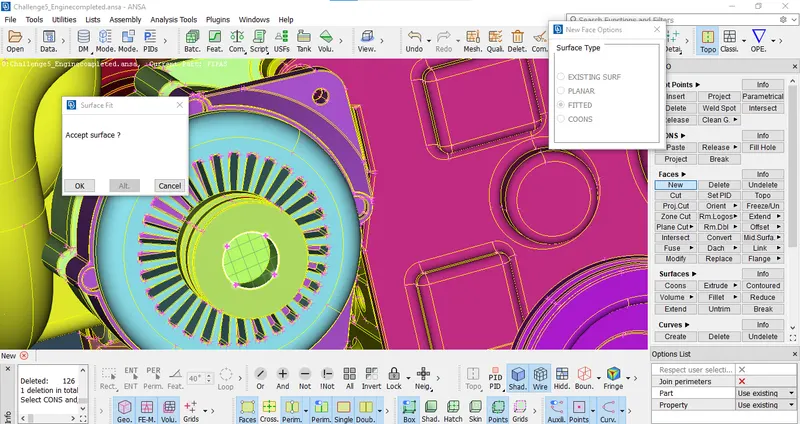
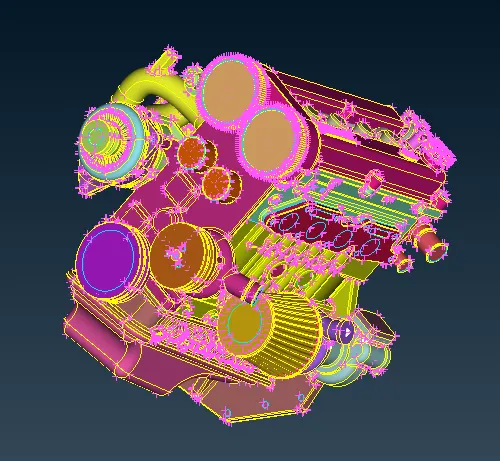
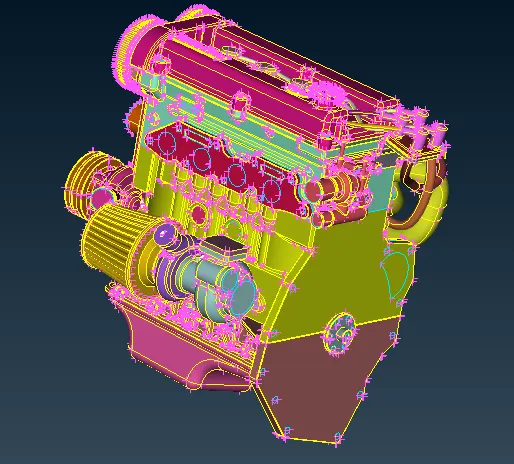
8.now we are going to work on the transmission as shown below here you can see some red cons we can delete those by universal delete as shown
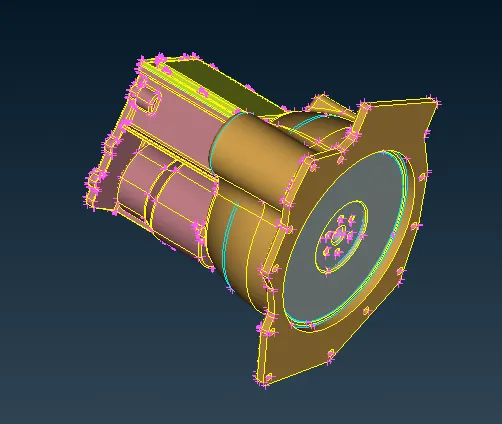
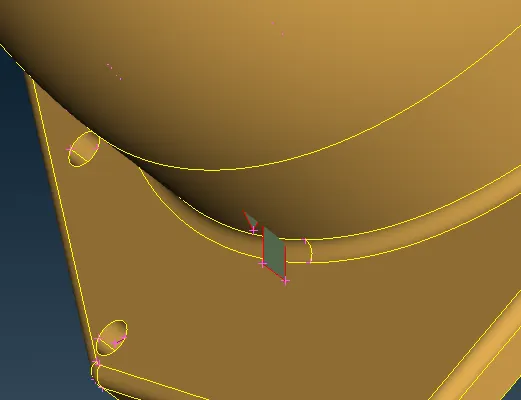
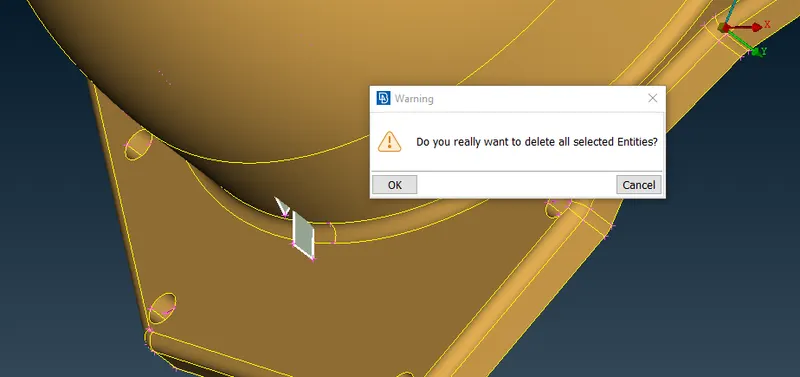
9.now for blue con present as shown below there is overlapped surface we have to delete that surface
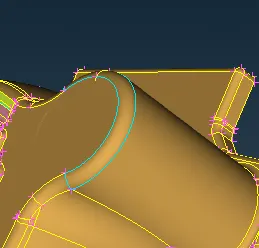
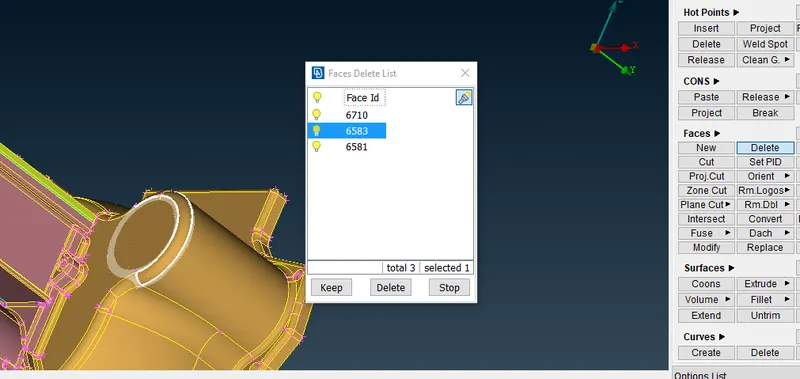
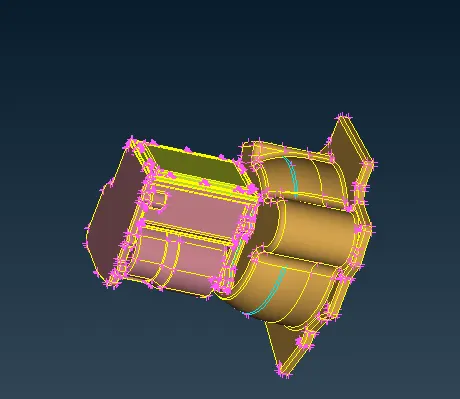
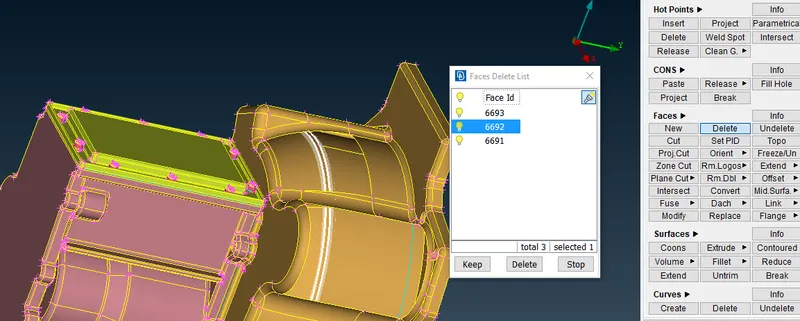
10.for the blue con shown below we just have to delete some surfaces as shown below
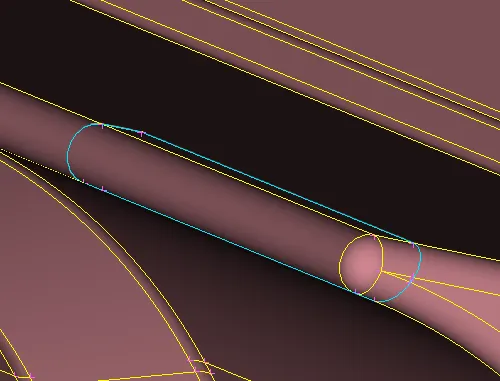
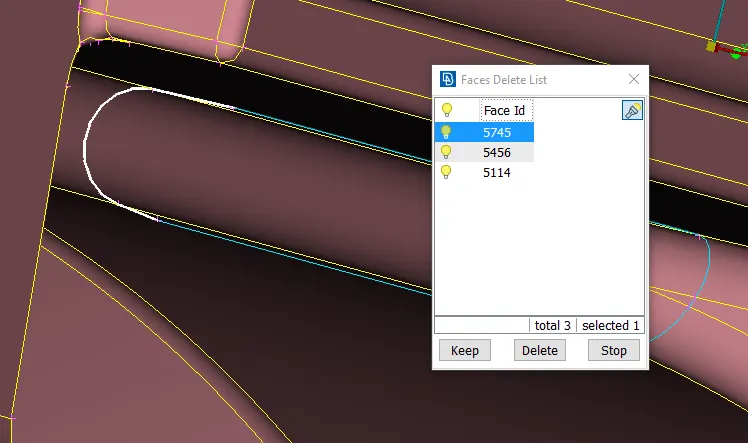
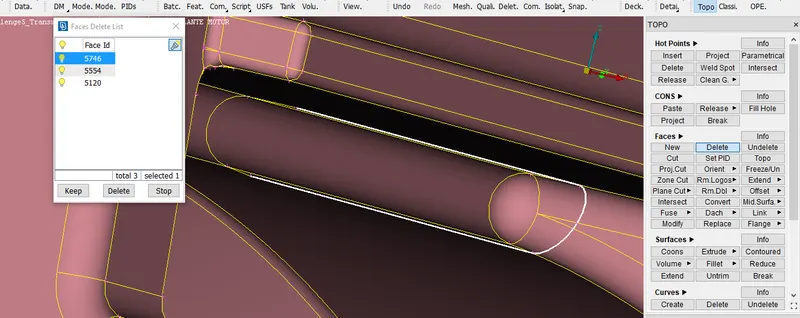
11.for nut part shown below delete the overlapped surfaceas shown below now the transmission part is done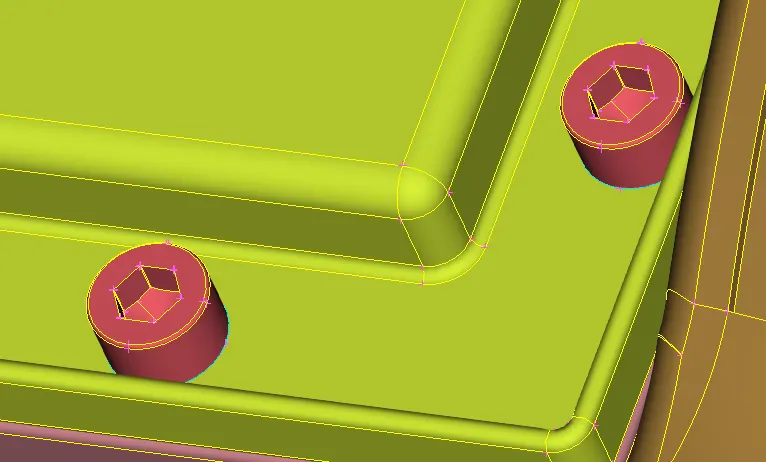
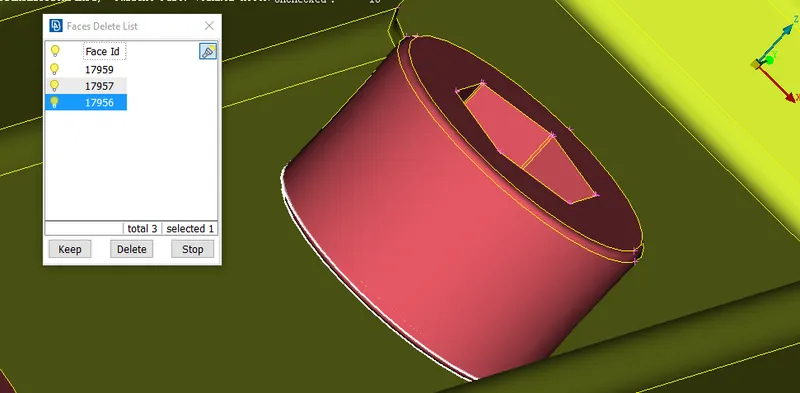
12.now we are going to work on the gearbox part as shown below clear the necessary geometry cleanupin the gearbox
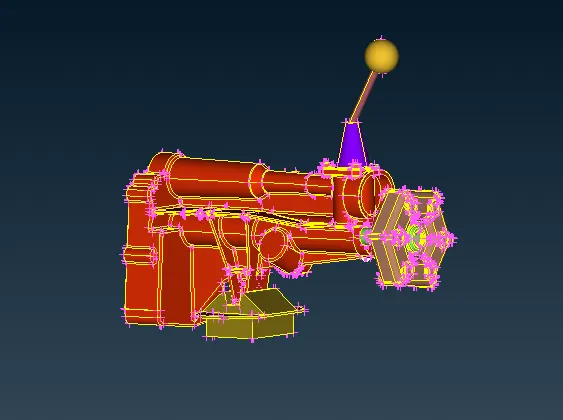
13.now for connecting all parts we are going to use the MERGE option and then select the part which we want to connect or merge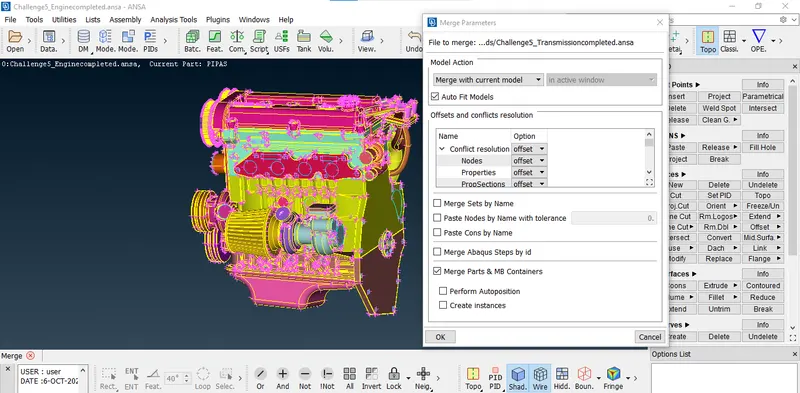
14.after merging the transmission we will repeat the same process for gearbos as well like shown below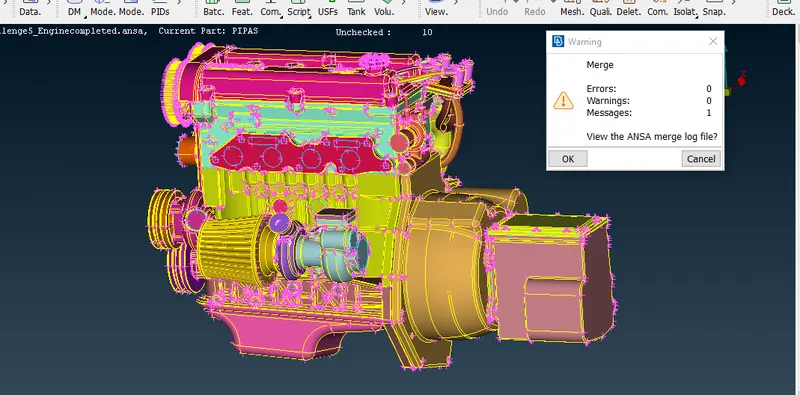
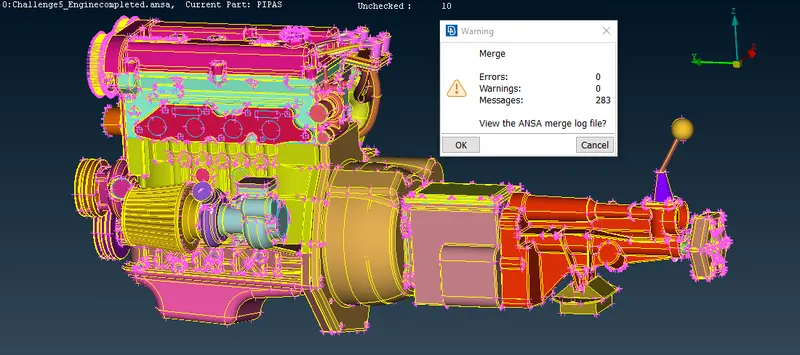
15.after merging all parts we have to close all the remaining open holes
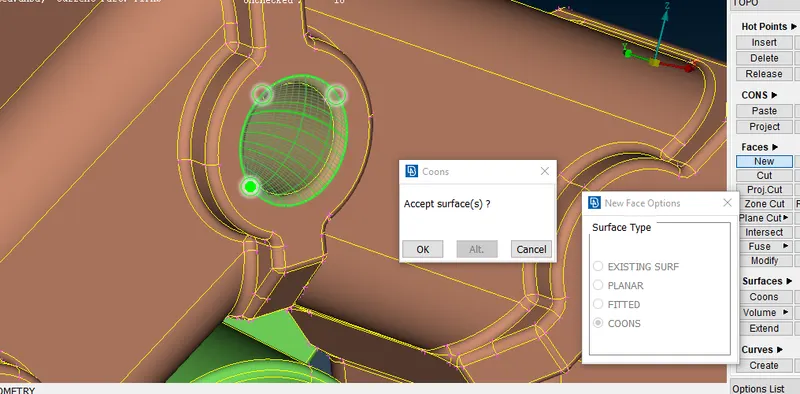
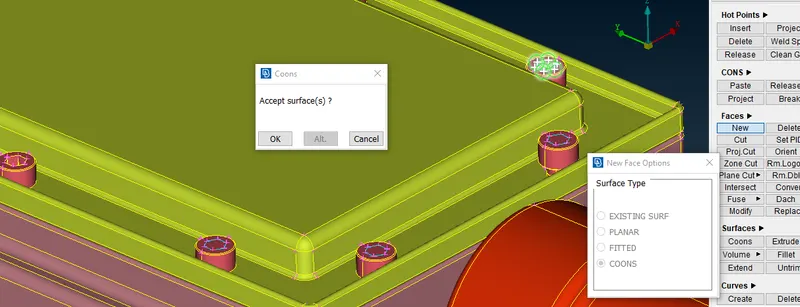
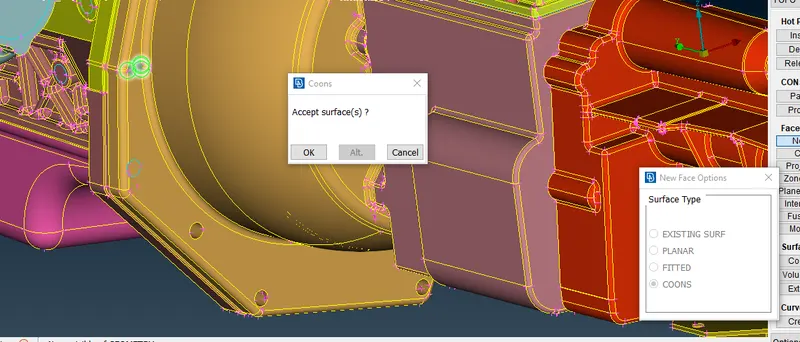
16.after closing all the holes we are going to surface wrap the assembly for that go to classic mesh then in the element there ios option wrap click on that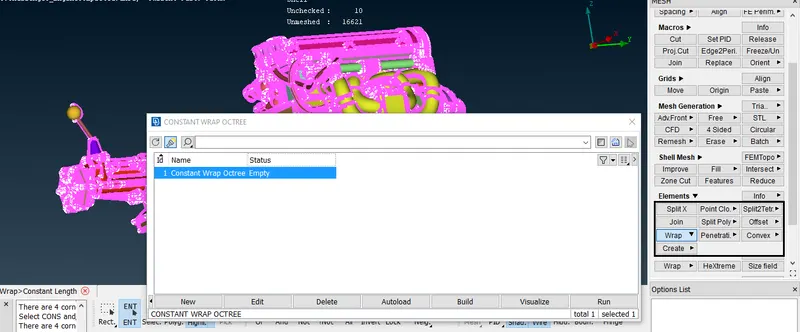
17.by clicking parameters we can give name and target length for assembly after giving name and target length the window will look like this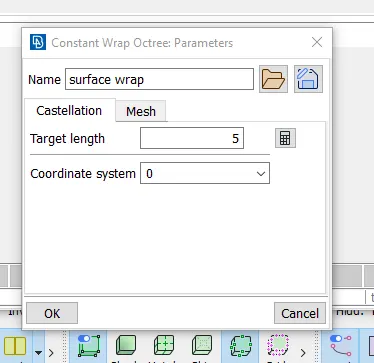
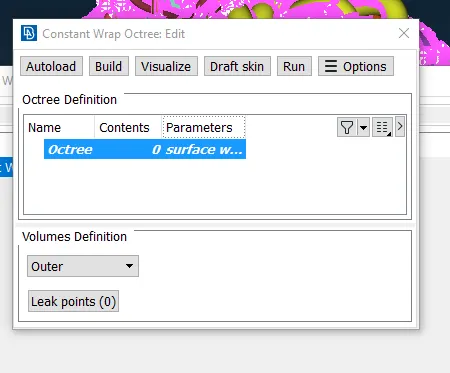
18. perform a compress operation in PID so the unnecessary pid will be deleted then click on conntents then perform run the window will look like this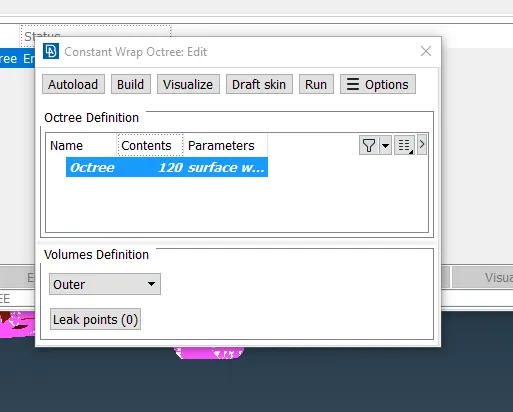
19.after surafce wrap our assembly will look like this
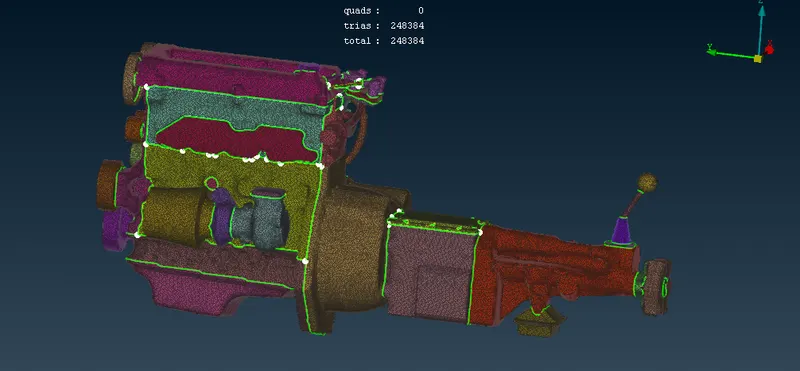
RESULT- after clearing geometry and performing wrap the geometry will look like this its waterproof
LEARNING OUTCOMES
1.WE LEARNED HOW TO PERFORM SURFACE WRAP
2.HOW TO MERGE THE PARTS
GOOGLE DRIVE LINK FOR ANSA FILE-
https://drive.google.com/file/d/1em6jL1Dv_9PolhxoGGGSj0mwViW_KbM7/view?usp=sharing