Project 1 : CFD Meshing for Tesla Cyber Truck
AIM:
To given model to solve the geometrical error and assign PIDs perform meshing with suitable target length.
PROCETURE:
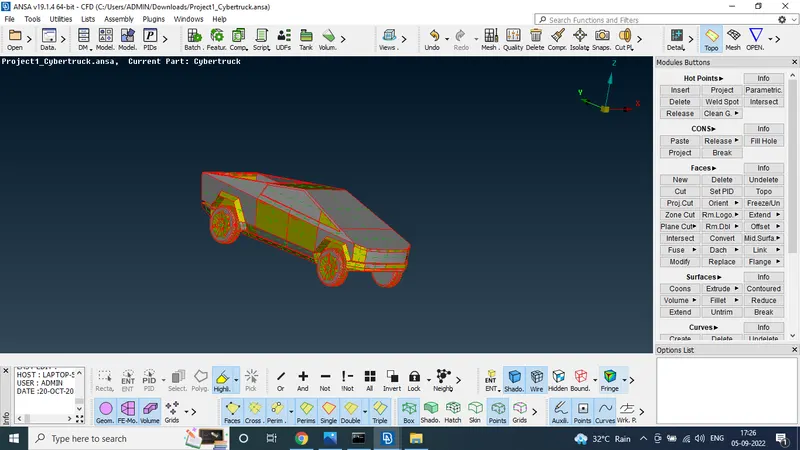
STEP 1:
Download the model to the dashboard
STEP 2:
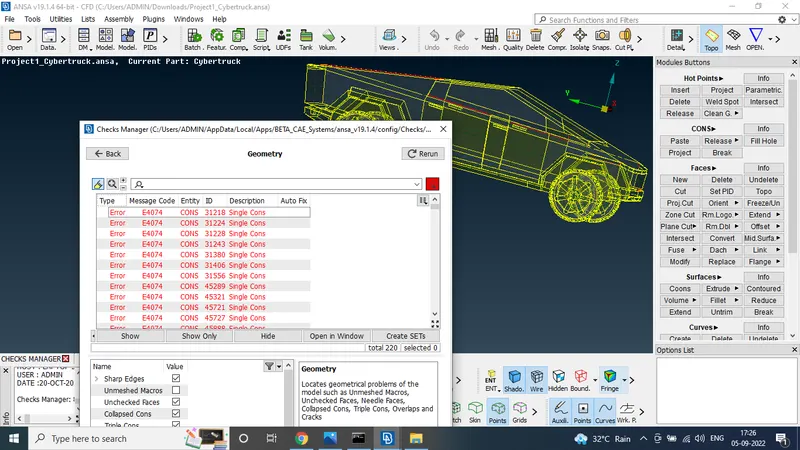
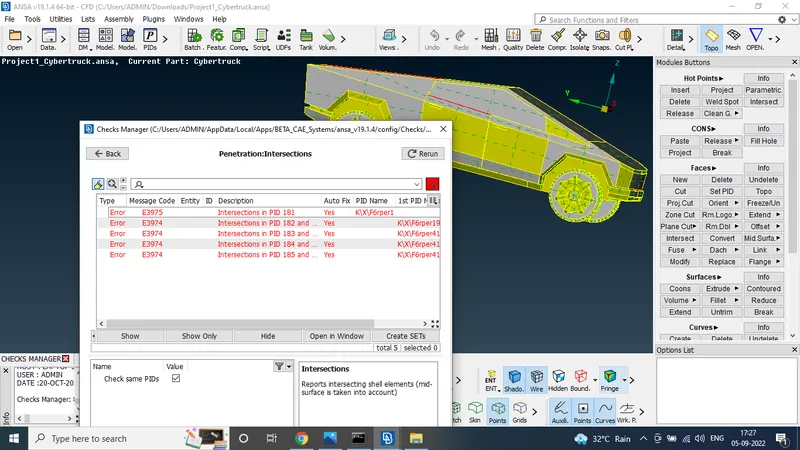
usin the check manager tool to find the geometric and penetration error of the model
STEP 3:
To solve the error
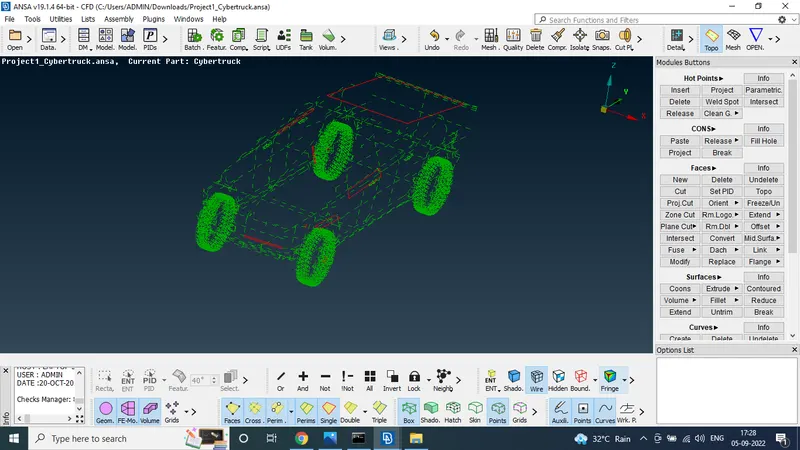
fill the surface using face new tool to use the fitted option to crete the face
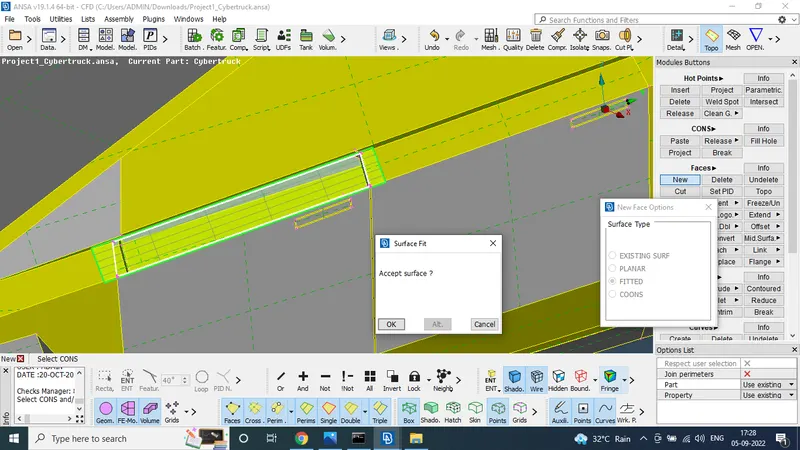
using the same above mensioned option to crete the faces
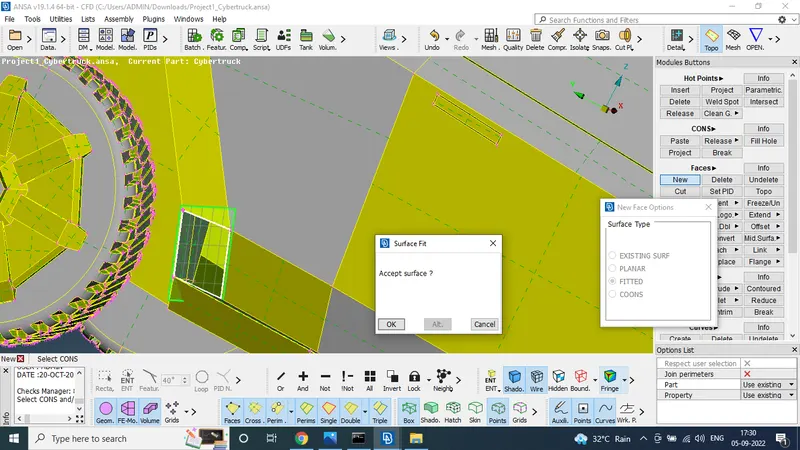
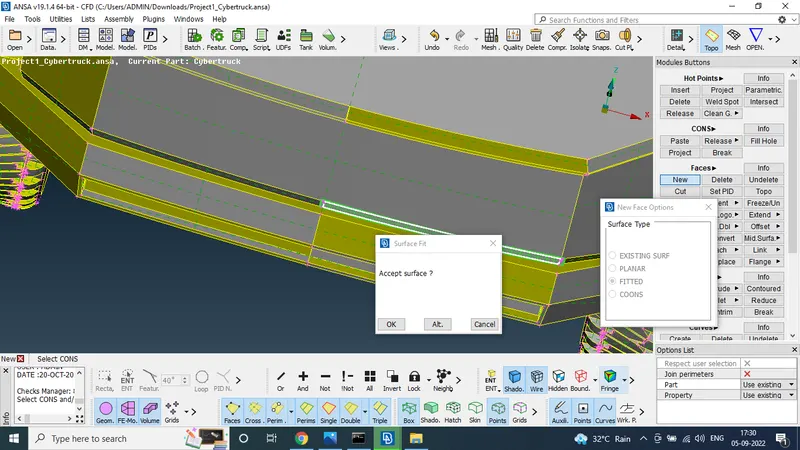
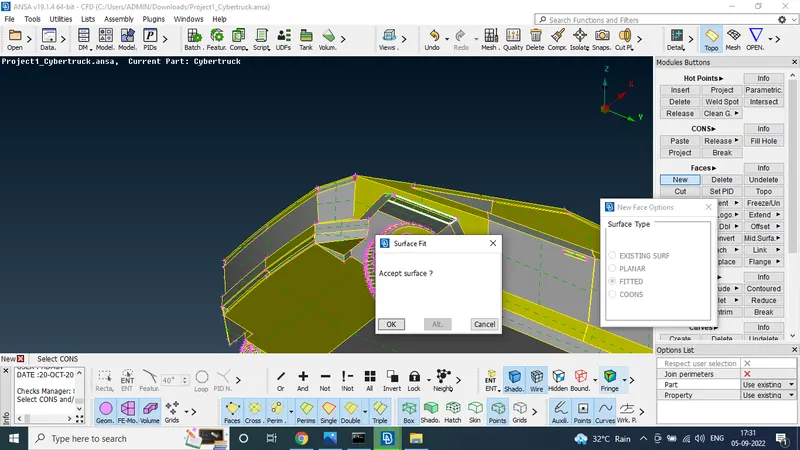
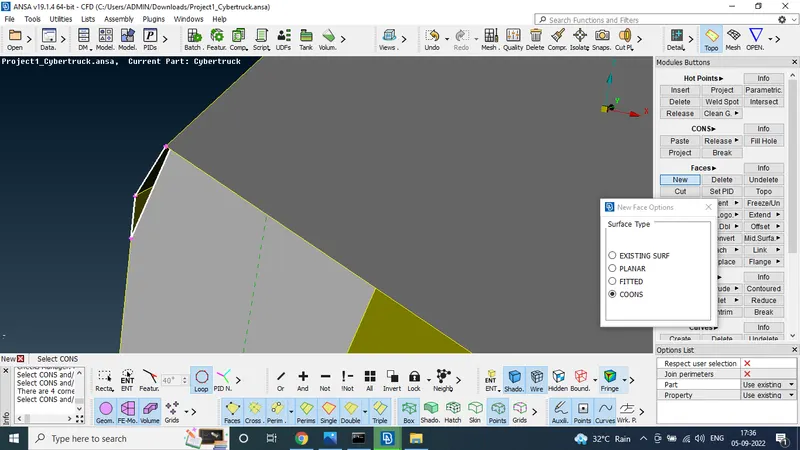
STEP 4:
no single and trible cones
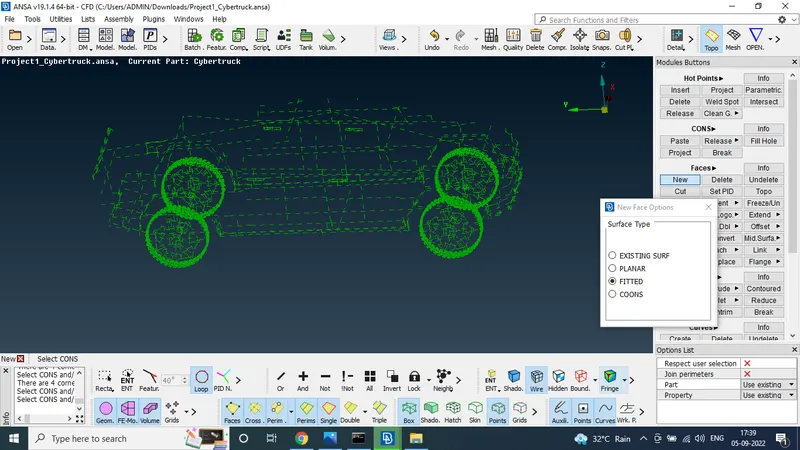
STEP 5:
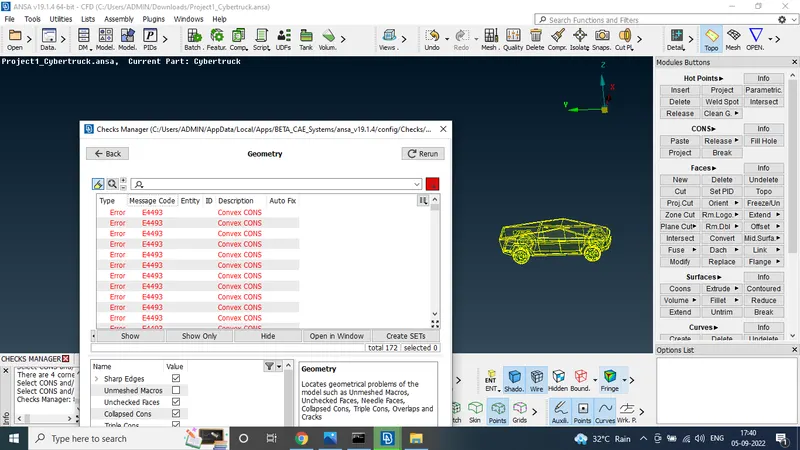
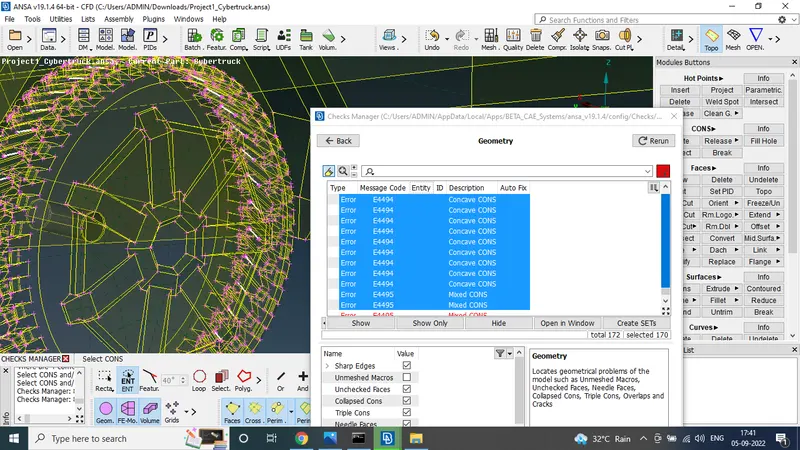
Again check the giometric ERROR
the error was founded by tyre this are convex and concave cones so neglete the cones
STEP 6:
to solve the penetration error
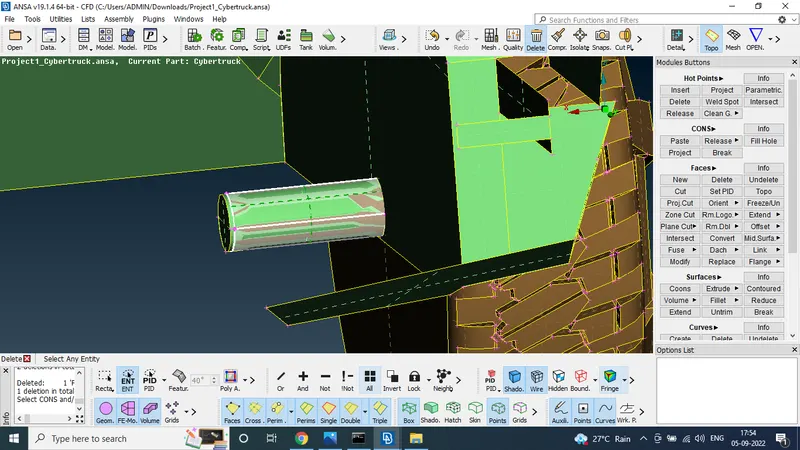
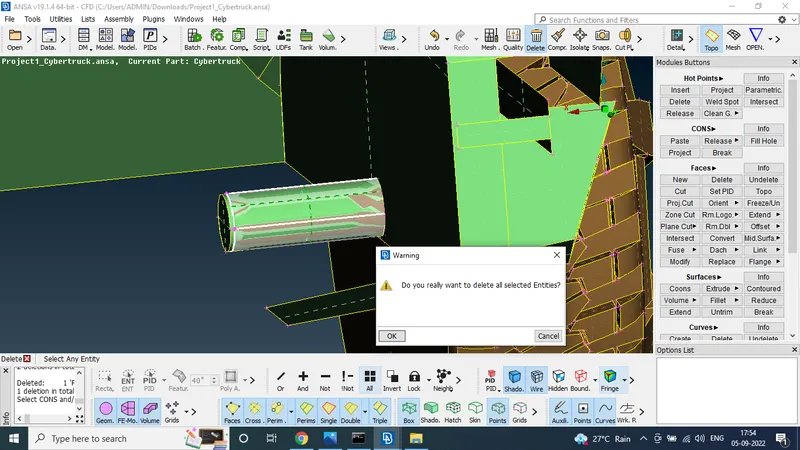
using the universal Delete option to delete the unwnated surface
after delete the surefec to project the cones to the surface and crete the surface
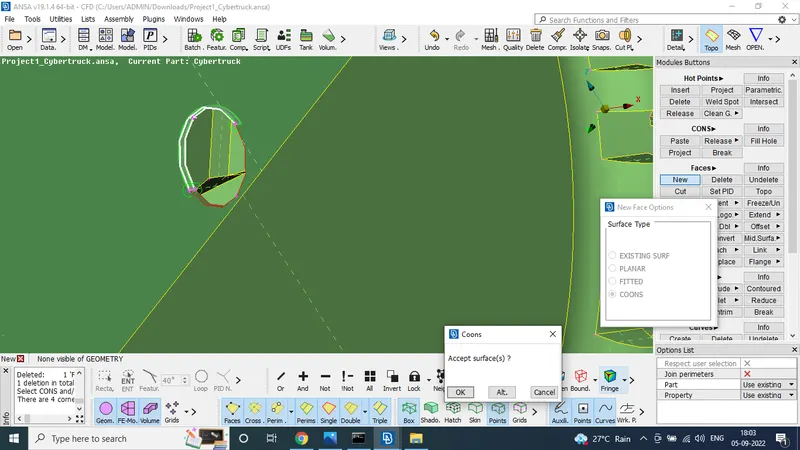
this method used in all wheels
STEP 7:
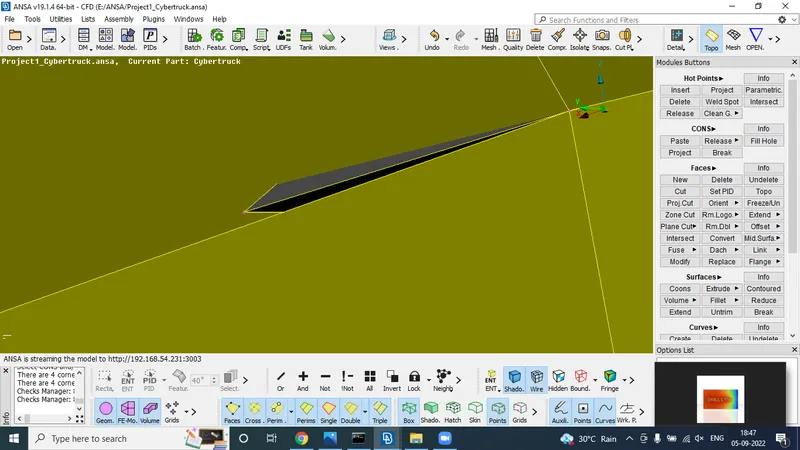
one more penetration error was founded
it was deleted and crete the new surface
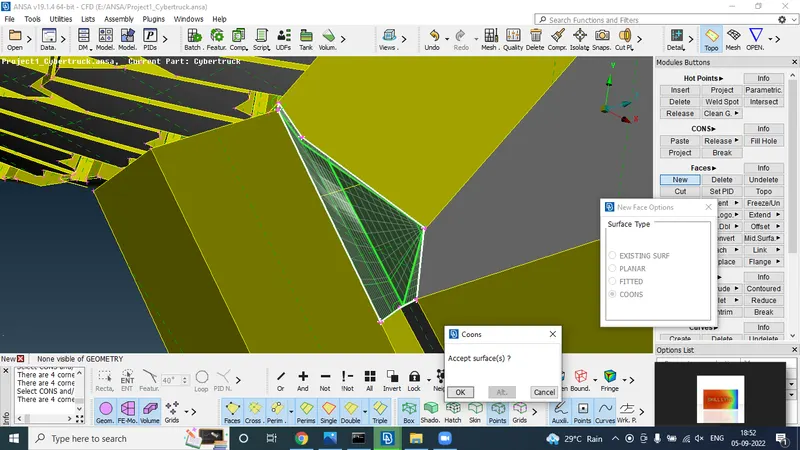
STEP 8:
now check the check manager
no penatration error but geometric errors are show
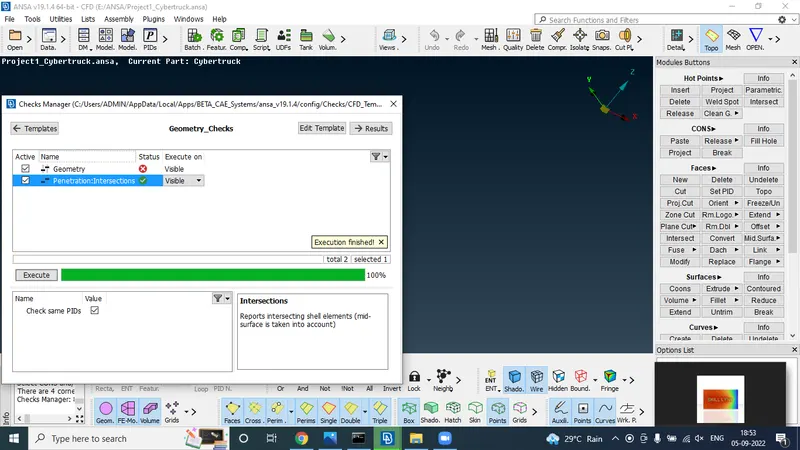
this geometric error like convex and concave cones
STEP 9:
to set the pids
using the set pids option to set the pids for
1.tyres
2. windows
3. body
STEP 10:
After set the PIDS
we going to the mesh
FOR tyre target length 3 mm
body 5 mm and windows target length 4 mm
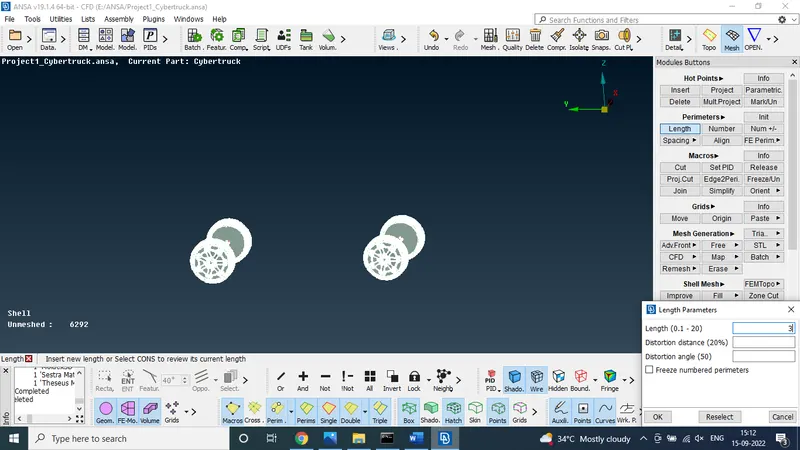
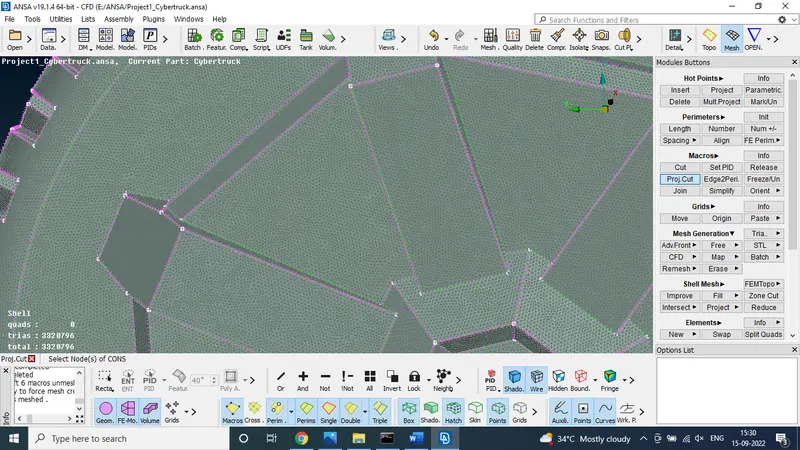
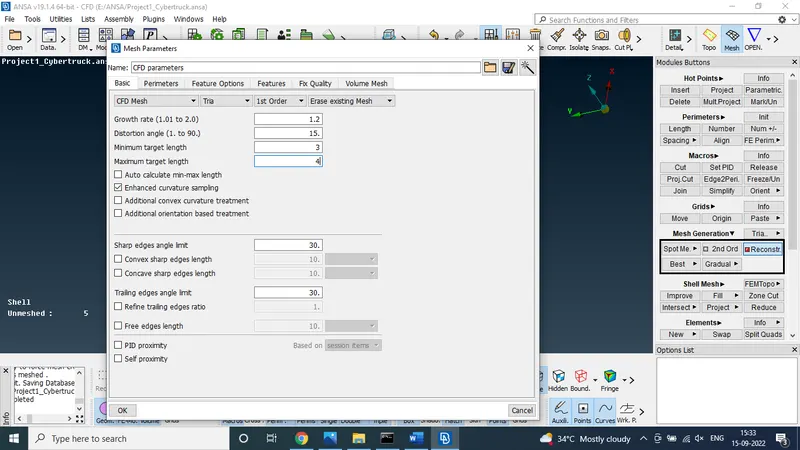
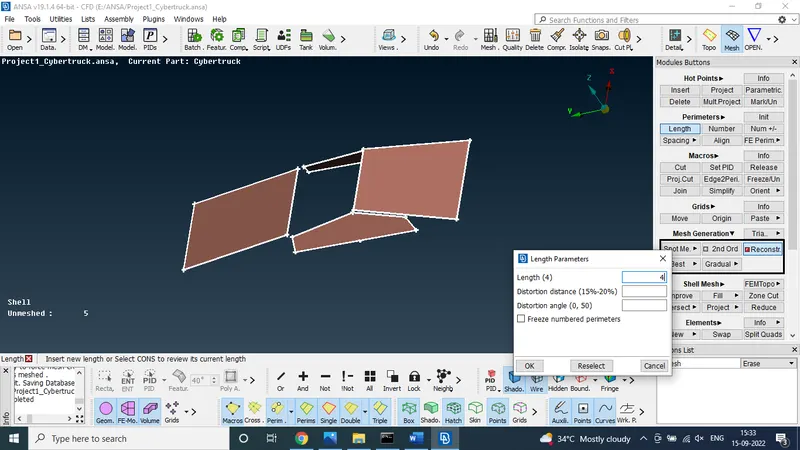
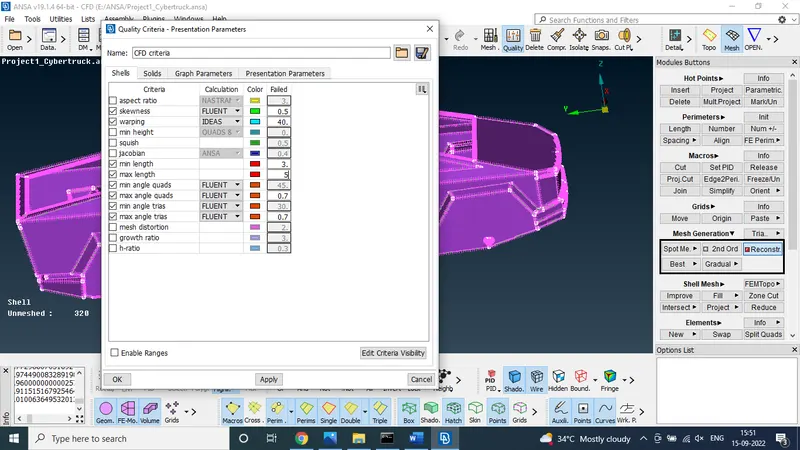
now car meshing was finshed
STEP 11:
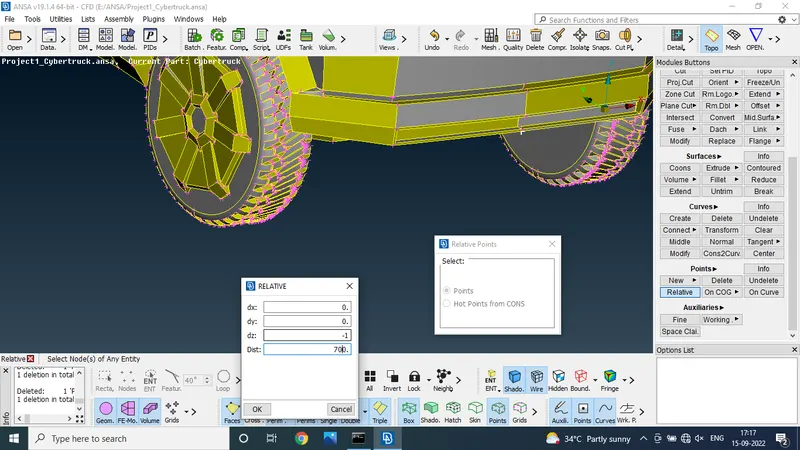
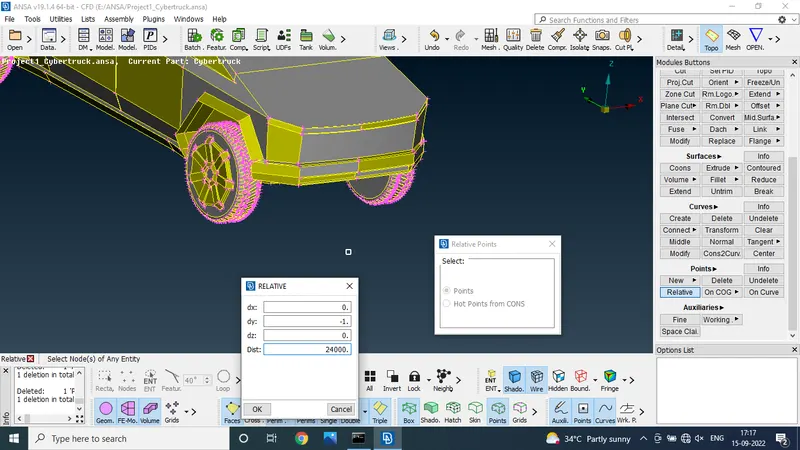
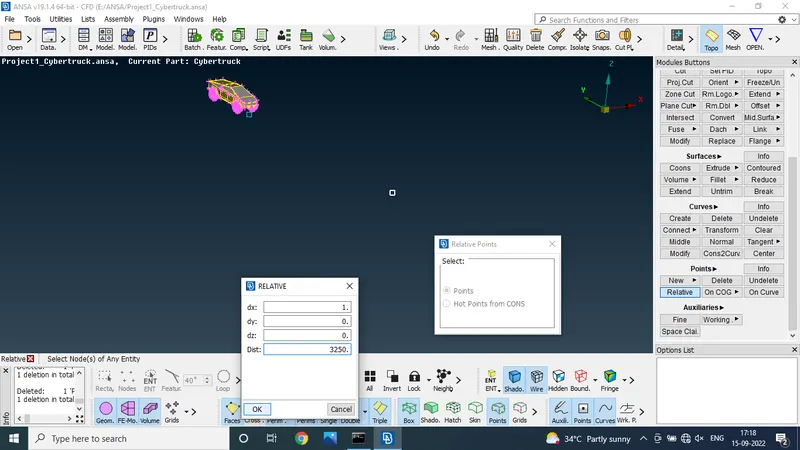
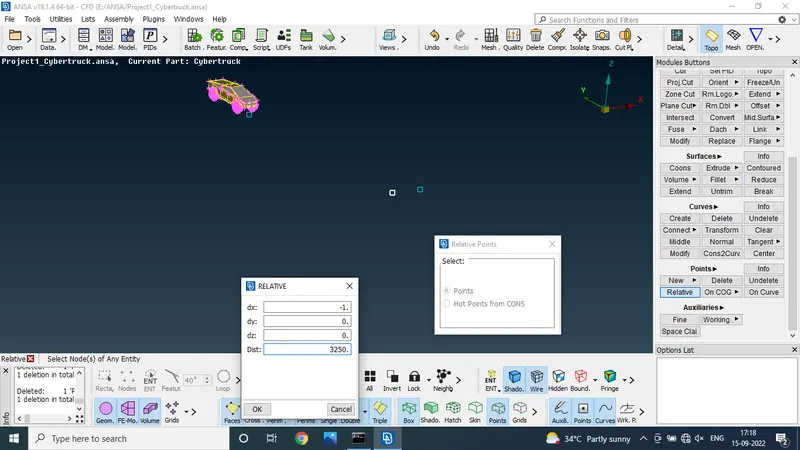
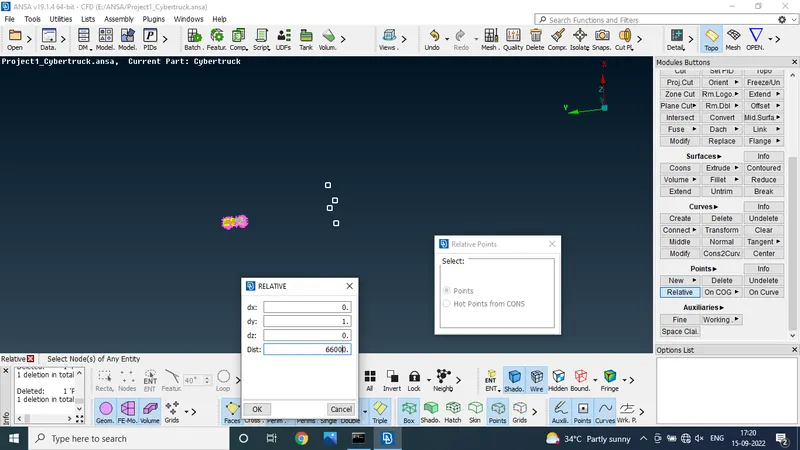
make the 3d point
to use the point relative option to make the 3d points
CAR dimentions is 6000*3200*2100
so 3d point box creted to length 66000,height 12800 and width 7500
STEP 12:
set PIDs for the domain
top domain
side domain
rear domain
front domain
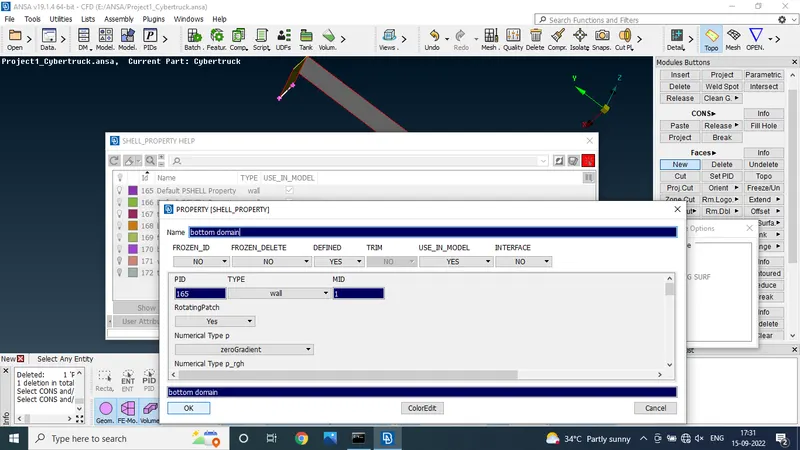
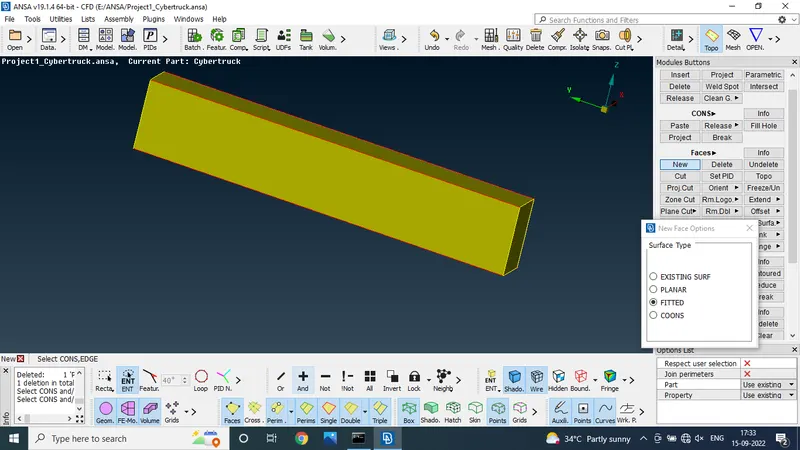
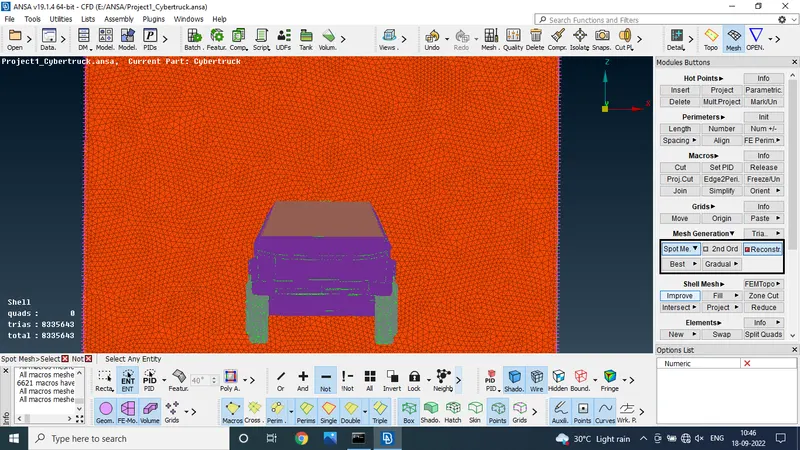
STEP 13:
mesh the domain
top domain target length 100 mm
bottom and side domains are 50 mm
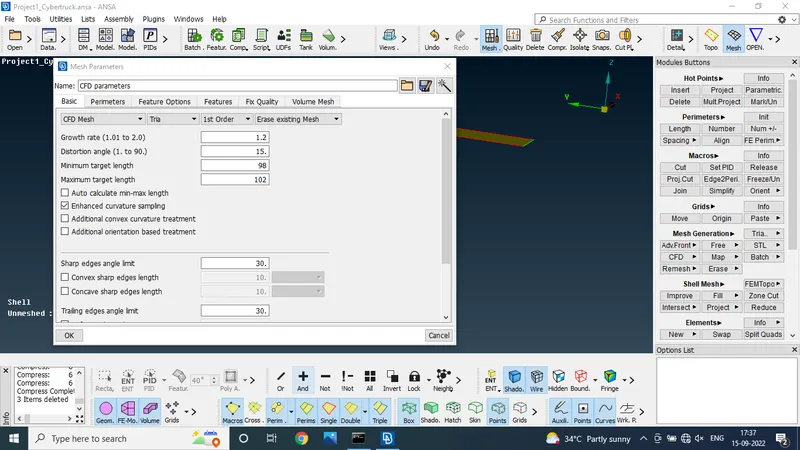
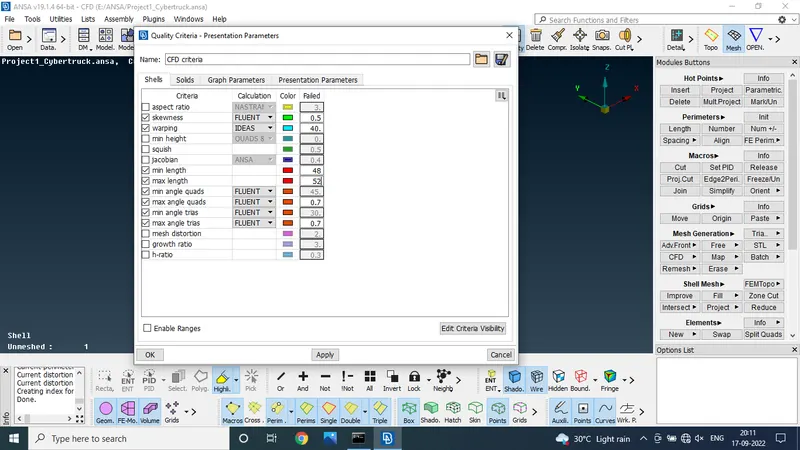
STEP 14 :
finaly we got the cfd domain
CONCLUSION :
TO the given model was solved by geometric error as well as finish the mesh suitable target length
DRIVE LINK:
https://drive.google.com/file/d/1Cm_qlMwa_A0w2gxEF3zcmGoDWn3X67h4/view?usp=sharing