Project 1 : CFD Meshing for Tesla Cyber Truck
AIM
For the given model, check and solve all geometrical errors and Assign appropriate PIDs. Perform meshing with the suitable Target length and element Quality criteria
PROCEDURE
The given model is shown below
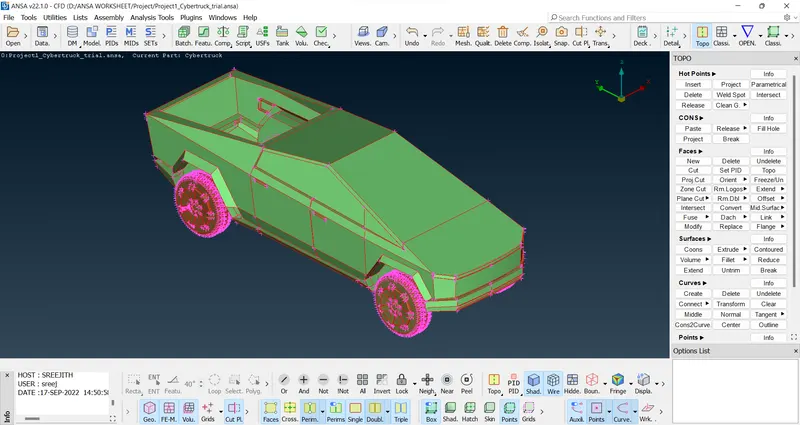
Lets do Topo to clear the single cons, then the model looks like this
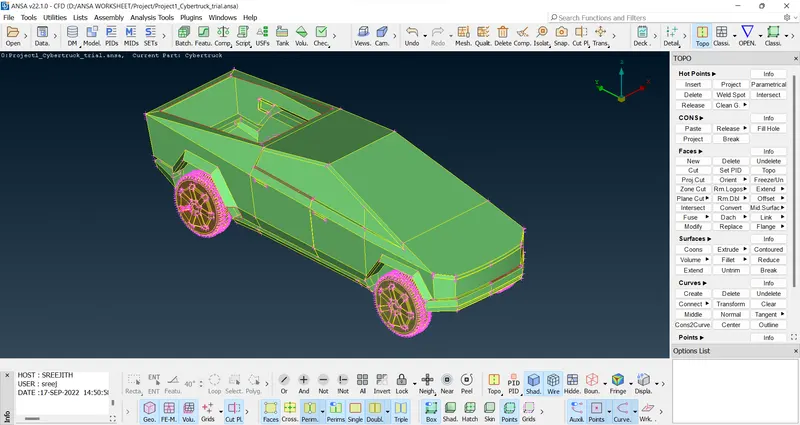
We can do plane cut to cut the vehicle into 2. Otherwise we can do it without cutting.
After cutting, the model looks like this
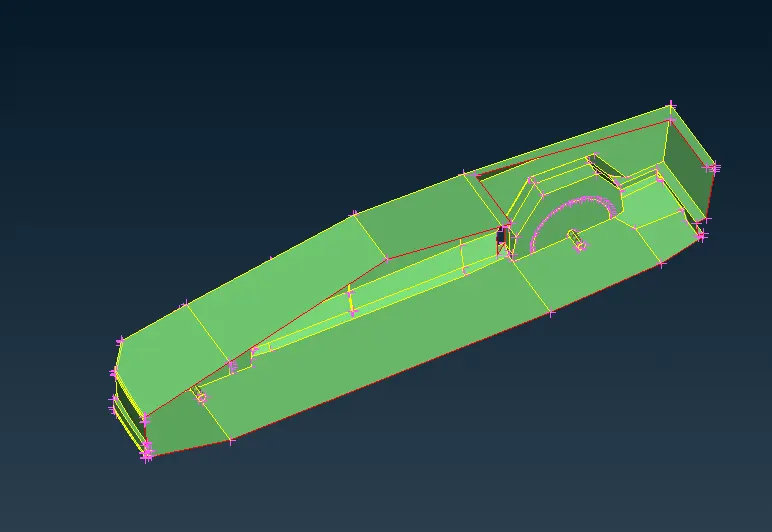
Check whether the cutting is done properly and do alignments of some parts to make it as symmetry.
Remove unnecessary surface that cause triple cons.
Handle these parts at the cutting part to make it as symmetry.
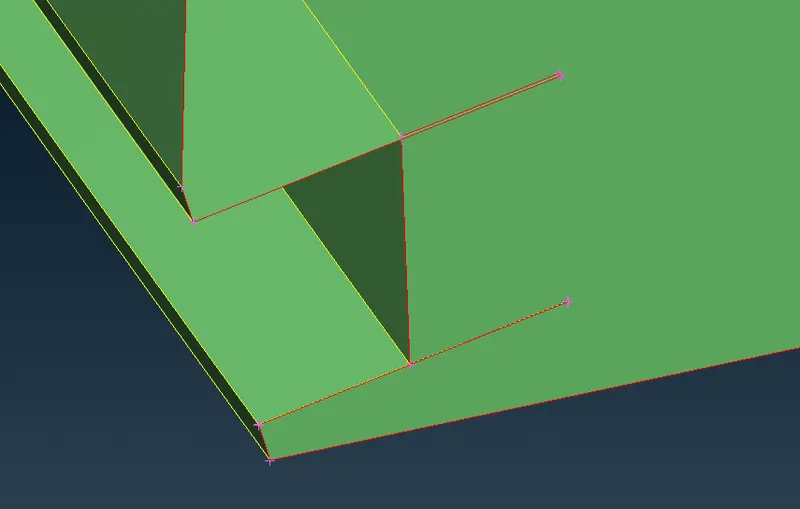
These parts are at the front of the truck.
Then isolate the truck like this and then clear the intersection error
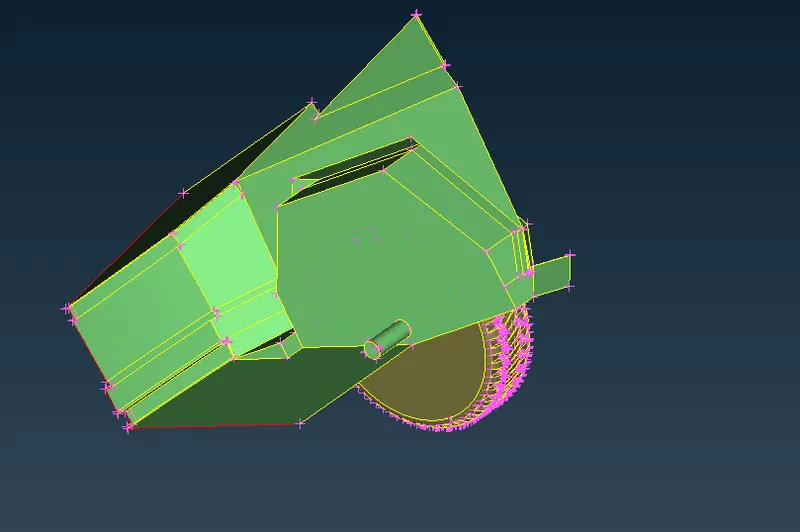
We can go to clear the error at shaft and tyre.
Its better to delete the shaft.
After clearing it fill the hole of tyre
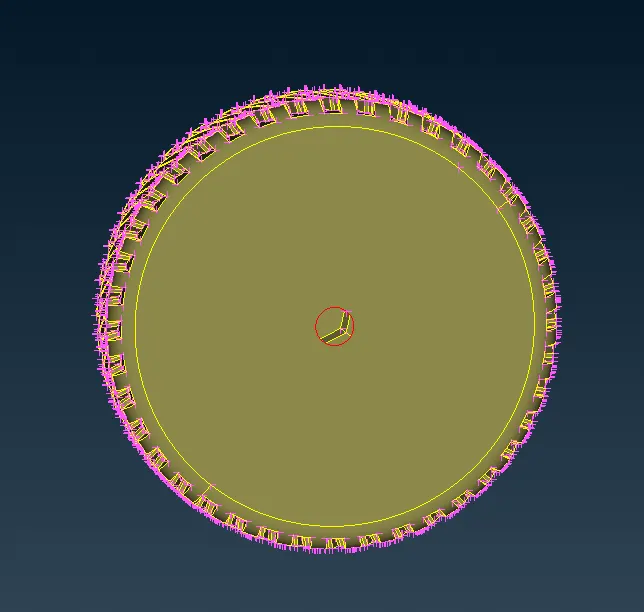
Do the same for other tyres also
Now, only one intersection error is there. Lets clear it
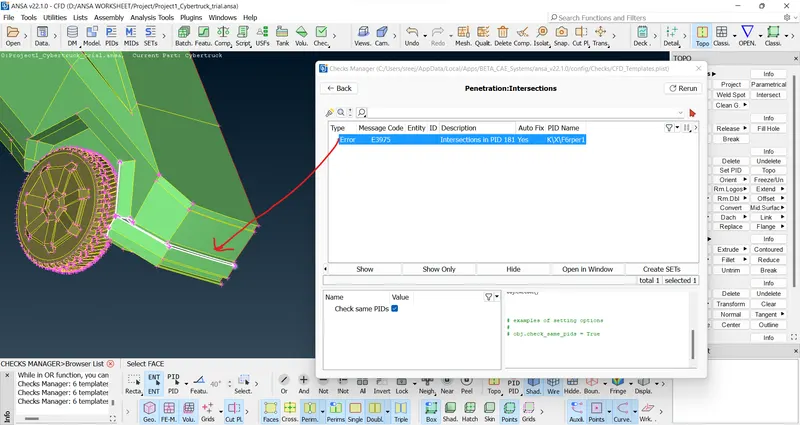
Intersection error and other errors are cleared
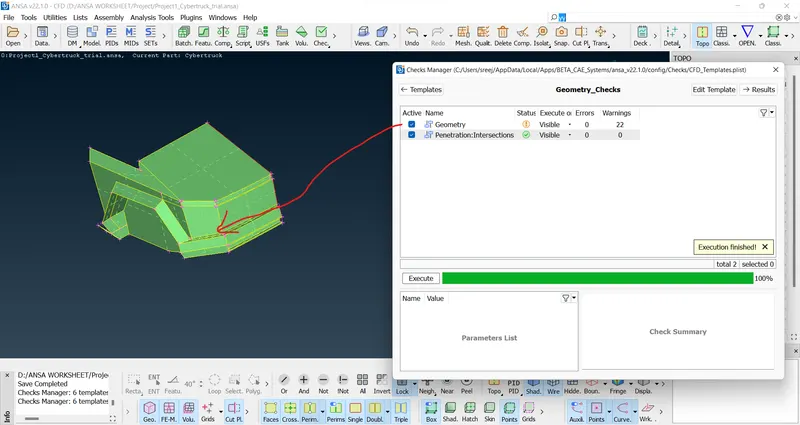
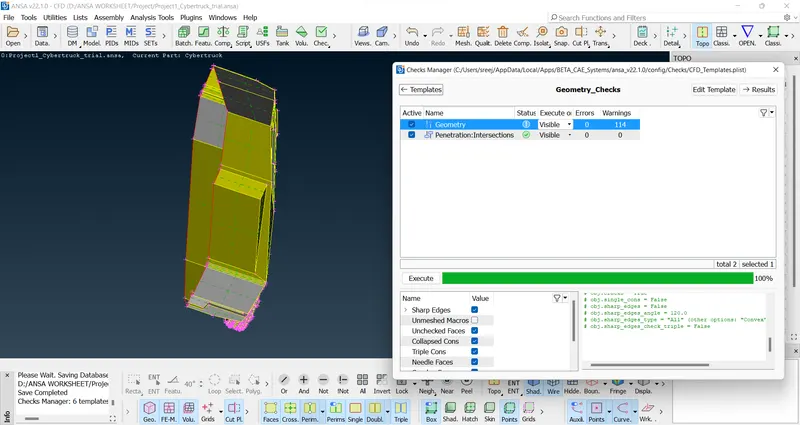
Now, most of the errors cleared. Let's see if we can clear warnings
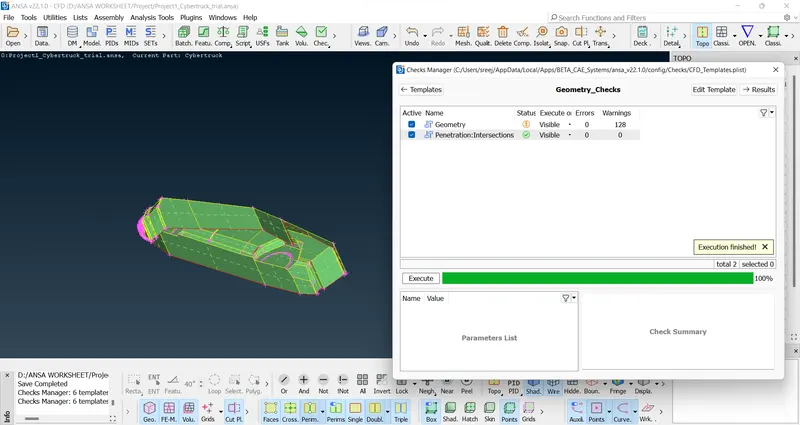
Maximum errors and warnings are cleared. There are convex cons in tyres which is design part. So, ignoring it.
After that assign PIDs
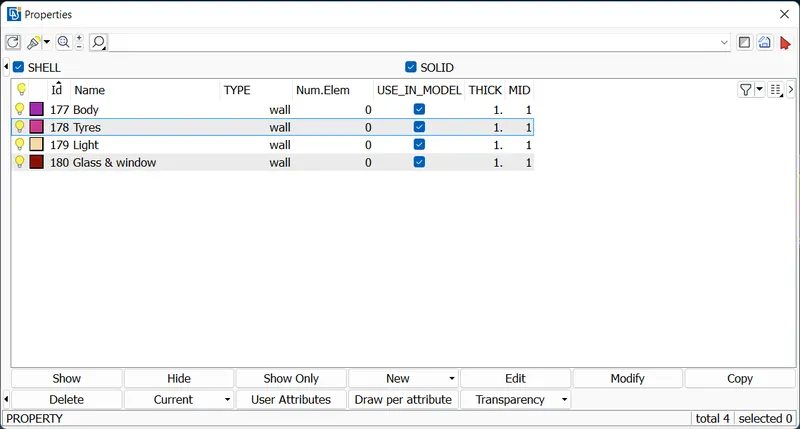
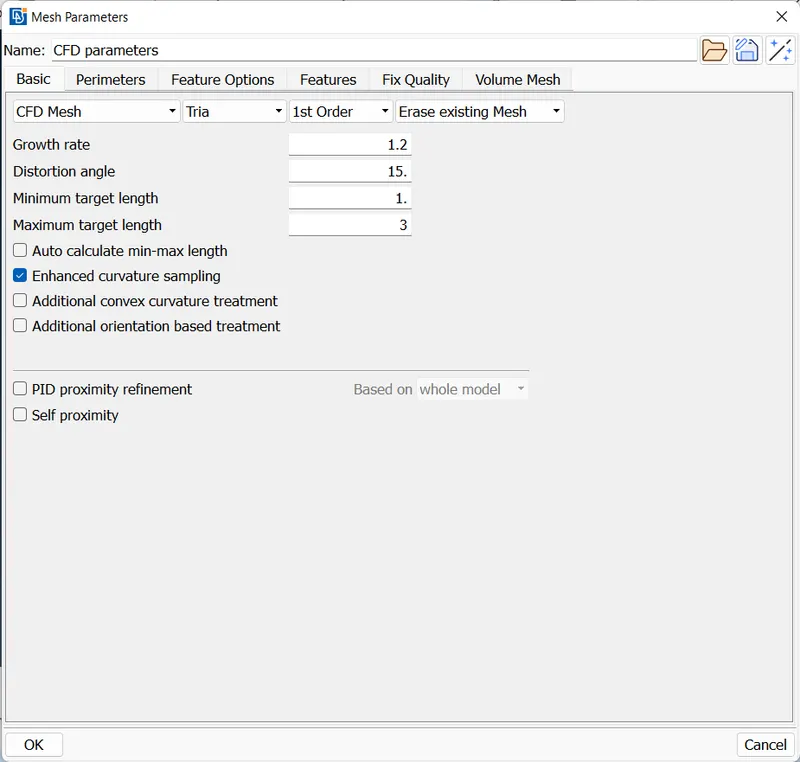
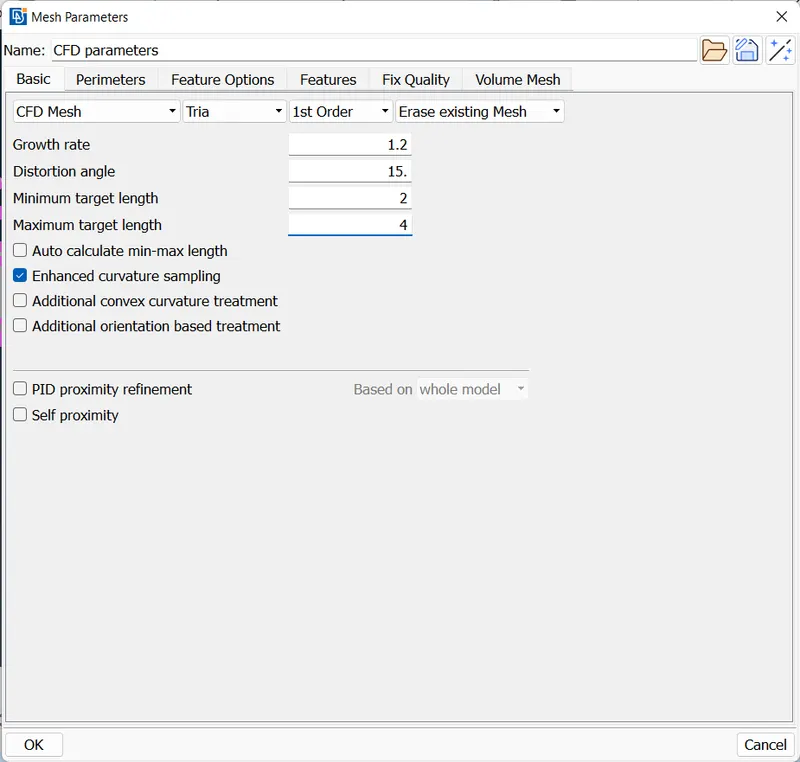
Mesh Glass & window and Tyres by 2 mm and mesh Body and Light by 3 mm.
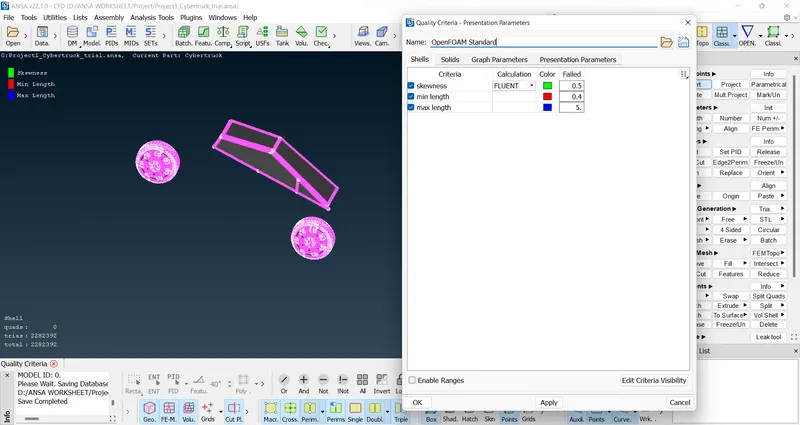
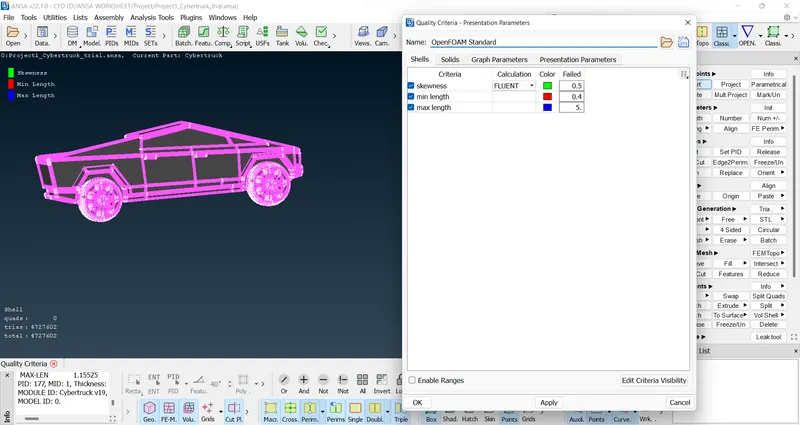
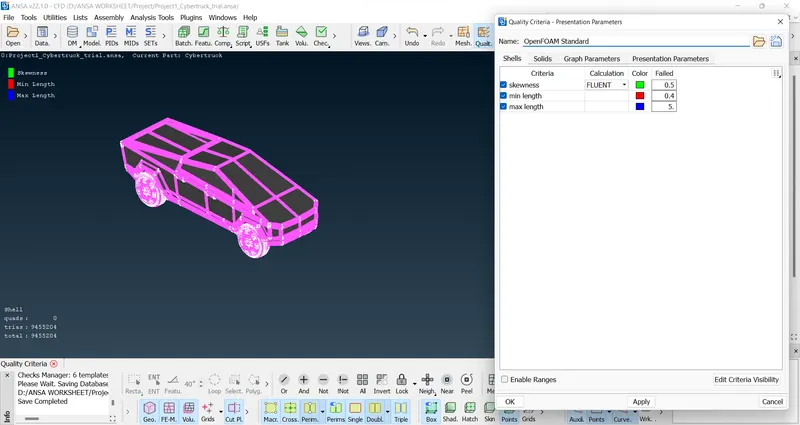
Use the following quality criteria
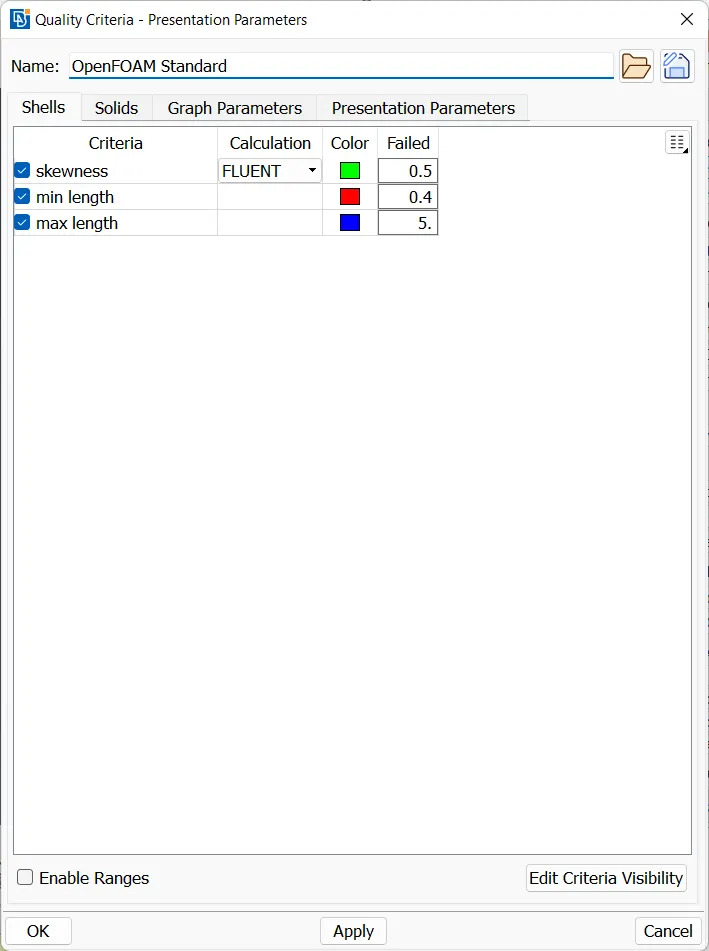
Use CFD mesh
Use the following mesh parameters for Glass & window and Tyres
After meshing, the PIDs looks like this with no off elements
Use the following mesh parameters for Body and Light
After meshing, the PIDs looks like this with no off elements
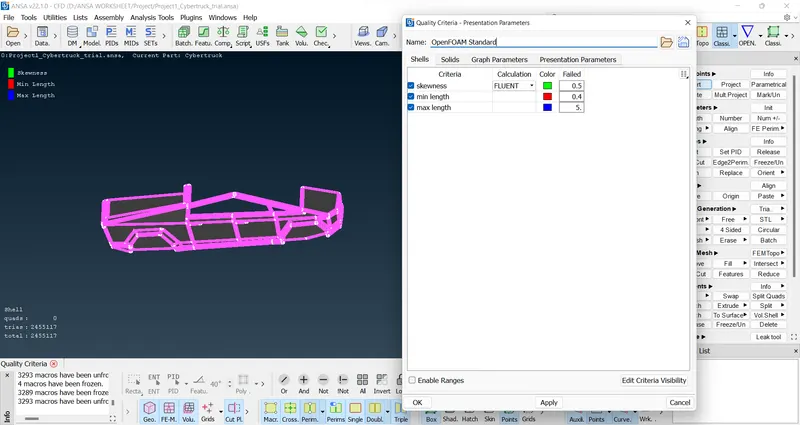
After that, the half model looks like this with no off elements
Lets create symmetry on other side
After doing symmetry, the entire model looks like this with no off elements
Let's create a wind tunnel from the sides as shown below
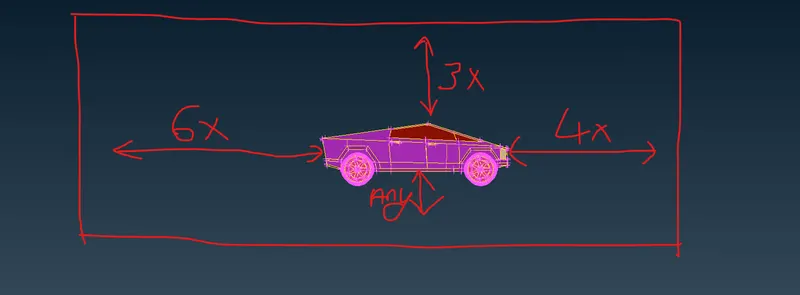
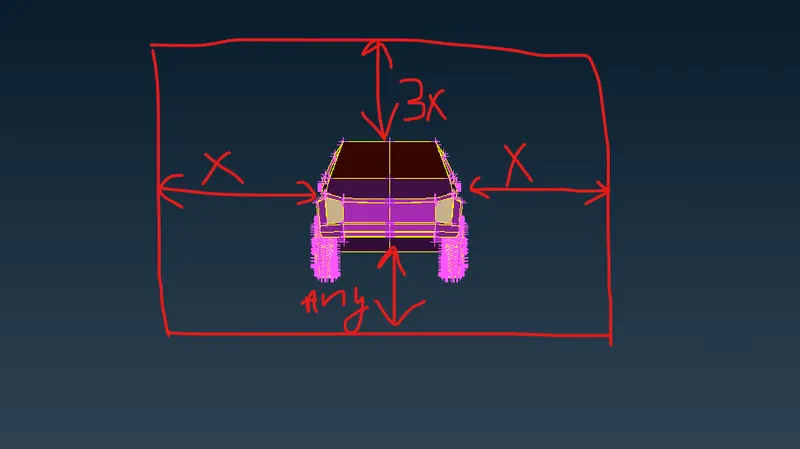
The length of the tesla model car is taken as x, which is 5910 mm.
The wind tunnel is created like this similar to BMW challenge and also mesh it similar to BMW challenge.
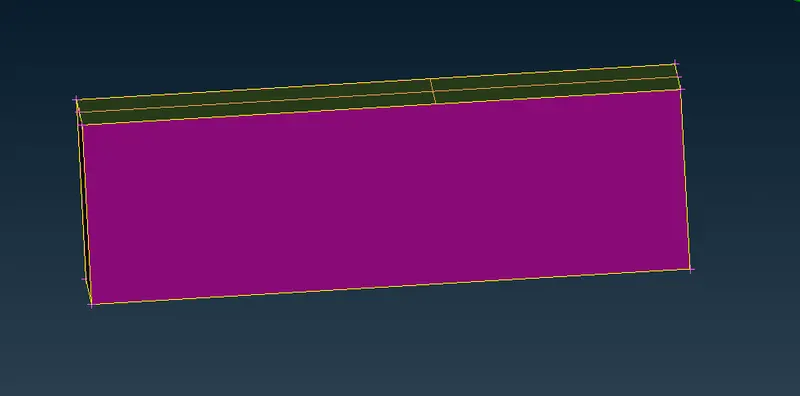
After meshing, the wind tunnel looks like this
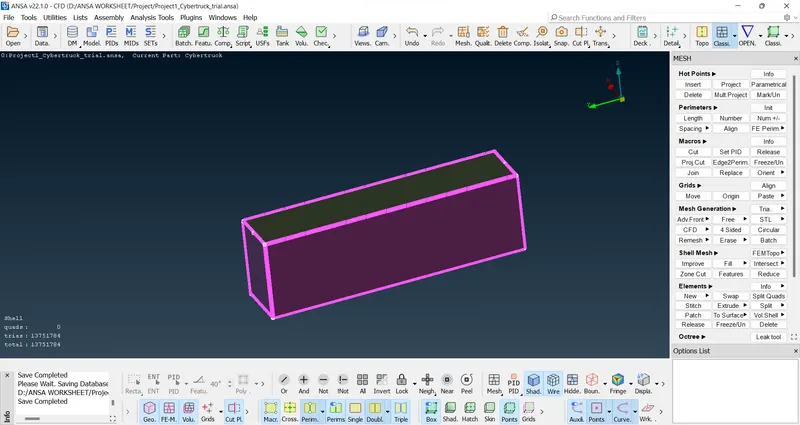
Also, the geometry is having no error. Only mixed cons, concave and convex cons as warning
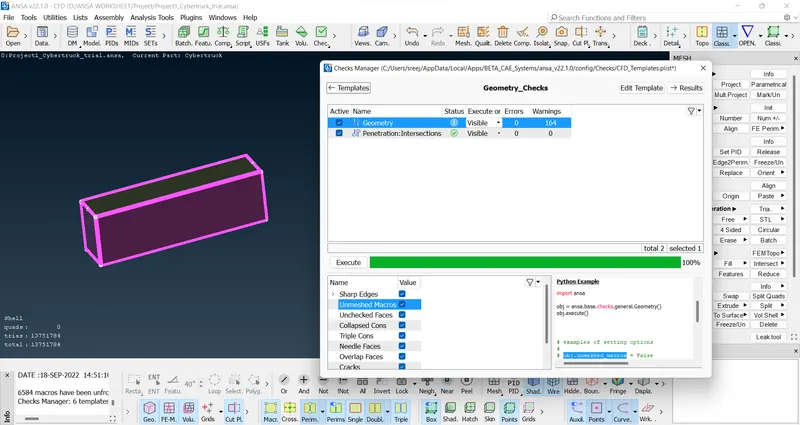
I m not going for Volume mesh. But I m just checking whether my model is suitable for Volume mesh
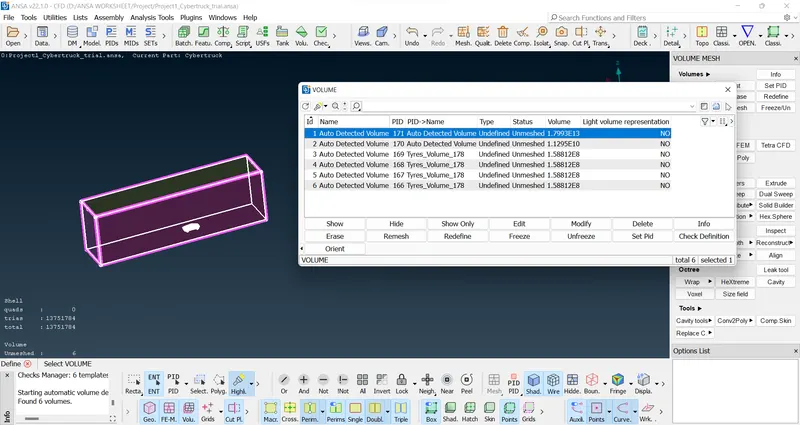
6 closed Volumes I found.
1 closed Volume is the volume of the truck.
Other 4 are the Volume inside the 4 tyres.
Other 1 is the Volume between truck and wind tunnel. We required that Volume only. So, we can delete other Volumes for doing Volume mesh
ATTACHMENT
Please download the text file also attached with this ansa file. While doing in ANSA, I got the text file in the same folder.
The project file is attached as https://drive.google.com/file/d/10LmgcEVRiBOiwL6roXcVBl2nV89B3iuJ/view?usp=sharing
The text file is attached as https://drive.google.com/file/d/1d3prulAjEhlp-vug11UI25Ruohuuwx7k/view?usp=sharing
CONCLUSION
The CFD meshing on Tesla Cyber truck is done
Sharing link 2 times for safety
Project file: https://drive.google.com/file/d/10LmgcEVRiBOiwL6roXcVBl2nV89B3iuJ/view?usp=sharing
Text file: https://drive.google.com/file/d/1d3prulAjEhlp-vug11UI25Ruohuuwx7k/view?usp=sharing
Thank you