Project 1
Aim of this project is to understand the concept of how plan the entire project in Primavera p6. Know how to make EPS and OBS. Creation of the project under the EPS, activities, breakdown of various structures. Determine the critical activity, floats, early start/late-start/finish dates. Assigning of user defined fild suitably.
Procedure:
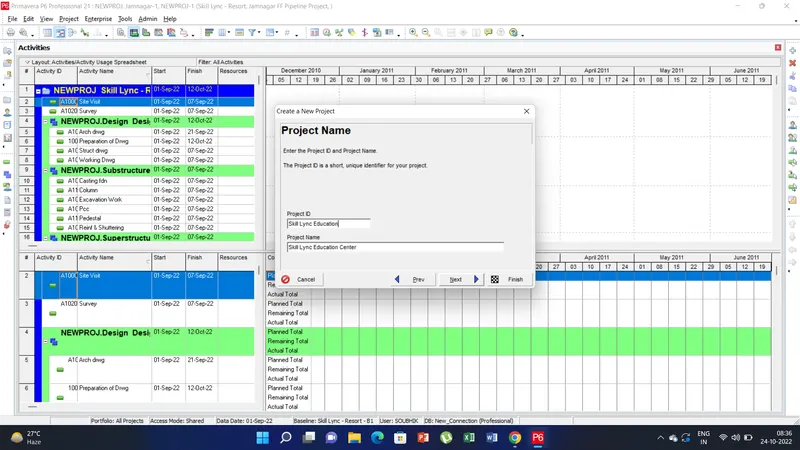
1) open a new project from the file new option. There make the EPS name as Skill Lunc Education and project name Skill Lync Education Center.
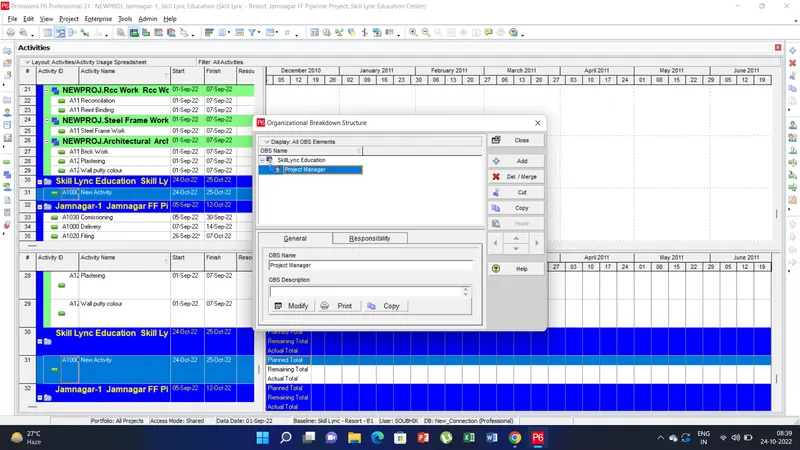
2) Click on the Enterprise tab there select the OBS and create a new obs under Skill Lync Educaion Center and assign a project manager role.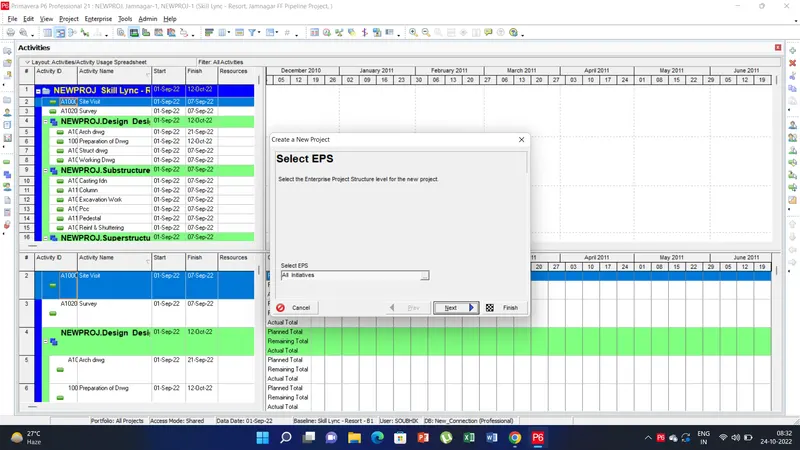
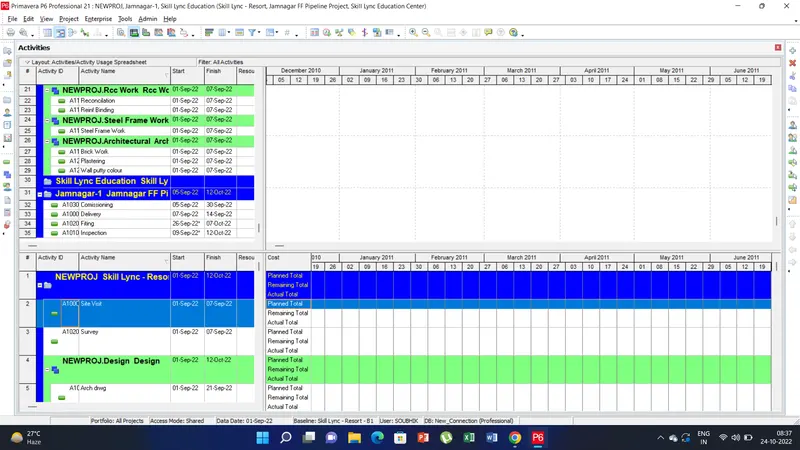
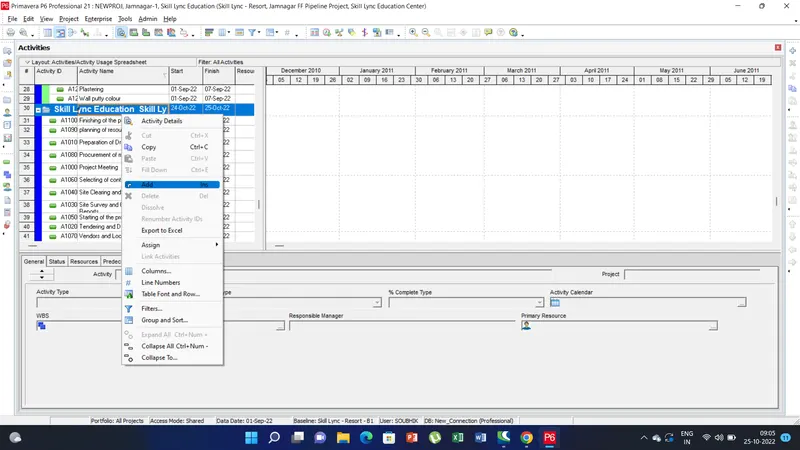
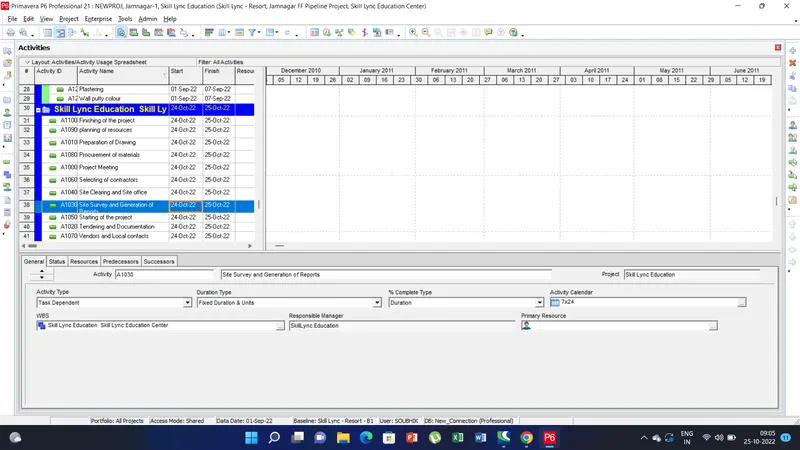
3) Now to create activities under the EPS, go to EPS Skill Lync Education Center- there right click and add activities. Create 50 no. of activities as per project planning.
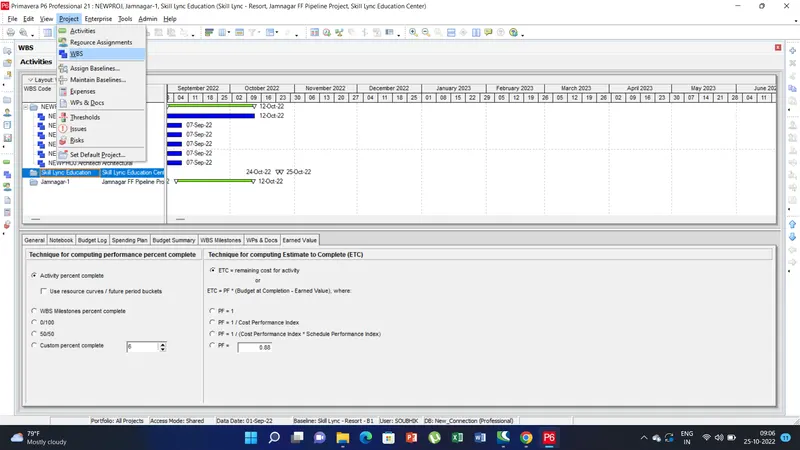
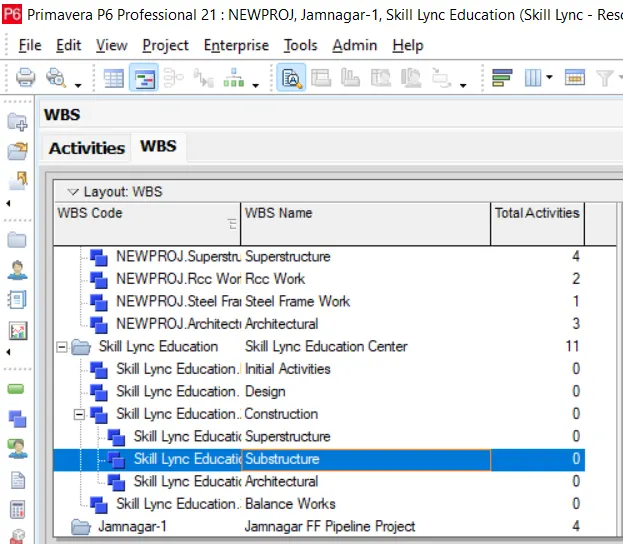
4) To create WBS go to the project tab and select on the WBS. Now the WBS Window appears.
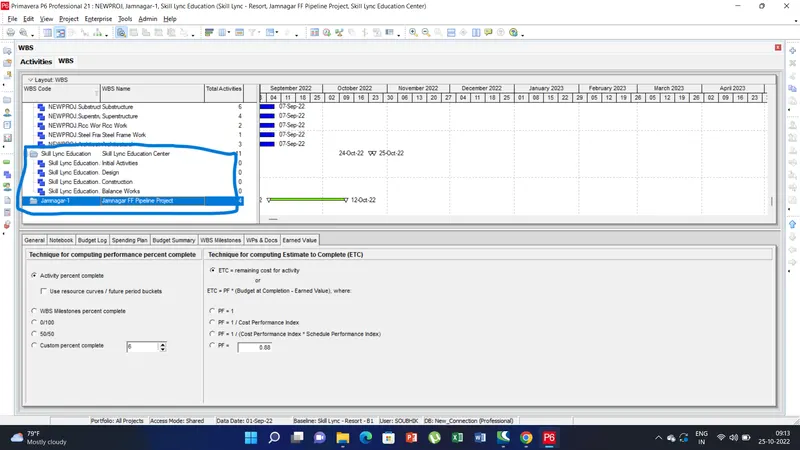
5) Righ click on the Skill Lync Education and click add and name Design, construction Balance works etc.
6) To breakdown the further WBS construction into superstructure, substructure and Architectural right click and click add and name as mentioned.
7) To assign the FF, SS go to activities there under predessors and succesors add the activities to assign the FF and SS as required.
8) To change the constraint go to the status and select the contraint option and assign for the two activities.
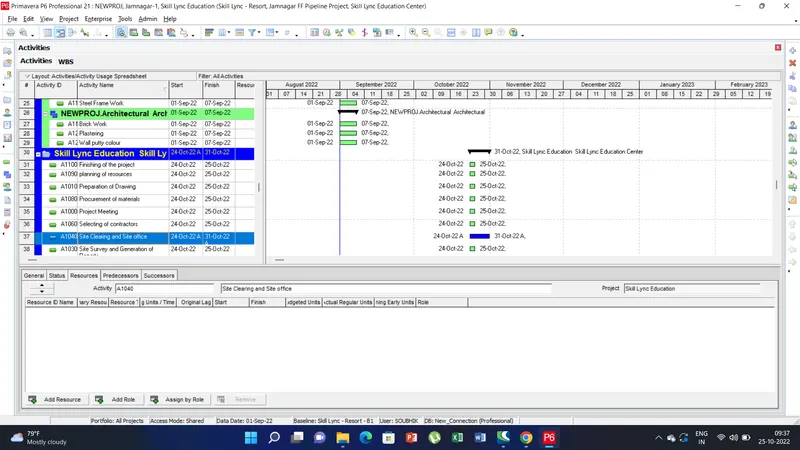
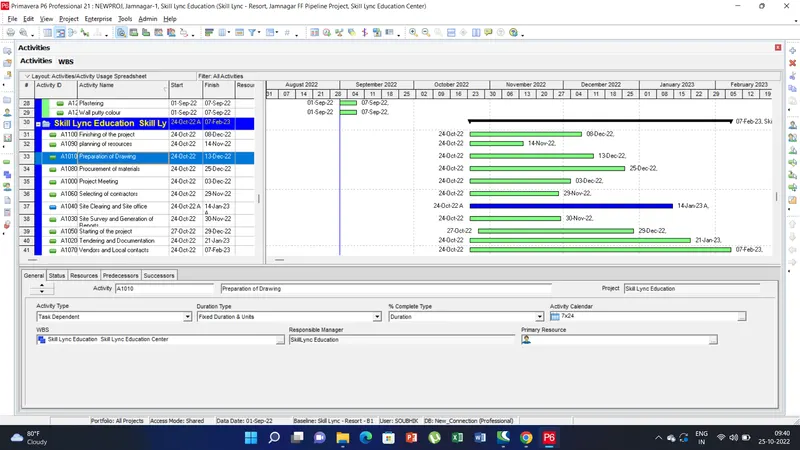
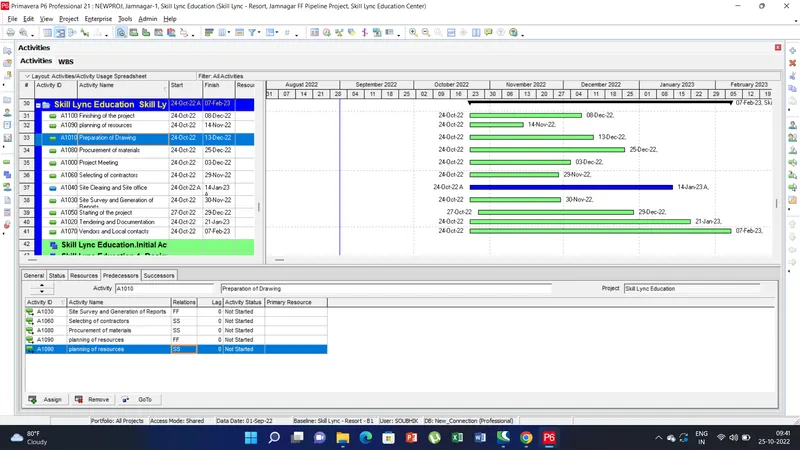
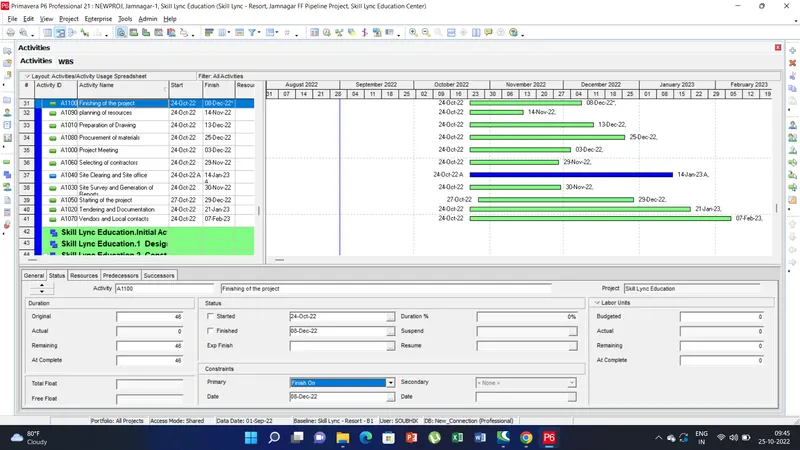
Thus in this project we understood the concept of creating EPS, Assign various activities, Creating WBS. Understand how to further breakdown the structure and know the FF, SS in the activities, contraint values. Determination of ES, LS EF etc. Understood the concept of predecessors and successors.