Project 1
Aim:To schedule the construction of a main school building (G+2).
Procedure:
Step 1
Make the EPS as “Skill-Lync Education” and OBS and assign a Project Manager
1.Enterprise-OBS- click and add new OBS as project manager
2.Open the enterprise tab-EPS-click add-rename the EPS as “Skill-Lync Education” -assign OBS as project manager-click ok
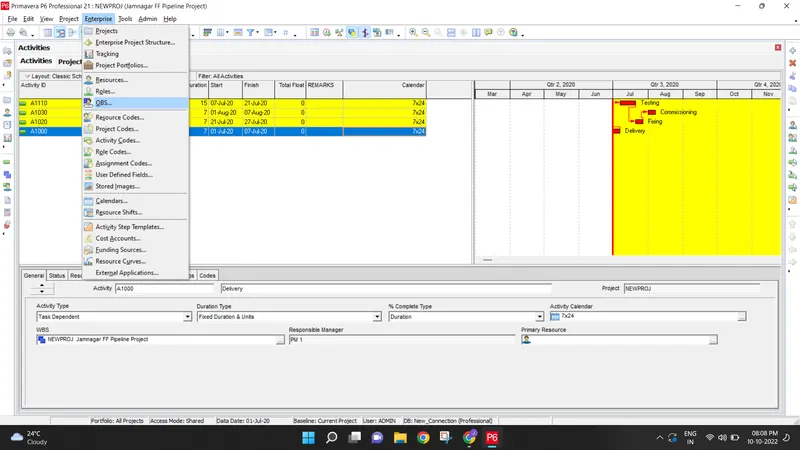
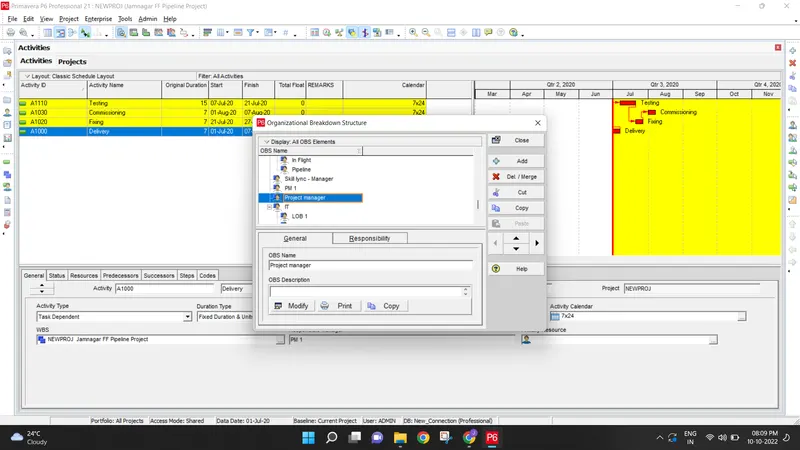
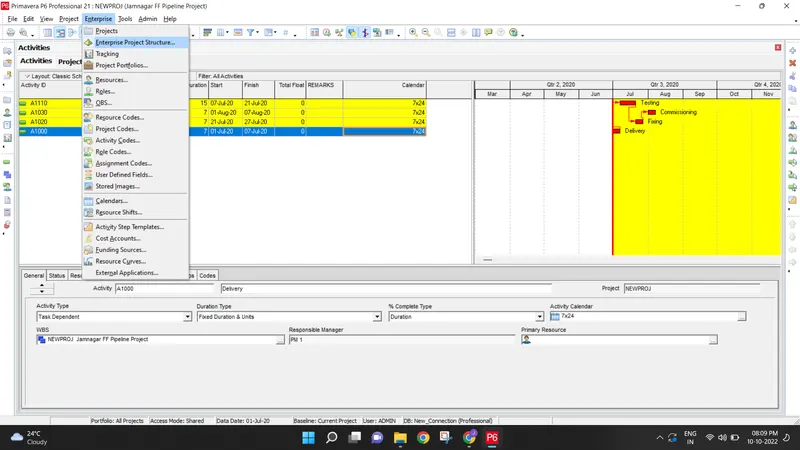
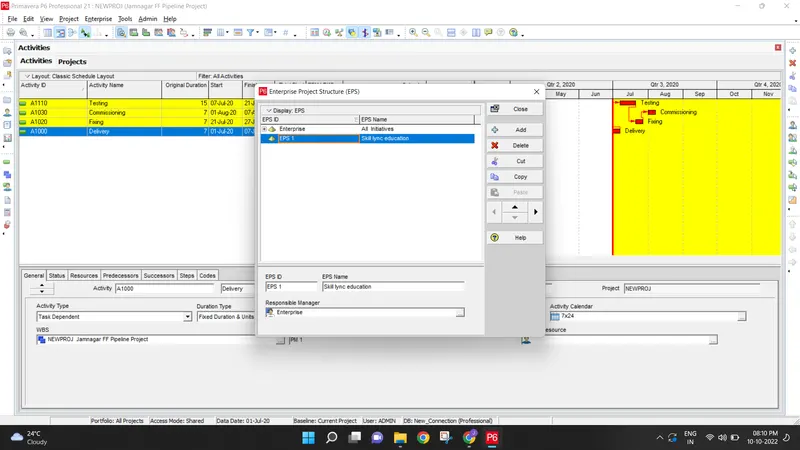
Step 2: Create project under the above EPS named “ Skill-Lync Education Centre”
File-new project-Select EPS as skill lync education-Give the project name as Skill lync education centre-give project start date as 1 oct 2020 and end date as 30th april 2023-select the resposible person as project manager -select rate type as standard rate -click finish
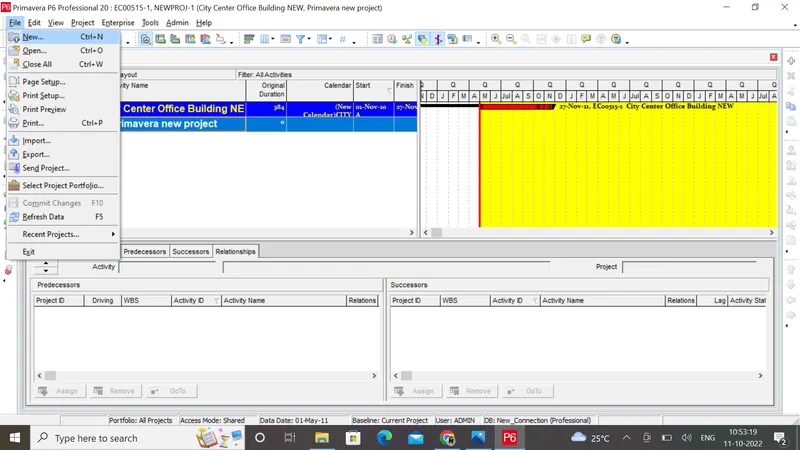
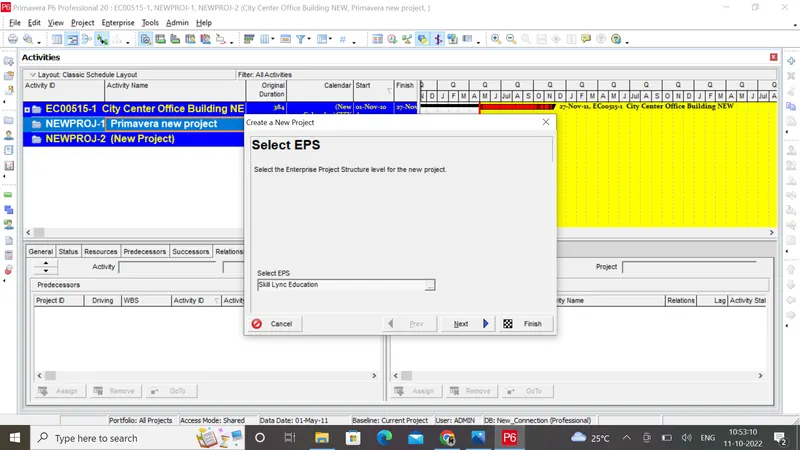
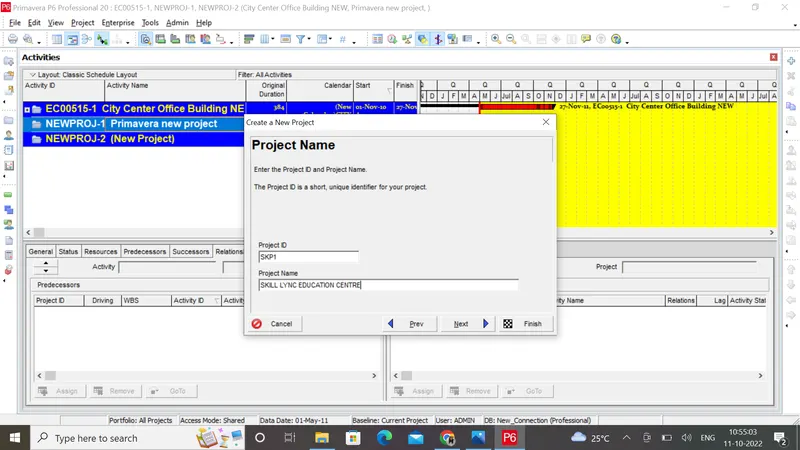
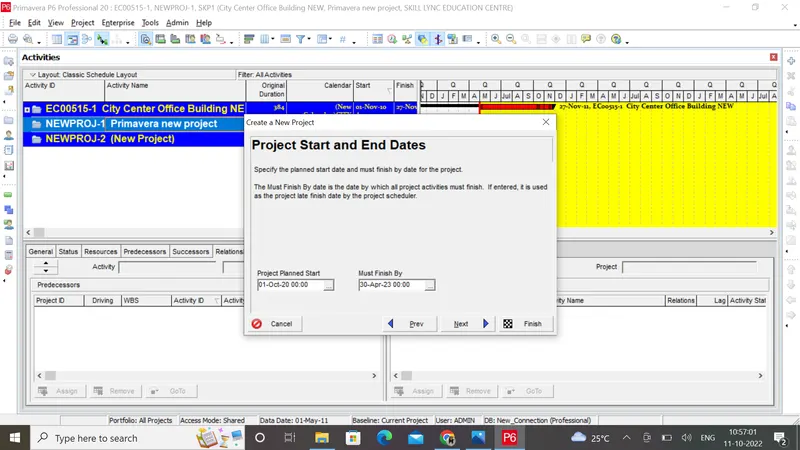
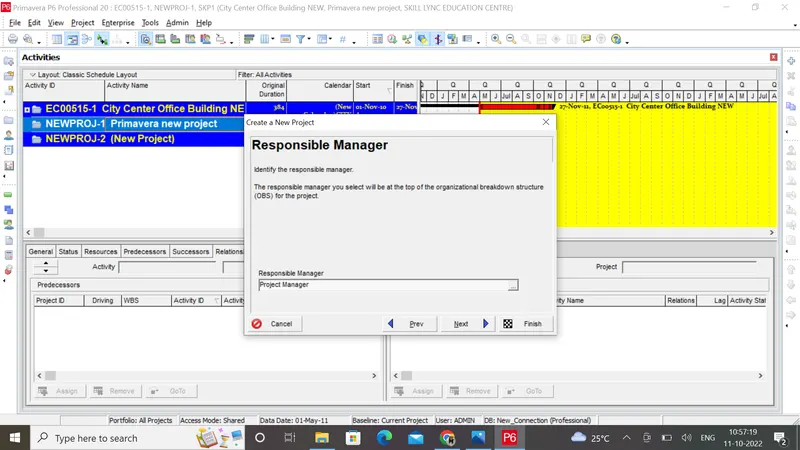
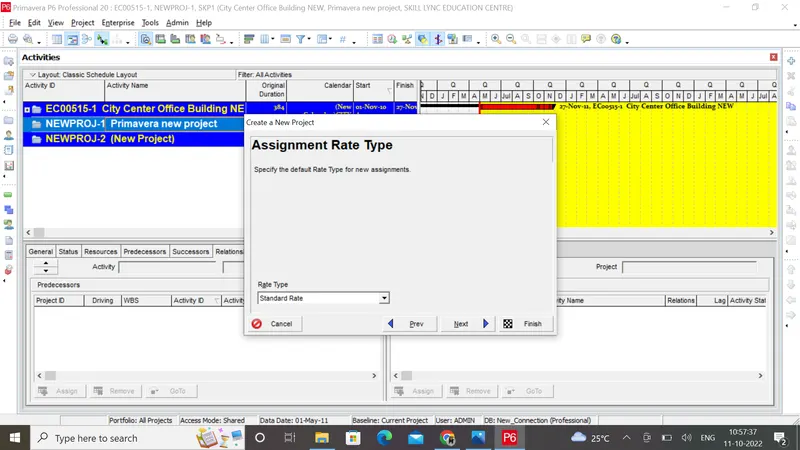
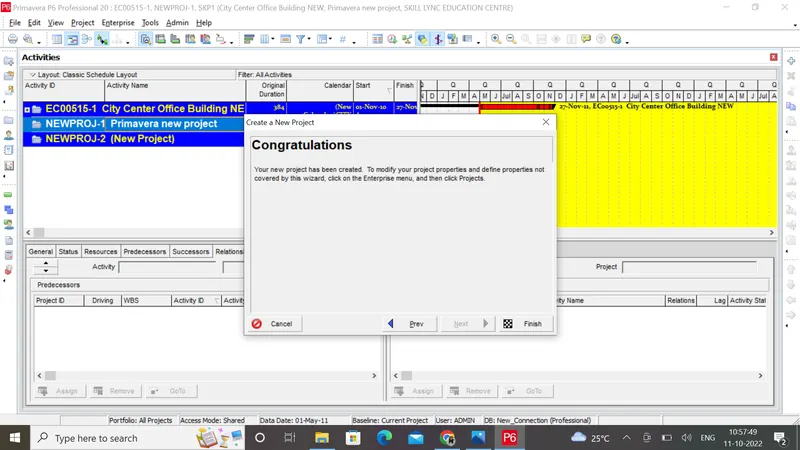
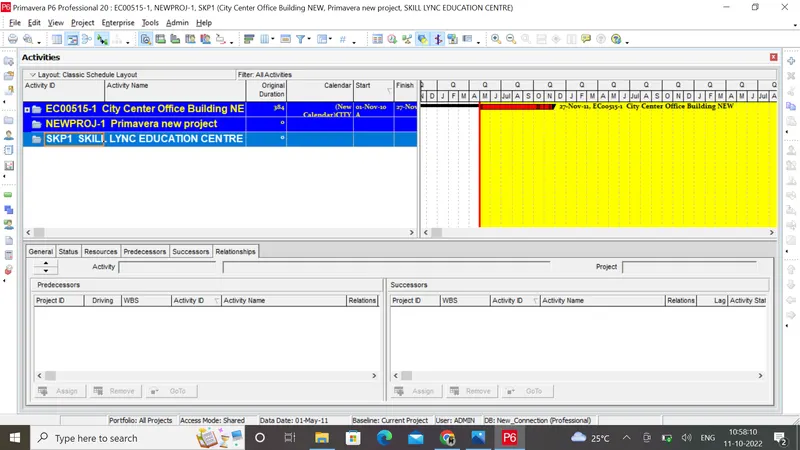
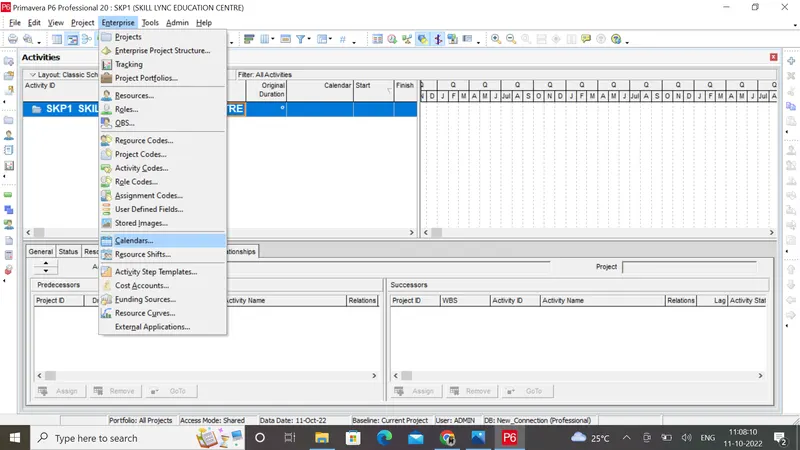
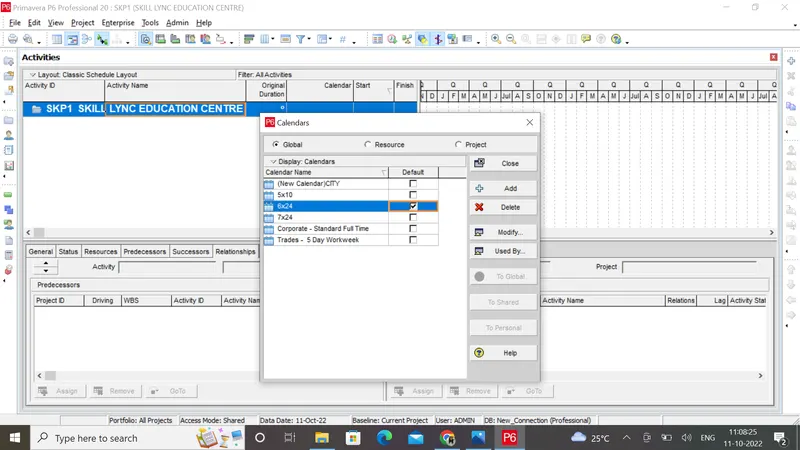
In order to create the project calendar and assign the calendar follow the steps
1)Open the Project-Choose the calendar from the tools tab- Set the work hours will be 24x6 -Go to the detailed window in the project table-Select Default tab-Assign the calendar 6 x 24 to the project
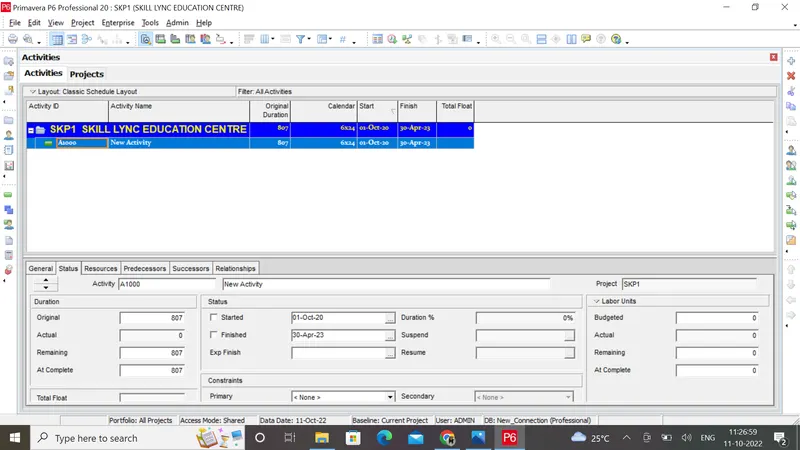
Step 3&4 -Creating WBS as - Initial Activities , Design , Construction and Balance Works and also creating 50 activities
Procedure
Go to the project menu and select WBS-Add suitable WBS as mentioned in the question
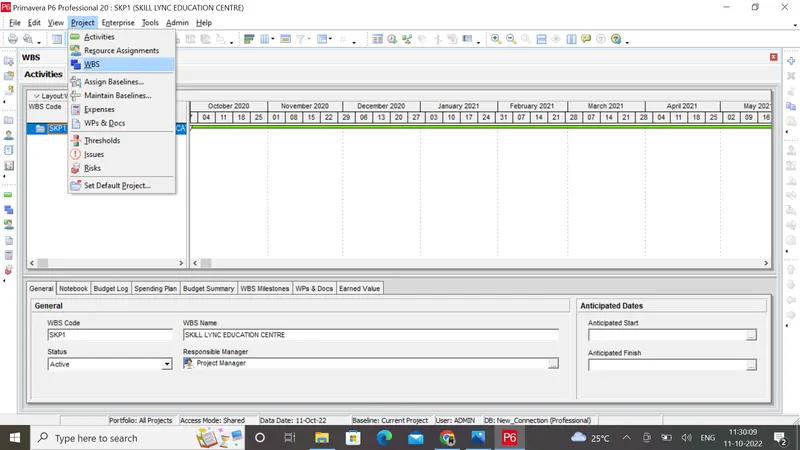
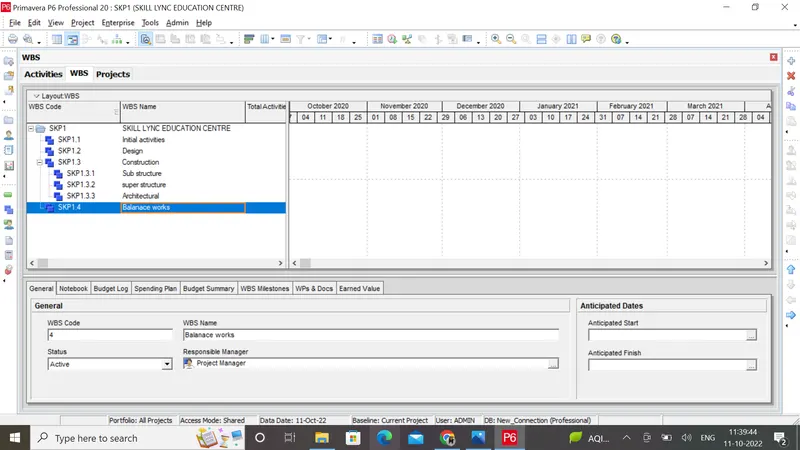
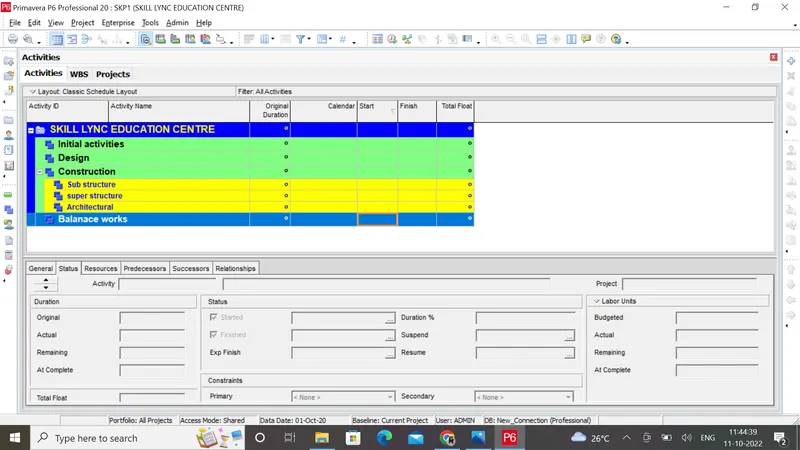
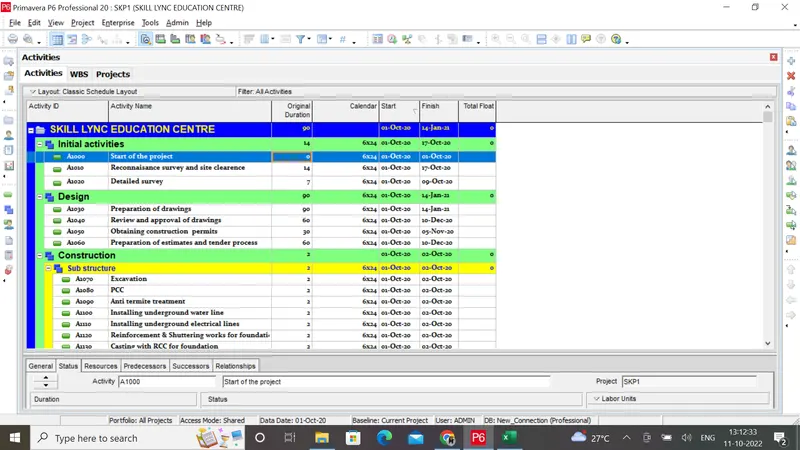
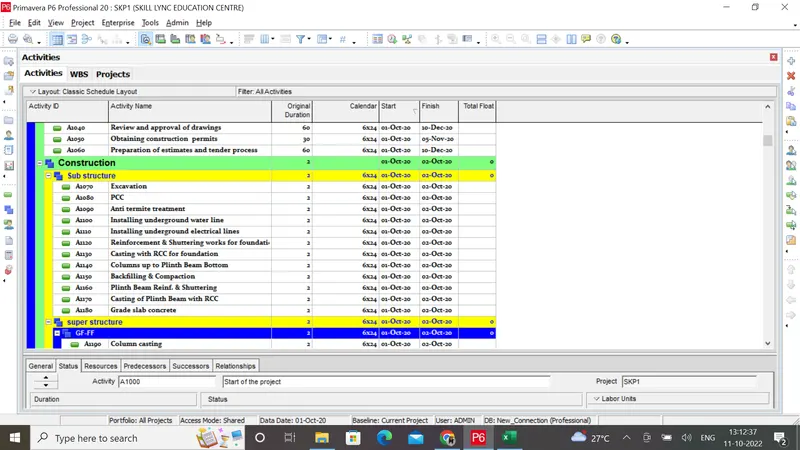
In order to add activities right click on the plus button and add activities accordingly
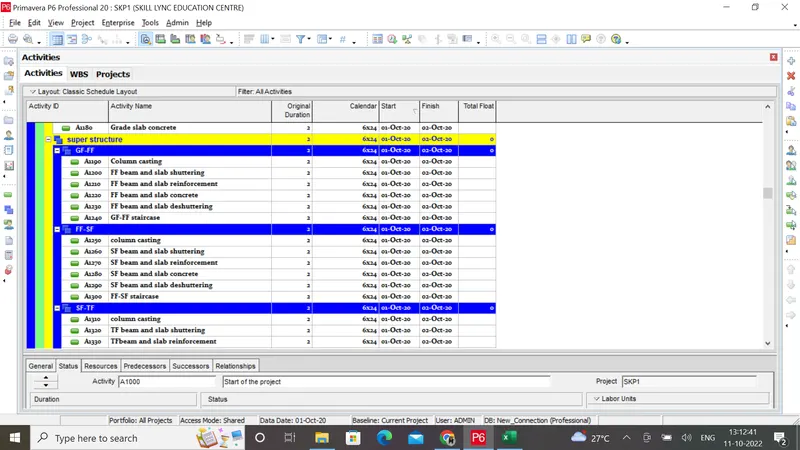
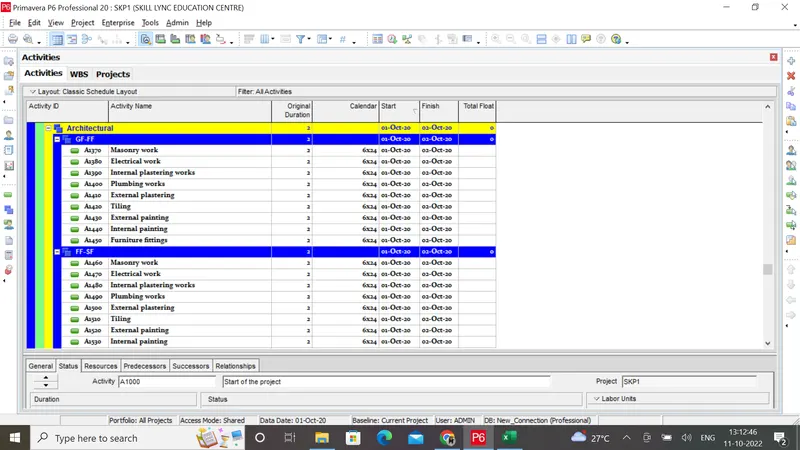
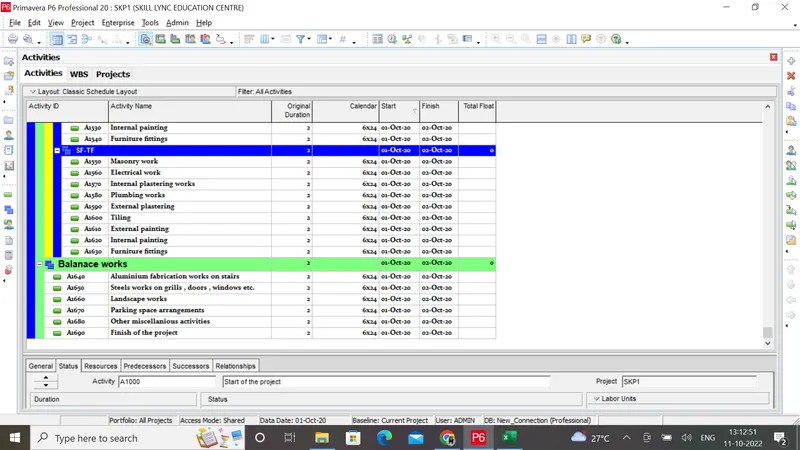
Step 5& 6
Please find the following WBS structure for better understanding
Give duration for the activities accordingly
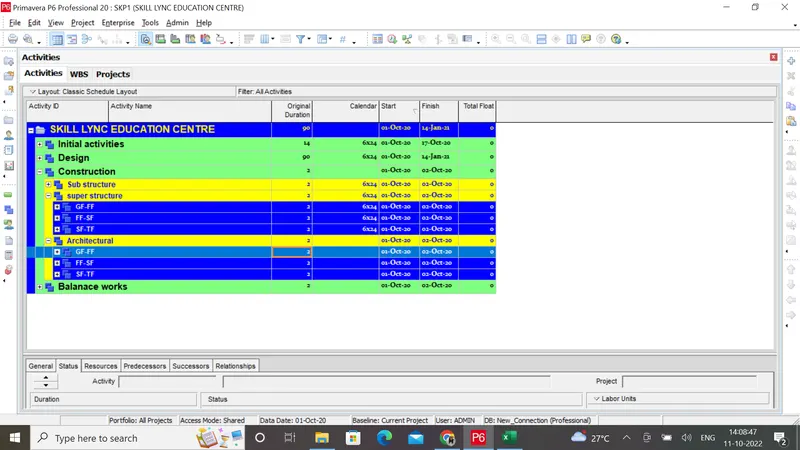
Step 7
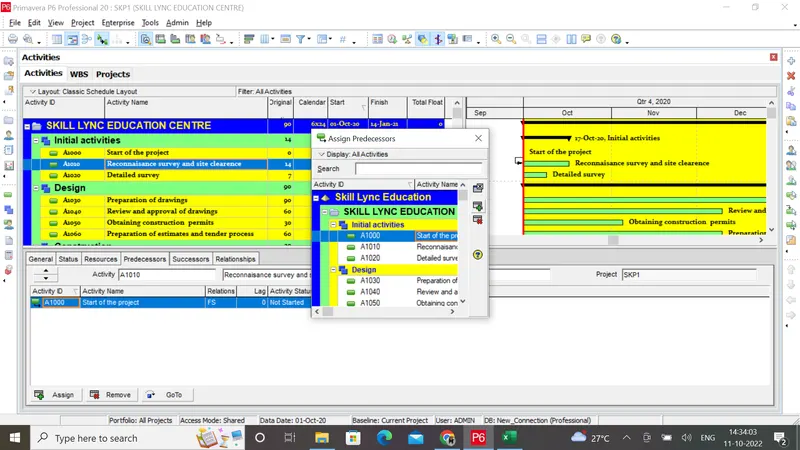
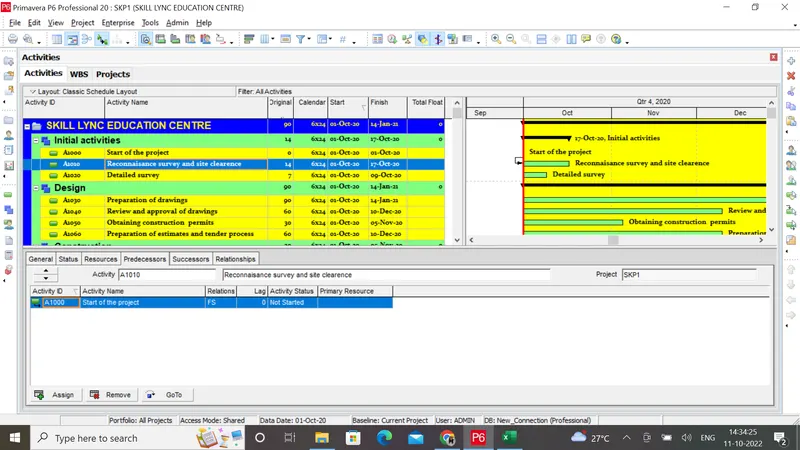
- Give the activity relationship (Add the predecessor's column or use the Gantt chart)
- Use the activity link (FF,FS, SS or SF)
- Give the lead and lag where ever necessary
- Check all the activities for float <35 by customizing the activity table
Step 8
After assigning duration and relationship to all activities go to tools and schedule
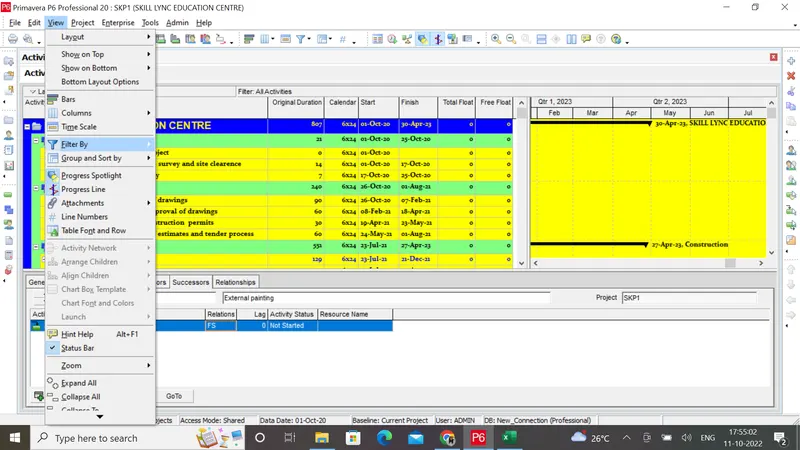
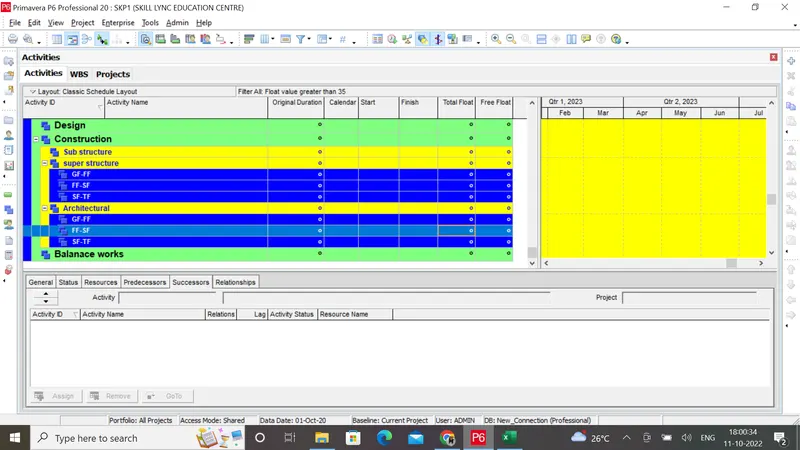
Check any activities which is having float value of more than 35 using filter option.
Go to view-filter by-create new filter-rename it as float value greater than 35 - click apply and ok
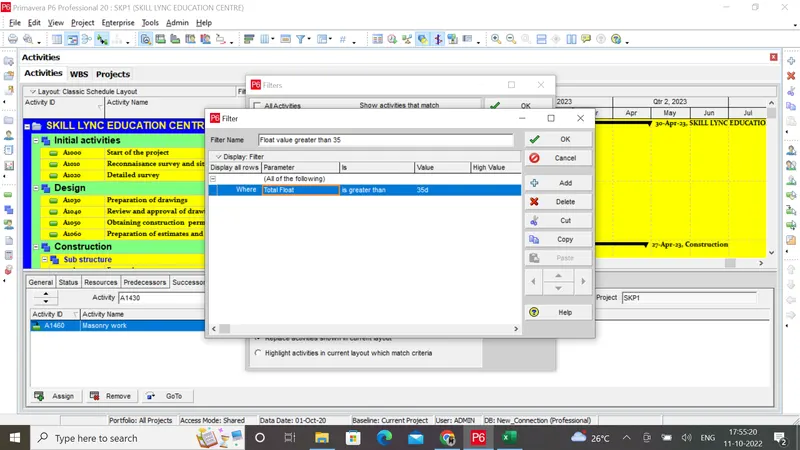
The result is shown in the following screenshot
Step 9
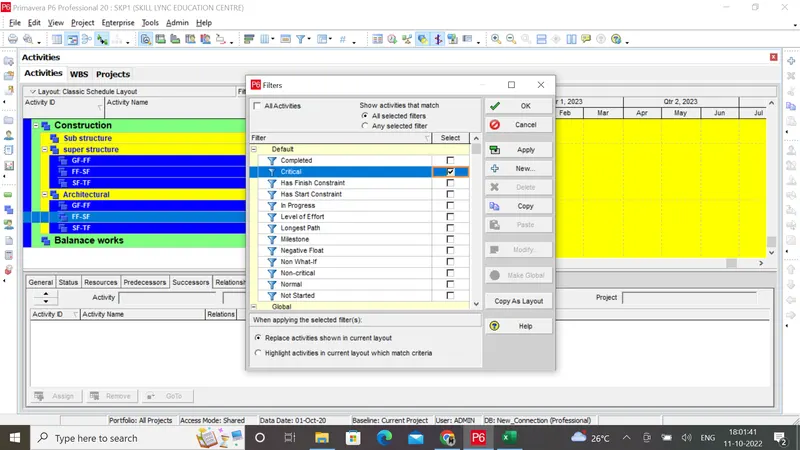
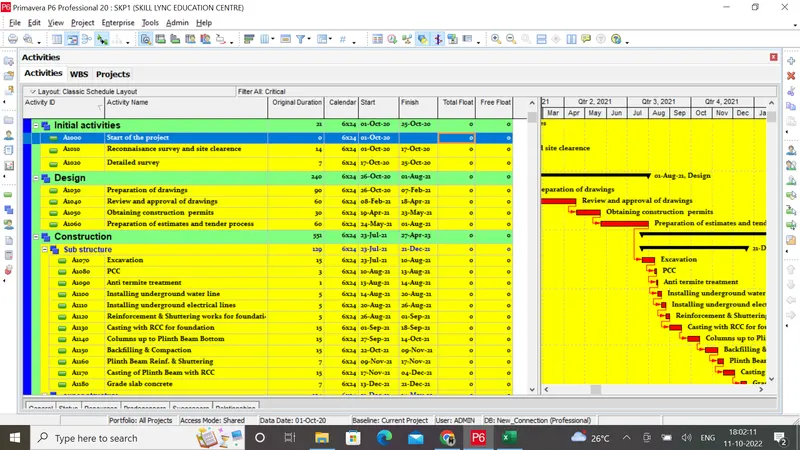
In order to filter all critical activities use the filter option again
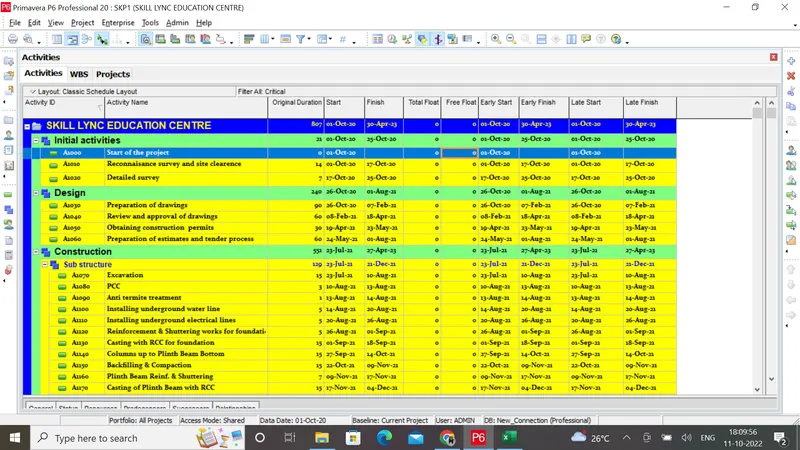
Step 10 Determine Early / Late - Start / Finish dates
Click on view and select Filer By-Give the critical in filters and click the apply button-Customize the activity table for LS,ES,LF,EF
Step 11
All the activities are intervals of 10
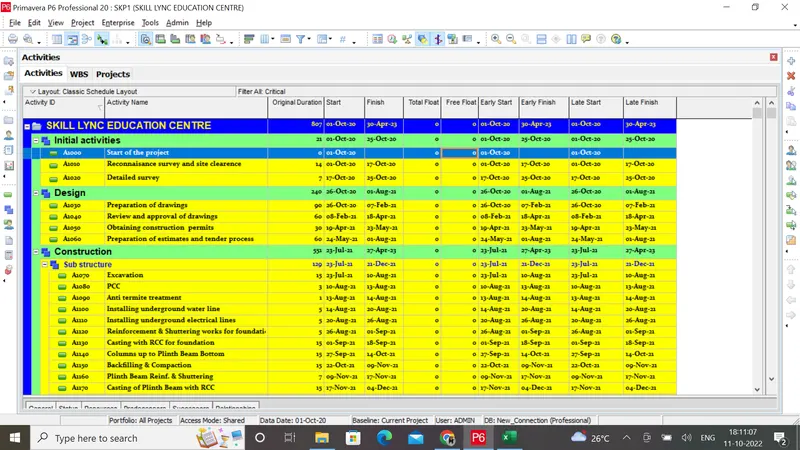
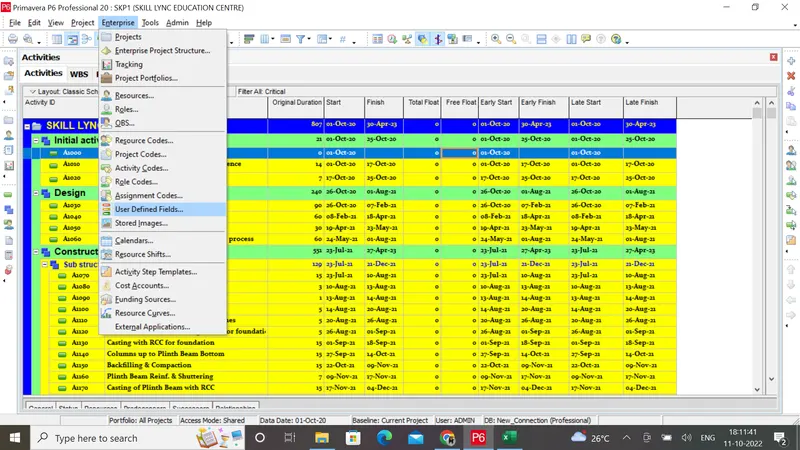
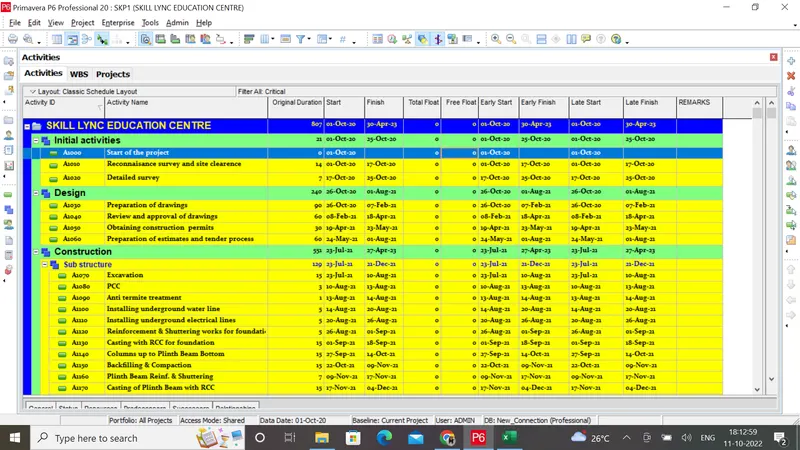
Step 12: Assign a user defined field suitably
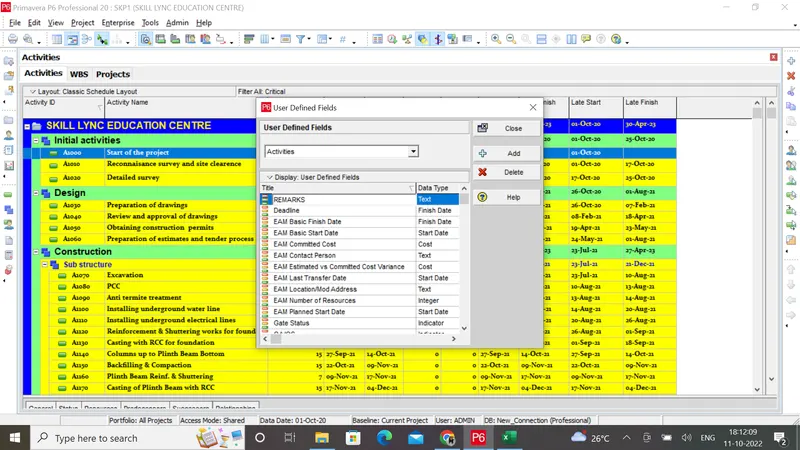
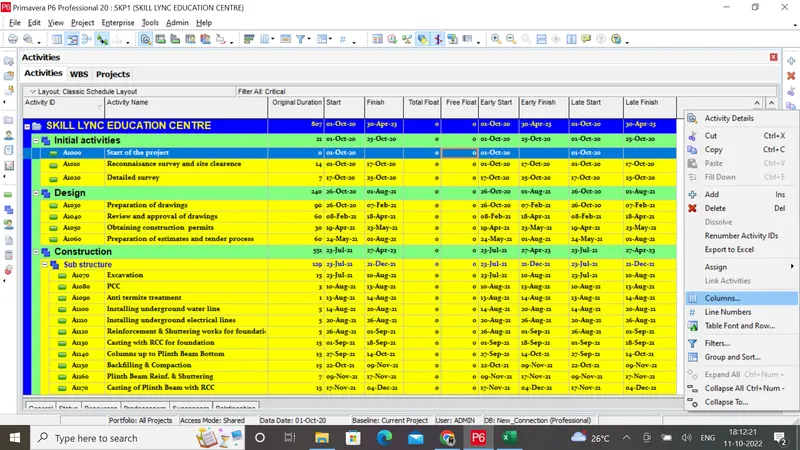
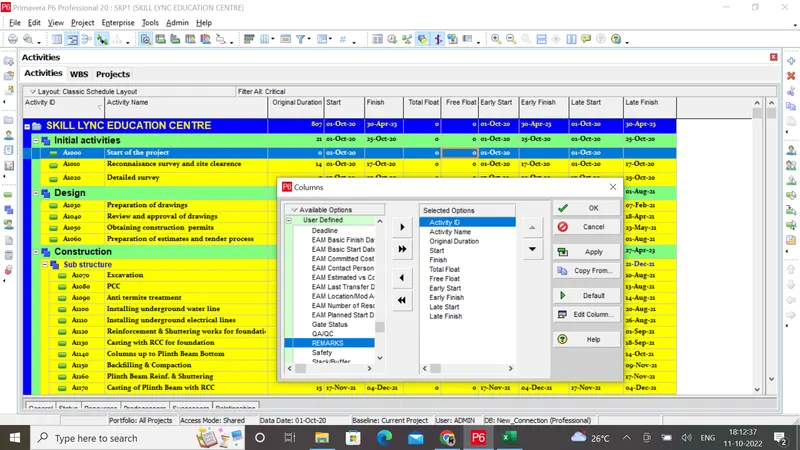
Step 13
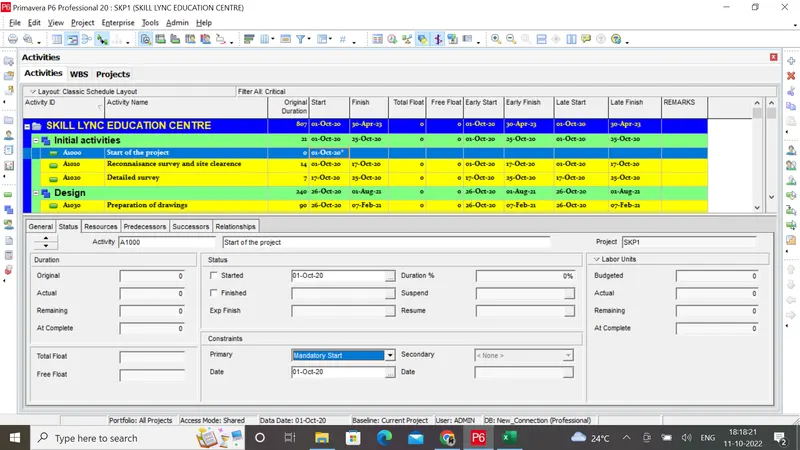
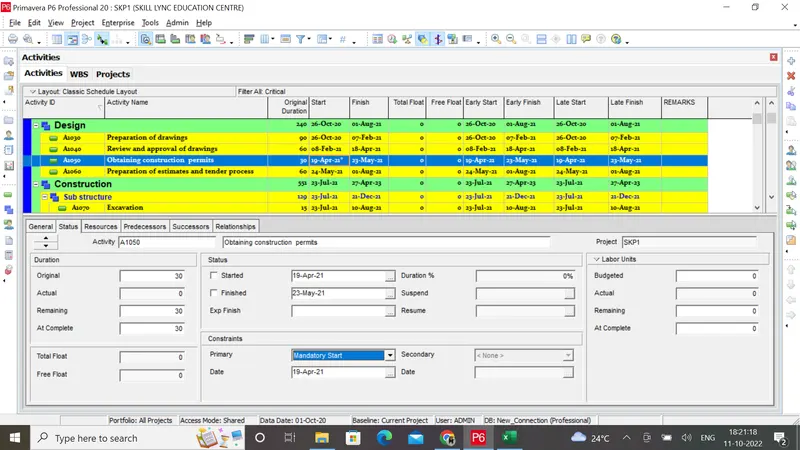
At Least 2 activities must have constraints (Excluding start)
Defines constraints to the dates if required
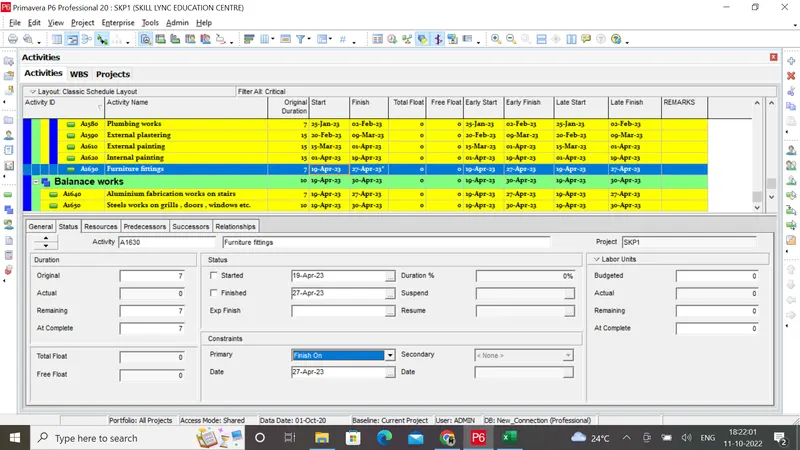
Step 14 :
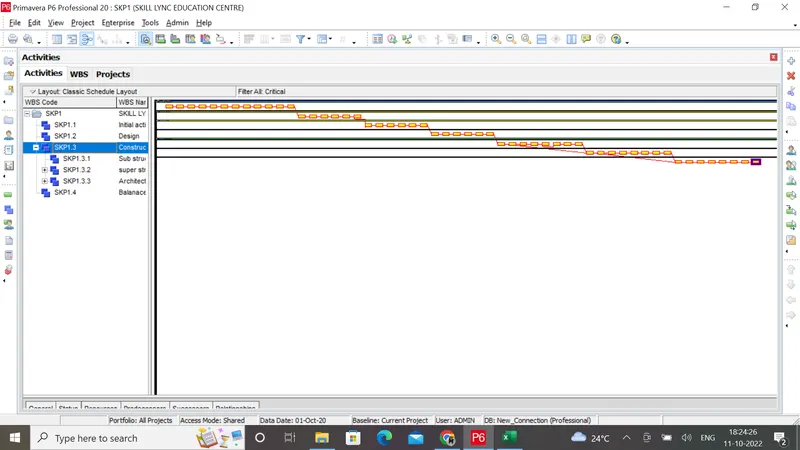
Result:The schedule to construct the School building(G+2) has been done