Project 1
AIM: To route the Wiring harness on the Engine provided in the below link and prepare flatten view drawing in CATIA V5. By following the packing rules,
INTRODUCTION: We are using some practical routing and packing laws by understanding the thermal zones, wet zones etc.. by using clips and clamps we are designing the wiring harness routing and packing using Catia V5.
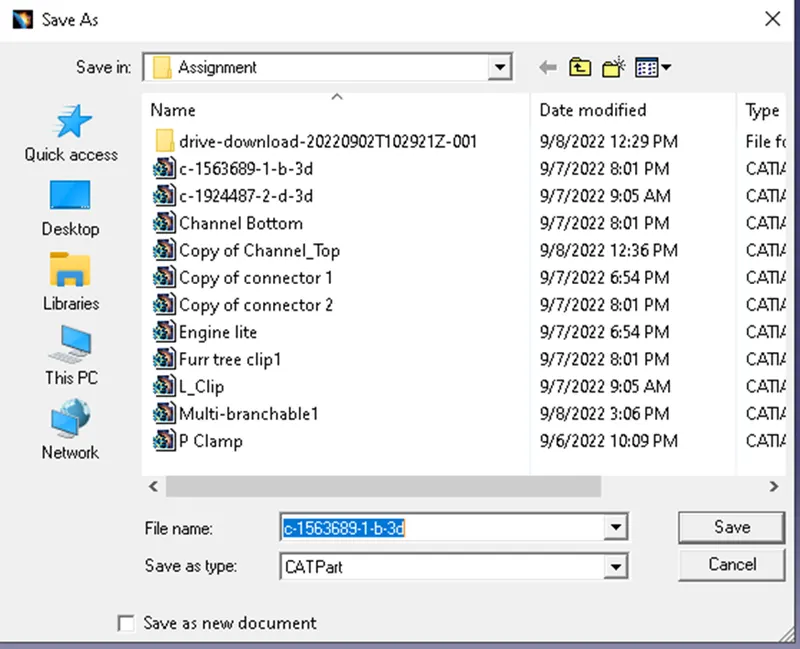
STEPS: for c-1563689-1-b-3d
- First, we should all the connectors and clamps electrically.
- Download the connector in .igs format from the link provided. Extract the zip file and load the .igs file in Catia V5 and save the part in CAT part format.
- Extract the zip file and load the .igs file in Catia V5 and save the part in CAT part format.
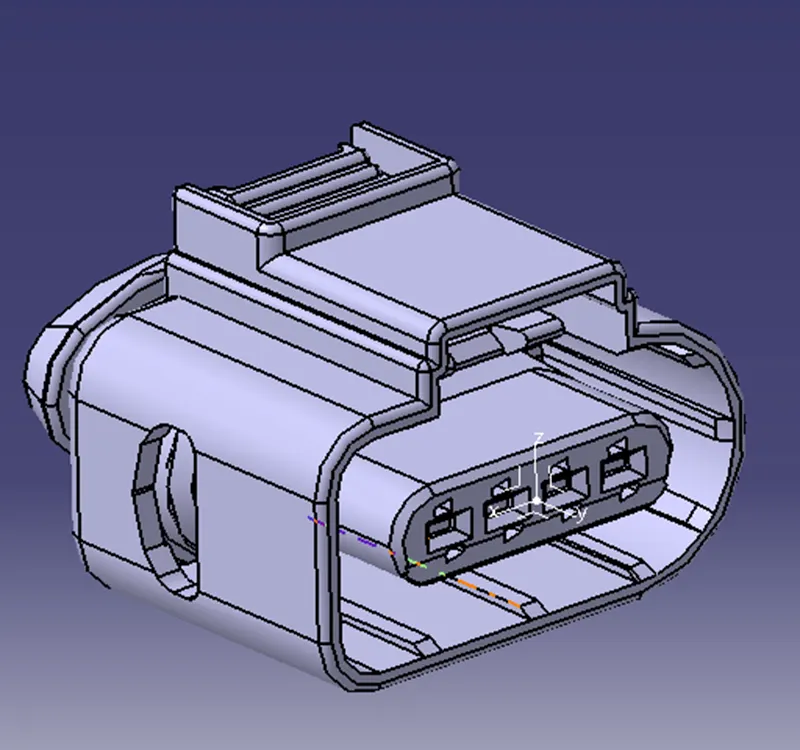
3.In Part design, Using Point definition create a mid-point to the facing of the connector and open axis system definition and select the mid-point that is created. align the axis in such a way that the Y-axis should be perpendicular to the face of the connector. Please refer to the images below and arrange the axis in the same way by rotating them.
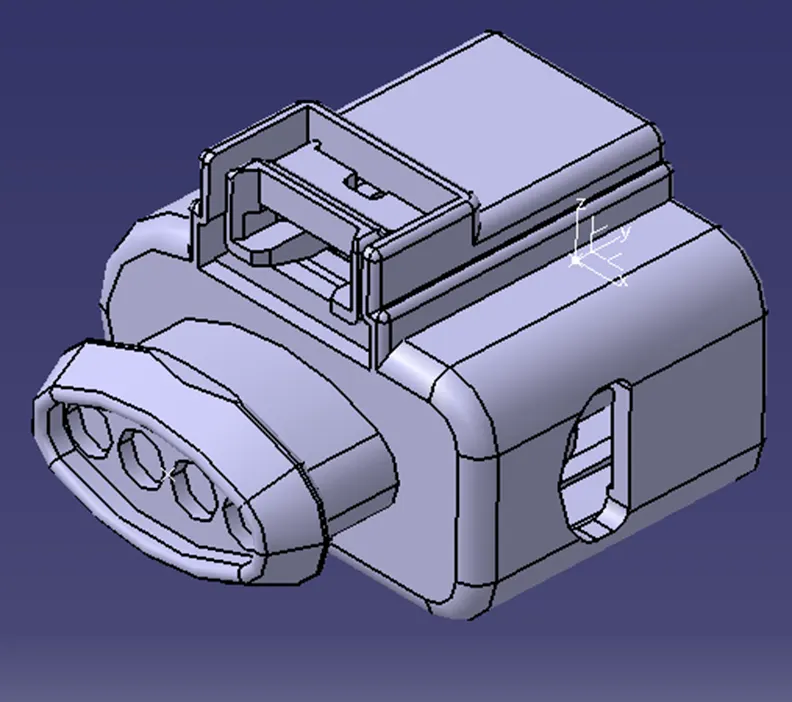
4.Using point definition, create a mid-point to the back side of the connector where the bundle connecting points are present. It is a 4 point connector. Refer to the image below.
- Now save the file and switch from Mechanical Part workbench to Electrical part design work bench.
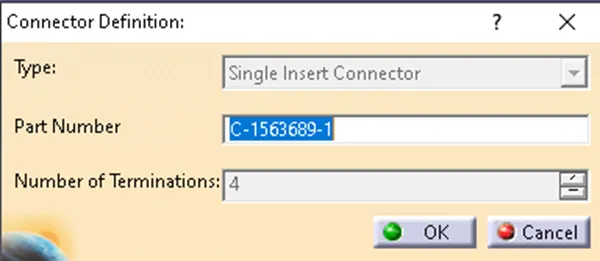
- In electrical design work bench in Electrical device definition select "define connector" and select the part in design tree. now define the type of connector, name of the connector and number of terminations as 4 and click OK.
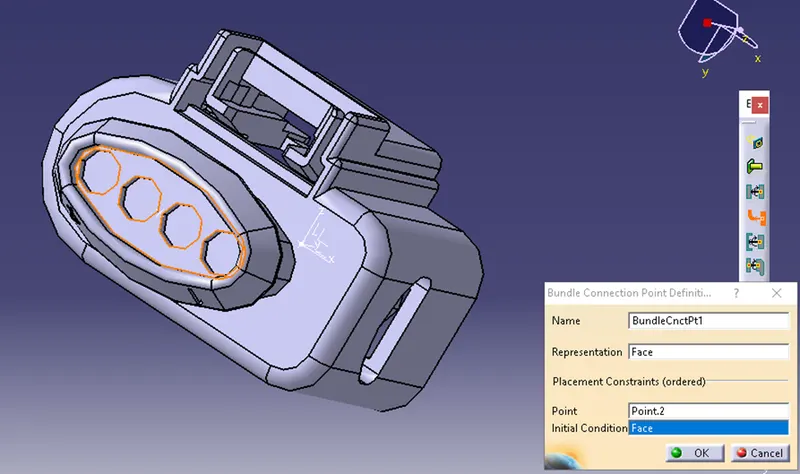
- Now in electrical connection point definition, select “Bundle connection point definition” , select the part and represent them as below.
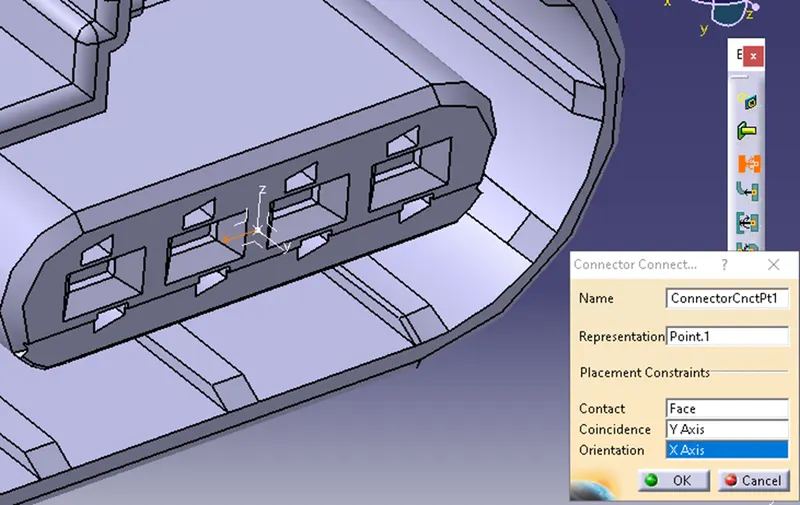
- select "define connector connecting point" select the part and define the properties as following image.
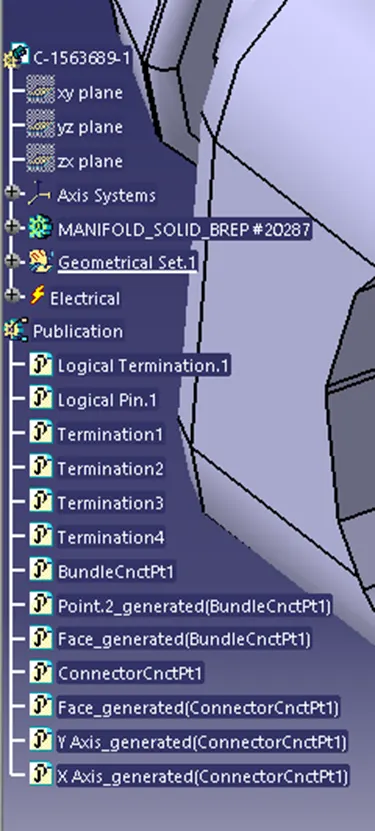
Now save the file and the electrical properties are defined. and reflected in design tree under publications.
CATALOG:
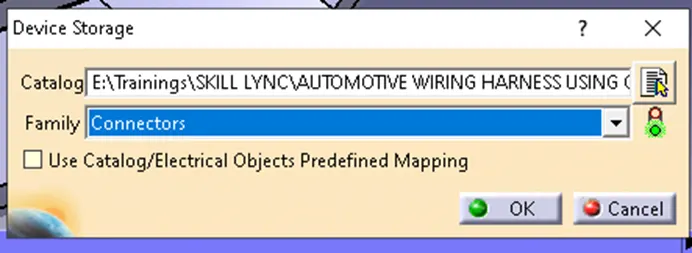
Now select the device storage and the the connector to the catalog.
Now repeat the same for other connectors and add to catalog.
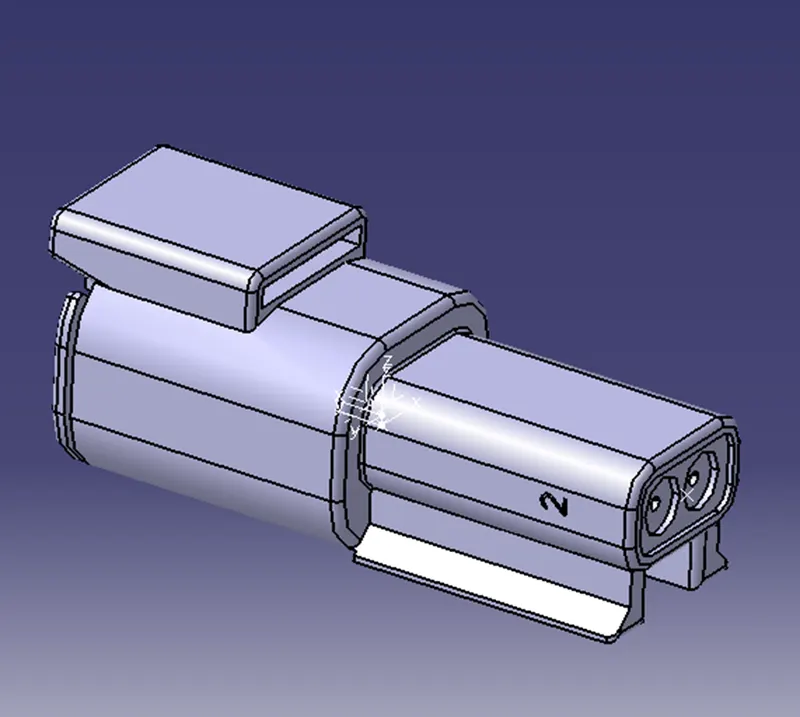
2-Pole connector.
12-Point connector
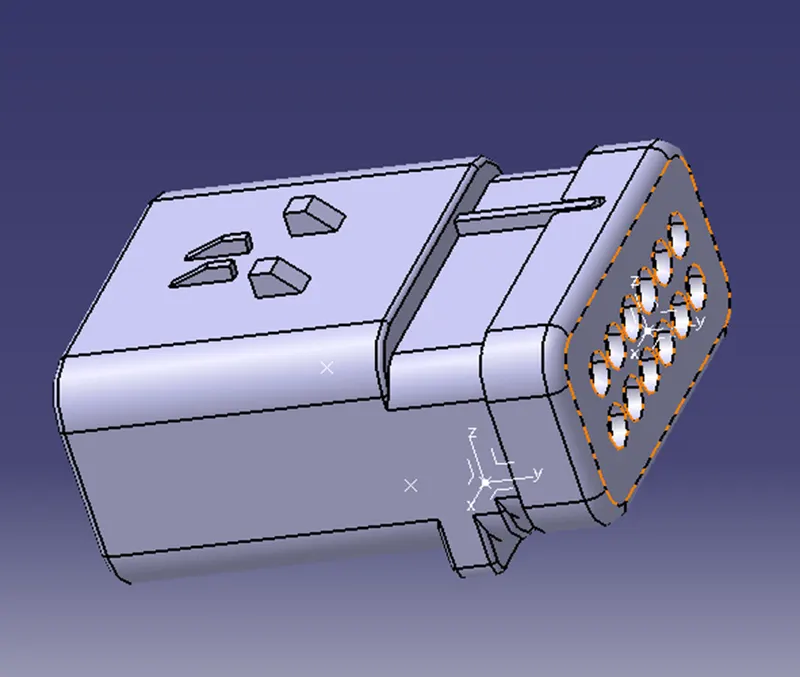
But for this connector we should also define cavity connection point so that we can add cavity using connect electrical devices.
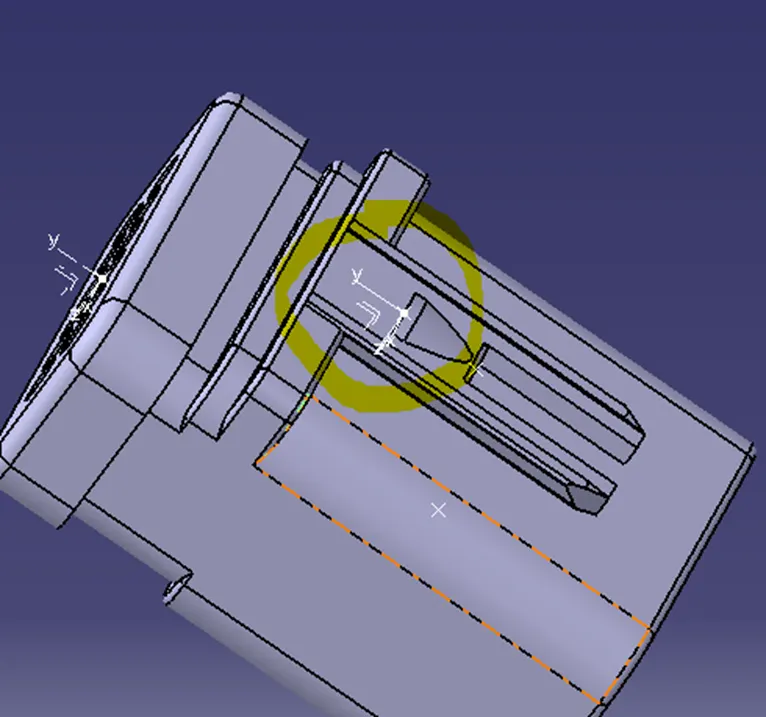
C-1924487-2: Now in the same way we have generate cavity axis and point for the following part where it is going to meet the connector
Now save and switch to electrical part design and select Define Mounting equipment and select define cavity and select the part and define them as following.
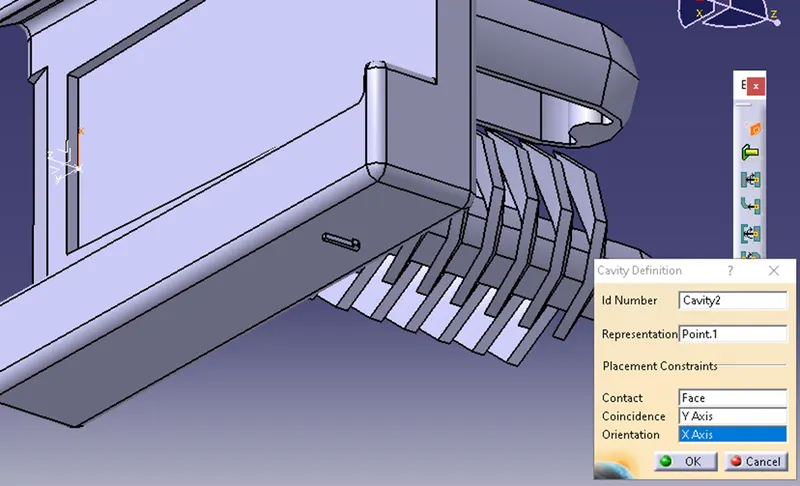
Now create a new Product file with name Inter connection unit and by using existing component add the connector and cavity.
Now select “Connect electrical Devices” and connect connector with cavity.
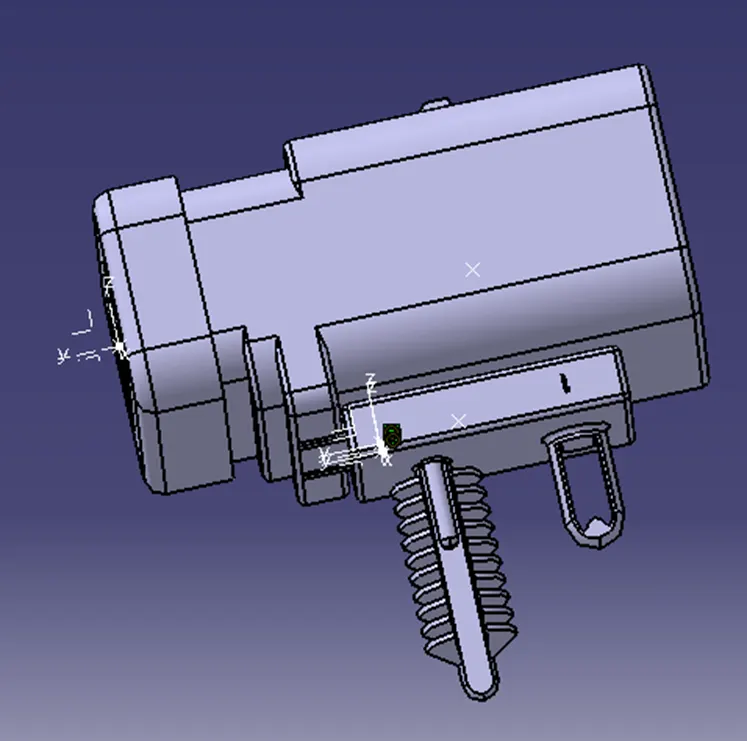
CLIMPS and CLAMPS:
Now we will define P-Clamp and Fir tree clip electrically as following.
- P-Clamp: P-clamp is used in vehicles to fix the harness to the body so the harness will be stable.
There is a rubber casing inside the P-clamp which helps to protect harness from damage which may occur due to metal part of the Clamp.
Following are the steps to define P-clamp properties.
STEPS:
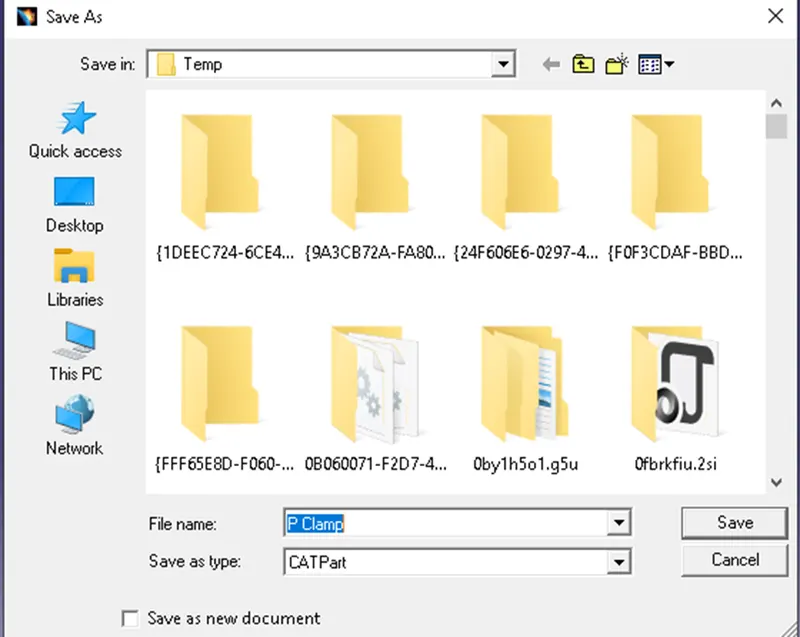
- Download the P-clamp from the drive link provided which is. igs format. Now load the file in Catia V5 and save it as .CATPart format.
- For P clamp using Point definition and plane defination we need to create the following points and planes using Mechanical Part design.
- Entry Point & plane
- Base Plane
- Exit plane
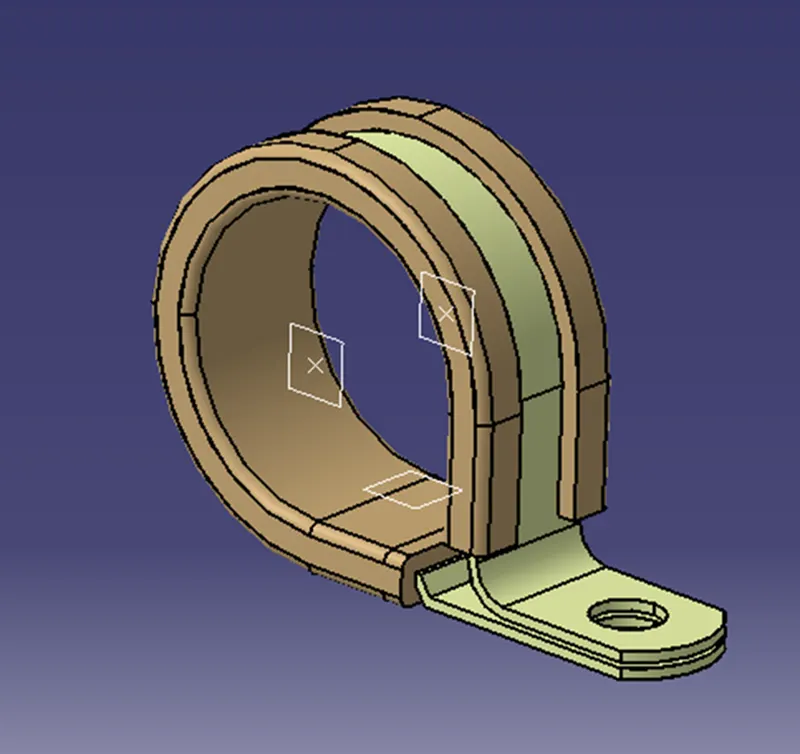
- Now save the file and switch from Mechanical part design to electrical part design workbench.
- Now from “Electrical support definition” select “Define support part” > Select the part and define them as following selections and click ok.
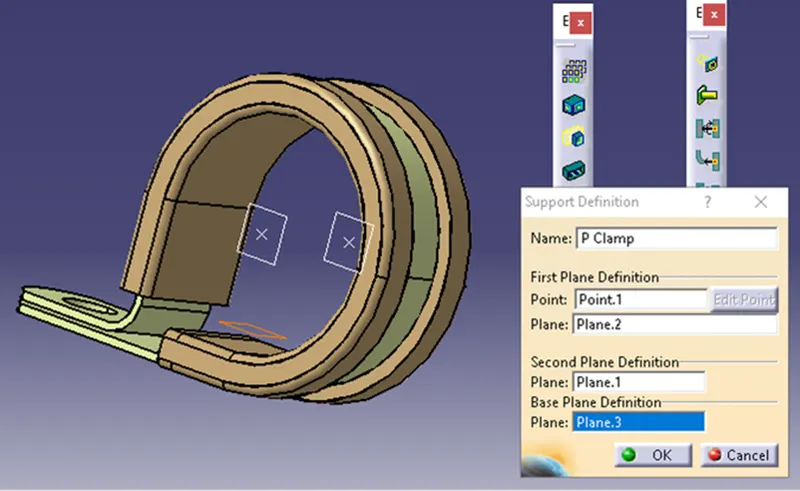
- Again, click from “Electrical support definition” select “Define support part” > Select the part and define them as following.
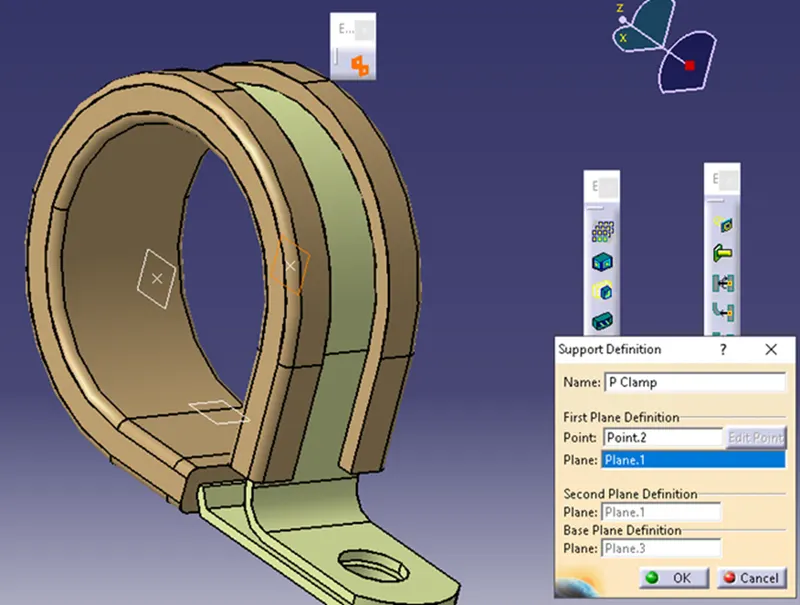
- Now we have successfully defined all the properties of the clamp. Save the file and save it to the catalogue which was created.
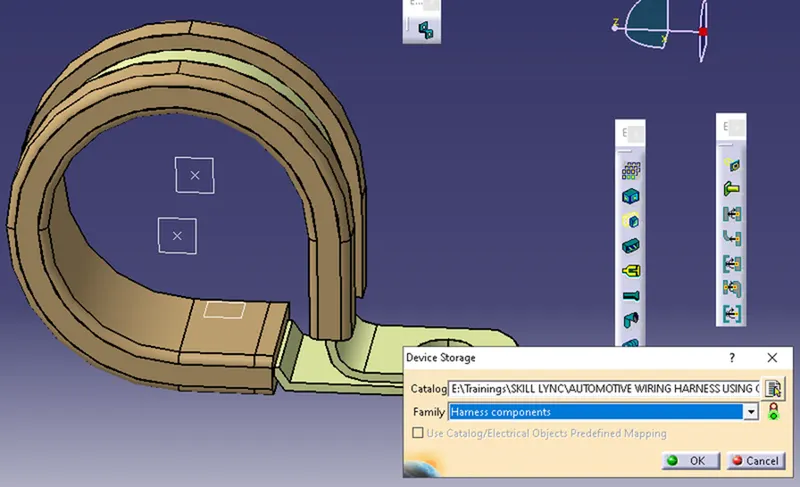
- Design Tree:
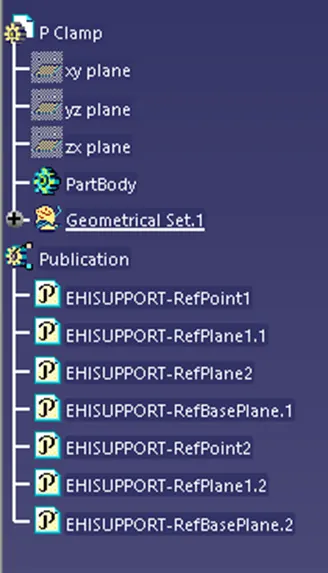
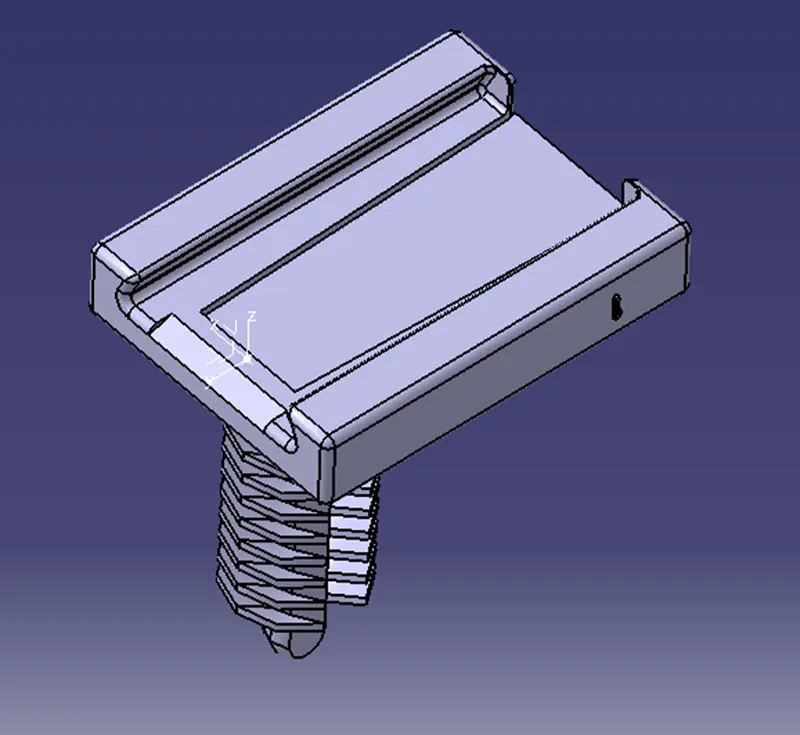
Fir Tree Clip: In the same we as P-clamp define Fir tree clip.
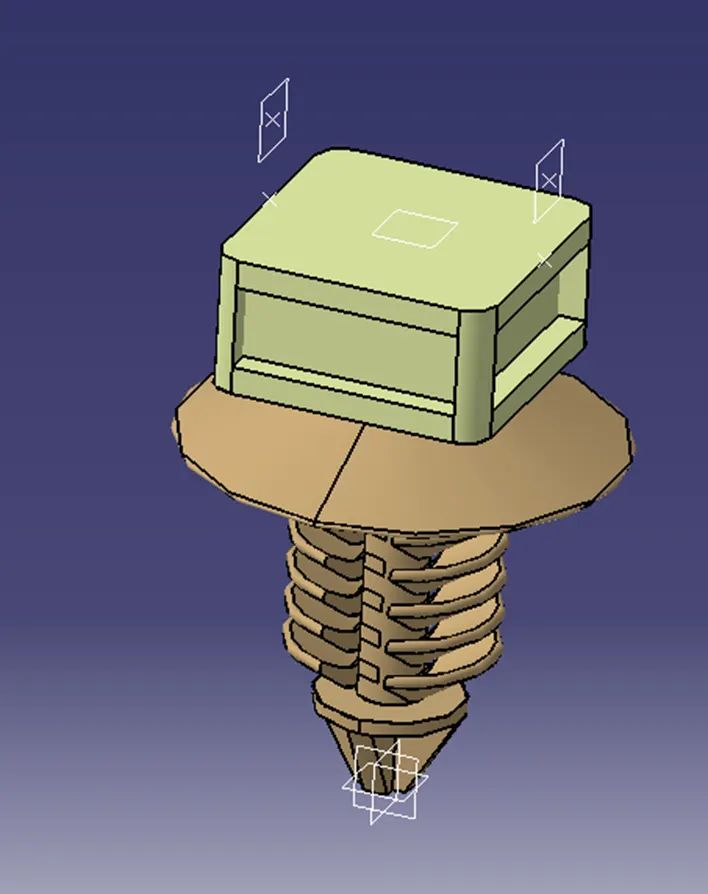
CHANNEL BOTTOM: Now in the same way
PACAKIG AND ROUTING Harness under assembly:
- Now we create a main Product file with name Engine harness context and under which we need to add existing components “Engine v16” and “Assy_eng_geo_bundle”.
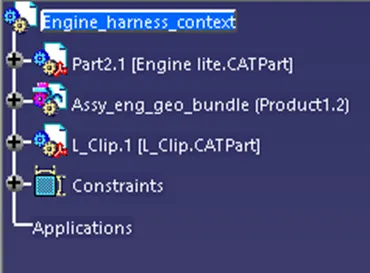
- Now we need to and all the P-Clamps connectors and fir tree clip in the Assy_eng_geo_bundle. And add connectors with 4 pole to the Engine cylinders plugs and add 2 pole connectors to the other sensors like engine cooling segments add Position the P - camp and Fur tree clip according to the slots provided using manipulation tool on the engine if necessary we can demand for other slots. Now pattern them according to the zones.
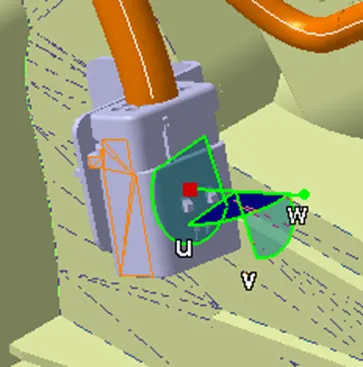
- Now decide a interconnection point from ECU to engine it act as a junction point so we have decided on the right side using L clamp and mounted connector with cavity as below.
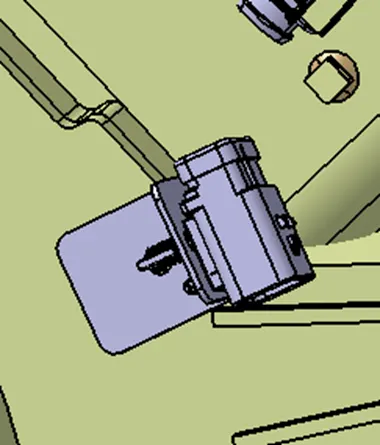
- Now all the connectors and clips and clamps are added on the engine we can demand for additional clips and clamps if required.
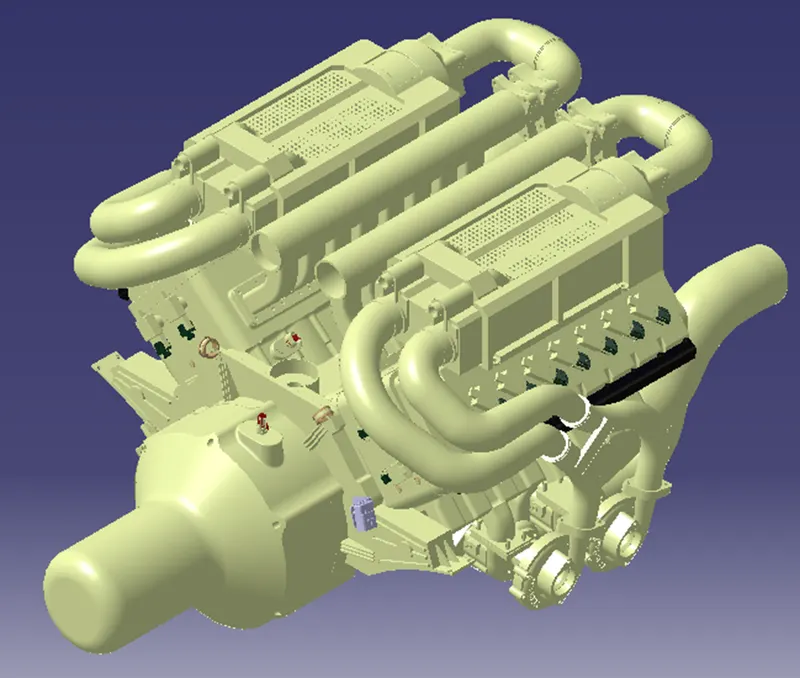
- Now we are in “Electrical harness assembly” define the geometrical bundle and select multi- blanchable document and select “Define branch”. And select connectors and clips and clamps by giving the diameter, bent radius and define the routing.
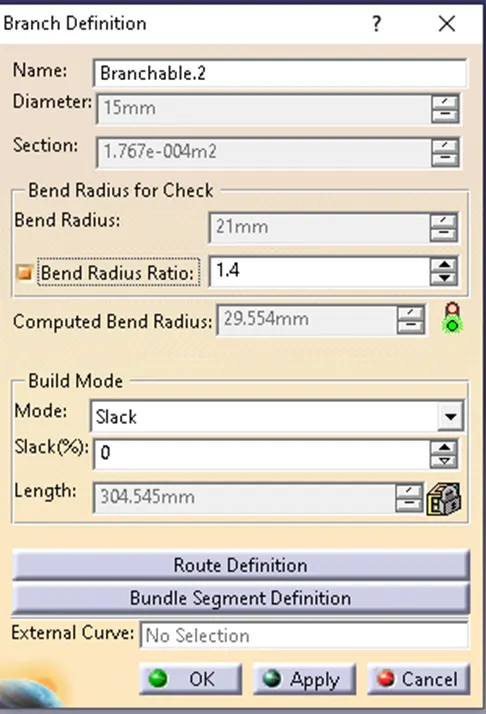
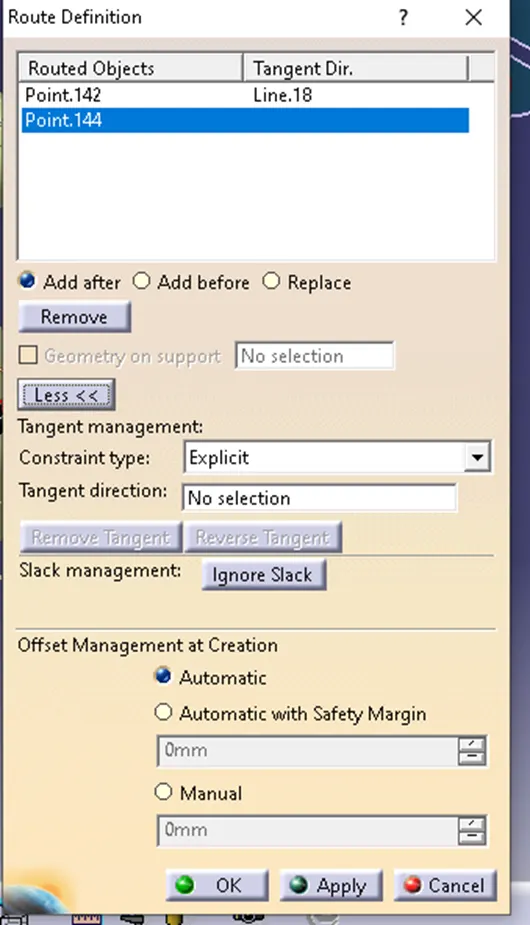
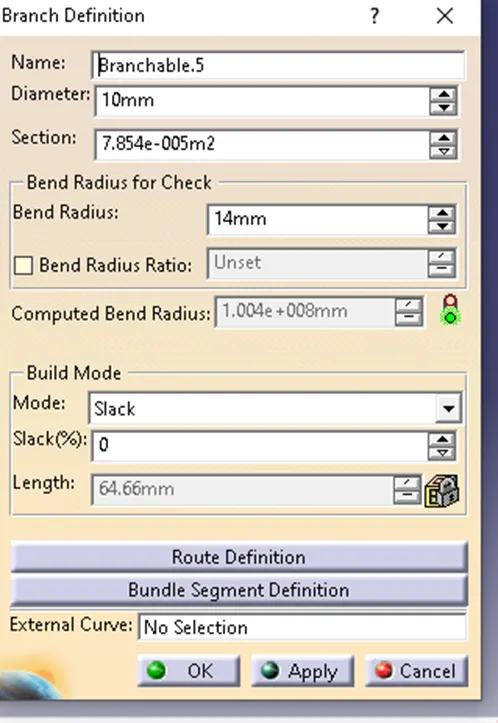
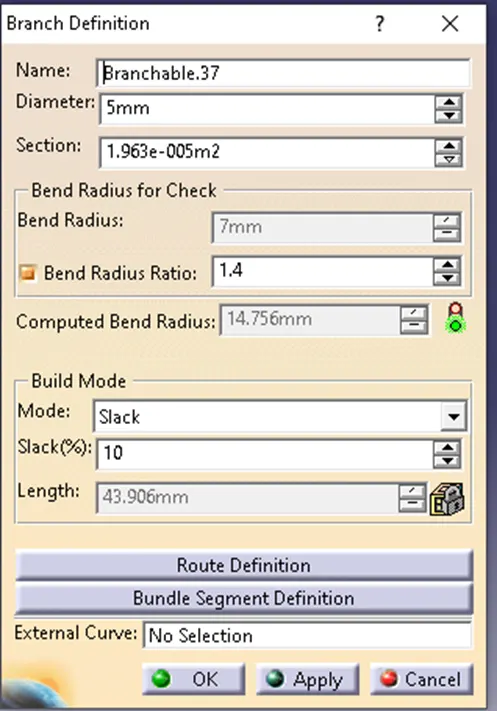
Also define the Top and Bottom channels and route all of them under geometrical bundle as below.
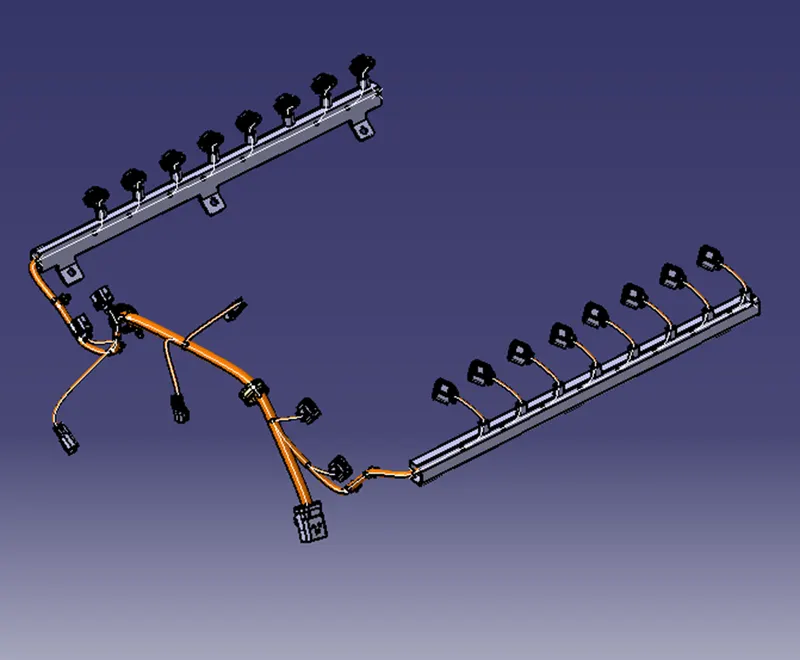
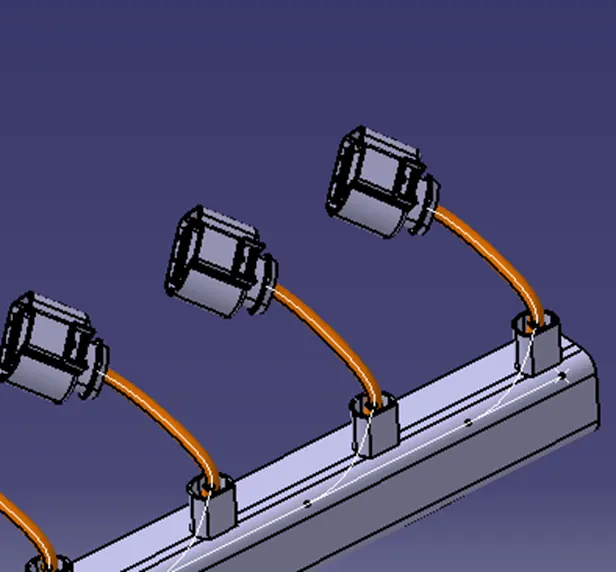
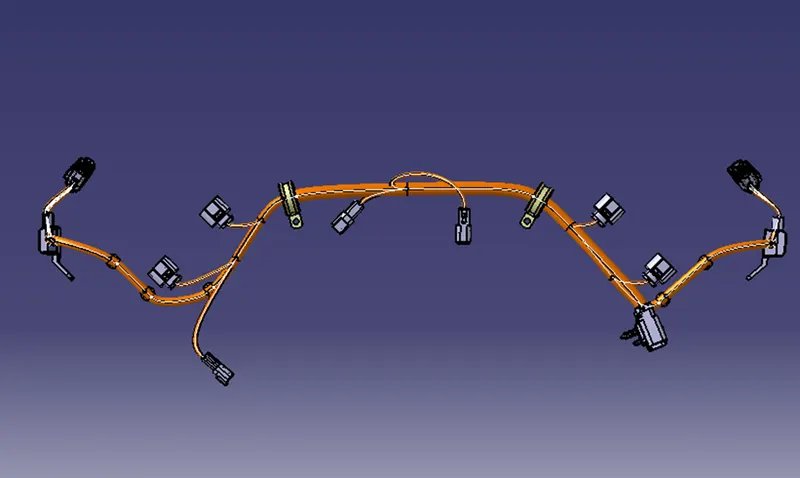
CONCLUSION: Hence we have defined the connectors clamps and clips and we mounted them on the engine and defined the bundle and routed them.