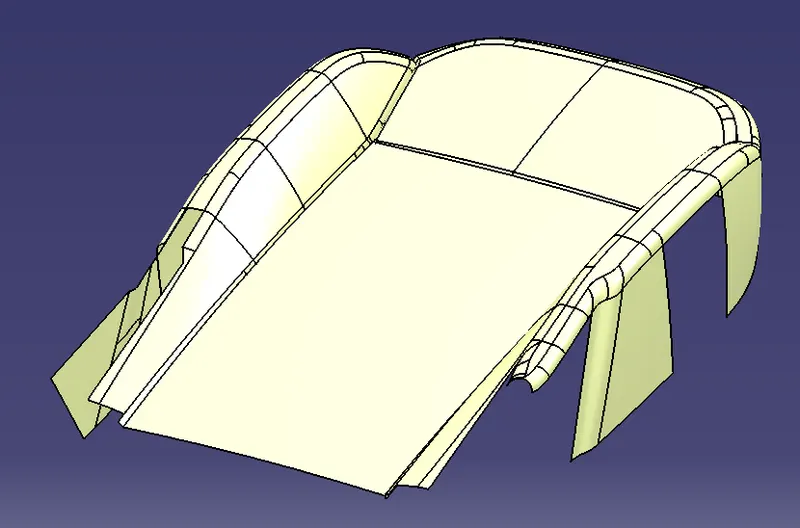
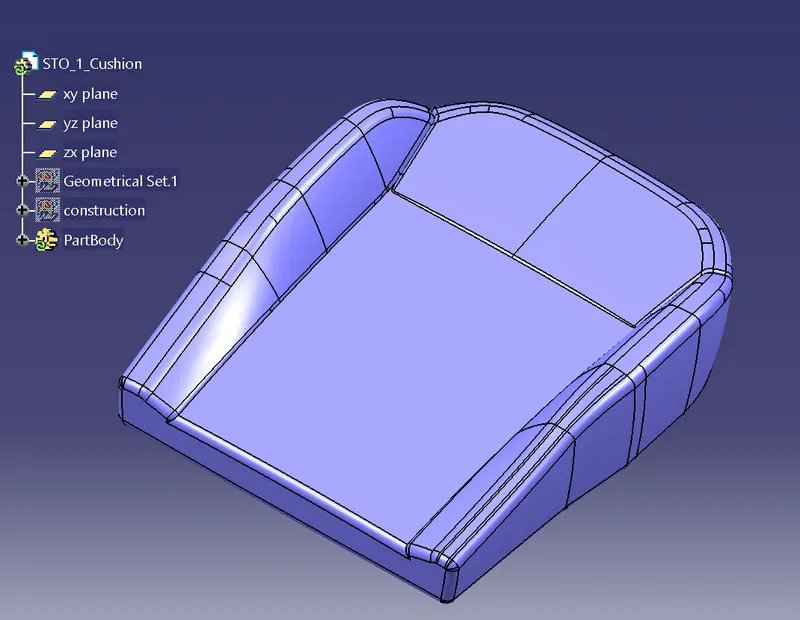
Project 1
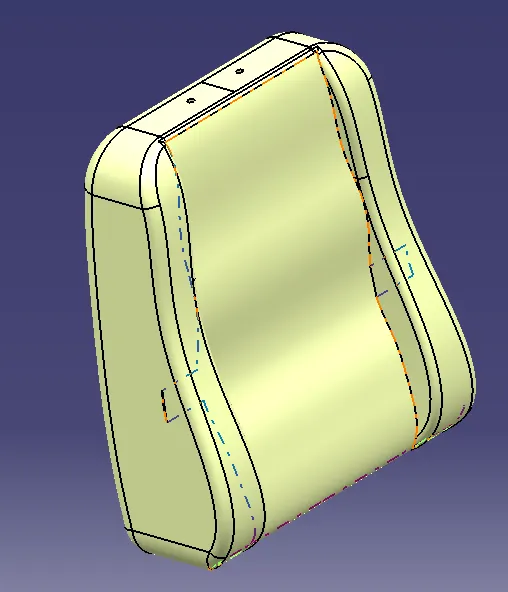
Title : To Build Class A surface on given Seat Back STO and completing the cushion STO
Procedure:
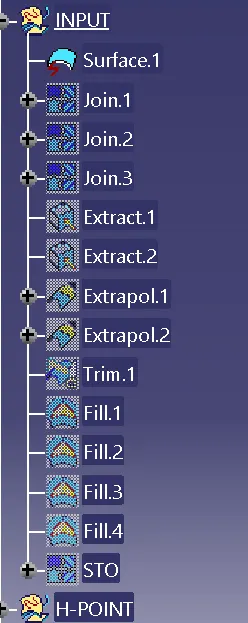
- For given seat back STO crate an extract of seat back part and isolate it in order to Break the link between given STO and the new class A surfacs.
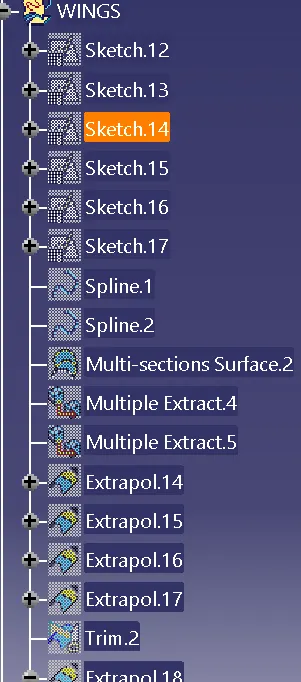
- Create an geometrical set and add the extracted surface to it then joint the surface.In order tro fill the gaps created extrapolate the edgs of the gap and finally join all.
- Create the H Point as per the dimentions and calculations.
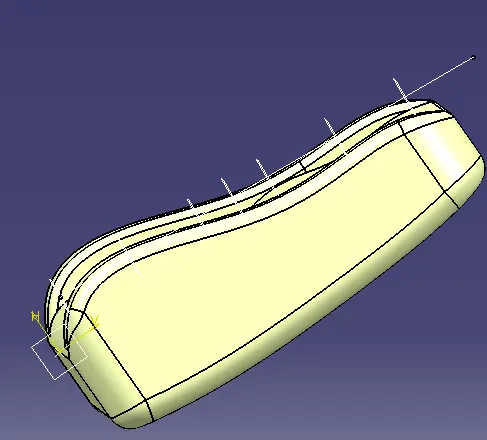
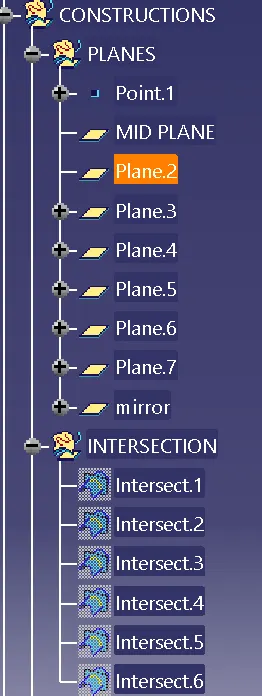
- Crate another geometerical set in that create a plane on H point along the seat length and offset plane at 100 mm.
- Noe intersect the seat at these planes.
- Check for the symmytry in the areas.
- For creating the insearts creat we use the under buit concepts and crate the inserts at an offset of 5 mm from the STO.
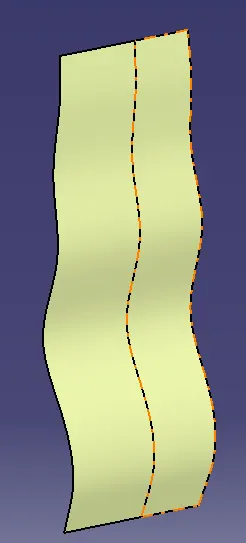
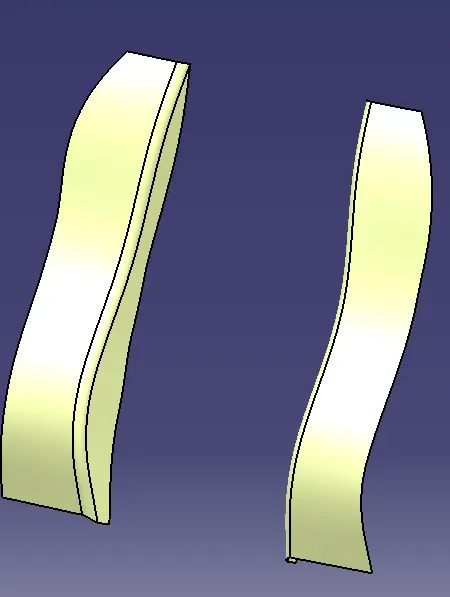
- For creating the Wings creat we use the Over buit concepts and crate the Wings at an offset of from the STOand do the symmetry.
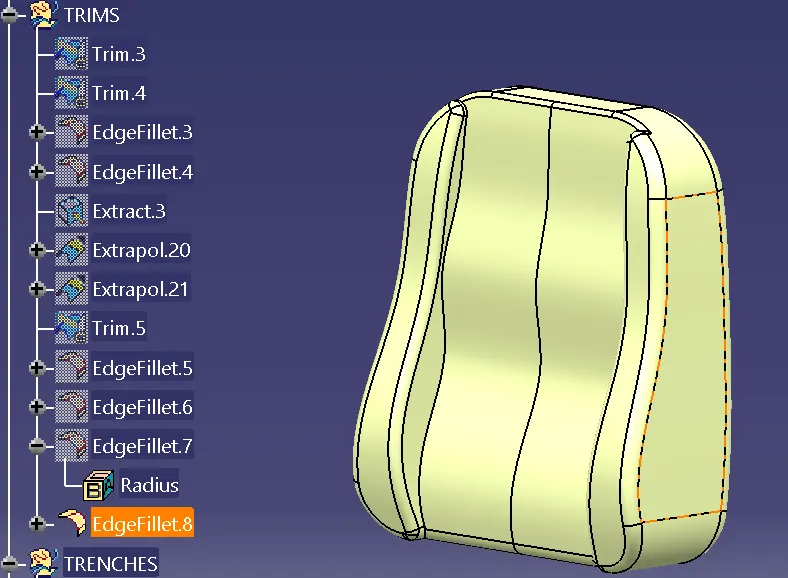
- Now the surfaces are ready so will do the trim and give redius same as STO.
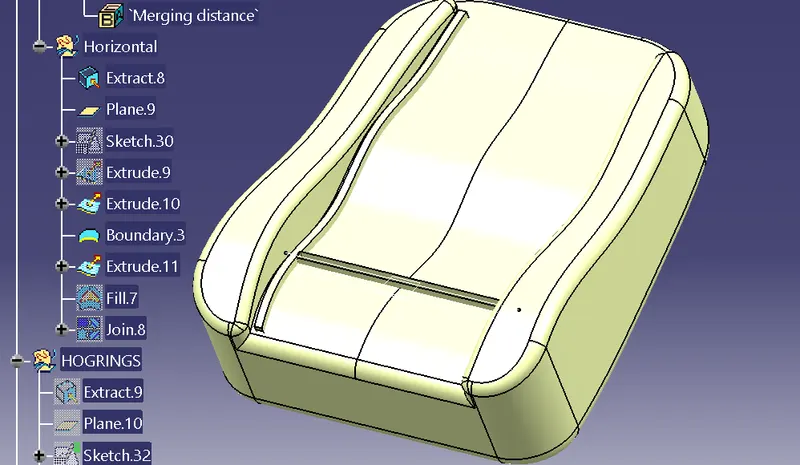
- For creating the vertical trenches extract the outer edge of sto and creat a box along the the vertical lkength and horizontal box for horozontal trenches. create the trenchs at 18 mm below in STO.
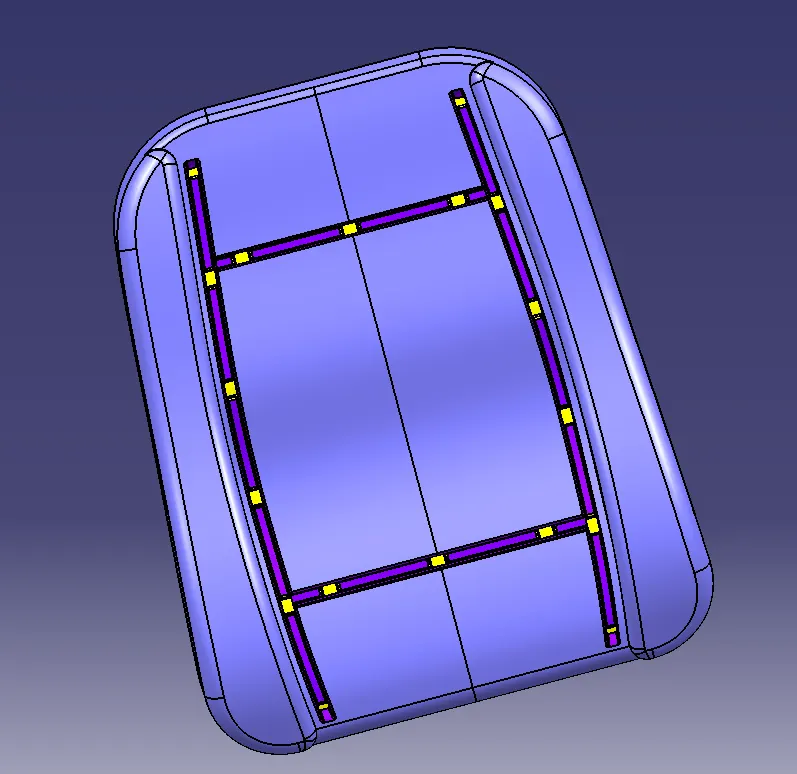
- For the Hog Rings create a trapezoid of given dimentions and cut it alongt the whole edge of trenches.
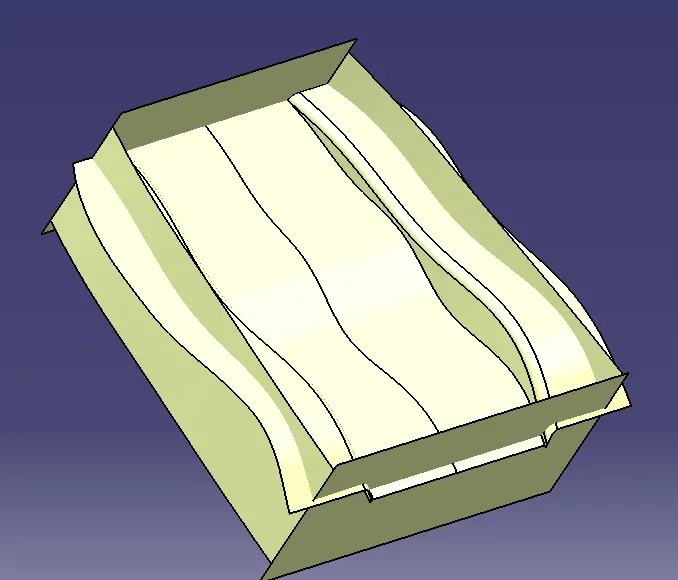
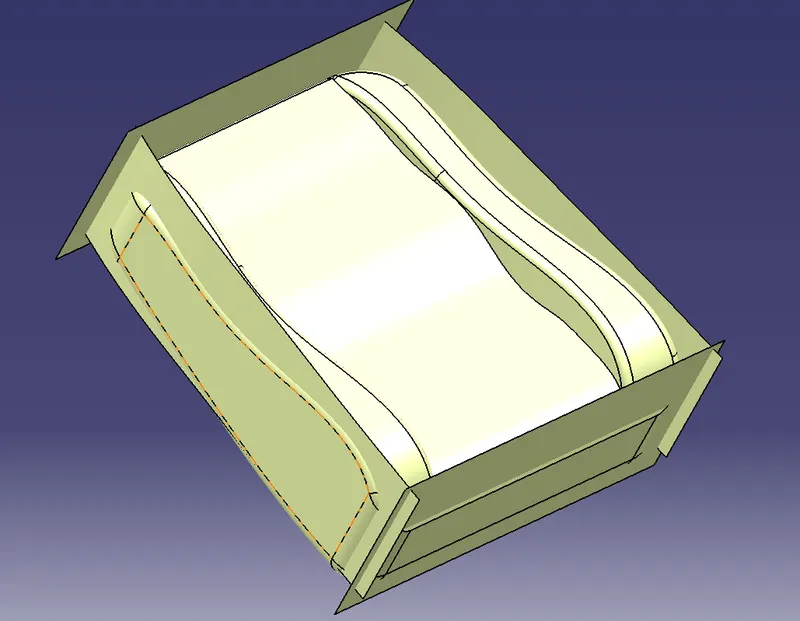
- Finally create sides by creating extrat on side edgs at given intersections symmytry it.
- Create the top and bottom surpaces and use trim option
- In part modeling use the closed edgs command and creat a solid Back
- For the Cushion seat close all the surfaces and creat a STO and repeate the same Procrdure.