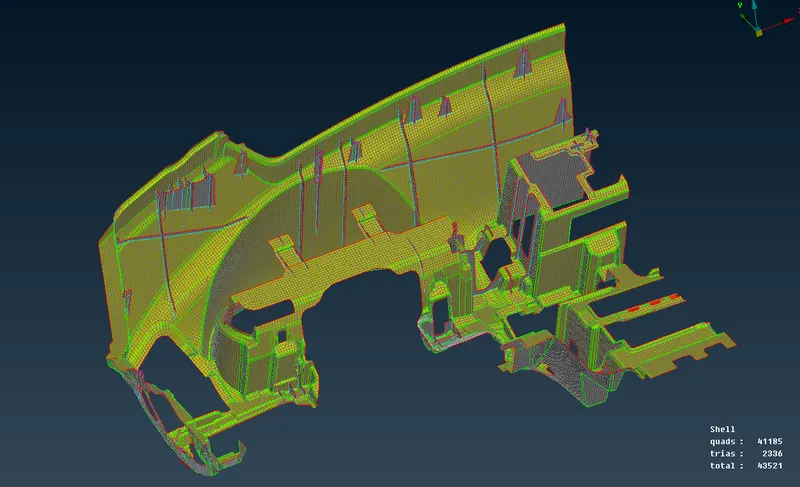
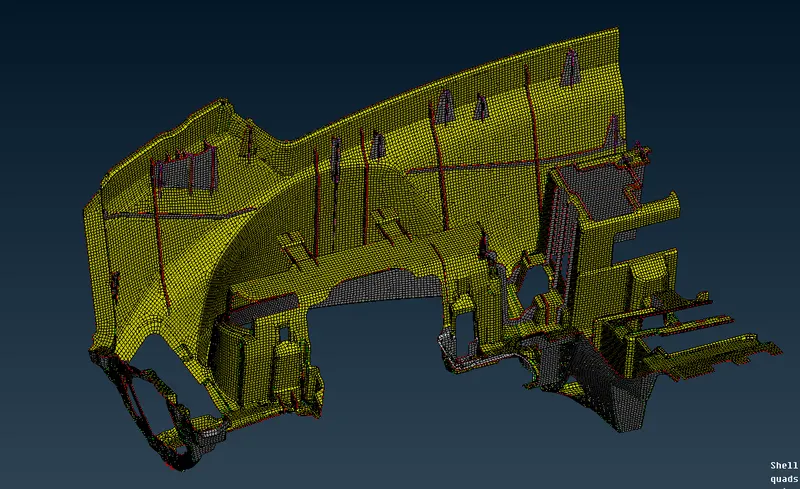
Project 1 - 2D meshing on the instrumental Panel
Project 1 - 2D meshing on the instrumental Panel
AIM
To check for the geometrical errors and mesh with the given element Quality criteria. for the given instrumental panel we have to mesh the component with least number of quality element
PROCEDURE
- To insert the component in the working place
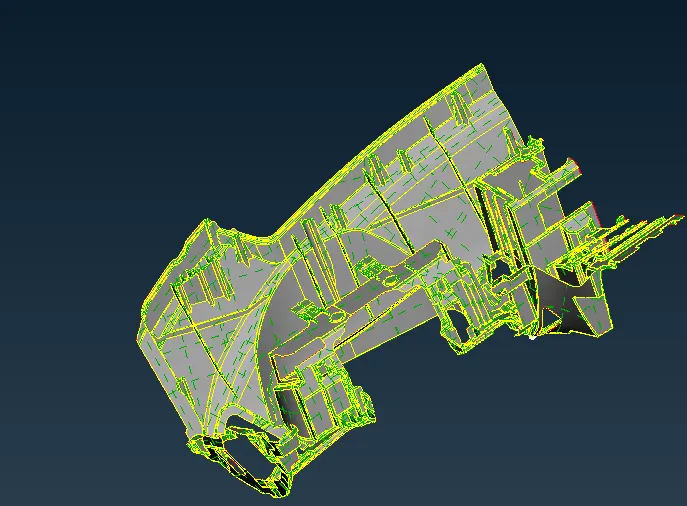
- and have to take the midsurface
- go to mesh - face - offset
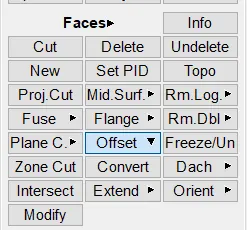
- and select the faces and offset them
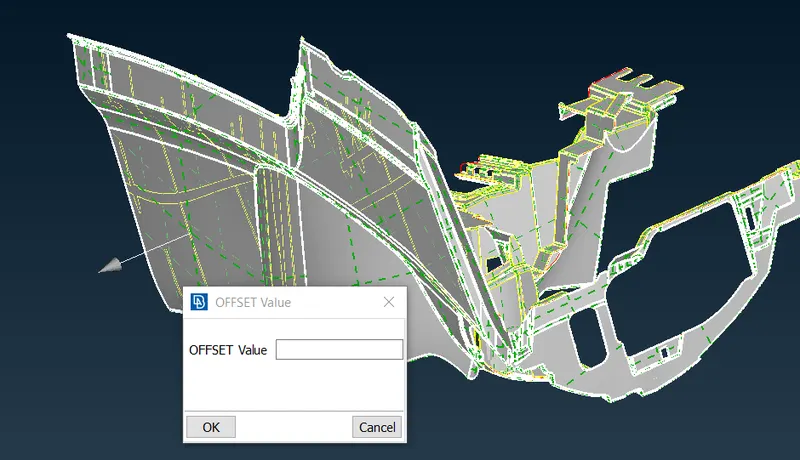
- after taking offset
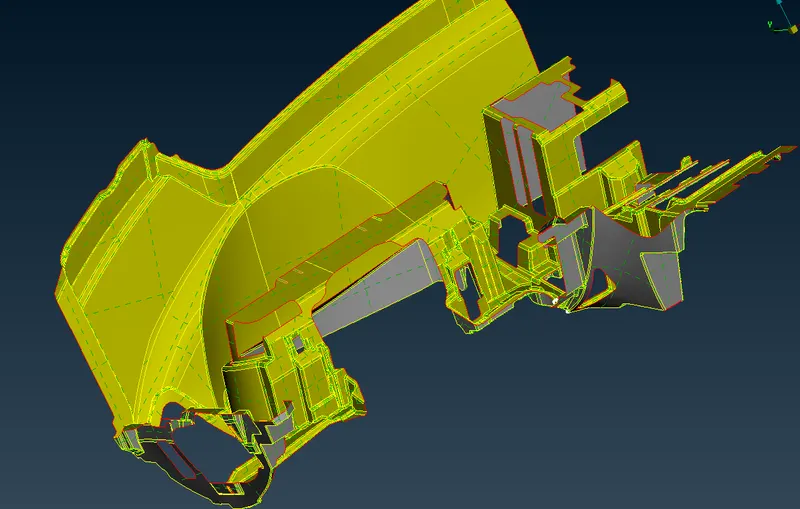
- now we have to offset the ribs and doghouse
- the large IP section has the same thickness so we take offset in one shot
- but now we have a different levels of thickness
- so we have to take patiently
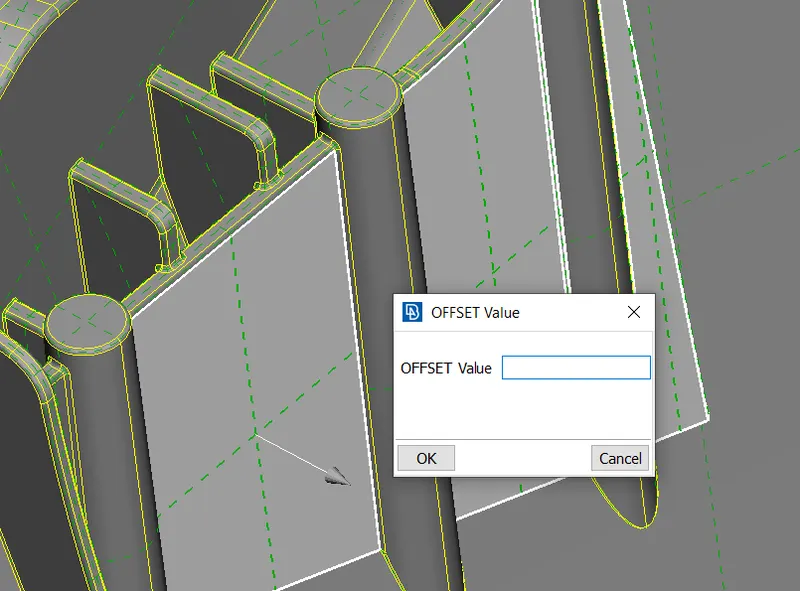
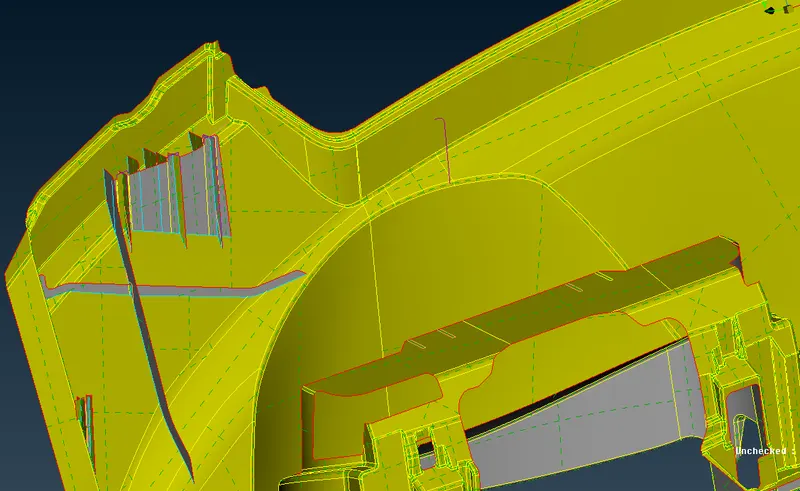
- by the same way we took the offset for ribs and doghouse
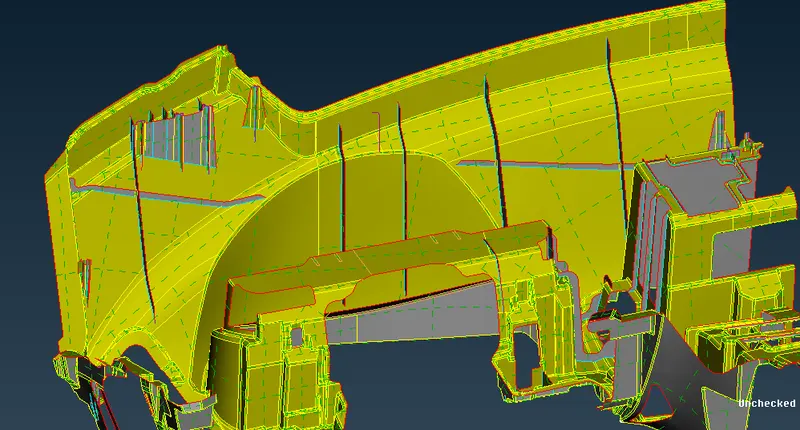
- now we have to mesh the component
- we have to follow the quality criteria by
-
S.No
Quality Criteria
Value
1
Target/Average length
4
2
Minimum Length
2
3
Maximum Length
6
4
Aspect
3
5
Warpage
15
6
Skewness
45
7
Jacobian
0.7
8
Minimum Quad Angle
45
9
Maximum Quad Angle
135
10
Minimum Tria Angle
30
11
Maximum Tria Angle
120
10
Tria Percentage
15
- go to mesh - mesh generation - best
- and select the surfaces
- and mesh that
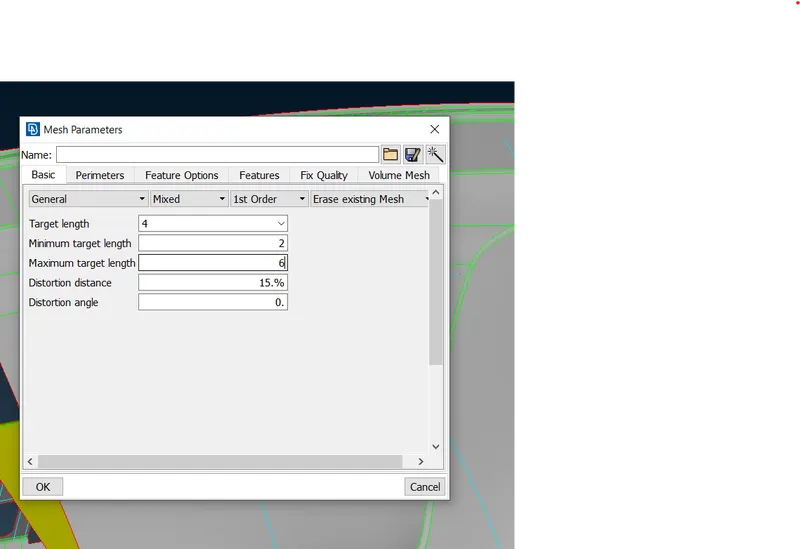
- then we have to mesh with follow the quality criteria
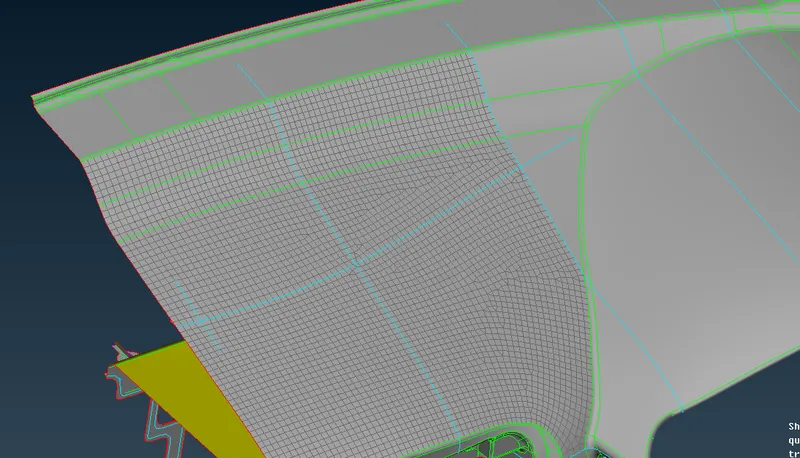
- by mesh the area one by one
- we have a component like this
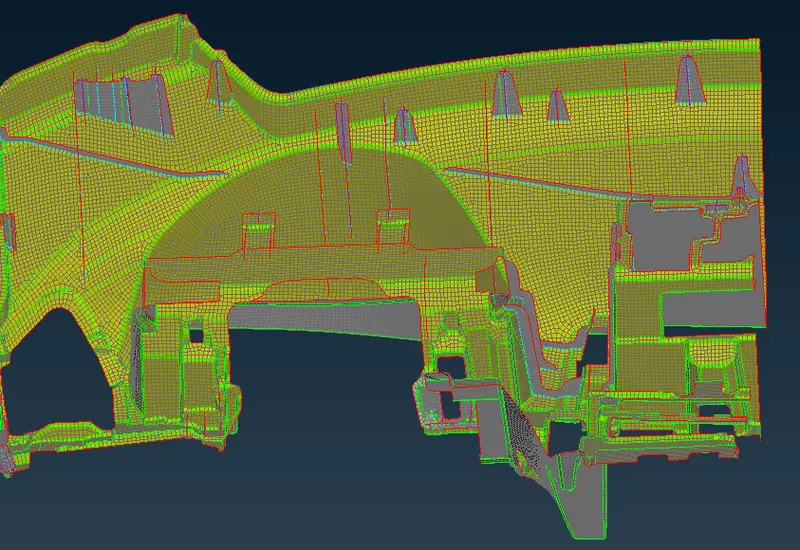
- after that, we have to check the quality criteria
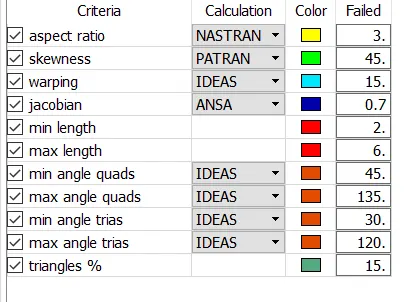
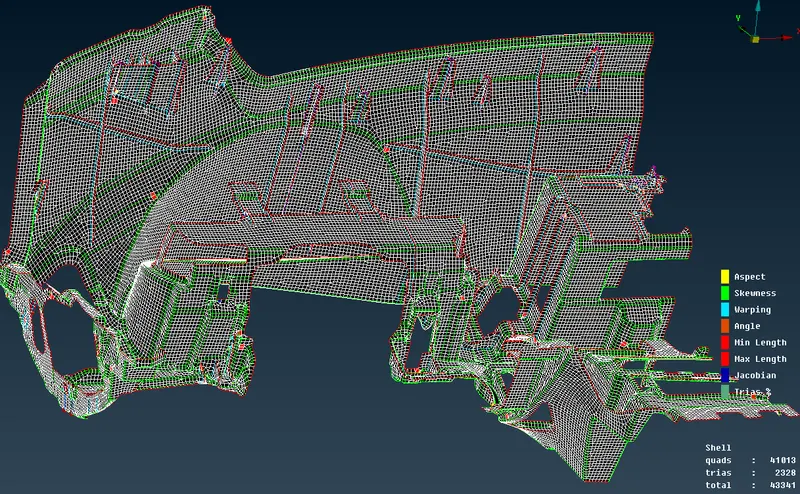
- now we have to reduce the off elements and unmeshed surfaces
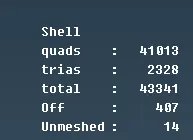
- after meshed the unmeshed surfaces and reduce the off elemts
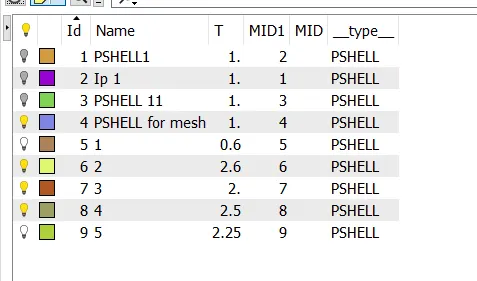
- we have to assign the thickness
- go to topo - faces - set pid
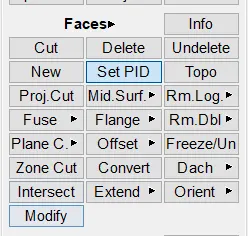
- then set pid and assign the thickness
- thickness can be measured in parent geometry
RESULT
By the given component called instrumental panel we took a manual mid surface and mesh the component by using batch mesh after that we reduced the off elements and also assign the thickness