Project 1 - 2D meshing on the instrumental Panel
AIM: We ave to do eometrical ceck up for iven component and mes te component wit iven quality criteria, and finally assign thickness.
PROCEDURE:
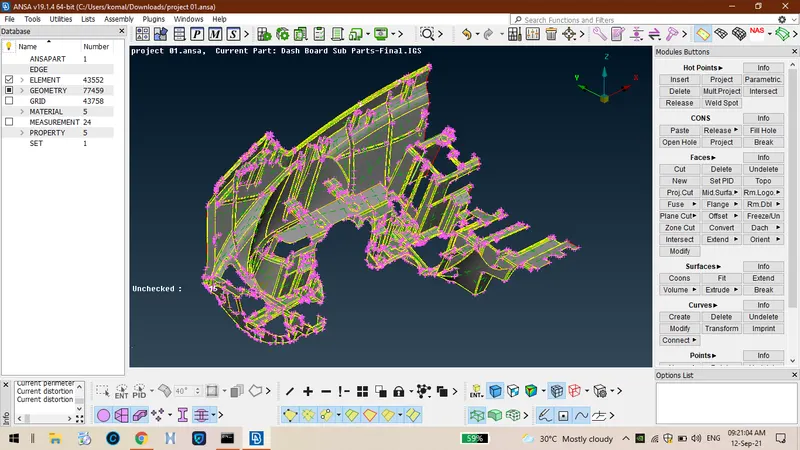
STEP 01:Firstly import te component and te it looks like as sown below.
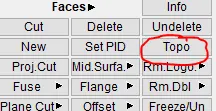
2.Use topo option so tat all te free edes will be connected to eac oter.
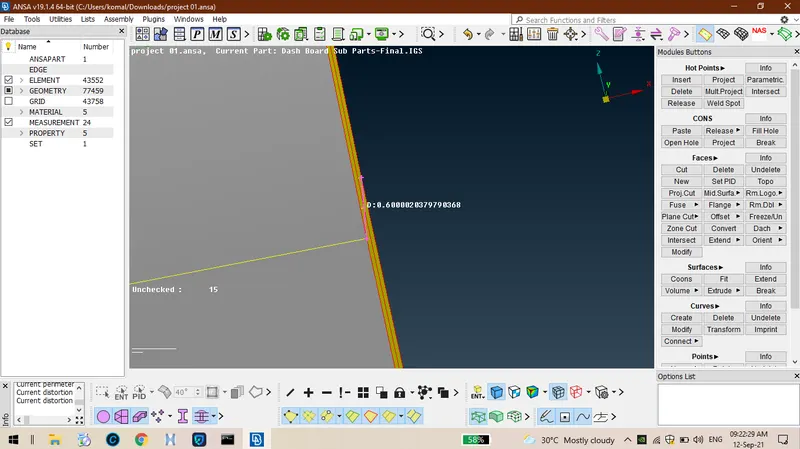
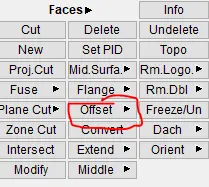
3.Measure tickness between te layers of component so tat te use option called offset.
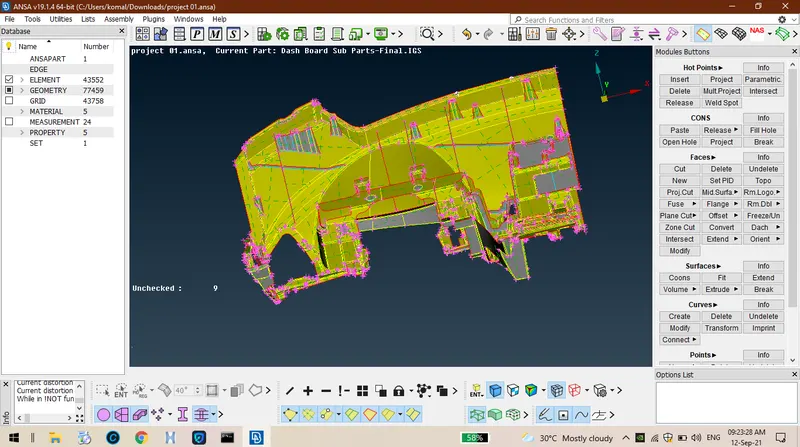
4.After extractin mid surface for wole component it looks like as sown below.
5.Tere are some typical areas , procedure for tose typical areas like cylindrical portions select upper area so offset alf of te distance towards down.
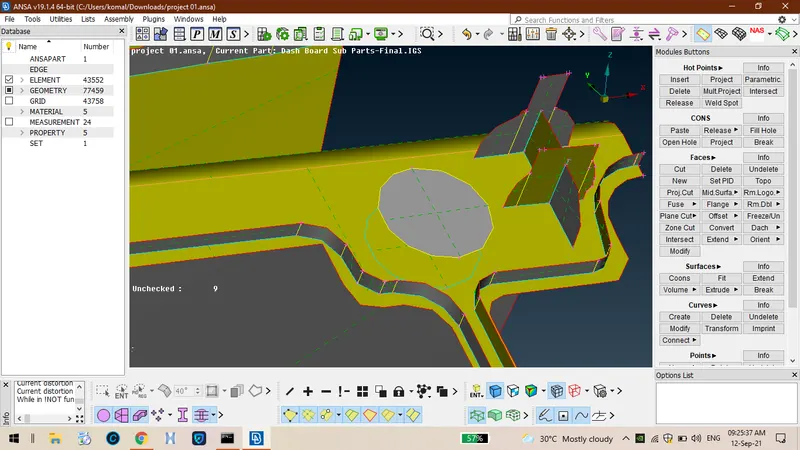
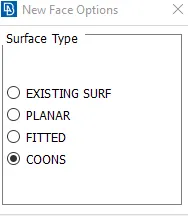
6.Project te con to down by selectin option called project in cons and ten fill surface usin faces-new- cons.
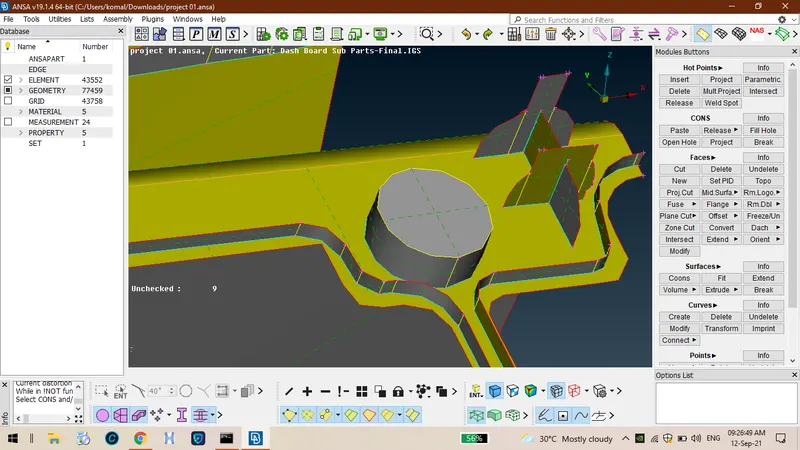
7.By fillin te surface between te cons it looks like as sown below.
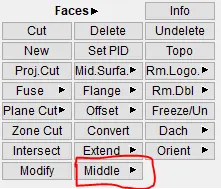
8.For some flat surfaces like as sown below we ave to use middle option in faces.
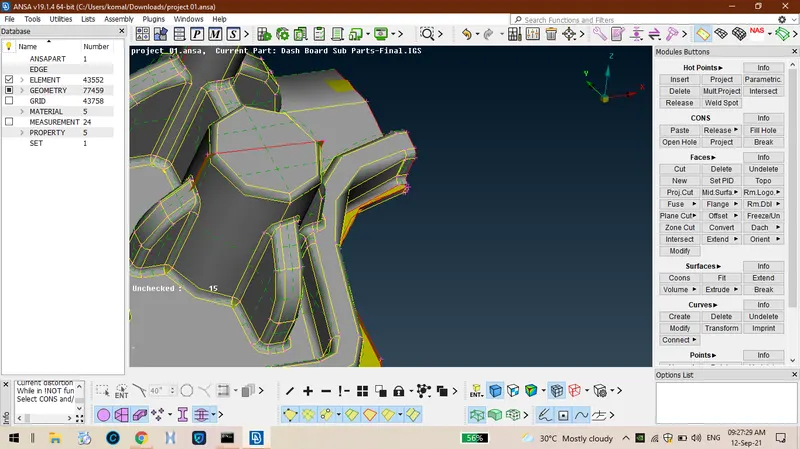
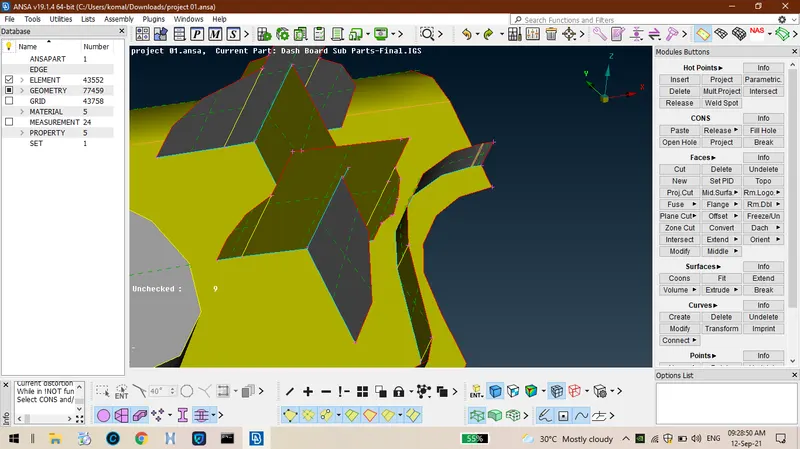
9.After extraction of middle face from plane surface it looks like.
10.Tere are some typical araes wwe ave extract mid surface for tose surfaces also.
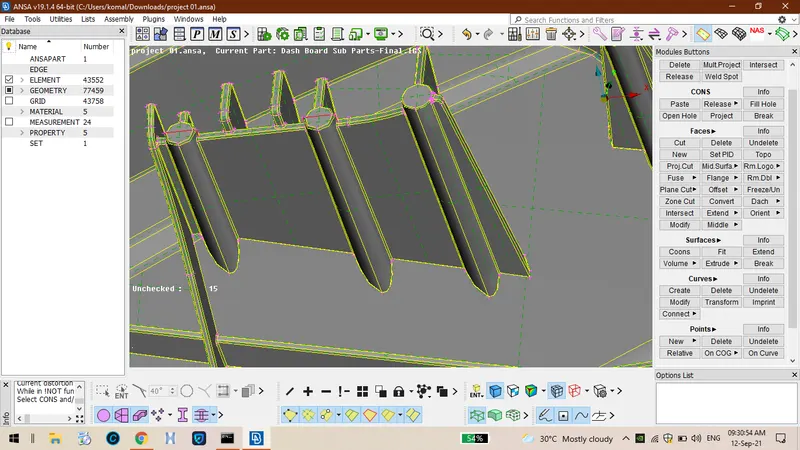
11.Measure te tickness of te plates and use offset option so tat te midsurface will be enerated for orizontal plates as sown below.
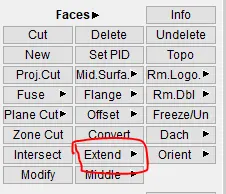
12.After tat it looks like as sown below and use extend option in faces to extend to bottom surface and also use intersect option so tat two surfaces will be attaced toeter as sown below.
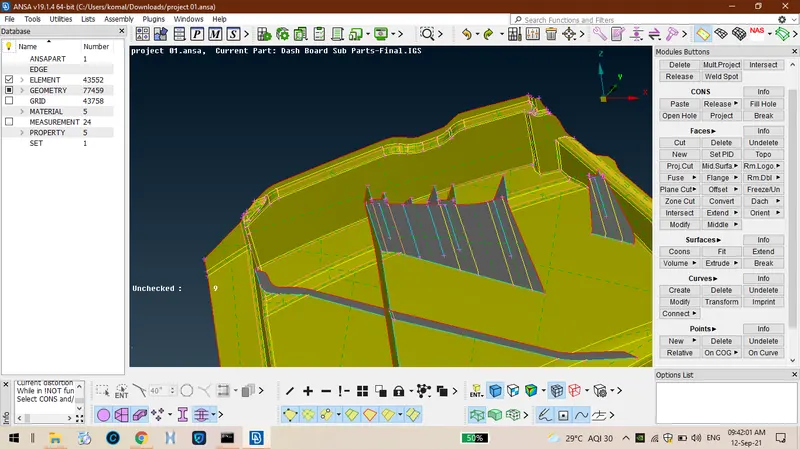
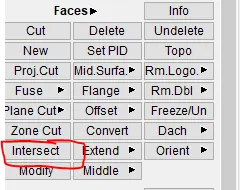
13.Use intersect option to join two parallel surfaces so tat it looks like attacment of surfaces.
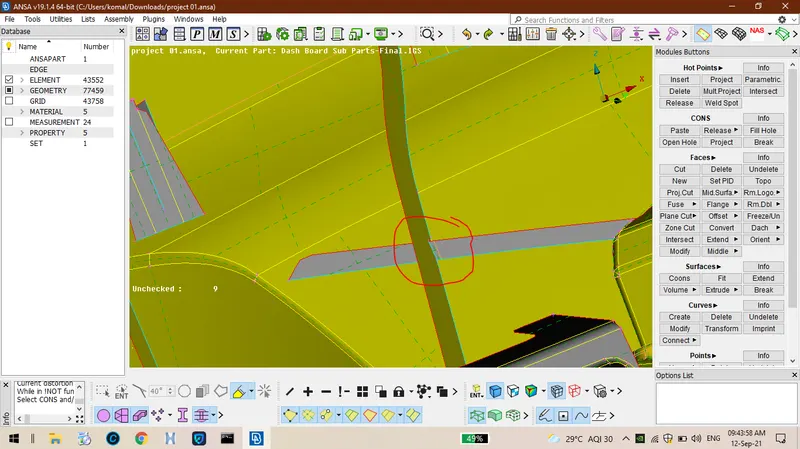
14.Extractin mid surface is not enou attacin wit surfaces is also more impotant usin extend option so tat triple con is formed as sown below.
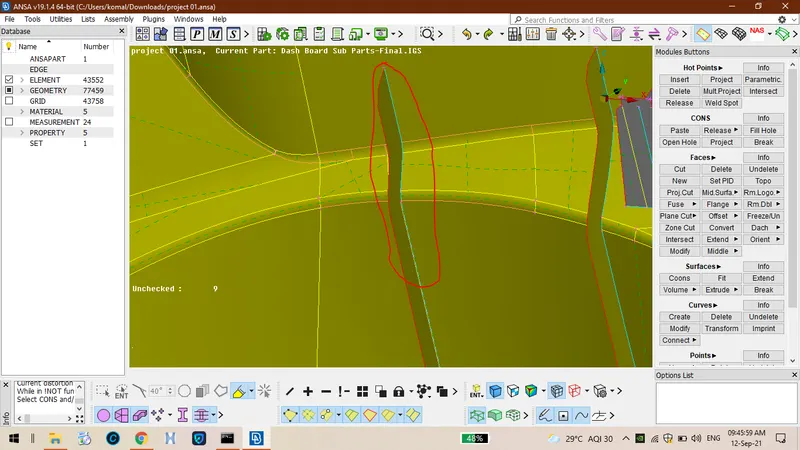
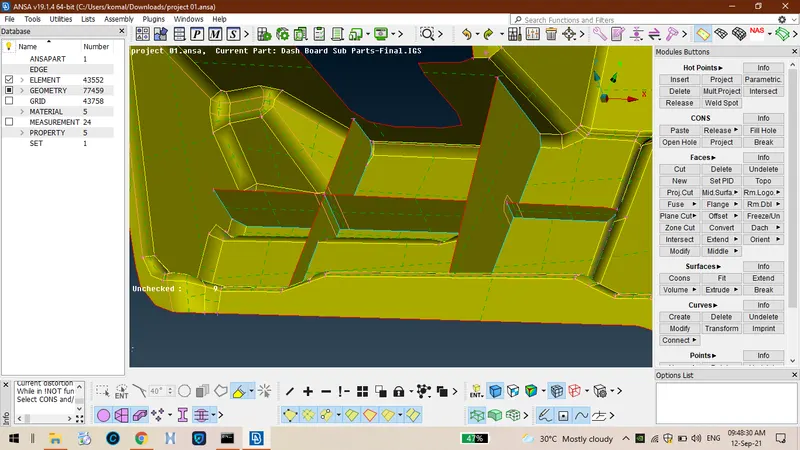
15.Te most important tin is nedd to capture eac and every small parts too.
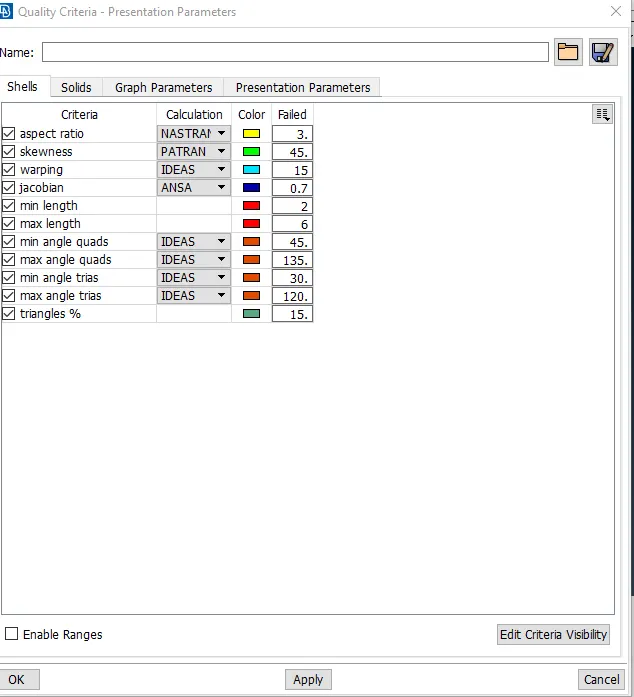
16.After tat enter all te quality criteria values by pressin F11 as mentioned in callene.
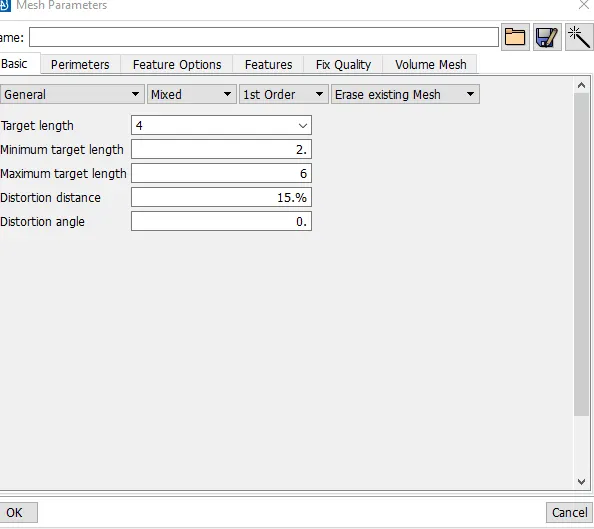
17.Enter all values in mes parameters as sown in below.
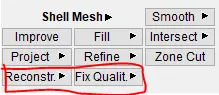
18.Perform best mes on te component on te basis quality criteria to reduce off elements use fix quality and reconstruction option.
19. After completion of wole mesin te component looks like as sown below.
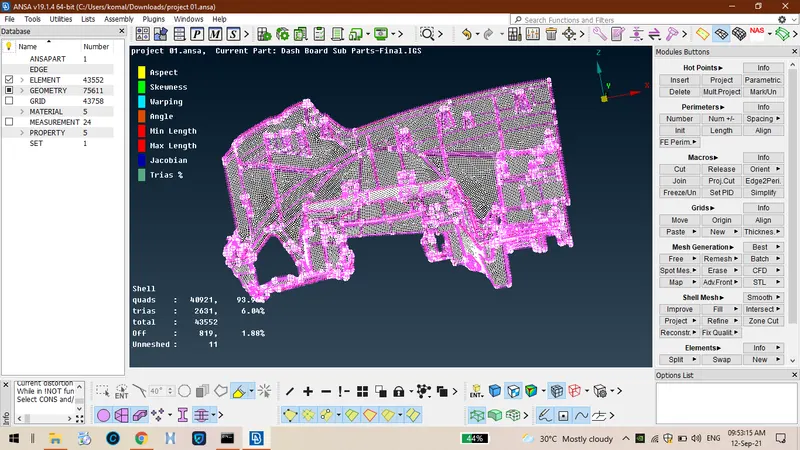
20.After assinin tickness te wole component looks like.
LEARNIN OUTCOMES:
I ave learned ow to extract mid surfaces for typical reions too and reducin off elements and assinin tickness to wole coomponent.
CONCLUSION:
ence eometrical ceck up is done for wole component and esin is performed on it by iven quality criteria and finnaly assinin tickness is done.
LINK FOR MODEL:
https://drive.google.com/file/d/1_G8RH45UCQnhNYa6VPa68t_7EwTjaoRL/view?usp=sharing