Project 1 - 2D meshing on the instrumental Panel
Aim -Perform the given component, check for the geometrical errors and mesh with the given element Quality criteria. After meshing the component the thickness has to be assigned.
Introduction- Car industry plays an important role as the back bone for the economy of any country. Dash board is one of the main parts of the car interior component and plays a very important role in different aspects such as safety, reliability, user friendly, technology and appearance and so on. Dash board used for operating different functions in the car such as instrumental panel, audio and video devices, holders, switches and glove box, these function distributed inside a vehicle that communicate with each other . Car dash board like the other components of the car have lots of improvement in terms of quality, extra features, material, updating the existing product to take the dash board at the new level. Around 1960’s, the car dash board was designed basically form cheap material and with limited features, but now we can see that modern design and more features is very basic requirement for any type of car. The main problem discussed in this report is that the kind of material used for car dash board in terms of texture, appearance and mass of the dash board. Secondly, the dash board should absorb the vibration when the car is at high speed. Lastly, one of the problems faced in ford vehicles are that the location of the USB port in the wrong place. The main aspects focused here are the problems faced by drivers because of material and wrong location of USB port, as well as the customers need better dashboard with new technology, material, design and innovation are timely being updated. The aim of this report is to study the development of car dashboard by providing improvement in existing product or add new functions to meet the customer needs and expectations. A proper dash board can satisfy the customer’s needs and also increases the income for the company.
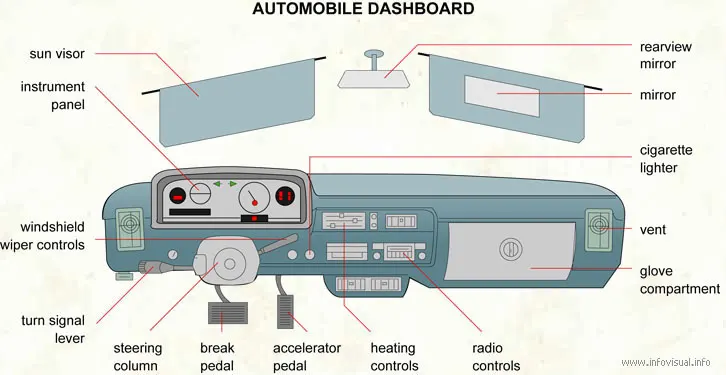
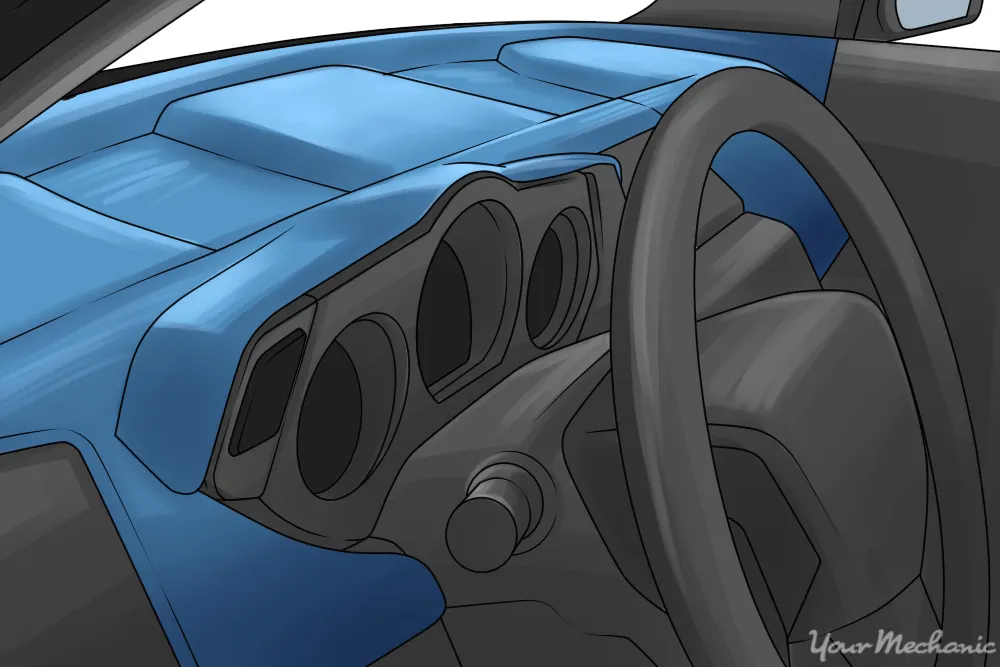
The kind of material used - the material should be durable, texture of the plastic and material used for switches. The plastic used for dashboard should be free from hazardous material and should be environmental friendly.
Procedure - Import the half of the dashboard component from the downloaded file.
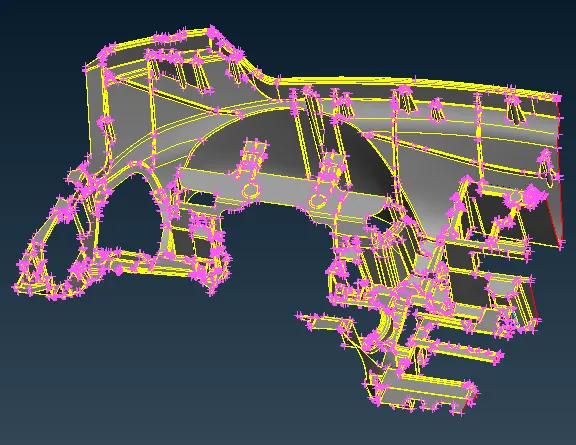
The component seems to be as shown in above. The basic procedure needs to be done as geometrical checks.
Fit the model in to the screen and do the checks for the component.
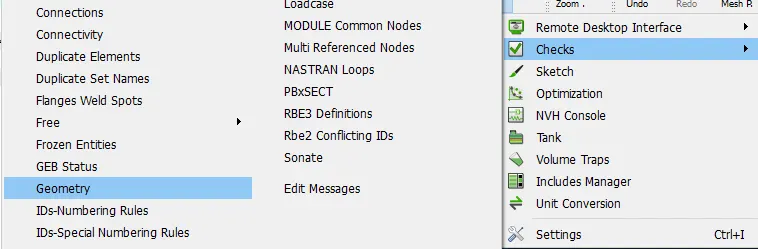
The errors are found for tripple cons and other errors also.
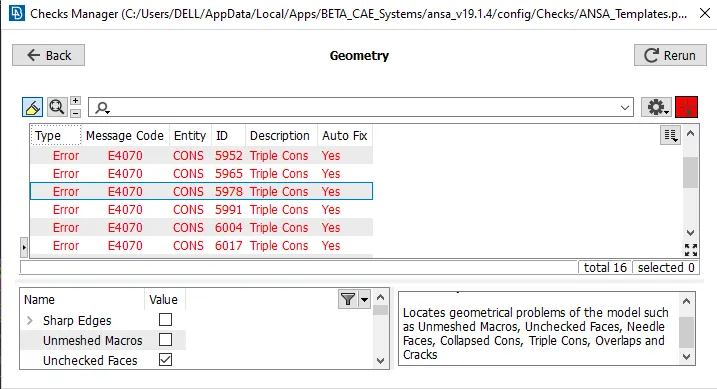
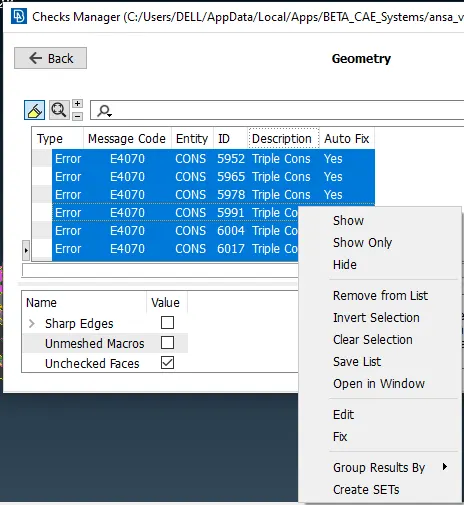
All the errors can select once, set to fix and if any errors was not fixed, do that manually.
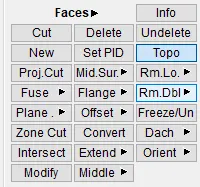
After fixing the all errors make the component as the topo mode.
To extract the mid surface needs to be measure. Measure the thickness by using the nodes.
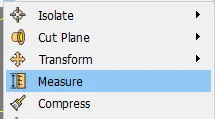
select the nodes and thickness has been shown in below.
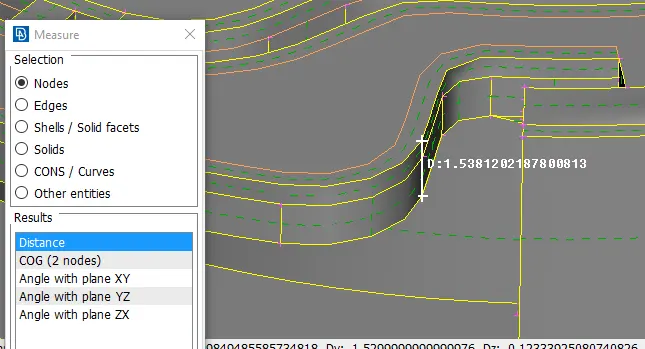
As per the base of that thickness create the mid surface for the component.
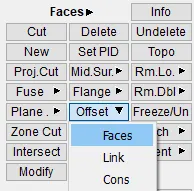
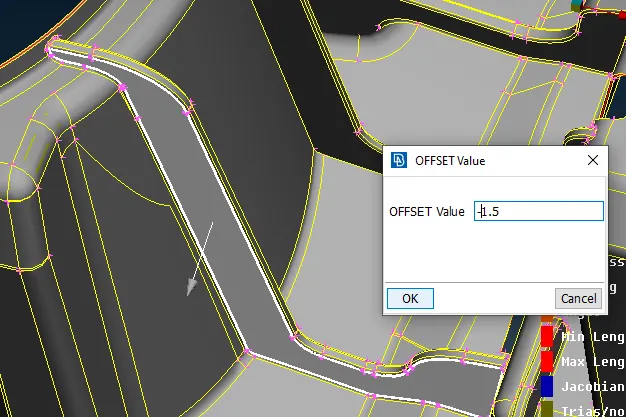
By using the offset command select the faces and assine the mid surface value as per the shown direction with the proper directions.
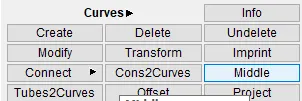
Create the curves as the for ribs by using the middle option.
The created curves as shown in below.
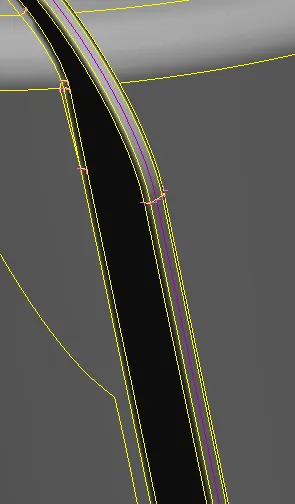
Create the surface for the given component and make it toggle.
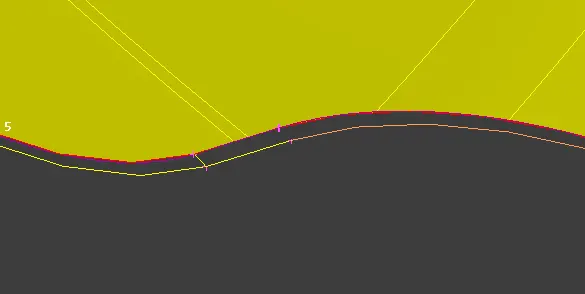
Extend the faces for the base plate as shown in below.
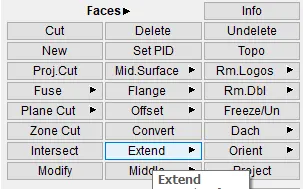
After using the proper commands the extended ribs are as shown in below.
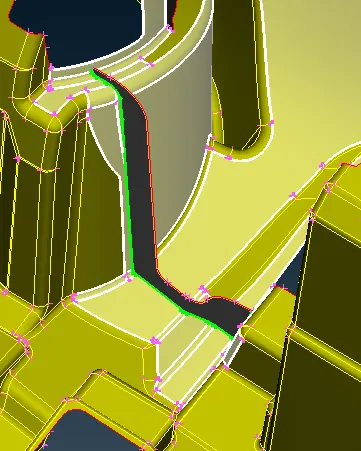
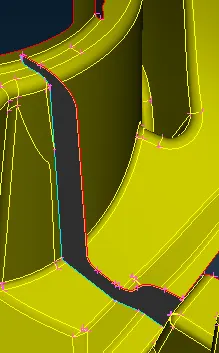
Below shown region has been extracting the mid surface by selecting the faces and made offset to the base surface.
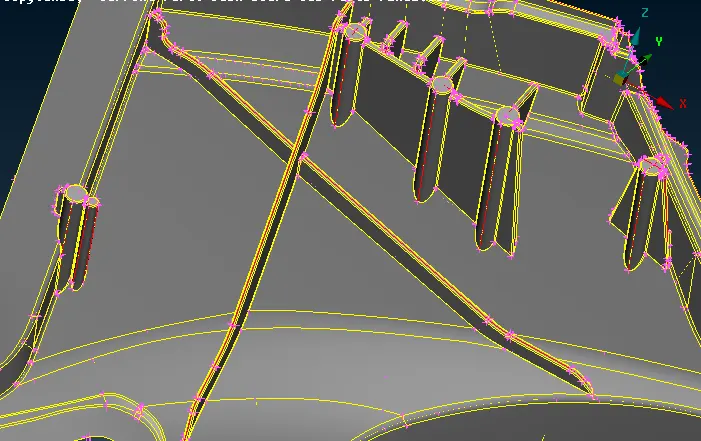
After extracting the mid surface the surfaces are as shown in below.
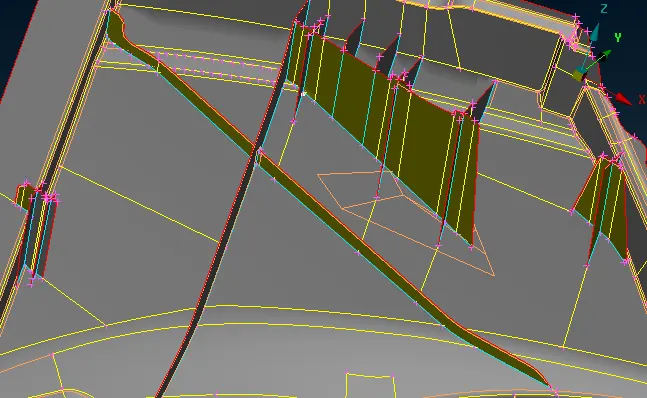
For Dog house region extracting the mid surface as shown in below.
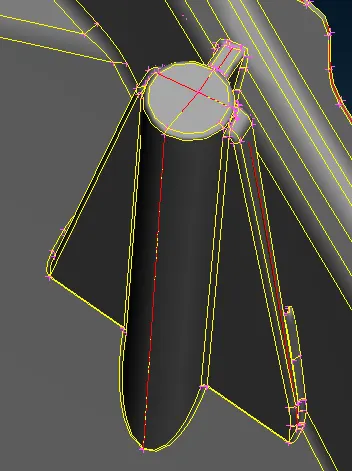
After extracting the mid surface the mid surface becomes as shown in below.
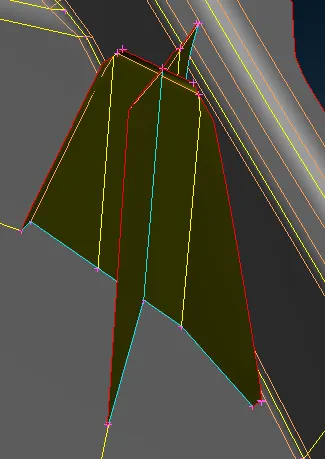
The below shown fig. the region have extracted the mid surface for base component.
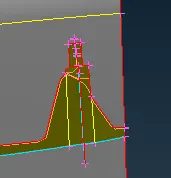
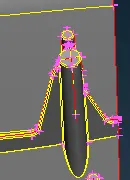
The below shown the figure have the proper thickness extracted mid surface as shown in below.
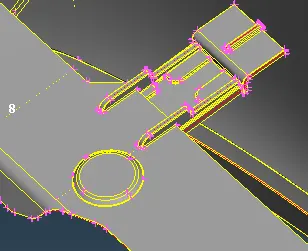
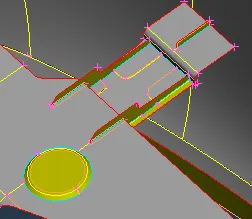
These kind of dog houses can be extracted mid surface as shown in below.
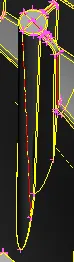
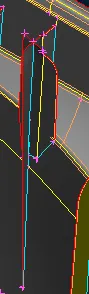
The below shown figure the mid surface extracted for the critical areas to extracted the mid surface.
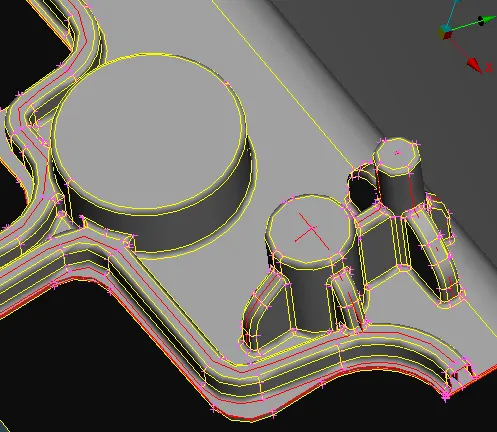
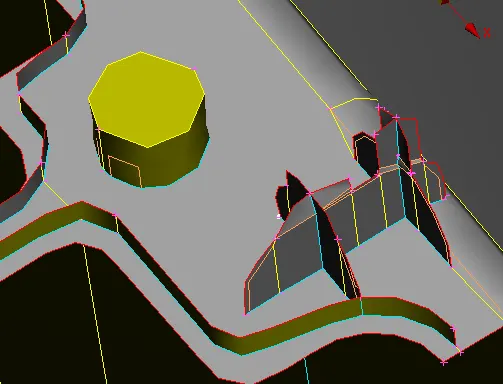
The ribs can be extracted for the given component as shown in below.
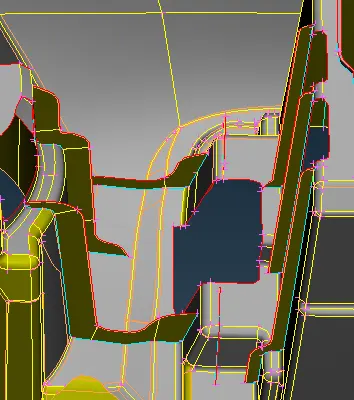
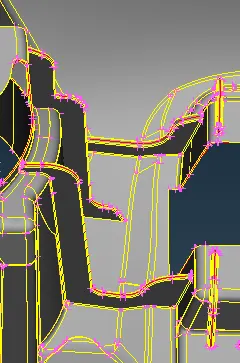
Set the perimeter and macros for the mid surface.
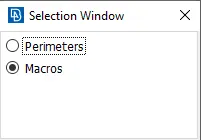
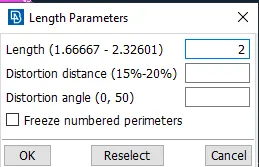
Set the perimeter length as 2.
Make the mid surface can be select and make it topo.
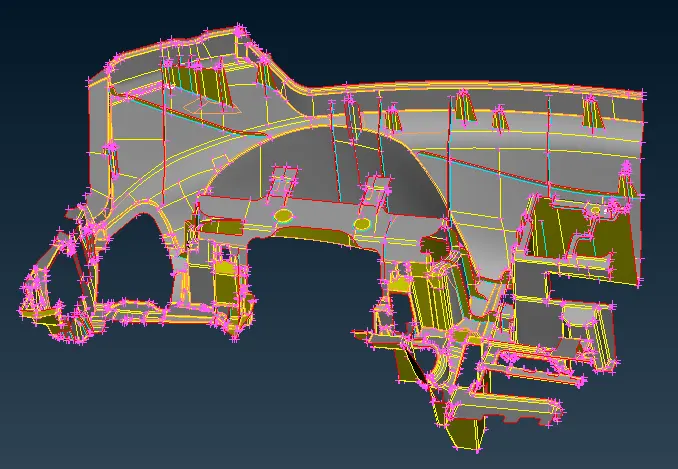
The final mid surface for the component as shown in below.
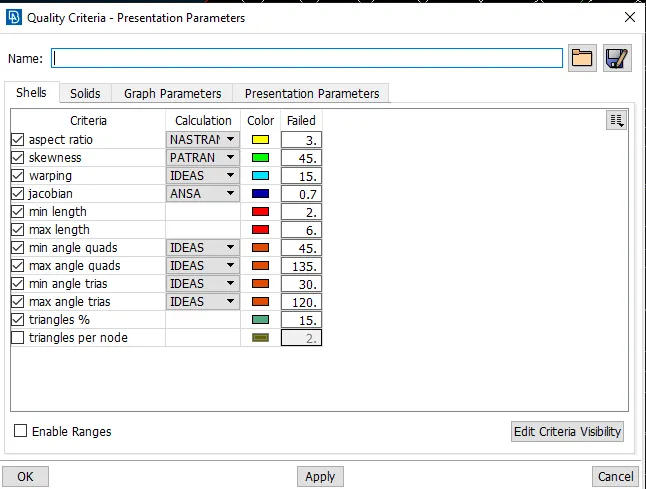
After compliting extracting the mid surface assign the quality criteria.
As per the given parameter, assign the all quality parameter in to it.
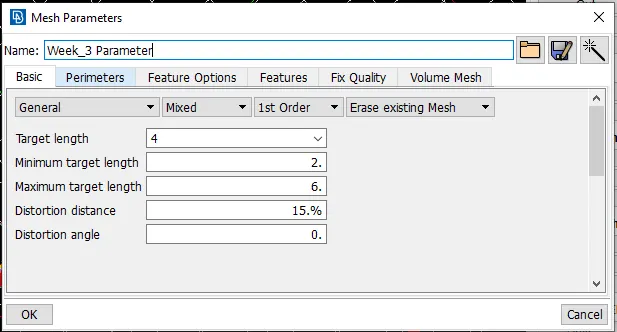
Similarly assign for the mesh parameters.
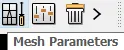
The mesh parameters can be assign for the component.
After the assigning the all parameters start doing the meshing.
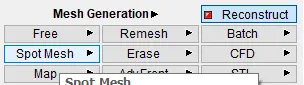
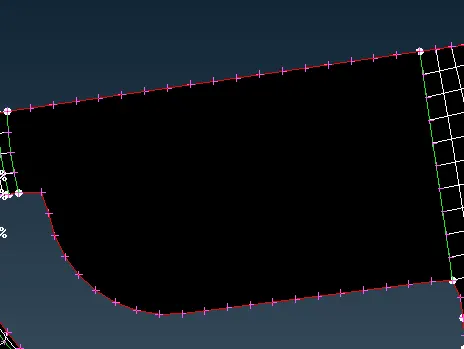
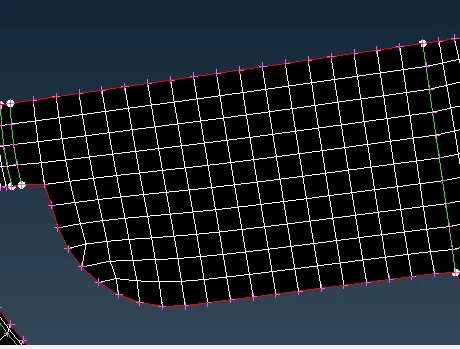
After meshing with the reconstruct and smooth option to get better mesh flow.
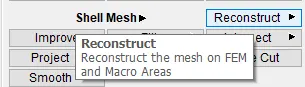
If there is creating the more tria and elimited that trai by using the split and swap option.
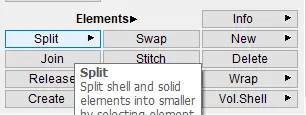
Adjest the failed element edges can be fix by using the move option.
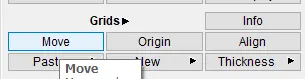
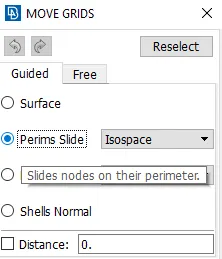
In move option choose the perims slide for specific feature boundary.
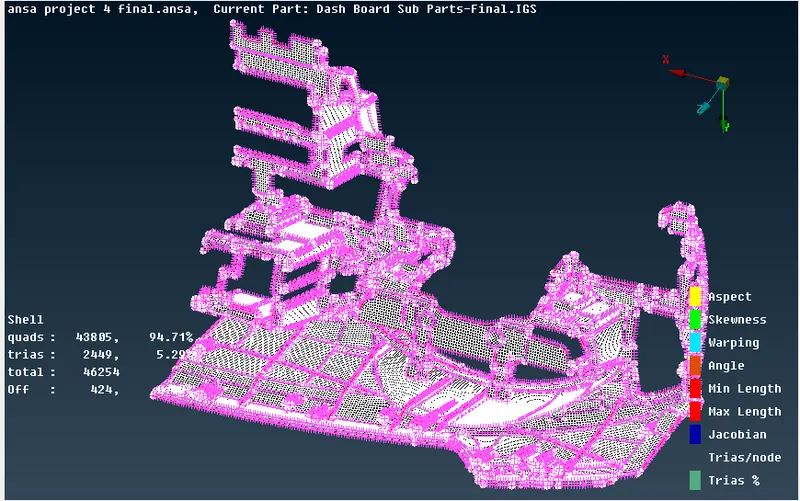
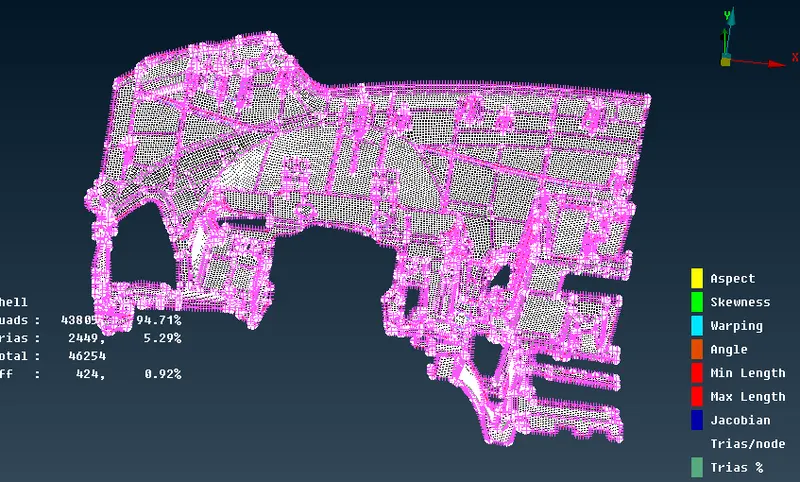
After meshing and eliminating max. failed elements from surface component seems like the below shown.
After meshing set the component as per the thickness.
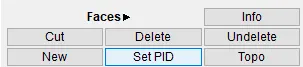
The below shown set for the seperate PID for the component.
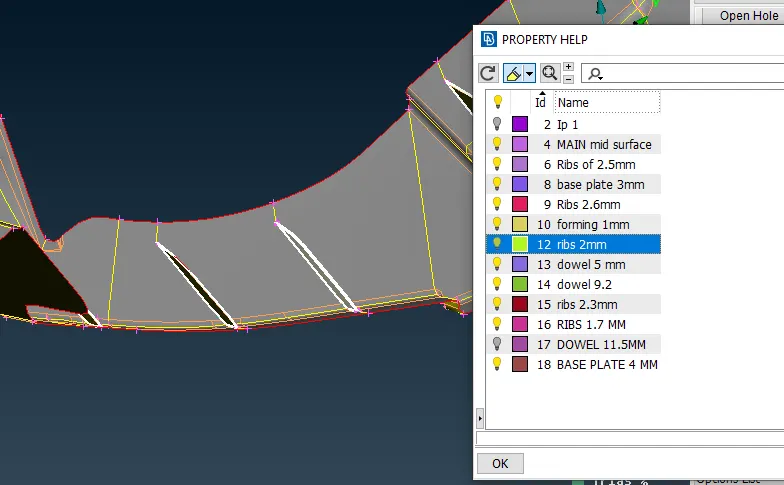
After creating the seperate PID as per the thickness as shown in above.
Conclusion.
By doing this meshing for the component how to make the ectract mid surface, mesh and assigning thickeness for the component.