Project 1 - 2D meshing on the instrumental Panel using ANSA
Objective:
- To extract the midsurface of the given instrument panel without geometrical errors and mesh the panel with given quality criteria and assign the thickness as required.
|
S.No |
Quality Criteria |
Value |
|
1 |
Target/Average length |
4 |
|
2 |
Minimum Length |
2 |
|
3 |
Maximum Length |
6 |
|
4 |
Aspect |
3 |
|
5 |
Warpage |
15 |
|
6 |
Skewness |
45 |
|
7 |
Jacobian |
0.7 |
|
8 |
Minimum Quad Angle |
45 |
|
9 |
Maximum Quad Angle |
135 |
|
10 |
Minimum Tria Angle |
30 |
|
11 |
Maximum Tria Angle |
120 |
|
12 |
Tria Percentage |
15 |
Procedure:
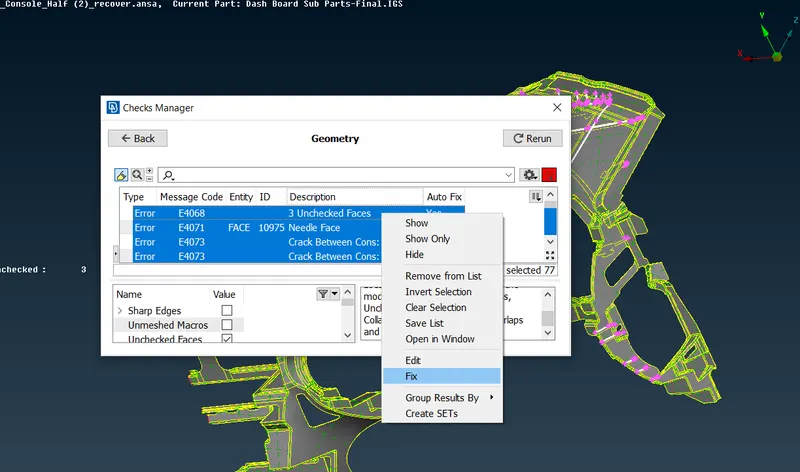
- First we have to import model and then do topo for connect all the free edges to connect double cons using faces>topo in topo module. Now check the geometry for errors using checks>geometry and now fix all th errors by single shot by right click and fix.
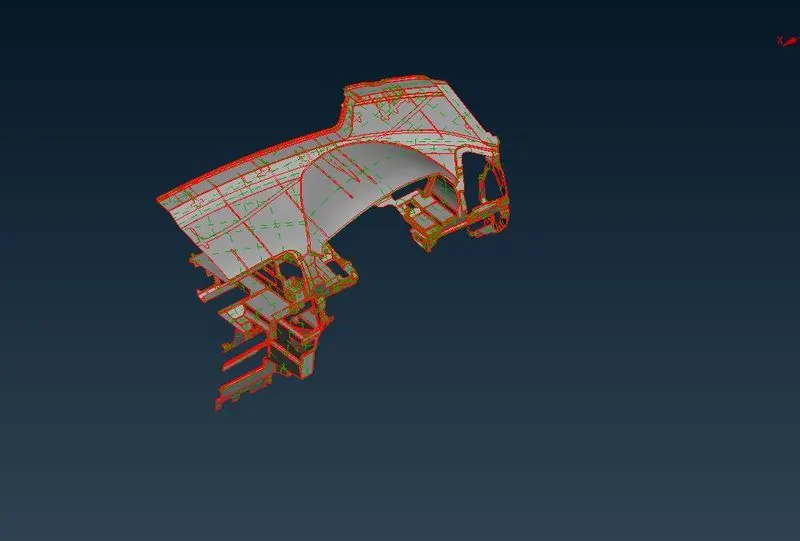
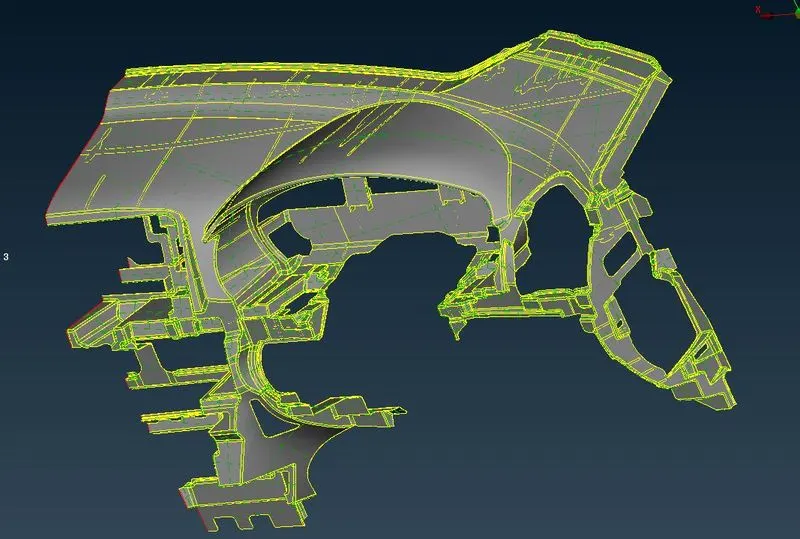
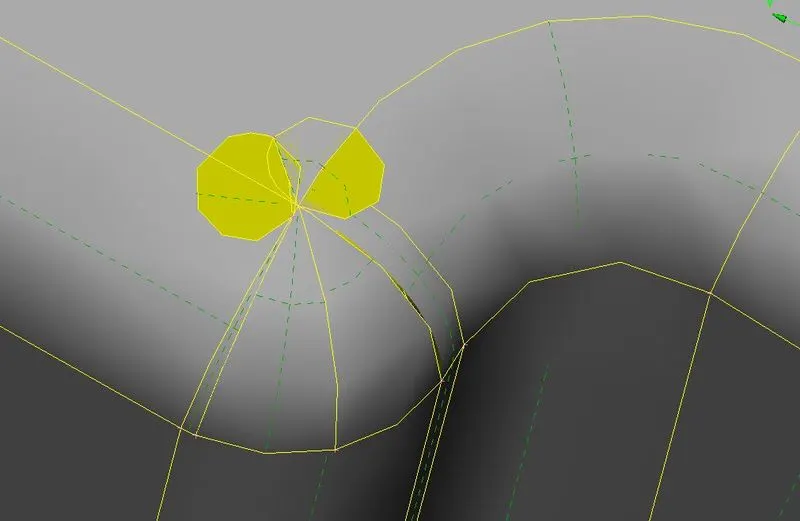
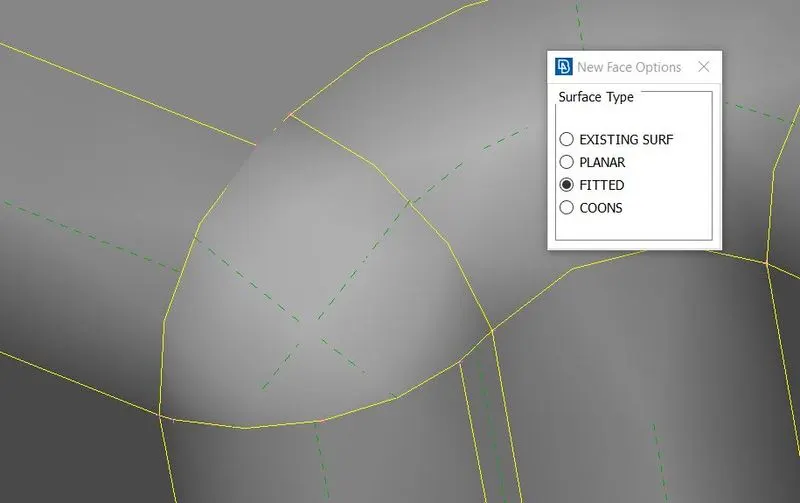
- Some areas have cracked faces. you have to delete the crack areas and create new surface using faces>new.
- Now measure the thickness of the component and ribs using measure tool, after orienting the component using Faces>orient>visible.
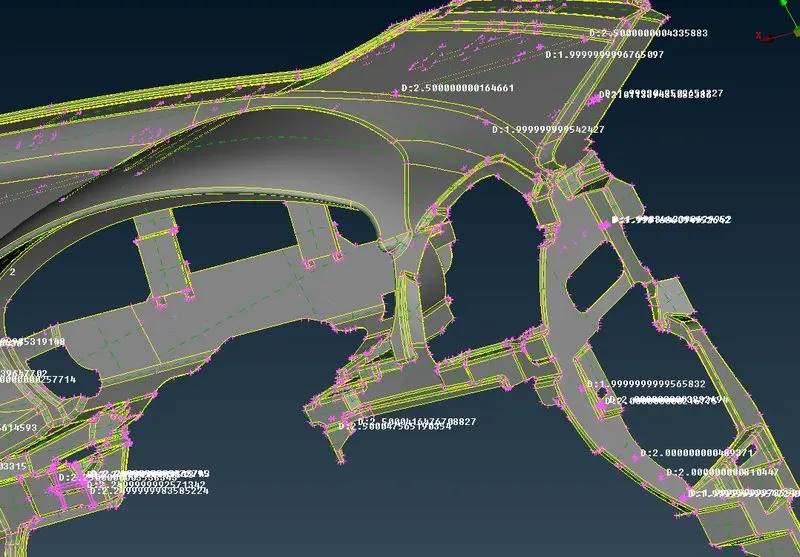
- Now the model has ready to do midsurface extraction. we have different kind of tools to extract midsurface.
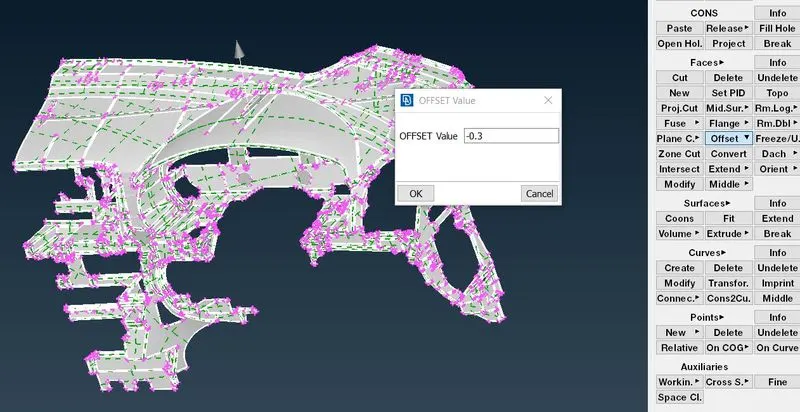
- Now we use offset tool to get midsurface of the major areas using Faces>offset.
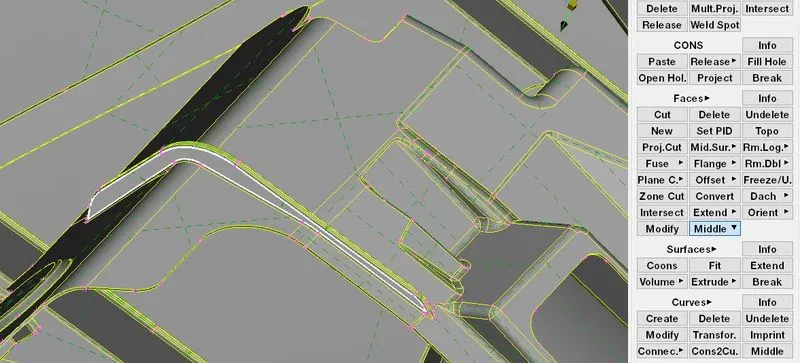
- Now we have to take midsurface for various ribs with different thickness using middle option especially used for ribs area by using Faces>middle. Select the one side and either side of the rib to take midsurface.
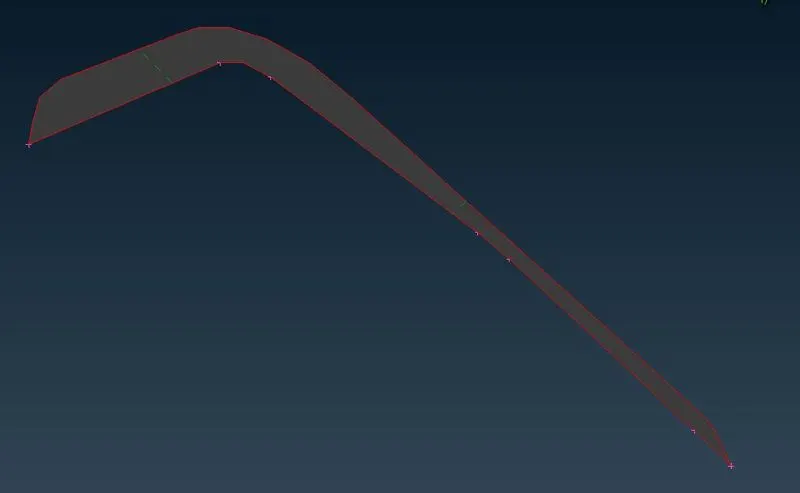
- Now take mid for dog house, Here we use cross pattern to capture the midsurface of the doghouse because the dog house solid pattern(hollow inside). It didn't have a definite thickness. So we have to capture the dog house by creating curves using cons2curves tool (curves>con2curve) in topo deck. If the cons are not available just create the curves using curves>create to get cross pattern curve.
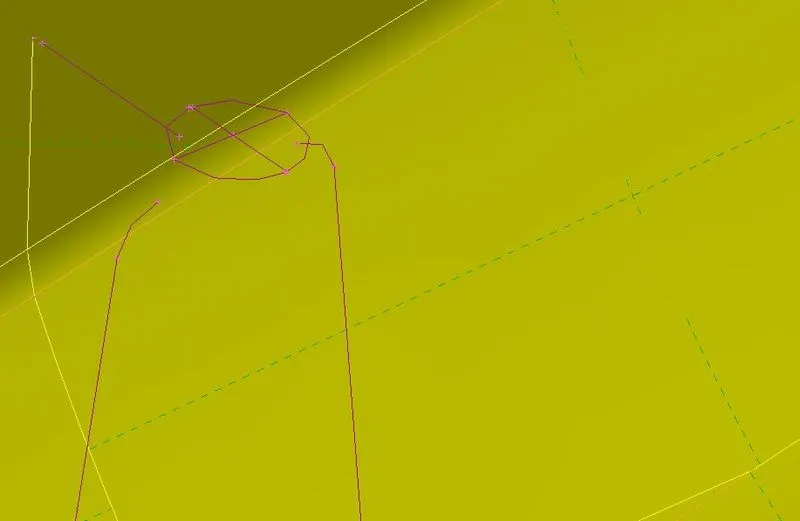
- Now Generate the midsurface using faces>new tool in topo deck.
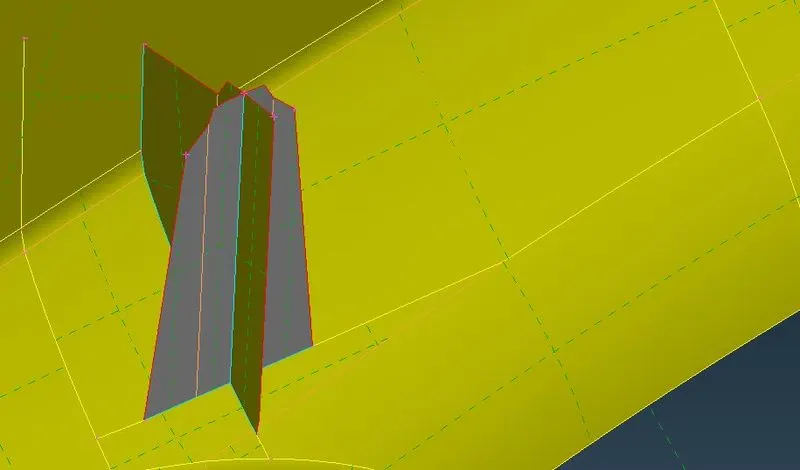
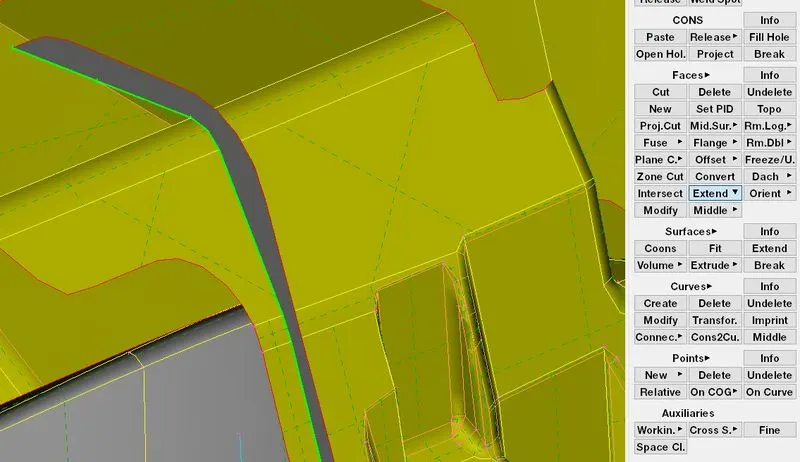
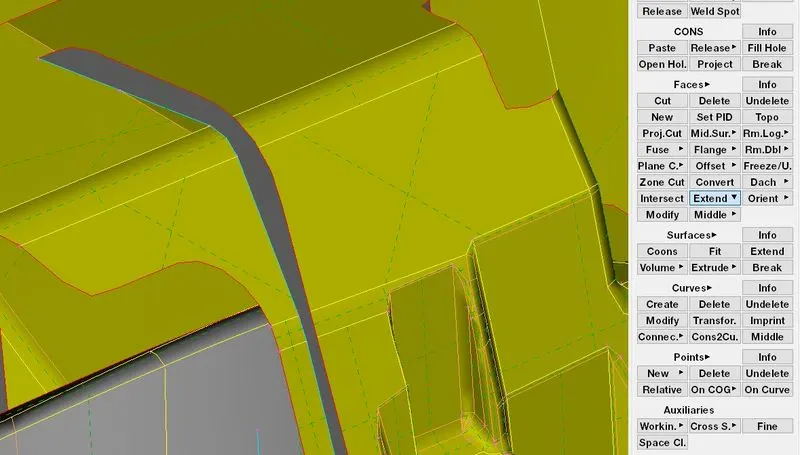
- After extract the midsurface for ribs. Now we have to extend the ribs using Faces>extend. This tool is used to extend edge to the target face.
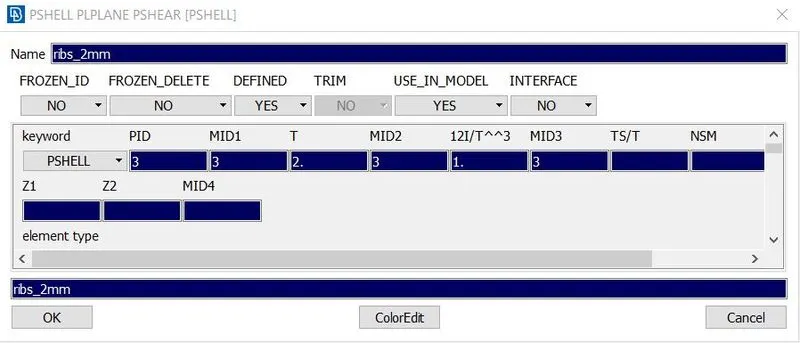
- Here we have different kind of thickness for ribs and main surfaces. So we have to assign different PID's for component by using Faces>set PID. Separate the ribs as per thickness and set PID for the ribs as per the given thickness.
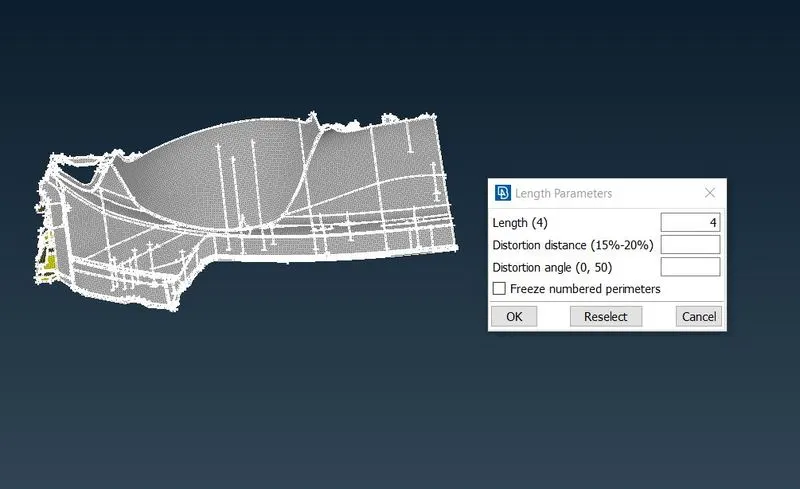
- Now select the component and assign the perimeter and macro length using Perimeter>length in mesh deck.
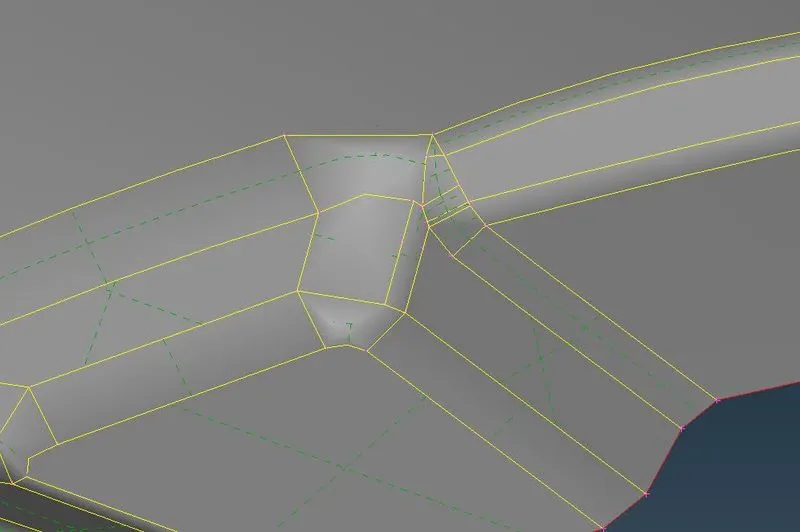
- Now prepare the part for meshing by made some cuts and suppress some double cons to get good mesh flow and minimum length fail.
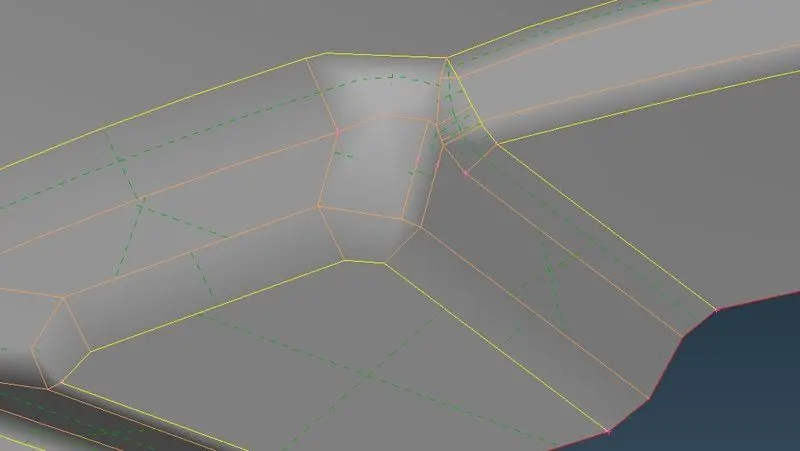
- After do the topo. Now assign mesh parameters and quality criteria for meshing as given above.
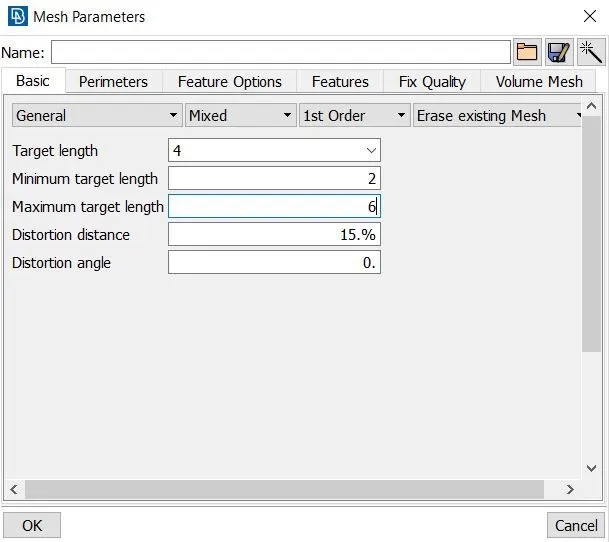
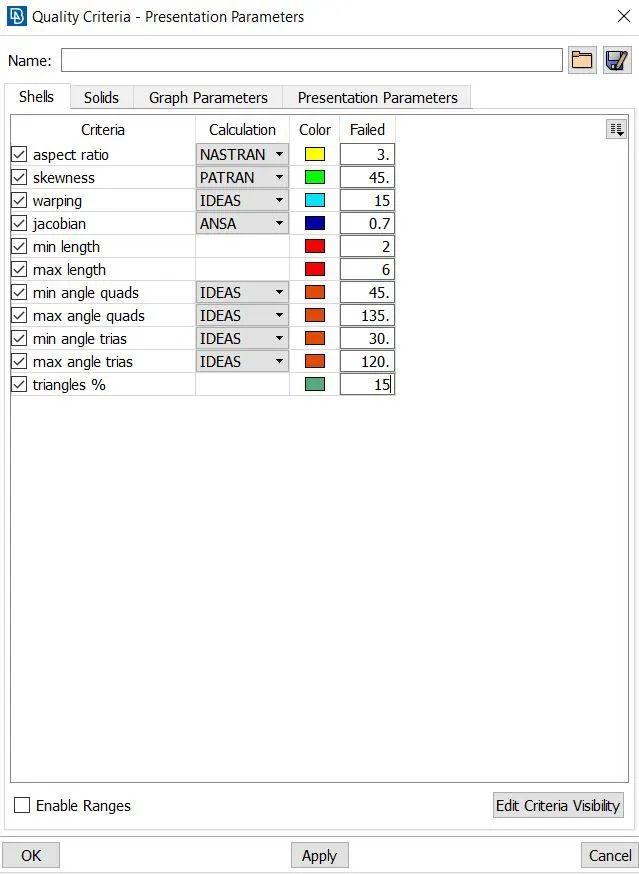
- Now we start meshing using Mesh generation>best or spot for Your preference. we should start in one region and spread it out, Start the region has more single cons.
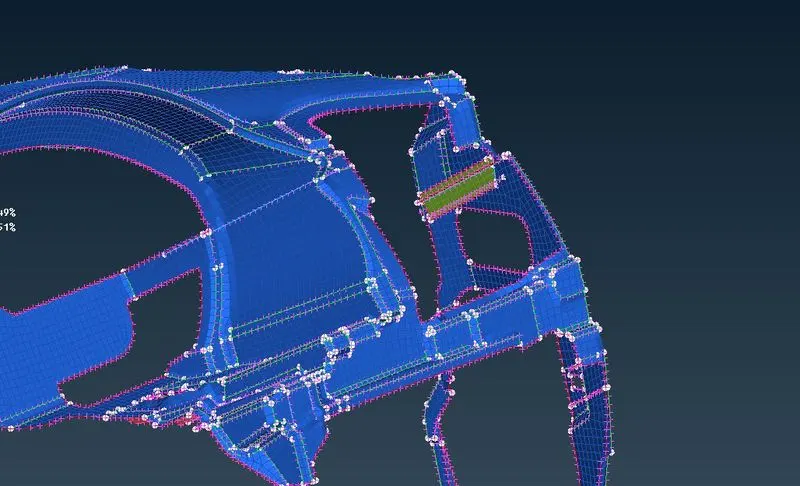
- After generate mesh use reconstruct tool in Shell mesh>reconstruct for get good mesh flow while remesh the macros.
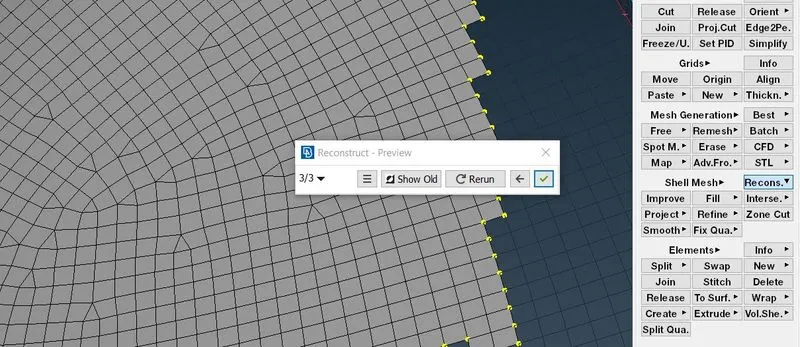
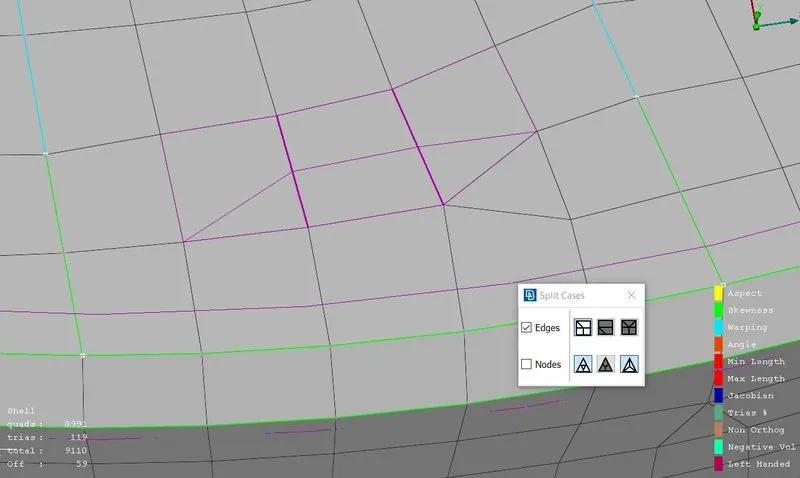
- Now We can use split,swap,paste tool for reduce the opposite trias and back to back trias.
- Split-The tool used to split the elements by edes and by nodes to move forwar the trias.
- Swap-The tool used to swap the tria to neighbour element.
- Paste-The tool used to move the tria backwards by pasting the nodes.
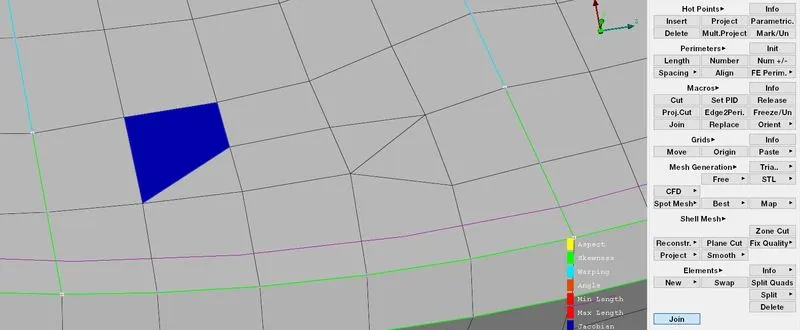
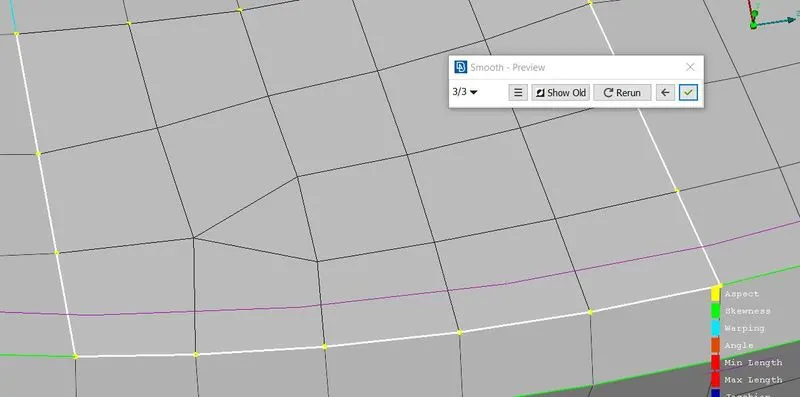
- We can use Smooth tool to get smooth mesh flow over meshed up areas using Shell mesh>smooth.
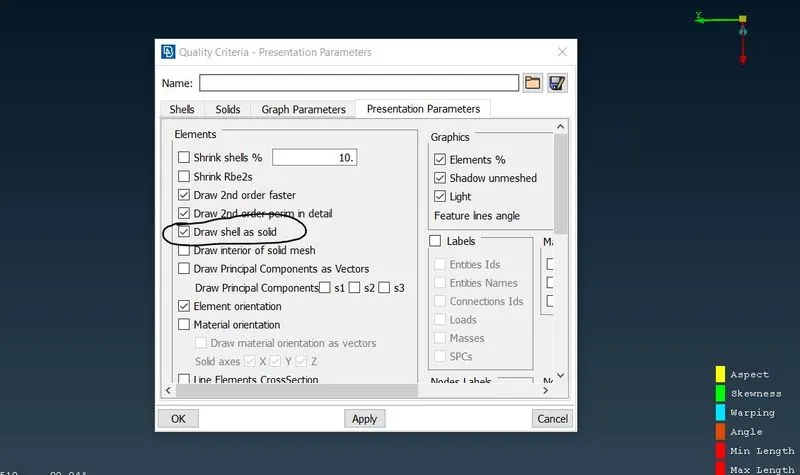
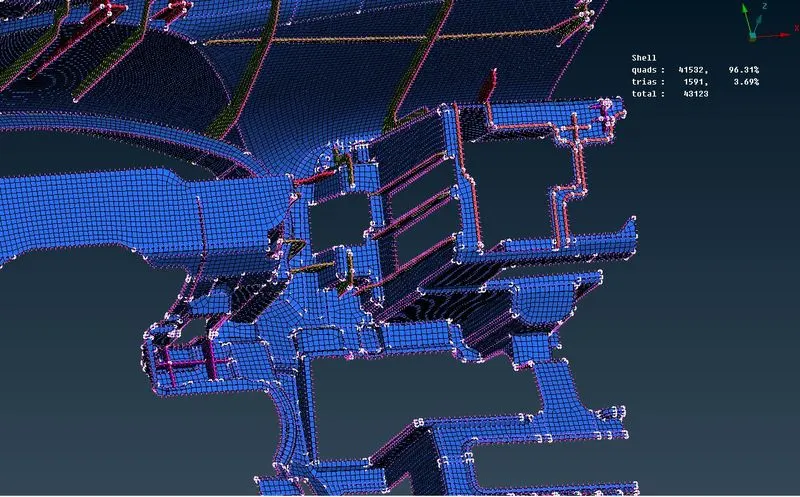
- After we finish the meshing for the entire component. We should select draw shell as solids in quality criteria>presentation parameters for see the component as thickened surfaces.
Final Images:
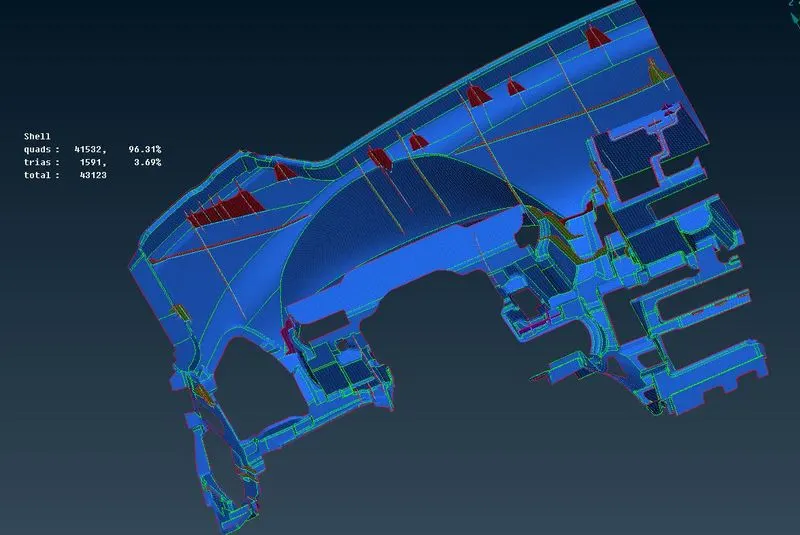
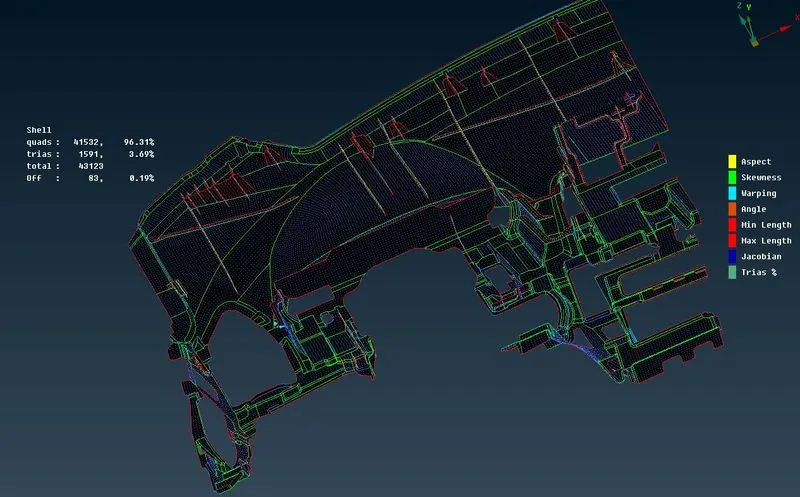
83 OFF elements can't be avoidable due to certain features especially in ribs area.
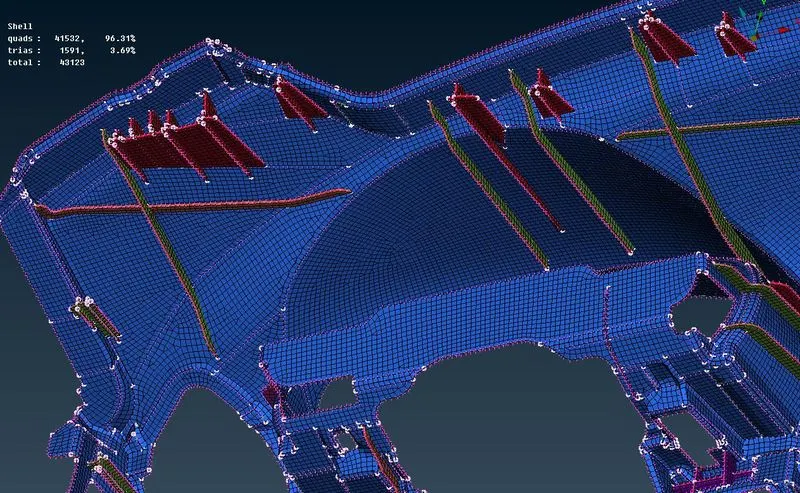
With thickened images:
Learning outcomes:
- Learnt to know how to take midsurface for dog houses.
- Learnt to use the extend and intersect tool extensively.
- Learnt to get good mesh flow over critical area like dog houses, ribs etc.,
Conclusion:
- The given instrument panel was meshed using extracted mid surface and given quality criteria as per requirements. some elements are off due to unavoidable reasons.