Project 1 - 2D meshing on the instrumental Panel
Project:1
2D Meshing on Instrument Panel
AIM: To perform geometrical errors cleanup, extract mid surface and 2D meshing on the given instrumental panel using ANSA. Then to assign the thickness for the model.
Procedure:
Initially the component has to be imported to the ANSA workspace.
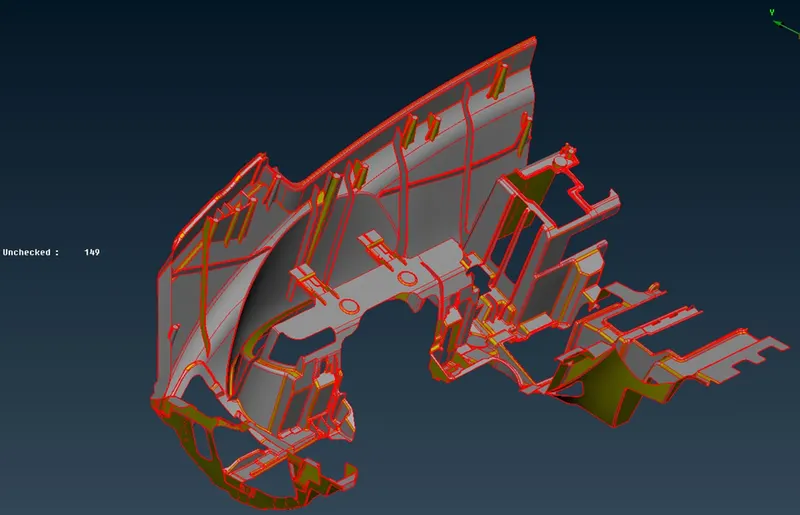
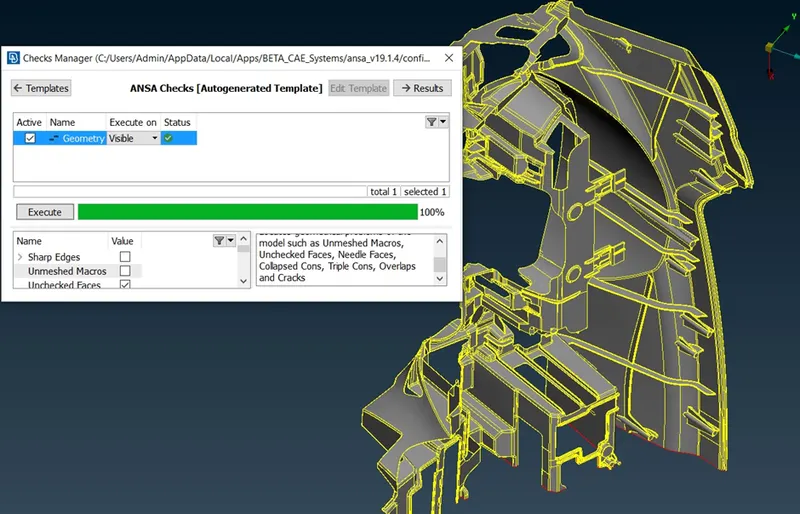
Then the imported component has been carried out to perform the geometrical cleanup. Most of the errors are fixed automatically by ANSA and some other errors are fixed manually After fixing all the geometrical errors the model has been performed with orientation and topo under Topo module > Faces.
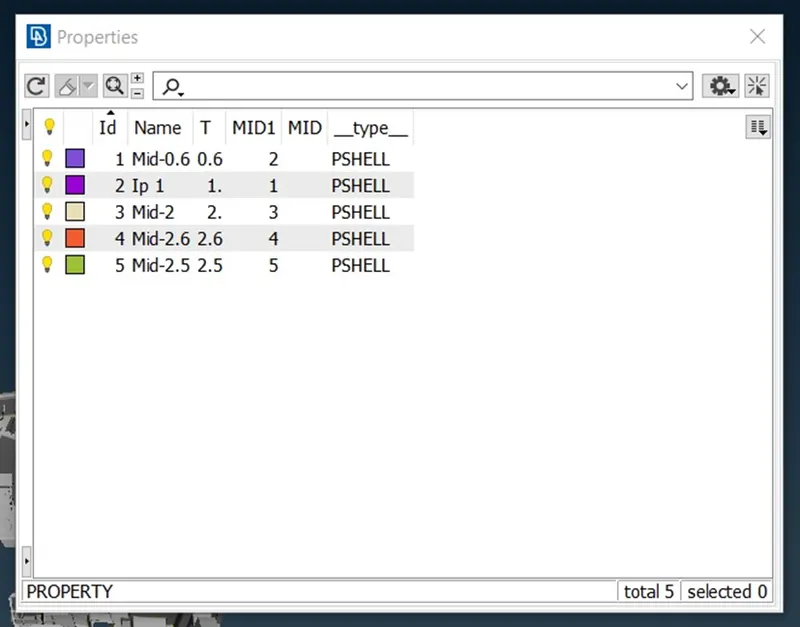
Then different PIDs have been assigned for the component with varying thickness entities.
After assigning PIDs mid surface has to be extracted from the component by using various methods such as offset, and middle methods. And for dog houses, cross patterns have been achieved in the mid-surface extraction process.
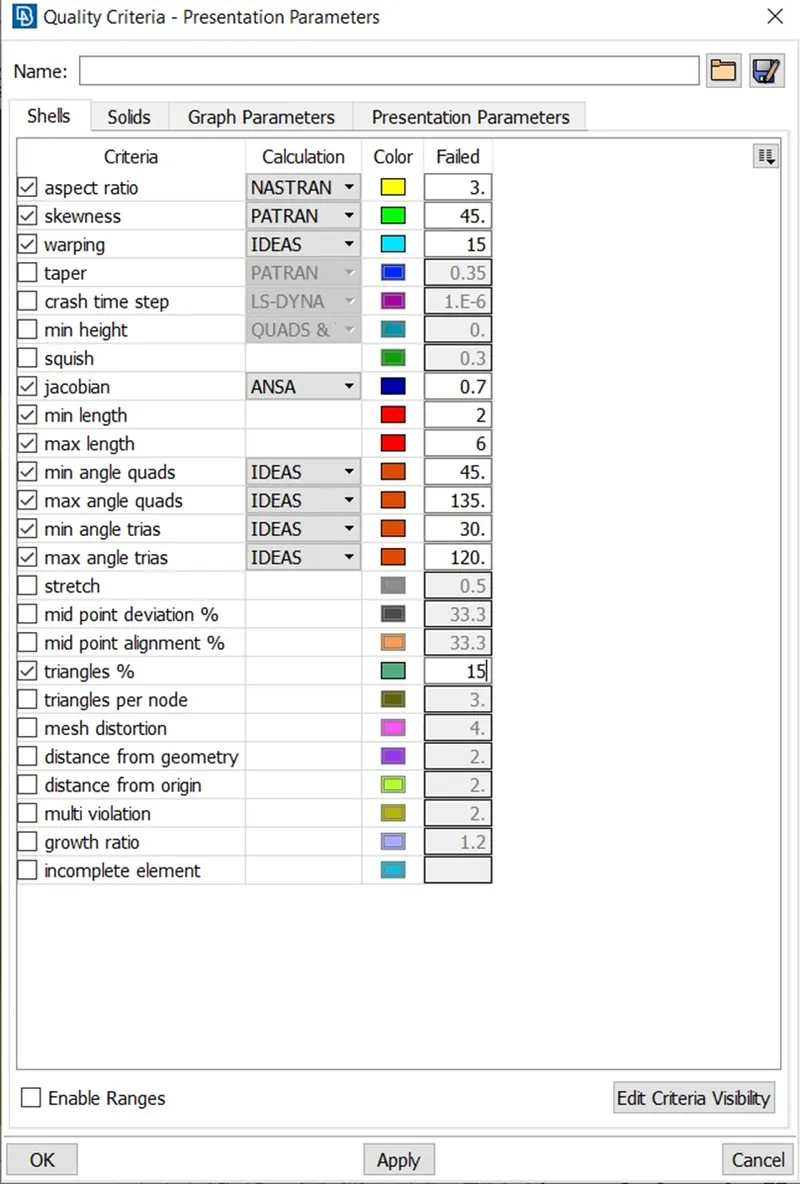
After extracting the mid surface of the component, assign the mesh parameters and quality criteria as per the given criteria. To assign the quality criteria Utilities > Mesh parameters and Utilities > Quality Criteria.
After extracting the mid-surface geometrical cleanup and topological cleanup have done on the mid-surface. Some faces have been edited in order to remove the errors obtained while checking for geometrical errors. And then every error have been fixed using manually and automatically.
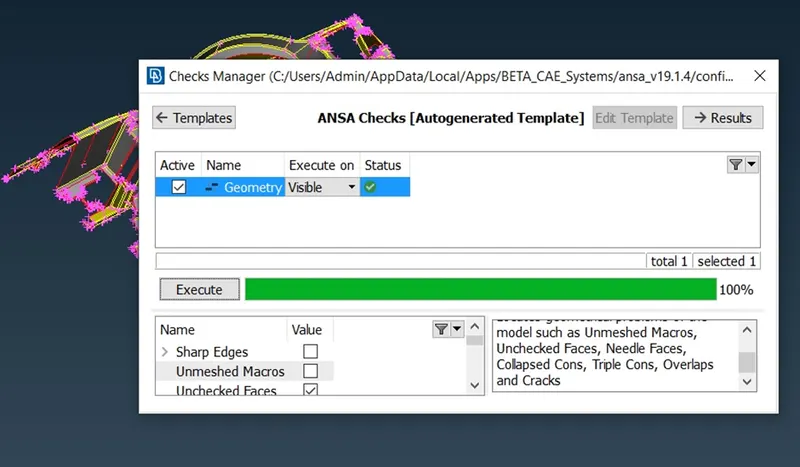
Now the model has been carried out to meshing process. Go to the mesh module, and assign the parameters such as length and micro with an average length in mesh modules under the mesh module.
Then the model has been meshed using the best mesh and spot mesh the resulting output was
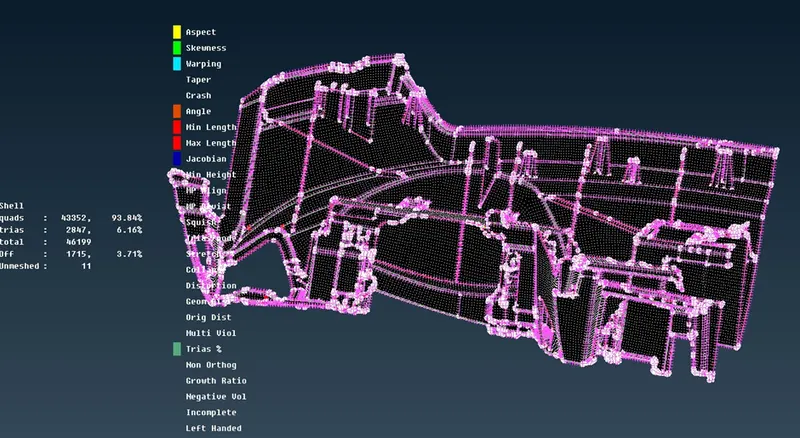
The above-resulted model has various off elements and all off elements have been eliminated using split, swap, join, reshape, reconstruction, smooth, and improve options under the mesh module. And the resulting model is
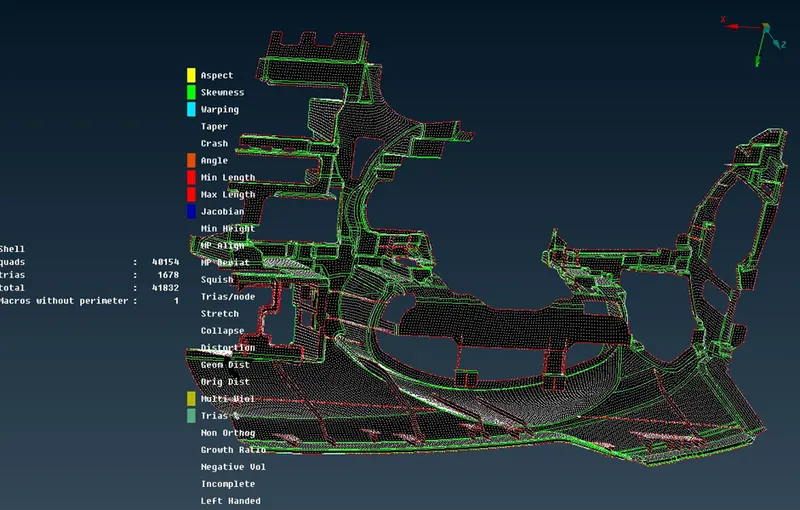
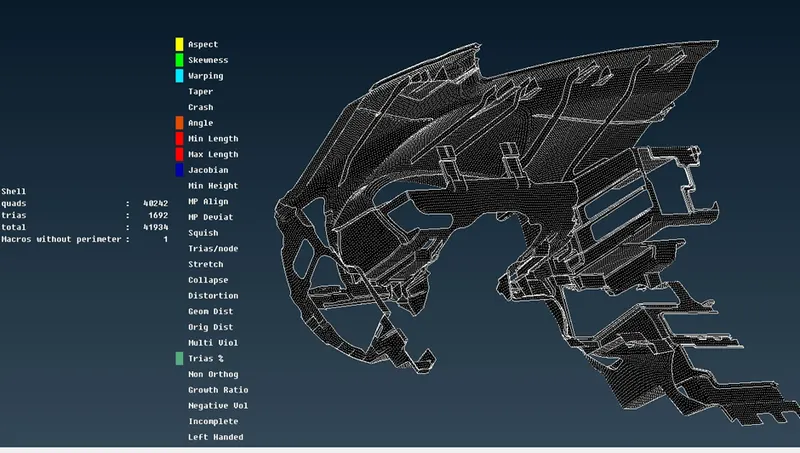
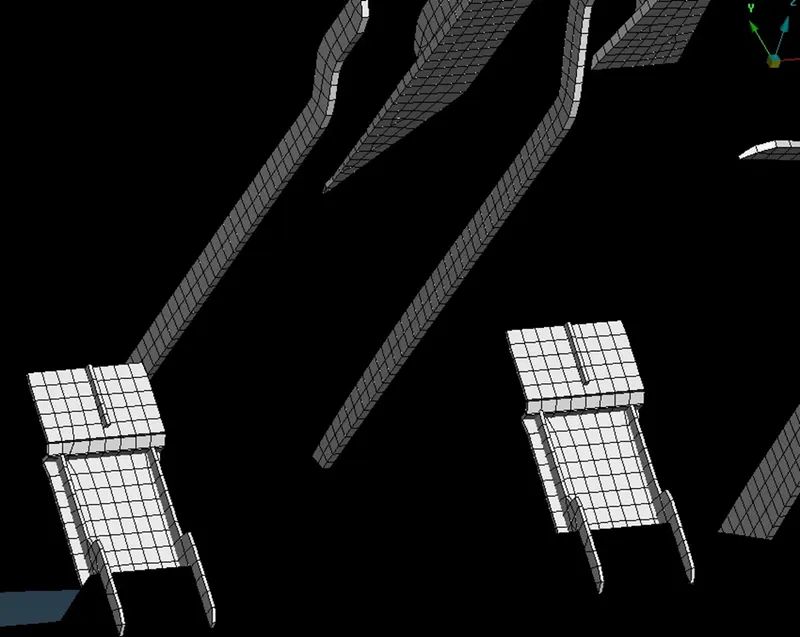
As per the parent, geometry thickness has been assigned to each PIDs. To exhibit the thickness of each property go to quality criteria > presentation > draw shell as solid. Check in the above option. Thus the mid surface will be projected as solid.
Learning outcomes:
Learned about geometry clean-up, mid-surface extraction, and cleanup, meshing with spot and best mesh and tools such as reshape, reconstruction, smooth, improve, swap, join, and split to clean off elements.
Conclusion: 2D meshing has been carried out on the given model using ANSA and obtained the model as solid by assigning the thickness.