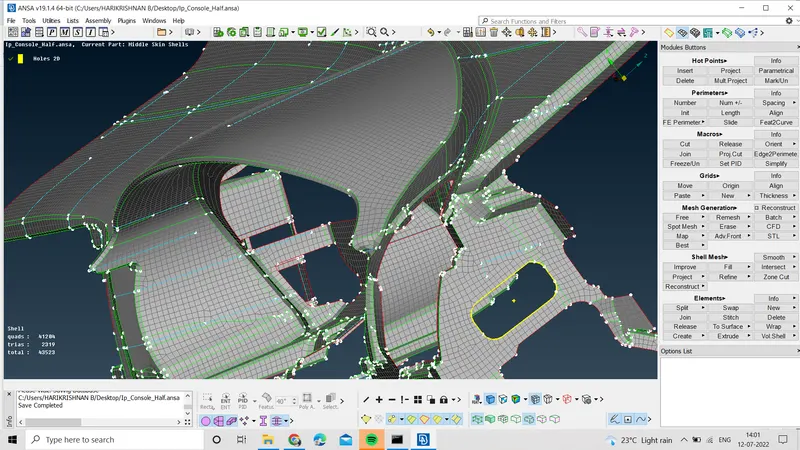
Project 1 - 2D meshing on the instrumental Panel
Aim
For the given component, check for the geometrical errors and mesh with the given element Quality criteria. After meshing the component the thickness has to be assigned.
Procedure
Step 1
To clean the geometry, then create the mid surface for the geometry, the given component is the dashboard of the vehicle. It's a plastic component so I decided to generate the mid surface using a casting method. While performing the casting the ANSA crashed, so using plane cut i divided the components into four parts and generated the FE for the component.
Step 2
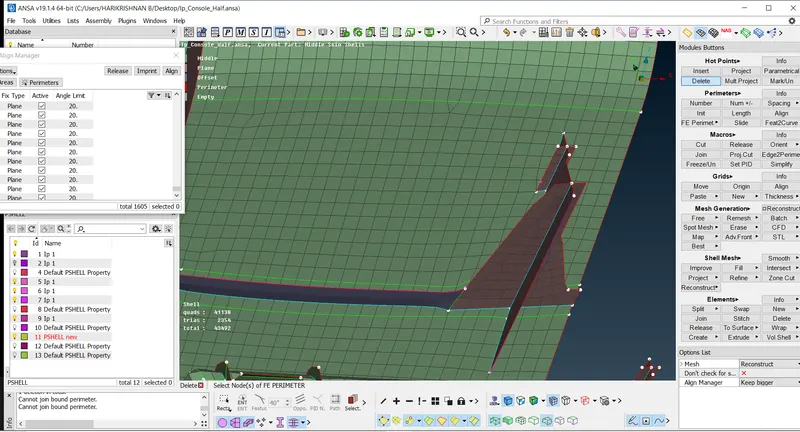
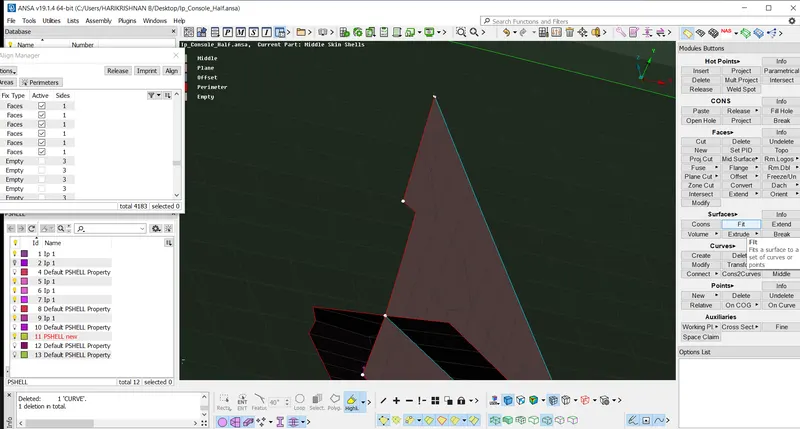
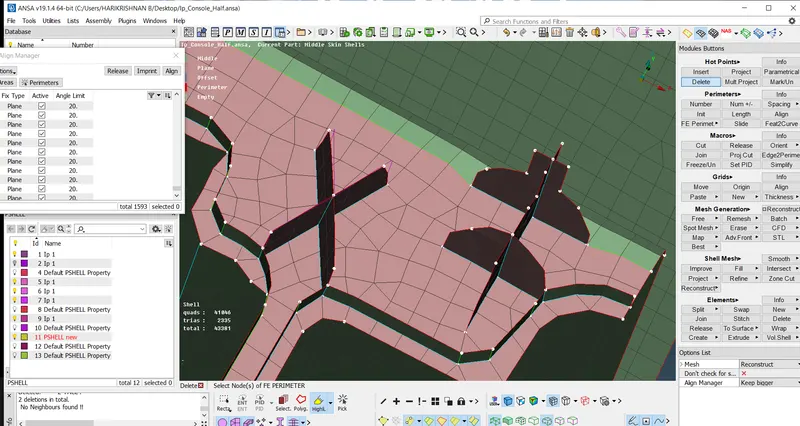
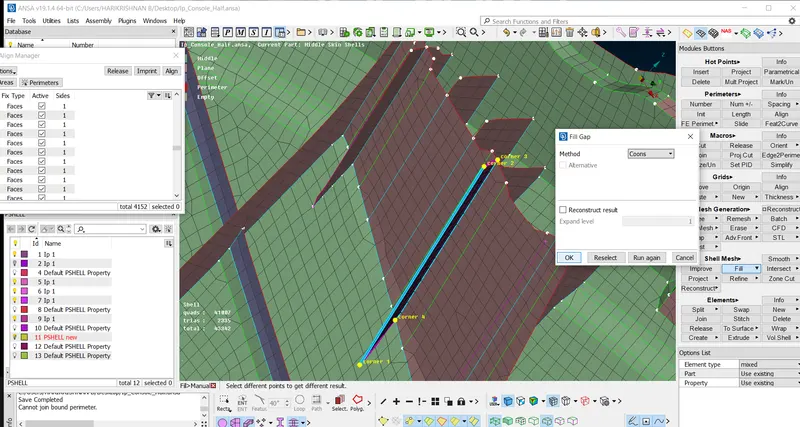
After casting using align manager the disrosted feature has been recaptured and some of the features has been created by using shell mesh fill options and those shells using align manager it align with the particular surface. Using the align manager tool the perimeter and the area are arranged. further moved to the element quality failure regions and cleared the failing elements. but some quality was not supposed to be clear. In the align manager I used area -plane middle and offset methods, and perimeter- point and face options. Using the paste option I joined those areas which I have been doing the casting supperat. Further PDI create using thickness option with the thickness difference with 0.5 mm
 |
 |
 |
 |
Conclusion
The dashboard of the vehicle has been created in the FE with a good mesh flow and with minimum element failure using casting methods.