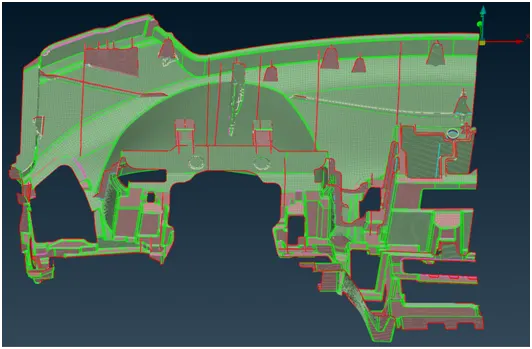
Project 1 - 2D meshing on the instrumental Panel
Project 1
AIM:
For the given instrumental panel component, check for the geometrical errors and mesh with the given element Quality criteria. After meshing the component the thickness has to be assigned.
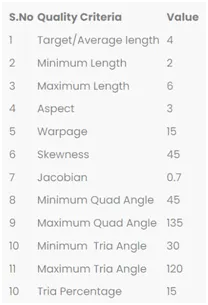
Quality Criteria:
Procedure:
following step to be done for meshing the given Instrumental panel.
1] Import:
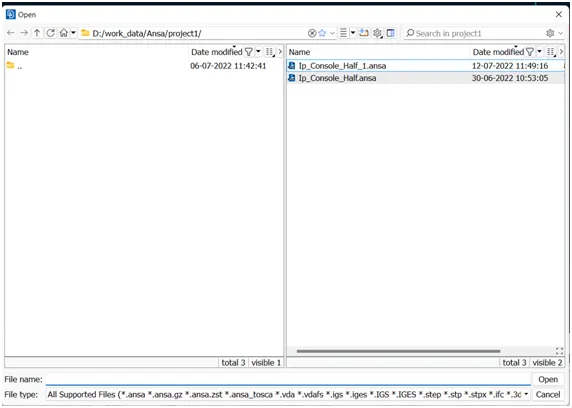
import the geometry in the .stl,.STEP,.IGES format. File > Open > Choose the File and hit on open.
2] Cons resolution:
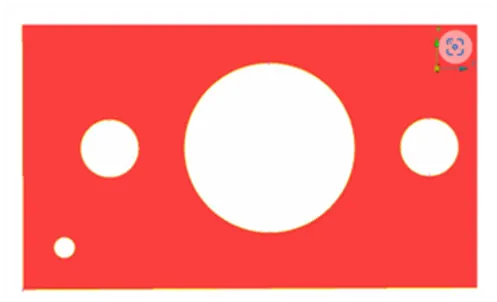
changing the distance between the nodes(mesh length) from preset value to required value,this will help us to understand the actual shape/ geometry of imported cad model.make sure before meshing this length should be change again to the targeted element length.(mesh module>perimeter>length>1)perimeter2)macros)
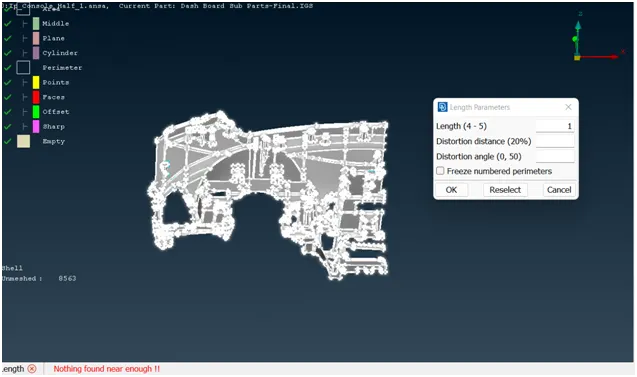
fig 1] before cons resolution:
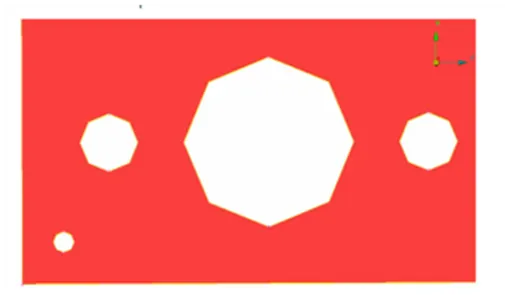
fig 2] after cons resolution:
3] Topo option:
- If the imported file it doesn’t have any connectivity between the Surfaces.To get the connectivity between the surfaces we have to use the Topo option.(TOPO Module> Faces > Topo).
- first we check the any single cons are present in the geometry so in focus menu deselect the double cons and press shit+ctrl.
- if any double cons present then use the (TOPO Module> Faces > Topo).
4] orientations:
- We have to Orient the Surfaces to make sure all the surfaces are in one normal direction.(TOPO Module> Faces > Orient)
5] Checking the geometrical errors:
after the orientations done the we need to check the geometrical error. for that go to (check manager>geometry>execute)
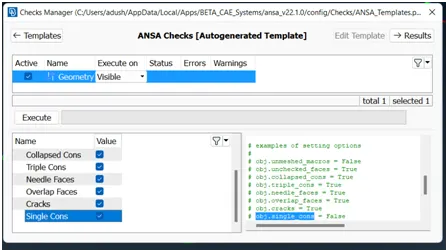
6] Clearing the geometry errors:
if any geometry error is pop out then select the all error and then right click on error and fix them.
7] Check the thickness of the components.
- If the thickness is less than 5 or 6mm then we have to extract the midsurface.
- If the thickness is more than 5 or 6mm then no need to extract the midsurface.
for cheching the thickness of model (isolate>mesure>nodes) or create short cut key for measure option.here its showing the thickness is less then the 6 mm but not uniform so its a plastic component.0.6 mm is least diamension in the given component.
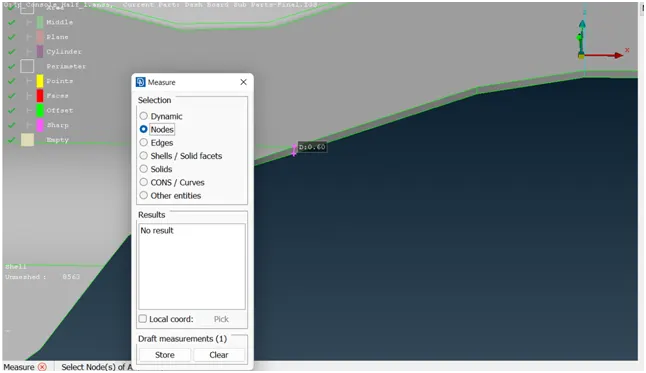
8] creating the new PID:
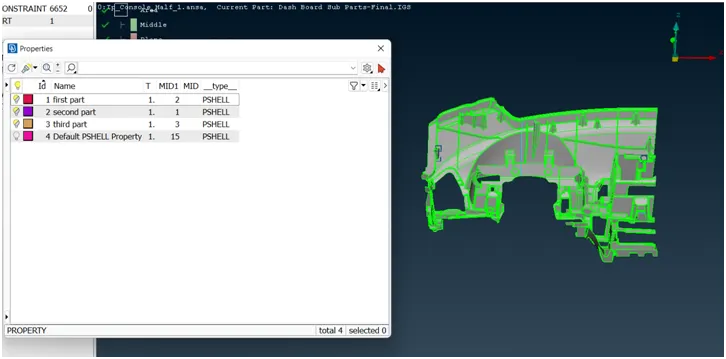
its big component so we need to convert it into 3 new small PIDs
1] cut the component into small part (topo module > faces > plane cut > single/multi)
2] create the new PID (topo module > faces > SET PID )
9] Creating the midsurface by using casting/extrusion:
its plastic component so we can't directly use the skin or offset option to exctated the mid surface,there is two method for creating mid surface and meshing.
1] manual method for extracting the mid surface and then meshing.
2] directly creating the FE on mid surface by using casting methode.
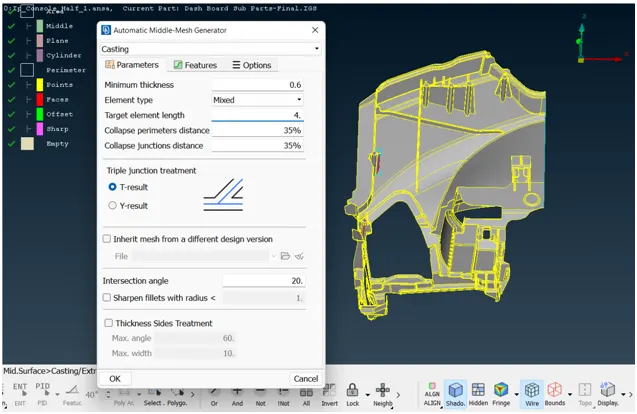
do the same process for totally 3 part.
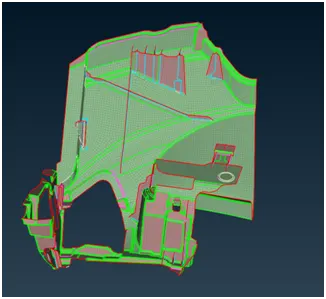
1] FIRST PID:
2]SECOND PID:
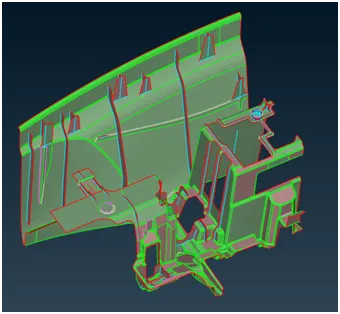
3]THIRD PID:
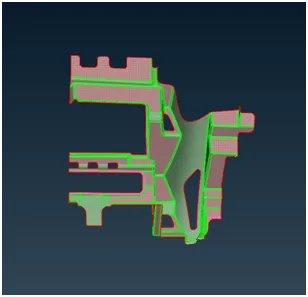
10] Allign manager:
Align manager is used to ensure the automated generated mesh is allign to middle of surface. by using the allign manager we correcting the disturbed FE if any.
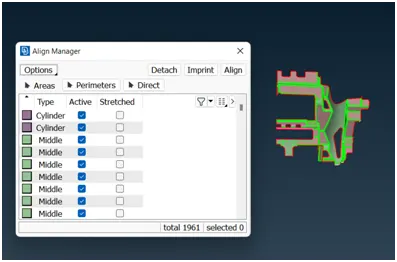
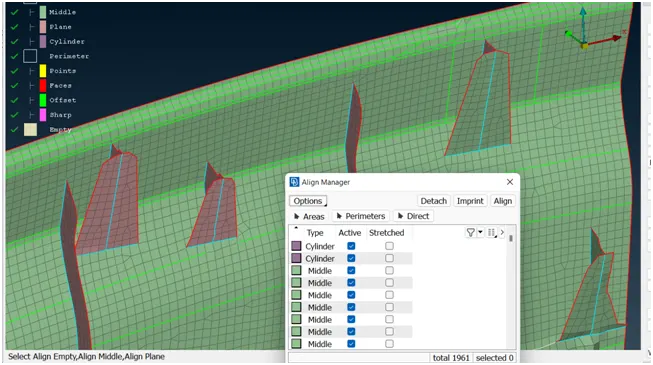
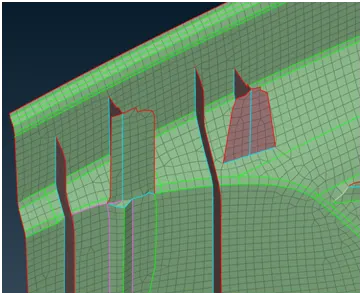
1] Dog house:
dog houses is critical area in the component.so by using the align manager we correcting the auto. generated FE.
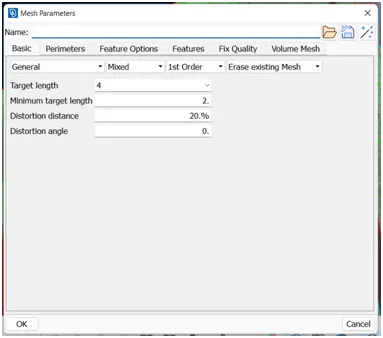
11] Providing the Mesh Parameters.
based on the given data we provide the target element length is 4 mm,minmum target length is 2 mm,and maximum target length is 6mm etc.
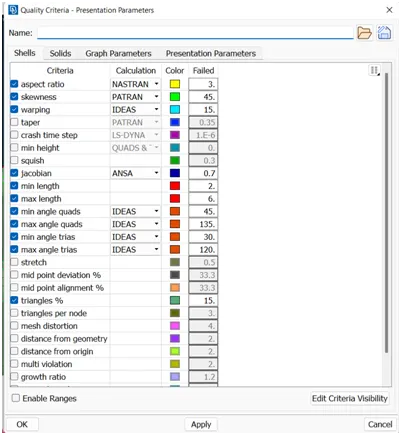
12] Providing Quality criteria to the models:
based on the given data we provide the Quality criteria to the models.
13] Improve the mesh flow and quality of mesh:
smothning the mesh:(mesh module>shell mesh>smooth)
reconstruct the mesh:(mesh module>shell mesh>reconst)
improve the quality of mesh:(mesh module>elements>split/swap/join/stich)
insert or delete hot points:(mesh module>hot points>insert/delete)
to increae or decrease elements number:(mesh module>perimeters>NUM+/-)
to cut or join the face:(mesh module>macro>cut/join)
to delete the mesh:(mesh module >mesh generation>erase)
14] assigning the thikness:
Assign the proper thickness for the newly created midsurface so that (quality criteria>presentation parameters>check the draw shell as solid)
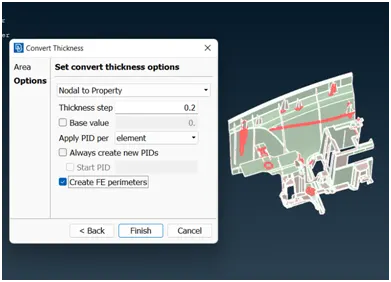
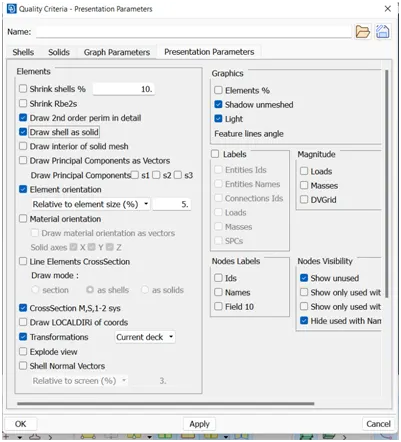
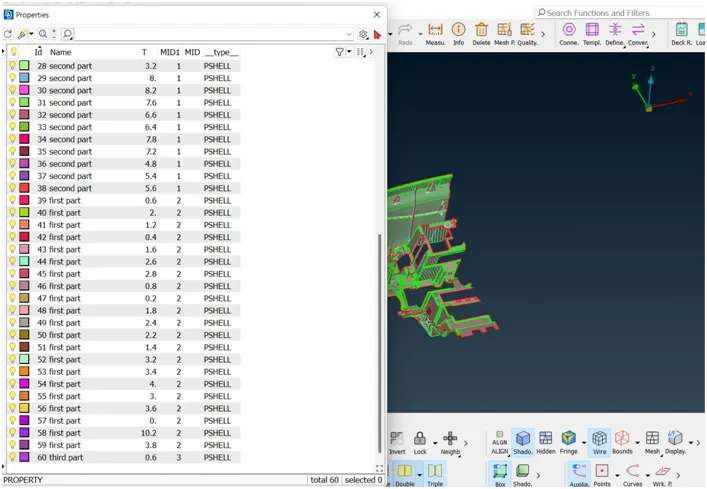
15] final product with different thickness: