Project 1 - 2D meshing on the instrumental Panel
project 1
AIM:For the given component, check for the geometrical errors and mesh with the given element Quality criteria. After meshing the component the thickness has to be assigned.
Write a detailed report on your meshing process and also mention which method you used to extract the mid-surface along with the reason.
|
S.No |
Quality Criteria |
Value |
|
1 |
Target/Average length |
4 |
|
2 |
Minimum Length |
2 |
|
3 |
Maximum Length |
6 |
|
4 |
Aspect |
3 |
|
5 |
Warpage |
15 |
|
6 |
Skewness |
45 |
|
7 |
Jacobian |
0.7 |
|
8 |
Minimum Quad Angle |
45 |
|
9 |
Maximum Quad Angle |
135 |
|
10 |
Minimum Tria Angle |
30 |
|
11 |
Maximum Tria Angle |
120 |
|
10 |
Tria Percentage |
15 |
PROCEDURE AND DESCRIPTION:
1. OPEN THE ANSA SOFTWARE.
2. OPEN IP CONSOLE IN ANSA SOFTWARE.
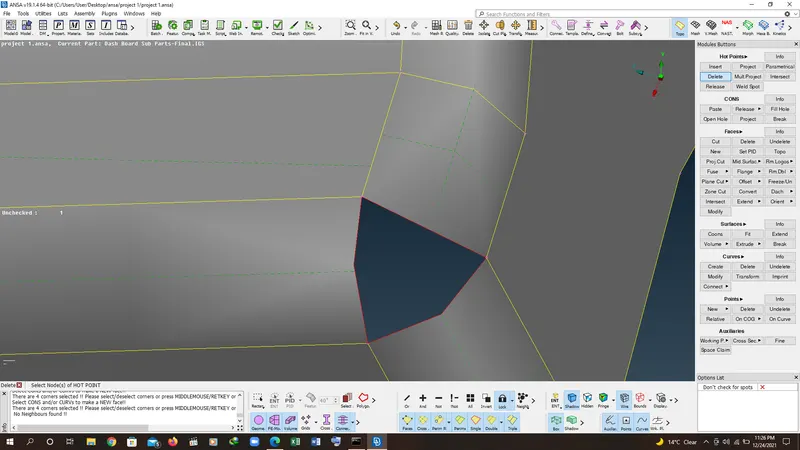
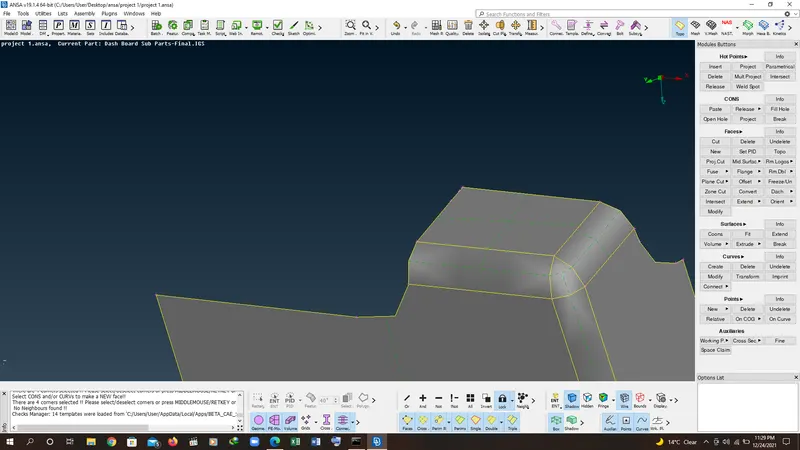
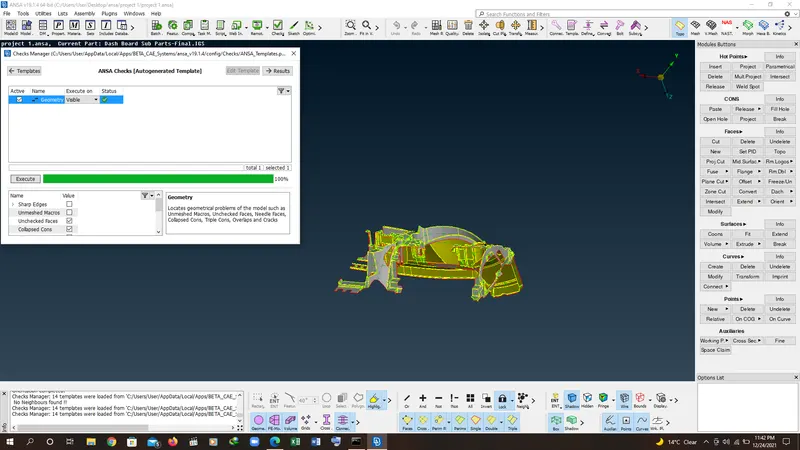
3. check the geometry for the ip console. check the errors and solve it by fix or by manual methods.
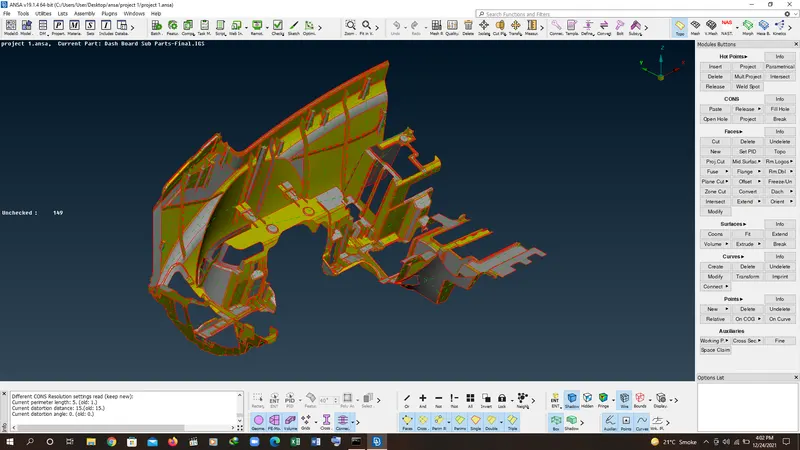
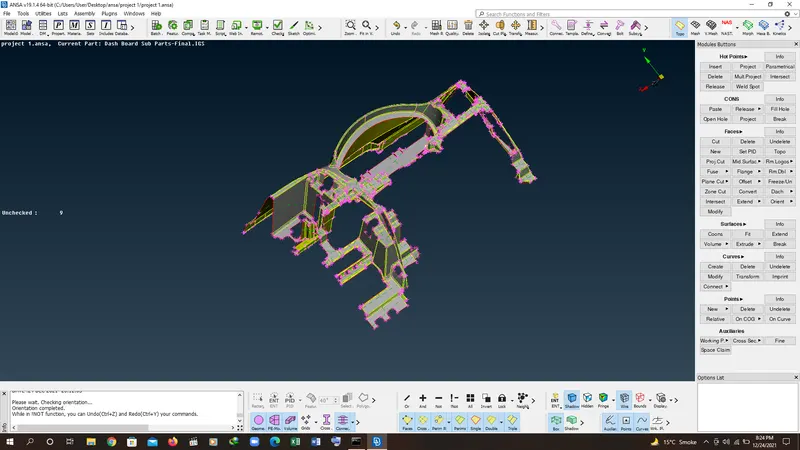
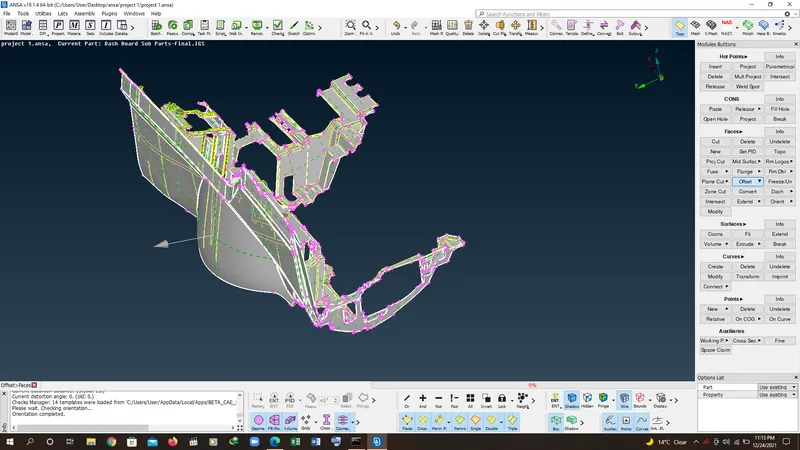
4. after cleaning the geometry go to offset command and select the surface and offset to mid.
5. after offseting the surface check the geometry for errors(like niddle faces ) and solve after checking the surface then go to mid surface and mid the surface ribs and dog houses.
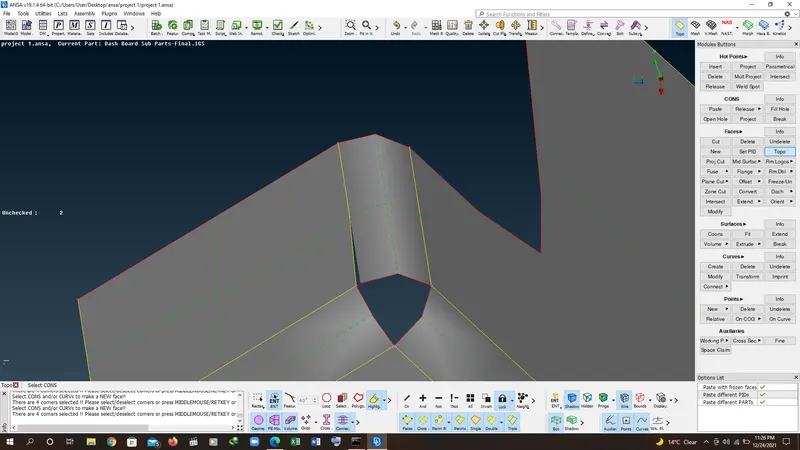
6. for dog houses create the mid surface cones or curves to create the surface by new face command.
7. after creating the the surface by the use of curve or cut cones option create the surface and then use the extend command to extend the dig house curves.
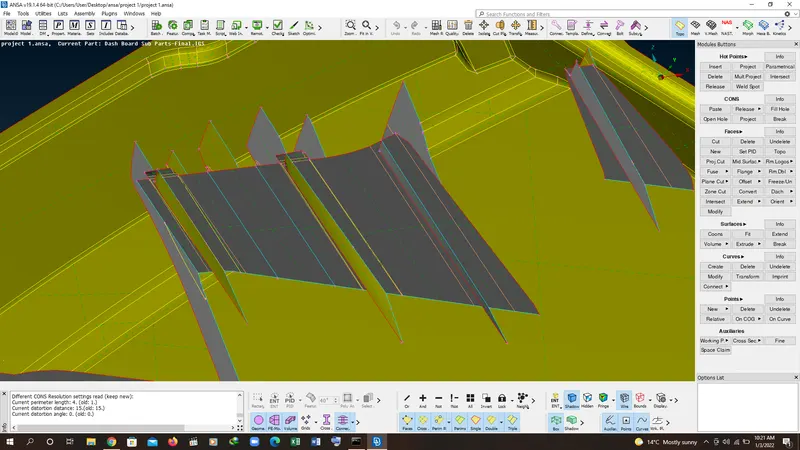
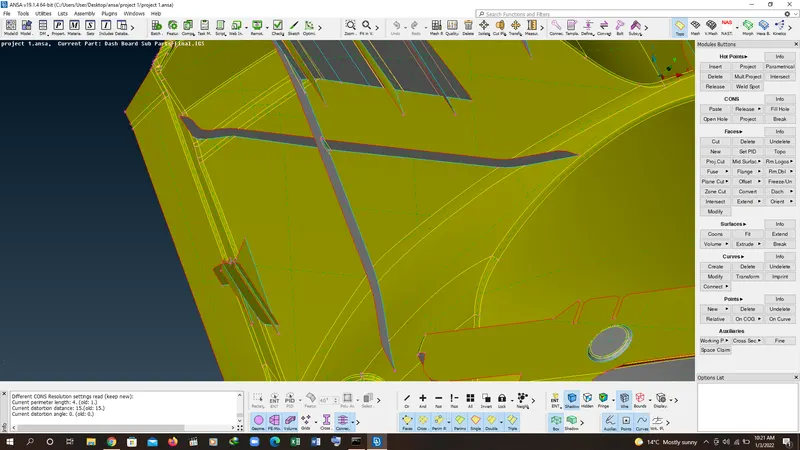
8. after creating the dog house mid surface then do the same for the remaining ribs and dog house.
9. after creating suessful mid surface then go to mesh parameter and set the value to 4mm as per aim and set the quality parameters as per quailty which are written below:
|
S.No |
Quality Criteria |
Value |
|
1 |
Target/Average length |
4 |
|
2 |
Minimum Length |
2 |
|
3 |
Maximum Length |
6 |
|
4 |
Aspect |
3 |
|
5 |
Warpage |
15 |
|
6 |
Skewness |
45 |
|
7 |
Jacobian |
0.7 |
|
8 |
Minimum Quad Angle |
45 |
|
9 |
Maximum Quad Angle |
135 |
|
10 |
Minimum Tria Angle |
30 |
|
11 |
Maximum Tria Angle |
120 |
|
10 |
Tria Percentage |
15 |
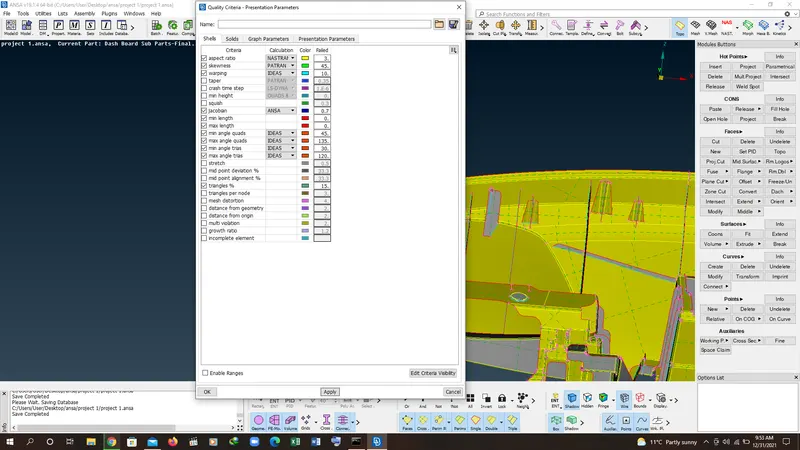
10. after checking the quality parameters fix the quailty by using neccsary commands in grid, element and shell tool bars.
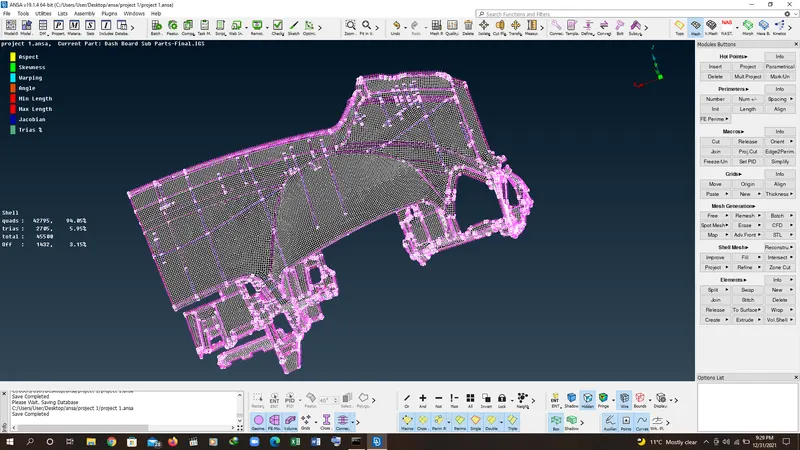
RESULT: