Project 1 - 2D meshing on the instrumental Panel
- AIM:
The main aim of the project is to extract the mid surface of the given model and to perform without violating the given quality criteria.
- PROCEDURE:
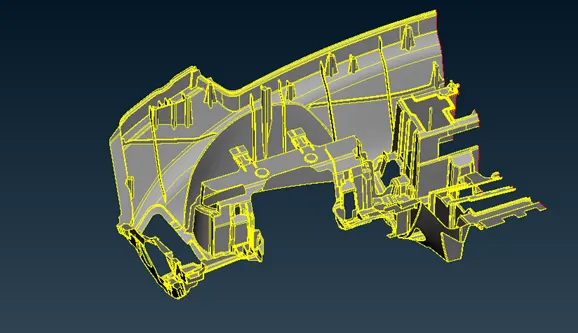
1.Extract the given model to ANSA envirnoment and use TOPO option to stitch the surface and orient the faces using orient option and set the perimeters and macros to 1 to capture the features correctly.
2.Observe the geometrical errors in checks manager.
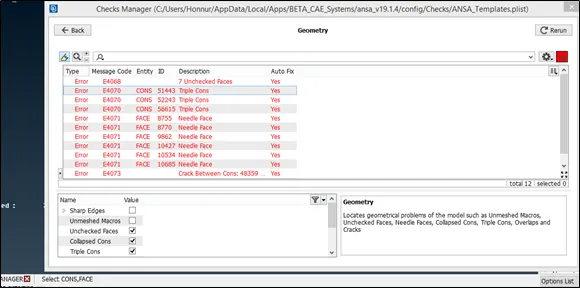
3.Clear the following geometrical issue either using fix option or it can be done manually.
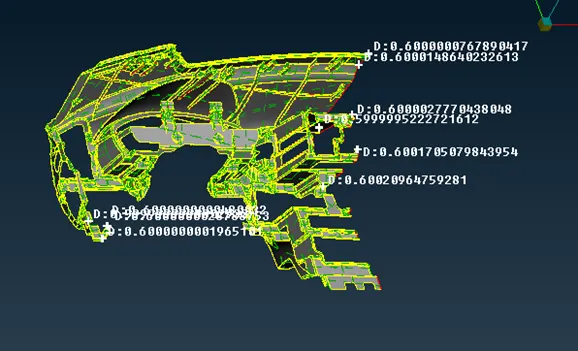
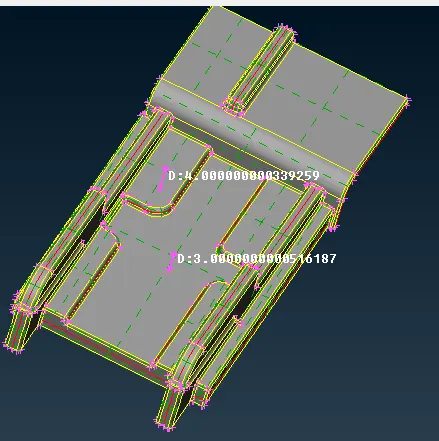
4. Measure the thickness of the model at various areas and it found to be uniform all around so to extract mid surface use offset option by enabling feature angle option and select the major area.
5.Dog Houses can be captured by following steps
a.Take the mid surface of the supported rib using middle option.
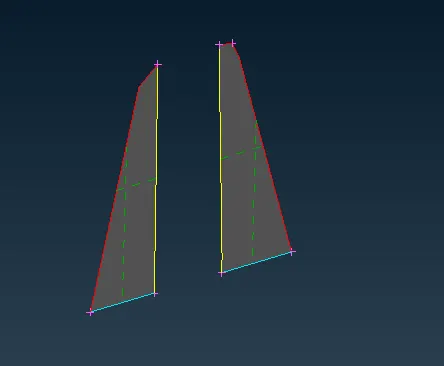
b.Create the new surface using faces>new>fitted option and extend the single cons to the parent geometry and also extent to the created midsurface using extend option.
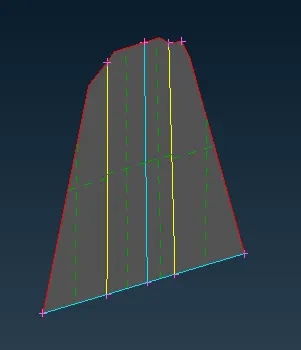
c.Extend the other rib to the parent geometry as shown and use intersect option to create a triple con at the intersection of the newly created face.
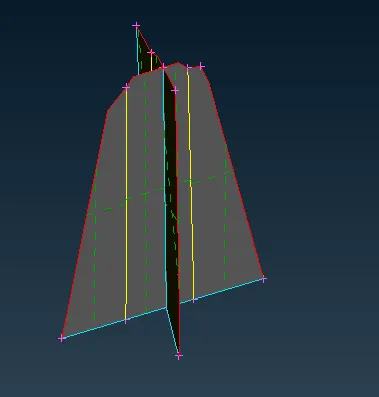
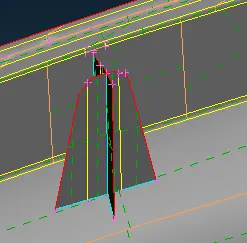
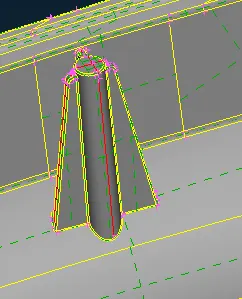
6.Remaining ribs and doghouses are extracted in same manner
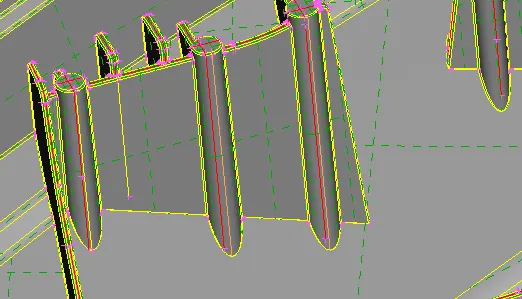
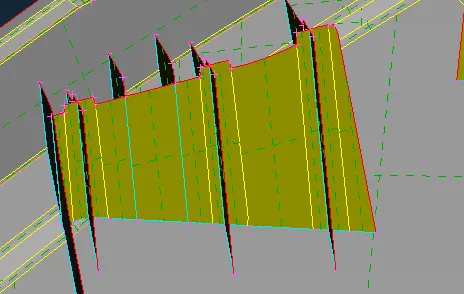
7.The longer rib mid surface can be extracted simply by measuring the thickness and then using offset option to get the mid surface.
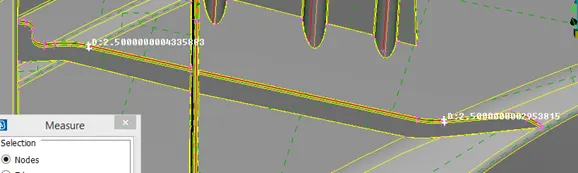
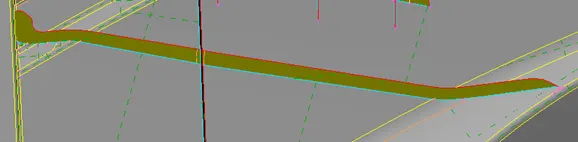
8.The supporting ribs can be extracted by using middle option and using extent option we can project the rib over mid surface.
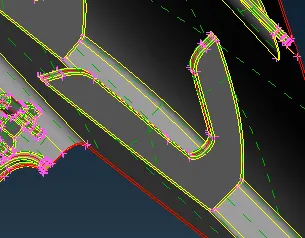
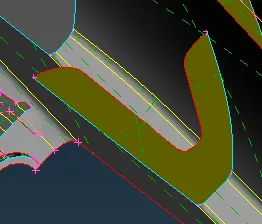
9.These type of dog houses can be extracted in the same cross pattern using similar approch.
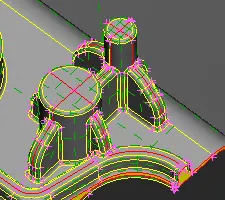
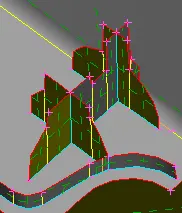
10.This feature is captured by using middle option and then projecting to the parent surface.
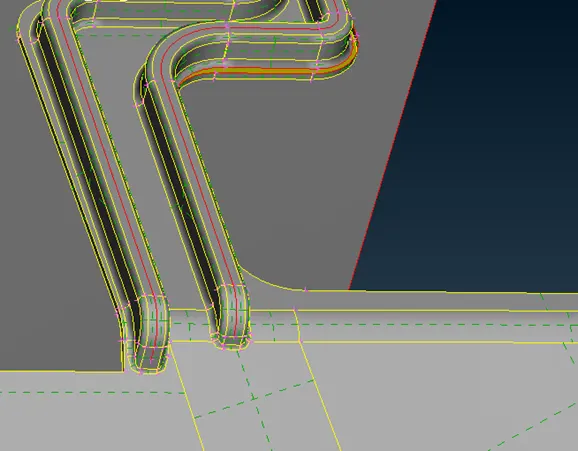
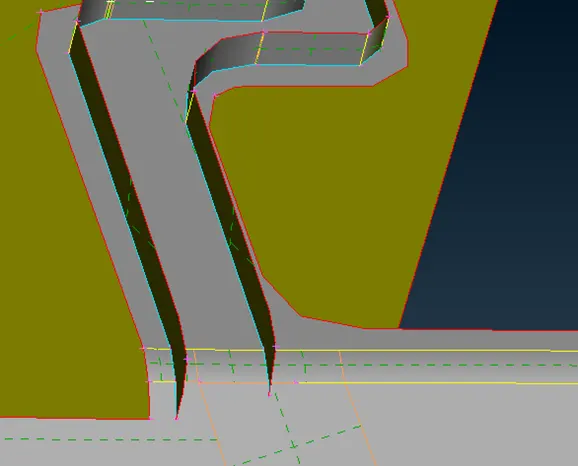
11.This type of feature are captured by using offset option and then use intersect option to trim the extra area created.
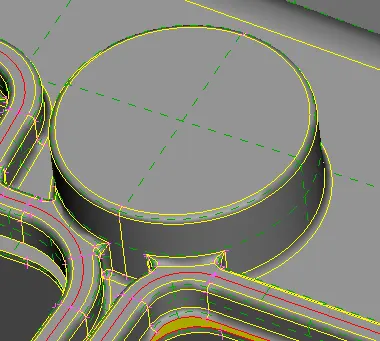
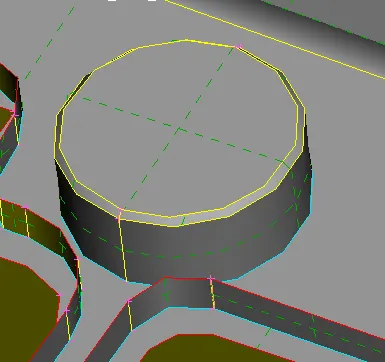
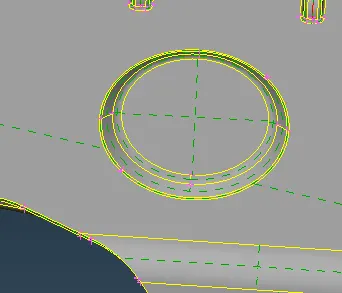
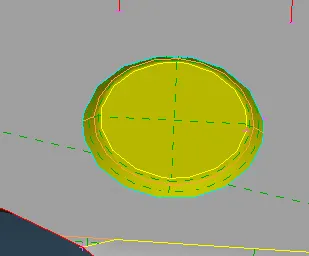
12.This feature is captured using following steps.
a.Measure the thickness of the faces and use offset option to create the midsurface and then extent the signle con available to the parent geometry.
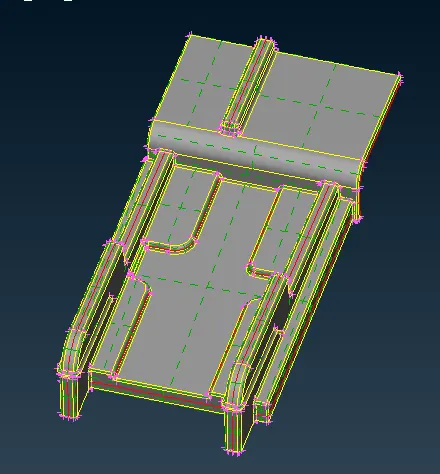
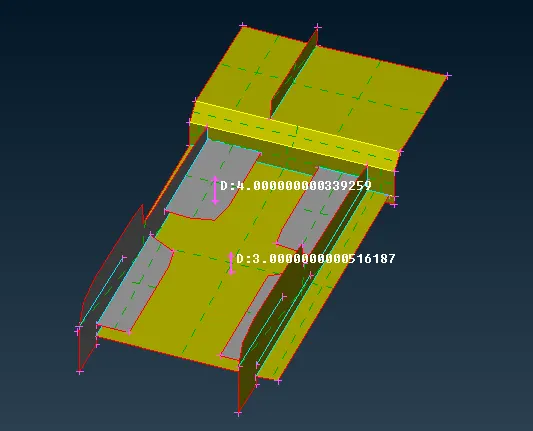
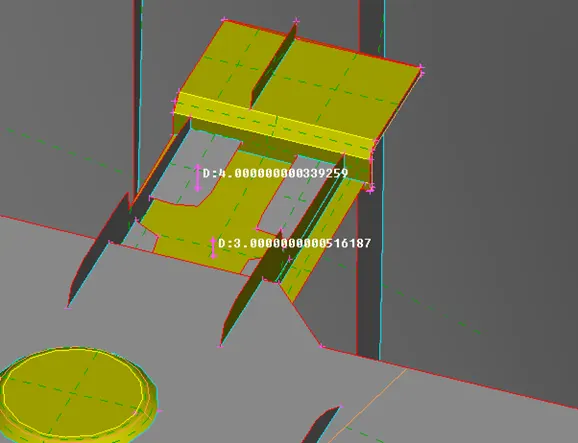
13.Set the PID for each and every faces using set pid option.
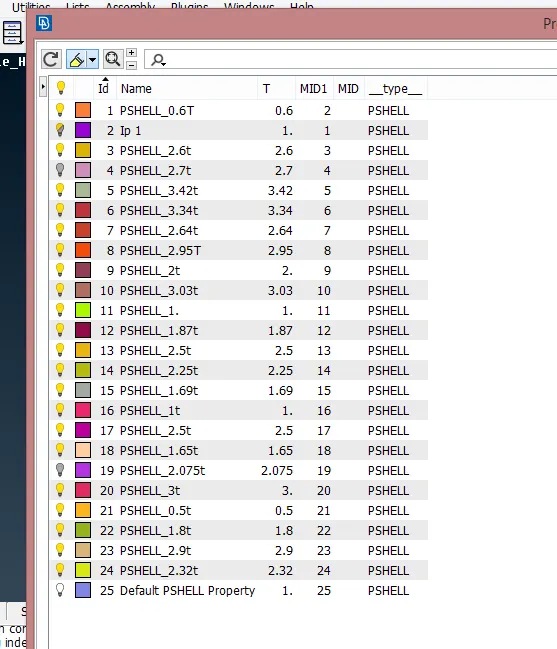
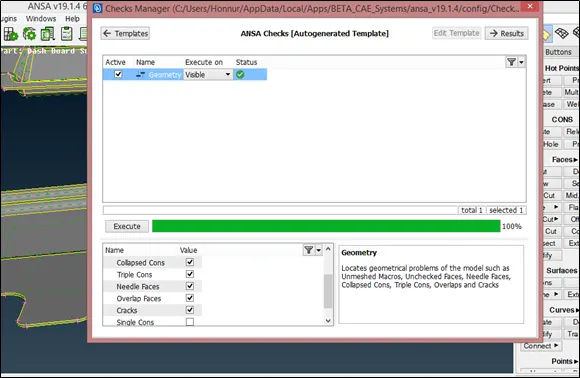
14.Check the geometry of the created mid surface.
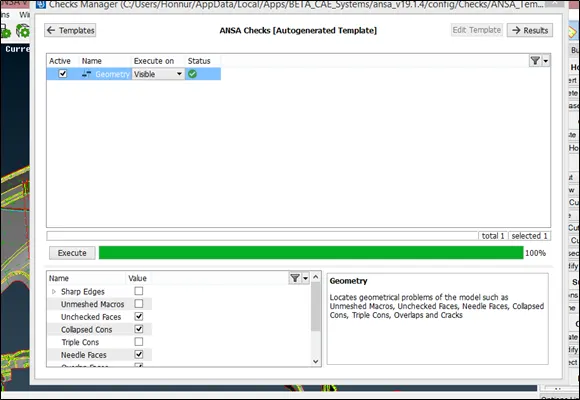
15.Complete Mid surface is as shown in the figure.
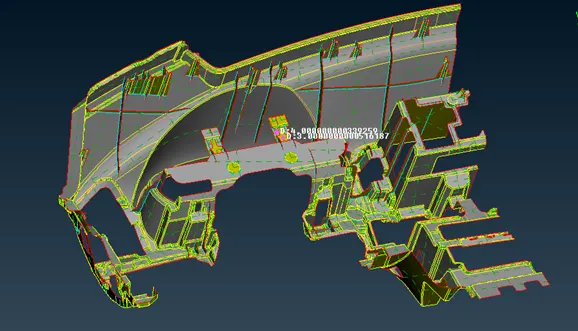
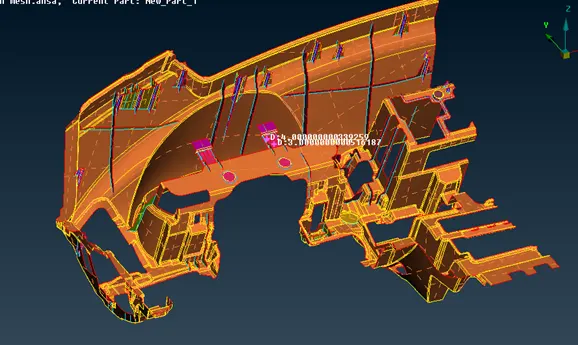
16.PID view of the mid surface.
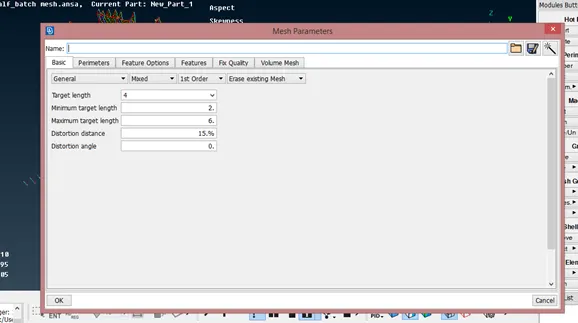
17.Set the mesh parameter and quality criteria as given
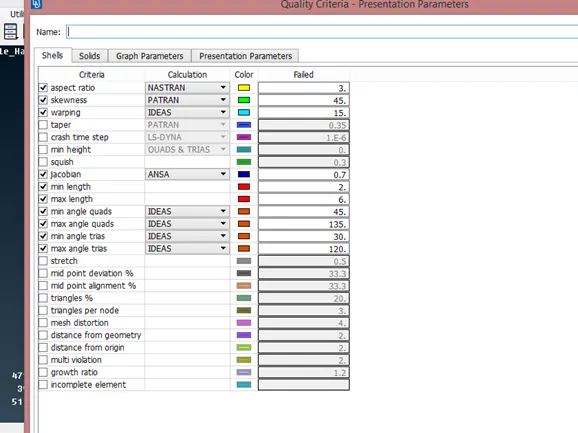
18.Initially use manual mesh to mesh the ribs and dog houses as these are critical features in the model.
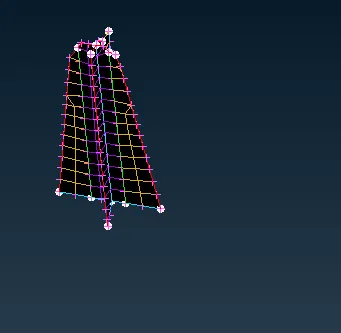
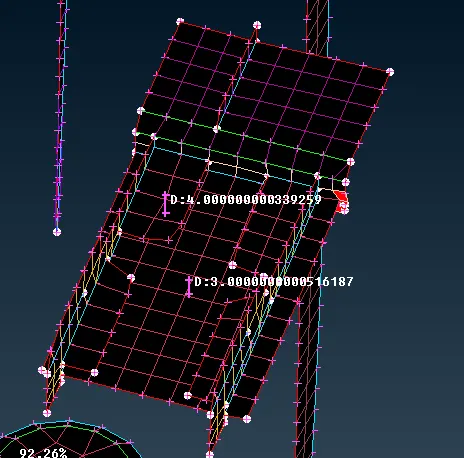
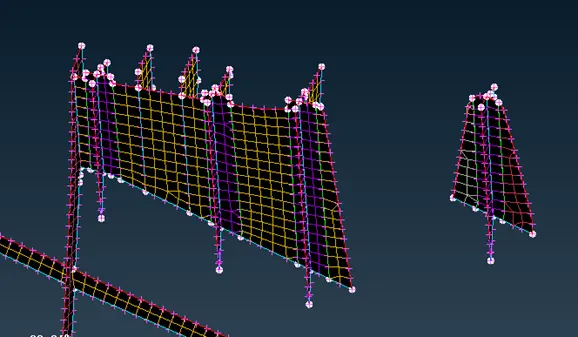
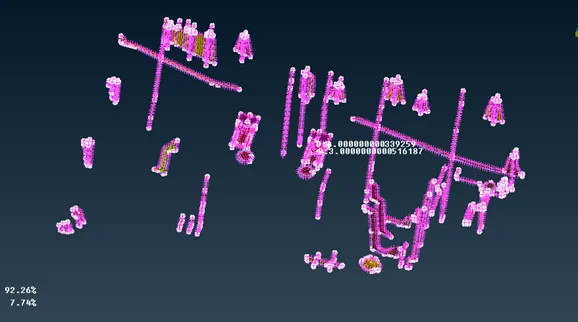
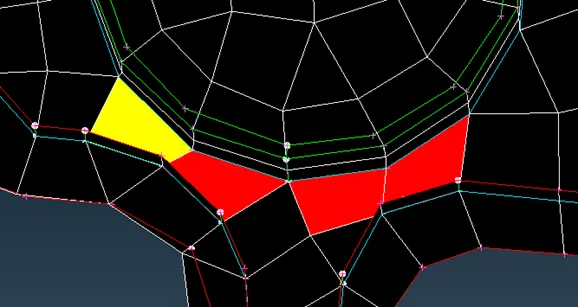
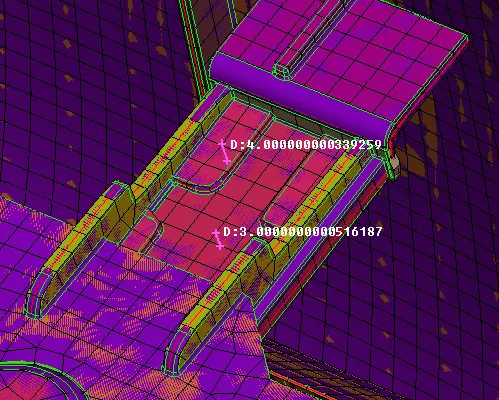
19. We obtain quality issue near the two triple cons.
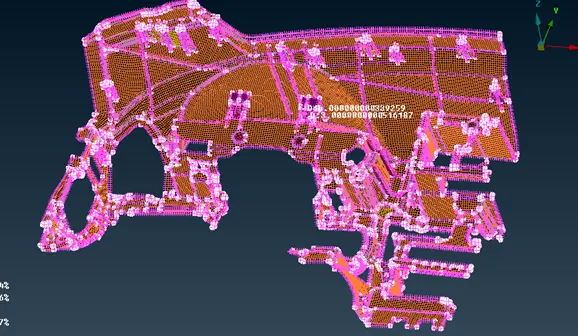
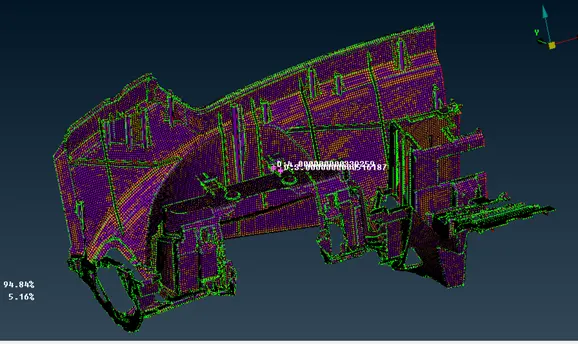
20.Meshed mid surface is as shown in figure.
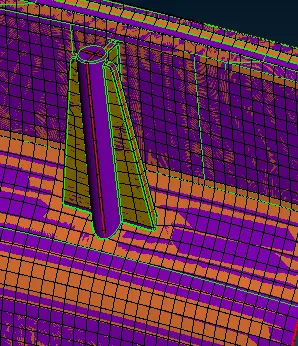
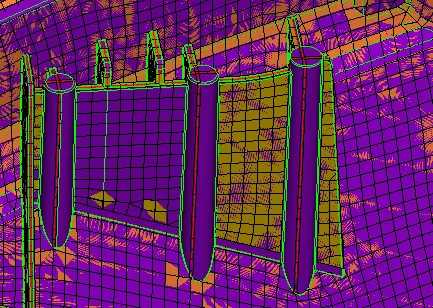
21.Enable the thickness by enabling the shell as solid option.
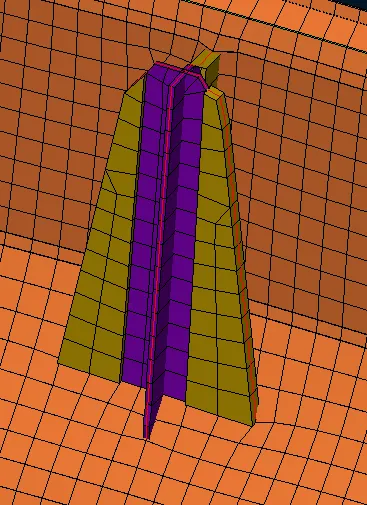
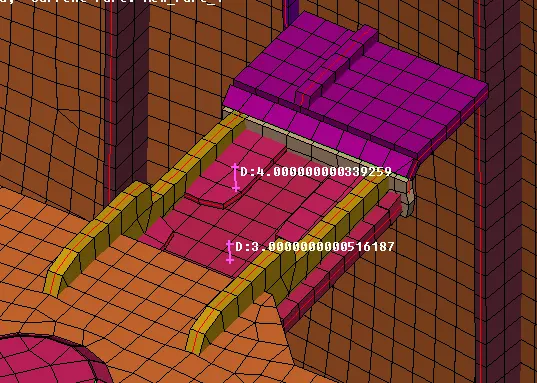
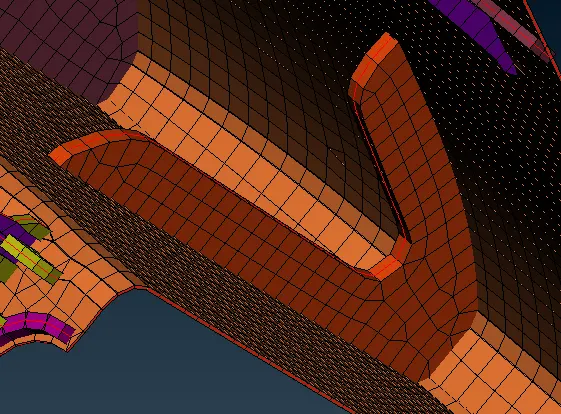
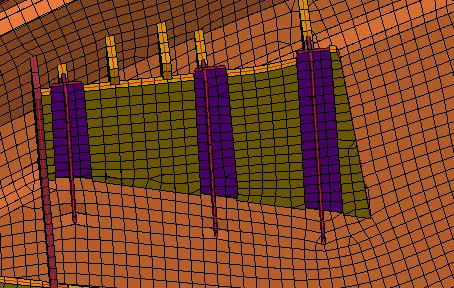
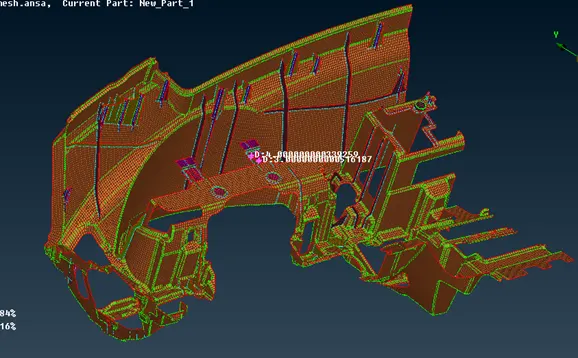
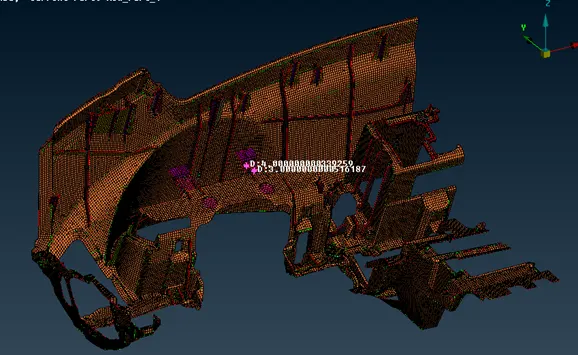
22. Comparing with the parent geometry.
- CONCLUSION:
The mid surface has been extracted and meshed according to the given quality criteria and mesh parameters.