Project 1
Initially, we open the software to create a new project.
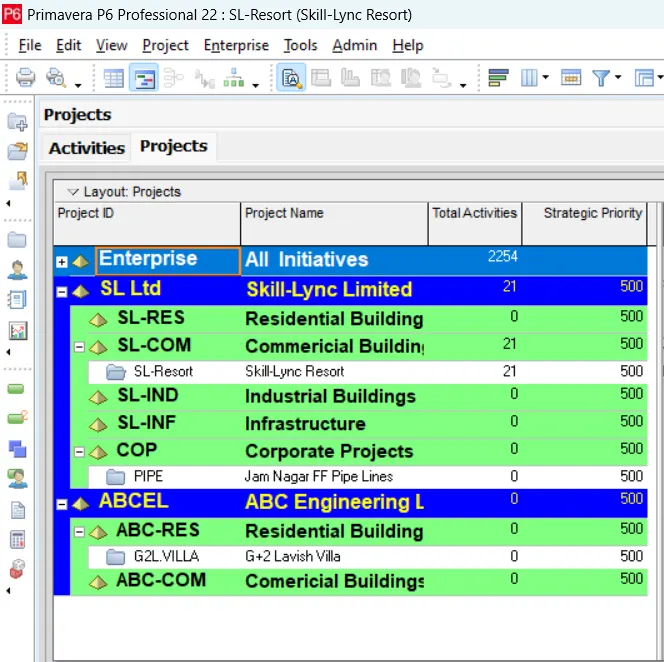
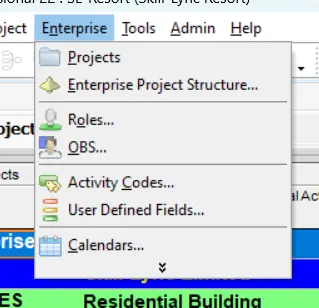
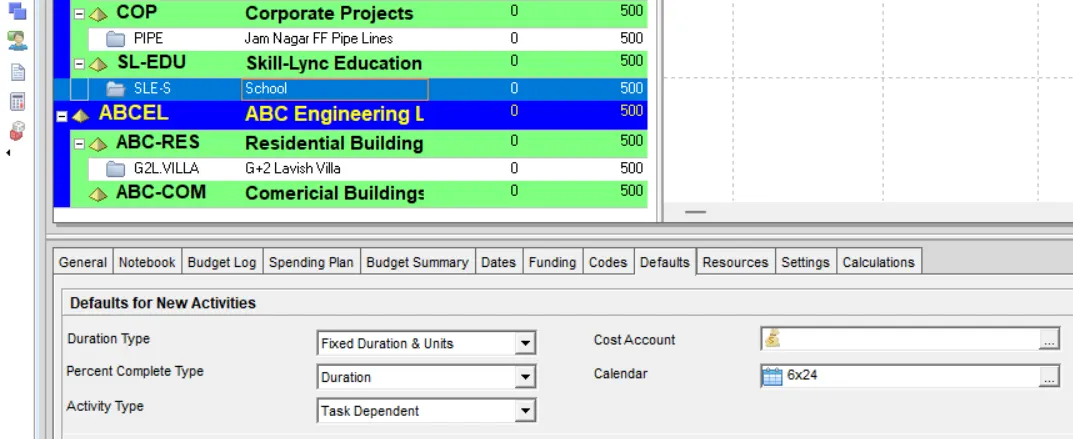
Where then we go to Enterprise>Enterprise Project Structure...
Then we add a new EPS named "Skill Lync Education" using the Add option where we provide the required information.
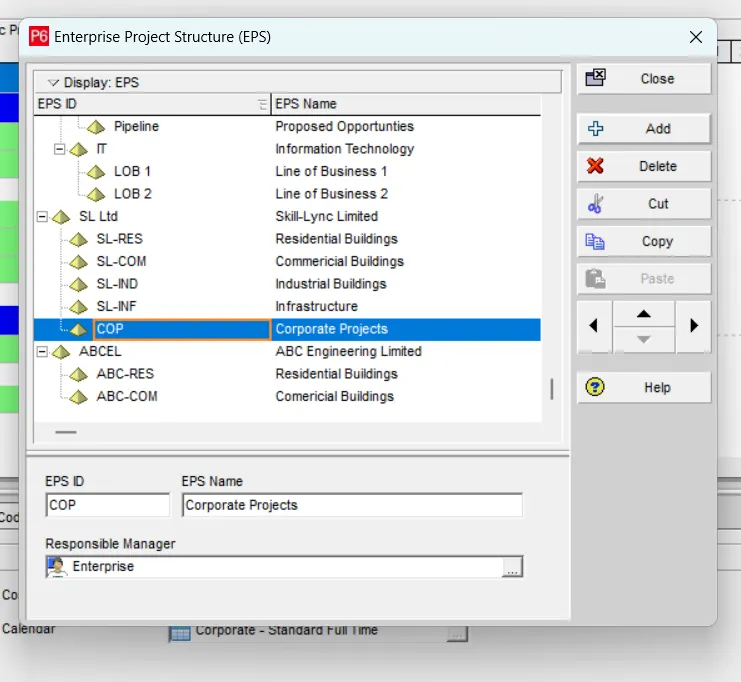
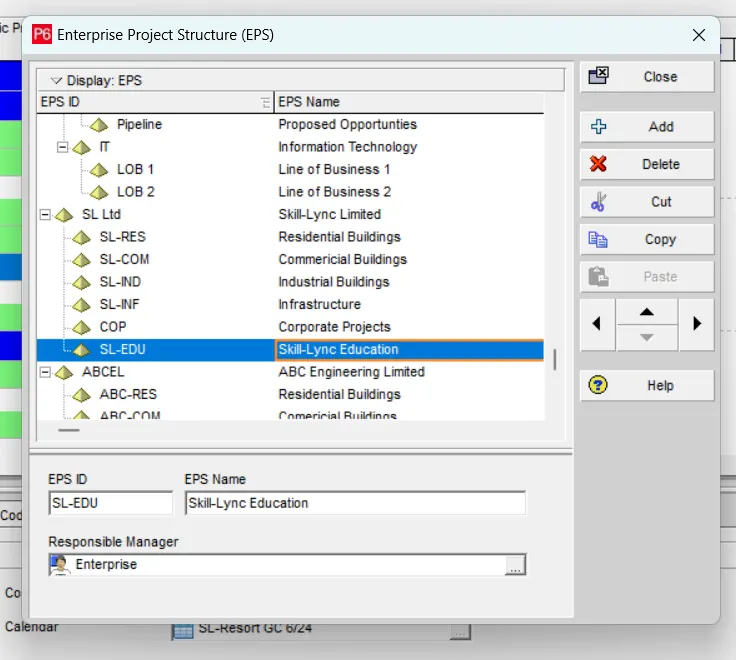
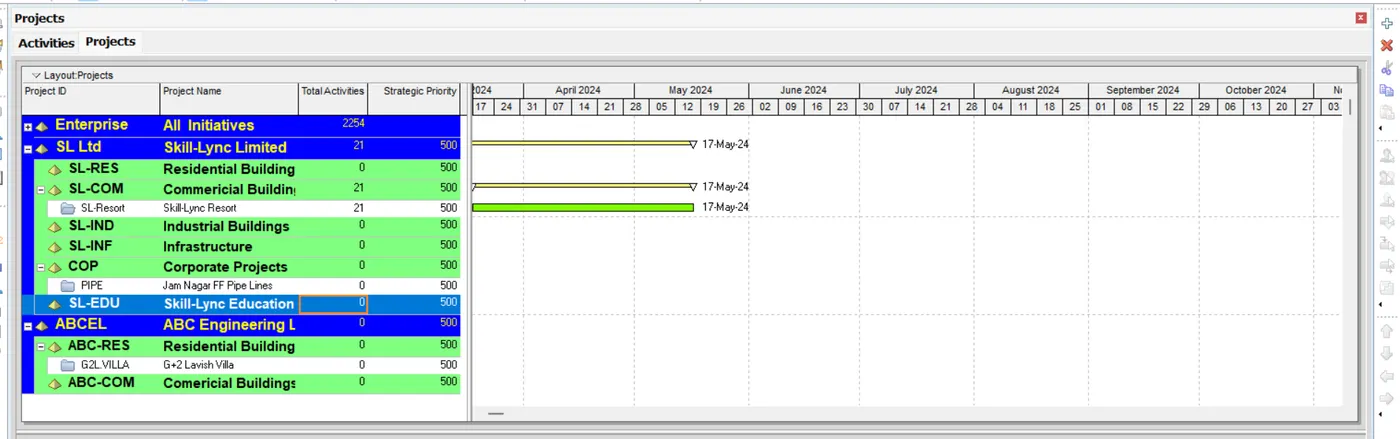
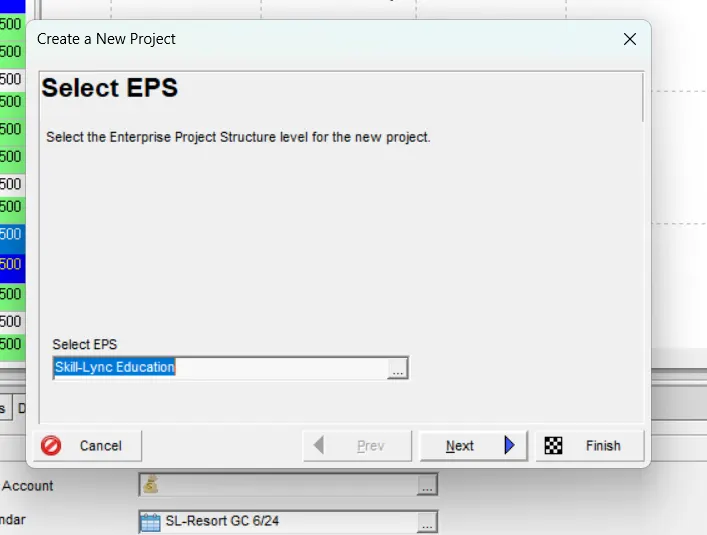
And we can find the required EPS in the Projects Section. Where we select the required EPS under which the new project has to be created where we use + option available on the right top.
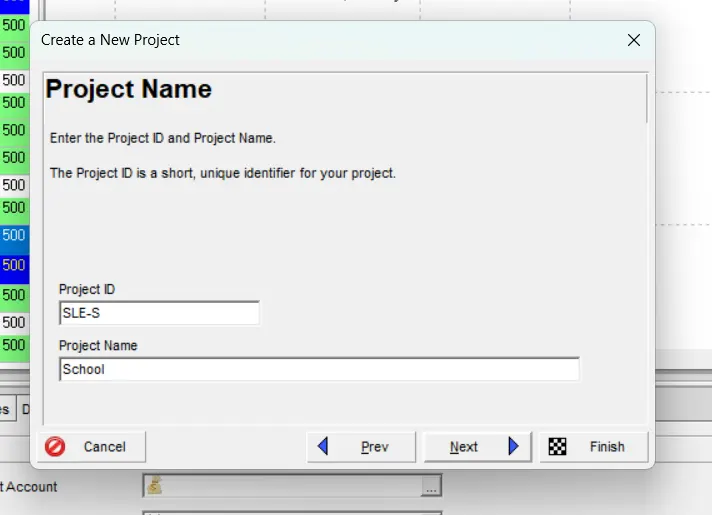
The we provide the required information.
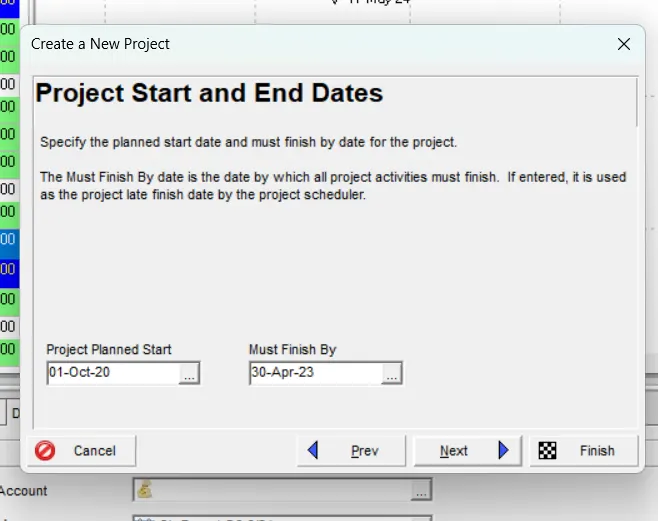
Where the start date of the project be 01/10/2020 and the end date of the project be 30/04/2023.
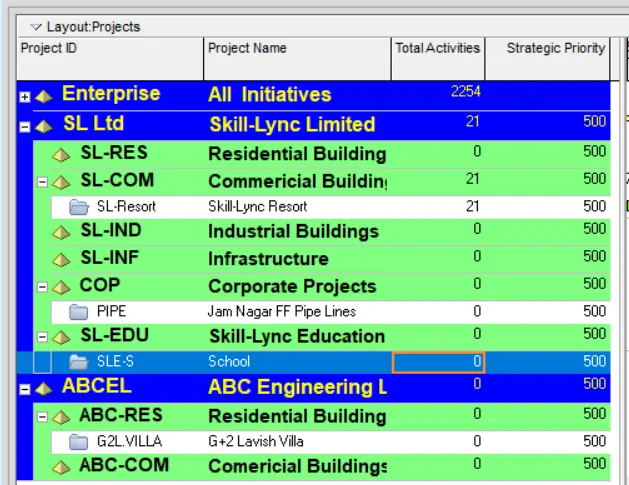
We can find the required project been created under the required EPS.
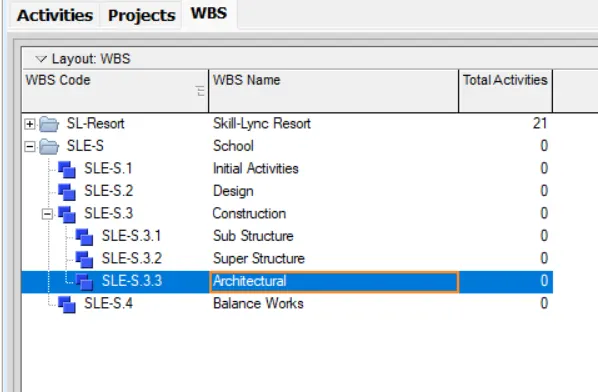
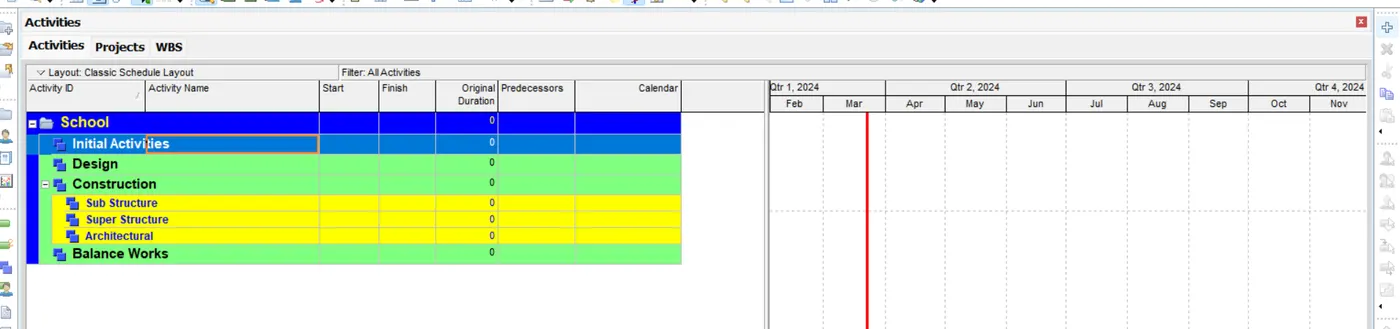
We then go to Activities Tab and add the required WBS using the + option available on the top right.

Where we add the Initial Activities, Design, Construction and Balance Works where the Construction is further sub divided as Sub Structure and Super Structure.
We assign the required 6X24 Calender to the project.
We go to the Activites Tab, where using the + option available at the right top, we add the required activities.
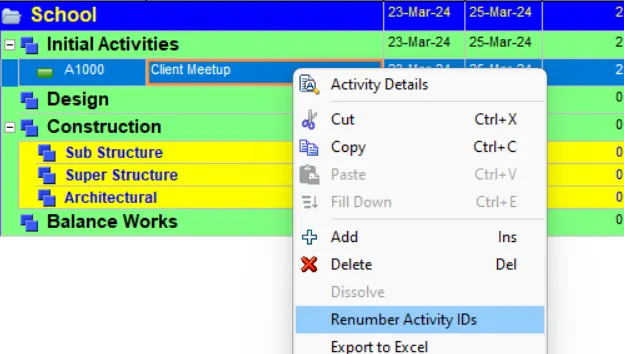
After adding an activity, we renumbering them at the start by using the Renumber Activity IDs option.
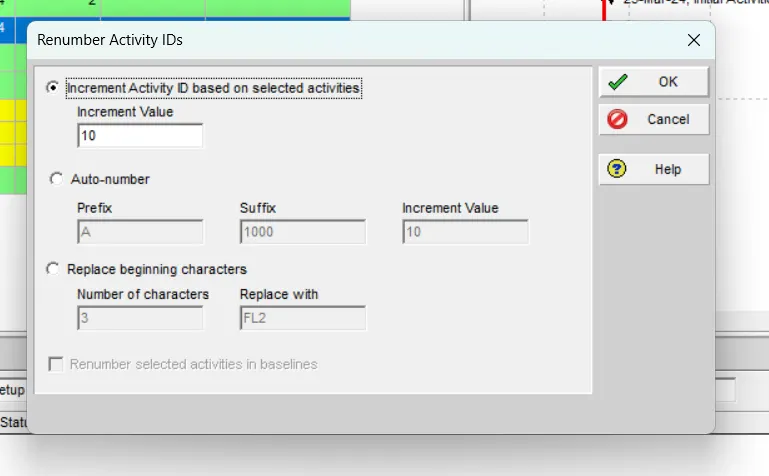
Where we maintain a fixed interval of 10 for all.
And we proceed with adding the activities.
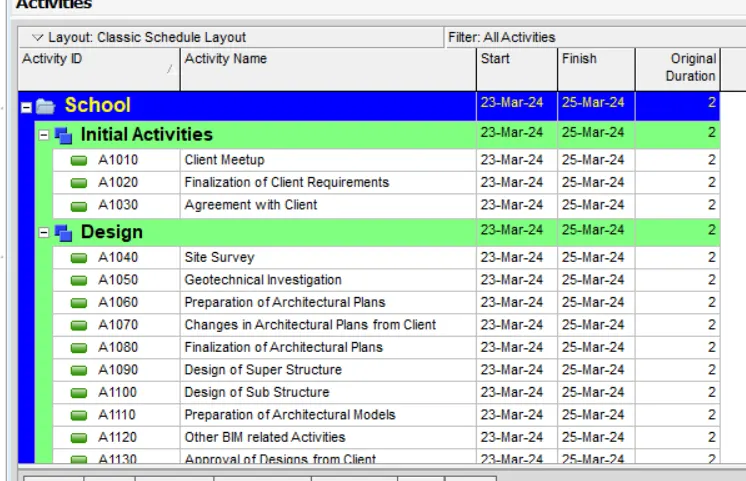
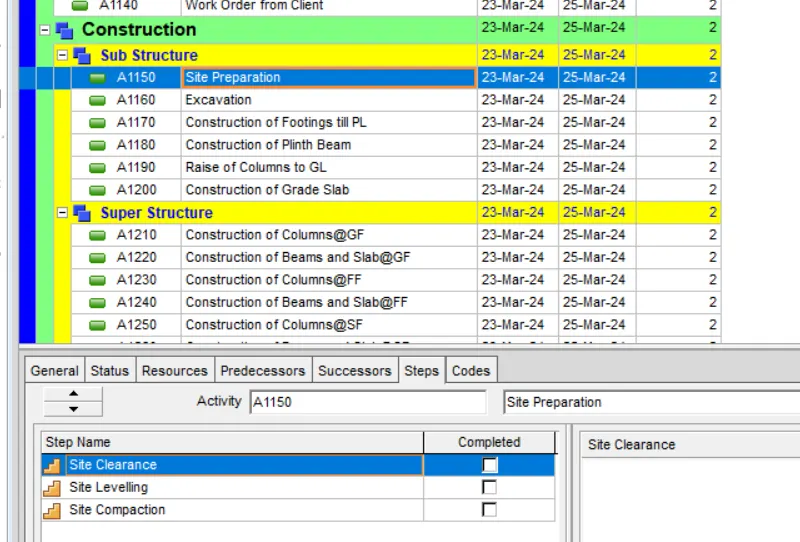
And at the same time, we even add the possible steps to all the activities.
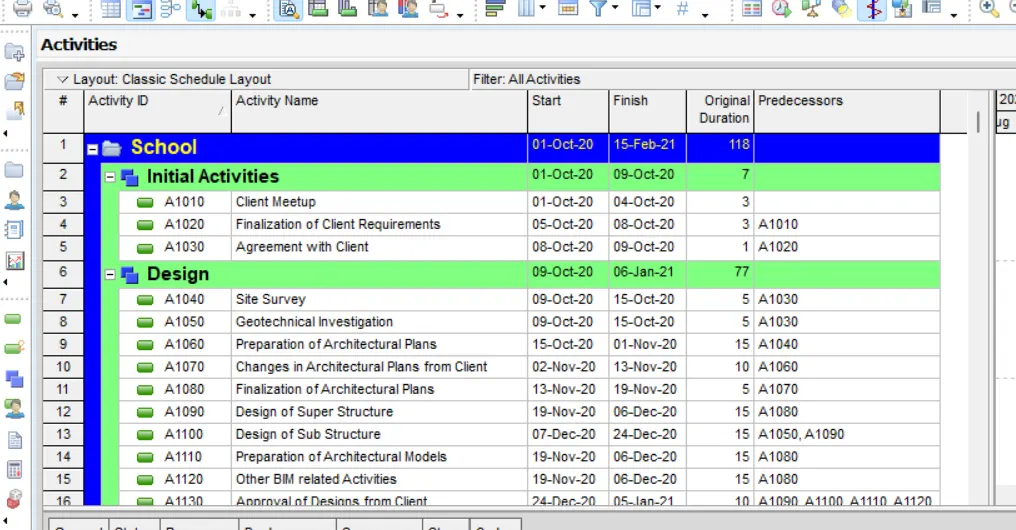
And then we go with adding the predecessors and successors.
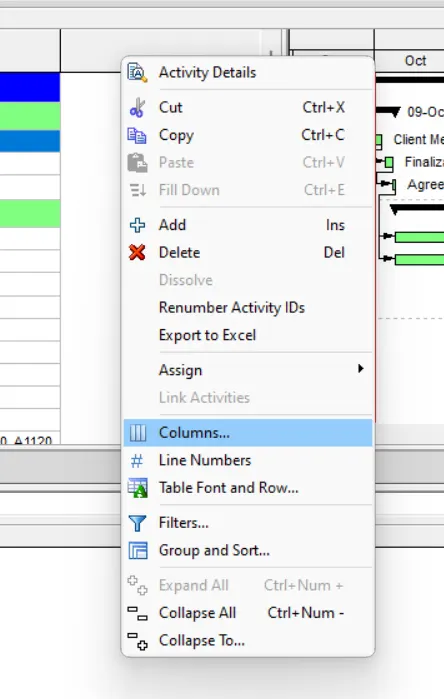
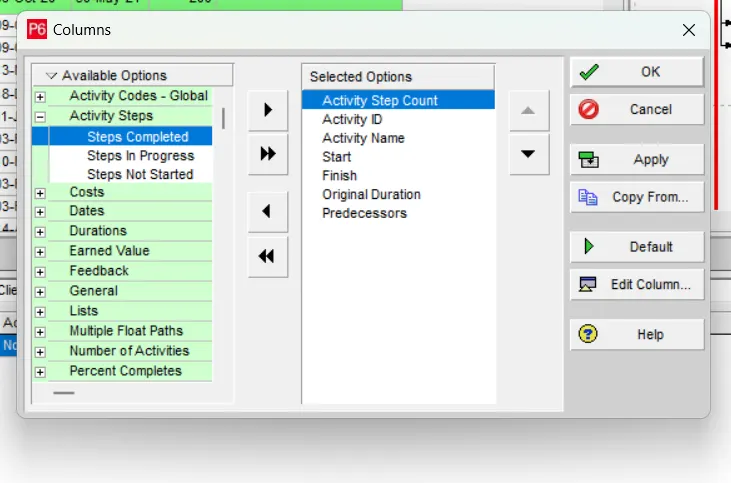
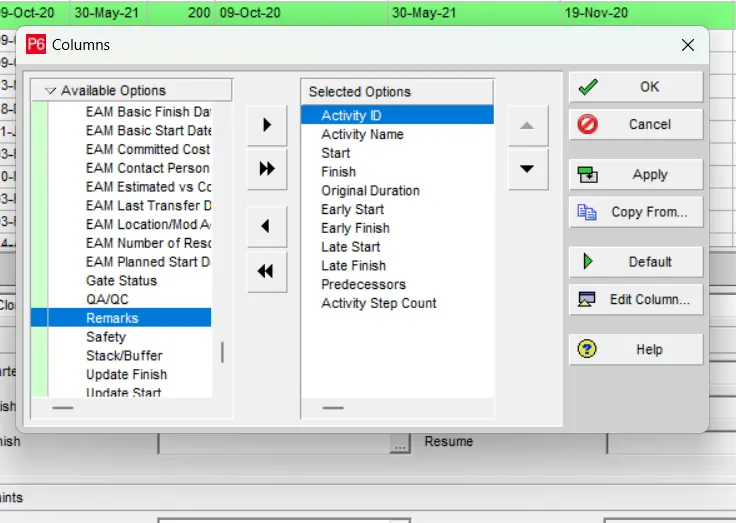
We then add a new column for the step count.
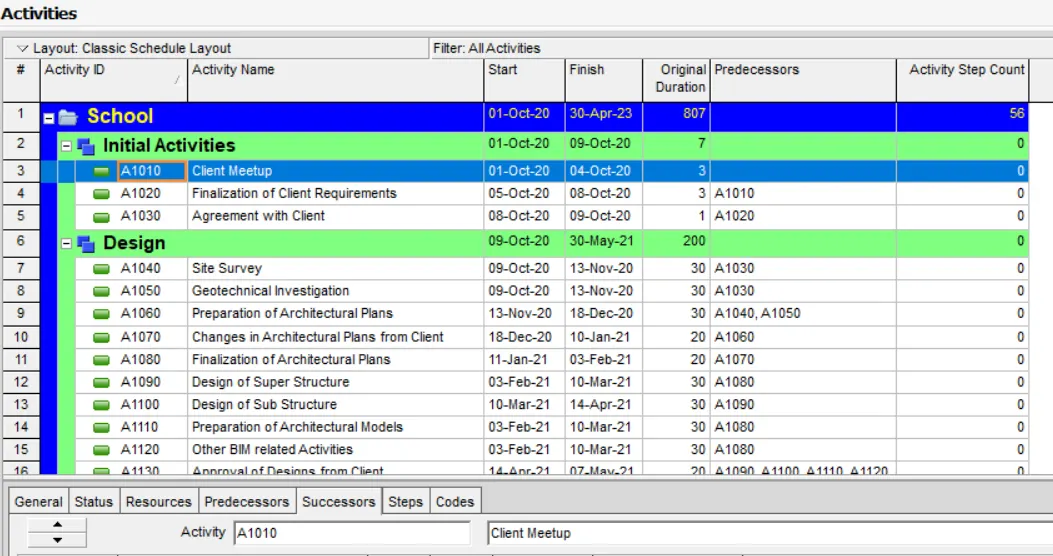
Where we can find that the no. of activities comprising are 56 for the entire project.
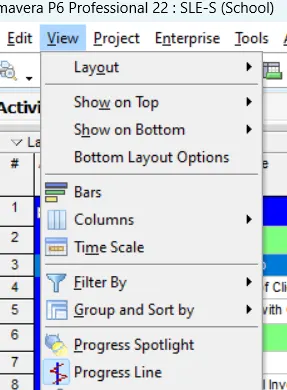
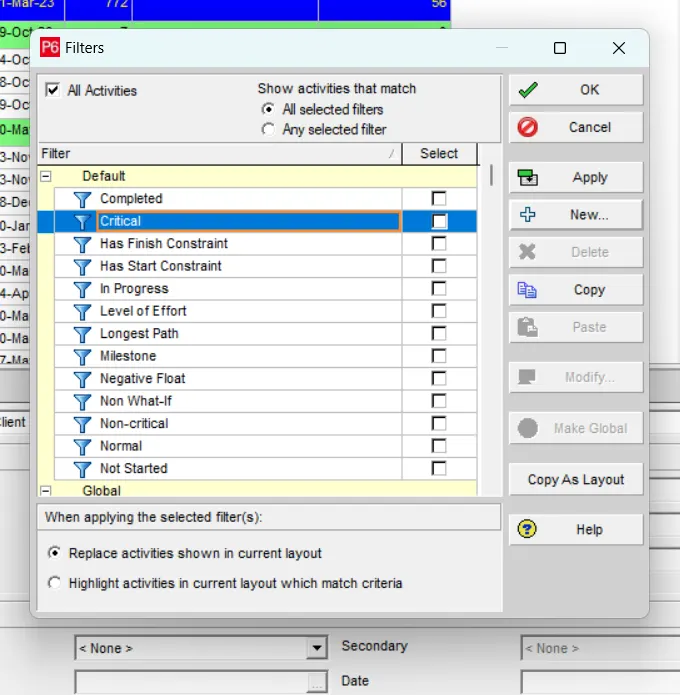
Then we proceed with using a filter to find the critical activities. Where we go to View>Filter By.
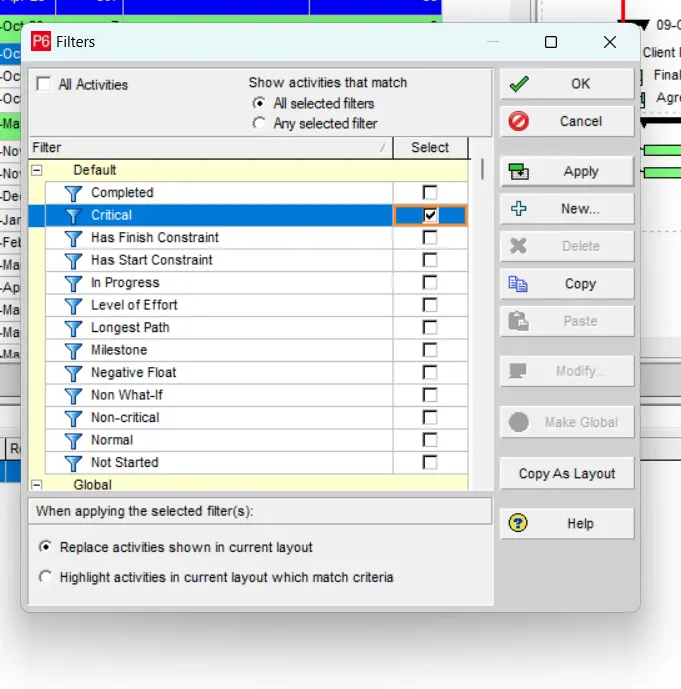
Then we select the available filter for the critical activities and click on Apply.
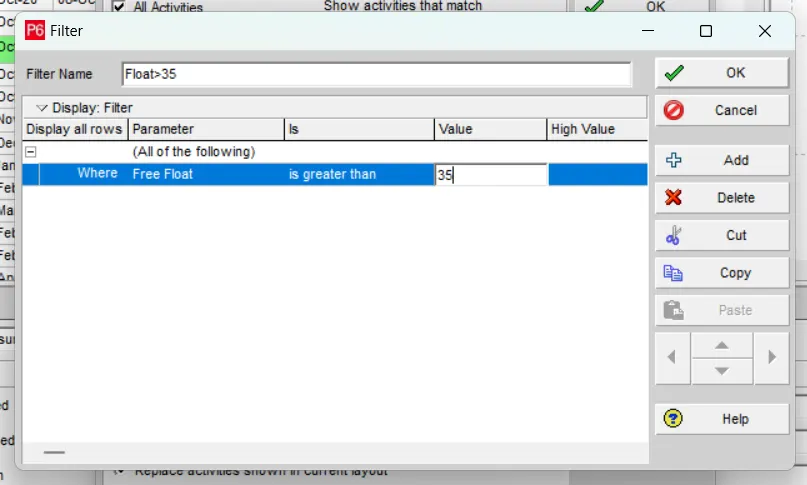
Where we even find the activites having a float of beyond 35 days. So, we go to View>Filter By. And we click on New...
Where we name it and provide the required condition to filter the activites having a float beyond 35 days.
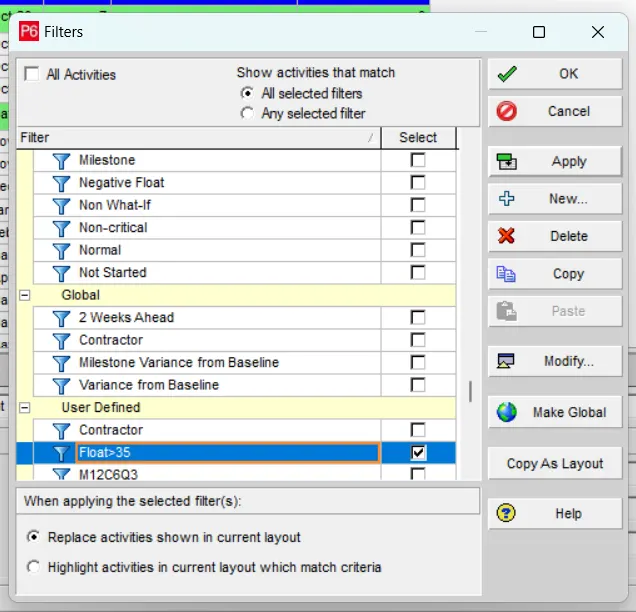
And then we select it and click on Apply.
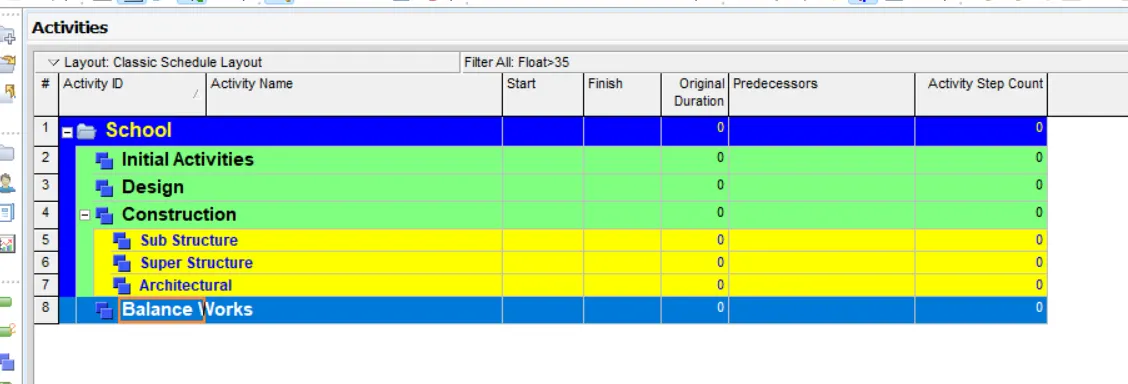
Where we can find the activities having the float greater than 35 days. But in our project we don't have any of such float.
And we add the Early Start, Early Finish, Late Start and Late Finish columns.
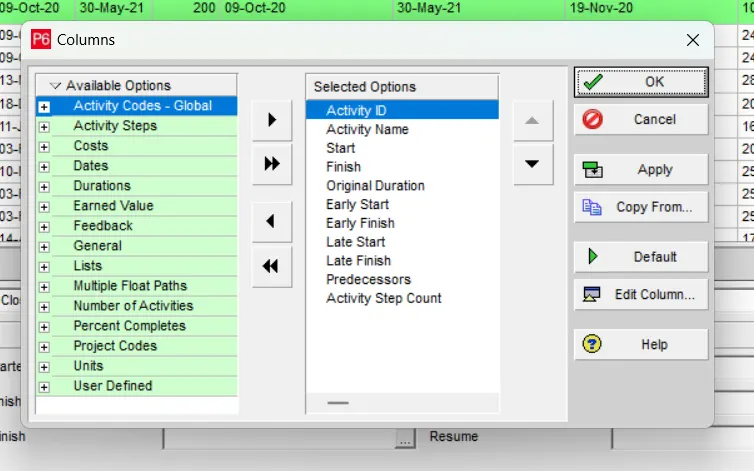
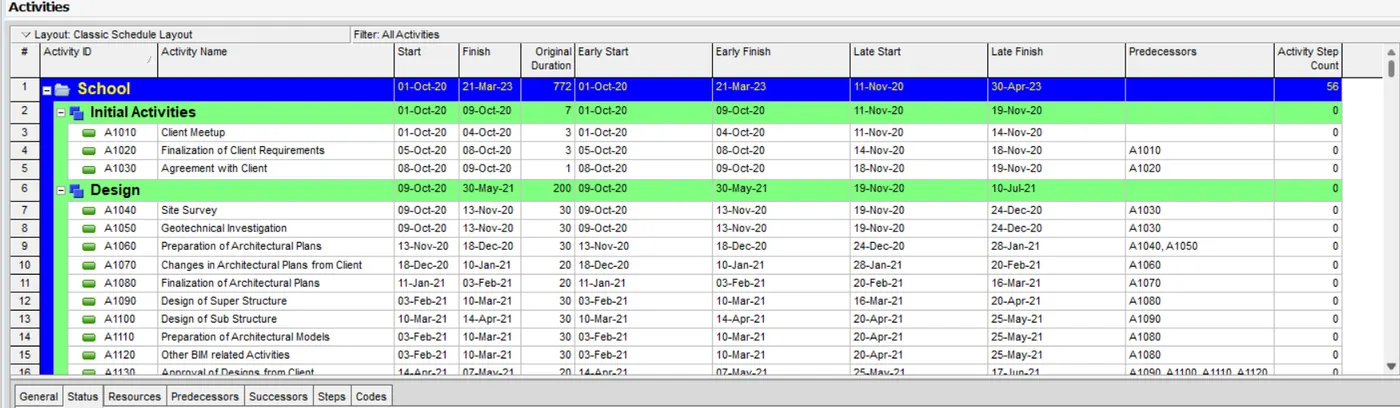
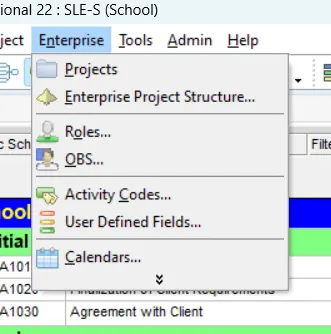
Then we go with adding an UDF, so we go to Enterprise>User Defined Fields...
And we check weather the required UDF is available or not, if not available we go with creating a new one.
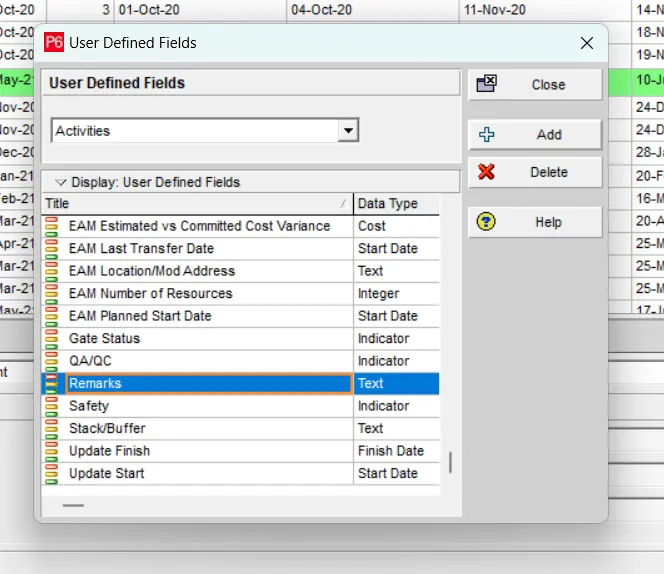
And we add it in the columns.
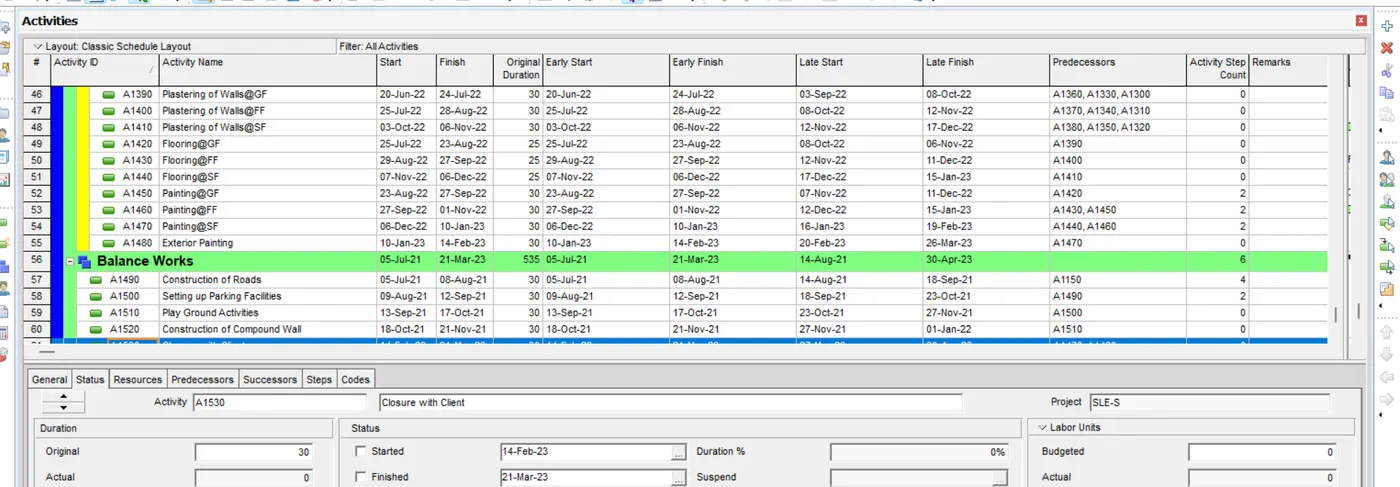
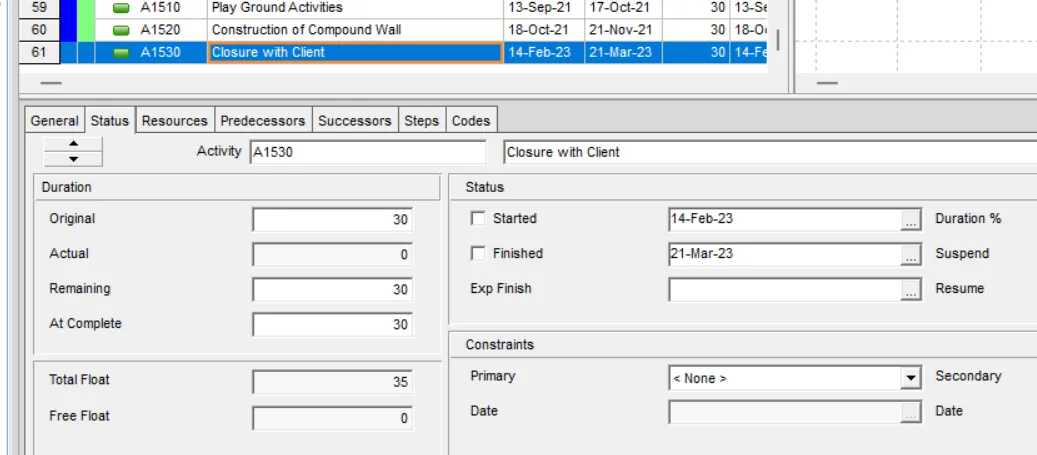
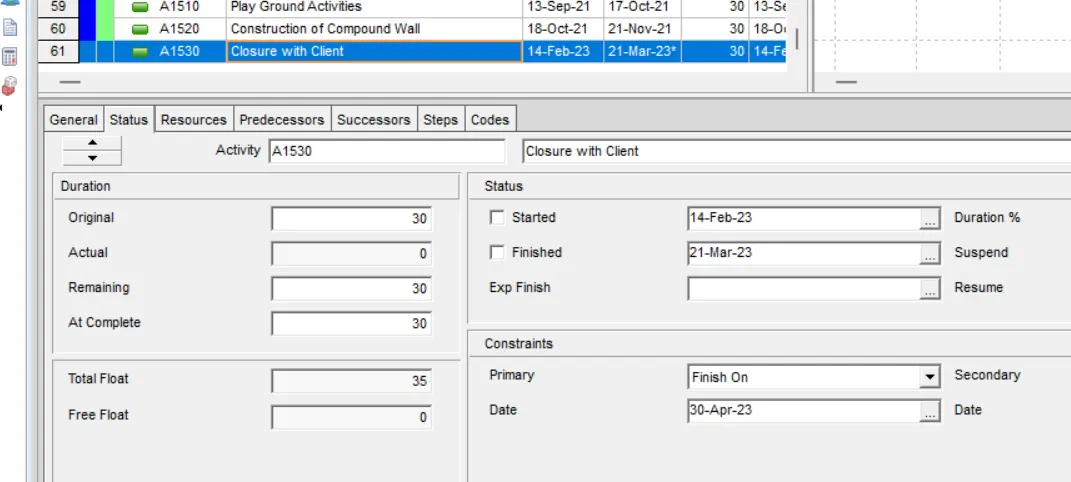
We keep a constraint to an activity. Where we go Status Tab of an activity, where in Constraints, we provide the required.