Project 1
Project - 01 _Side Door
Objectives:-
Route the wiring harness on given side door and apply protection covering
prepare the flattened view drawing
Prepare drawing sheet for this
1. Get given side door igs file and covert it to step file by save as and select properties as step file igs is file format which is suitable for all software.
2. Then download all required connectors as then defined them electrically by going through part design and then electrically par design and defined as connectors.
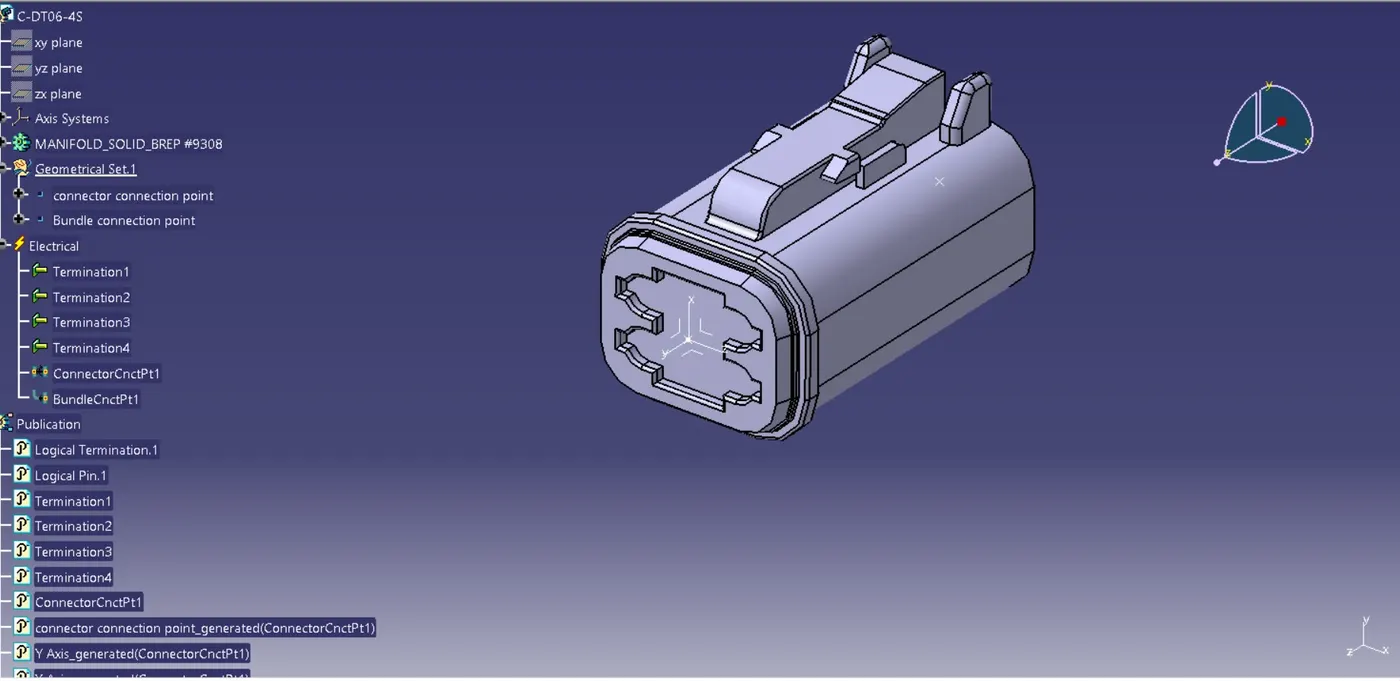
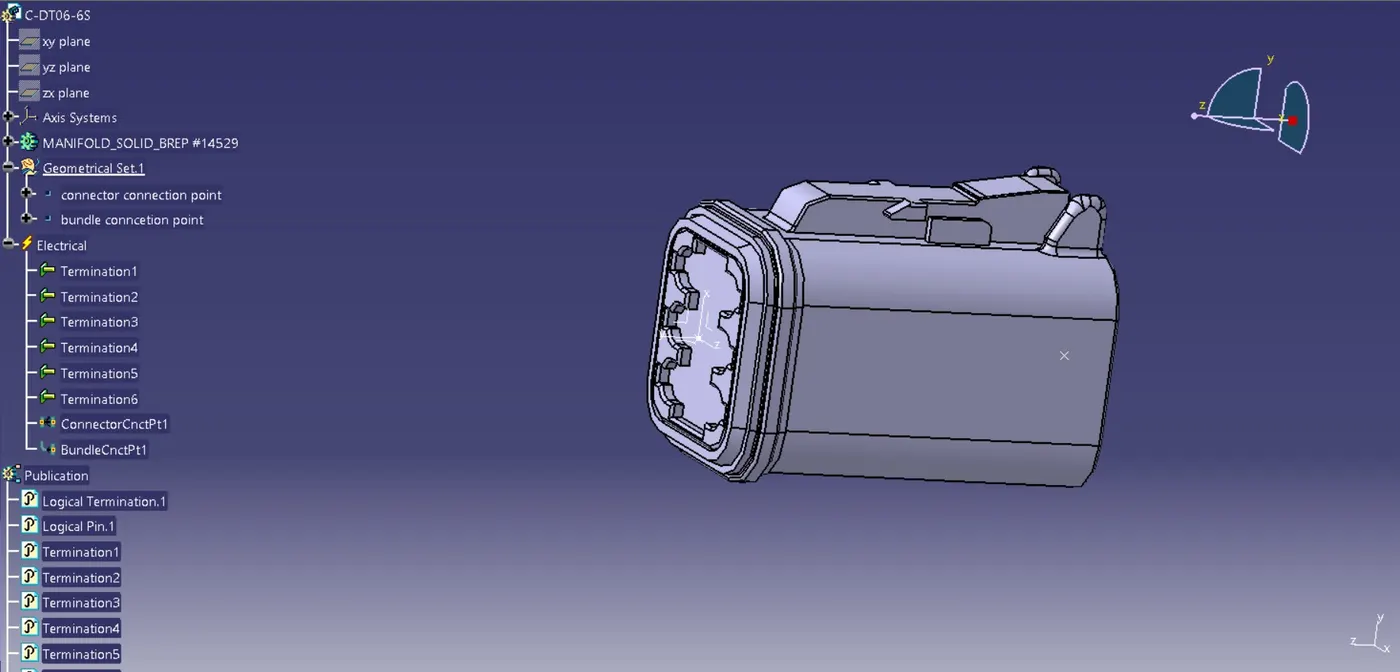
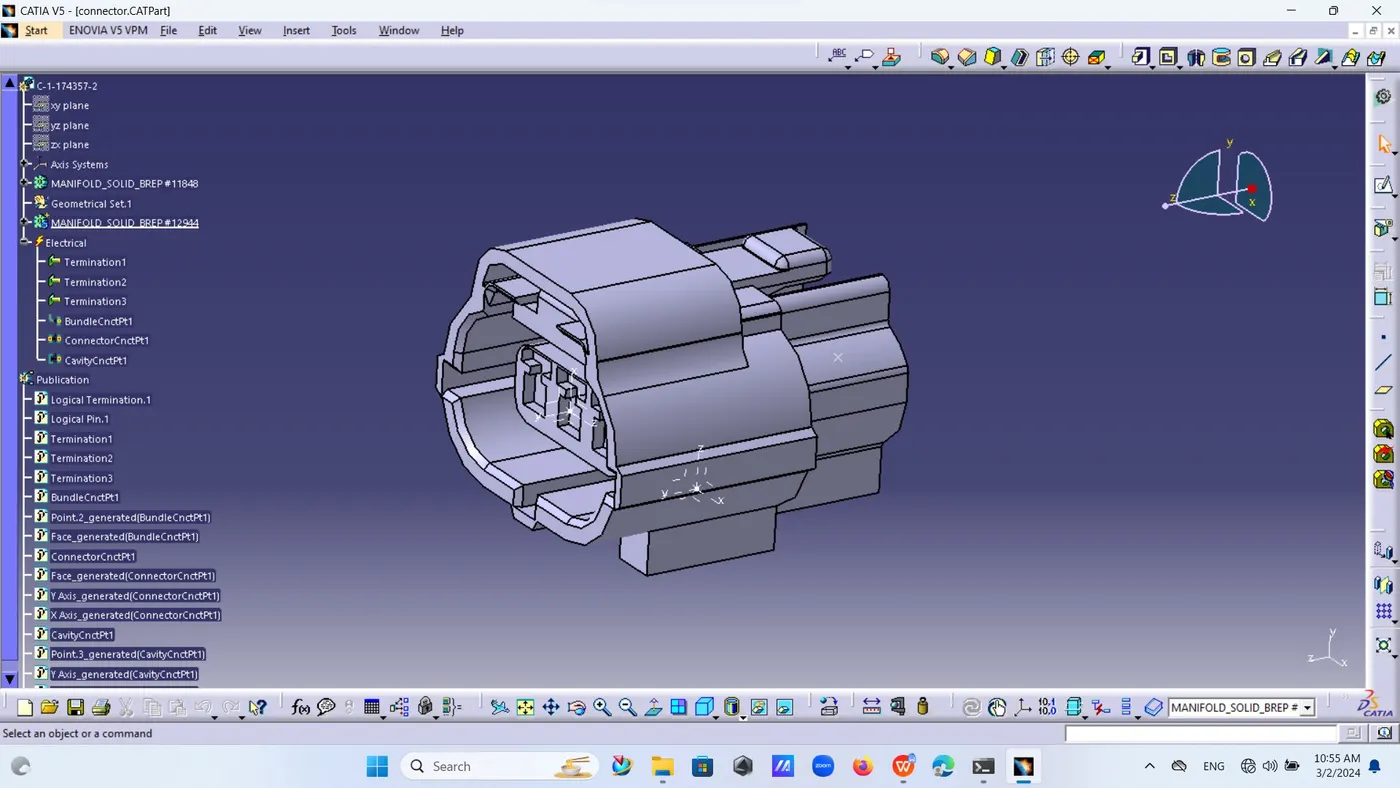
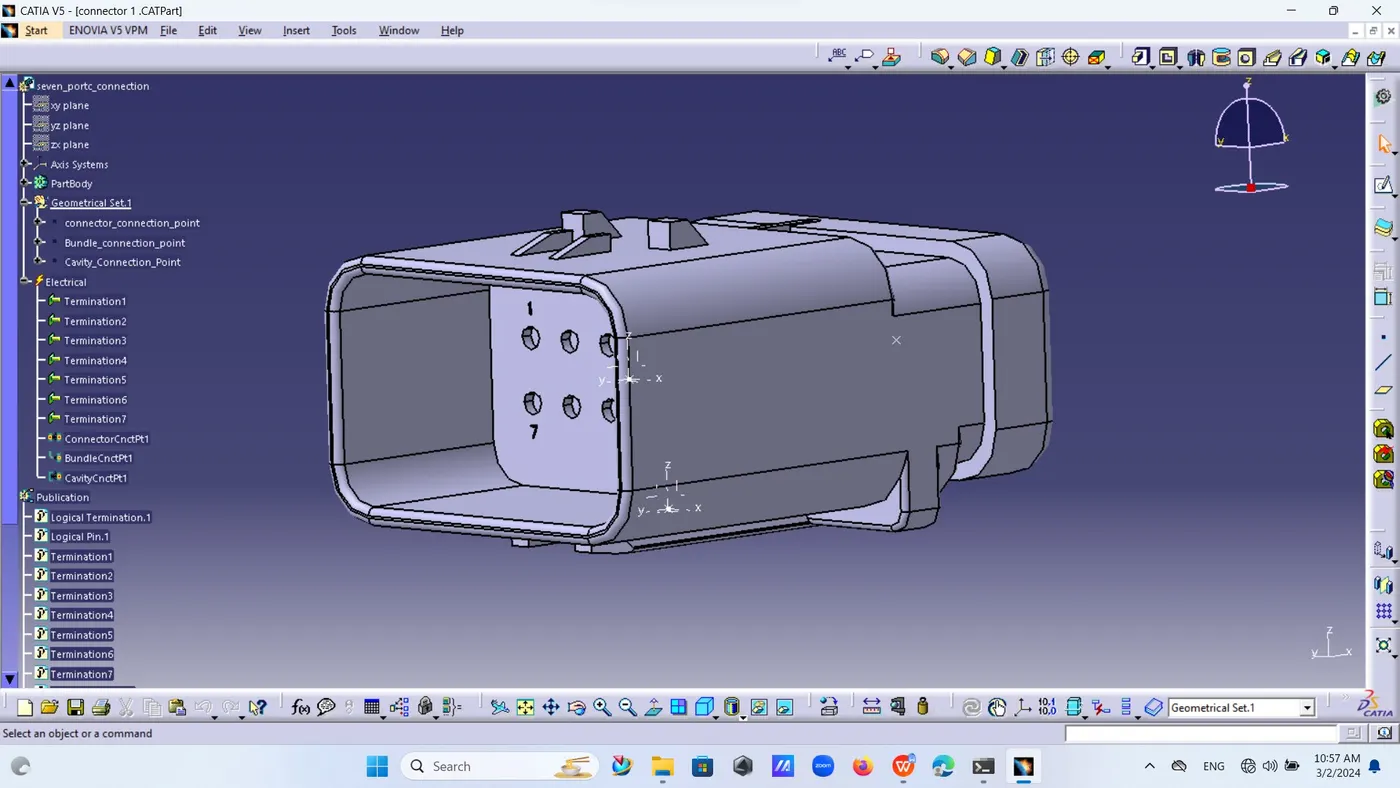
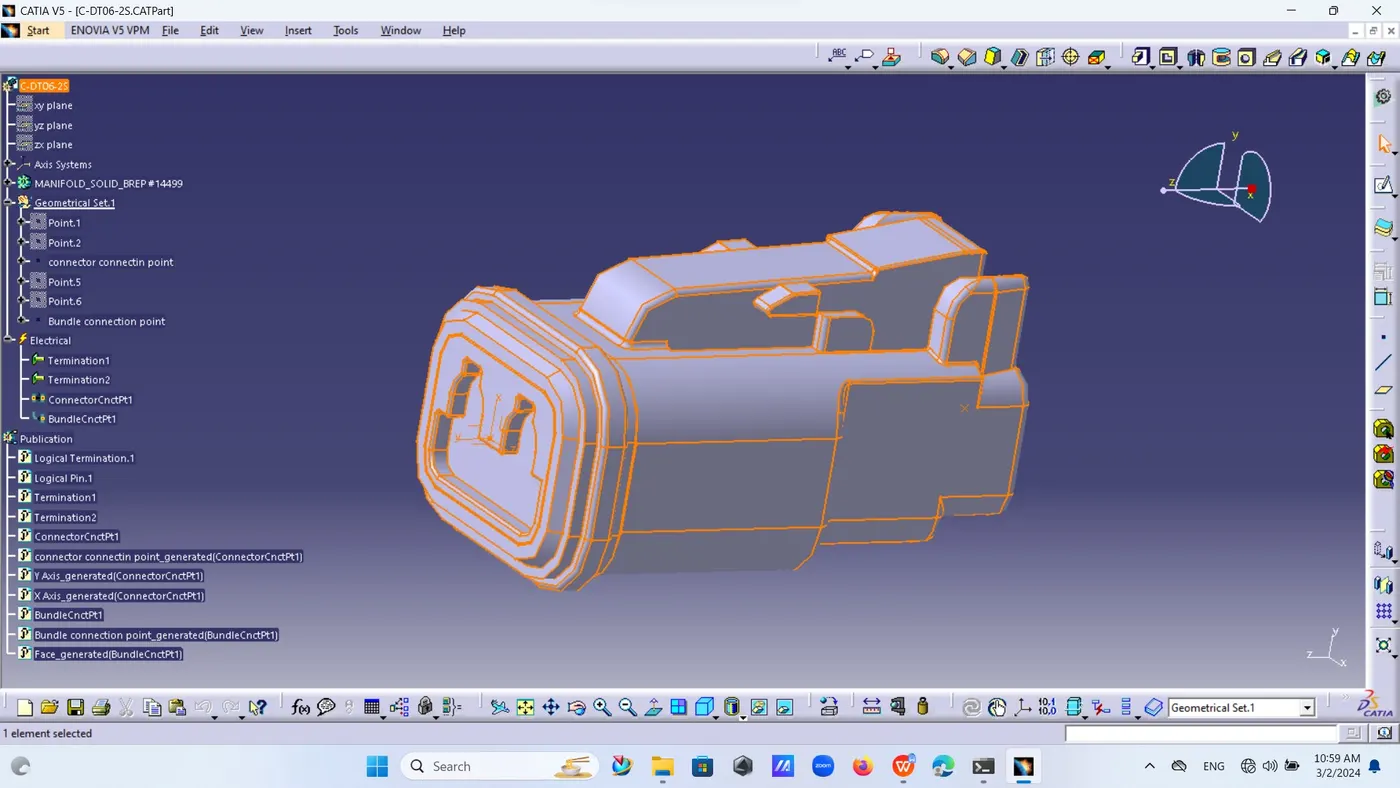
3. Then create one product file named it as wiring harness context of side door
4. Create another new product inside it and open it in new window and then renamed it as wiring harness geometry.
5. Then go to assembly and call door project part in it and all required connectors and locking clips as well as fur-tree clips one by one.
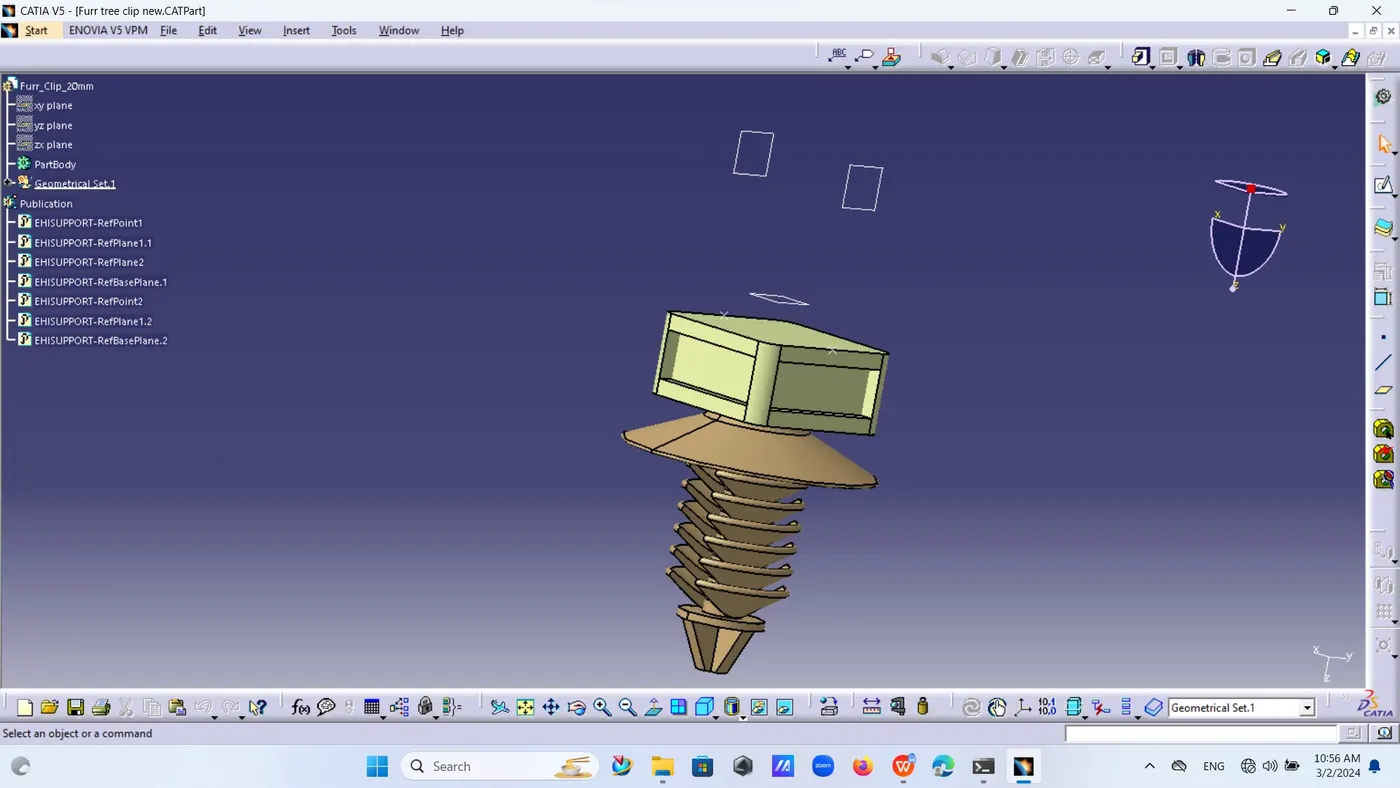
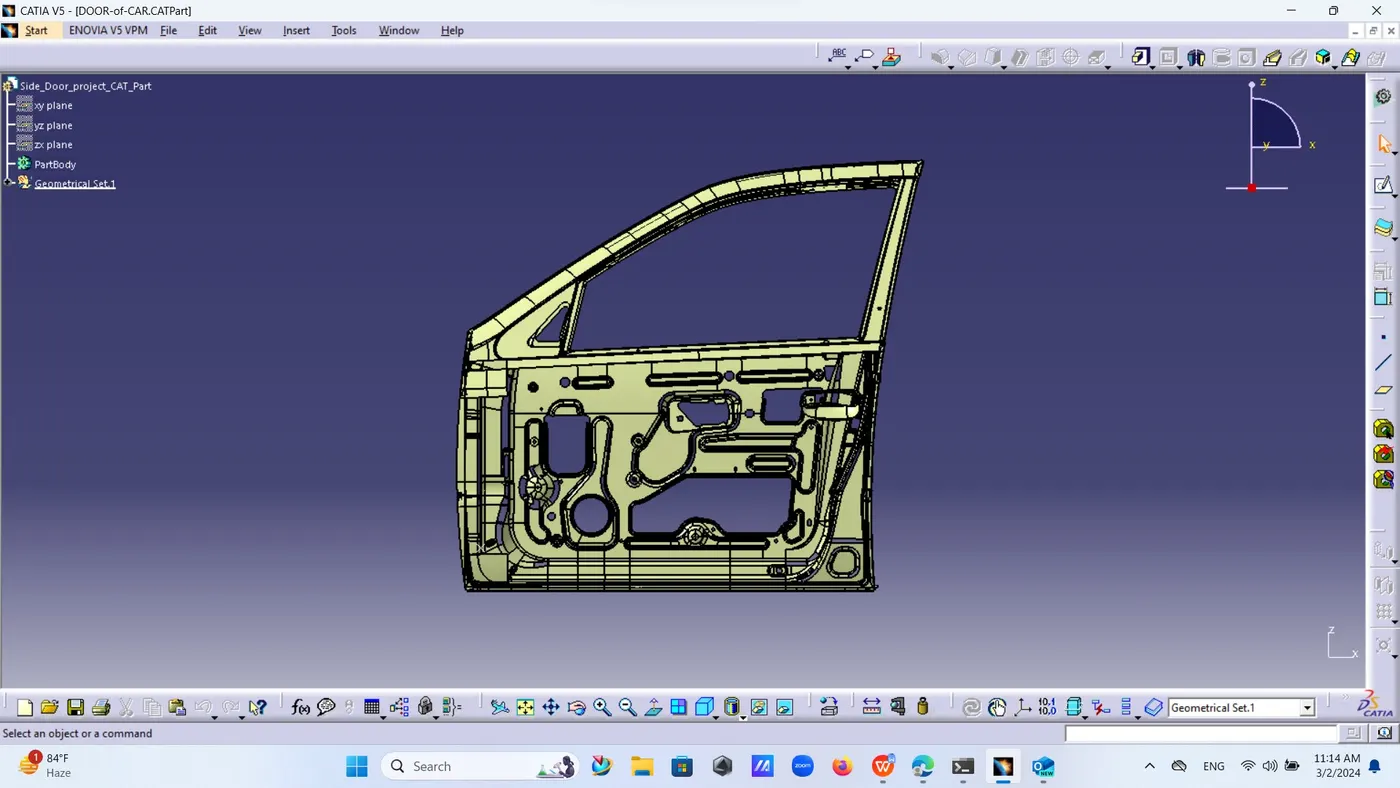
6. Now there are several points or positions of connectors given as
l Inter connection connector
l Connector door control switch
l Speaker system connector
l Window winding motor connector
l Door lock sensor connector
l Guiding channel
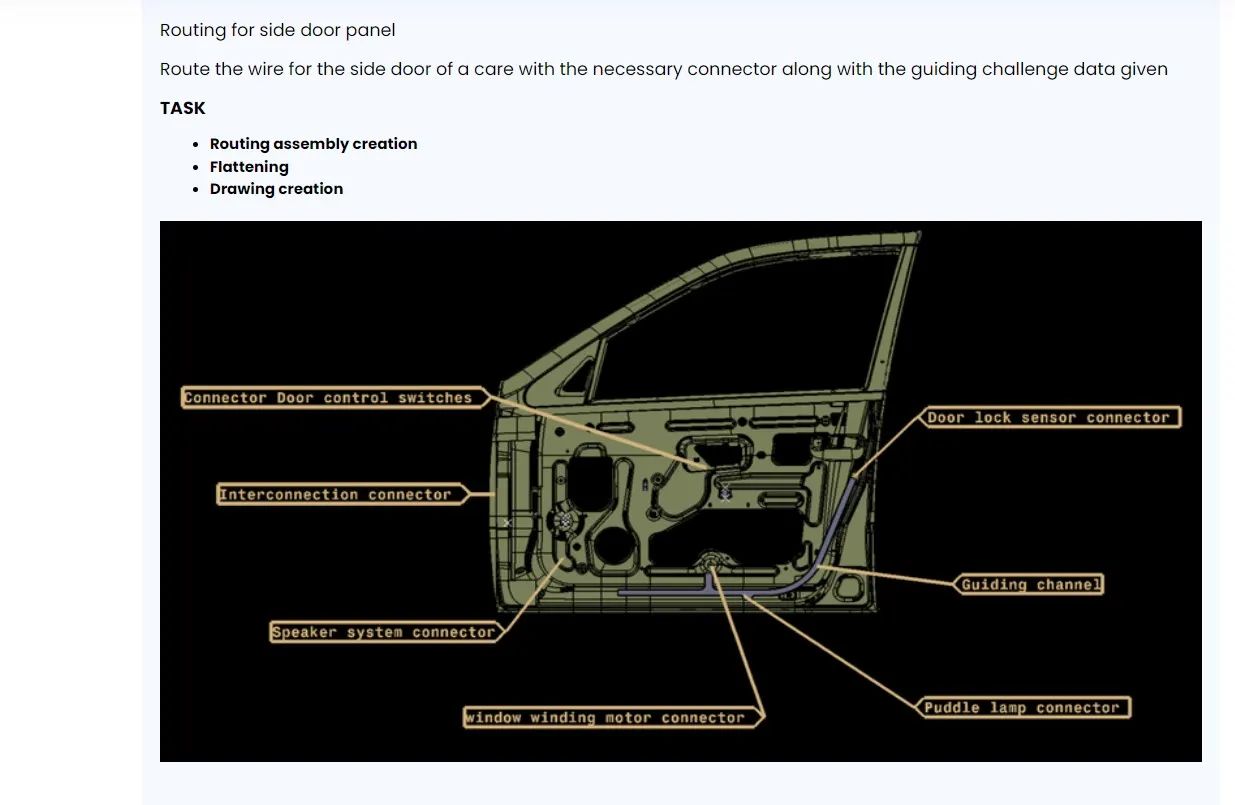
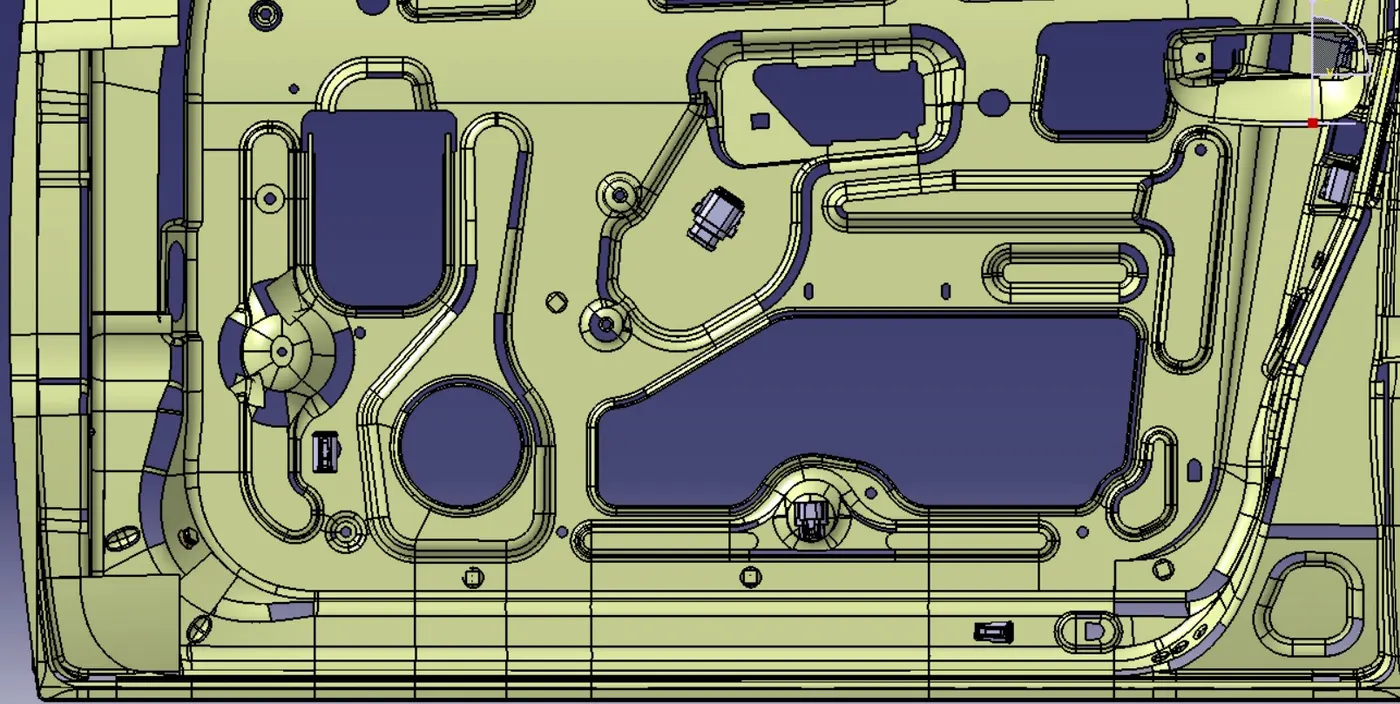
1. Now go to Mechanical design Assembly design and move all connectors and locking pins one by one to there required position as given in image of side door assembly.
2. Set all those connectors by using move option as possible as but can use snap and other commands also.
3. Then set all fur-tree clips to proper positions for proper binding of harness.
4. Now go to electrical harness assembly through equipment and system harness discipline and then harness assembly .
5. Define wiring harness as Geometrical Bundle
6. Then go to multi branch-able document and click on product now select first connector and first fur-tree clip if hiring wants to go through given hole then create one point at mid of it and then open branch again and set that point after first connector.
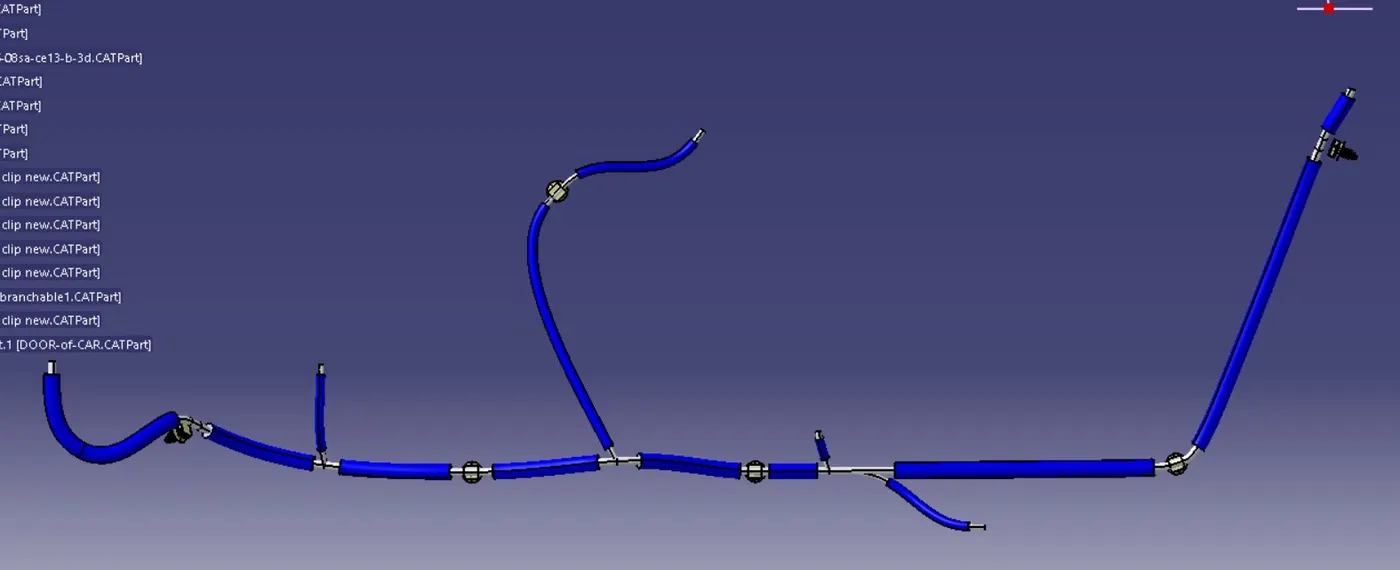
7. Now fir-tree clip to another connector and connect all the connectors and fur-tree clips one by one as per requirement.
8. Diameter of wire is 6mm and sub branch is 5mm and bending ratio kept as 1.2 and 1.4
9. Now fixed branch point at particular distance form starting point and made one branch form there to fur-tree and then door control switch and winding motor connector and puddle lamp connector.
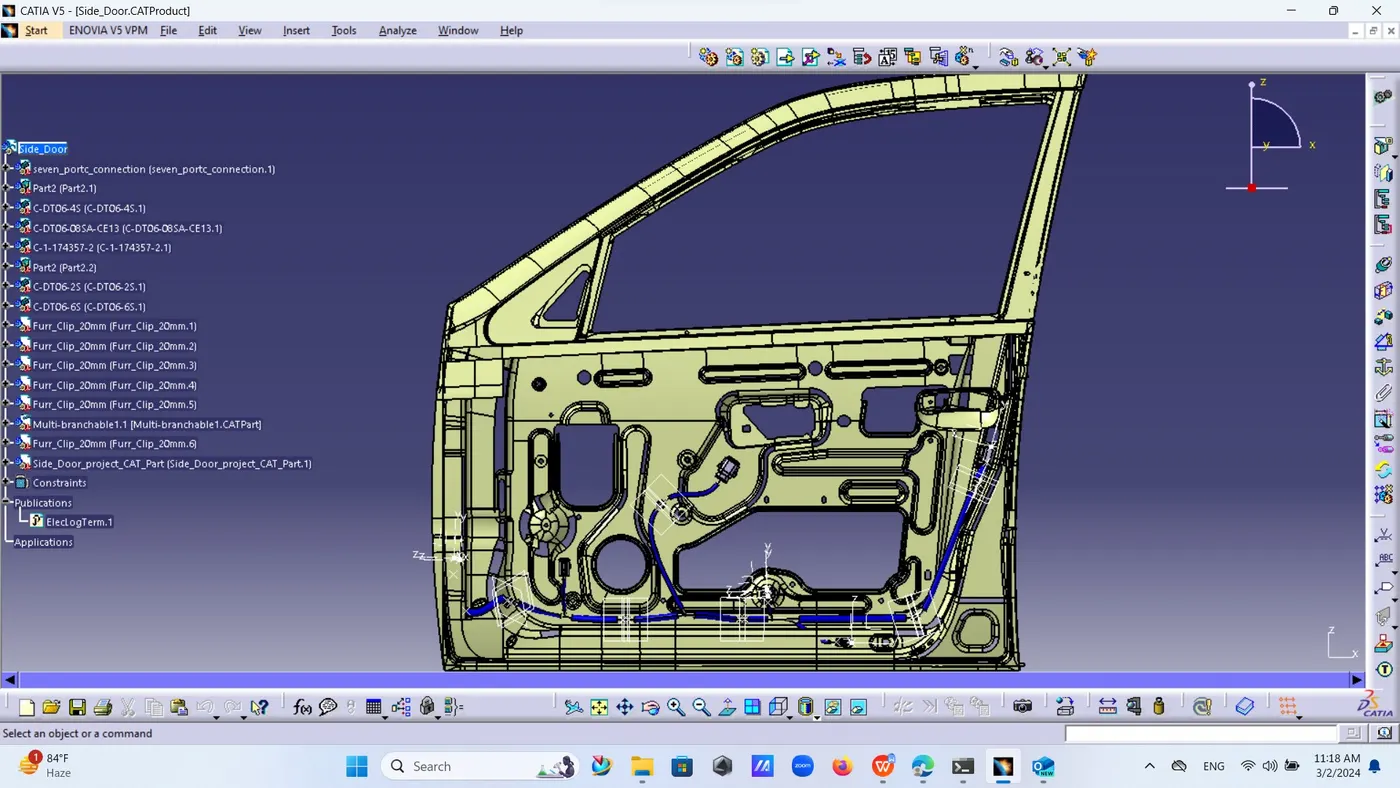
10. Now place proper protective covering to all the branches.
Flattening :-
11. Now create new product file from electrical equipment and electrical flattening and named it as flattening of side door save this to same folder as wiring harness bundle.
12. Then harness flattening parameters and do some setting as active plane face and name as flattening parameter algorithm mode coarse and angle mode regular minimum angle between two branches set as 25 deg.extract only the support inside geometrical bundle.
13. Now open wiring harness parallel to it vertically and then click on extract then click on geometrical bundle then both file will get merge together.
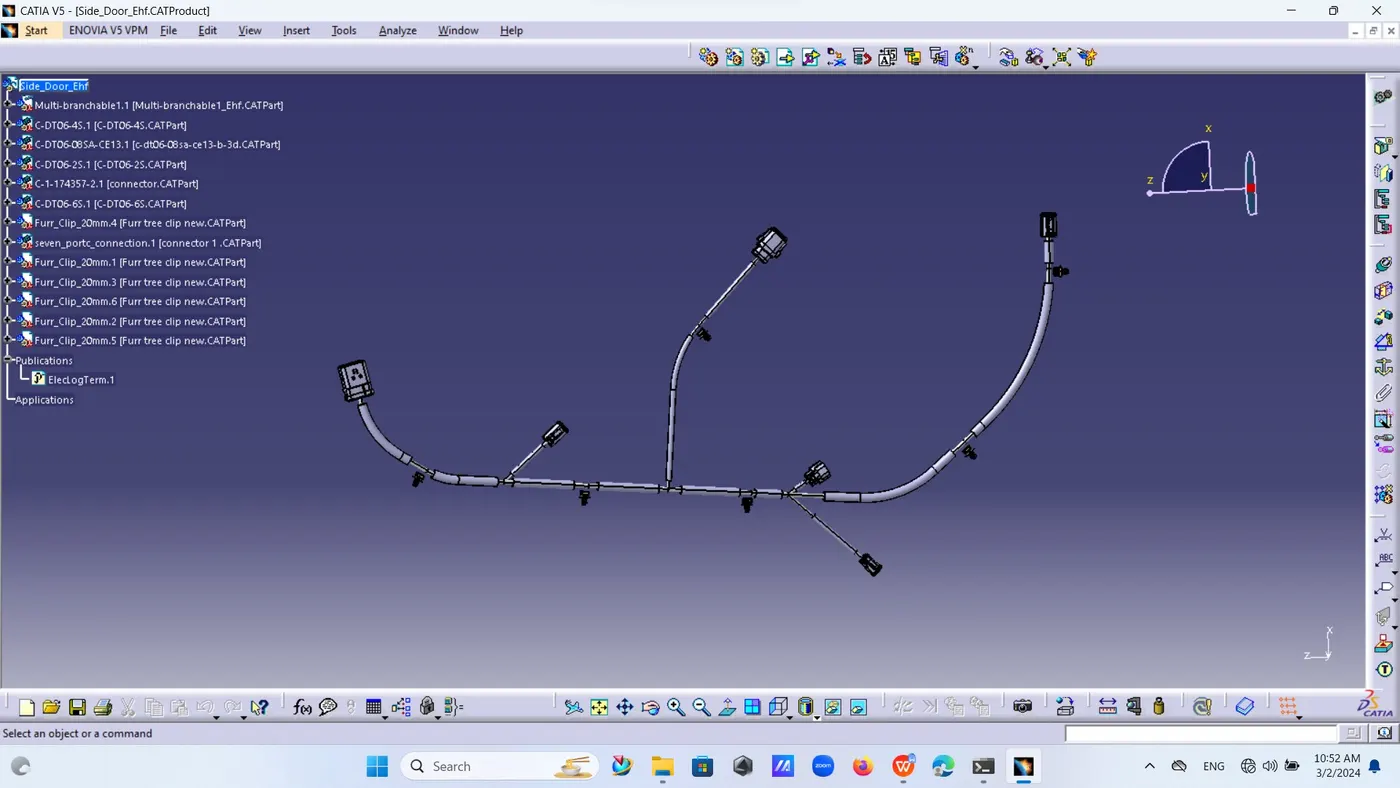
14. Now click on flatten icon and then select face and then beaches then all the branches or partial branches will get flatten if some of the clips displace from its original place then place them back to its original position by move command of assembly.
15. Now apply all the command of rotate and quick roll for rotation of branches for proper placement of branches.
Drawing :-
16. Now open new file drawing select new sheet A2 and ratio 1:1,ISO standard and portrait
17. Then click on front view and then flattening then select that part of fir-tree clip or connector which will give parallel view of drawing.
18. Then rotate it by aside symbolic button if required then go to properties and click ok on view 3D wire frame is always visible.
19. Then it will show all the branches and protective coverings drawing .
20. Now go to edit sheet background then inset and title block also billing material and there is another option of annotations and indicate position of connectors to there respective position then again go to edit and then working view.
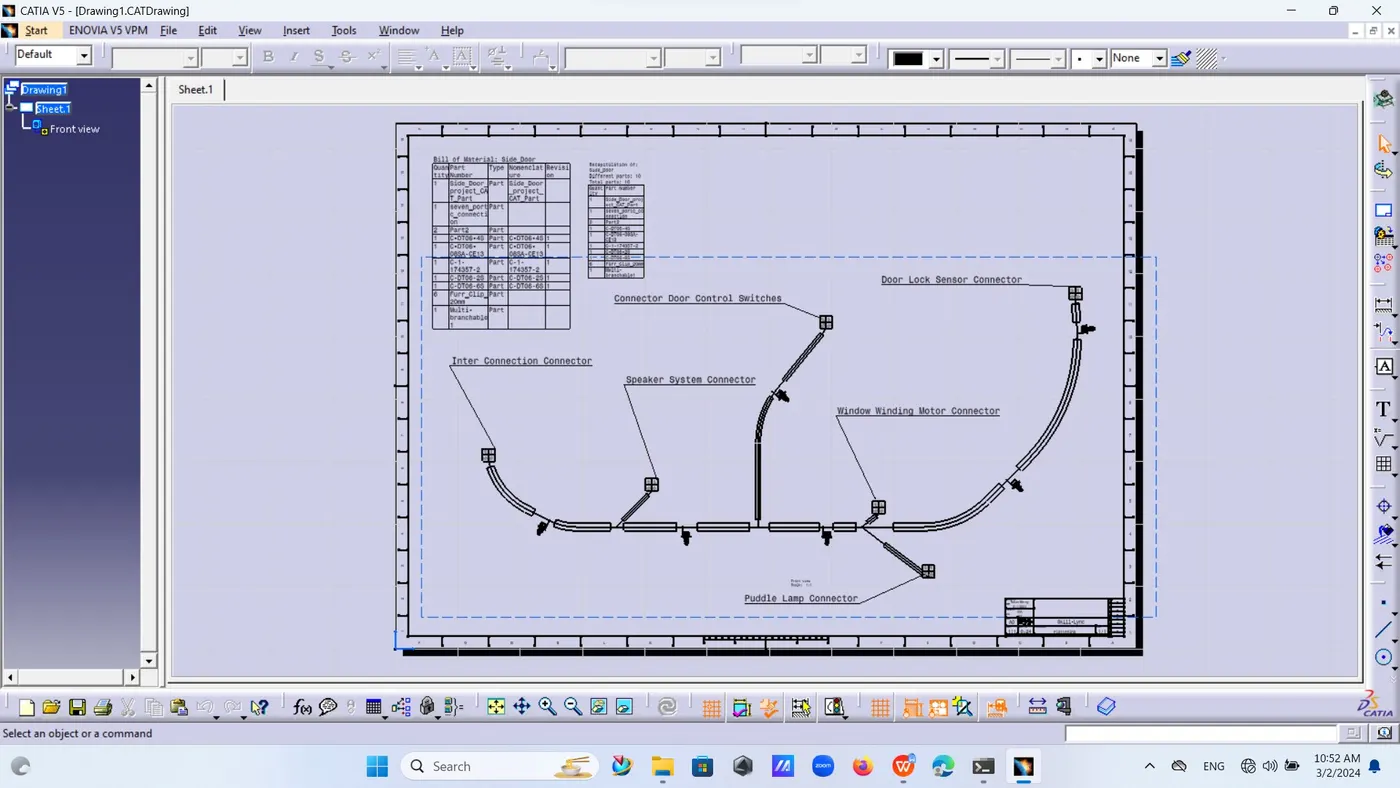
21. Now save as this drawing PDF or respective folder.
This file being upload was more than 20 MB so created link
https://1drv.ms/u/s!AmgZjk-QOjK4jRcucMxreRfwZJh_?e=DAjQGV