Project 1
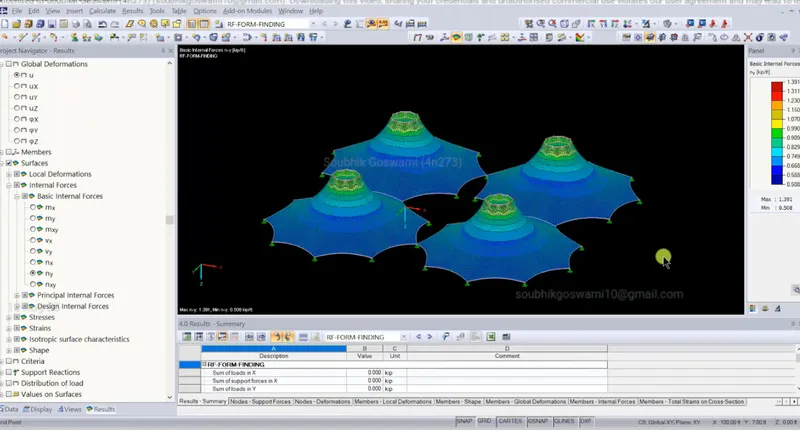
Aim of this project is to understand the concept of form finding and structural analysis of multiple masts structure.
Steps:
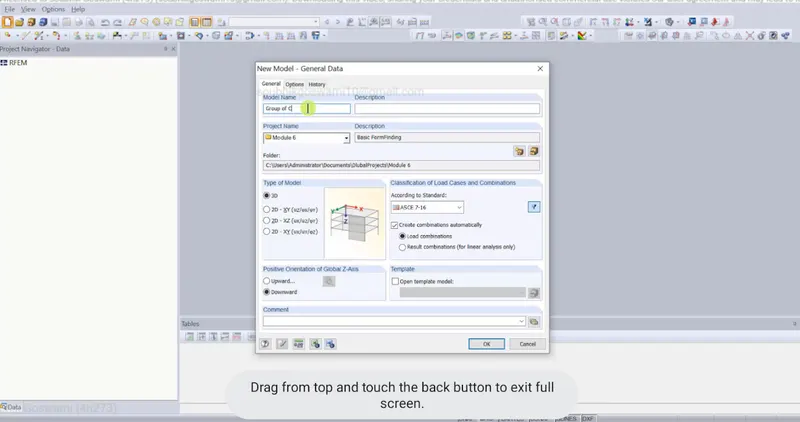
1. Select the new model and name the model.
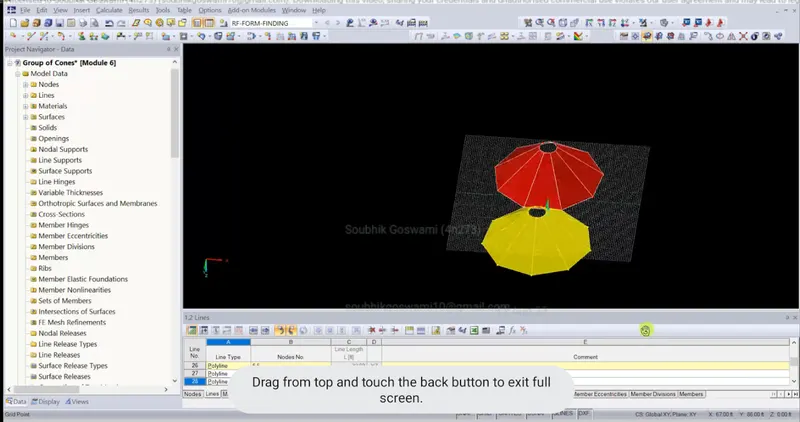
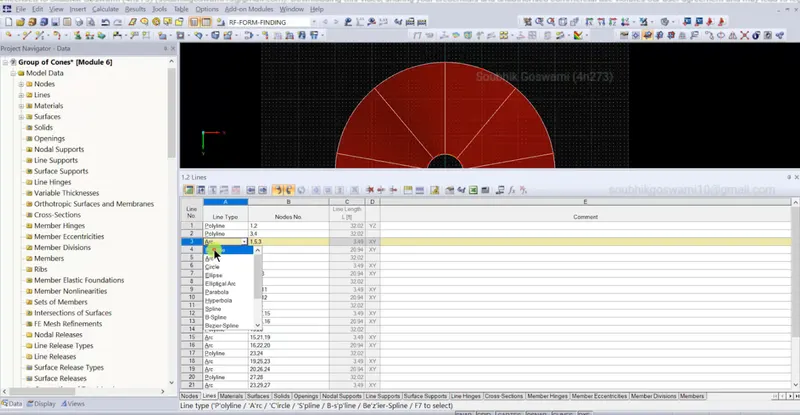
2. Create the conical model using the new line option and provide the coordinates points at specific distance.
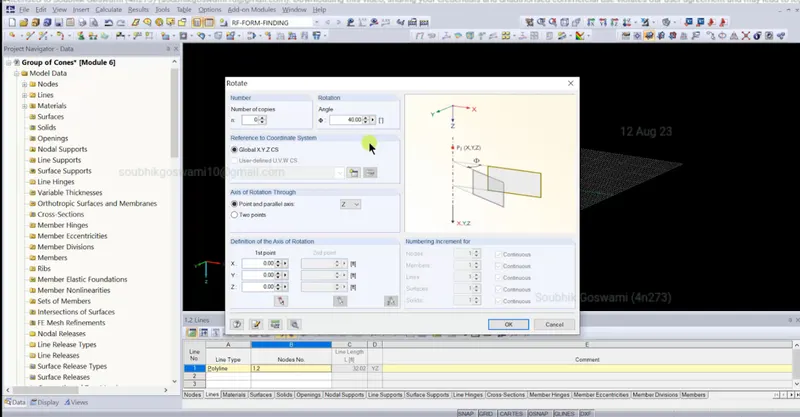
3. Select the line copy option and angle of rotation 40 degree and no. of copies as 9. Click on the expanding settings and select and create new line conical shape will be generated.
4. Convert all the arc line to polyline option.
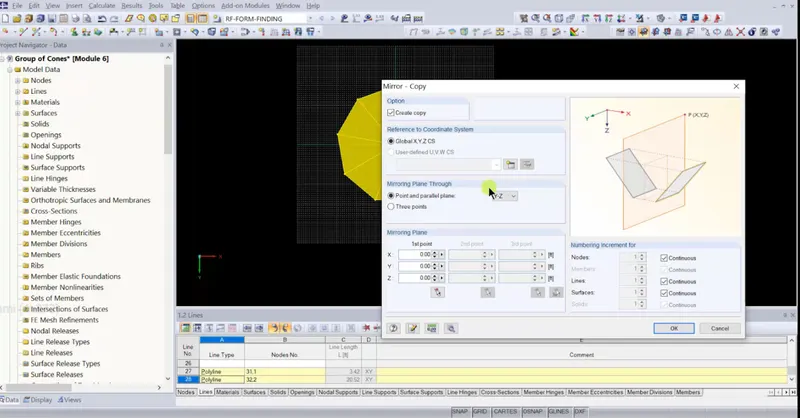
5. Select all the element of cone and than select the mirror option. Create 4 no.s of cones in similar manner.
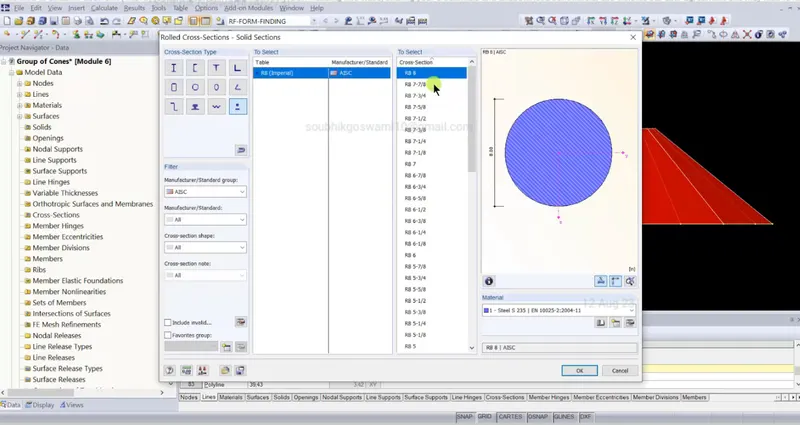
6. Assign the material types in the material library option.
7. Go to the edit surface option, select geometry - new material - isotropic elastic and change the material constrants parameters.
8. Create the supports from the supports icon menu.
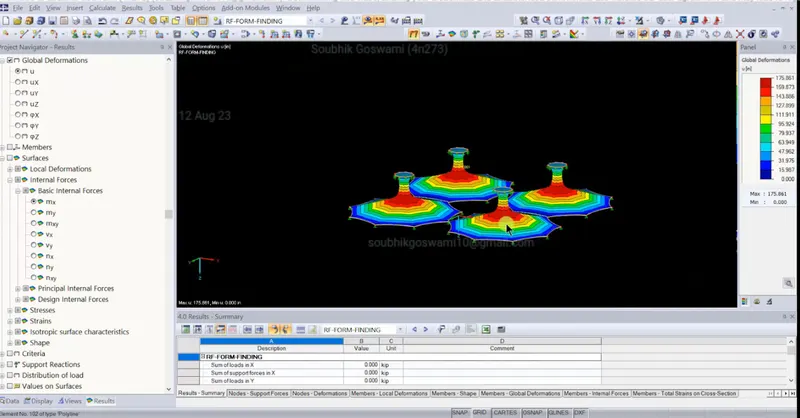
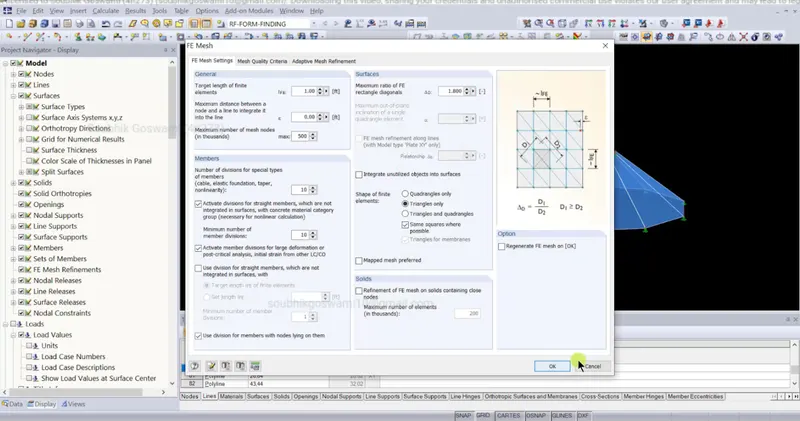
9. Go to the FE Mesh settings and generate the FE Mesh and than run the analysis.