Project 1
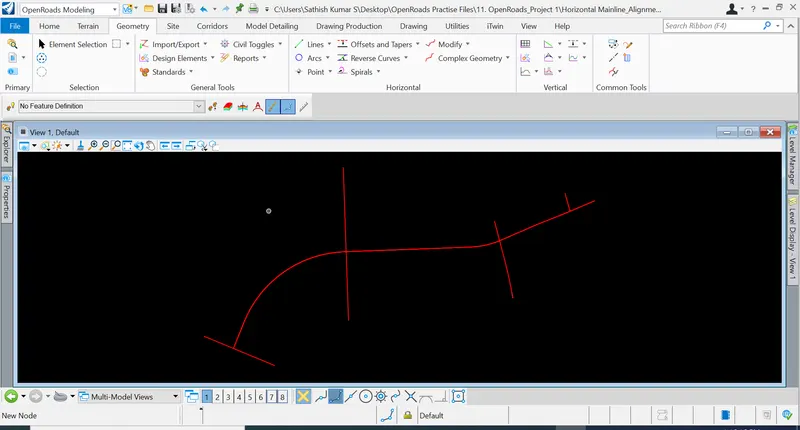
1. Design the mainline alignment.
Aim & Introduction
To design the mainline alignment
Procedure
OpenRoads Modeling => Geometry => Horizontal => Complex by PI
Results & Conclusions
Thus, the mainline alignment has been designed.
*************************************************************************************************************************************************
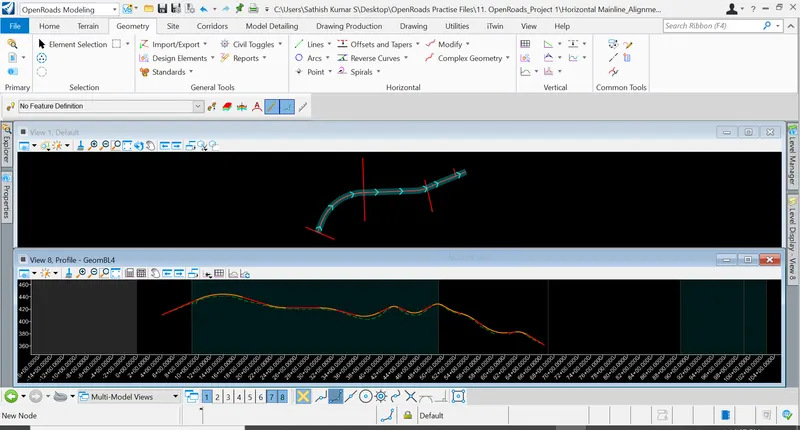
2. Create the existing ground profile of the above created alignment. Design the proposed profile for the mainline alignment.
Aim & Introduction
To create the existing ground profile of the above created alignment and to design the proposed profile for the mainline alignment.
Procedure
OpenRoads Modeling => Geometry => Vertical => Open profile model
OpenRoads Modeling => Geometry => Vertical => Profile Complex by PI
Results & Conclusions
Thus, the mainline alignment profile has been designed.
*************************************************************************************************************************************************
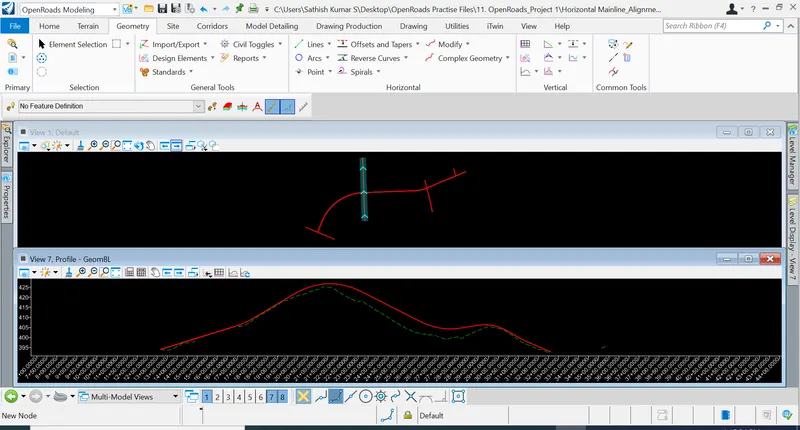
3. Design alignments for remaining 4 intersecting streets (use mainline alignment CL to tie in).
Aim & Introduction
To design alignments for remaining 4 intersecting streets (use mainline alignment CL to tie in).
Procedure
OpenRoads Modeling => Geometry => Vertical => Open profile model
OpenRoads Modeling => Geometry => Vertical => Profile Complex by PI
OpenRoads Modeling => Geometry => Vertical => Profile intersection point (In order to check the tie in condition)
Results & Conclusions
Thus, alignment intersections has been designed.
*************************************************************************************************************************************************
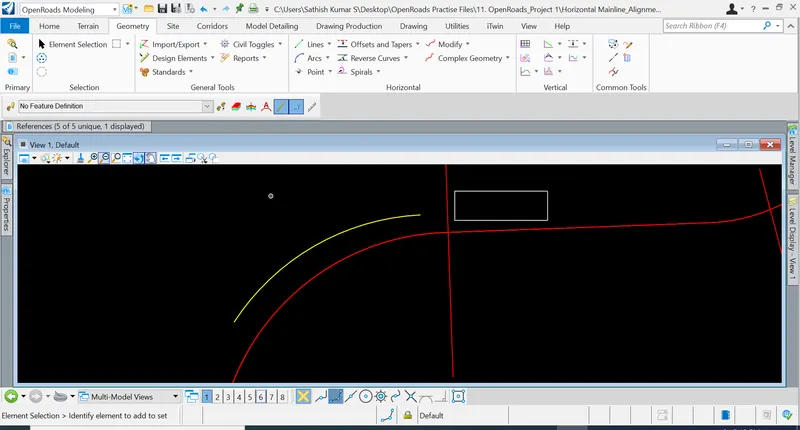
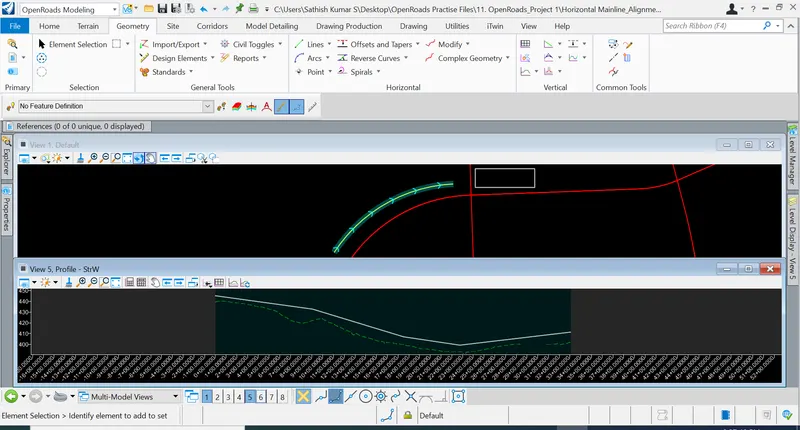
4. Design retaining wall alignment, top of wall and bottom of wall profile.
Aim & Introduction
To design retaining wall alignment, top of wall and bottom of wall profile.
Procedure
OpenRoads Modeling => Geometry => Horizontal => Arcs between points
OpenRoads Modeling => Geometry => Vertical => Open profile model
OpenRoads Modeling => Geometry => Vertical => Profile Complex by PI
Results & Conclusions
Thus, the retaining wall alignment has been designed.
*************************************************************************************************************************************************
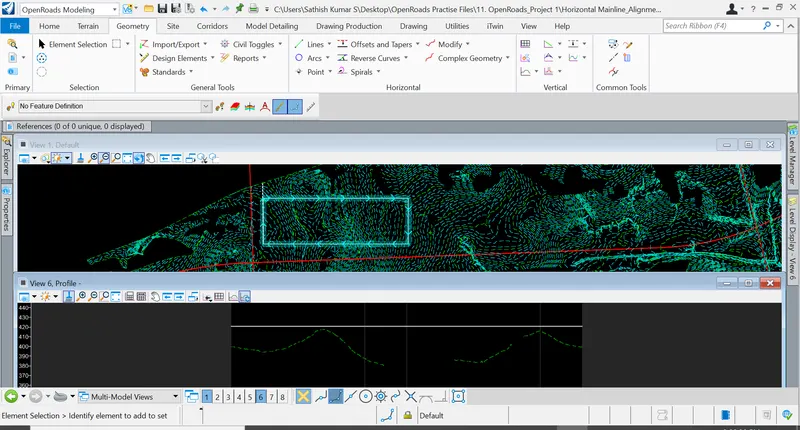
5. Design the parking lot peripheral alignment, design the proposed profile (partly in cut and fill).
Aim & Introduction
To design the parking lot peripheral alignment, design the proposed profile (partly in cut and fill).
Procedure
OpenRoads Modeling => Drawing => Place Block
Click & hover on the block => Add Surface to Profile
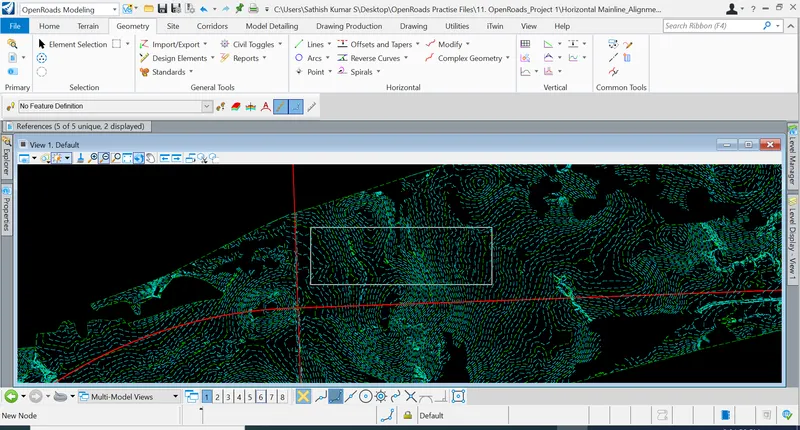
OpenRoads Modeling => Geometry => Vertical => Profile Line between Points
Results & Conclusions
Parking lot peripheral alignment has been designed.
*************************************************************************************************************************************************
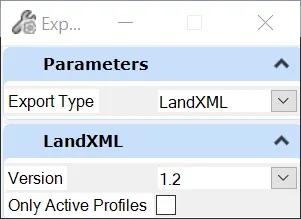
6. Export the alignments, profiles to Land XML and save it in geometry folder.
Aim & Introduction
To export the alignments, profiles to Land XML and save it in geometry folder.
Procedure
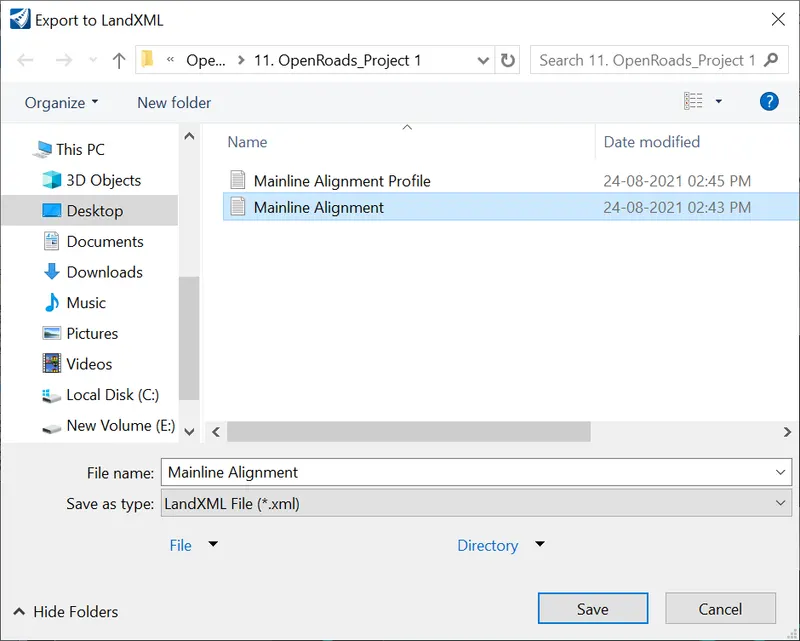
OpenRoads Modeling => Geometry => Import / Export => Export Geometry
Results & Conclusions
Thus, the alignment and profile has been exported to Land XML file.
*************************************************************************************************************************************************