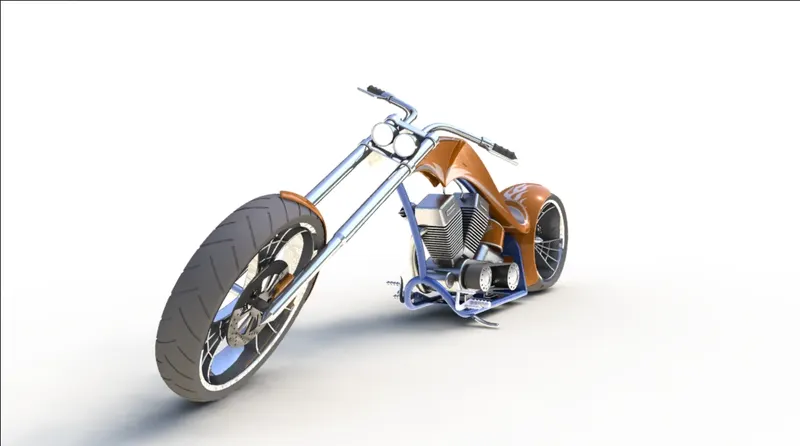
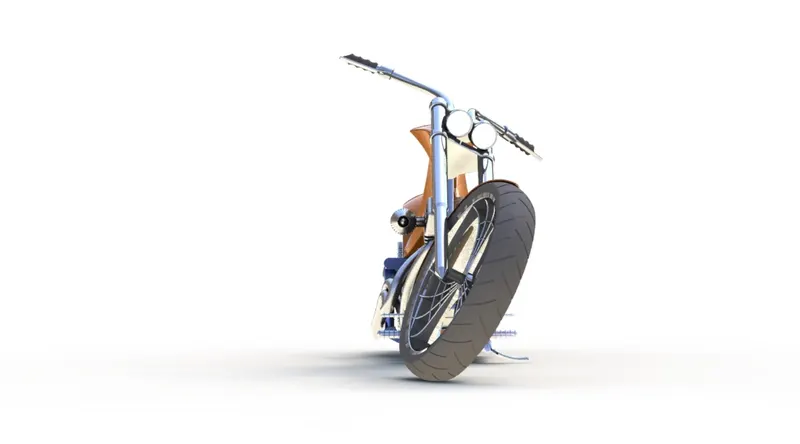
Photo Realistic Rendering
Introduction:
In this project, we learnt about designing an American Chopper using Solidworks. learn about each command and create each part in Solidworks. After designing the parts and doing the assembly after that rendering the model using Photo view 360 and Solidworks VisualizeWhile rendering we get to know about applying decals, lights and cameras.
Parts of chopper bike:
- Chassis
- Engine with exhaust system
- Front Wheel
- Rear Wheel
- Front Fork
- Front
- Rear Fender
- Oil Tank
- Gas Tank
- Chain
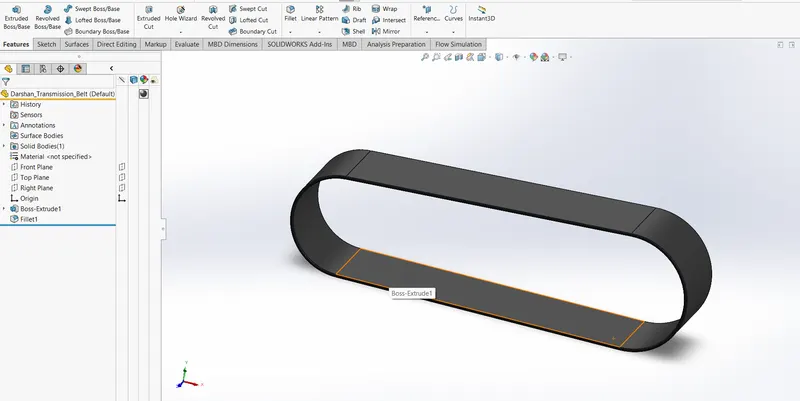
- Transmission Belt
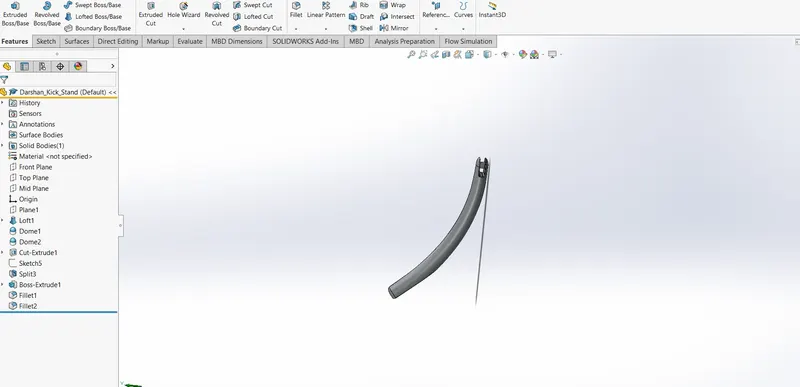
- Kickstand
- Pedal
Objective:
- To learn the commands in Solidworks
- To design parts with the use of blueprints
- Learn about the Assembly module in Solidworks and assemble the different components.
- To render the American Chopper on PhotoView 360 and Solidworks Visualize
Commands Used:
- Extrude and Extrude-Cut
- Revolve and Revolve-Cut
- Swept and Swept-Cut
- Lofted Base/Boss
- Fillet
- Chamfer
- Linear Pattern
- Circular pattern
- Curve Driven Pattern
- Mirror ( in Part and Assembly)
- Shell
- Reference Geometry (Plane & Axis)
- Curve (Project & Composite)
- Dome
- Split
- Combine
- Boundary Surface
- Knit Surface
- Mates
-
Transmission Belt:
-
Kickstand
-
Front Fender:
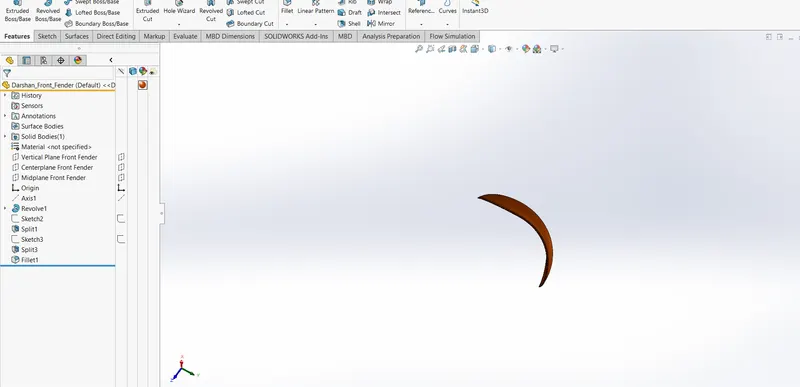
-
Rear Fender:
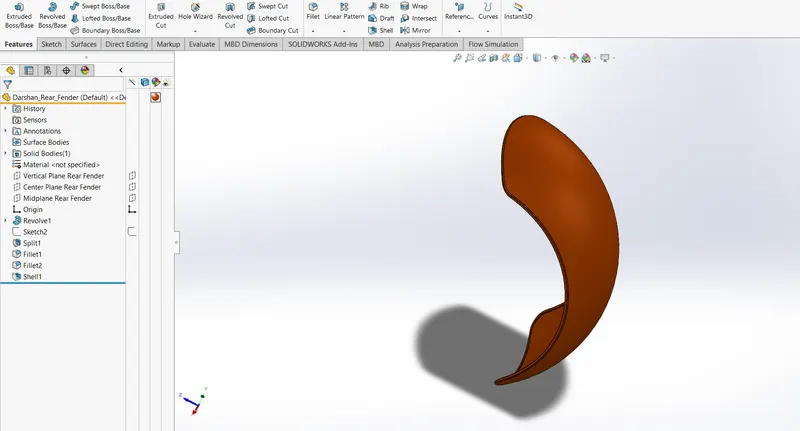
-
Oil Tank:
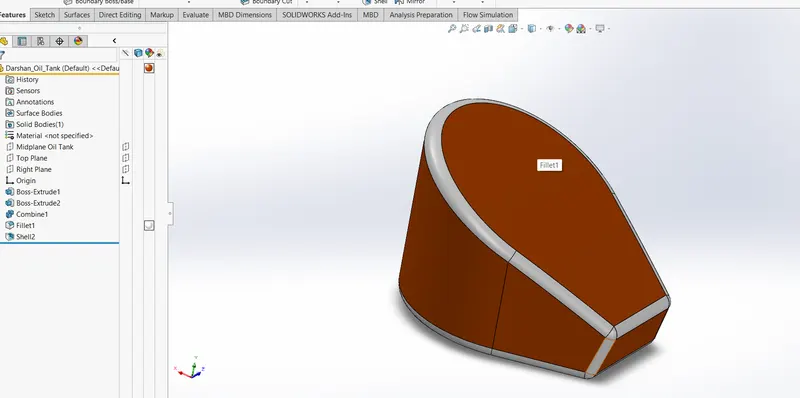
- Chain:
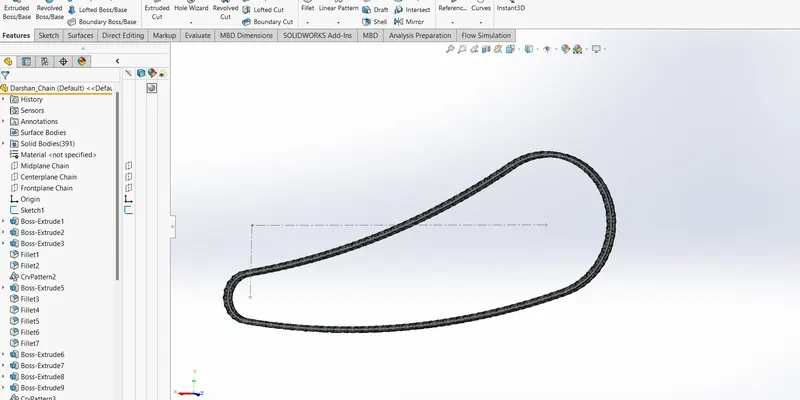
- Pedal:
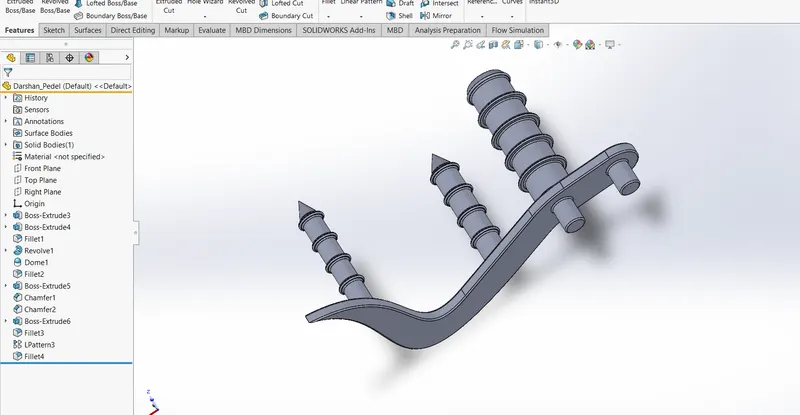
- Front Wheel:
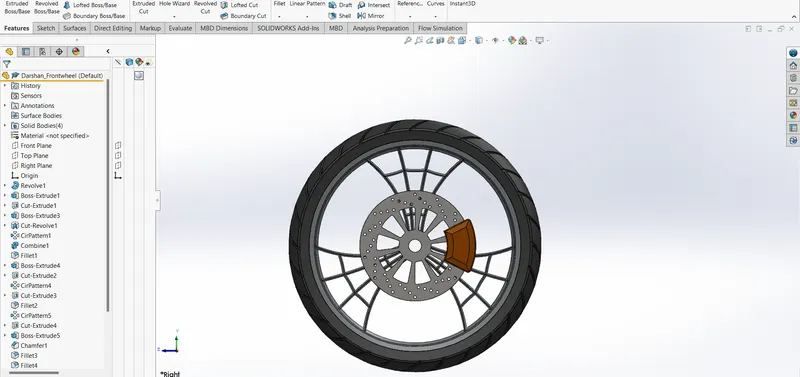
- Rear Wheel:
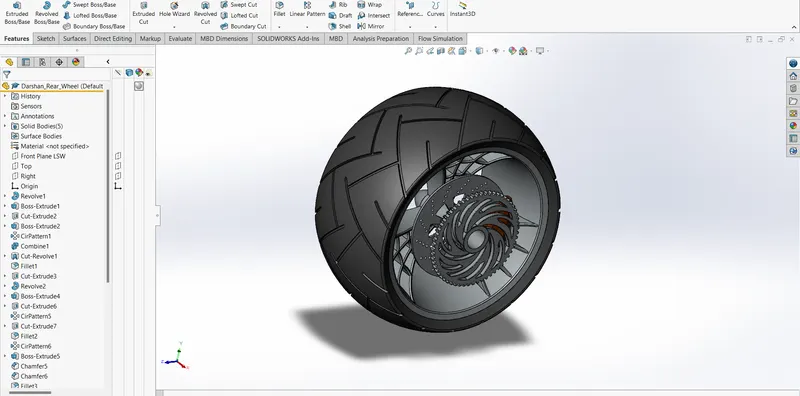
- Front Fork:
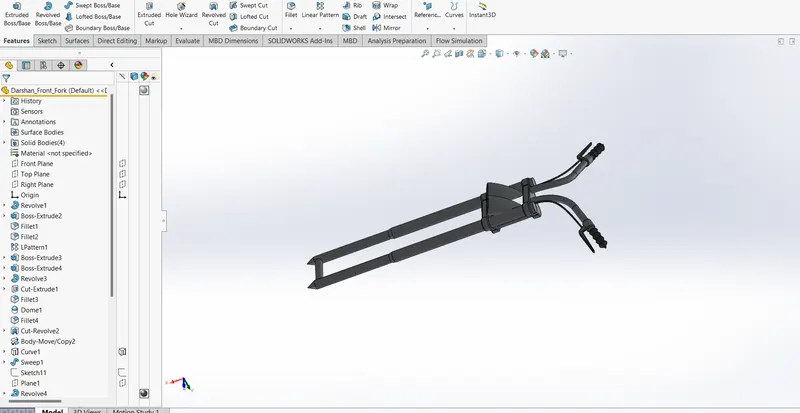
- Chassis:
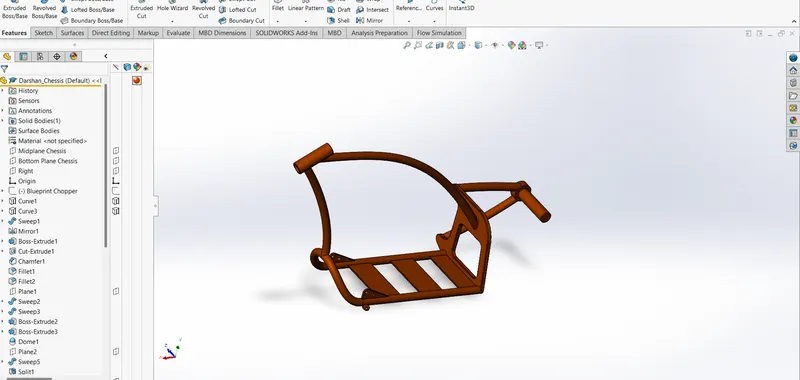
- Engine:
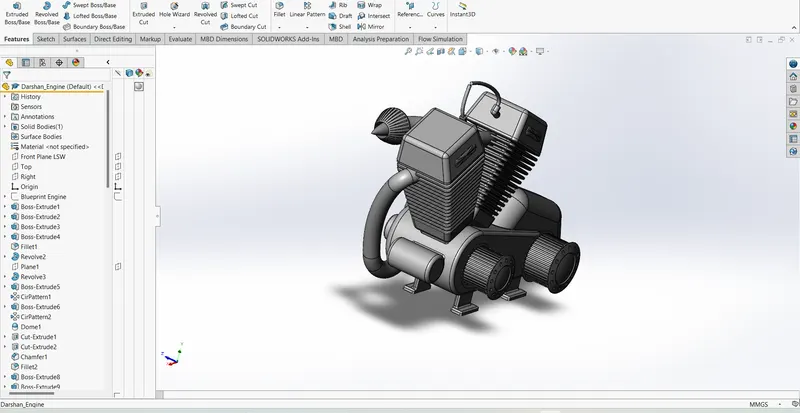
- Gas Tank:
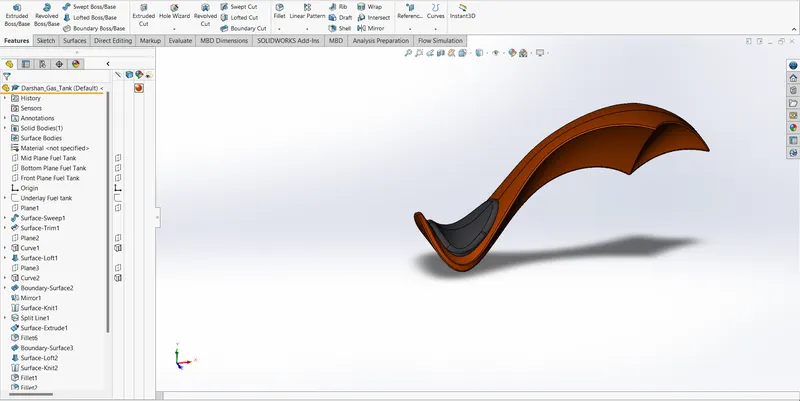
- Assembly of the chopper:
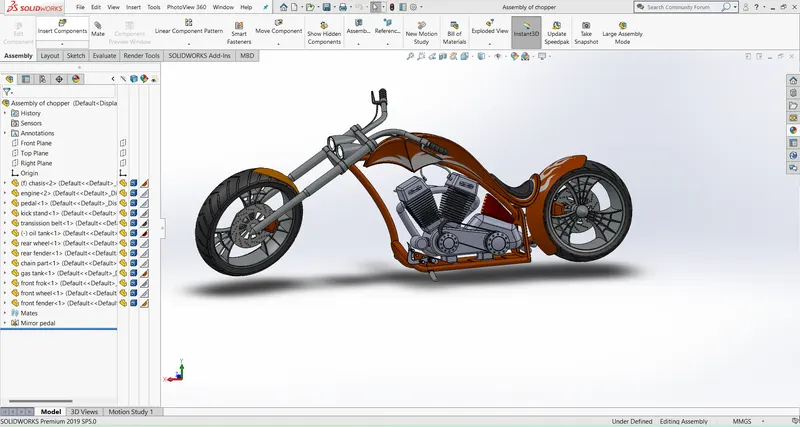
- Rendering of the chopper:
Rendering is done in Photoview 360. The rendering is done in stages
- Decals:
Graphics or designs used on chopper bodies
- Cameras:
Adjust lighting and camera angles.
Images of the chopper: