Flow over an airfoil
Objective:
- Model the flow over a NACA0017 airfoil
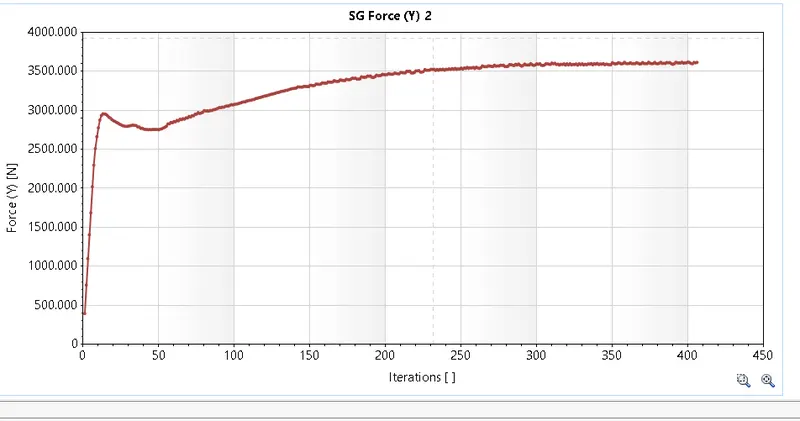
- For the angle of attacks 0,2,4,6,8,10 compare the lift and drag forces
Procedure:
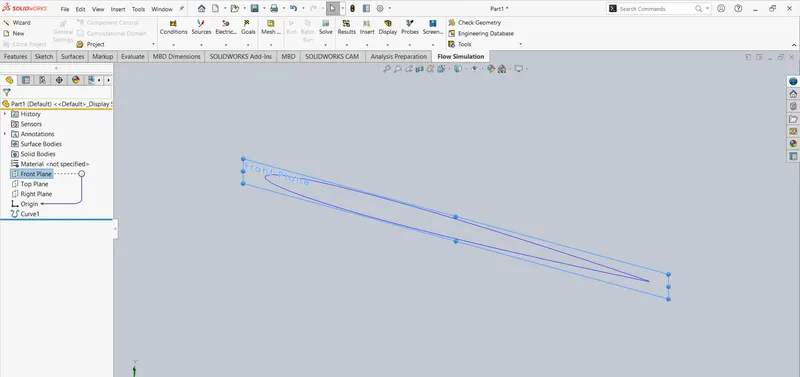
- Importing the co-ordinates of the airfoli (Insert -> Curve -> Curve through XYZ points ->bowse the file ->open-> ok)
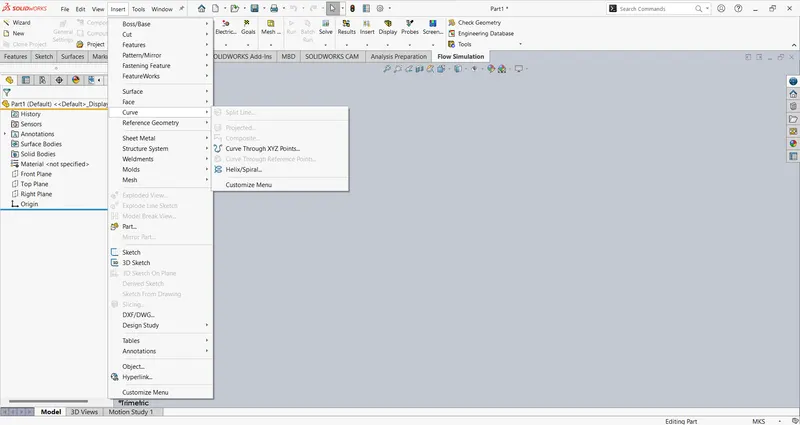
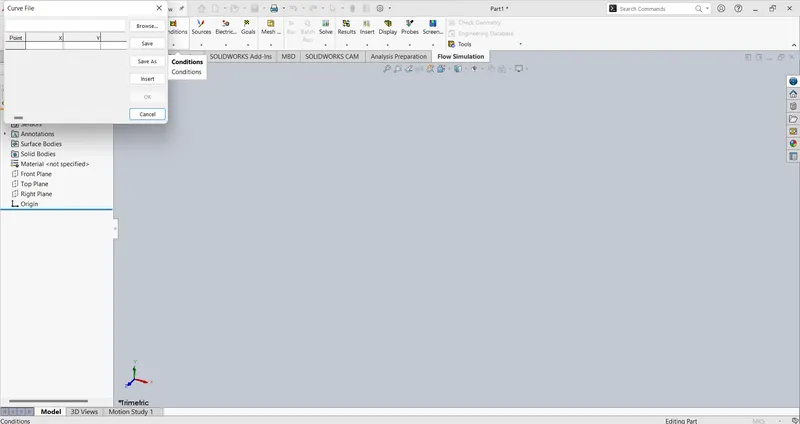
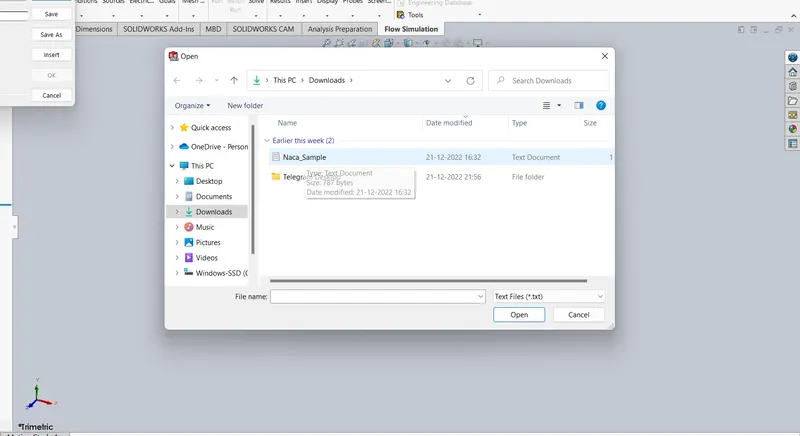
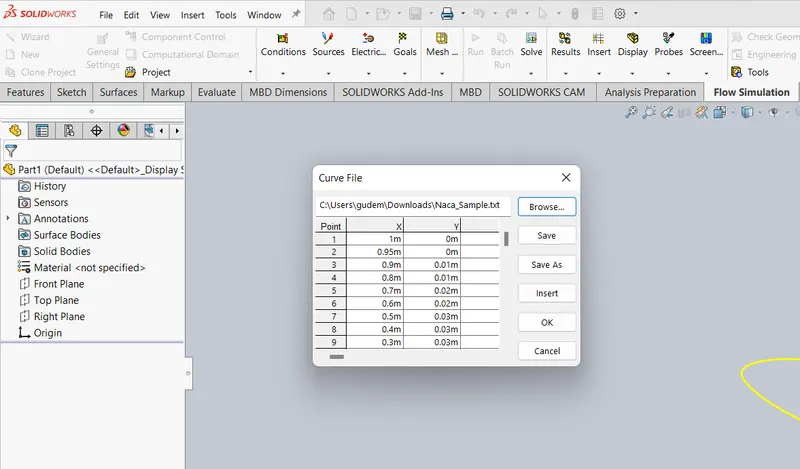
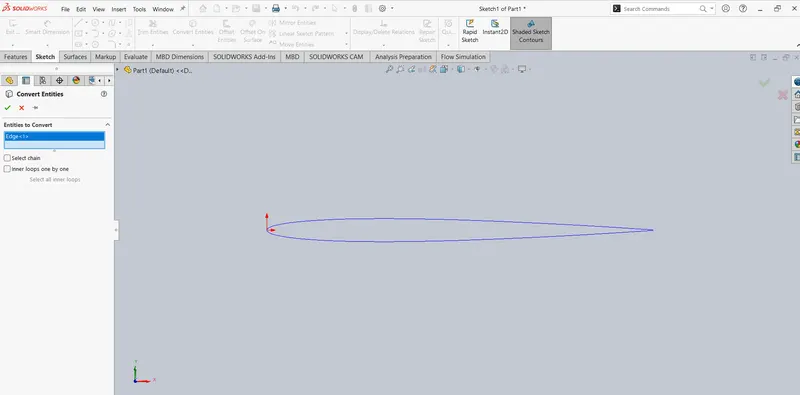
- Converting into sketch (Front plane -> Sketch -> Select the airfoil -> Convert entities)
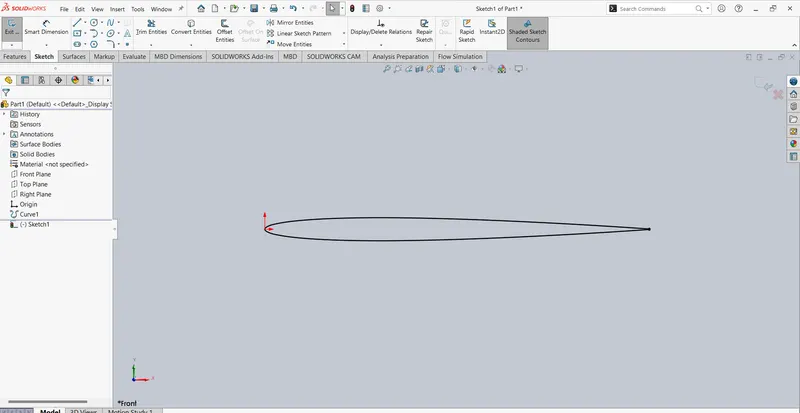
- Closing the airfoil by line tool
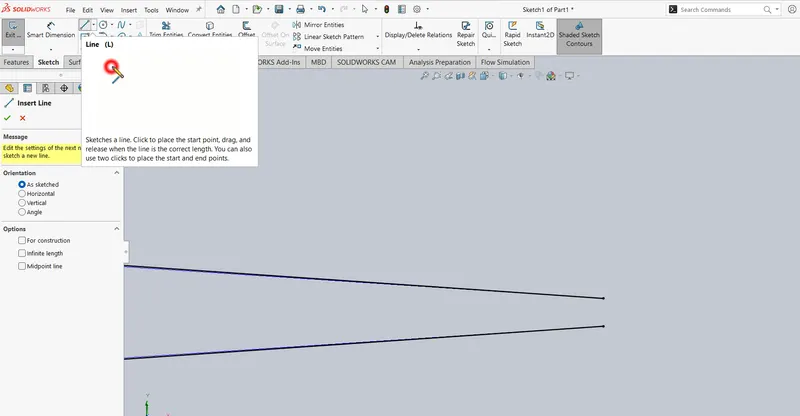
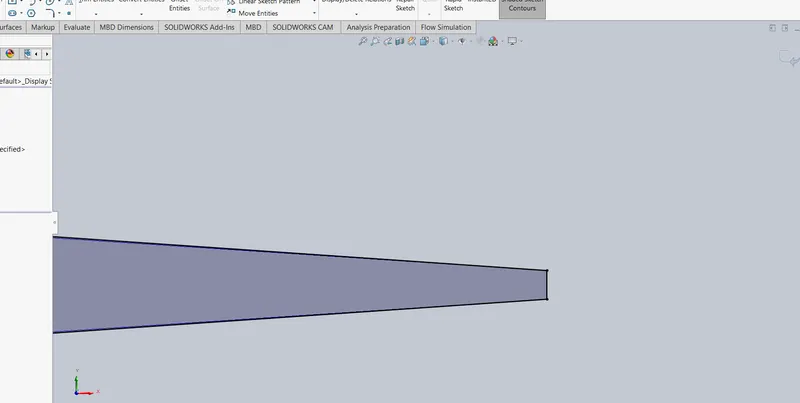
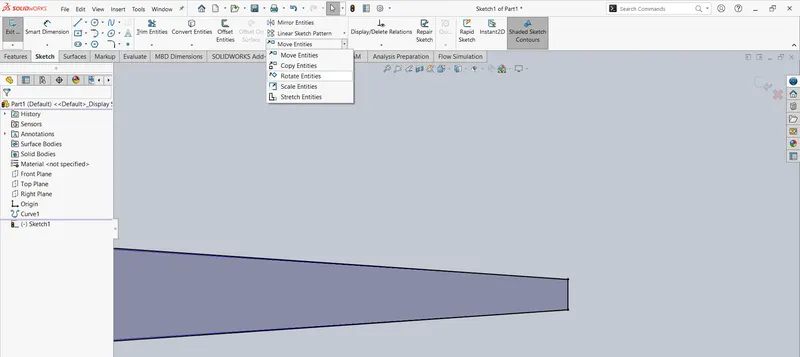
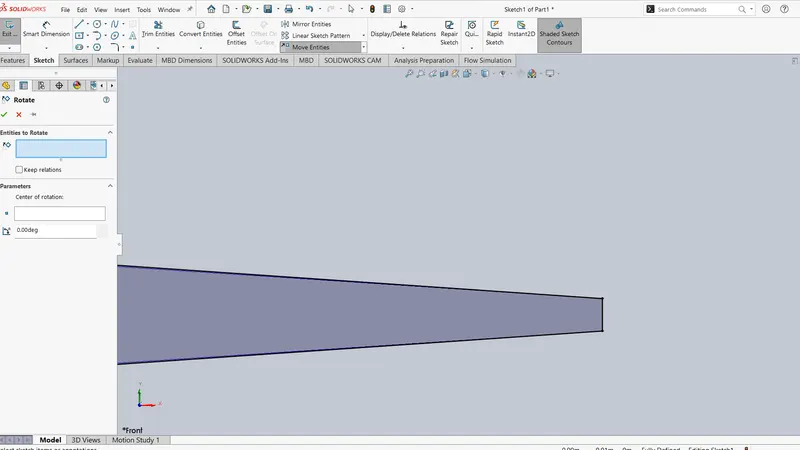
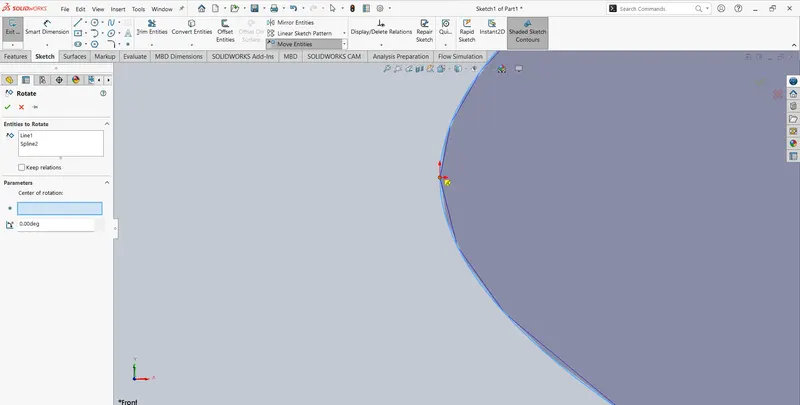
- Adding angle of attack (Move entities -> Rotate entities -> Select the spline and line -> Select rotation point -> Adding angle as negative -> Ok)
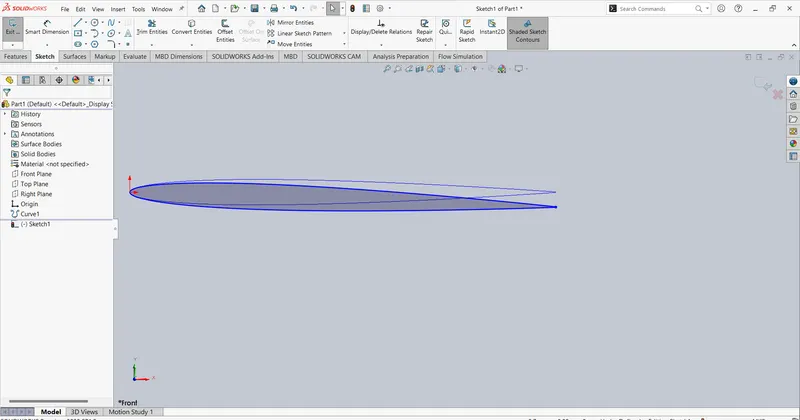
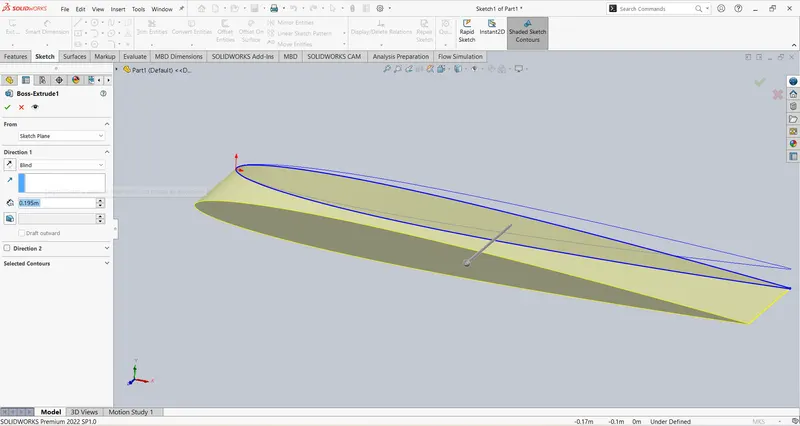
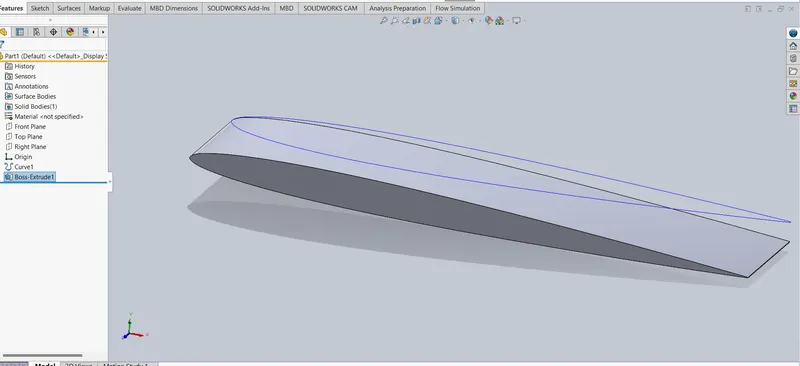
- Do boss extrude
Flow Simulation:
- Wizard
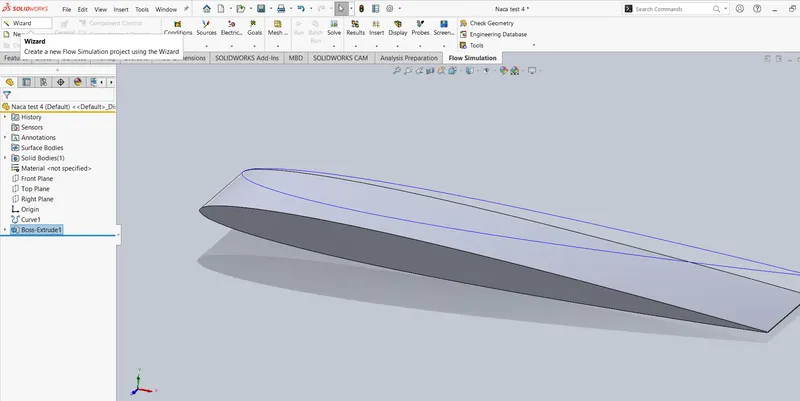
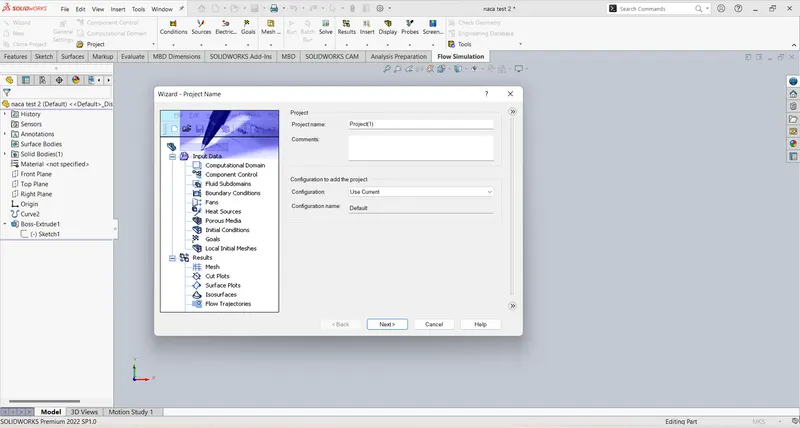
- Project naming
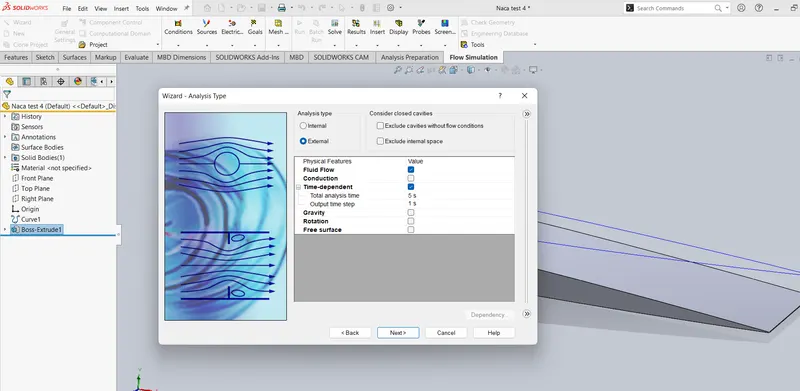
- Flow type External - Time dependent (Simulation time = 5 sec, Time step = 1 sec)
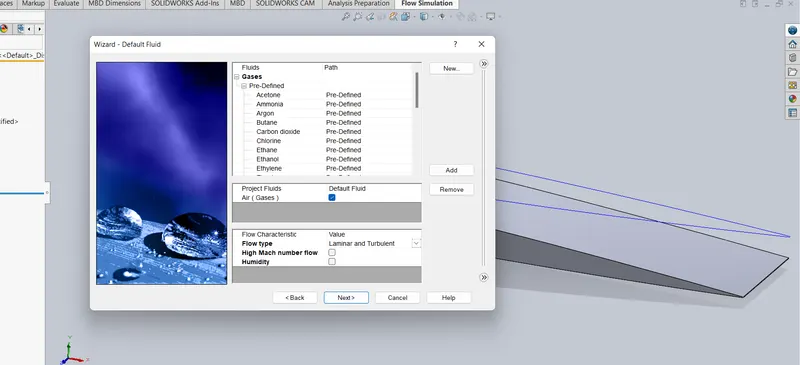
- Fluid-Air
- Type of flow -Laminar and turbulent
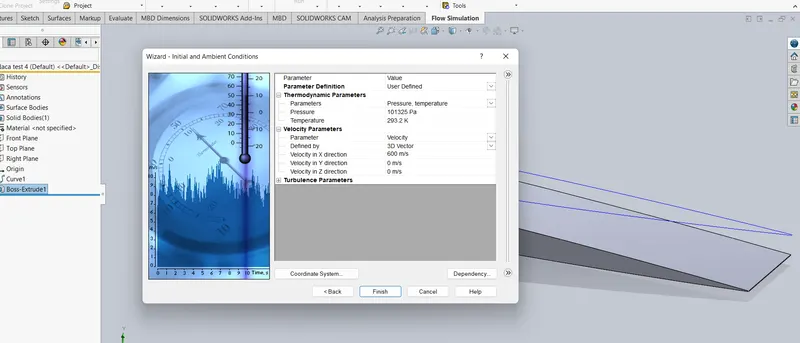
- Initial condition - Velocity in x direction = 600m/s
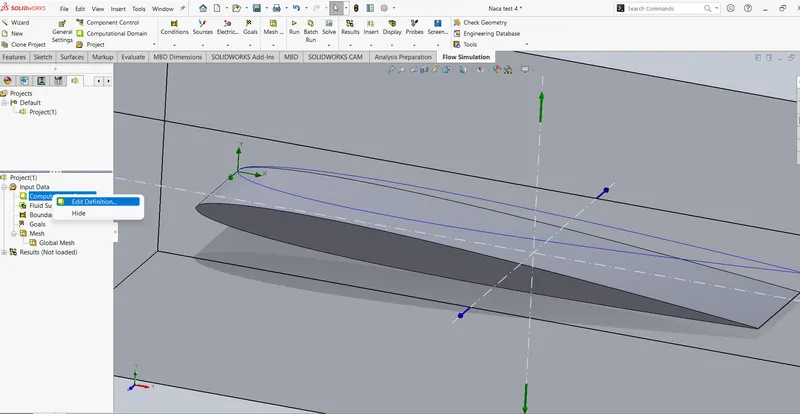
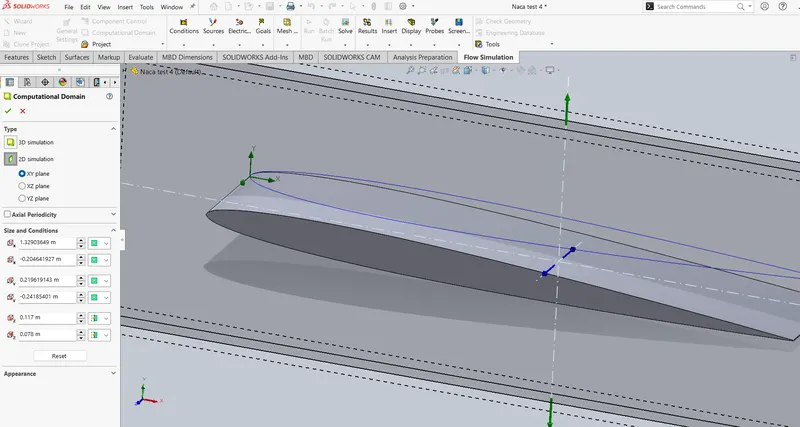
- Setting up computational domain (Changing 3D to 2D)
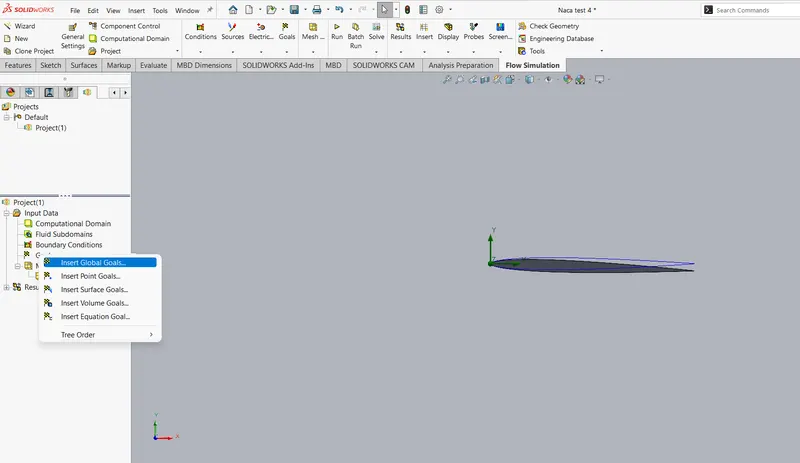
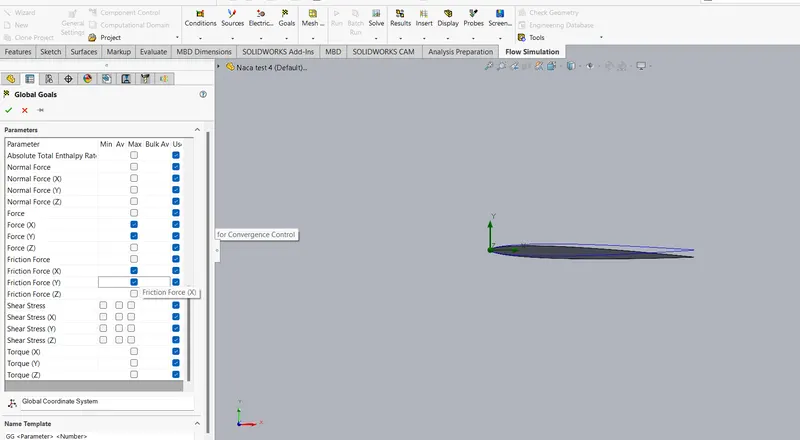
- Inserting Goals (Global goals - Force in X and Y direction, Friction force in X and Y direction)
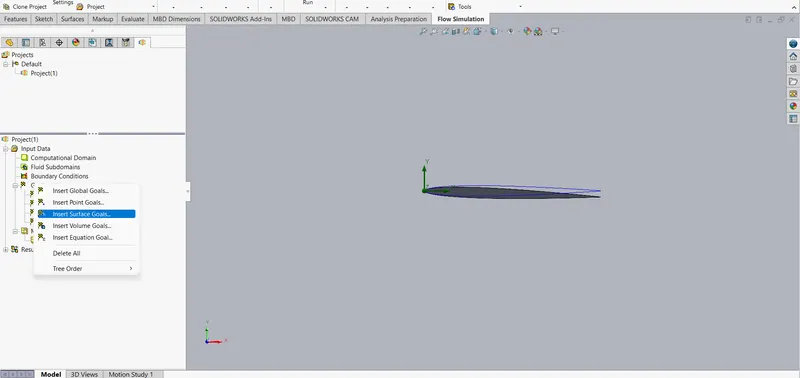
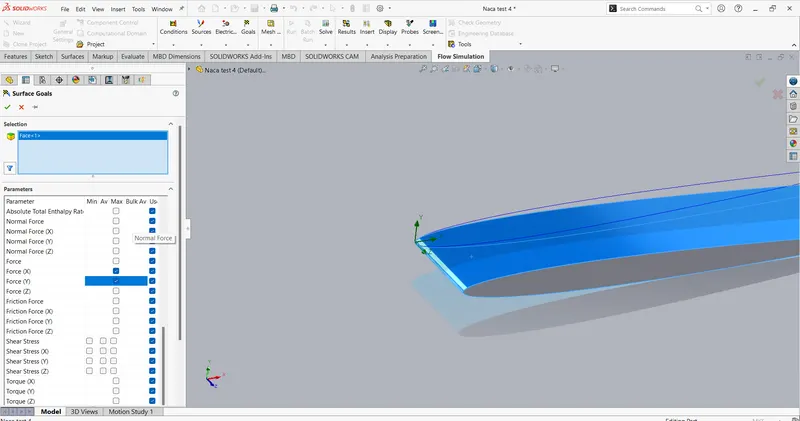
- Inserting Goals (Surface goals - Select the surface -> Force in X and Y direction)
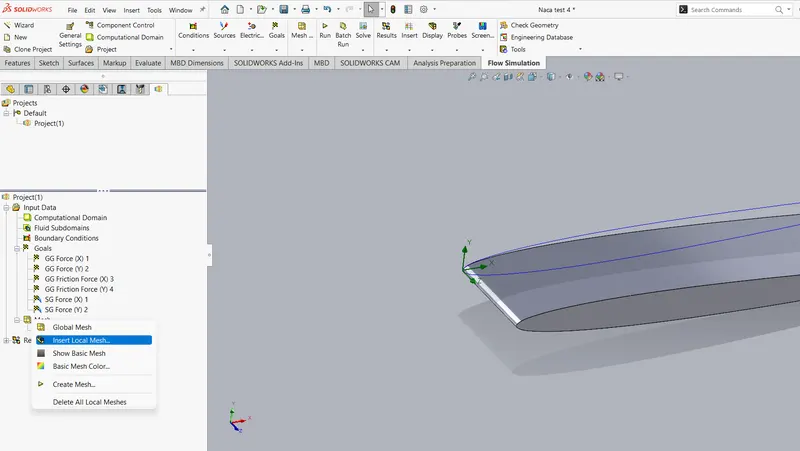
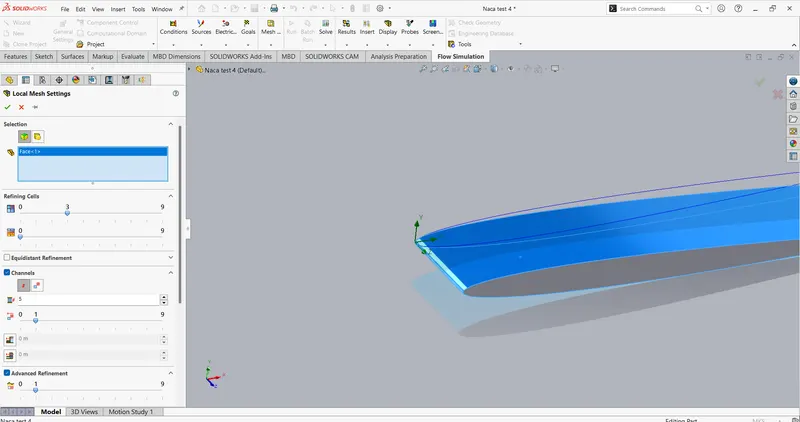
- Mesh(Mesh -> Insert local mesh -> Select the surface on top -> Refining cell -> 3)
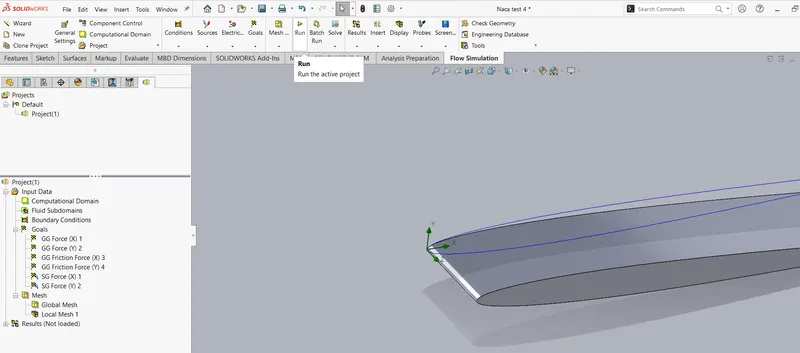
- Run
Result:
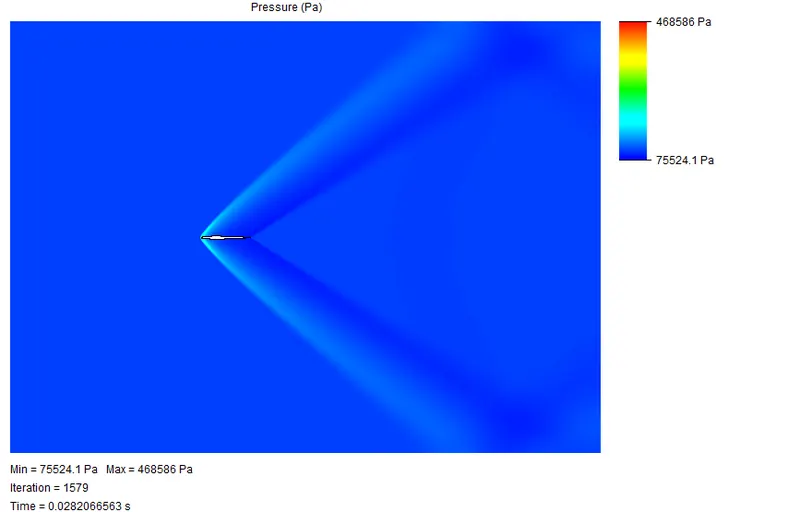
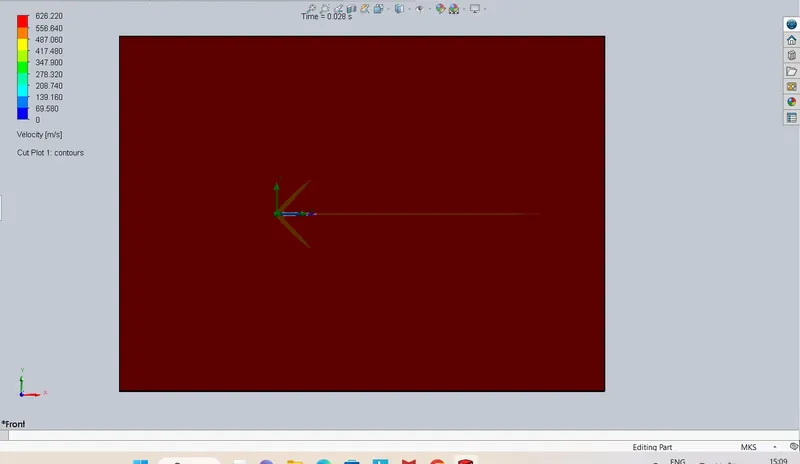
- At 0
pressur velocity
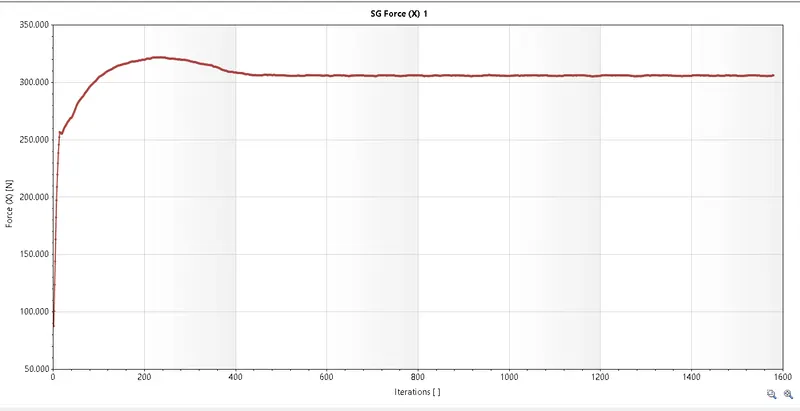
Drag lift
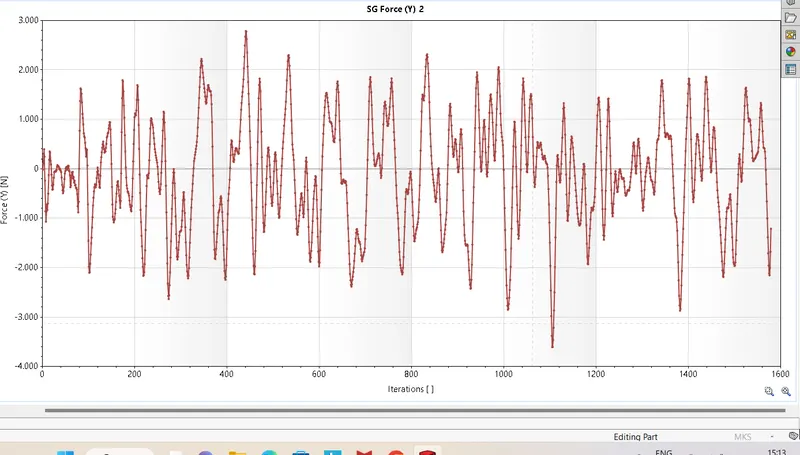

- At 2
pressure velocity
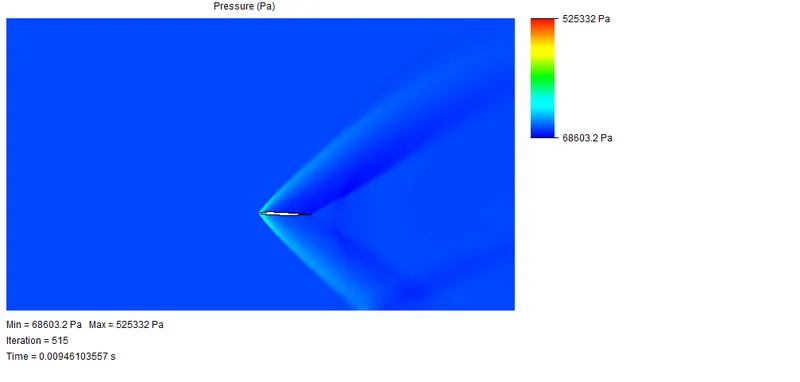
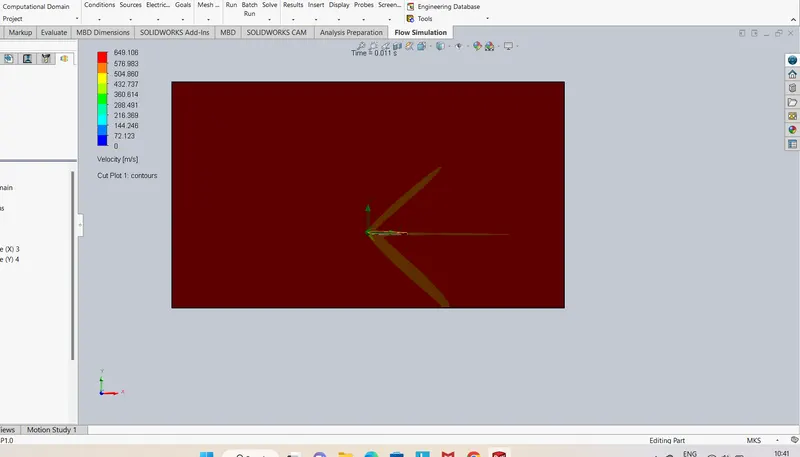
Drag Lift
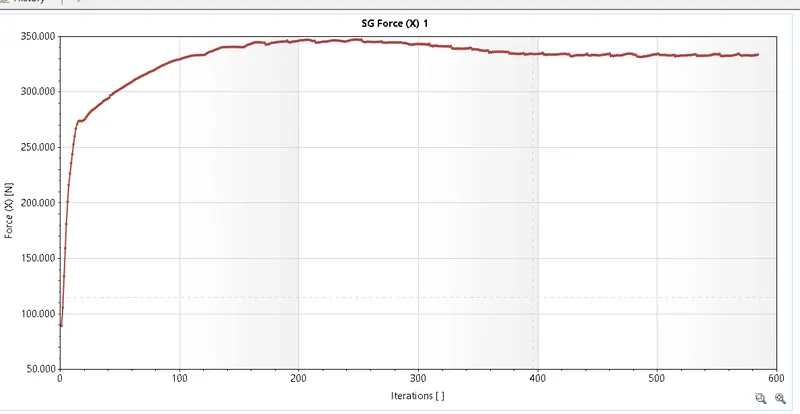
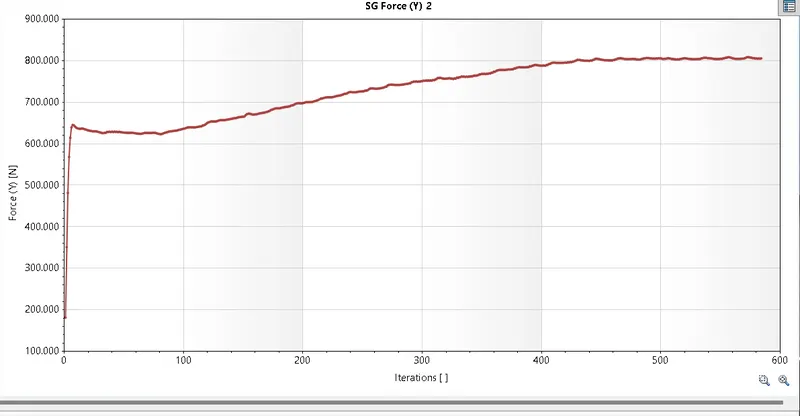

- At 4
Pressure Velocity
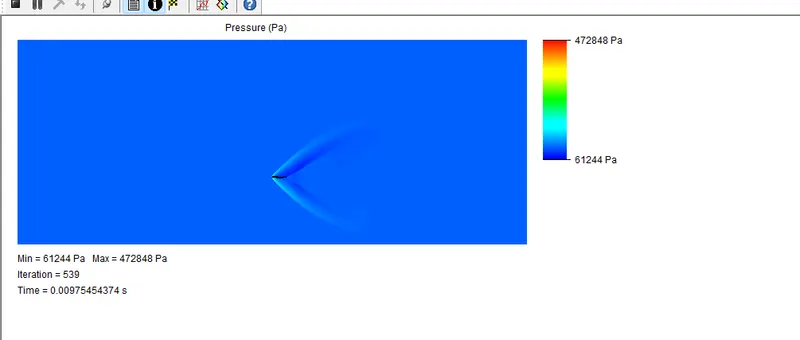
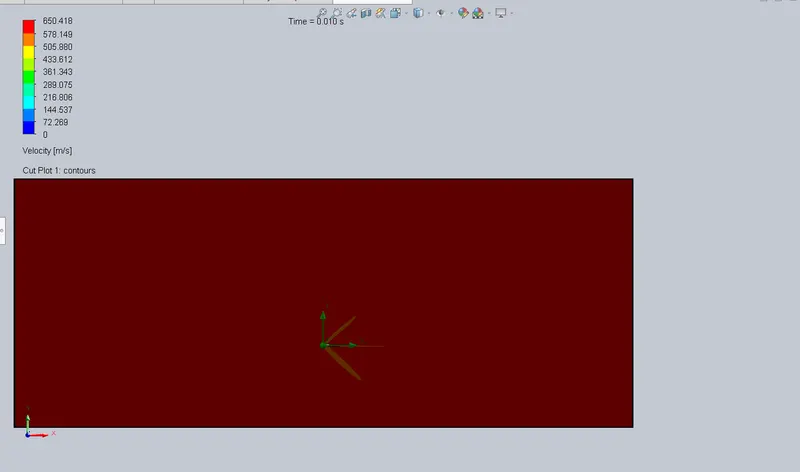
Lift Drag
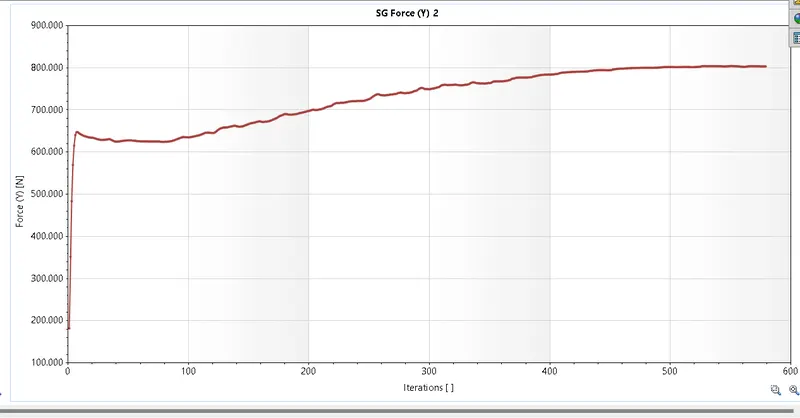
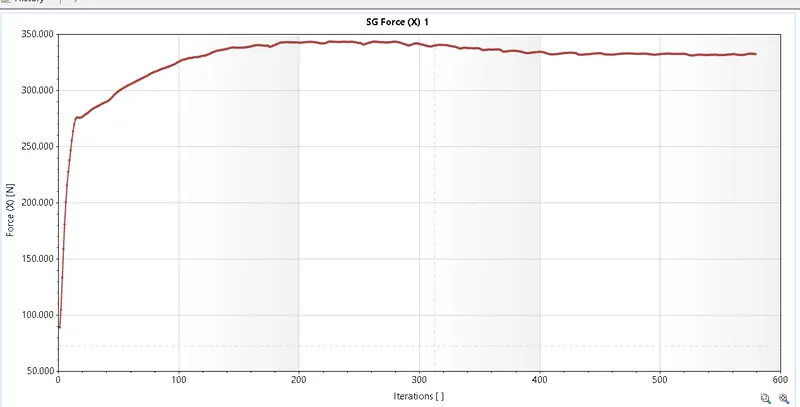

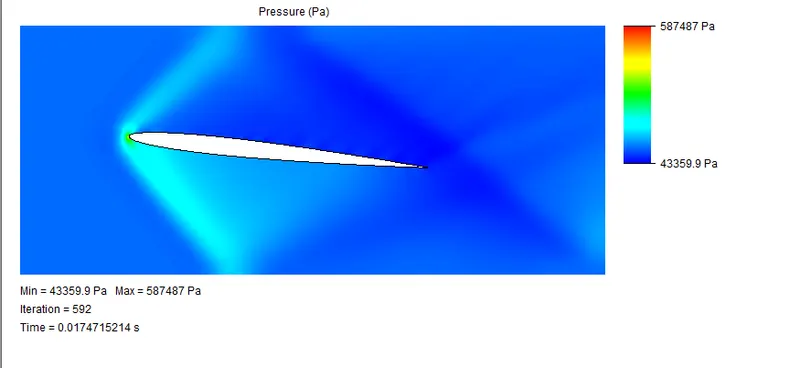
- At 6
Pressure
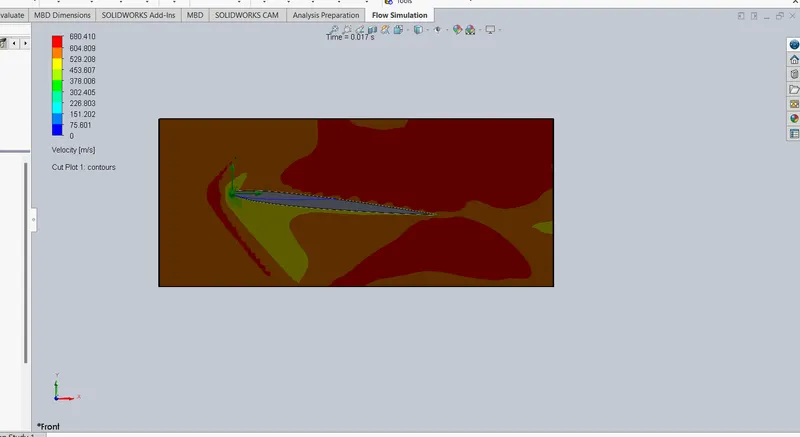
Lift Drag
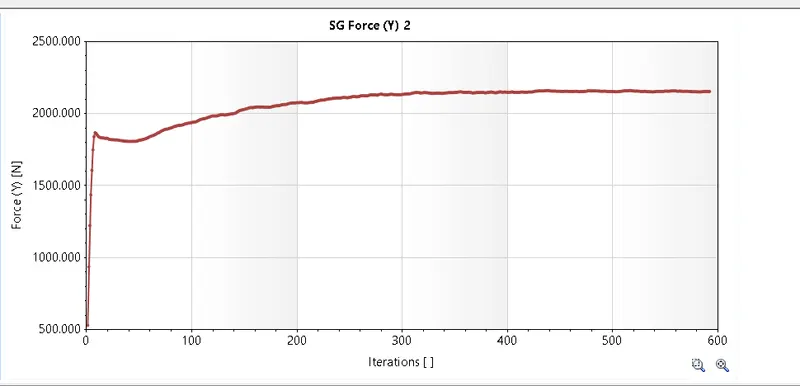
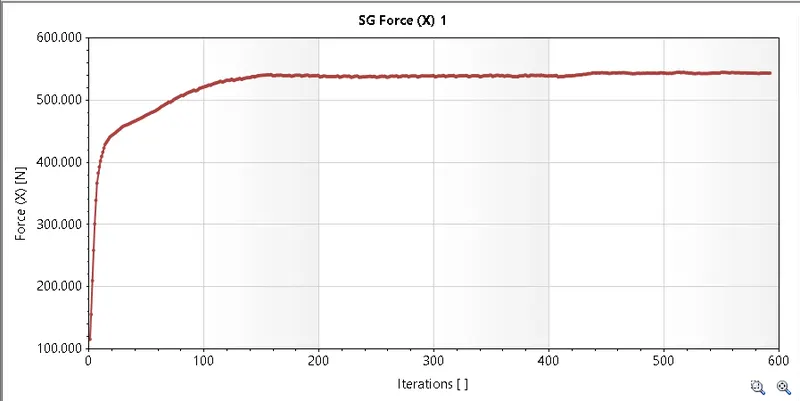

- At 8
pressure Velocity
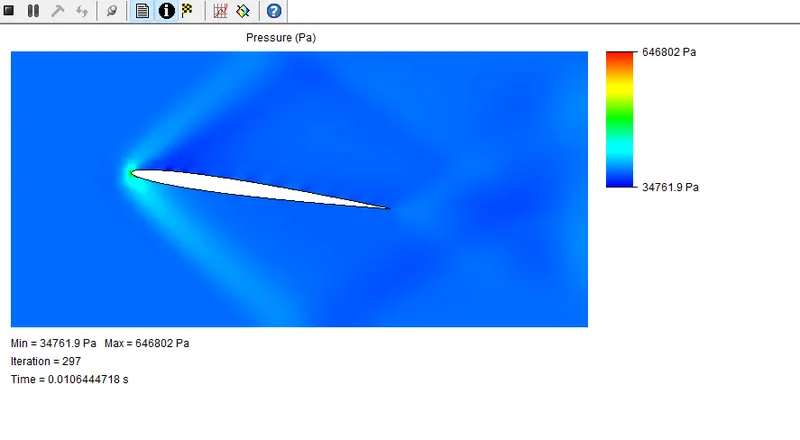
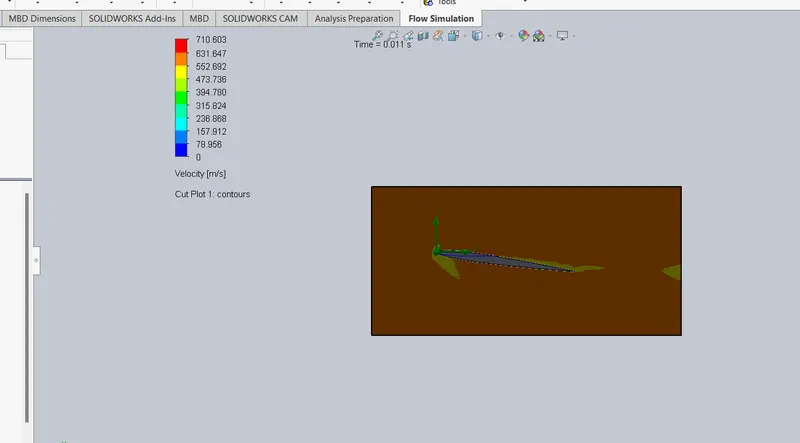
Lift Drag
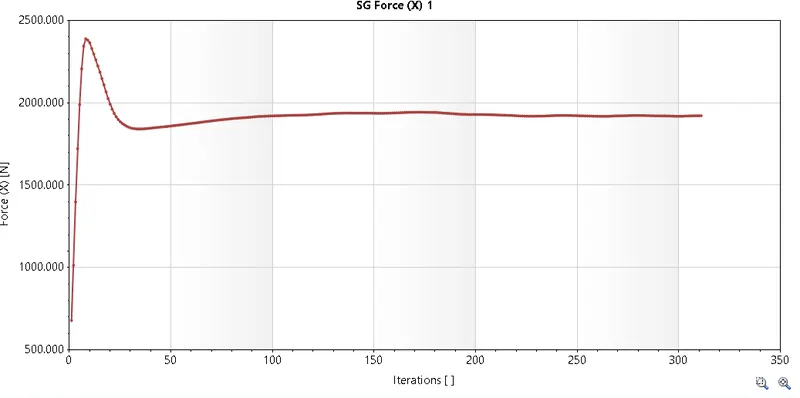
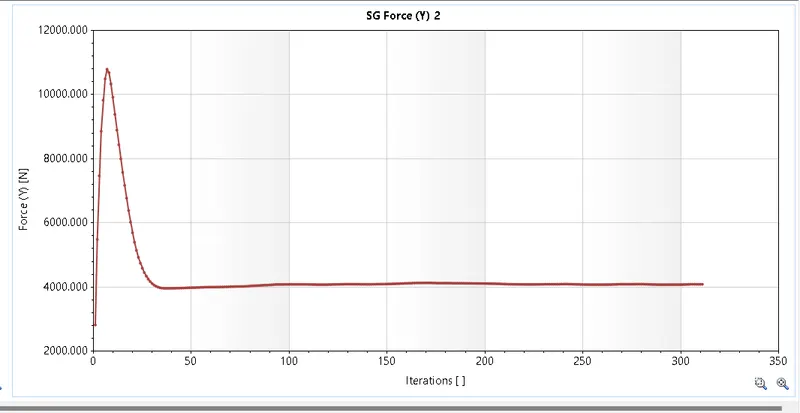

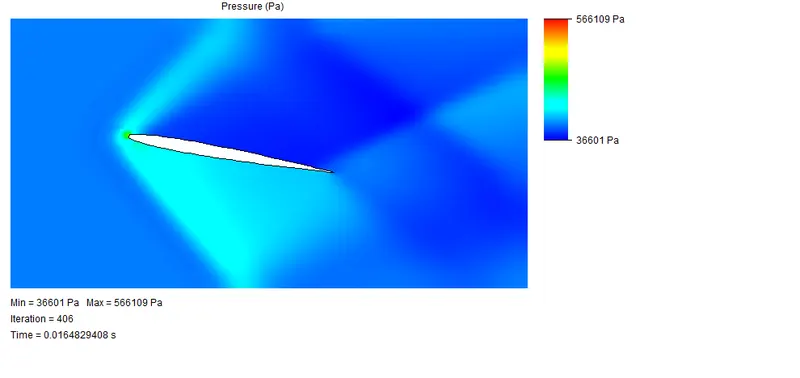
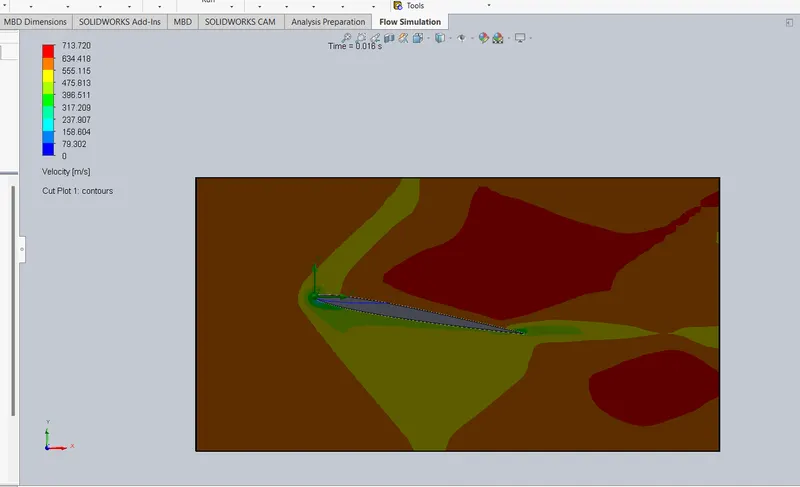
- At 10
Pressure Velocity
Drag Lift
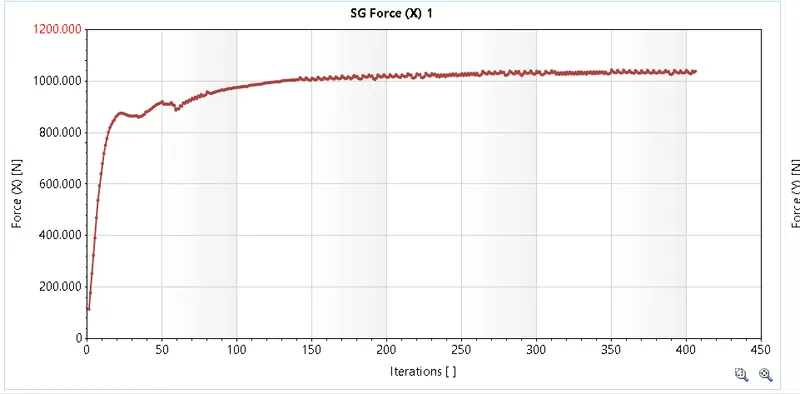

Conclusion:
Calculted the AOA at various numbers