Boeing-747 _ Final_Project of Boeing
Objective:
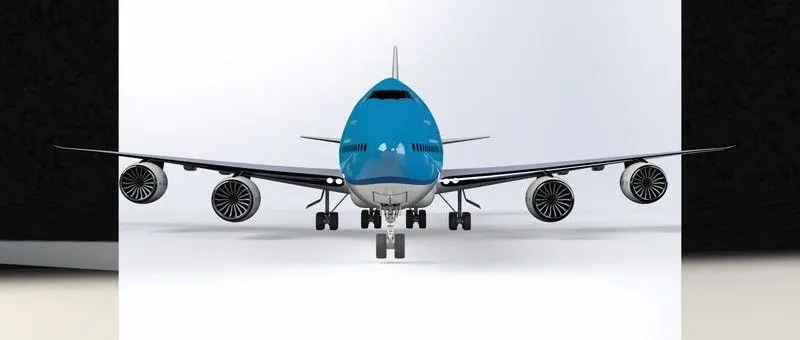
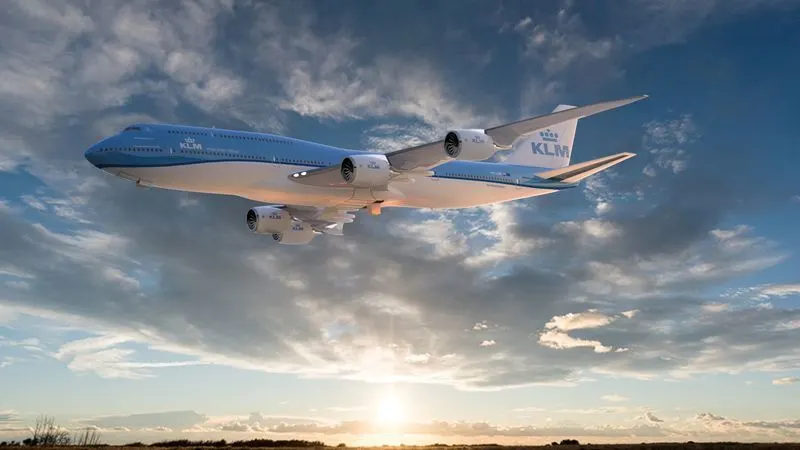
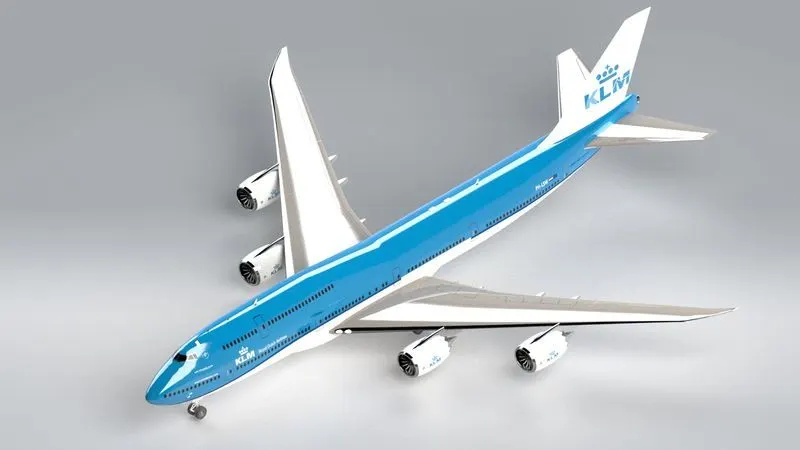
To model parts of Boeing 747 in SolidWorks and assembl them and then rendered for photo realistic view using SolidWorks Visualize.
Introduction:
Boeing 747-8 is a wide body aircraft being the largest variant of the 747 is modelled using the Solidworks. The below data shows the specifications of the aircraft used for designing.
- Seats (3-class) - 410
- Range - 14310 km
- Length - 3m
- Wingspan - 4m
- Height (Overall) - 4m
- Height (nose to ground) - 8m
- Engine - GEnx-2B
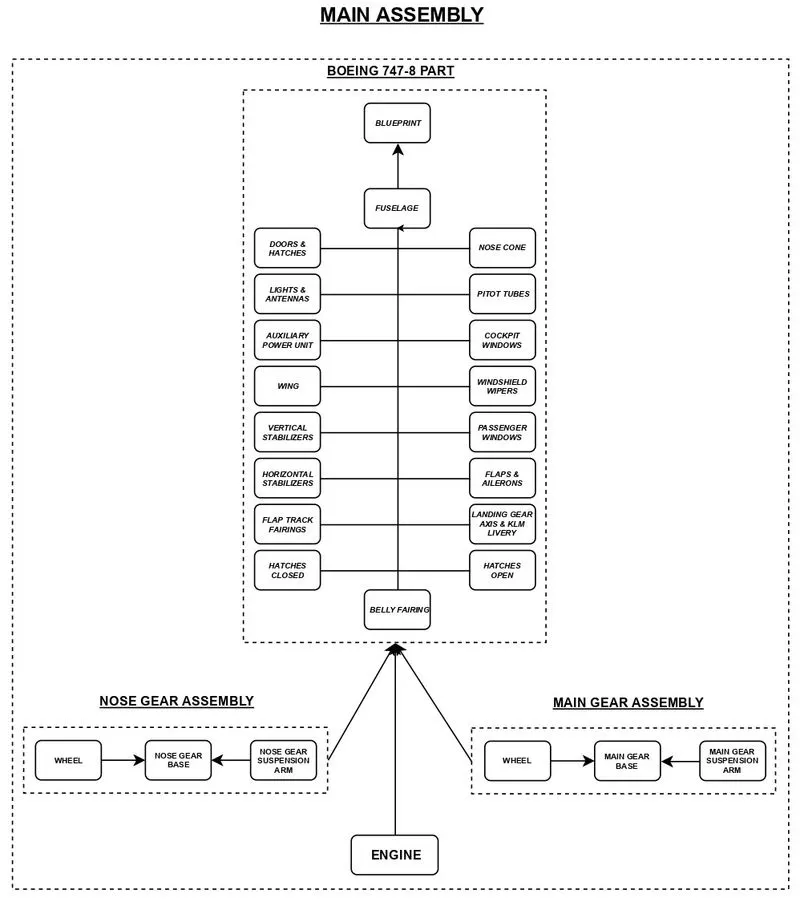
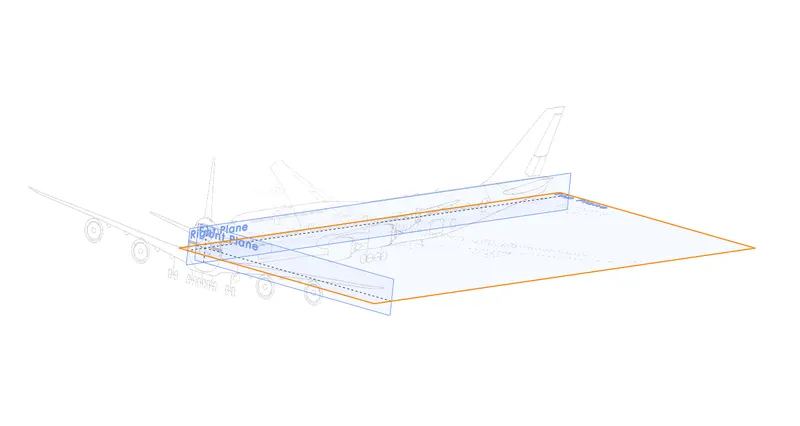
Blue Prints:
Fuselage:
Fuselage is the mainbody of an aircraft which facilitates the space for passengers, driver cabin
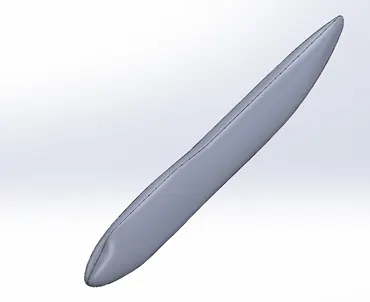
Features used:
- sketch
- Reference Plane
- Surface Loft
- Thicken
- Mirror
Belly Fairing:
It is placed below the fuselage to provide extra space for cargo or fuel
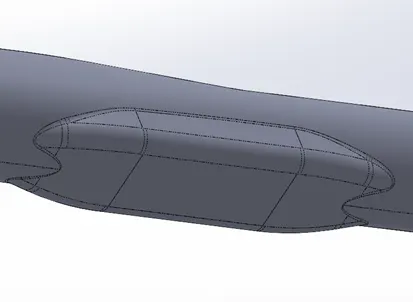
Features used:
- Sketch
- Boss Extrude
- Fillet
- Combine
- Mirror
- Combine
Nose Cone:
It is the front of the fuselage which reduces the drag on body of aircraft
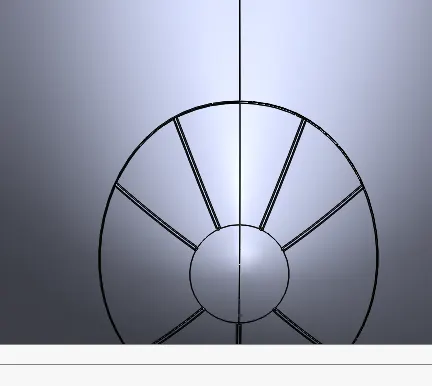
Features Used:
- Sketch
- Split Line
- Fillet
- Mirror
- Sweep
Pitot Tubes:
These are used to determine the spped of aircraft. An aircraft contains 2 pitot tubes on the right side and 2 on the other side
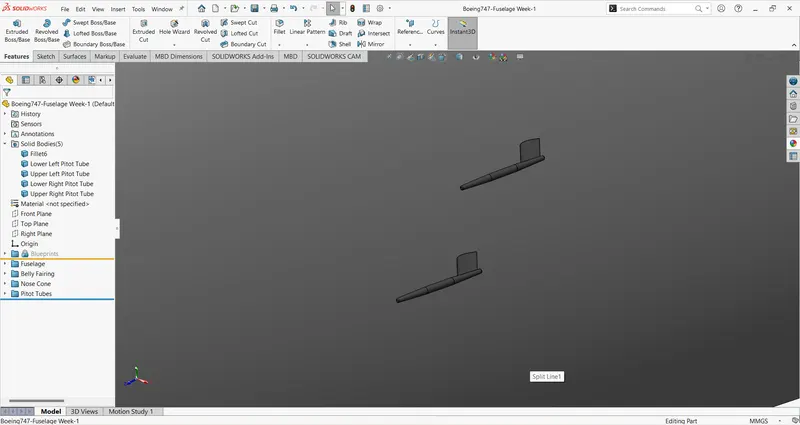
Features Used:
- Sketch
- Boss Extrude
- Sweep Base
- Chamfer
- Mirror
Cockpit Windows:
Simply known as winshield of pilot cabin. It provides visibility to the pilot in the cockpit
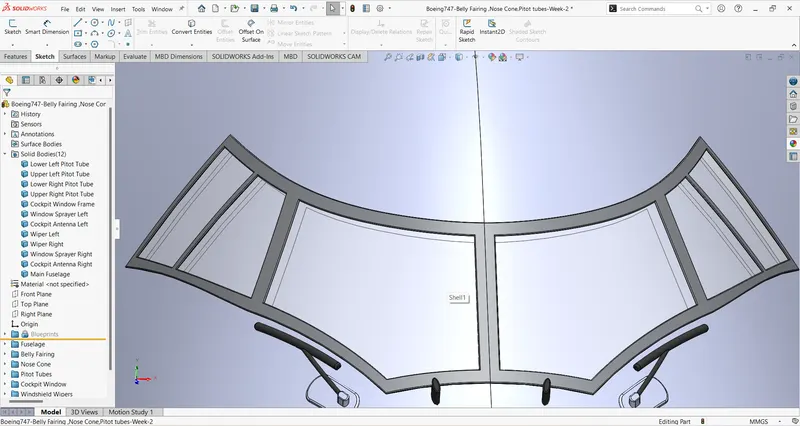
Features used:
- Split Line
- Surface Offset/Surface Copy
- Thicken
- Fillet
Windshield Wipers:
wipers are Used to clean the windows
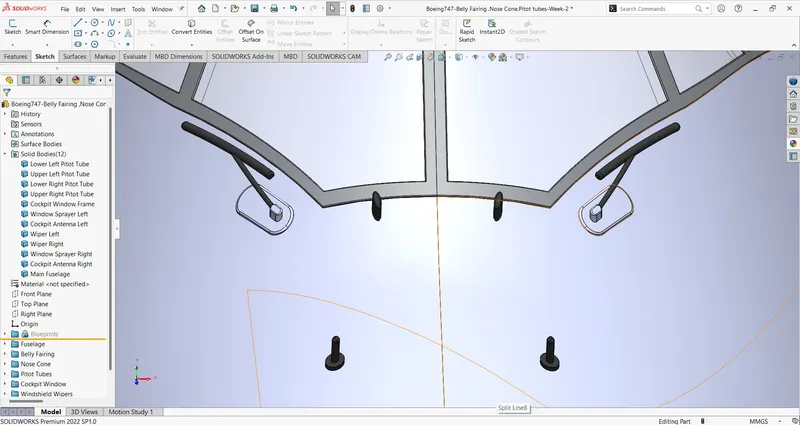
Features used:
- Extrude Base
- Sweep Base
- Fillet
- Mirror
- Combine
Door and Hatches:
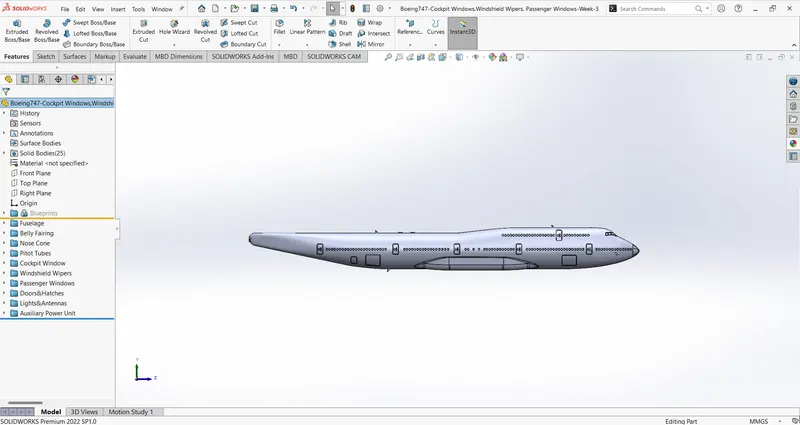
these are the doors and windows it cinsists 250 windows
Features used:
- Split Line
- Linear Pattern
Lights and Antennas:
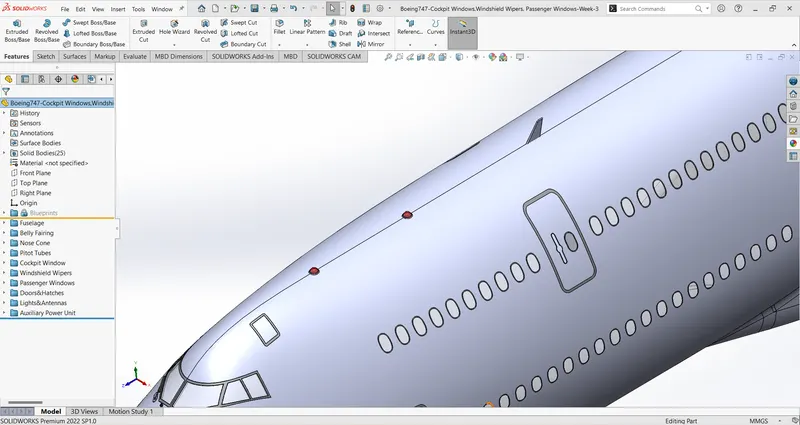
these are used to help presence of plane
Features Used:
- Revolve Base
- Split
- Boss Extrude
- Fillet
- Draft
- Copy
- Linear Pattern
Auxiliary Power Unit:
It provides Energy Function
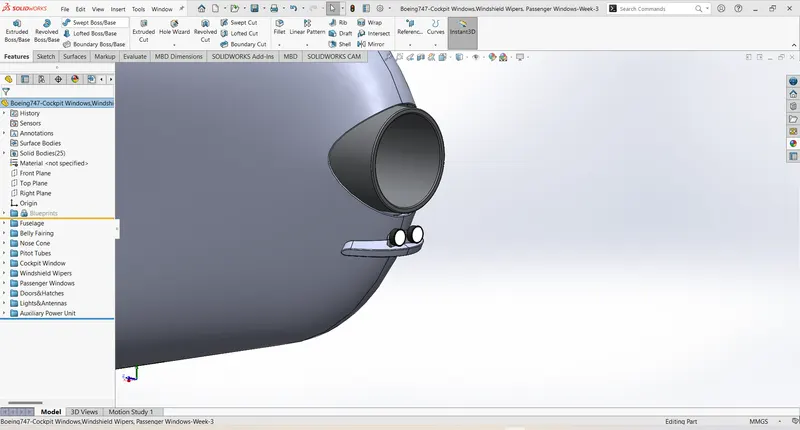
Featurs Used:
- Extrude cut
- Extrude Base
- Split Line
- Surface offset
- Thcicken
- Fillet
- Dome
- Mirror
Stabilizer:
These are used to provide stability for aircraft. A vertical stabilzer is placed ate the rear top of fuselage and two vertival stabilizers are provided at the rear of plane on both sides
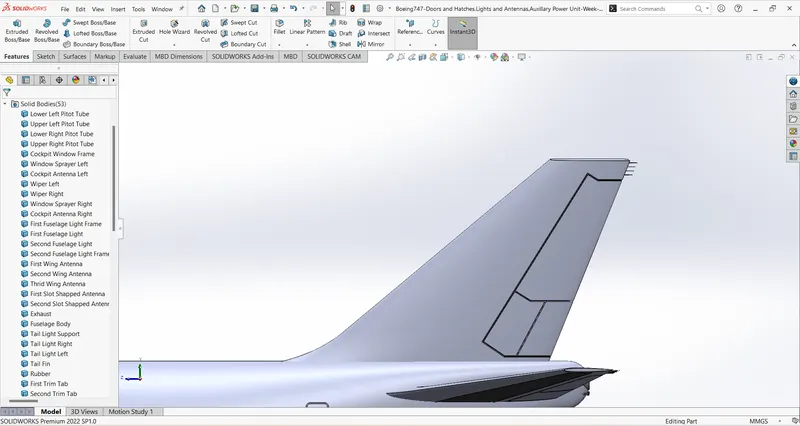
Features Used:
- Lofted Base
- Extrude Cut
- Mirror
- Surface offset
- Thcken
- Fillet
Wing:
It is used to produce the lift required for aircraft takeoff. There are 2 wings placed on each side of plane
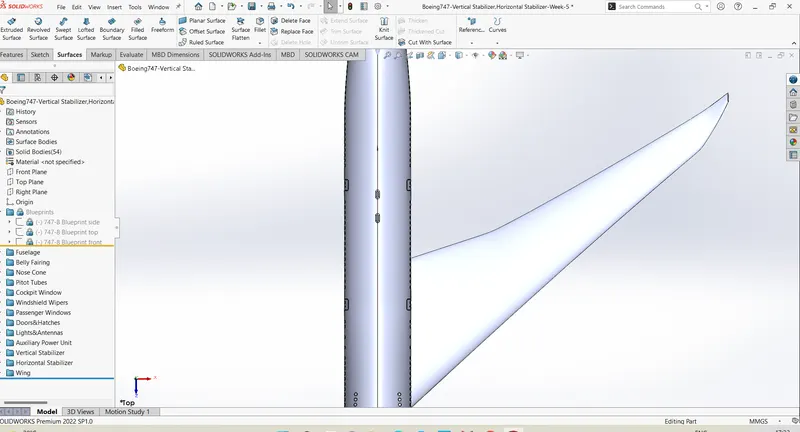
Features Used:
- Projected Curve
- Lofted Base
- Reference Planes
- Variable Fillet
Flap and Ailerons:
Flaps reduces the stalling speed and ailerons aids in controlling lateral balance
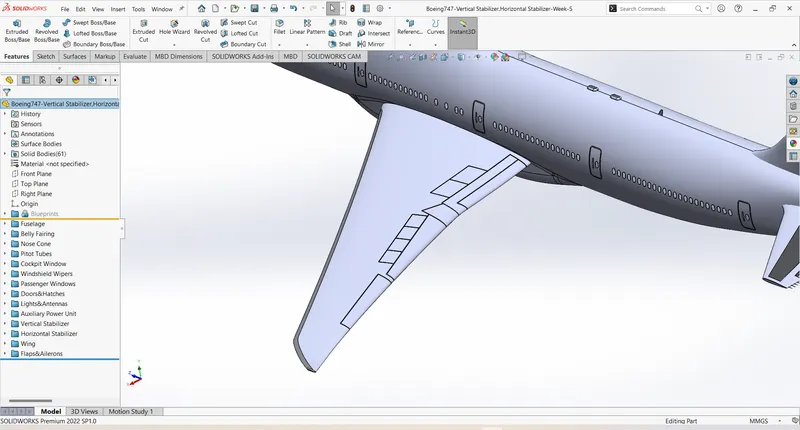
Fratures Used:
- Extrude Cut
- Split Line
- Surface offset
- Thicken
- Fillet
Flap Track Fairing:
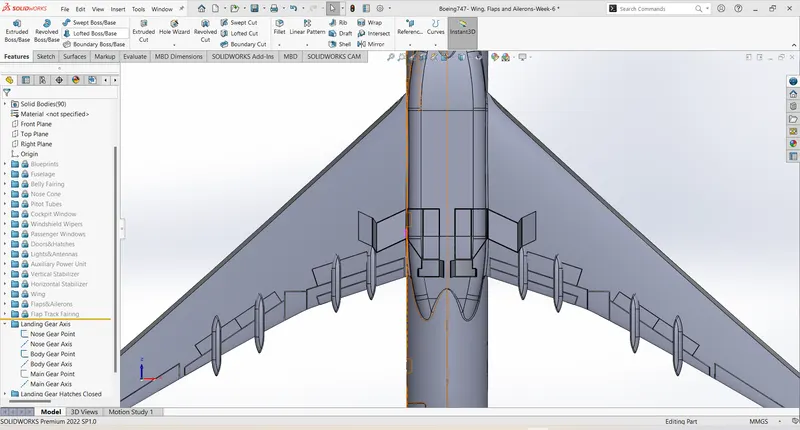
features used:
- Extrude Base
- Split
- Variable Fillet
- Constant Radius Fillet
- Copy
- Mirror
Landing Gear Hatches closed:
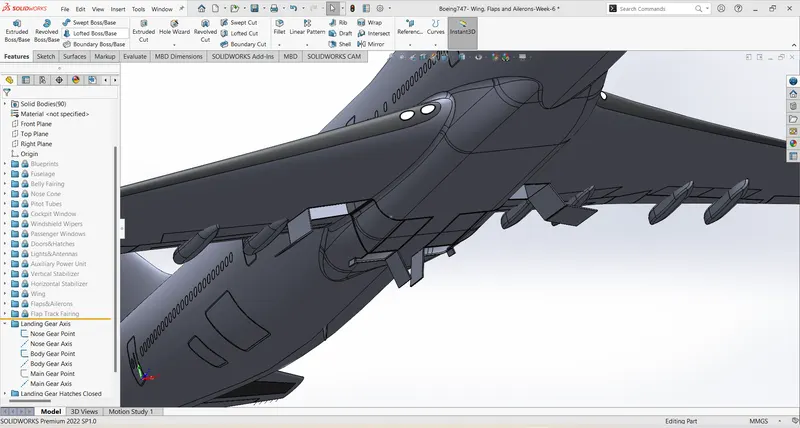
Features Used:
- Split Line
- Surface Offset
- Thicken
- Fillet
- Extrude cut
- Refernece planes
- Sweep surface
- Ectrude Base
- Fillet
Livery:
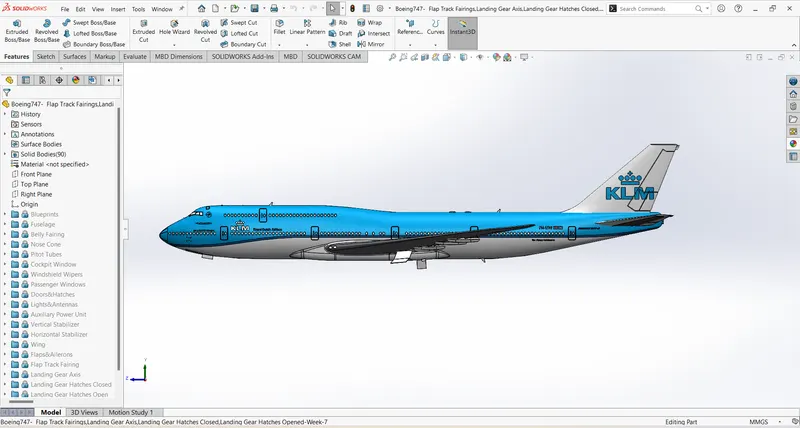
Features Used ;
- Split Line
Main Gear Base:
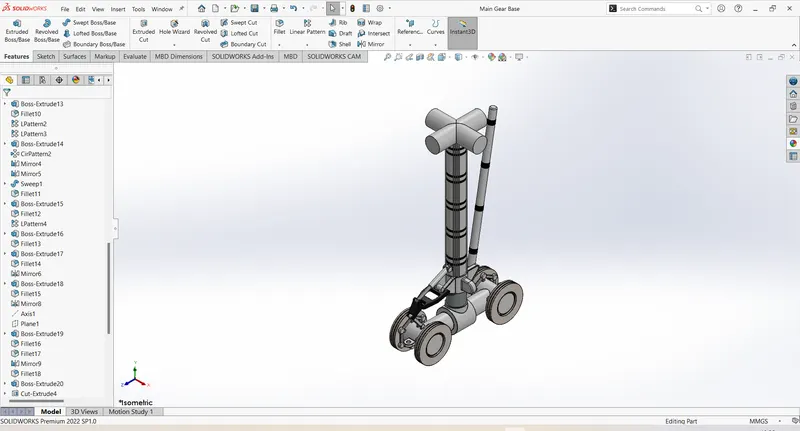
Features Used:
- Extrude Base
- Extrude cut
- Linear Pattern
- Curicular Pattern
- Fillet
- Sweep Base
Nose Gear Base:
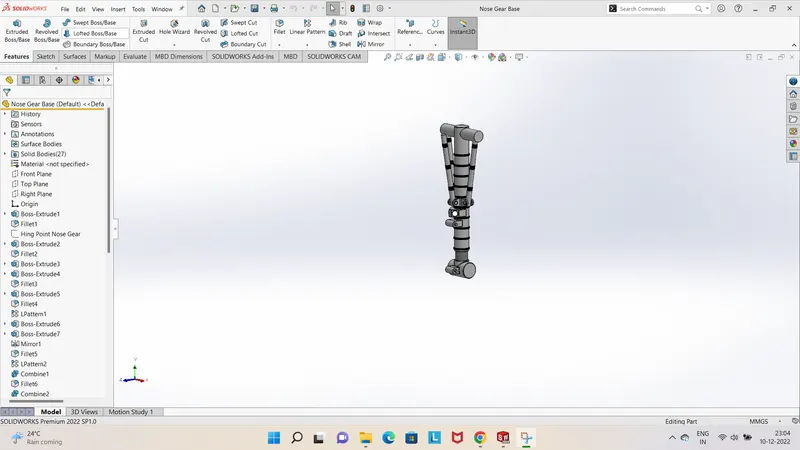 .
.
Features Used:
- Extrude BAse
- Extrude Cut
- Linear Pattern
- Circular Pattern
- Mirror
- Combine
- Fillet
Main Gear Suspension Arm:
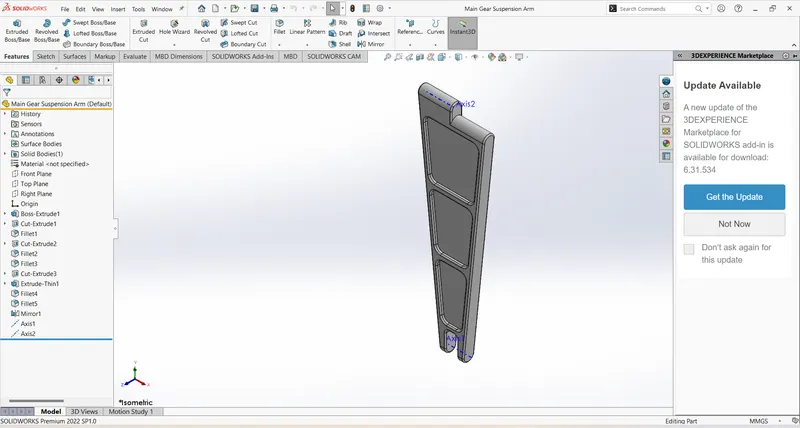
Features Used:
- extrude Base
- Extrude Cut
- Mirror
- Fillet
Nose Gear Suspension Arm:
Features Used:
- Extrude Base
- Extrude Cut
- Fillet
Wheel:
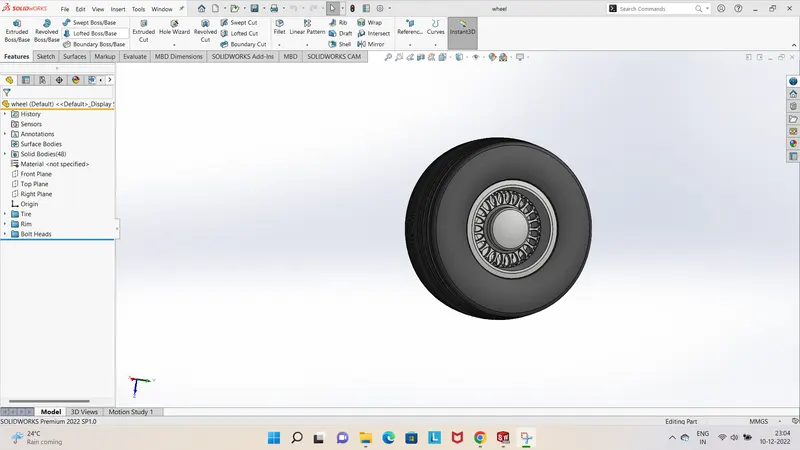
Features Used:
- Revolve base
- Revolve Cut
- Extrude Base
- Extrude Cut
- Circular pattern
- Mirror
Engine:
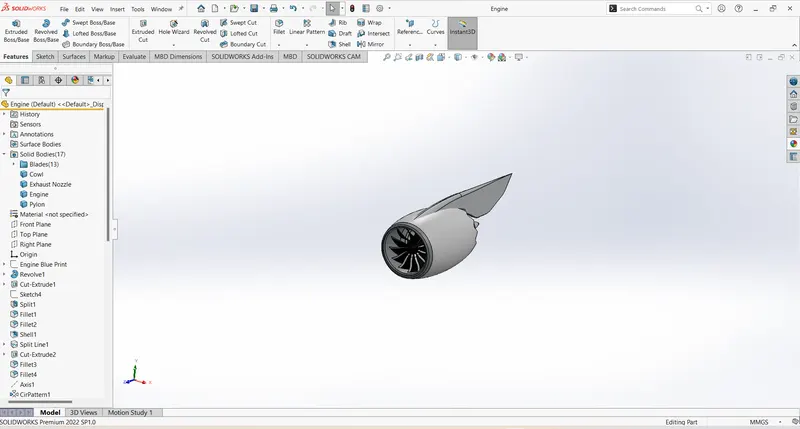
Features Used:
- Revolve Base
- Split
- Shell
- Extrude Cut
- Fillet
- Circular Pattern
- Loft Surface
- Thicken
- Chamfer
- Variable Fillet
- Combine
Assembly of the Main Gear and Nose Gear:
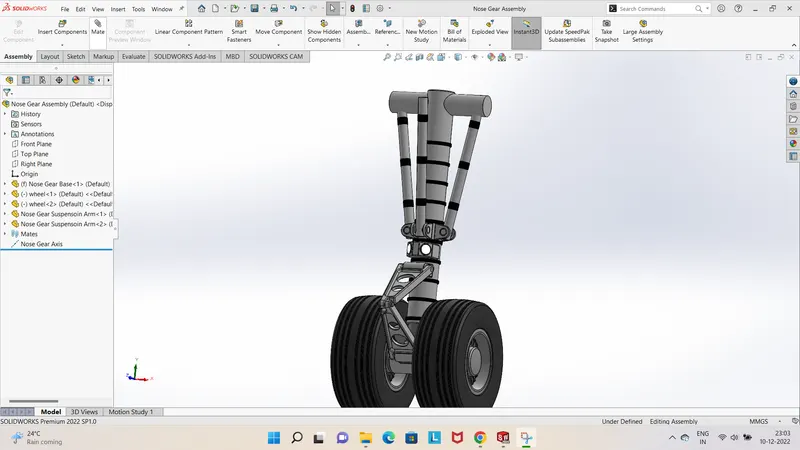
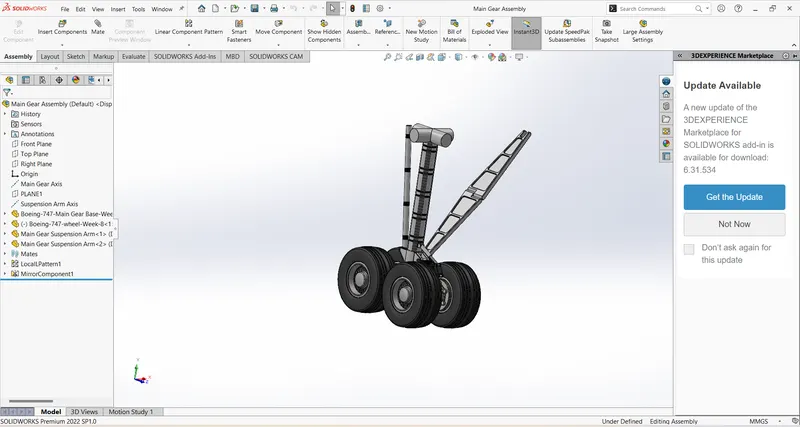 .
.
Coclusion:
In this Boeing 747 we learn how desgin the plane abd the how desgin the heavy load model
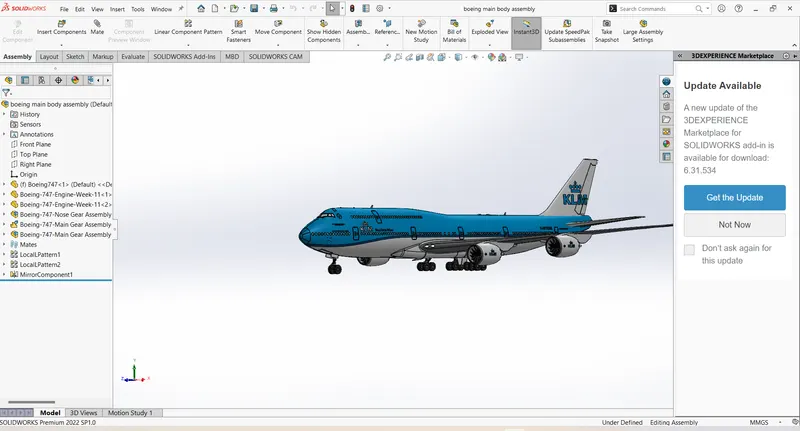
Rendring Images: