Photo Realistic Rendering
Aim: To write the Report on the Assembly of the Chopper Model.
Solution:
AMERICAN CHOPPER'S RENDER- Photoview 360 rendering is a SolidWorks add-in that helps us in rendering our solid models.
Steps which are involved in renderings are-
- First comes scene setup so set up your model in the desired way or the way you want to see your model. It is done by using perspective, some mates, real view graphics & camera setup.
- Now select the scene by edit scene tool, which you want to put in the rendering model which basically decides the kind of light, Brightness, reflectivity, etc.. and a few more features occur on the model. This fairly decides the kind of render you want to produce.
- Now if you want to add light then go in view--> Lights & cameras-->Lights. Then, select the kind of light you want to put in the space and you can regulate some of its functions by double clicking on it.
- Now go into the render's option tool. From there you can select the size of the rendered image, reflection, refraction, quality of final & preview render, bloom, caustic rendering, etc... By giving input of some required value then click 'ok.
- Now first go for the preview render window tool to see how your rendered image will look. If you find any variation is needed then do it if not then jump to "FINAL RENDERING".
- After full render saves it with the name you want to name it.
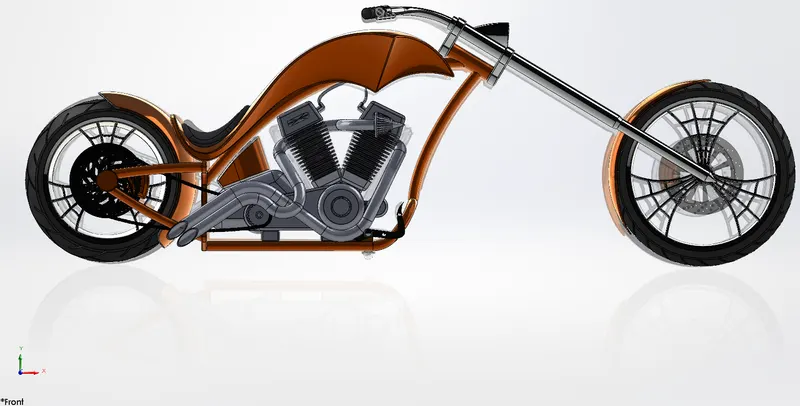
AMERICAN CHOPPER RENDER ON PHOTO VIEW 360-
Front View:
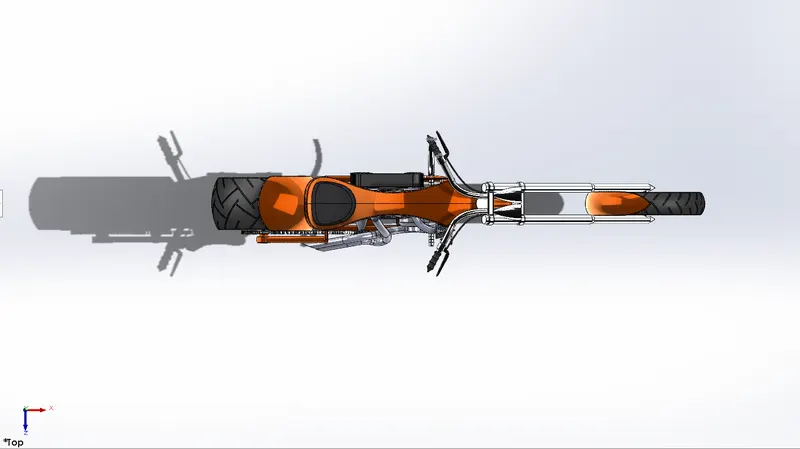
Top View:
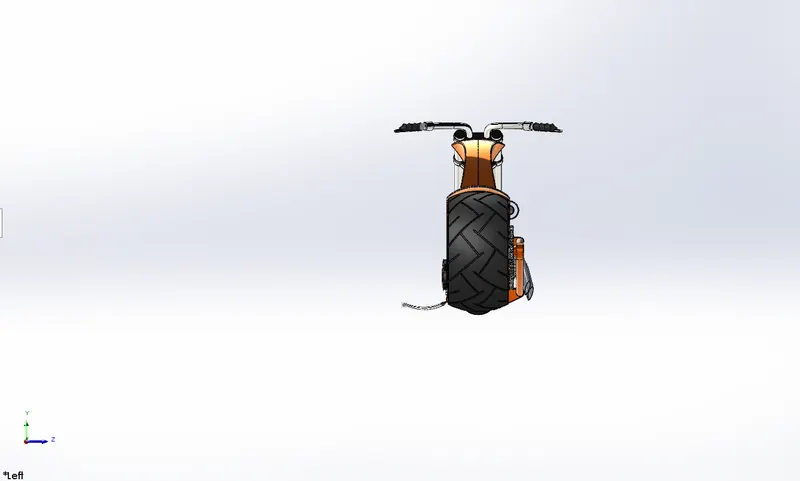
Left View:
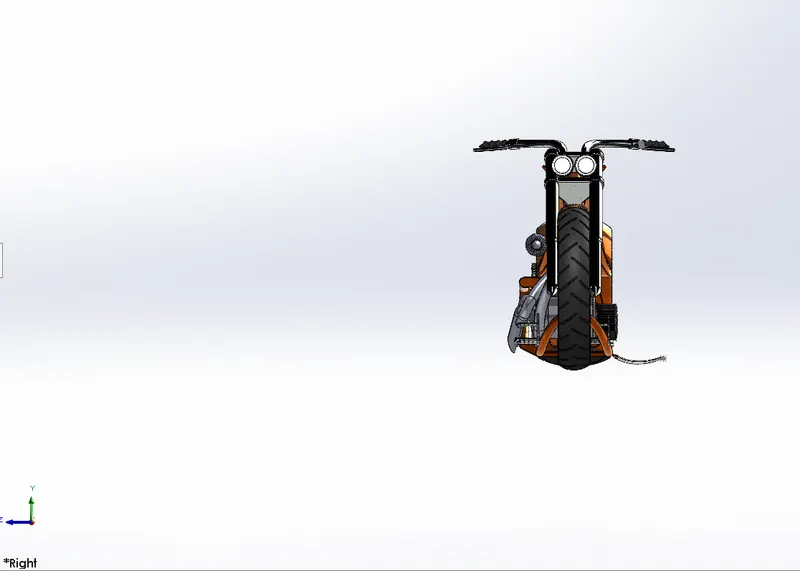
Right View:
Isometric View:
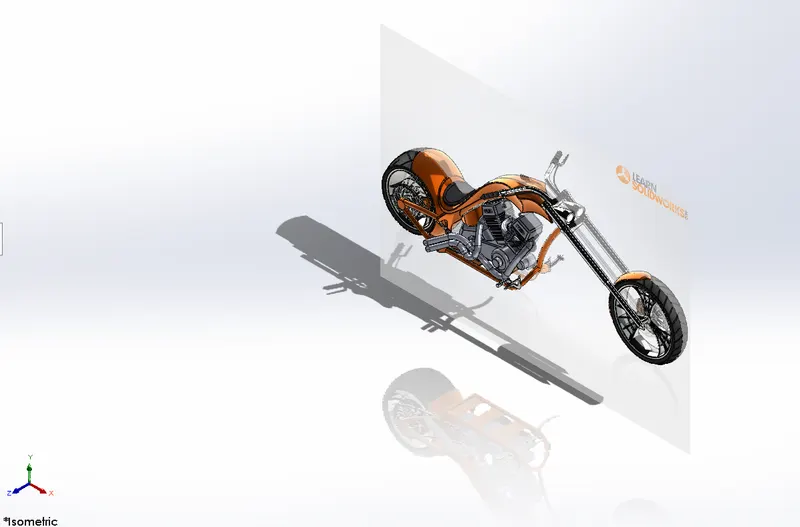
Conclusion: The above challenge was successfully completed as per the given requirement.