Part Modelling using Boolean Operations in CATIA V5
Part Modelling using Boolean Operations in CATIA V5
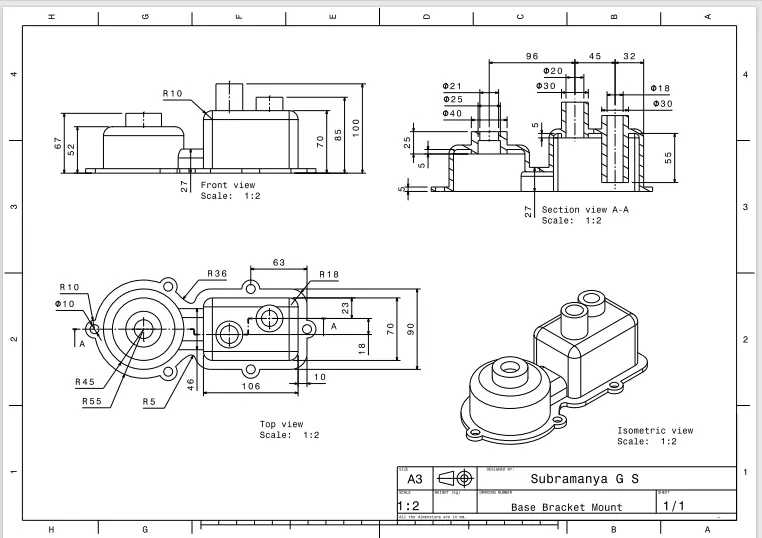
Aim: To perform part modeling by Boolean Operations using the drawing of the Base Mount Bracket. The Drawings of the same is shown below.
Drawing
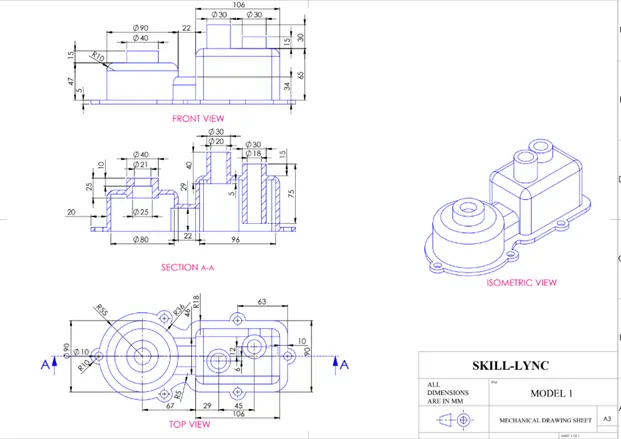
Procedure:
The following procedure is followed to complete this model
- Creation of Iso-Constrained Drawing of the solid feature using the Positioned sketch.
- Extruding the sketches in the separate part body.
- Performing the Boolean Operations to complete the final model.
- Drafting of the model.
Base
Drawing
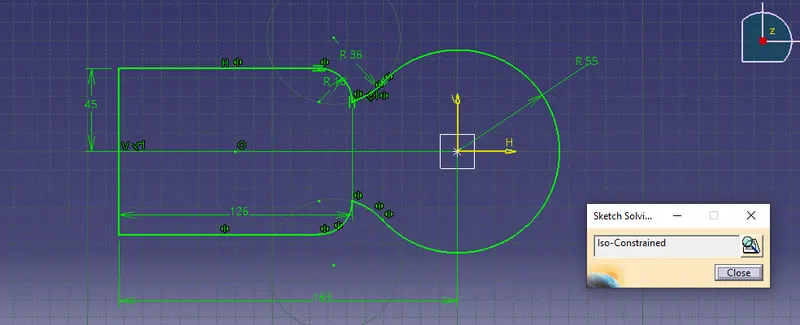
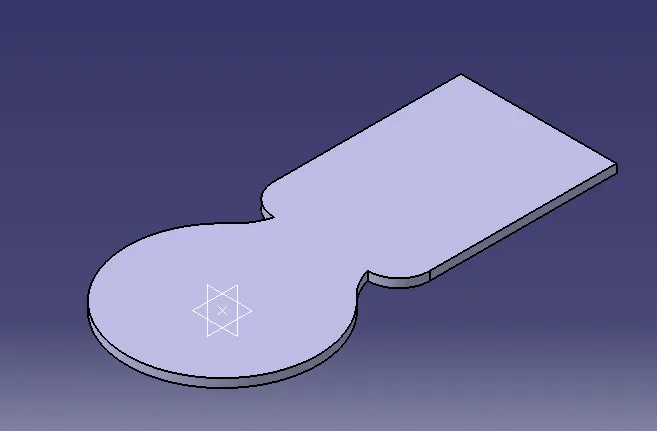
3-D
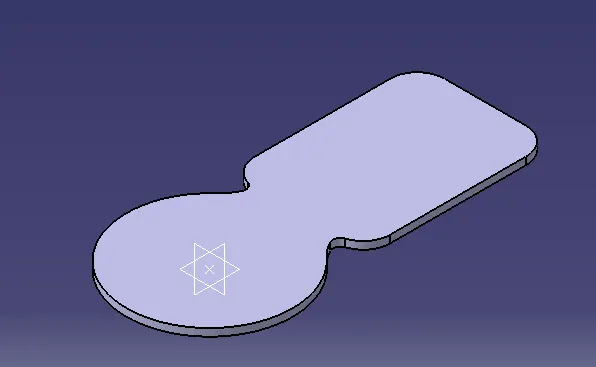
Adding Fillets
Adding Flange Holes
Drawing
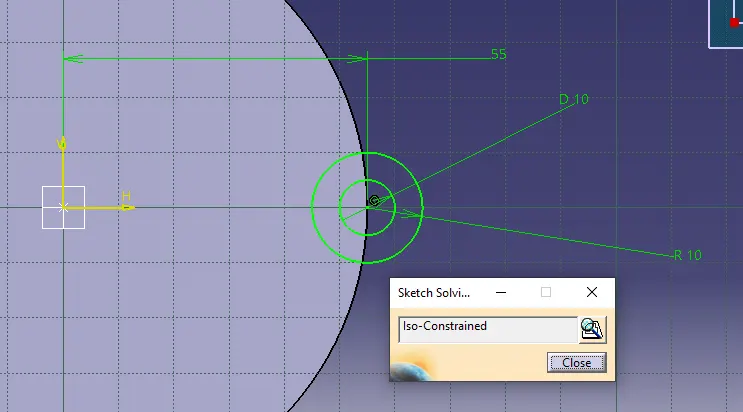
3-D
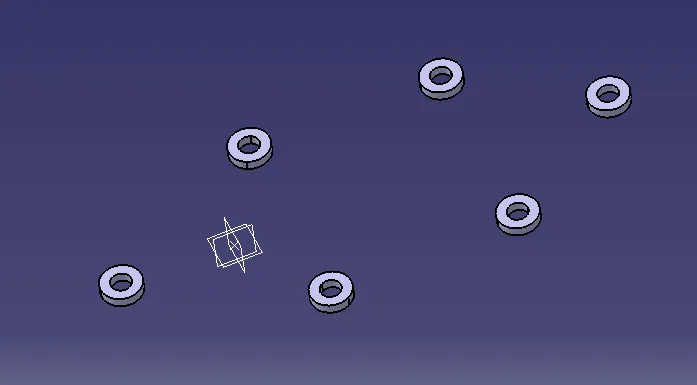
Boolean Operation
Union Trim
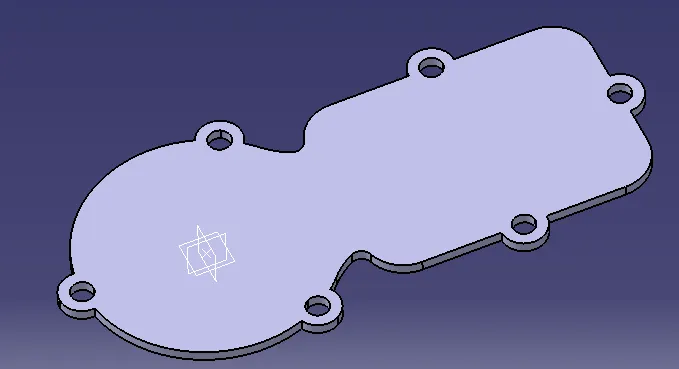
Cylinder Cup
Drawing
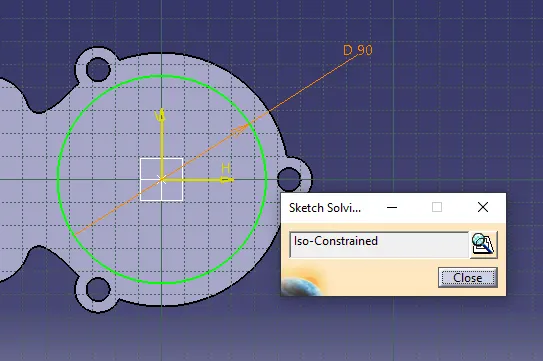
3-D
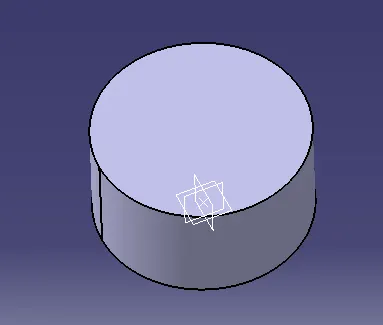
Adding Fillet
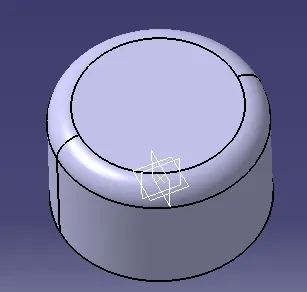
Making Pocket
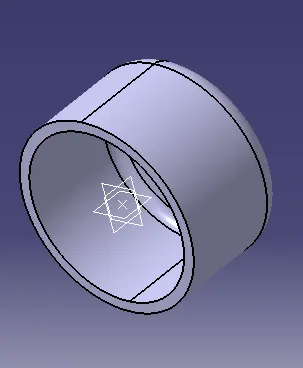
Shaft
Drawing
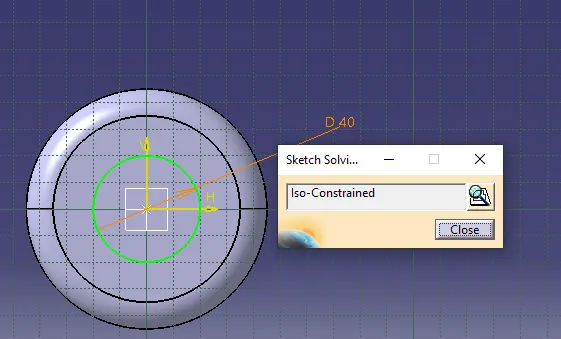
3-D
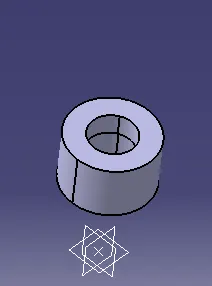
Rectangle Cup
Drawing
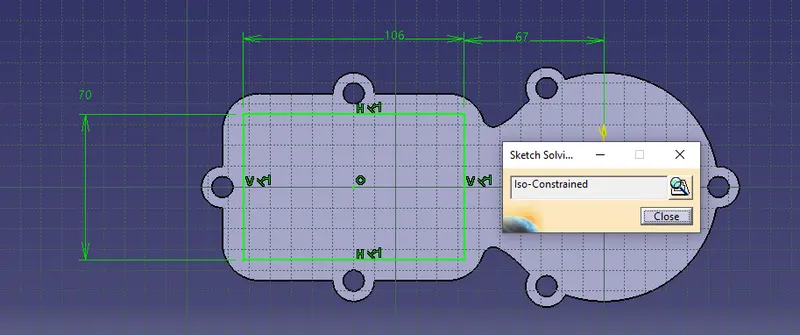
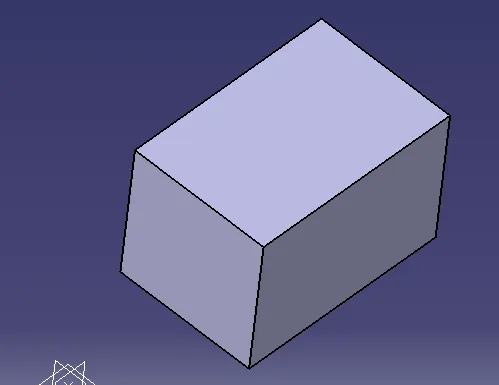
3-D
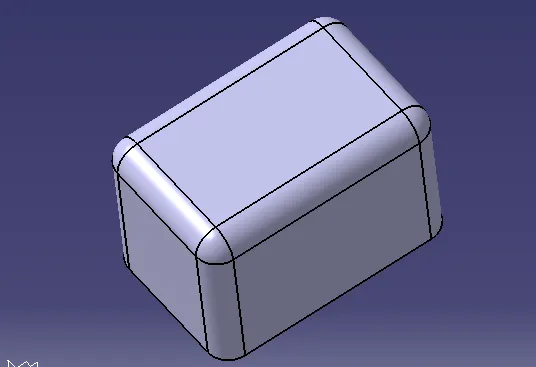
Adding Fillets
Shafts
Shaft 1
Drawing
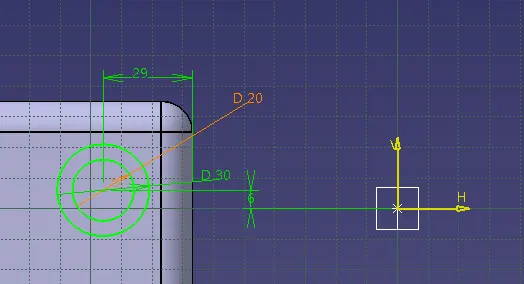
3-D
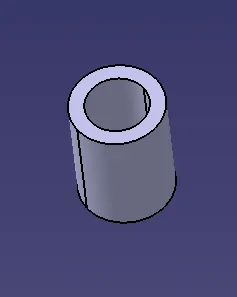
Shaft 2
Drawing
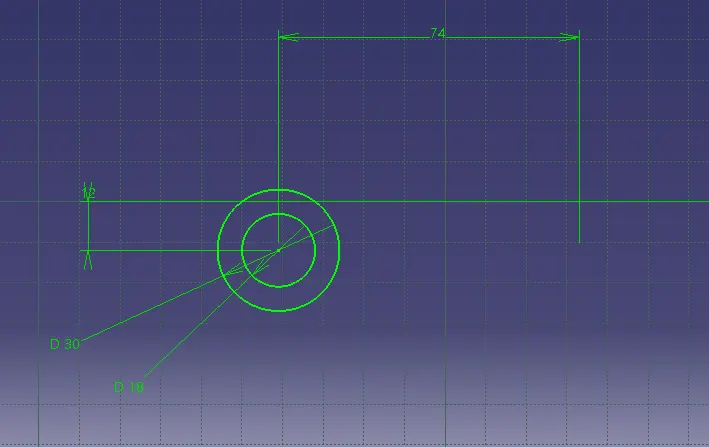
3-D
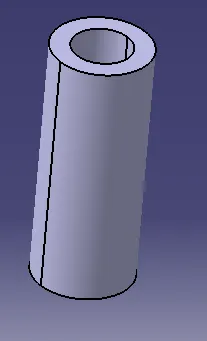
Cup Connector
Drawing
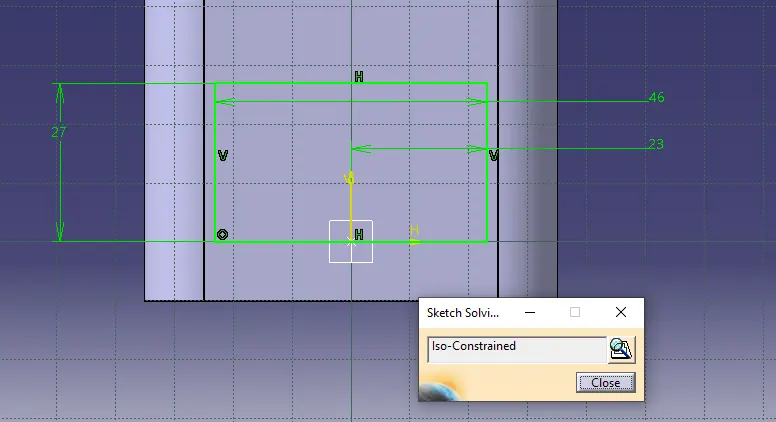
3-D
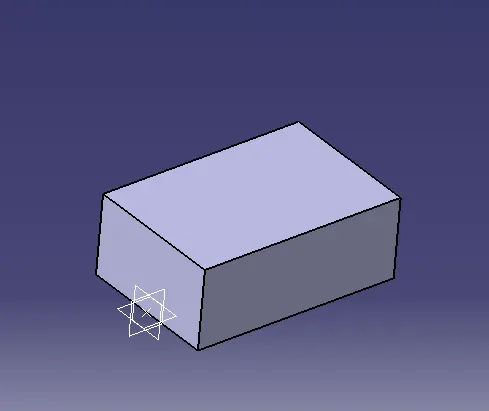
Adding Fillets
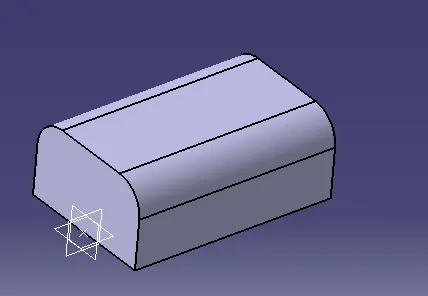
Boolean Operation
Add
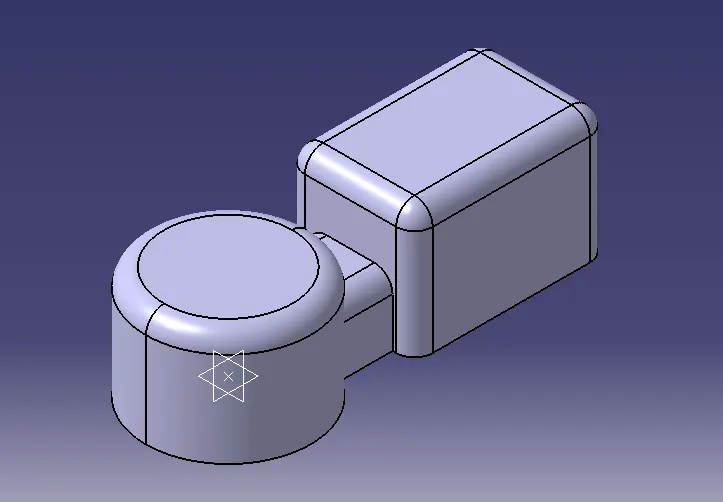
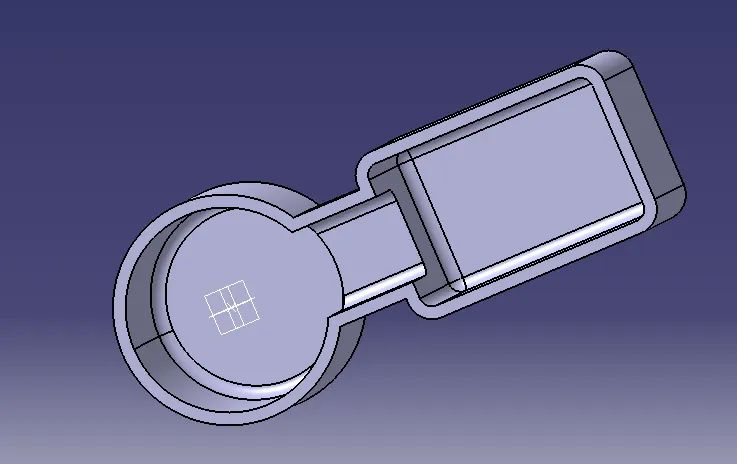
Boolean Operation
Union Trim
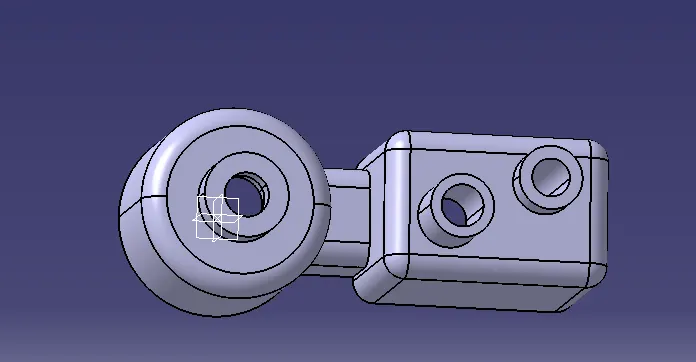
Boolean Operation
Union Trim
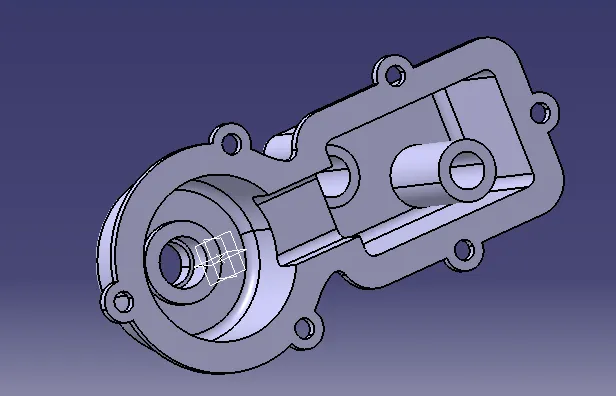
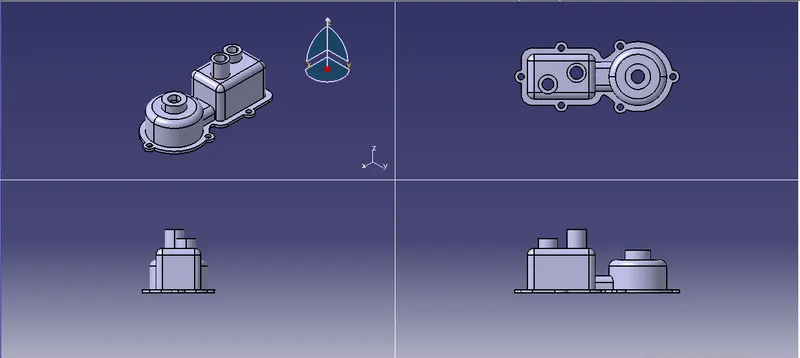
Complete Model
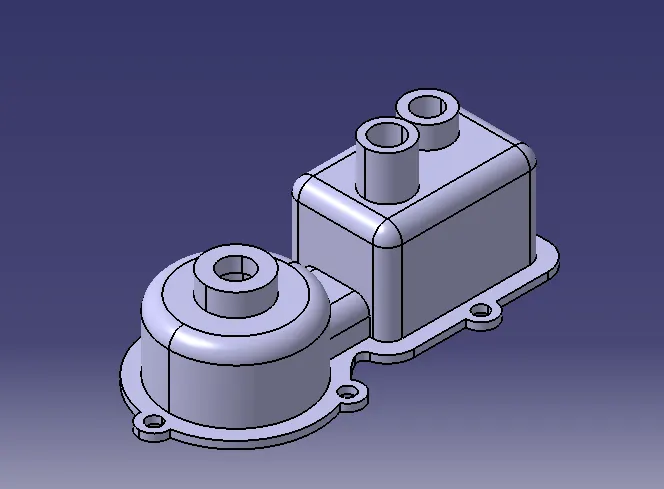
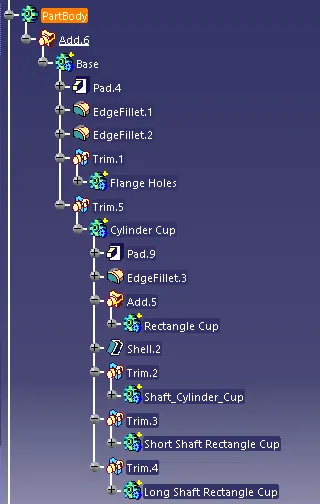
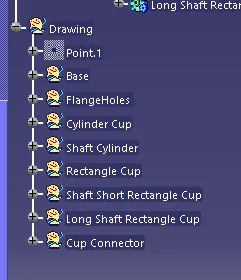
Model Tree
Drafting:
Drafting of the completed model is done by placing different views of the model like Front view, Top view, section view, and Isometric view in an A3 Drawing sheet. Also, all the dimensions of the model should be displayed in the drawing sheet. The below image shows the draft of the Base Bracket Mount having a top view, front view a section view, and an isometric view with all its dimensions.
Conclusion:
The Base Bracket Mount is modeled in CATIA V5 modeling workbench using the given CAD drawing and generated its drafting in CATIA drawing workbench.