Modelling of 25 storey building with the specified properties using ETABS
ANS-
AIM- TO CREATE 25 STOREY BUILDING IN ETABS AS PER GIVEN DATA
PROSEDURE-
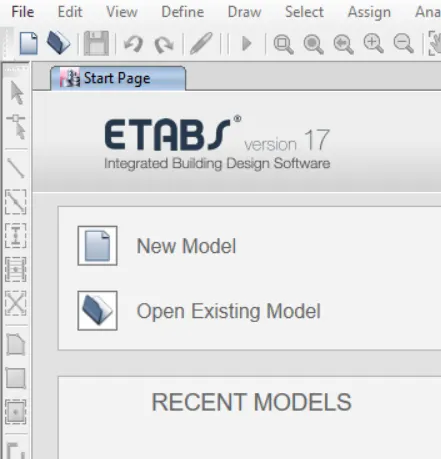
- First open ETABS
- now create new model option.
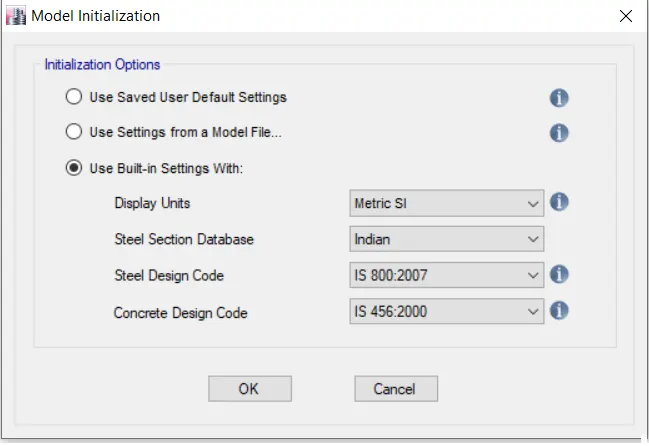
- after opening set units as per Is .
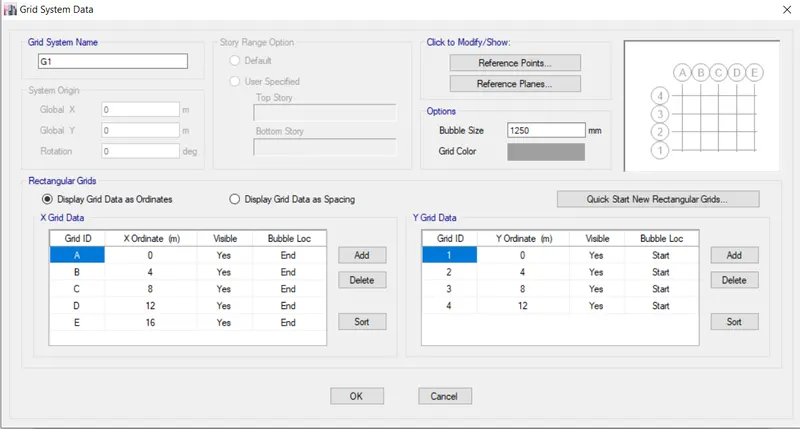
- next step is creating grids.
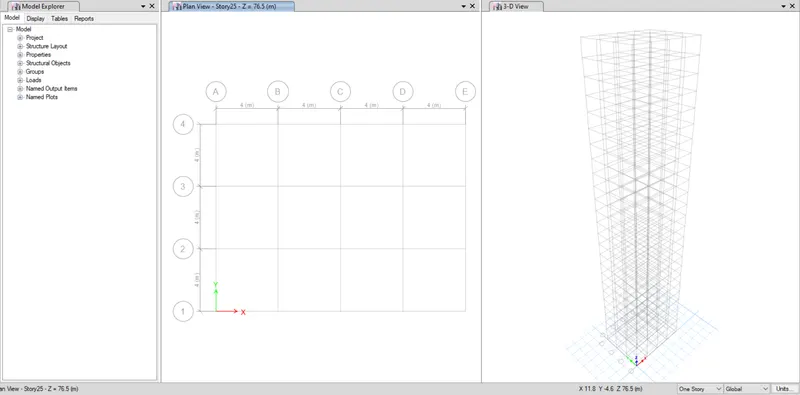
- create grids as shown below within given data
- use 4m distance .
- now we have to create a 25 storeys.
- in next step we have a option of storey. click on it.
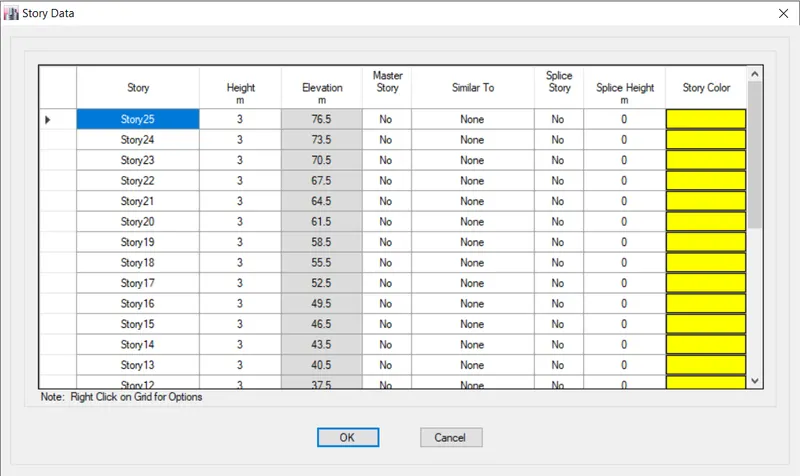
- set all storey similar to first storey.
- for plinth level give height of 1.5m
- for all storey give height of 3m.
- after creating storey result will look like this.
- noe we have to define material.
- on the uper side of etabs there is option of define.
- in the define select option (material define).
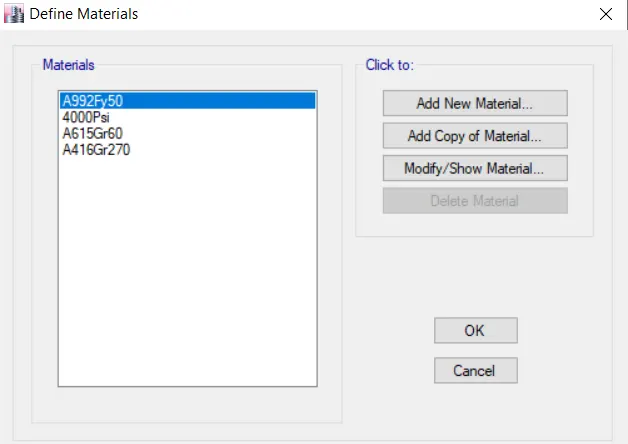
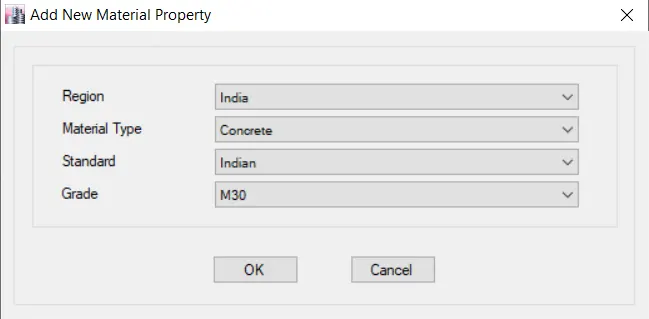
- now click on add new material.
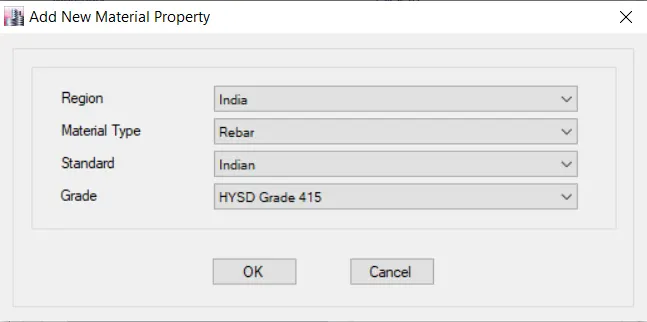
- using same method add onther material of rebars.
- now we have to add section like beam , column , slab
- for this go to the define<frame properties.
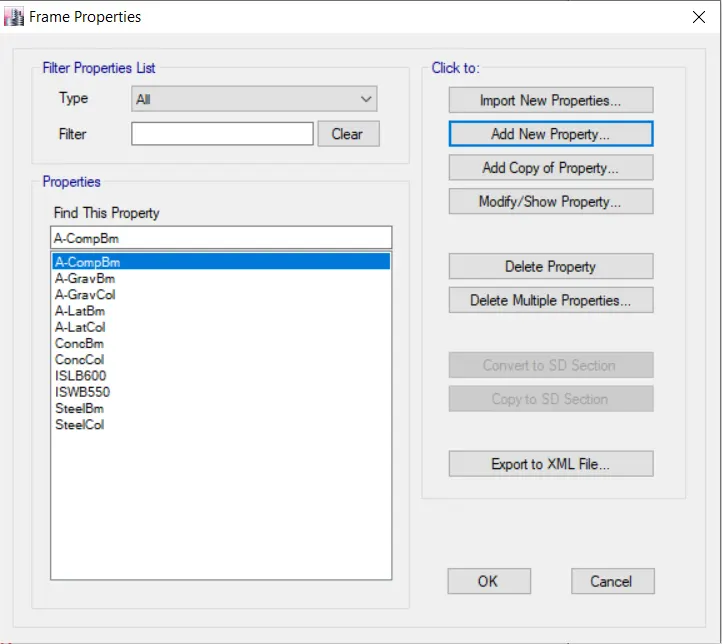
- click on add new property.
- now add required size beam and column.
- ADD BEAM OF 300X400
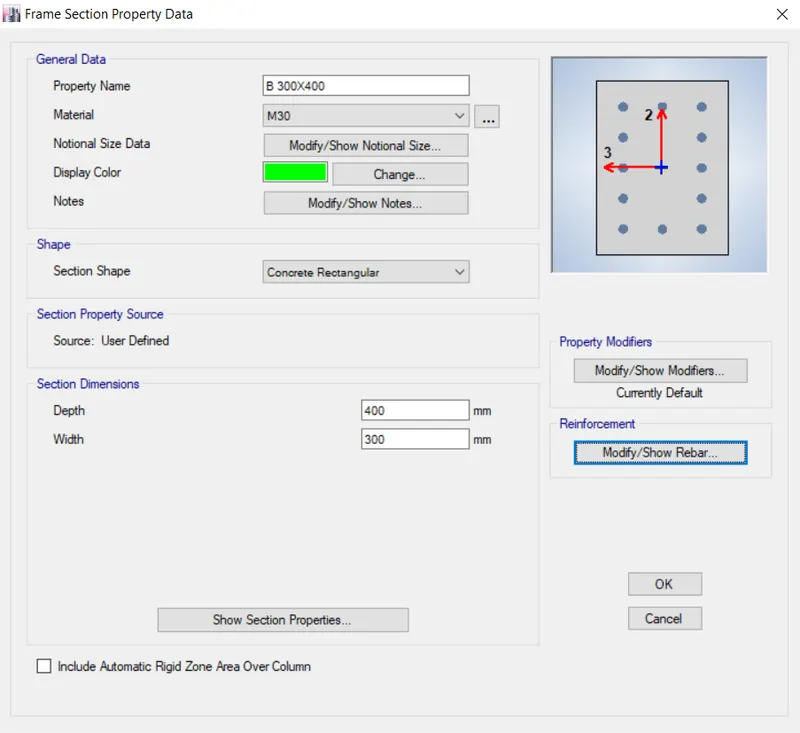
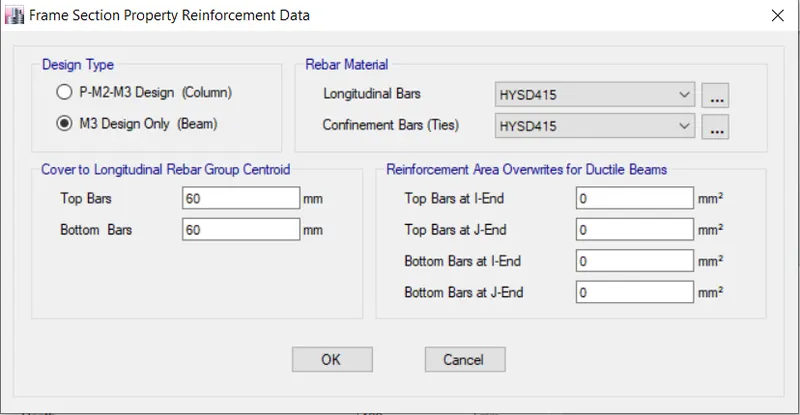
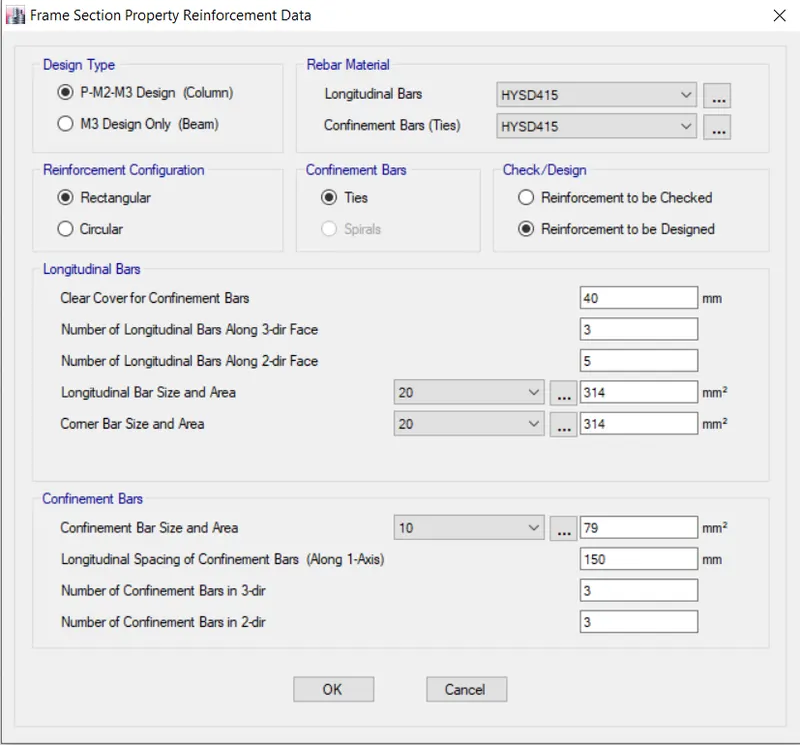
- using modify option we can modify bars numbers etc.
- select rebar material as HYSD415
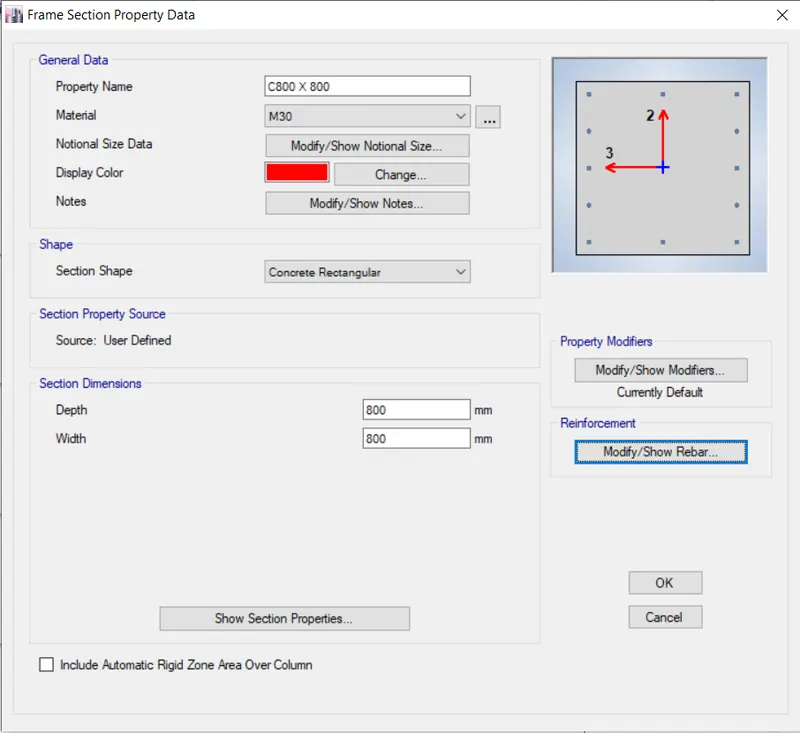
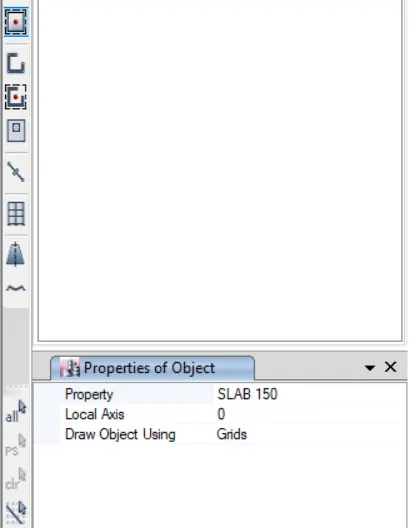
- Same as above method add column and slab150.
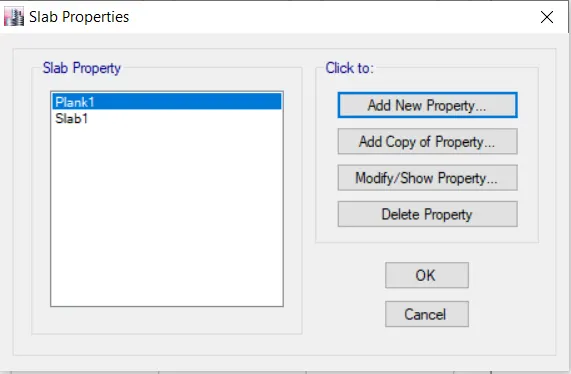
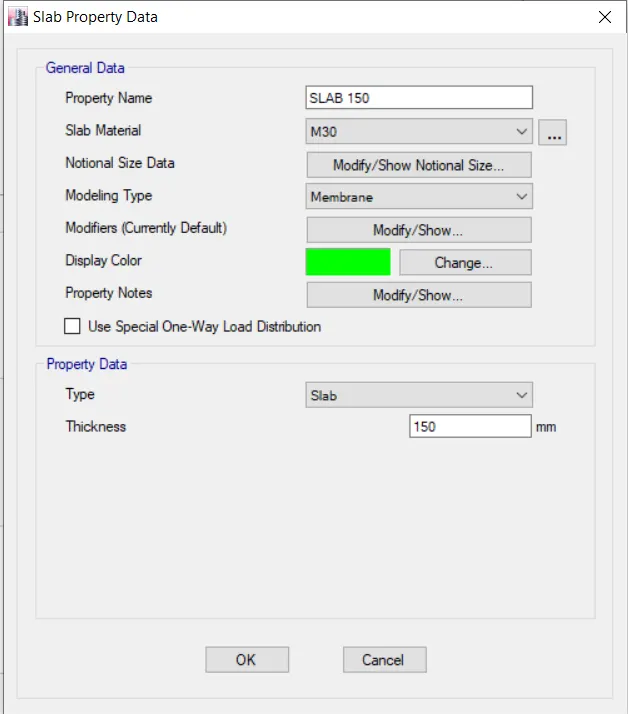
- after creating section now creat load cases under define tab.
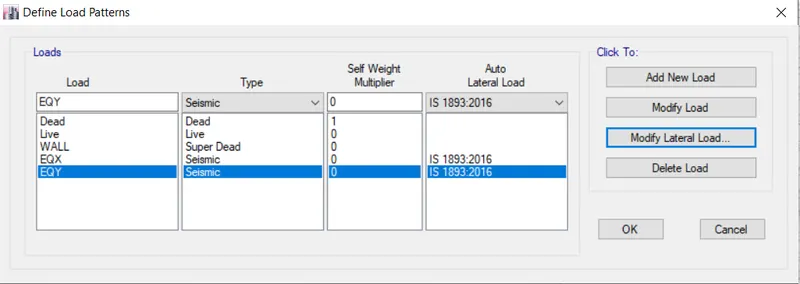
- under define tab select mass data and add it.
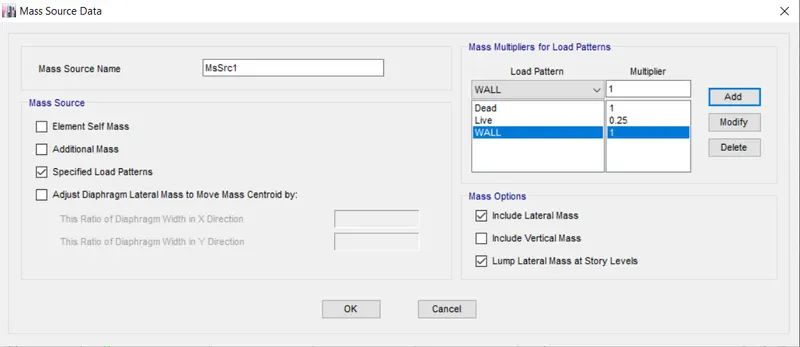
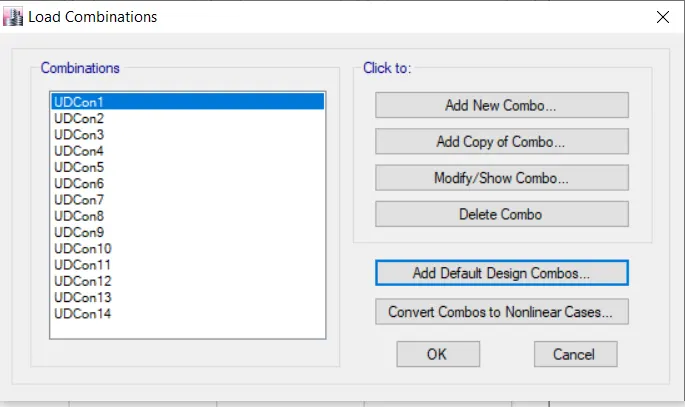
- now we have to add load combinations.
- under define tab there is opton of load combinations .
- autogenrate load combination.
- After these all thing we have to assign it.
- by clicking on quick add column option .
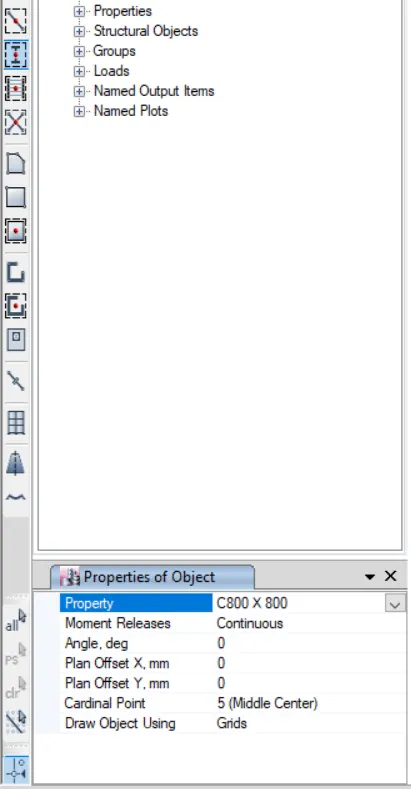
- same as above method apply all column , beams and slab to the structure.
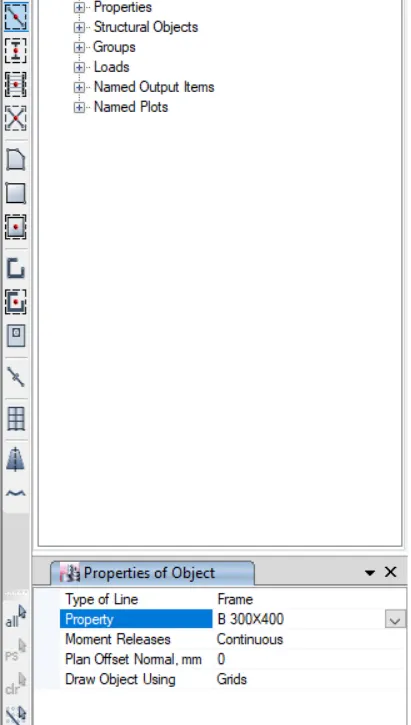
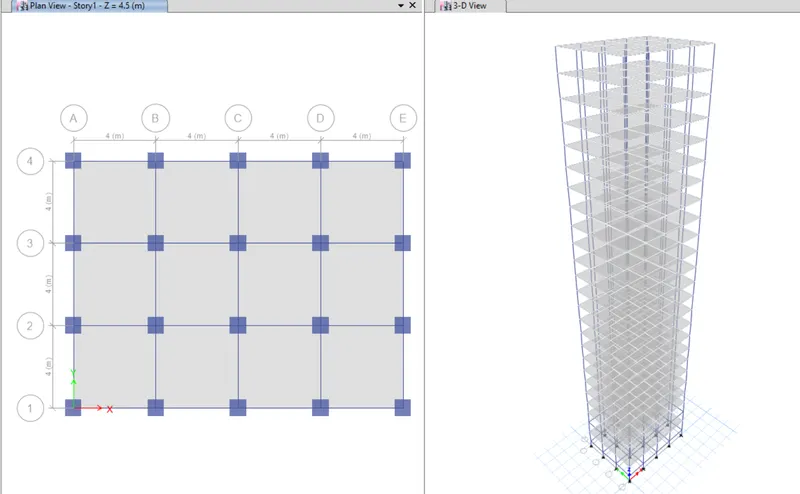
- after assigning all section result will look like this.
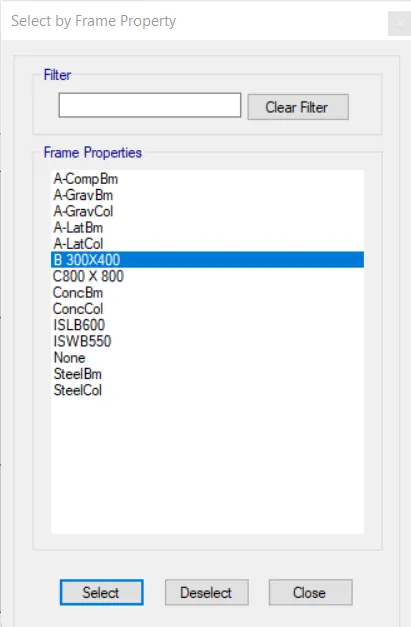
- after select option select beams to apply load.
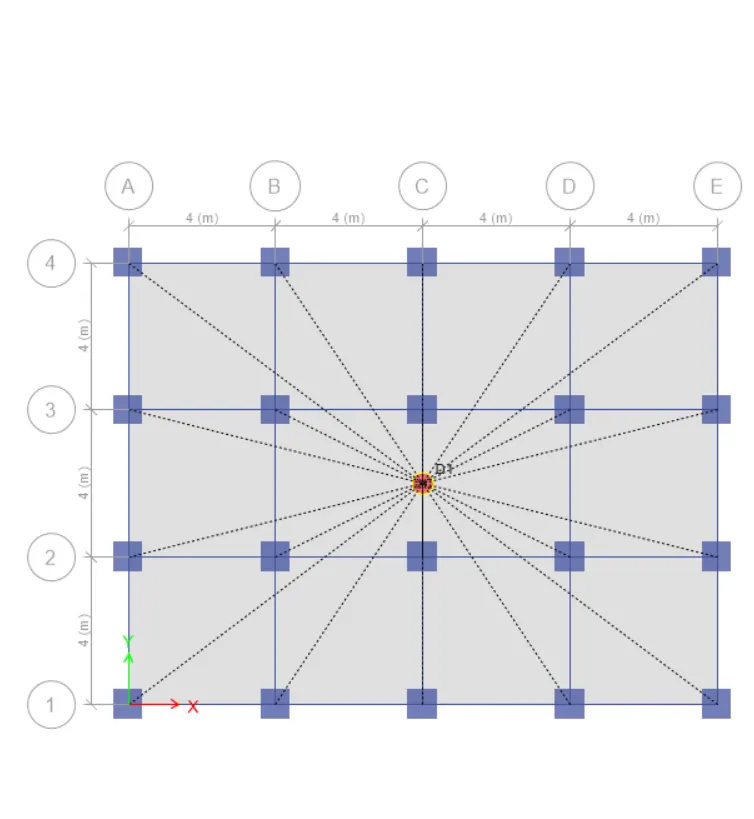
- using same method apply dead load , live load, wall load, earthquick load.
- after applying result will look like this .
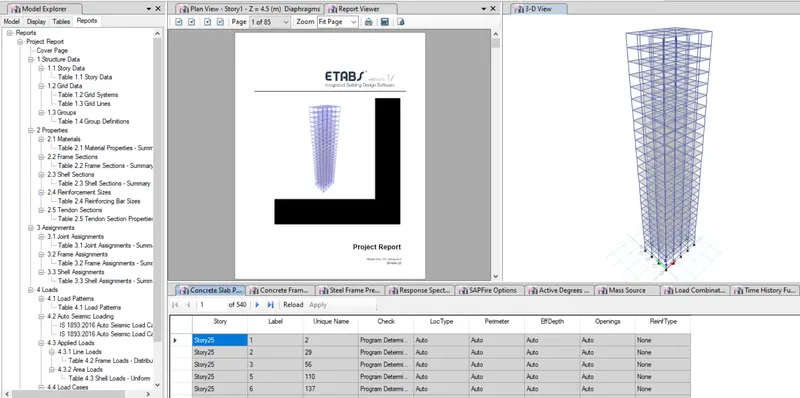
- now using tables option we can see required result .
- As per requirement Tx1= 4.4 second Ty1= 4.2 second.
- in my model both are satisfied.